
Pasta Maker Evolution Sprite Sheet
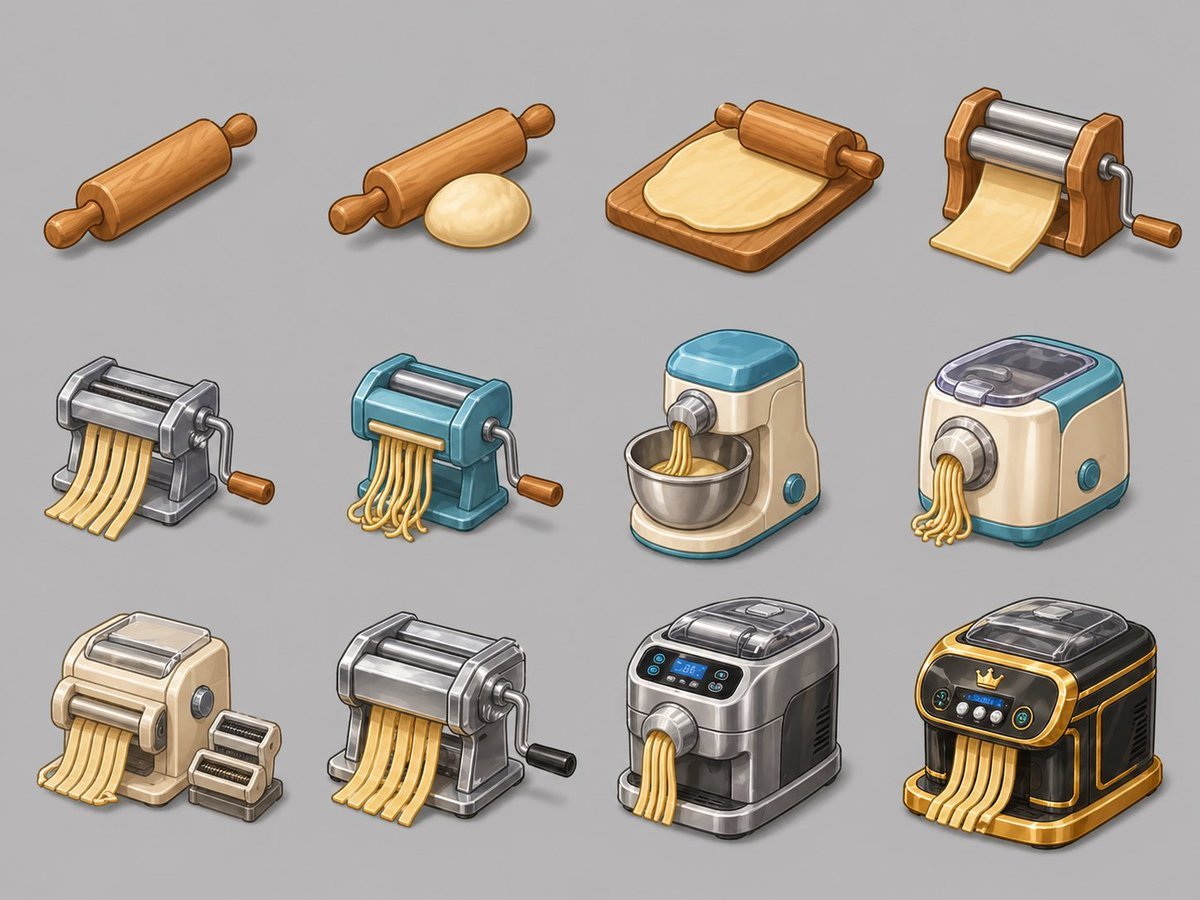
Creates a 12-stage isometric pasta-making object evolution sheet for casual merge game assets.
- Prompt included
- Model and format preset
- Free template
The prompt behind this image
Copy the exact prompt behind Pasta Maker Evolution Sprite Sheet, or open it in the studio and make it yours.
Goal: Create an isometric object evolution sprite sheet for a Merge 2 cooking game, showing a progression from a simple rolling pin to advanced pasta-making machines. Canvas: 4:3 horizontal canvas, light neutral gray background, no borders, no text, no watermark. Arrange the sprites in a clean 3-row by 4-column grid with generous spacing and soft shadows under each object. Visual style: Polished mobile game asset style, semi-realistic cartoon rendering, isometric three-quarter view, crisp outlines, warm highlights, detailed materials, consistent scale, clean cutout sprites suitable for a casual merge game inventory. Subject details: Show exactly 12 discrete evolution stages, left to right and top to bottom: 1. A simple wooden rolling pin with rounded handles. 2. A wooden rolling pin beside one smooth ball of pale dough. 3. A wooden rolling pin on a rectangular wooden board flattening a sheet of dough. 4. A small wooden manual pasta roller with two shiny metal rollers, crank handle, and one flat sheet of pasta feeding out. 5. A compact gray metal manual pasta cutter with crank handle, producing flat ribbon noodles. 6. A teal-blue manual noodle cutter with silver rollers and crank handle, producing curly spaghetti-like strands. 7. A cream-and-teal electric stand pasta extruder with a metal mixing bowl, extruding short strands into the bowl. 8. A cream-and-teal countertop electric pasta extruder with transparent top lid, round front nozzle, side button, and spaghetti strands coming out. 9. A beige electric pasta sheet roller with silver top rollers, front noodle sheet output, side dial, plus two small removable cutter attachments placed beside it. 10. A heavy polished silver manual pasta machine with broad rollers, crank handle, black knob, and multiple flat noodle ribbons exiting the front. 11. A modern stainless-steel automatic pasta maker with dark side panels, transparent lid, small blue digital display, control buttons, front extrusion nozzle, and several noodle strands coming out. 12. A premium black-and-gold luxury automatic pasta machine with transparent lid, crown emblem on the front panel, glowing controls, gold trim, and thick flat noodles flowing from the front. Constraints: Keep all objects isolated as individual sprites, maintain the same isometric perspective and lighting across all 12 stages, emphasize the visual upgrade path, and avoid adding labels, arrows, hands, people, or kitchen backgrounds.
How to use Pasta Maker Evolution Sprite Sheet in 3 steps
- 1Upload ImagePNG, JPG or paste
Add your photo
Upload the photo the template builds on. The prompt, model and format are already set.
- 2…a portrait of your subject in softgolden-hour light, 85mm…
Personalize
Edit the subject and creative details for your destination.
- 3Generate
Generate
Press Generate — your image is created in PicX Studio, so you can compare it with the original and refine one variable at a time.
More like this
Templates with the same subject, style or setup. Open one to see its prompt.
Chibi Mascot Fighting Sprite Sheet

Character Battle Motion Sprite Sheet

Cartoon Character GIF Sprite Sheet

Minimalist Corporate Portrait Sprite Sheet
Chibi Miner Game Sprite Sheet
Rabbit Character Sprite Sheet
Chibi Desktop Pet Sprite Sheet
Red Alert Style Pixel Sprite Sheet
Retro Space Shooter VFX Sprite Sheet
3D Chibi Sprite Sheet Generator
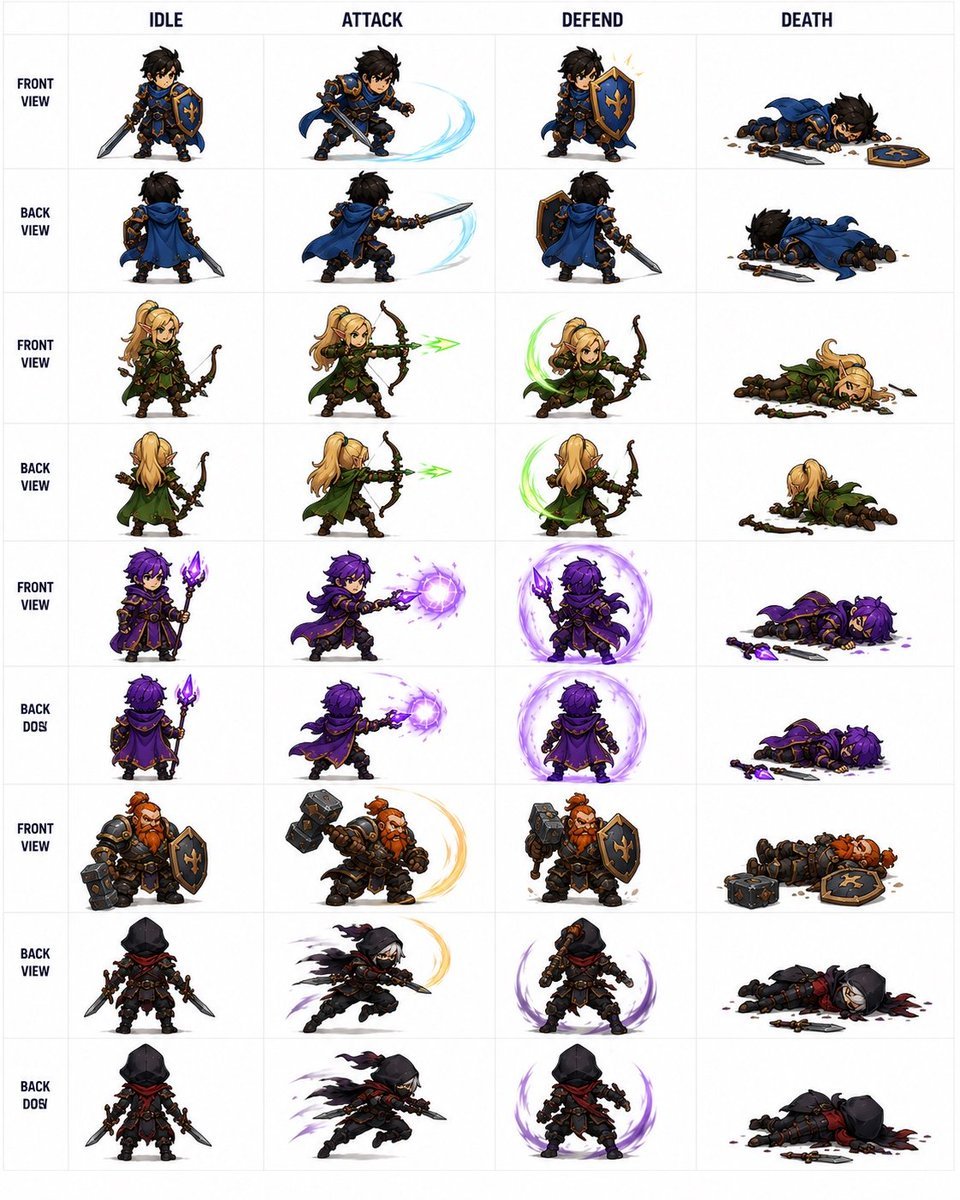
Fantasy Auto-Battler Spritesheet
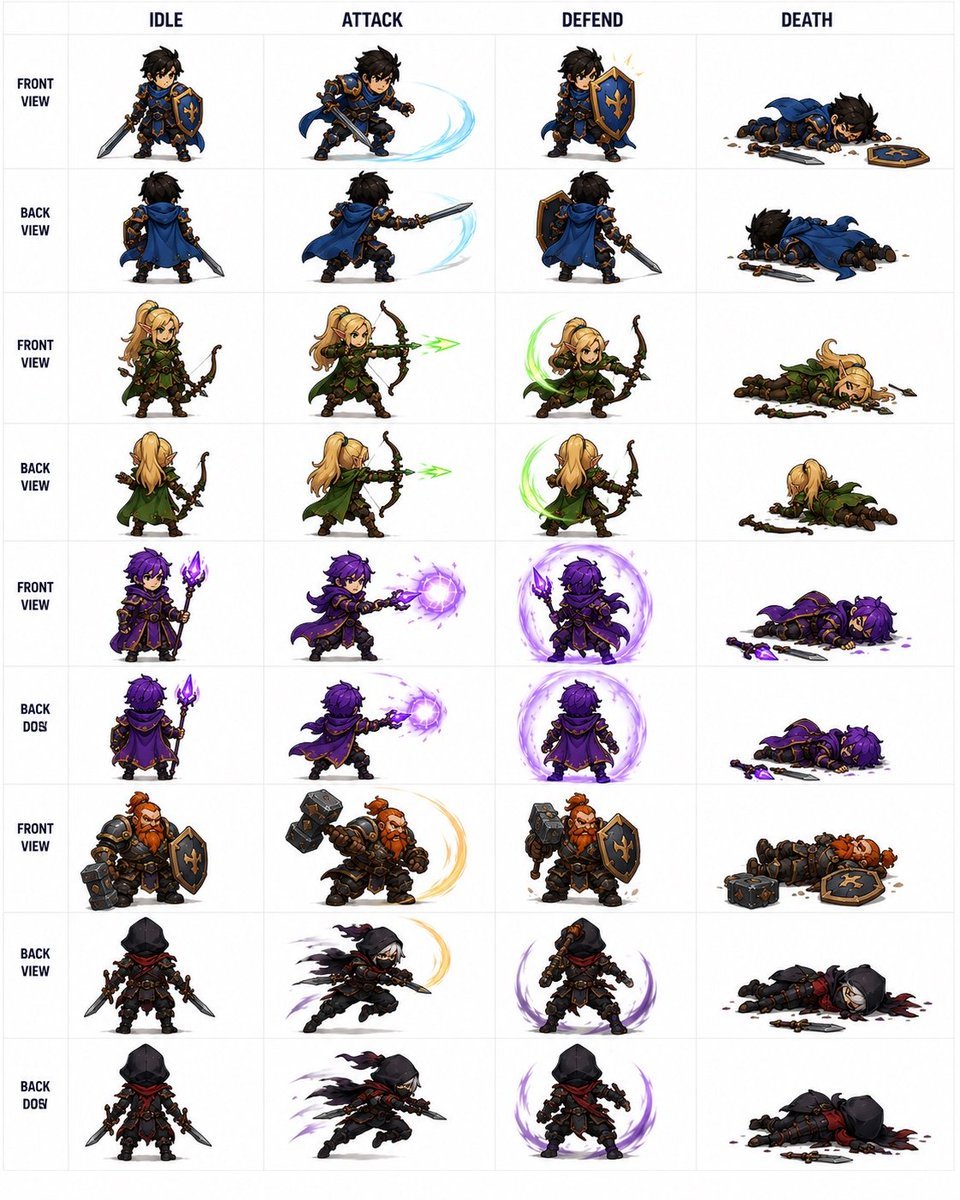
Fantasy RPG Character Sprite Sheet
Make it yours
Pasta Maker Evolution Sprite Sheet works as-is. These are the safest ways to change it without losing the look.
Change one field
Copy a single group, rewrite it, and generate again so you can see what that field is doing.
Keep the frame, change the subject
Hold the composition and light of Pasta Maker Evolution Sprite Sheet, then swap wardrobe, props or the person for a new take.
| If the result… | Why | Fix |
|---|---|---|
| The result drifts from the preview | Too many fields changed at once. | Reuse Pasta Maker Evolution Sprite Sheet as-is first, then change one group — subject, light, or setting. |
| The model over-stylizes the scene | The prose prompt leaves finish and camera underspecified. | Add one camera or lighting sentence and stay on GPT Image 2. |
More GPT Image 2 templates
Other prompts made for GPT Image 2.

Realistic Portrait of Woman and Deer

The Vista Modular Condo Poster

AI Model Routing Comparison Infographic

2.5D Anime Art Board

Isometric Productivity Desk Scene

New York Double Exposure Poster

Four-Panel AI Landscape Comparison

Japanese Tatami Lifestyle Magazine Cover

NESCAFÉ Coffee Map Poster

Brutalist Cogito Chinese Typography Poster
More image prompts
Fresh picks from across the catalog.
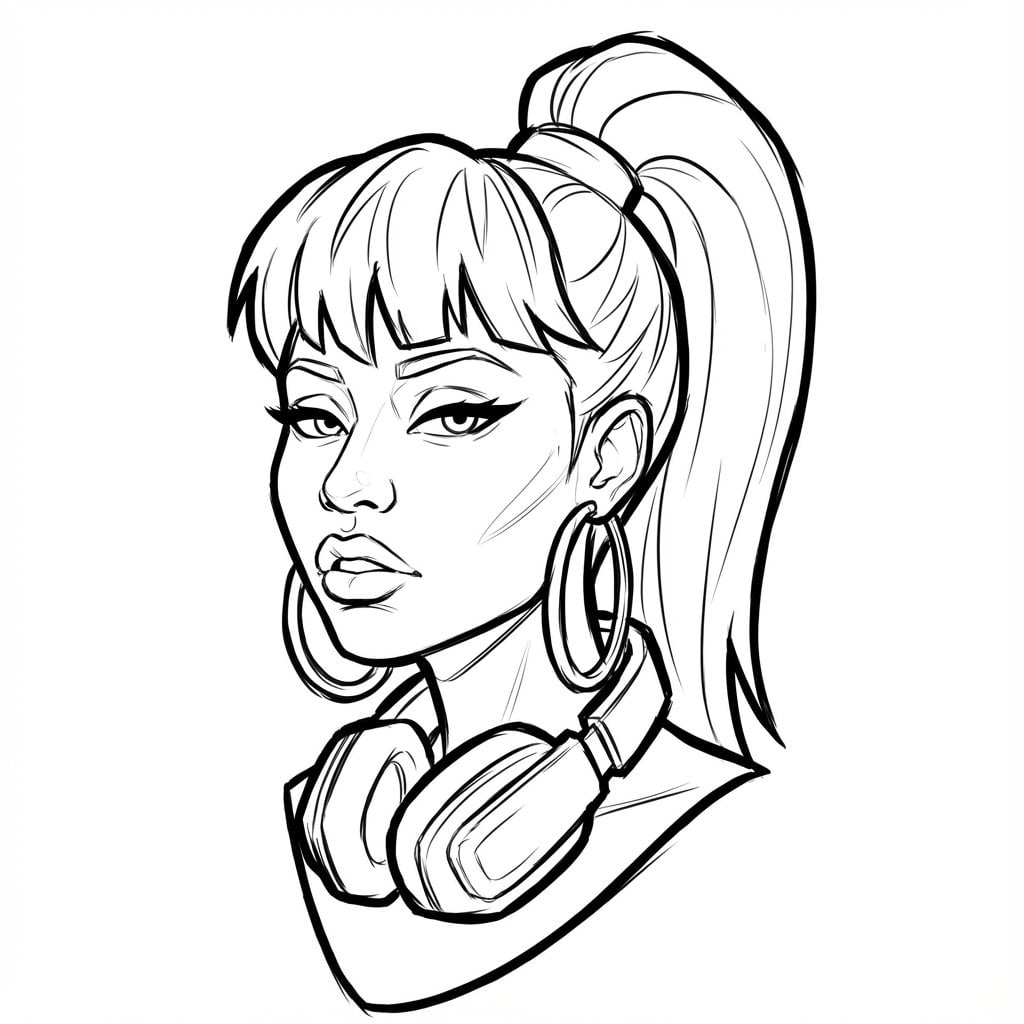
Pro Sketch Transformation Prompt
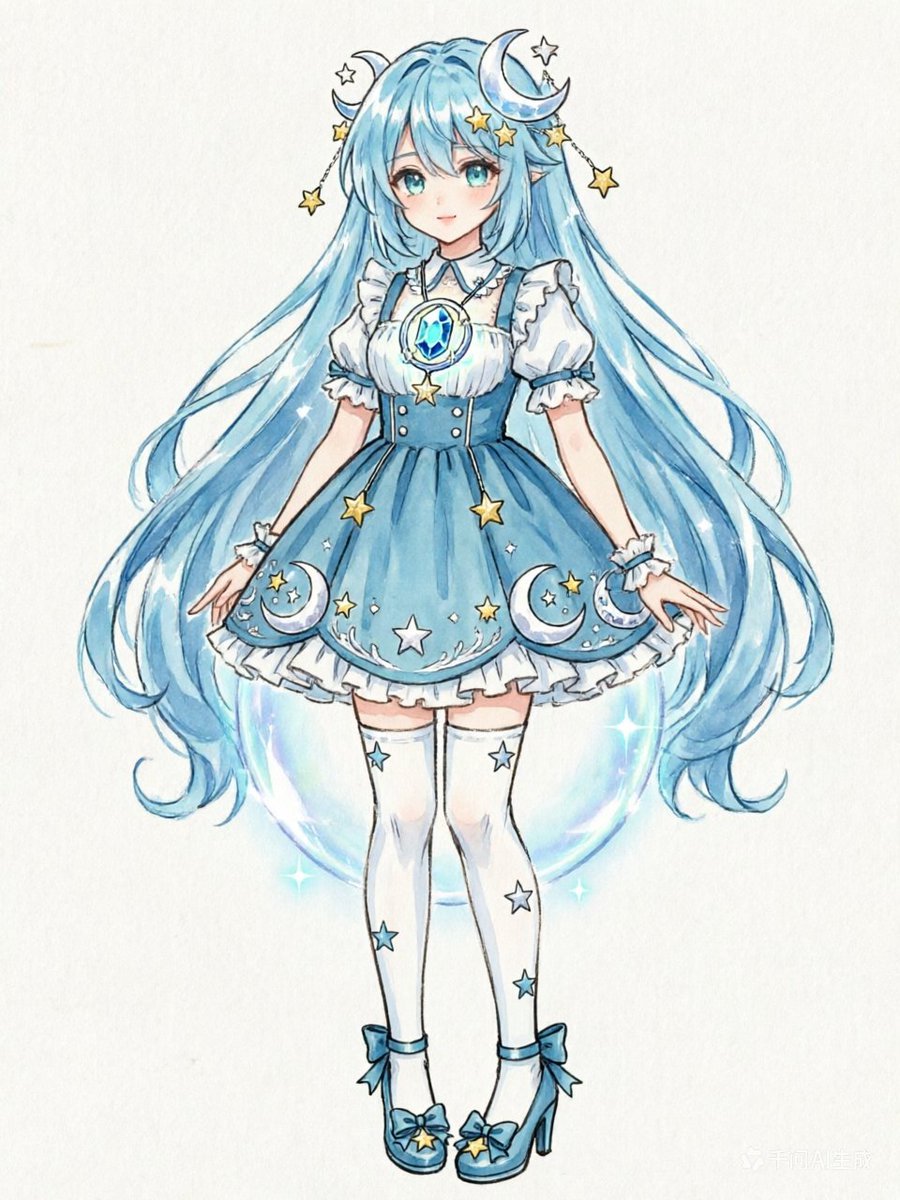
Blue Celestial Anime Girl Design
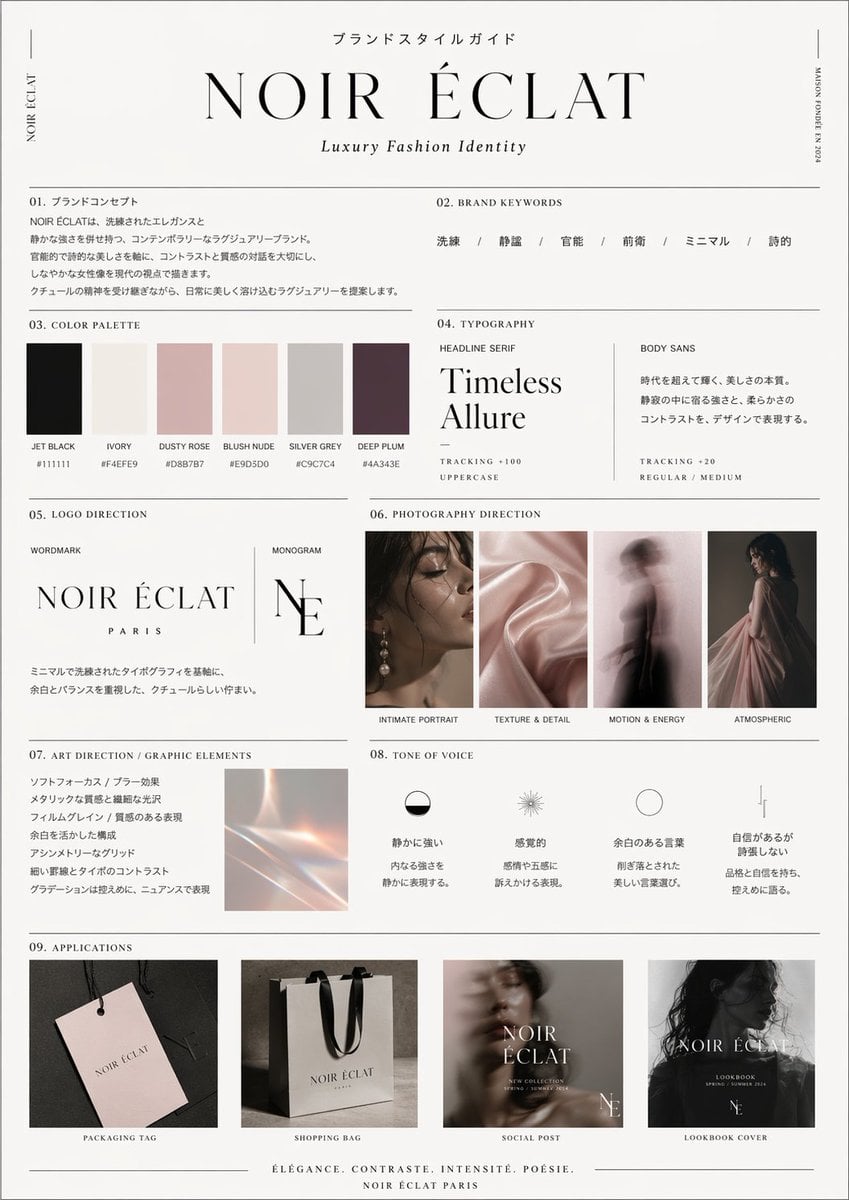
High-End Brand Guide Prompt

Wonder Woman Cosplay Portrait in Ancient Greek Bathroom
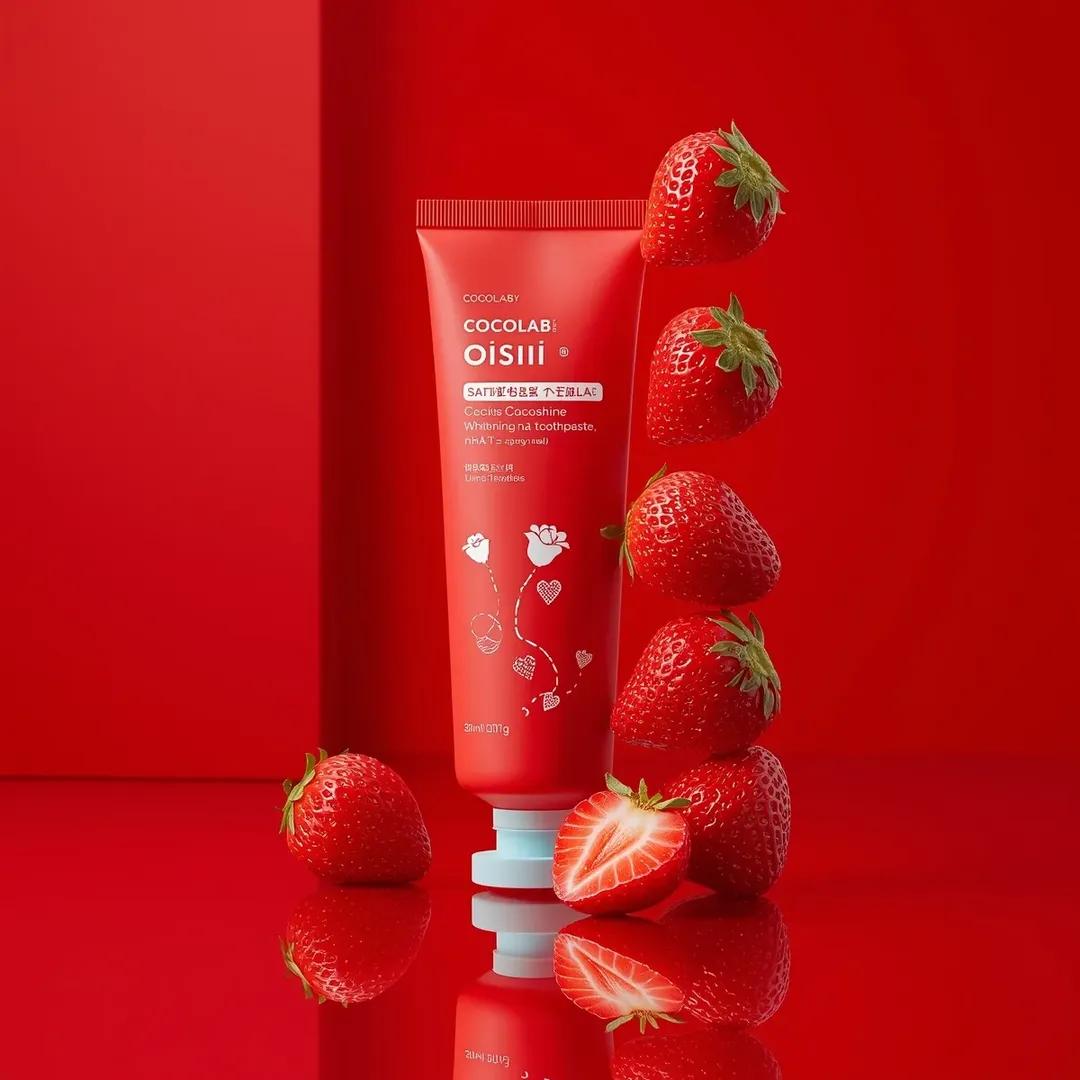
Premium Cosmetic Product Ad for Strawberry Toothpaste

Realistic Redhead Portrait in Window Light
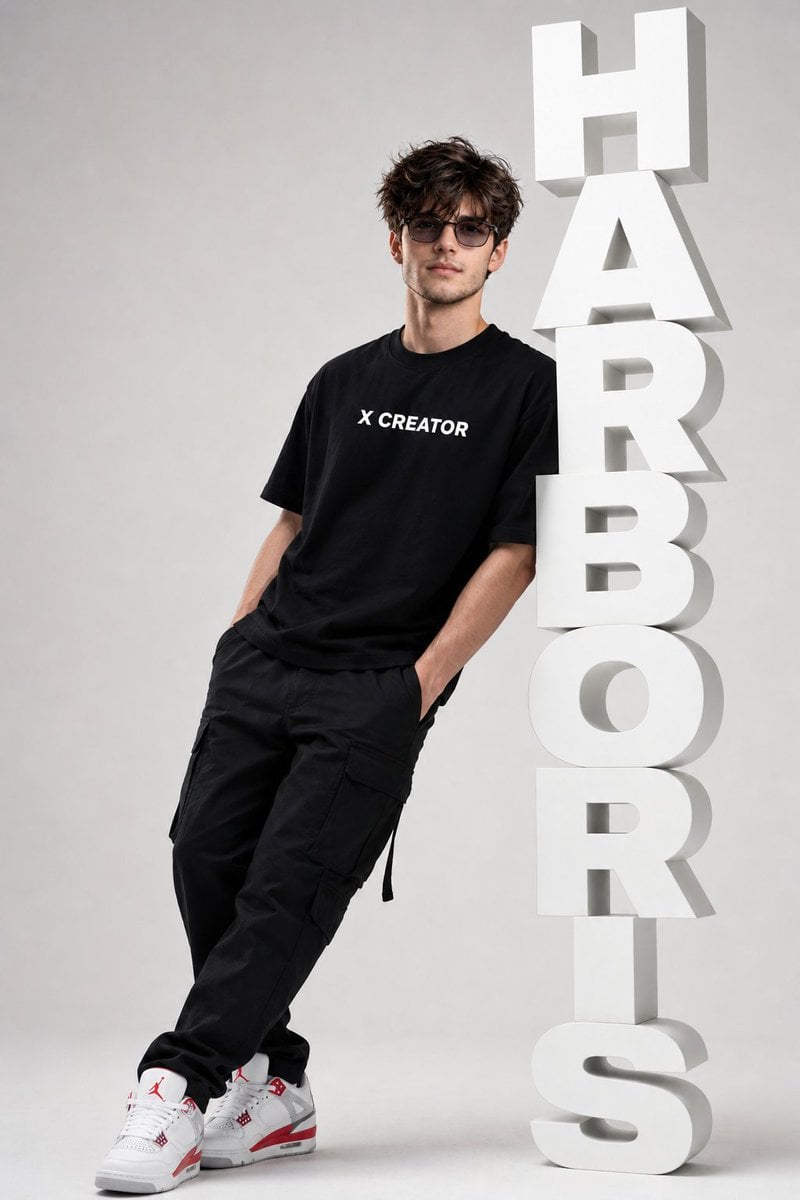
Minimalist Streetwear Typography Poster

Luxury Sunset Equestrian Portrait
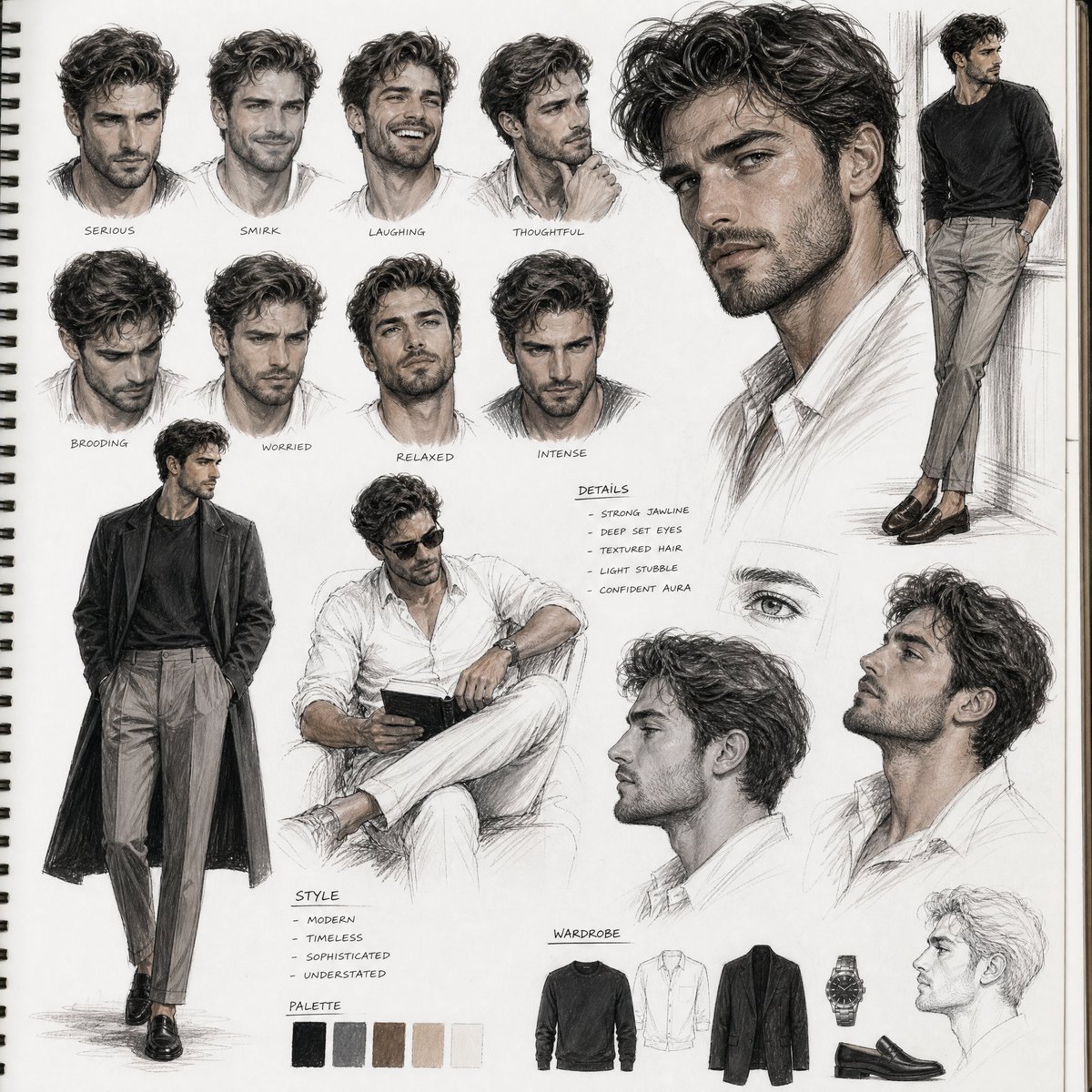
Sketchbook Character Study Board
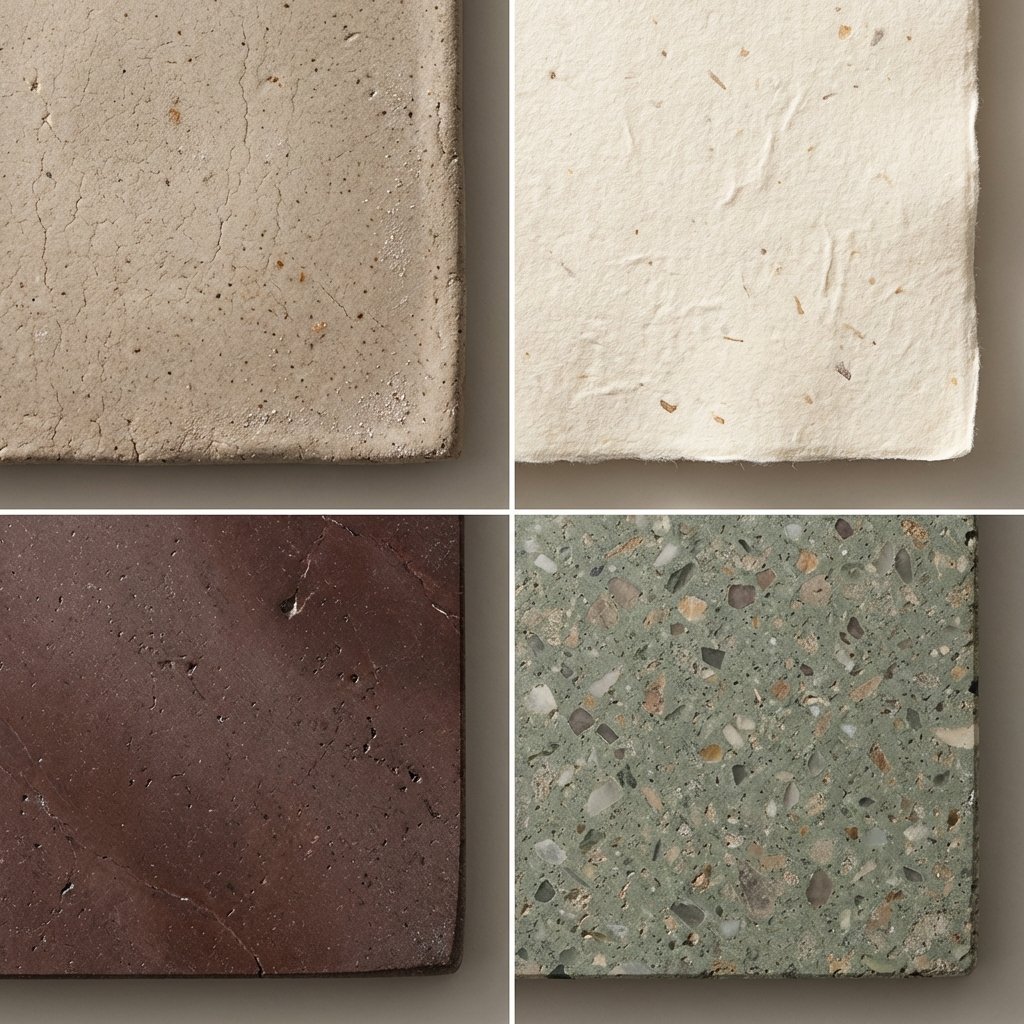
Material and Surface Study for Realism Testing
Browse template categories
Pasta Maker Evolution Sprite Sheet questions
How do I use the Pasta Maker Evolution Sprite Sheet template?
Add your photo if the template asks for one, edit the prompt if you like — the template's model and format are already selected — and press Generate. Your version opens in PicX Studio.
Can I customize the Pasta Maker Evolution Sprite Sheet template?
Yes. You can change the subject, setting, lighting, mood, format, and available model controls before creating your image.
Is the Pasta Maker Evolution Sprite Sheet template free?
Opening and editing this template is free. Generating uses credits, shown on the Generate button when you are signed in.
Which AI model should I use?
Start with GPT Image 2, which is the model associated with this template. You can compare another compatible model for a different finish.
Looking for something else? Browse all templates.

Your photo, any look
Thousands of ready templates for every top image and video model, from one credit balance.