
Dark Techwear Triptych Editorial
Creates a photorealistic three-panel fashion campaign image showing a black techwear outfit across studio and architectural environments.
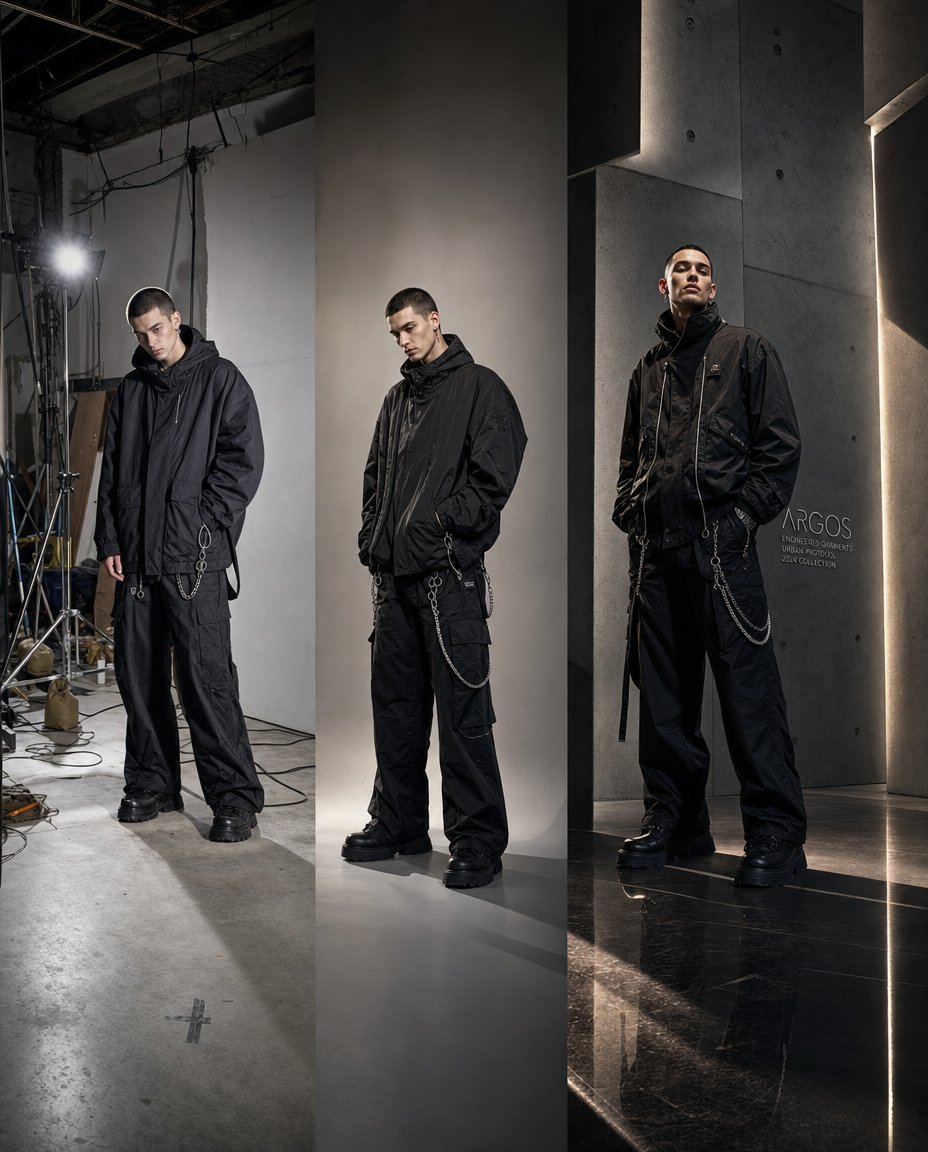
- Prompt included
- Model and format preset
- Premium template
The prompt behind this image
Copy the exact prompt behind Dark Techwear Triptych Editorial, or open it in the studio and make it yours.
Goal: Create a high-end dark techwear fashion editorial triptych for {argument name="brand name" default="ARGOS"}, showing the same male streetwear model in three adjacent vertical panels that progress from raw studio setup to polished architectural showroom. Canvas: Portrait 4:5 composition, approximately 768×960, split into exactly 3 equal vertical panels with hard straight seams and no borders. Layout and counted elements: Include exactly 3 full-body model appearances, one per panel. Panel 1 on the left shows a behind-the-scenes photo studio with visible light stand, bright lamp, cables on the floor, unfinished ceiling rigging, concrete floor, and the model standing slightly hunched with hands near pockets. Panel 2 in the center shows the model in a clean seamless gray studio corner with soft gradient lighting and a matte floor, standing centered with hands in pockets. Panel 3 on the right shows the model in a luxury dark concrete interior with tall geometric wall slabs, vertical strip lighting, glossy black reflective floor, and a subtle wall logo. The three panels should align so the models are similar scale and full body, with dramatic shadows falling toward the viewer. Subject details: The model is a young adult man with a buzz cut, neutral pose, face intentionally anonymized with a soft rectangular blur. Outfit: monochrome black oversized technical jacket with hood and high collar, black cargo pants with large side pockets, black chunky combat boots, black gloves or dark hands partially hidden, silver chain accessories hanging from belt loops and pockets, utility straps and zippers. Make the clothing crisp, layered, slightly glossy nylon, oversized, urban, industrial, and tactical. Text content: On the right wall, add small clean white branding text: “{argument name="brand name" default="ARGOS"}” with tiny subtext beneath reading “DYNAMIC NOIR GARMENTS / URBAN PROTECTIVE / 25AW COLLECTION”. Keep the text subtle and integrated into the wall, not a poster. Visual style: Photorealistic fashion campaign photography, moody industrial lighting, cool gray and black palette, high contrast, editorial composition, realistic reflections, detailed fabric texture, cinematic shadows, premium avant-garde streetwear look. Constraints: Use exactly 3 panels and exactly 3 model figures. No extra people, no colorful clothing, no visible facial features, no readable text except the specified brand mark, no watermark, no cartoon style.
How to use Dark Techwear Triptych Editorial in 3 steps
- 1Upload ImagePNG, JPG or paste
Add your photo
Upload the photo the template builds on. The prompt, model and format are already set.
- 2…a portrait of your subject in softgolden-hour light, 85mm…
Personalize
Edit the subject and creative details for your destination.
- 3Generate
Generate
Press Generate — your image is created in PicX Studio, so you can compare it with the original and refine one variable at a time.
More like this
Templates with the same subject, style or setup. Open one to see its prompt.
Dark Runway Luxury Fashion Magazine Cover
Faceless Fashion Editorial Triptych
Dark Moody Editorial Portrait
Monochrome Fashion Editorial Triptych

Urban Fashion Editorial Collage Streetwear Poster
Monochrome Hypebeast Street Fashion Editorial Motion
Elegant Green Evening Gown Studio Fashion Portrait
Artistic Patchwork Fashion Portrait Spring Festival
Japanese Architectural Concrete Studio Fashion Campaign
Monroe and Ash Mediterranean Luxury Fashion Campaign

Premium Fashion Editorial Cover Layout System
Korean Luxury Fashion Editorial 2x2 Grid Series
Make it yours
Dark Techwear Triptych Editorial works as-is. These are the safest ways to change it without losing the look.
Change one field
Copy a single group, rewrite it, and generate again so you can see what that field is doing.
Keep the frame, change the subject
Hold the composition and light of Dark Techwear Triptych Editorial, then swap wardrobe, props or the person for a new take.
| If the result… | Why | Fix |
|---|---|---|
| The result drifts from the preview | Too many fields changed at once. | Reuse Dark Techwear Triptych Editorial as-is first, then change one group — subject, light, or setting. |
| The model over-stylizes the scene | The prose prompt leaves finish and camera underspecified. | Add one camera or lighting sentence and stay on GPT Image 2. |
More GPT Image 2 templates
Other prompts made for GPT Image 2.

Six VTuber Japanese Logo Sheet

Realistic Portrait of Woman and Deer

The Vista Modular Condo Poster

AI Model Routing Comparison Infographic

2.5D Anime Art Board

Isometric Productivity Desk Scene

New York Double Exposure Poster

Four-Panel AI Landscape Comparison

Japanese Tatami Lifestyle Magazine Cover

NESCAFÉ Coffee Map Poster
More image prompts
Fresh picks from across the catalog.

Shear and moment diagram for a loaded beam
Cinematic 90s Film Still Portrait Prompt
Image-to-Image Action Generation Template
High-Fashion Kazakh Model Editorial Prompt
Cinematic Chiaroscuro Portrait of a South Asian Man in a Library
Cinematic Macro Toy Photography of a Sprinting Character
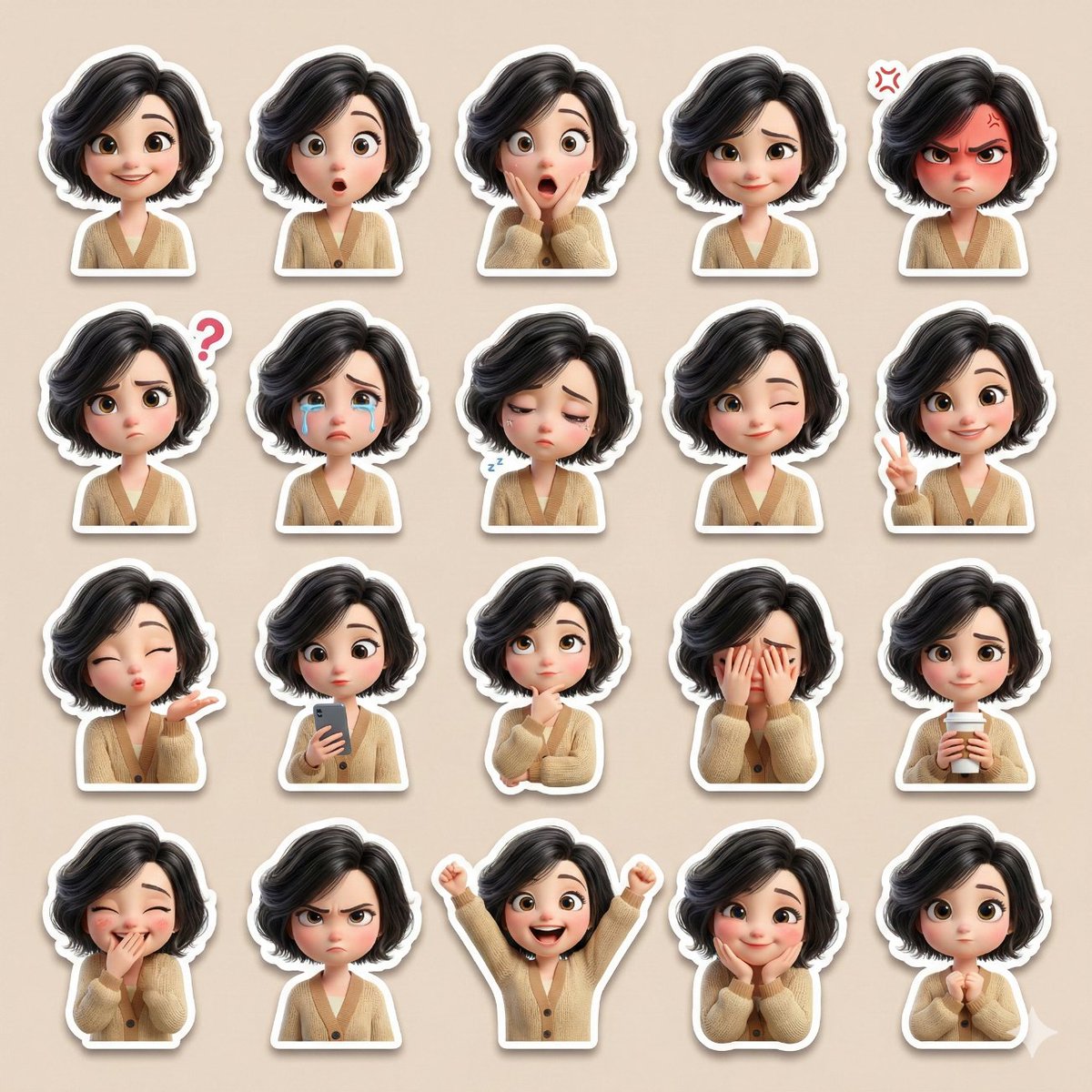
3D Pixar-Style Sticker Pack Generation from Reference Image
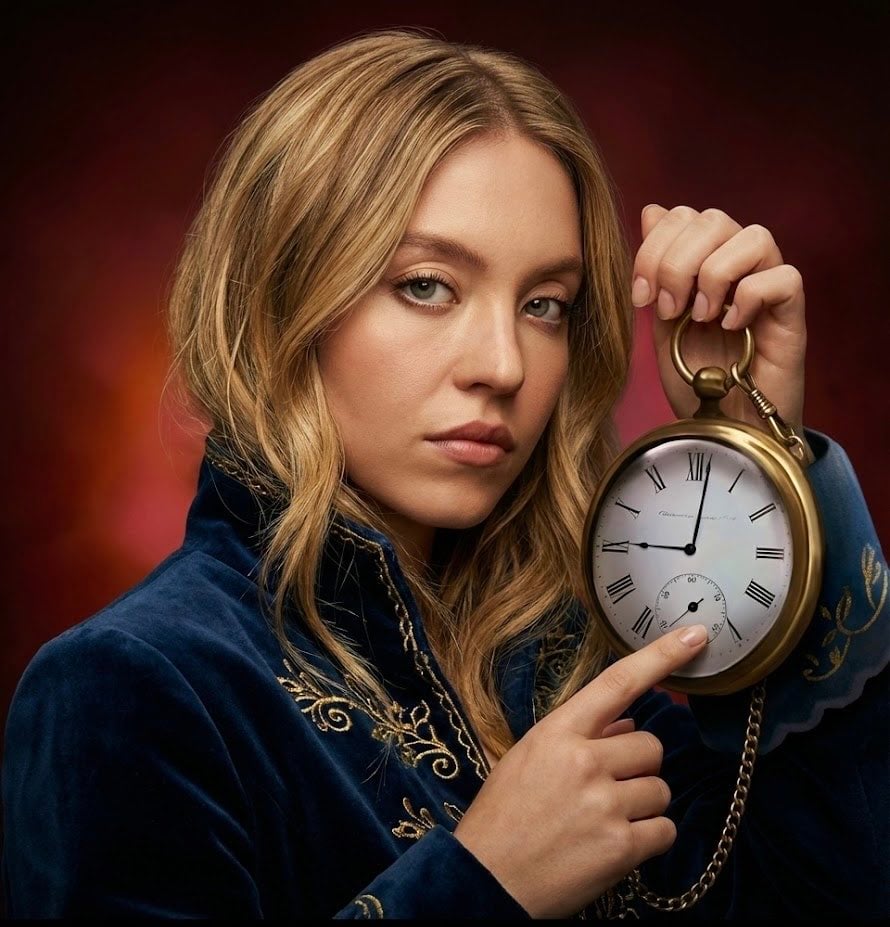
Strict photorealism constraints prompt for Nano Banana Pro
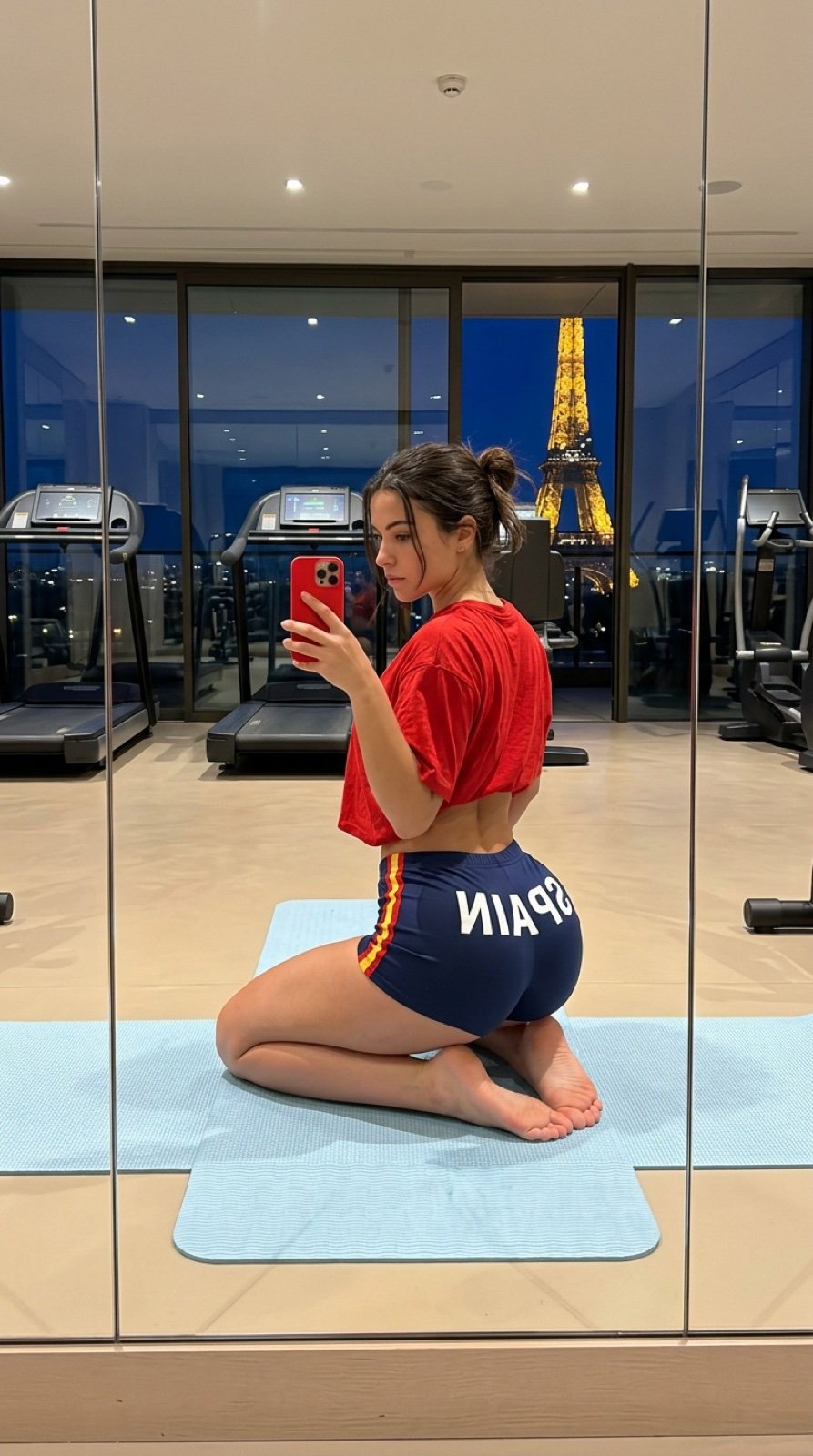
Gym Mirror Selfie with Eiffel Tower View

Nano Banana Pro prompt for generating a blog eye-catch image
Browse template categories
Dark Techwear Triptych Editorial questions
How do I use the Dark Techwear Triptych Editorial template?
Add your photo if the template asks for one, edit the prompt if you like — the template's model and format are already selected — and press Generate. Your version opens in PicX Studio.
Can I customize the Dark Techwear Triptych Editorial template?
Yes. You can change the subject, setting, lighting, mood, format, and available model controls before creating your image.
Is the Dark Techwear Triptych Editorial template free?
Opening and editing this template is free. Generating uses credits, shown on the Generate button when you are signed in.
Which AI model should I use?
Start with GPT Image 2, which is the model associated with this template. You can compare another compatible model for a different finish.
Looking for something else? Browse all templates.

Your photo, any look
Thousands of ready templates for every top image and video model, from one credit balance.