
Anime JAL Student Travel Poster
This prompt generates a polished anime-style airline advertisement poster featuring a schoolgirl traveler, a Japan Airlines plane, and a student discount campaign layout for youth travel marketing.
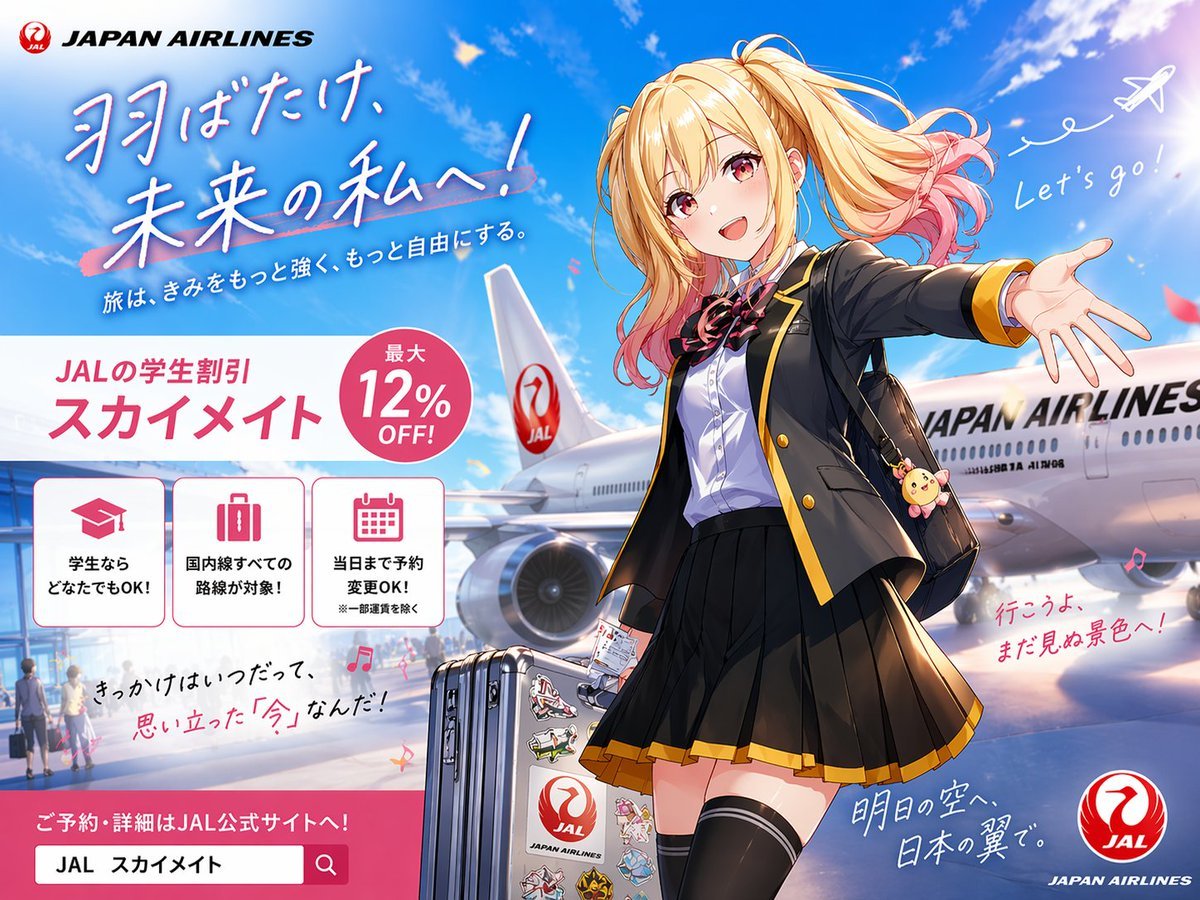
- Prompt included
- Model and format preset
- Free template
The prompt behind this image
Copy the exact prompt behind Anime JAL Student Travel Poster, or open it in the studio and make it yours.
A bright, polished Japanese airline promotional poster in anime illustration style, formatted as a full advertising key visual with a wide 4:3 composition. The scene shows an airport tarmac under a vivid blue sky with soft white clouds, sun flare, and a large Japan Airlines passenger aircraft parked behind the character, with the fuselage and tail logo clearly visible. In the foreground stands a cheerful high school girl traveler in a dynamic welcoming pose, one arm stretched toward the viewer as if inviting them to come along. She has long blonde twin-tail hair with soft waves and pink-dyed tips, windblown dramatically, and her face is simplified and unobstructed for a clean commercial illustration. She wears a black school blazer with gold trim, a white dress shirt, a red-and-black ribbon bow, a pleated black skirt with gold hem, thigh-high black socks, and carries a black shoulder bag with a cute round animal charm. Beside her is 1 silver rolling suitcase covered with multiple colorful travel stickers, including a prominent airline-themed sticker. The overall mood is youthful, aspirational, energetic, and travel-forward, blending school life and air travel. Include exactly 2 handwritten-style English phrases in the sky area: "Let's go!" near a doodled white airplane trail at upper right, and no other English handwritten phrase besides the brand text. Recreate the poster layout with exactly 1 airline brand block at top left reading "JAPAN AIRLINES" with a red crane logo, 1 large Japanese headline in brush-style lettering across the upper left reading {argument name="headline text" default="羽ばたけ、未来の私へ!"}, and 1 smaller Japanese subheadline beneath it reading {argument name="subheadline text" default="旅は、きみをもっと強く、もっと自由にする。"}. In the mid-left area, place a large white promotional panel with pink accents for a student discount campaign. This panel contains exactly 1 campaign title block with Japanese text reading {argument name="campaign name" default="JALの学生割引 スカイメイト"}, exactly 1 pink circular badge reading {argument name="discount text" default="最大12% OFF!"}, and exactly 3 bordered icon boxes aligned horizontally underneath. The 3 icon boxes should show: 1 graduation cap icon with Japanese text indicating students can use it, 1 suitcase icon with Japanese text indicating all domestic routes are eligible, and 1 calendar icon with Japanese text indicating same-day reservation changes are allowed. Add additional handwritten-style Japanese copy in smaller sizes around the lower half of the image for an emotional travel-ad feel, plus 1 pink call-to-action banner at the bottom left with a search-bar-like box containing Japanese reservation text. Place 1 circular red JAL logo at the bottom right corner. Use glossy anime poster rendering, crisp linework, vivid lighting, subtle lens glow, saturated sky blues, pink accent graphics, and premium commercial ad composition.
How to use Anime JAL Student Travel Poster in 3 steps
- 1Upload ImagePNG, JPG or paste
Add your photo
Upload the photo the template builds on. The prompt, model and format are already set.
- 2…a portrait of your subject in softgolden-hour light, 85mm…
Personalize
Edit the subject and creative details for your destination.
- 3Generate
Generate
Press Generate — your image is created in PicX Studio, so you can compare it with the original and refine one variable at a time.
More like this
Templates with the same subject, style or setup. Open one to see its prompt.

Japan Travel Brochure Poster

Captain Tsubasa Anime World Cup Poster

Gpt2 Youtube Thumbnail Anime Music Bootcamp Promo Poster

City Posters by Nano Banana Pro
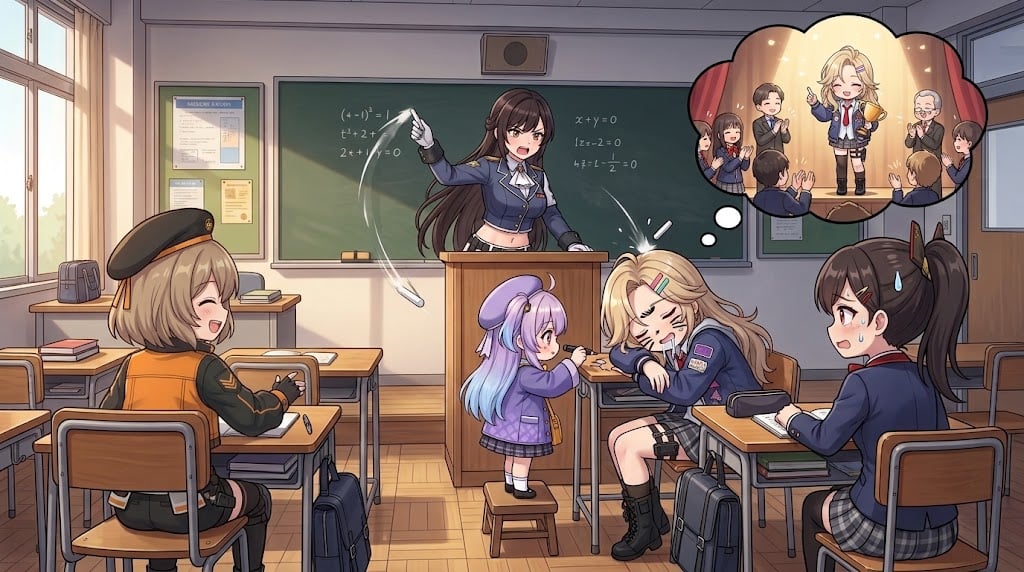
Anime Classroom Sleeping Student Scene
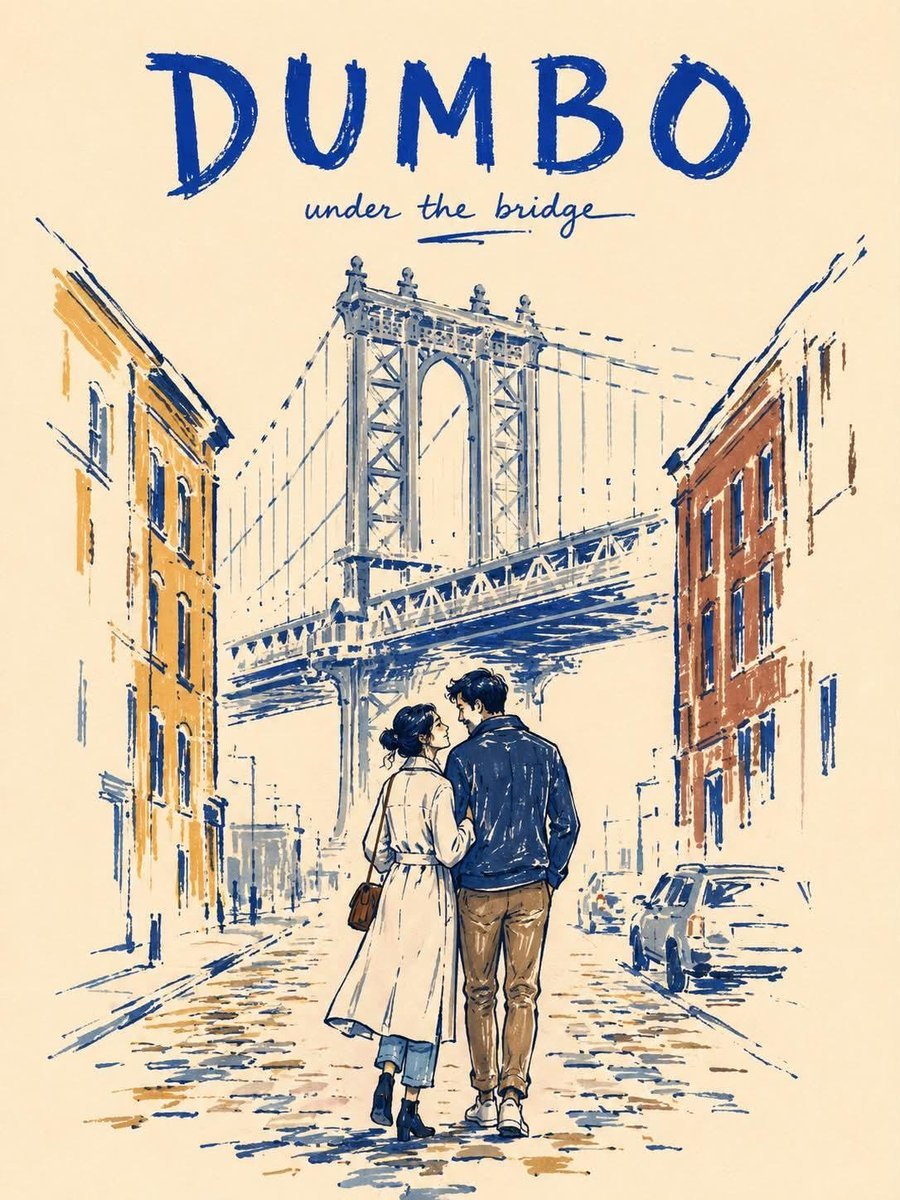
Minimalist Marker Travel Poster

Vintage Patagonia Travel Poster

Giant Typography Shanghai Travel Poster
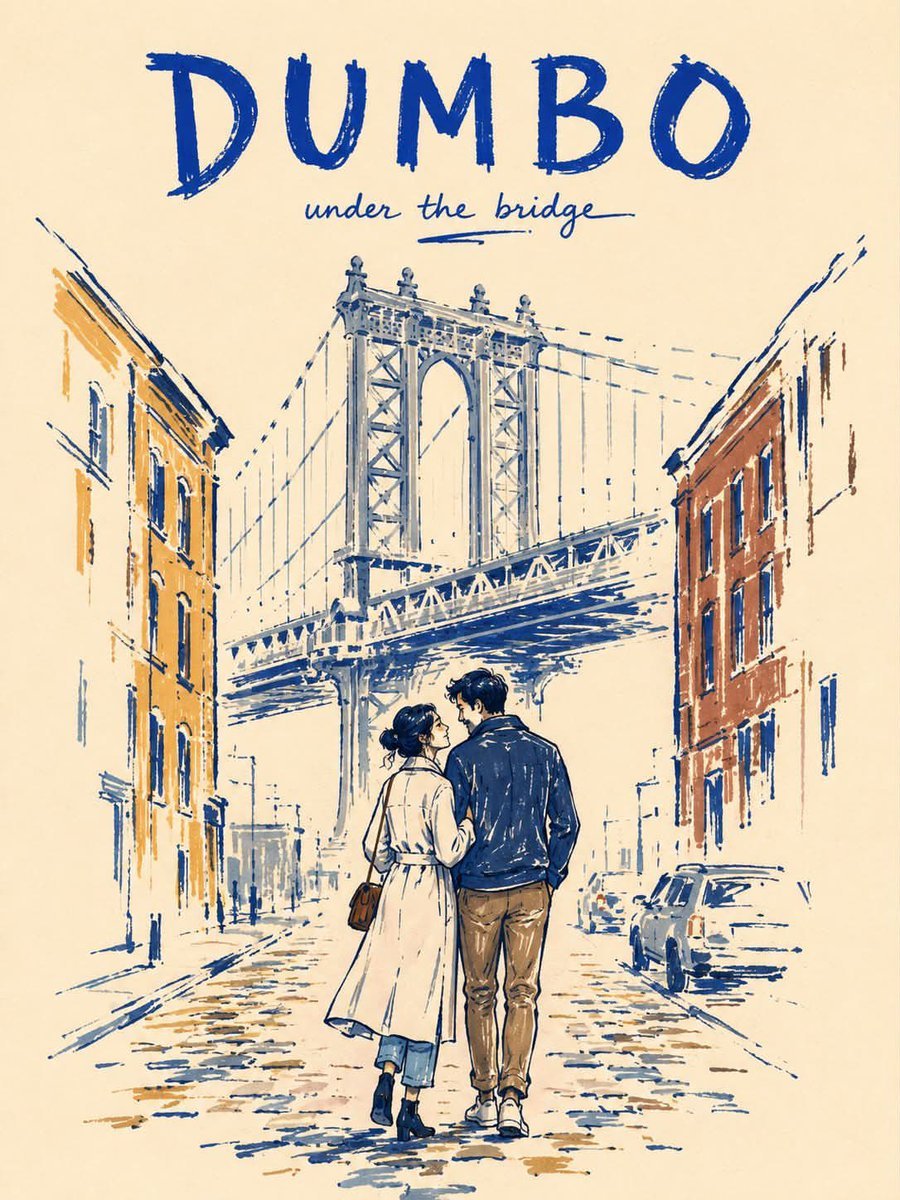
Minimalist Marker Pen NYC Travel Poster

Vintage Soviet Student Propaganda Poster

Nice Day Anime Poster
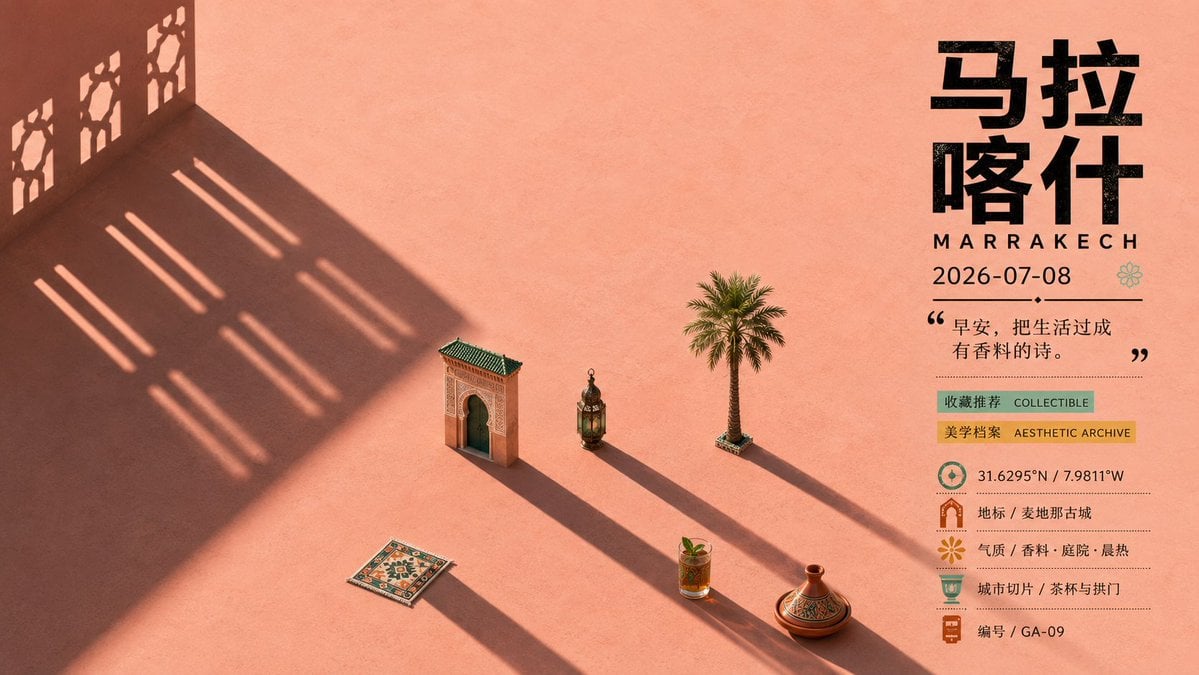
Marrakech Morning Travel Poster
Make it yours
Anime JAL Student Travel Poster works as-is. These are the safest ways to change it without losing the look.
Change one field
Copy a single group, rewrite it, and generate again so you can see what that field is doing.
Keep the frame, change the subject
Hold the composition and light of Anime JAL Student Travel Poster, then swap wardrobe, props or the person for a new take.
| If the result… | Why | Fix |
|---|---|---|
| The result drifts from the preview | Too many fields changed at once. | Reuse Anime JAL Student Travel Poster as-is first, then change one group — subject, light, or setting. |
| The model over-stylizes the scene | The prose prompt leaves finish and camera underspecified. | Add one camera or lighting sentence and stay on GPT Image 2. |
More GPT Image 2 templates
Other prompts made for GPT Image 2.

Six VTuber Japanese Logo Sheet

Realistic Portrait of Woman and Deer

The Vista Modular Condo Poster

AI Model Routing Comparison Infographic

2.5D Anime Art Board

Isometric Productivity Desk Scene

New York Double Exposure Poster

Four-Panel AI Landscape Comparison

Japanese Tatami Lifestyle Magazine Cover

NESCAFÉ Coffee Map Poster
More image prompts
Fresh picks from across the catalog.
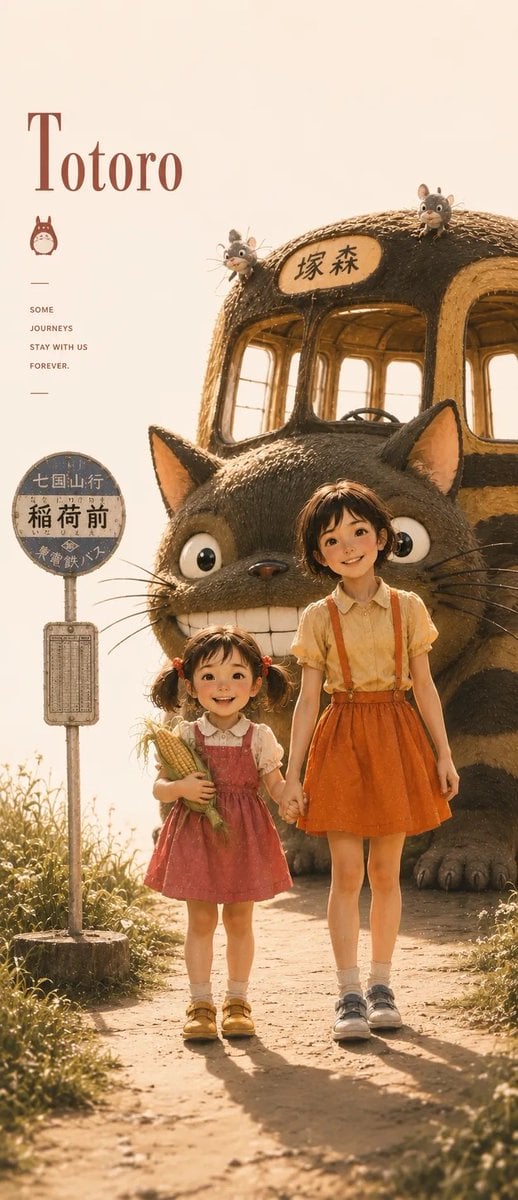
Satsuki My Neighbor Totoro Anime Portrait
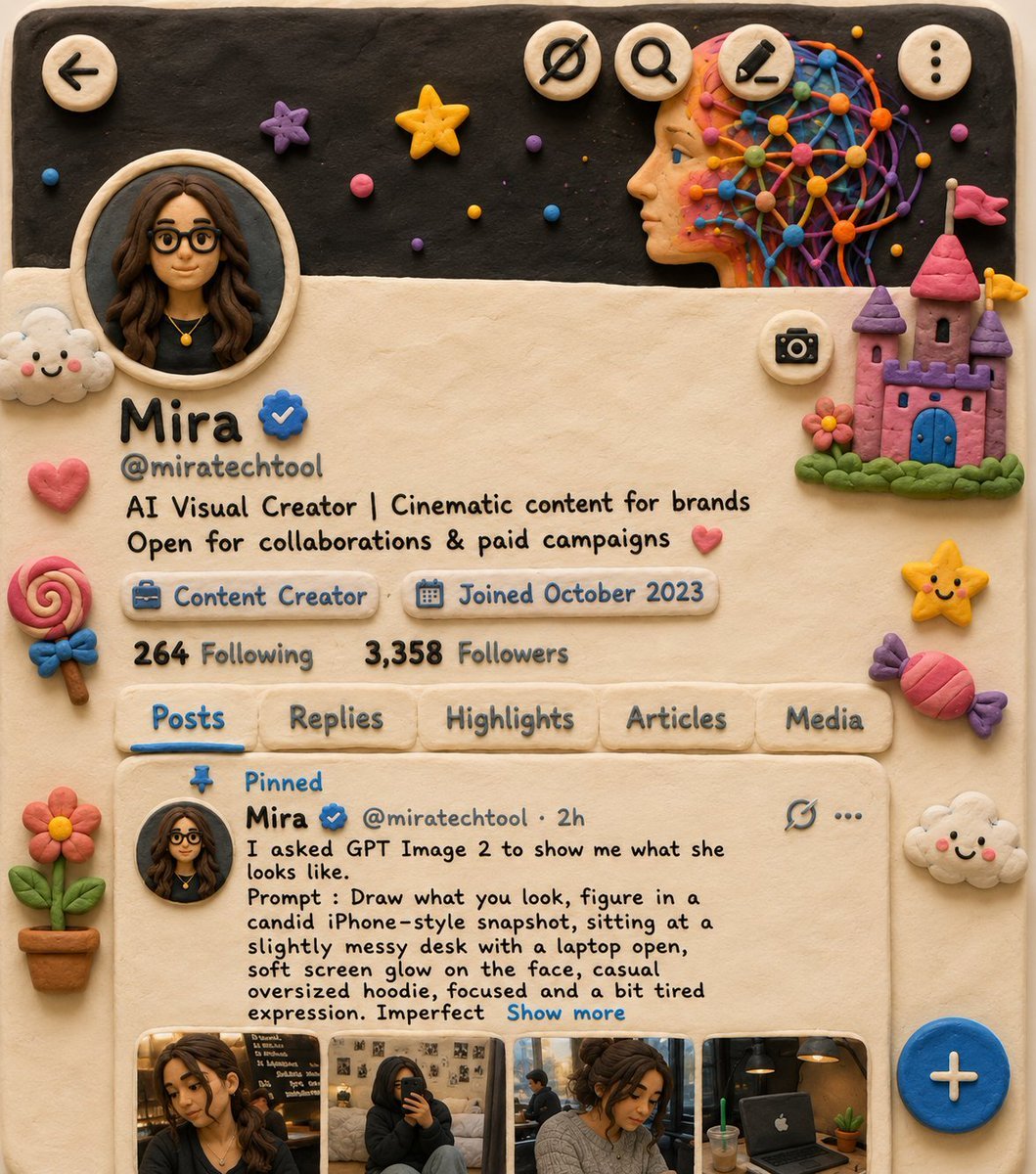
Claymation Style Scene Recreation

Cinematic Alpine Portrait
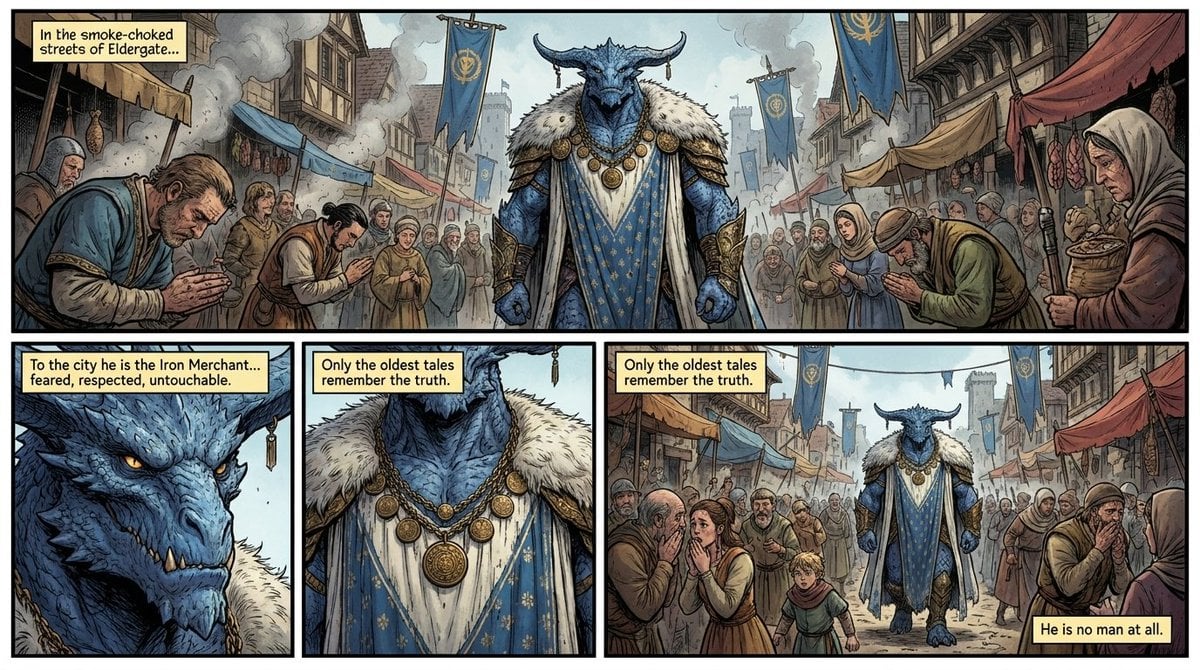
Fantasy Comic Page of Korvax in Eldergate

MS Paint Charlie Brown Flag Doodle
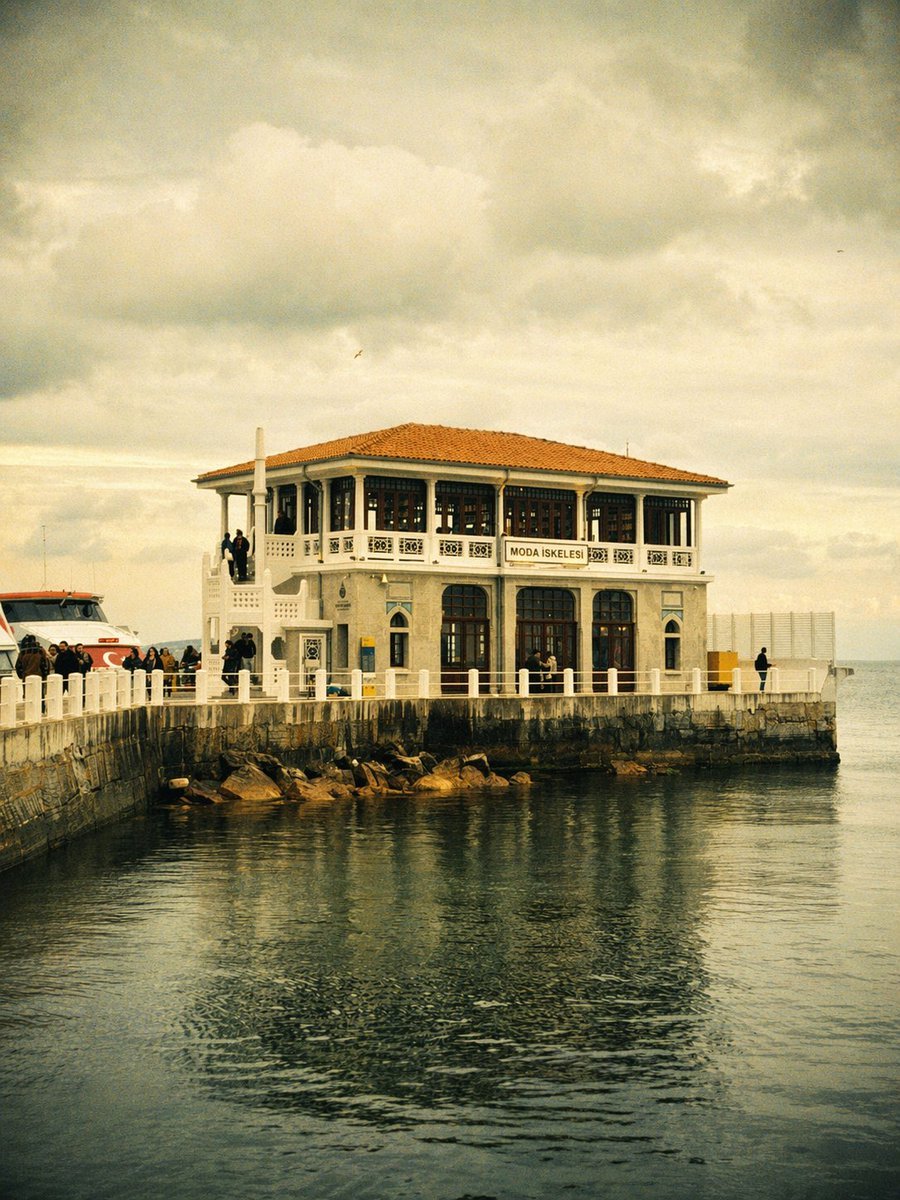
Vintage Moda Pier in Istanbul

Introspective Cinematic Fine-Art Portrait
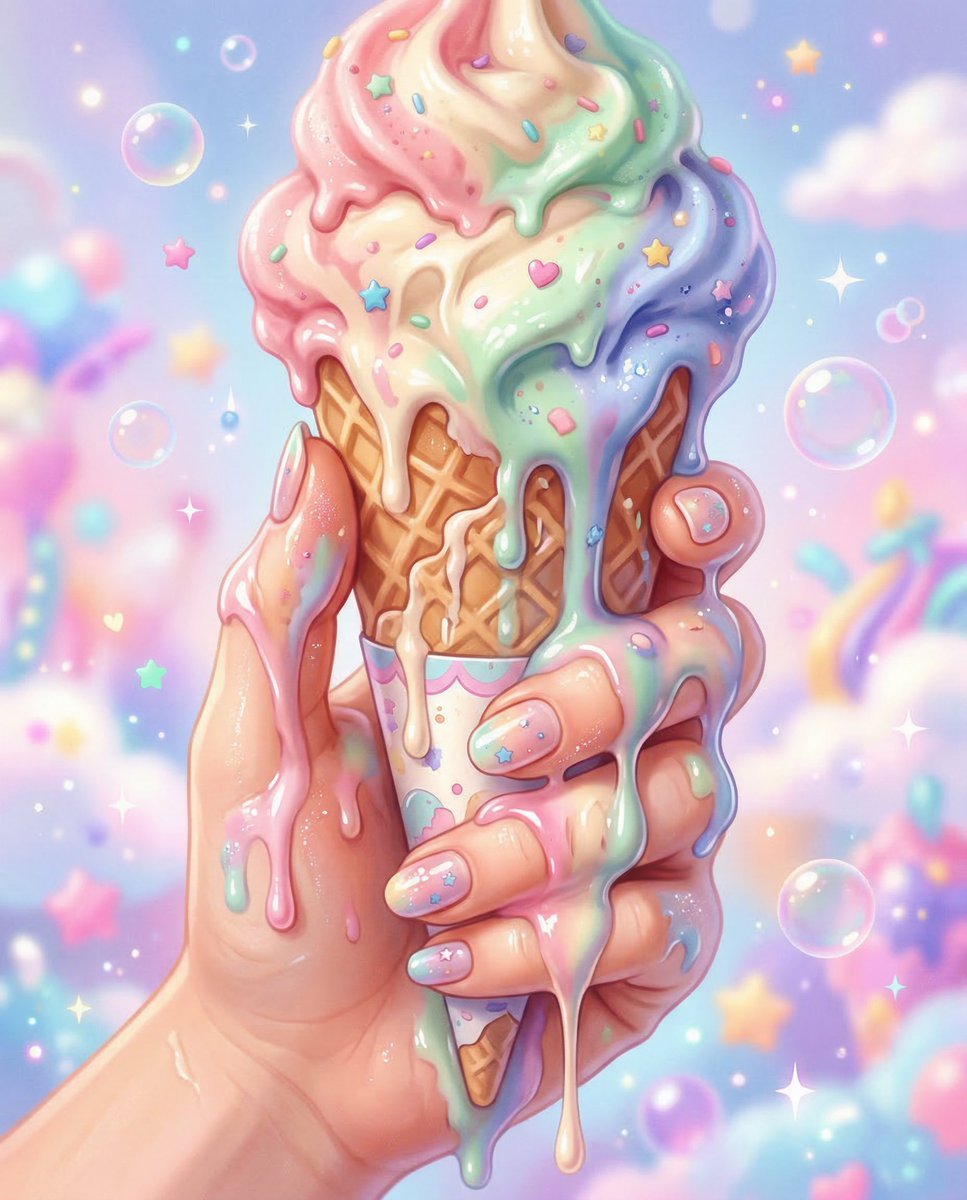
Kawaii Pop Surreal Ice Cream Hand
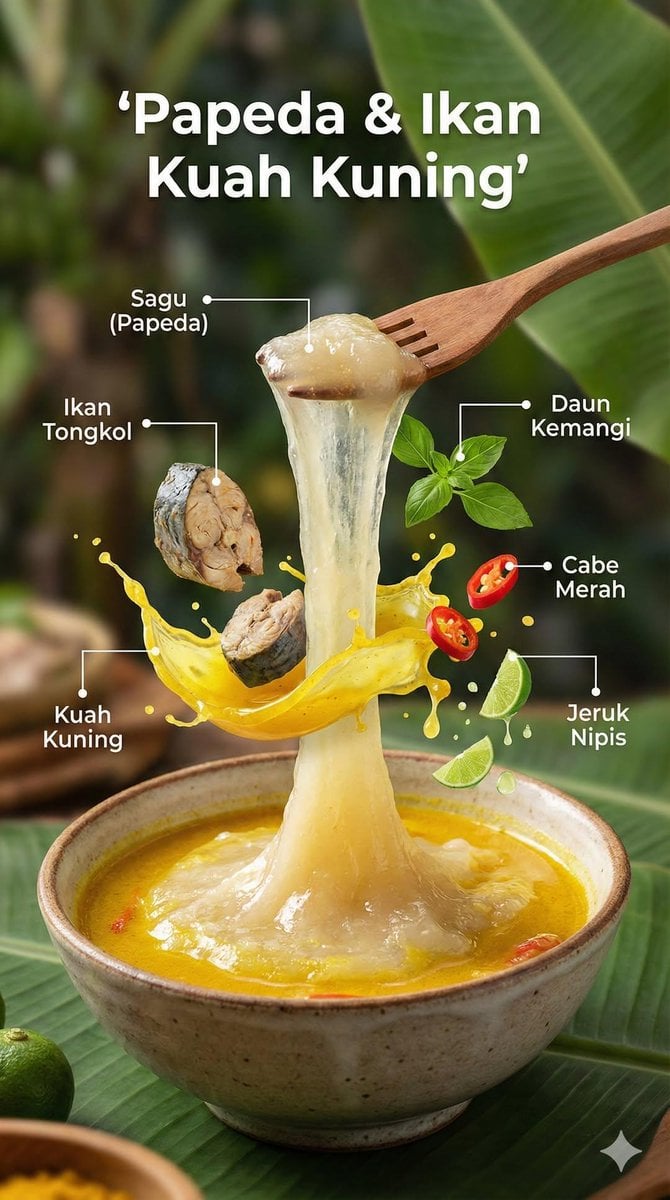
Ultra-Realistic Cinematic Food Photography Infographic
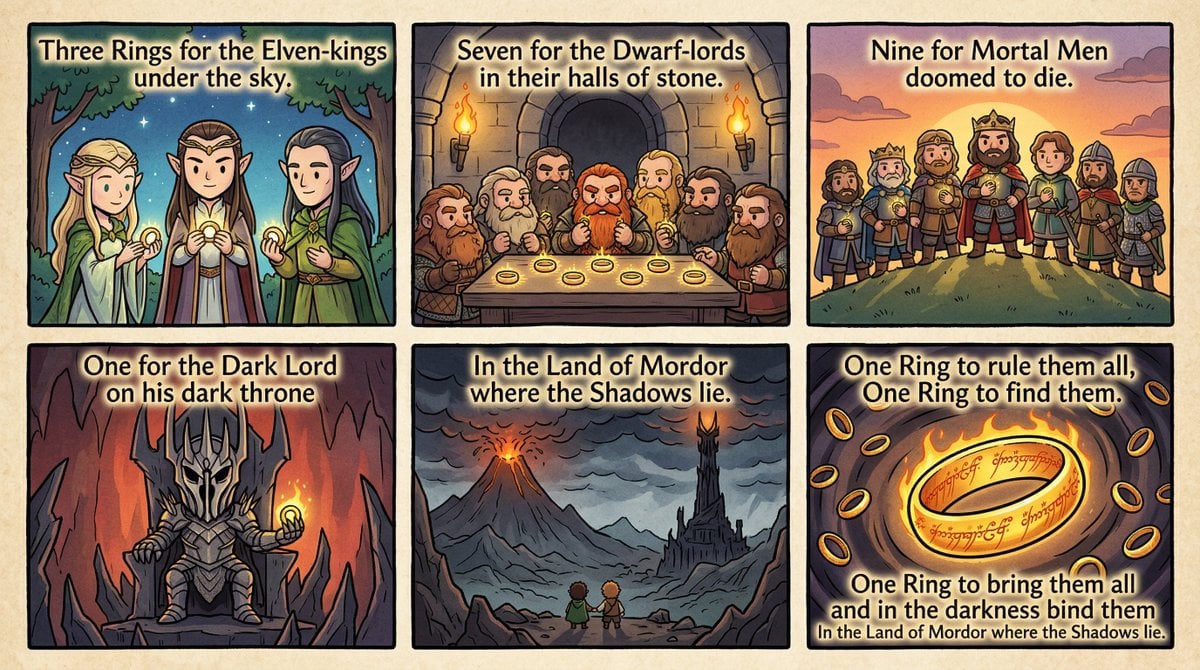
Cel-Shaded Comic Strip Prompt for LOTR Poem
Browse template categories
Anime JAL Student Travel Poster questions
How do I use the Anime JAL Student Travel Poster template?
Add your photo if the template asks for one, edit the prompt if you like — the template's model and format are already selected — and press Generate. Your version opens in PicX Studio.
Can I customize the Anime JAL Student Travel Poster template?
Yes. You can change the subject, setting, lighting, mood, format, and available model controls before creating your image.
Is the Anime JAL Student Travel Poster template free?
Opening and editing this template is free. Generating uses credits, shown on the Generate button when you are signed in.
Which AI model should I use?
Start with GPT Image 2, which is the model associated with this template. You can compare another compatible model for a different finish.
Looking for something else? Browse all templates.

Your photo, any look
Thousands of ready templates for every top image and video model, from one credit balance.