
Anime Boy in Typhoon Vortex
Generates a cinematic anime storm illustration with a windblown boy inside a swirling typhoon and poetic overlay text.
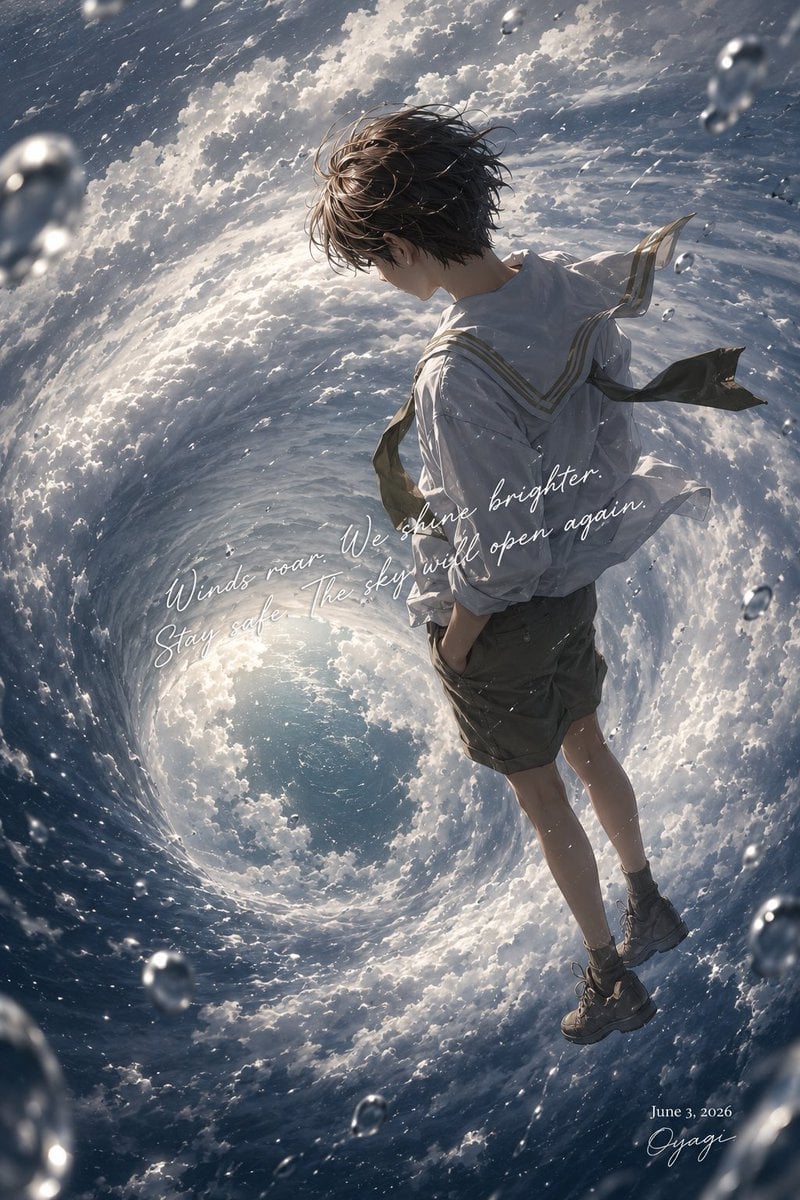
- Prompt included
- Model and format preset
- Free template
The prompt behind this image
Copy the exact prompt behind Anime Boy in Typhoon Vortex, or open it in the studio and make it yours.
Create a dramatic vertical anime-style illustration of a solitary {argument name="character type" default="teenage boy"} floating or standing weightlessly inside the eye of a massive typhoon, viewed from a high, tilted cinematic angle. The scene is a swirling ocean-and-cloud vortex forming a huge spiral tunnel around him, with bright sunlight breaking through the storm clouds near the center and dark blue storm water around the edges. The character is shown in three-quarter back view with messy windblown {argument name="hair color" default="dark brown hair"}, a calm downward gaze, and a slightly melancholic mood; keep the face mostly turned away or softly obscured. He wears a loose white sailor-style shirt with thin gold trim, dark knee-length shorts, socks, rugged lace-up boots, and a dark necktie or scarf whipping violently in the wind. Add strong storm motion: diagonal rain streaks, wind-torn clothing, turbulent foamy waves, and glossy suspended raindrops in the foreground and background with depth-of-field blur. Use highly detailed painterly anime rendering, luminous clouds, realistic water texture, silver-blue color grading, high contrast, and a poetic weather-poster atmosphere. Place elegant white cursive handwritten text across the middle-left to center reading {argument name="quote" default="Winds roar. We shine brighter. Stay safe. The sky will open again."}. In the lower-right corner add small white serif date text reading {argument name="date" default="June 3, 2026"} and beneath it a white cursive signature reading {argument name="signature" default="Oyagi"}. Keep the composition clean, vertical 2:3 aspect ratio, no borders, no extra logos, no additional text.
How to use Anime Boy in Typhoon Vortex in 3 steps
- 1Upload ImagePNG, JPG or paste
Add your photo
Upload the photo the template builds on. The prompt, model and format are already set.
- 2…a portrait of your subject in softgolden-hour light, 85mm…
Personalize
Edit the subject and creative details for your destination.
- 3Generate
Generate
Press Generate — your image is created in PicX Studio, so you can compare it with the original and refine one variable at a time.
More like this
Templates with the same subject, style or setup. Open one to see its prompt.












Make it yours
Anime Boy in Typhoon Vortex works as-is. These are the safest ways to change it without losing the look.
Change one field
Copy a single group, rewrite it, and generate again so you can see what that field is doing.
Keep the frame, change the subject
Hold the composition and light of Anime Boy in Typhoon Vortex, then swap wardrobe, props or the person for a new take.
| If the result… | Why | Fix |
|---|---|---|
| The result drifts from the preview | Too many fields changed at once. | Reuse Anime Boy in Typhoon Vortex as-is first, then change one group — subject, light, or setting. |
| The model over-stylizes the scene | The prose prompt leaves finish and camera underspecified. | Add one camera or lighting sentence and stay on GPT Image 2. |
More GPT Image 2 templates
Other prompts made for GPT Image 2.

Six VTuber Japanese Logo Sheet

Realistic Portrait of Woman and Deer

The Vista Modular Condo Poster

AI Model Routing Comparison Infographic

2.5D Anime Art Board

Isometric Productivity Desk Scene

New York Double Exposure Poster

Four-Panel AI Landscape Comparison

Japanese Tatami Lifestyle Magazine Cover

NESCAFÉ Coffee Map Poster
More image prompts
Fresh picks from across the catalog.
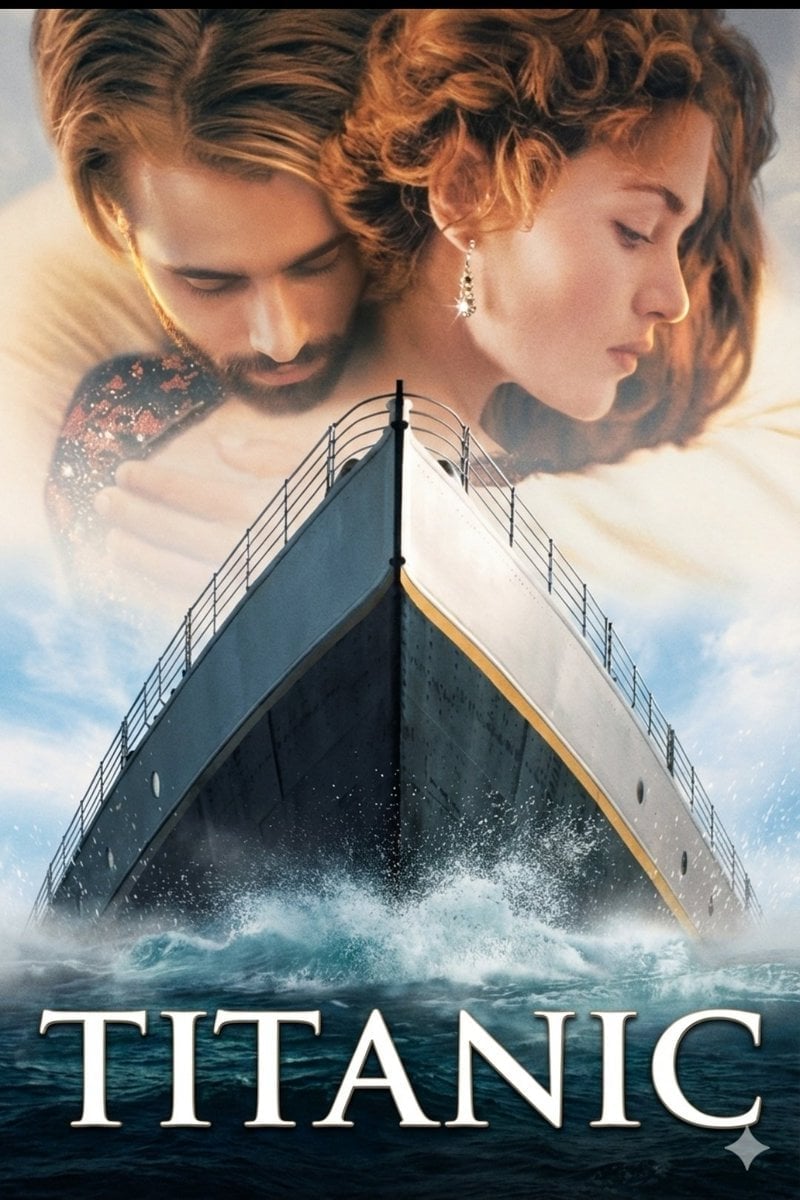
Image-to-Image Titanic Movie Poster Prompt
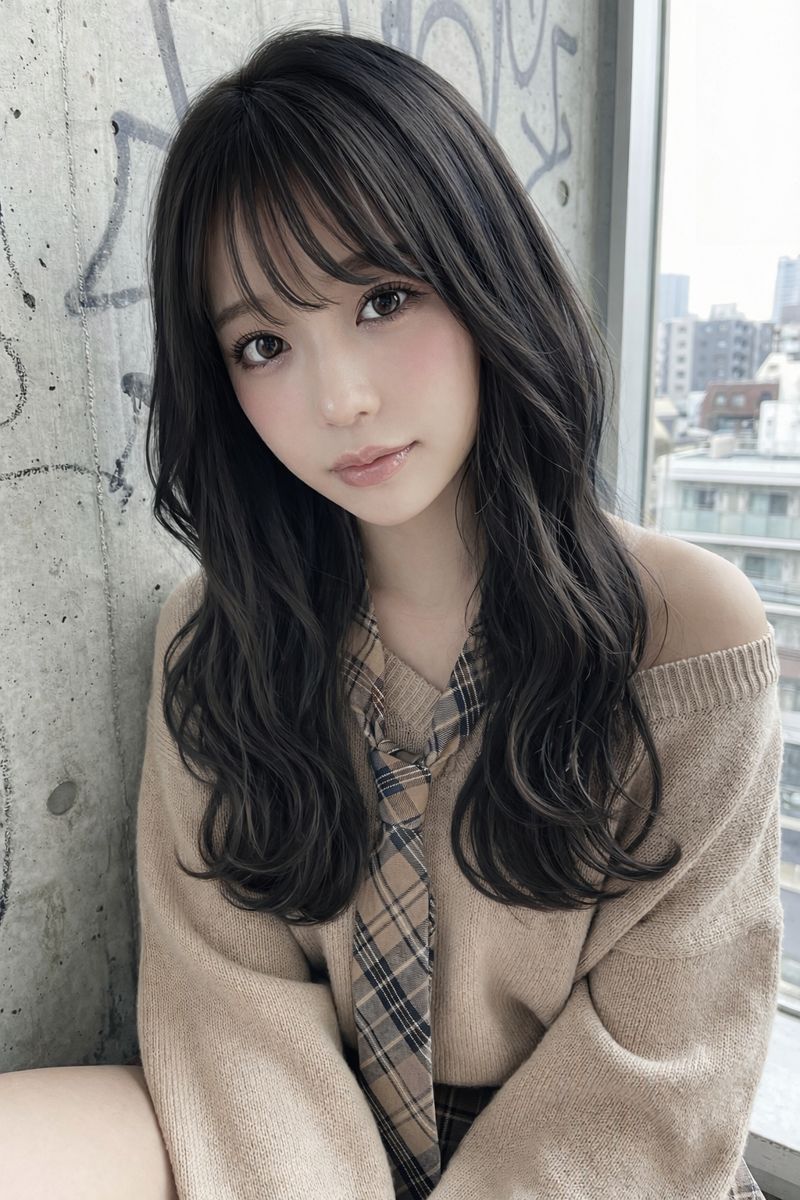
Image Editing: Change Hair Color to Black
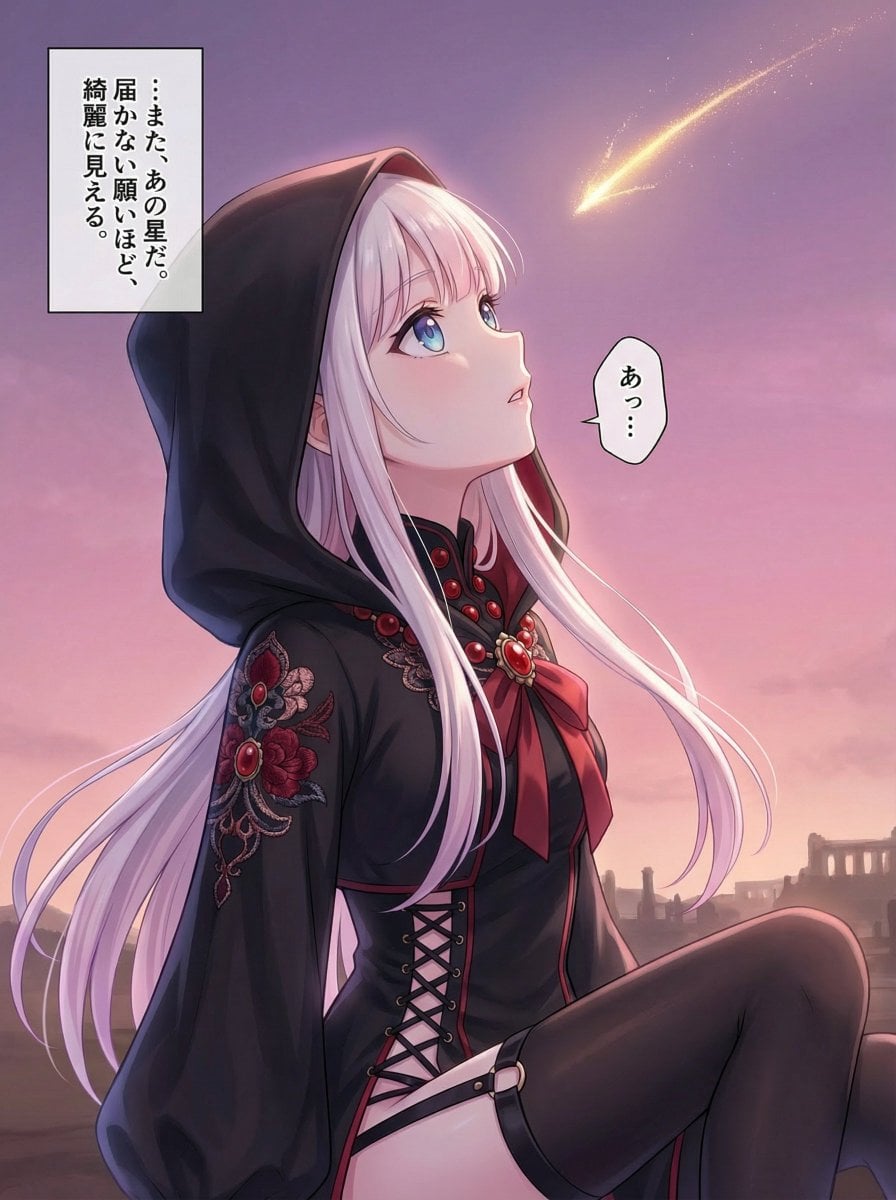
Comprehensive manga one-page scene creation system prompt
Sticker Pack Facial Expressions Grid
Anime Catgirls at Lakeside Statue

Cinematic Chiaroscuro Film Portrait
Säynätsalo Town Hall Sketchbook
Futuristic Glass UI Product Banner

Hand-drawn style header image introducing Nano Banana Pro (Japanese)
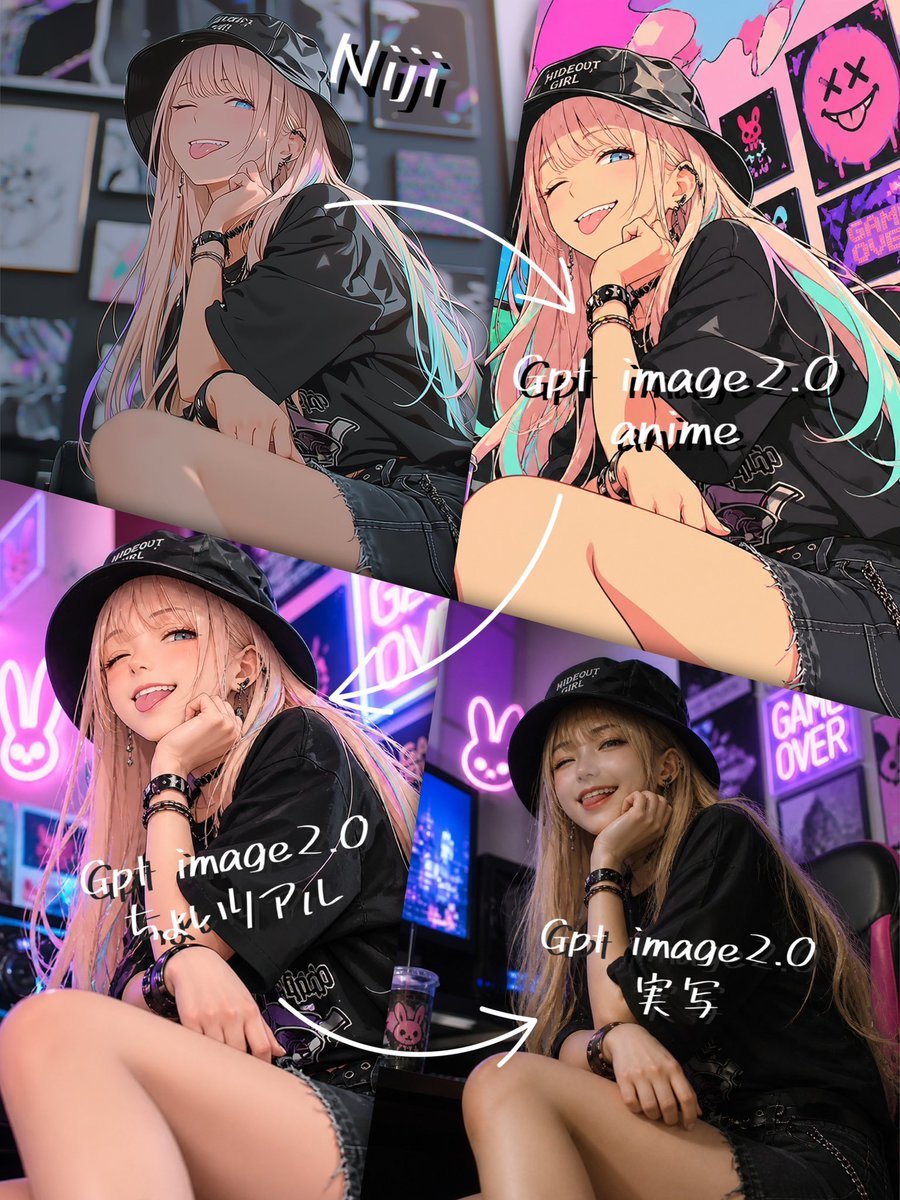
Four-Panel AI Style Transformation Collage
Browse template categories
Anime Boy in Typhoon Vortex questions
How do I use the Anime Boy in Typhoon Vortex template?
Add your photo if the template asks for one, edit the prompt if you like — the template's model and format are already selected — and press Generate. Your version opens in PicX Studio.
Can I customize the Anime Boy in Typhoon Vortex template?
Yes. You can change the subject, setting, lighting, mood, format, and available model controls before creating your image.
Is the Anime Boy in Typhoon Vortex template free?
Opening and editing this template is free. Generating uses credits, shown on the Generate button when you are signed in.
Which AI model should I use?
Start with GPT Image 2, which is the model associated with this template. You can compare another compatible model for a different finish.
Looking for something else? Browse all templates.

Your photo, any look
Thousands of ready templates for every top image and video model, from one credit balance.