
Golden Hour Urban Portrait
A realistic shallow-depth-of-field street portrait setup with warm side light, natural clothing texture, and an intentionally censored face.
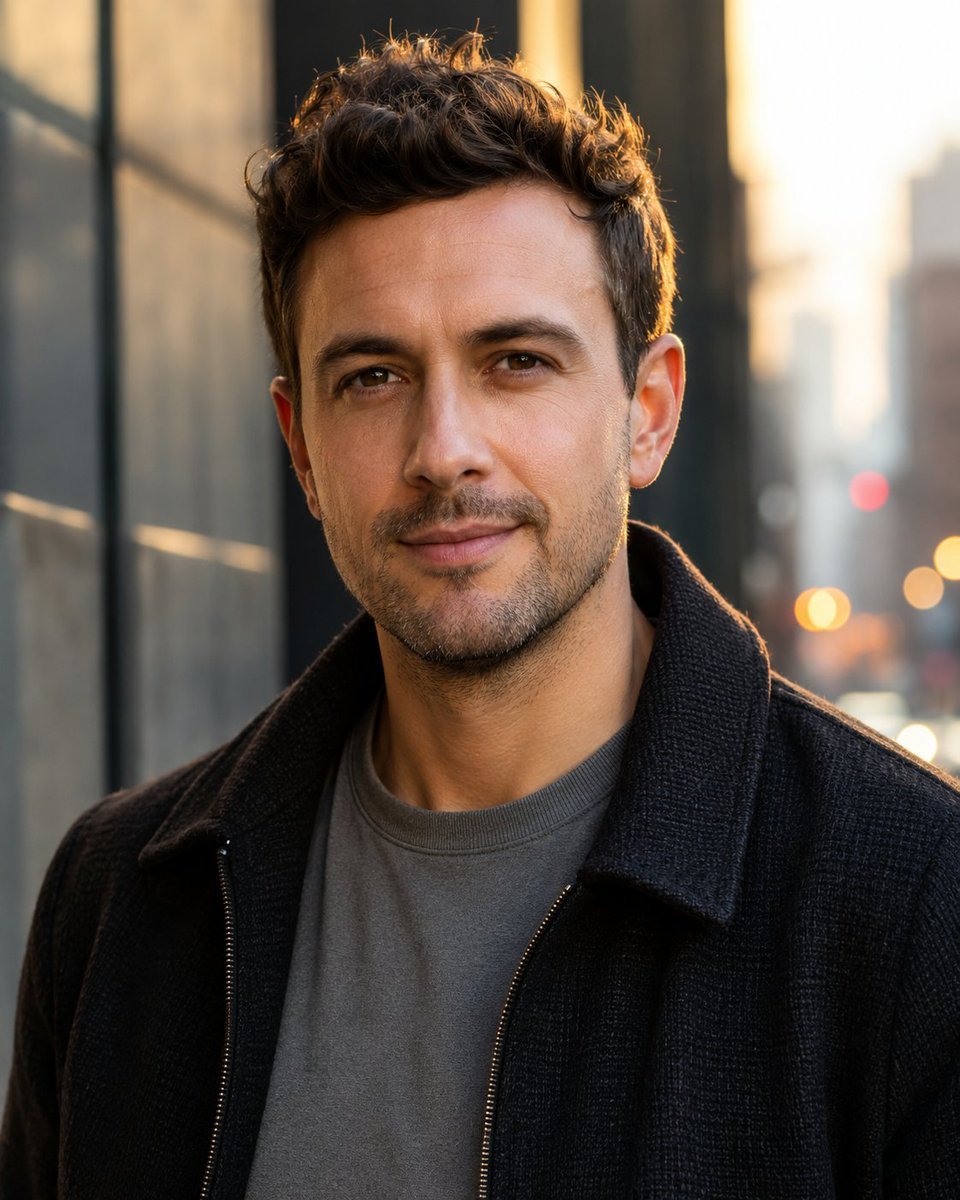
- Prompt included
- Model and format preset
- Free template
The prompt behind this image
Copy the exact prompt behind Golden Hour Urban Portrait, or open it in the studio and make it yours.
Create a realistic vertical street portrait photo of {argument name="character name" default="an anonymous young man"} standing outdoors in an urban setting at golden hour. Frame him from mid-chest upward, centered, with his head and shoulders filling most of the image. He has short, curly dark brown hair with warm rim light catching the curls, light stubble on the jaw and neck, and a natural relaxed posture facing the camera. His face is intentionally obscured by one large solid rectangular censor block placed over the entire central face area from forehead to upper chin, colored as a soft brown skin-tone gradient, with clean sharp edges and no text. He wears a dark navy or black textured wool jacket with a collar and visible zipper over a plain {argument name="shirt color" default="charcoal gray"} crew-neck T-shirt. The background is a real city street with tall building walls close on the left, distant buildings and traffic lights on the right, heavily blurred into creamy bokeh. Use warm golden-hour side light coming from camera-right/back-right, daylight white balance around 5600K, realistic skin and fabric texture, natural contrast, shallow depth of field, and believable camera optics. Photographic settings: 85mm portrait lens, f/1.8, ISO 200, 1/500 sec, focus on the eyes area beneath the censor block. Vertical 4:5 composition, high-resolution editorial portrait style, no watermark, no extra people, no text.
How to use Golden Hour Urban Portrait in 3 steps
- 1Upload ImagePNG, JPG or paste
Add your photo
Upload the photo the template builds on. The prompt, model and format are already set.
- 2…a portrait of your subject in softgolden-hour light, 85mm…
Personalize
Edit the subject and creative details for your destination.
- 3Generate
Generate
Press Generate — your image is created in PicX Studio, so you can compare it with the original and refine one variable at a time.
More like this
Templates with the same subject, style or setup. Open one to see its prompt.

80s Golden Hour Cinema

Rooftop Fisheye — Cat-Ear Balaclava at Golden Hour
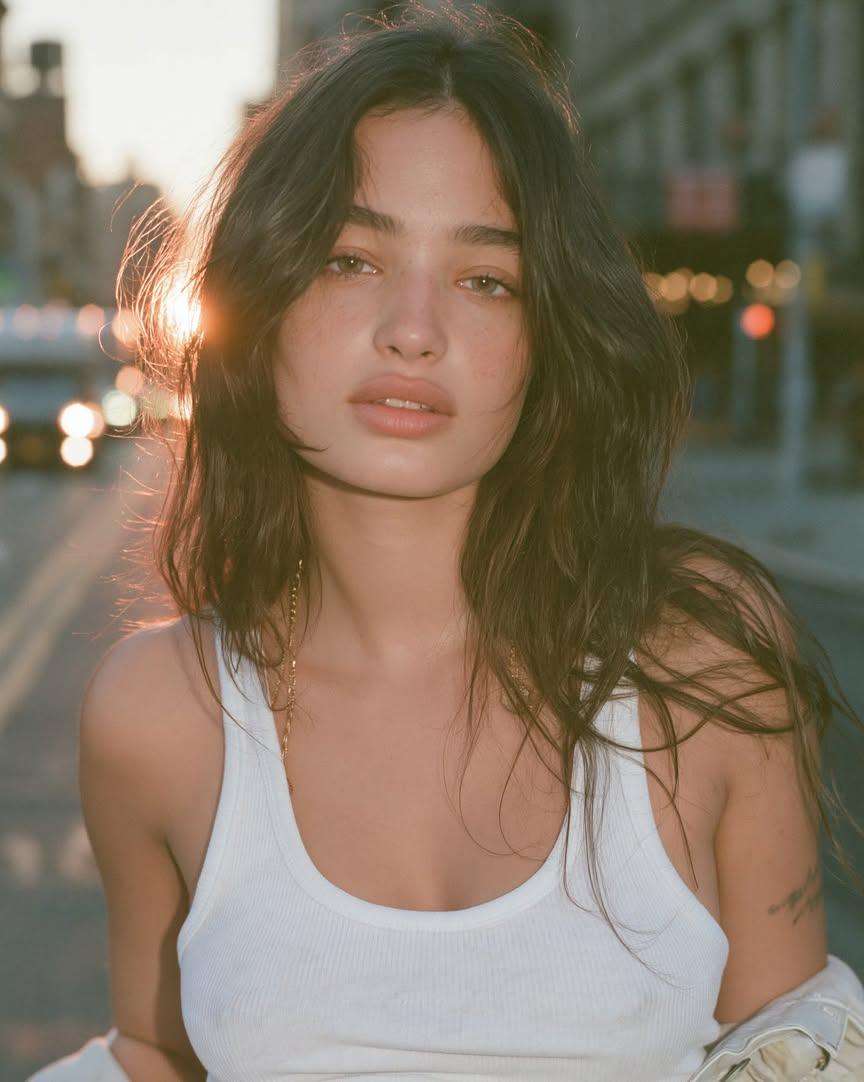
Cinematic Golden Hour Urban Portrait
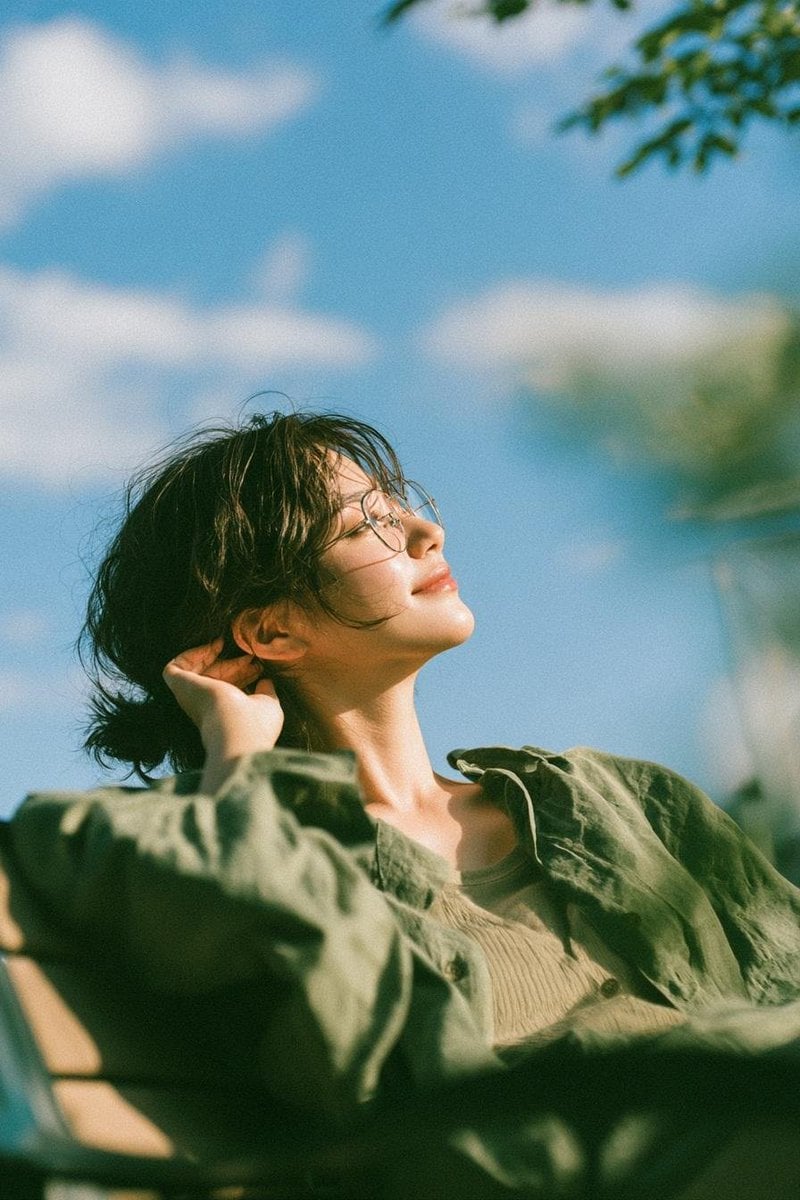
Cinematic Golden Hour Garden Portrait
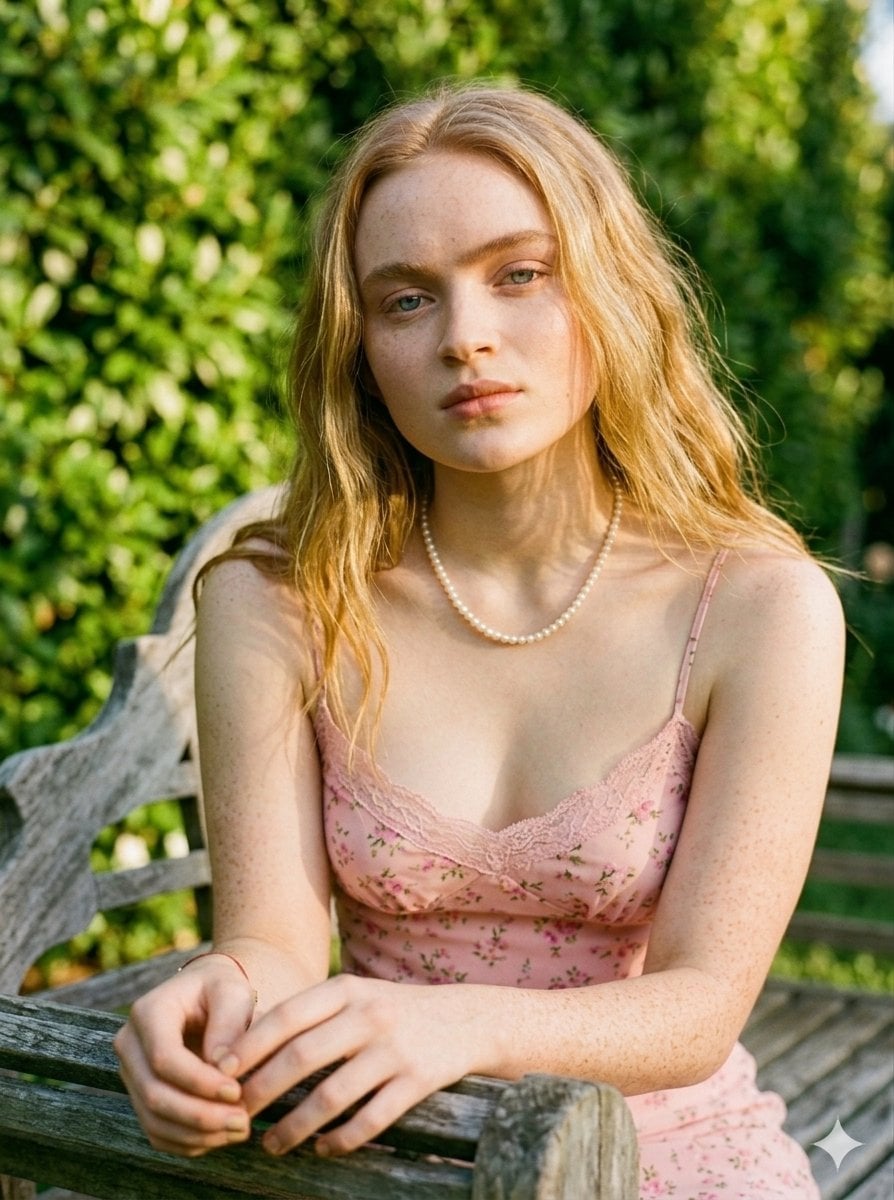
Golden Hour Redhead Portrait
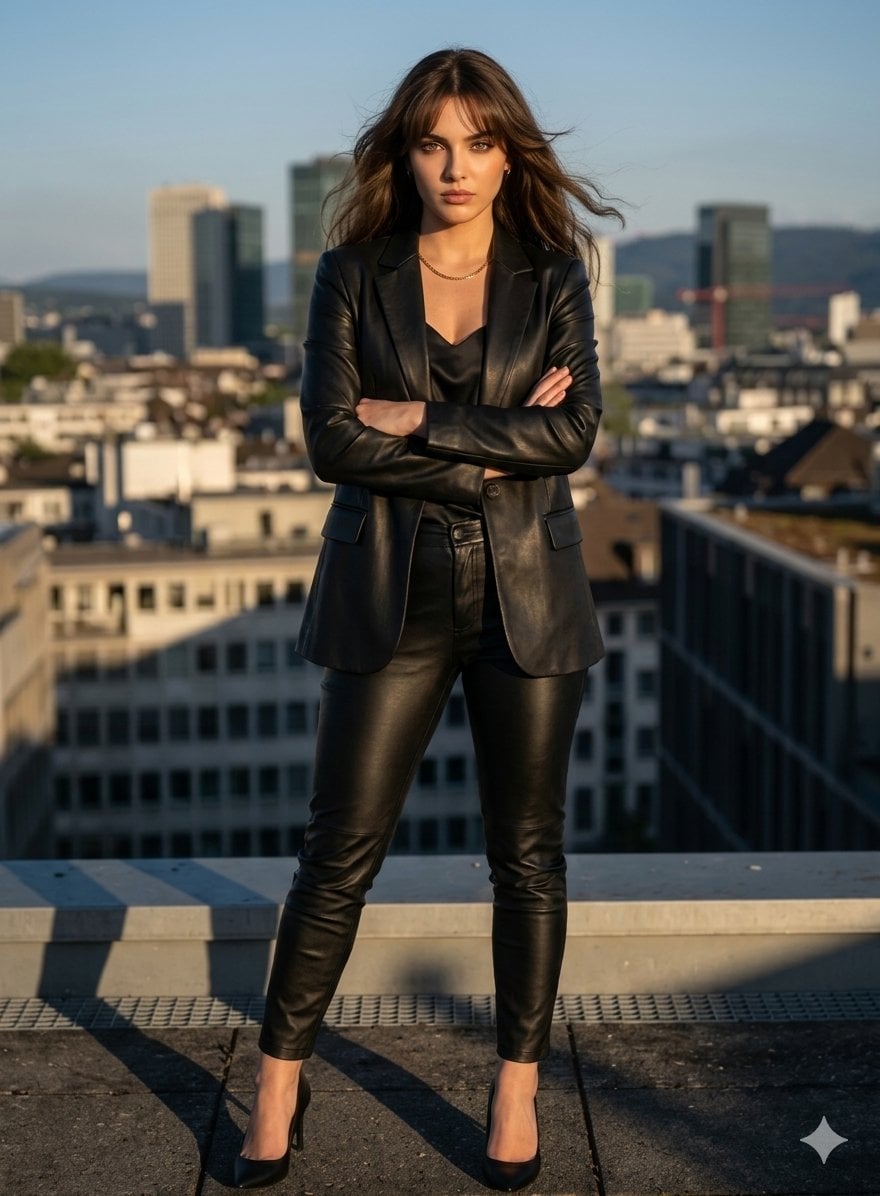
Golden Hour Cinematic Boss Energy Portrait
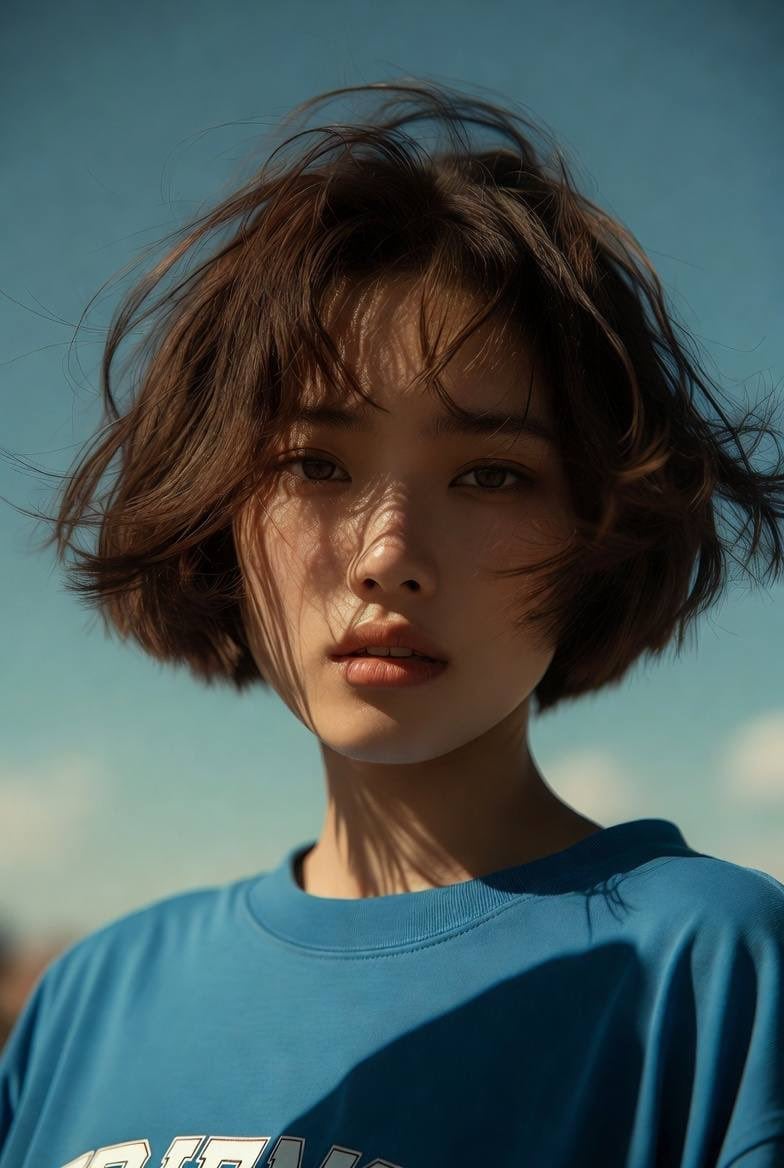
Golden Hour Cinematic Portrait
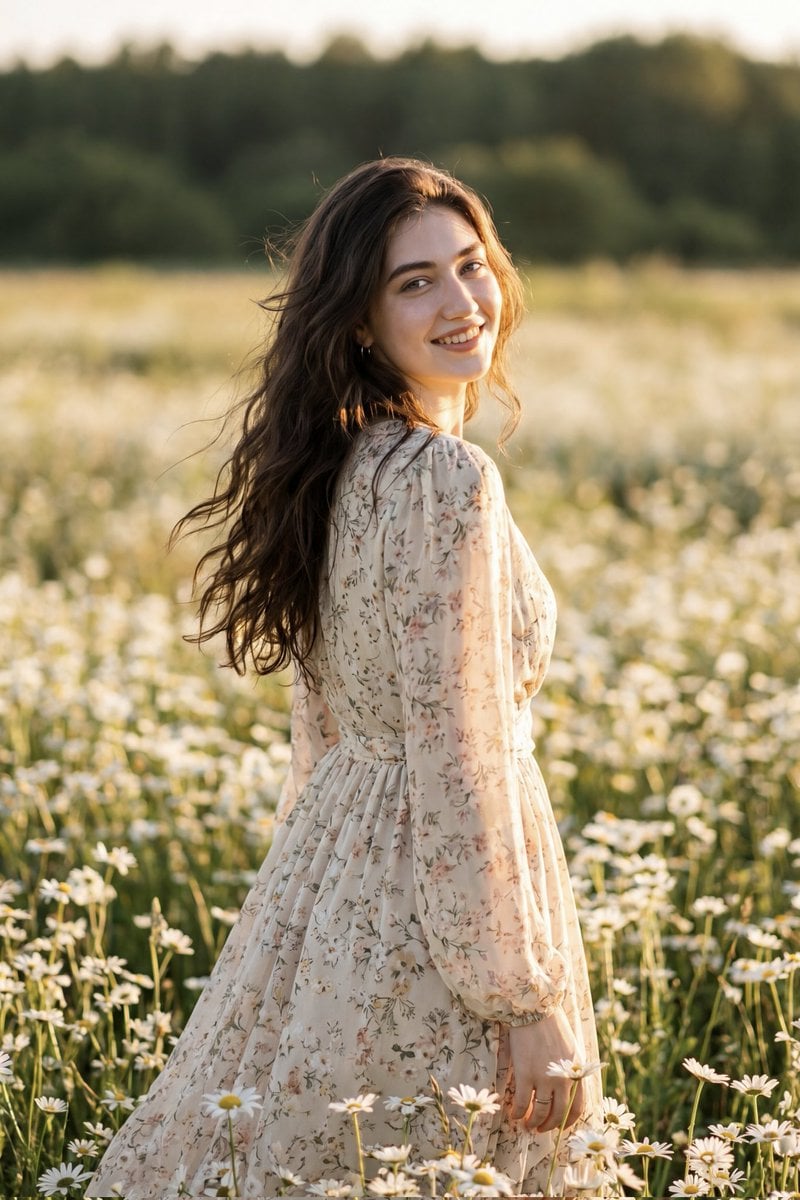
Golden Hour Daisy Field Portrait
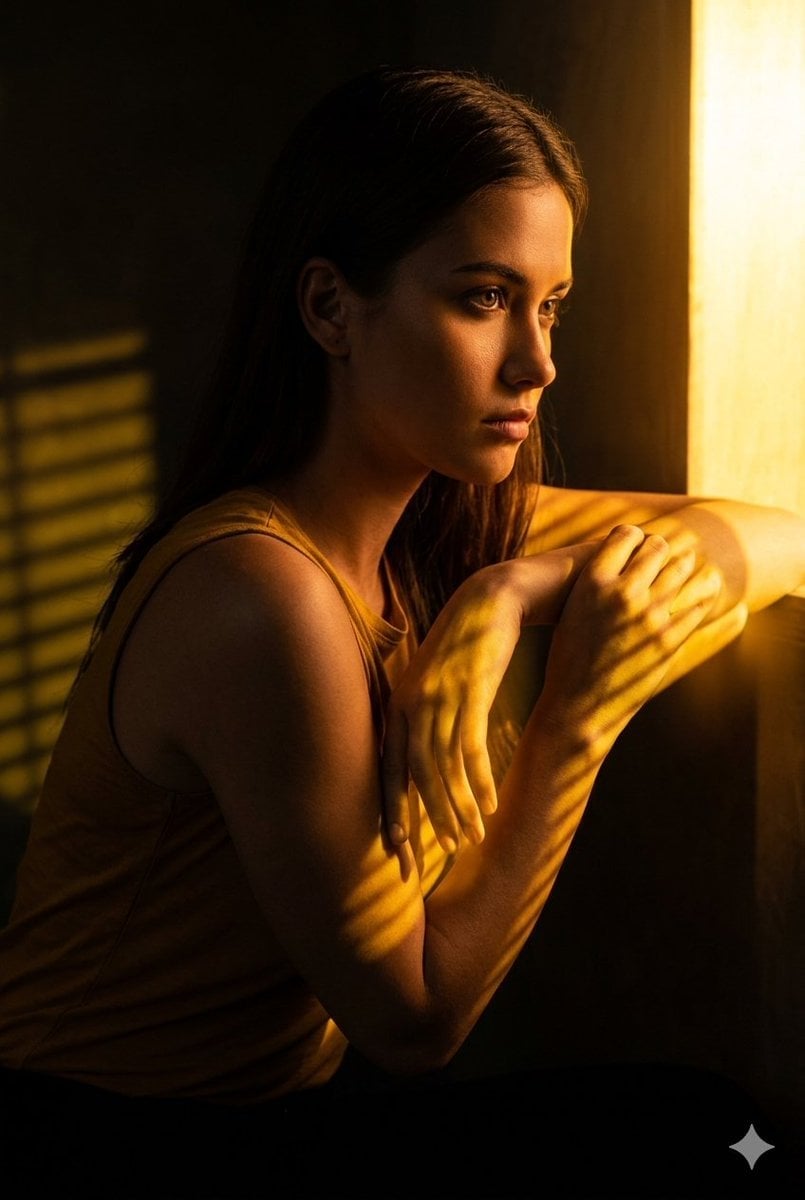
Golden Hour Window Reflection Portrait
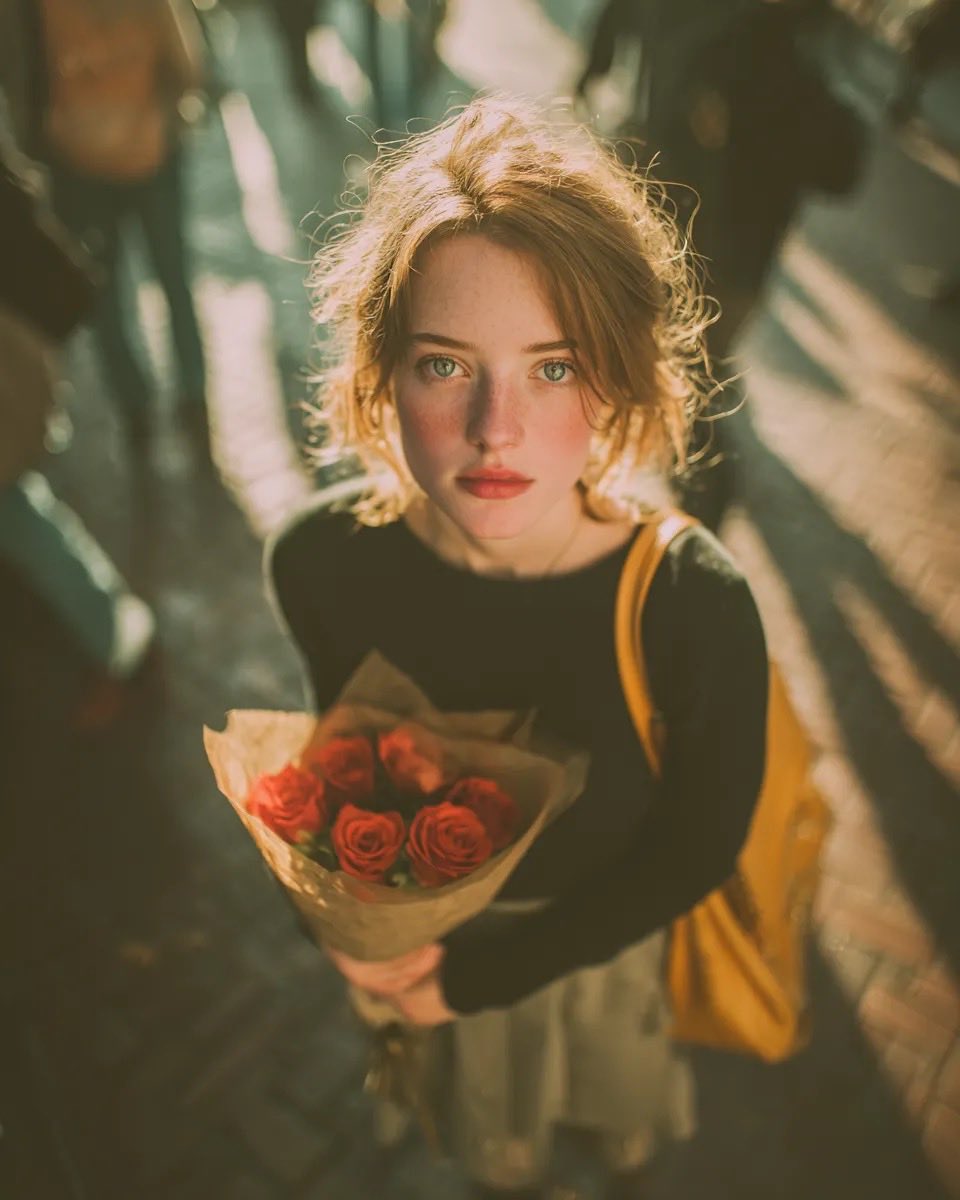
Golden Hour Rose Portrait

Golden Hour Korean Classroom Portrait
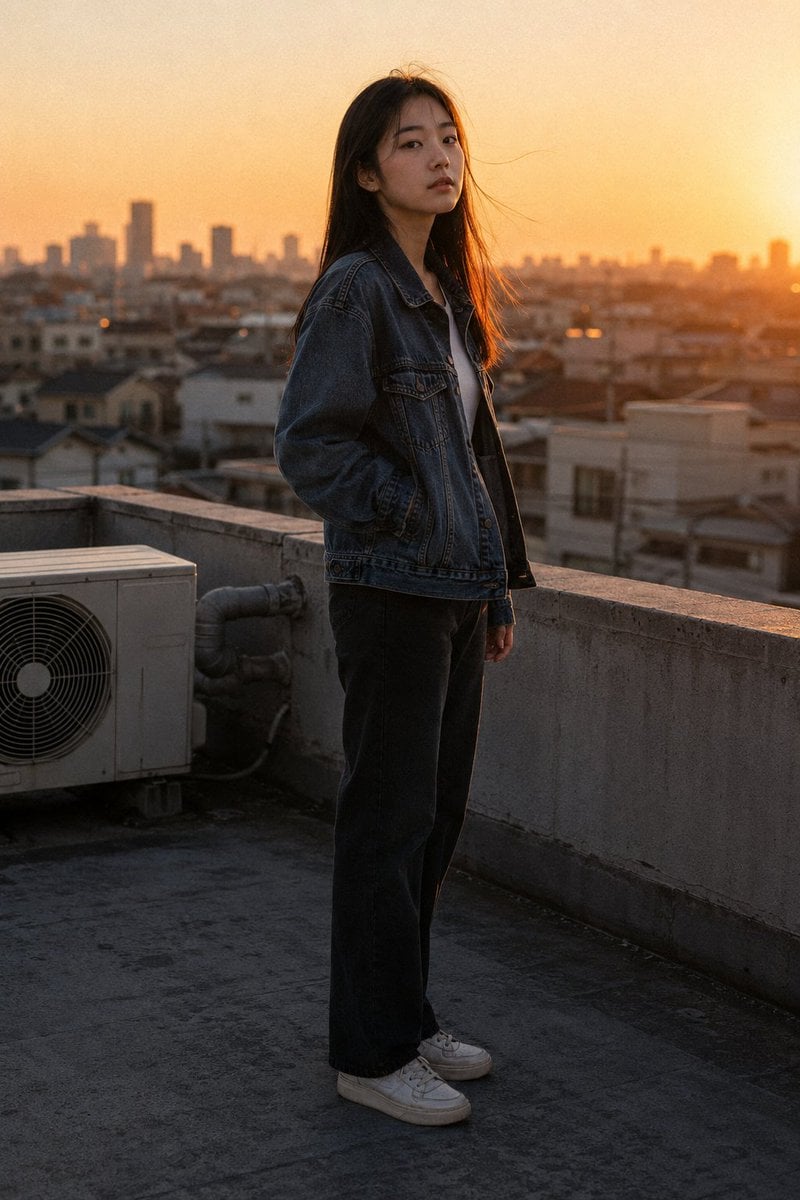
Golden Hour Rooftop Portrait
Make it yours
Golden Hour Urban Portrait works as-is. These are the safest ways to change it without losing the look.
Change one field
Copy a single group, rewrite it, and generate again so you can see what that field is doing.
Keep the frame, change the subject
Hold the composition and light of Golden Hour Urban Portrait, then swap wardrobe, props or the person for a new take.
| If the result… | Why | Fix |
|---|---|---|
| The result drifts from the preview | Too many fields changed at once. | Reuse Golden Hour Urban Portrait as-is first, then change one group — subject, light, or setting. |
| The model over-stylizes the scene | The prose prompt leaves finish and camera underspecified. | Add one camera or lighting sentence and stay on GPT Image 2. |
More GPT Image 2 templates
Other prompts made for GPT Image 2.

Six VTuber Japanese Logo Sheet

Realistic Portrait of Woman and Deer

The Vista Modular Condo Poster

AI Model Routing Comparison Infographic

2.5D Anime Art Board

Isometric Productivity Desk Scene

New York Double Exposure Poster

Four-Panel AI Landscape Comparison

Japanese Tatami Lifestyle Magazine Cover

NESCAFÉ Coffee Map Poster
More image prompts
Fresh picks from across the catalog.
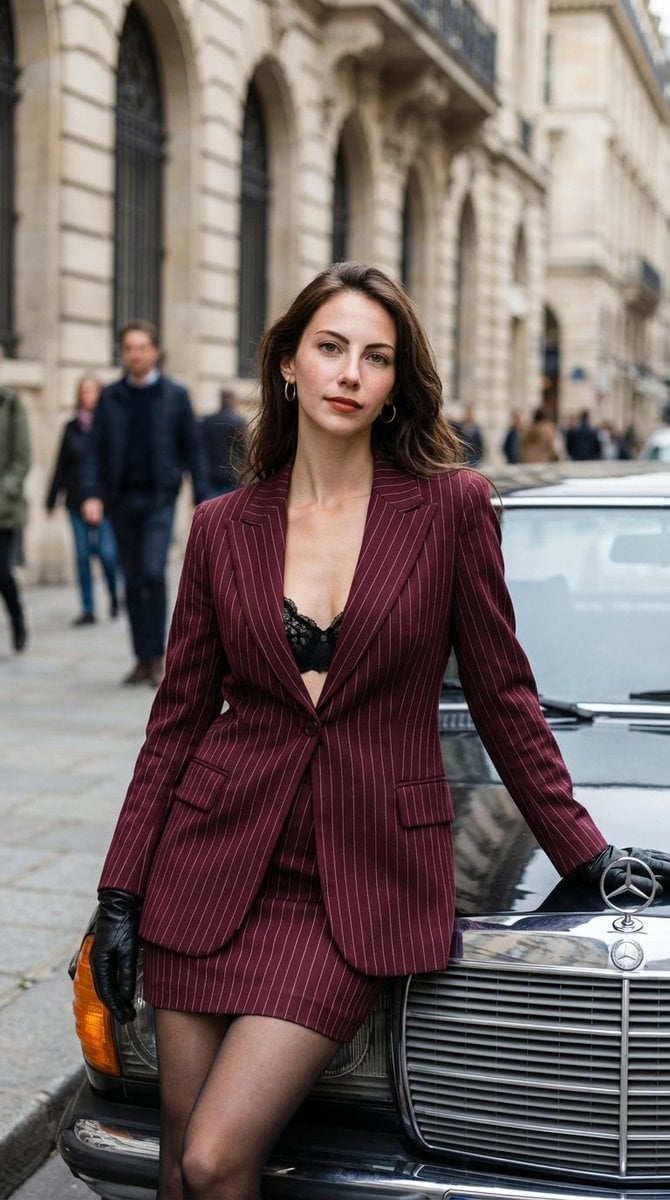
High-Fashion Street Editorial in European City
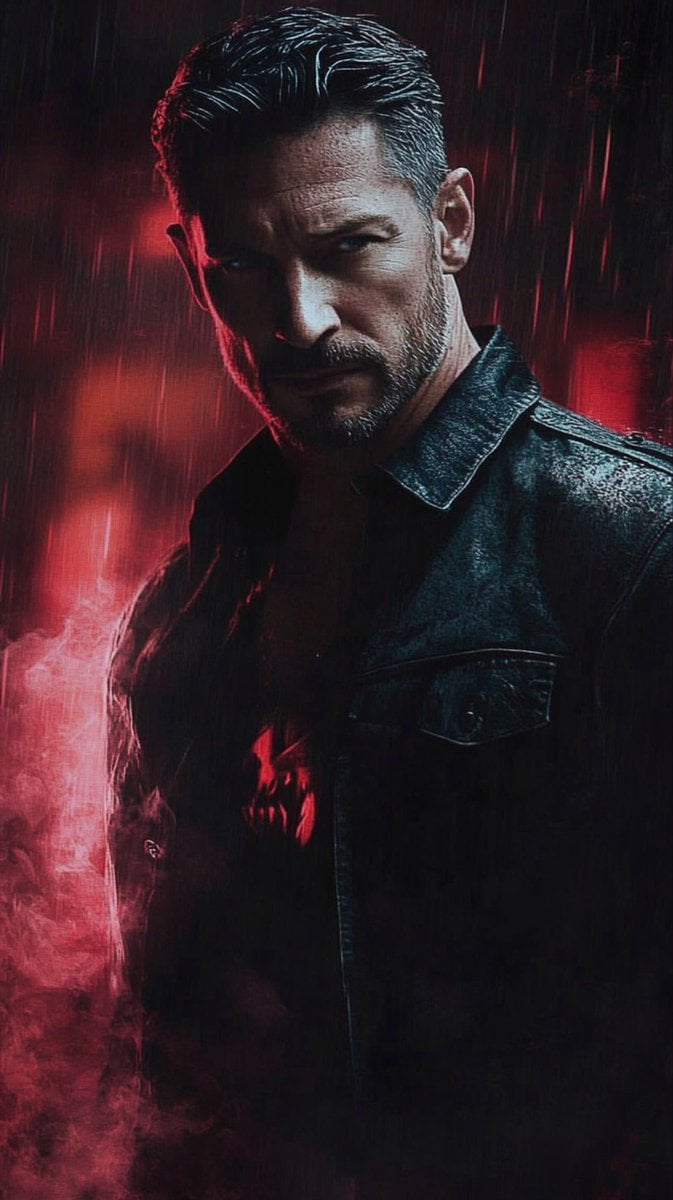
Subject Replacement Prompt (Image-to-Image)
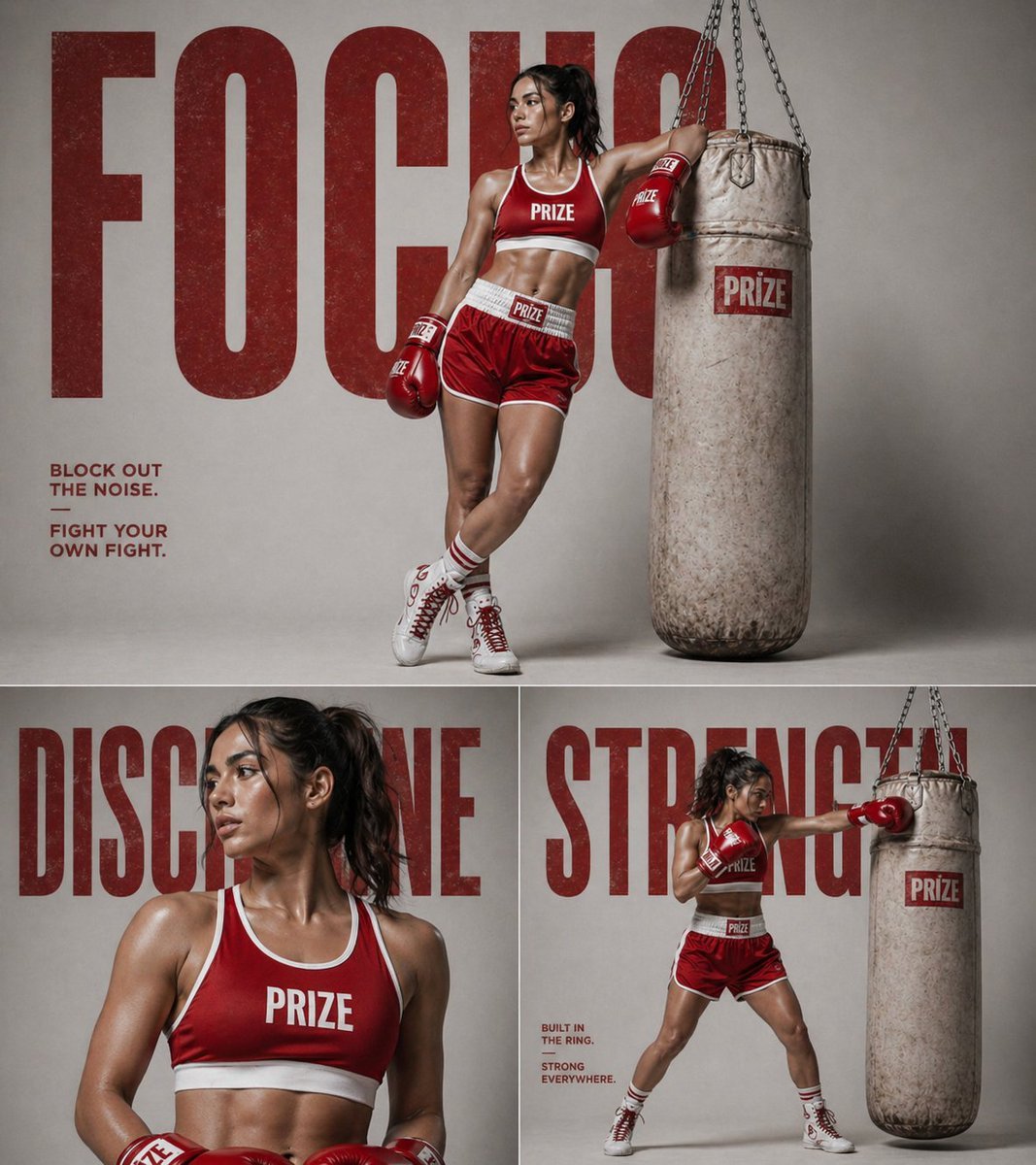
panel fitness boxing poster prompt
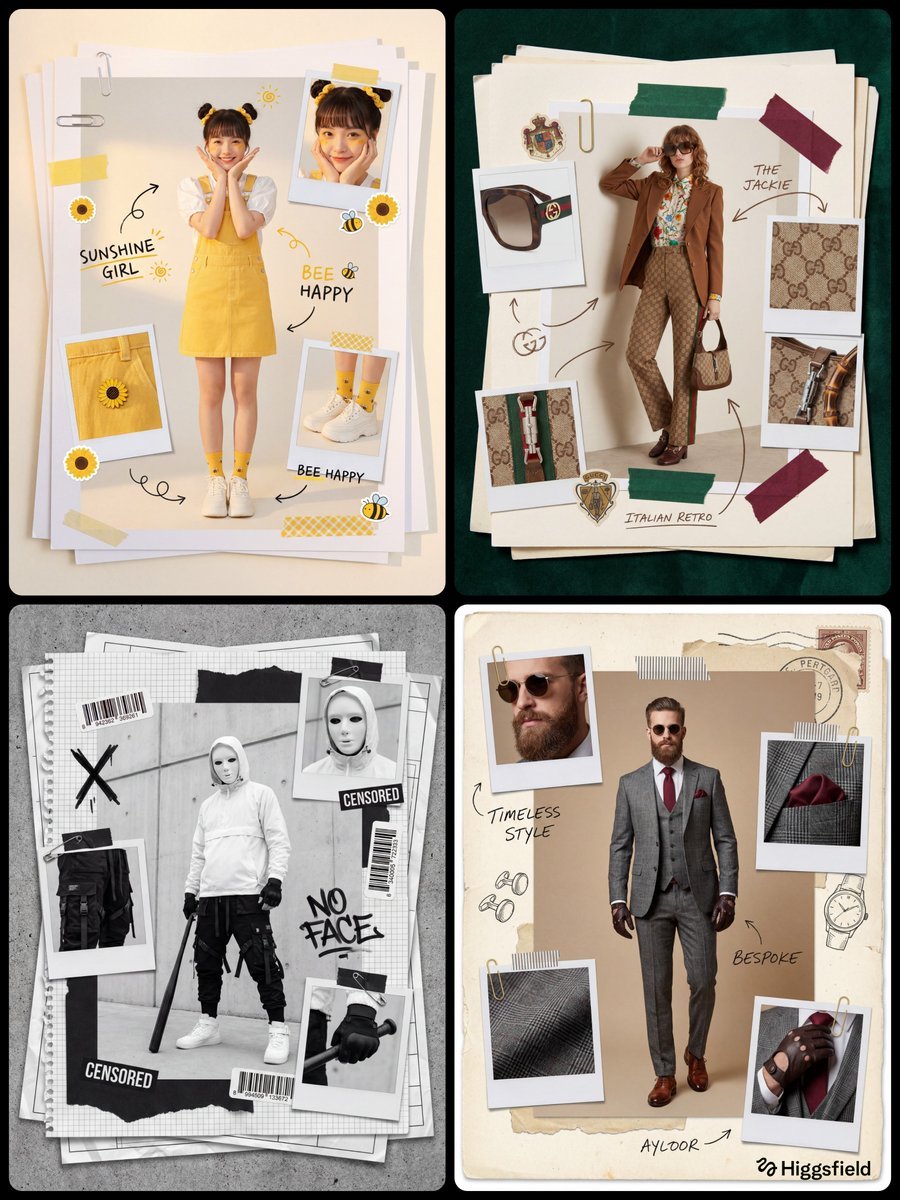
Fashion Scrapbook Page Layout Prompt Template
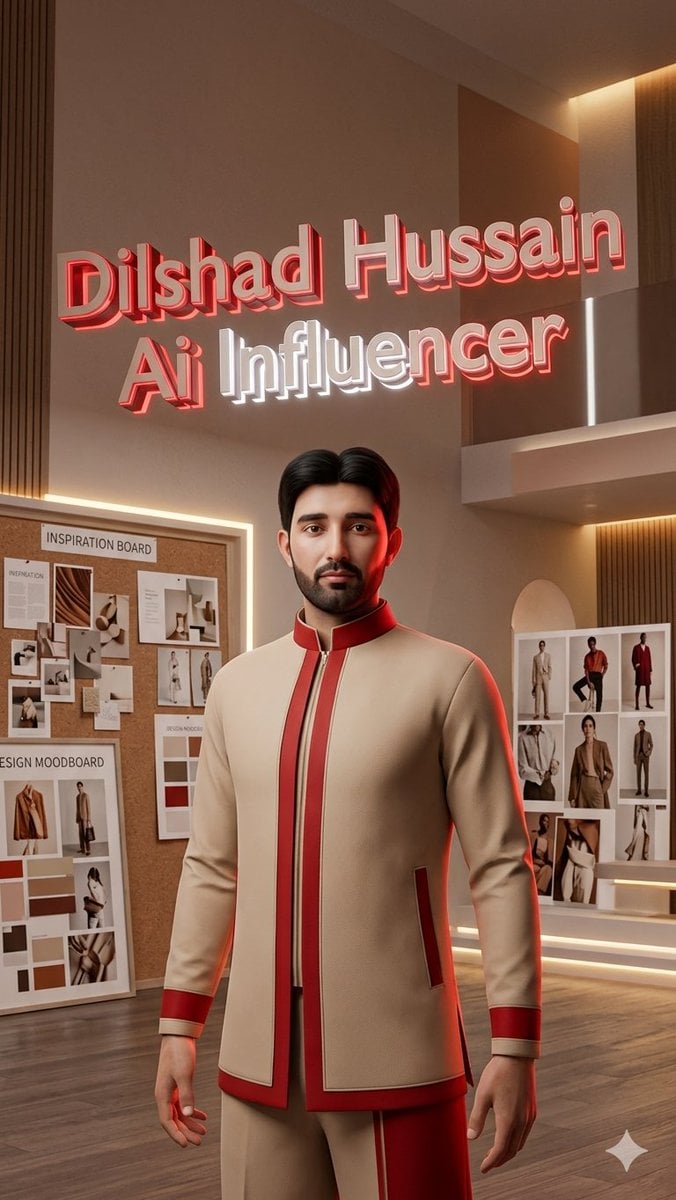
Luxury AI Influencer Workspace Render
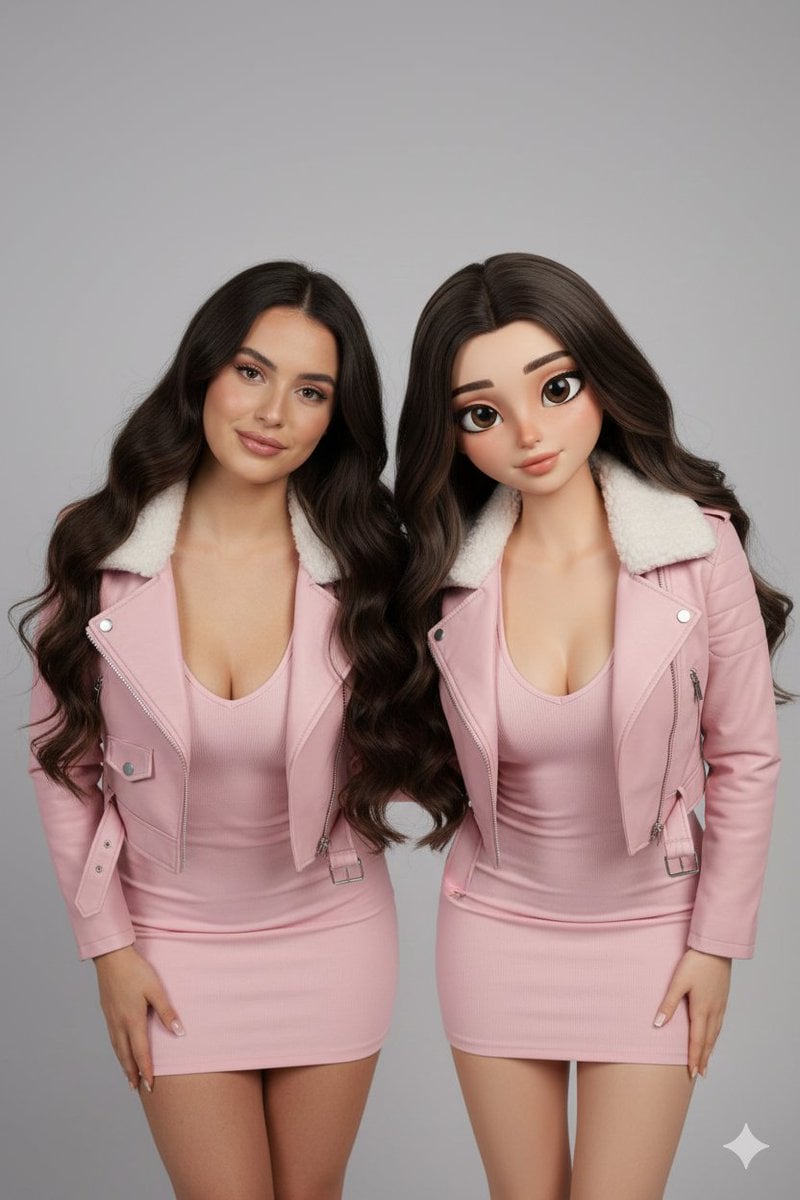
Realistic Human vs. 3D Character Side-by-Side Prompt
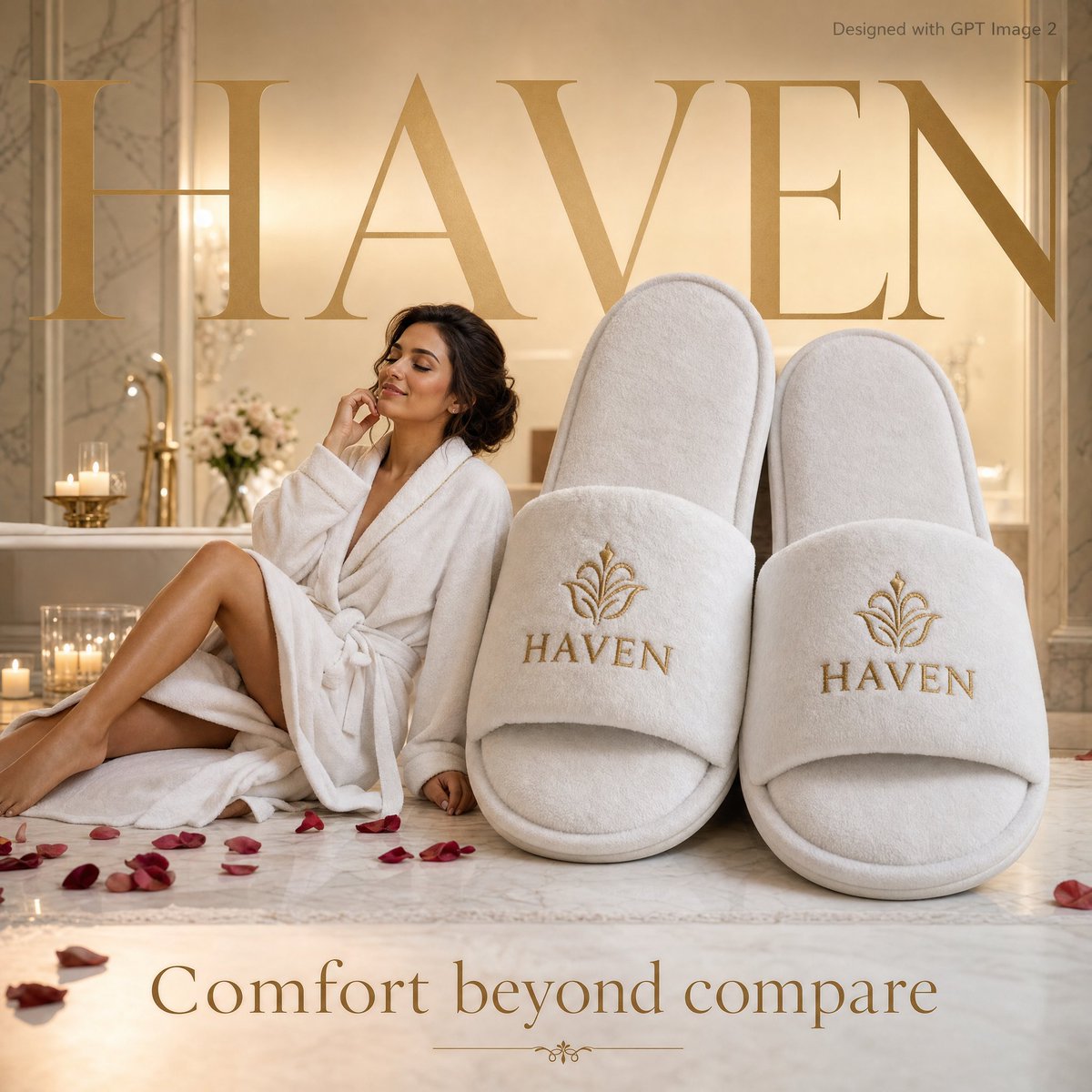
Luxury Hospitality Slipper Ad
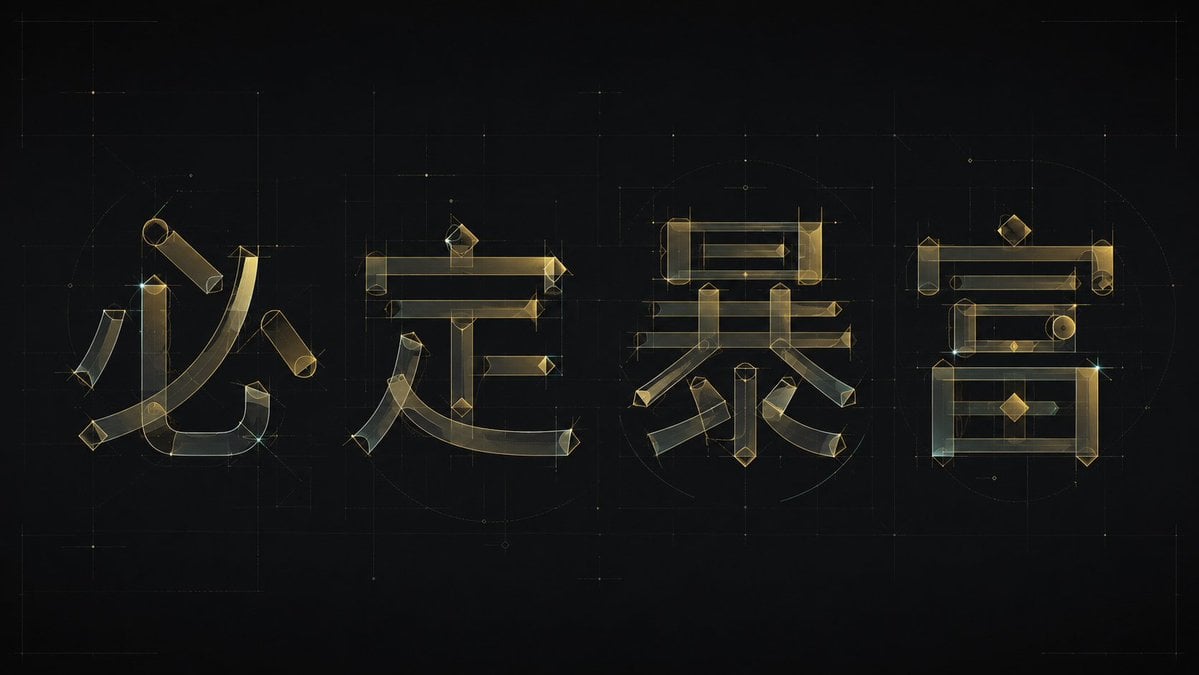
Experimental Chinese Typography Design
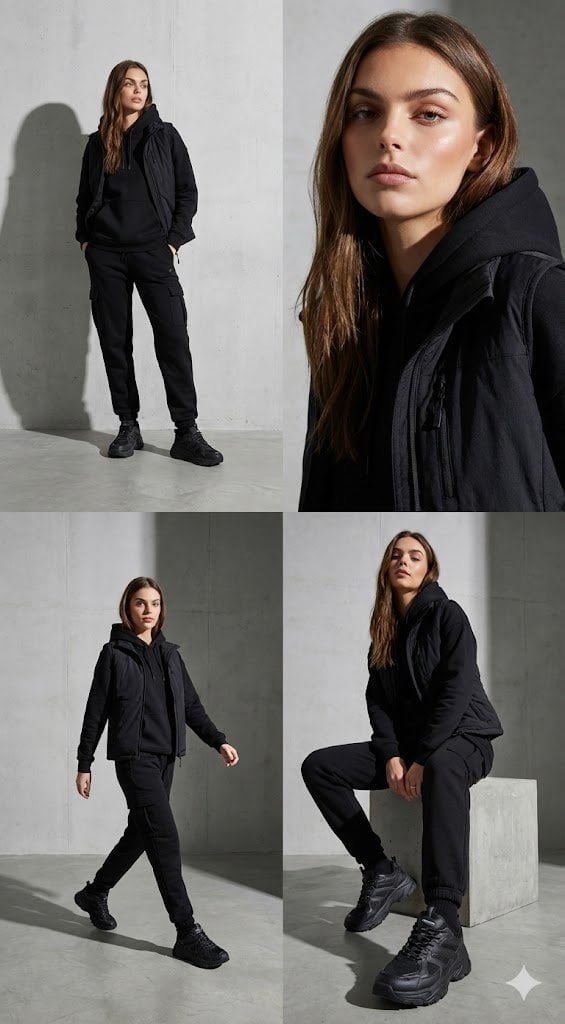
Four-Panel Streetwear Advertisement Grid
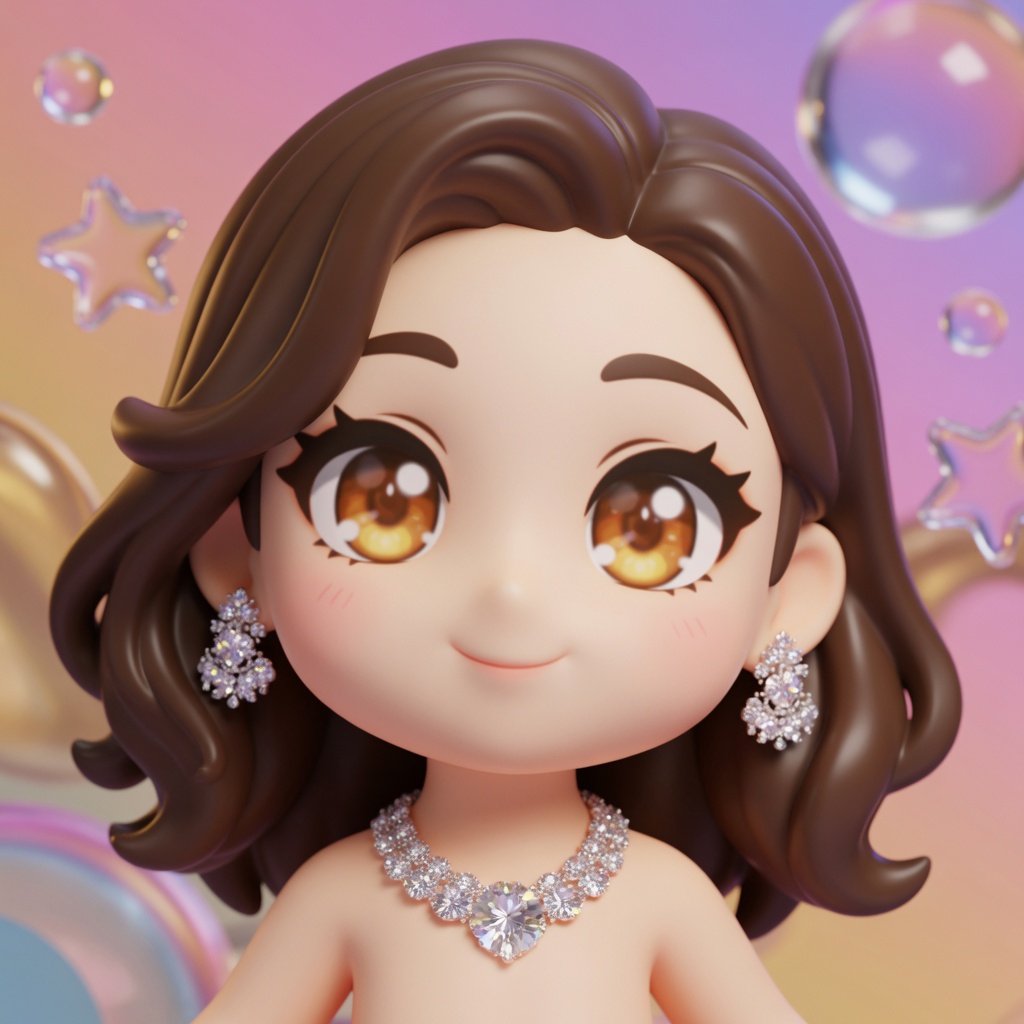
3D Chibi Character Transformation Prompt for Nano Banana 2
Browse template categories
Golden Hour Urban Portrait questions
How do I use the Golden Hour Urban Portrait template?
Add your photo if the template asks for one, edit the prompt if you like — the template's model and format are already selected — and press Generate. Your version opens in PicX Studio.
Can I customize the Golden Hour Urban Portrait template?
Yes. You can change the subject, setting, lighting, mood, format, and available model controls before creating your image.
Is the Golden Hour Urban Portrait template free?
Opening and editing this template is free. Generating uses credits, shown on the Generate button when you are signed in.
Which AI model should I use?
Start with GPT Image 2, which is the model associated with this template. You can compare another compatible model for a different finish.
Looking for something else? Browse all templates.

Your photo, any look
Thousands of ready templates for every top image and video model, from one credit balance.