
NEONVEIL Mascot Manga Page
Generates a six-panel Japanese manga page where a glowing chibi mascot guides visitors into a NEONVEIL event venue using smartphone tickets.
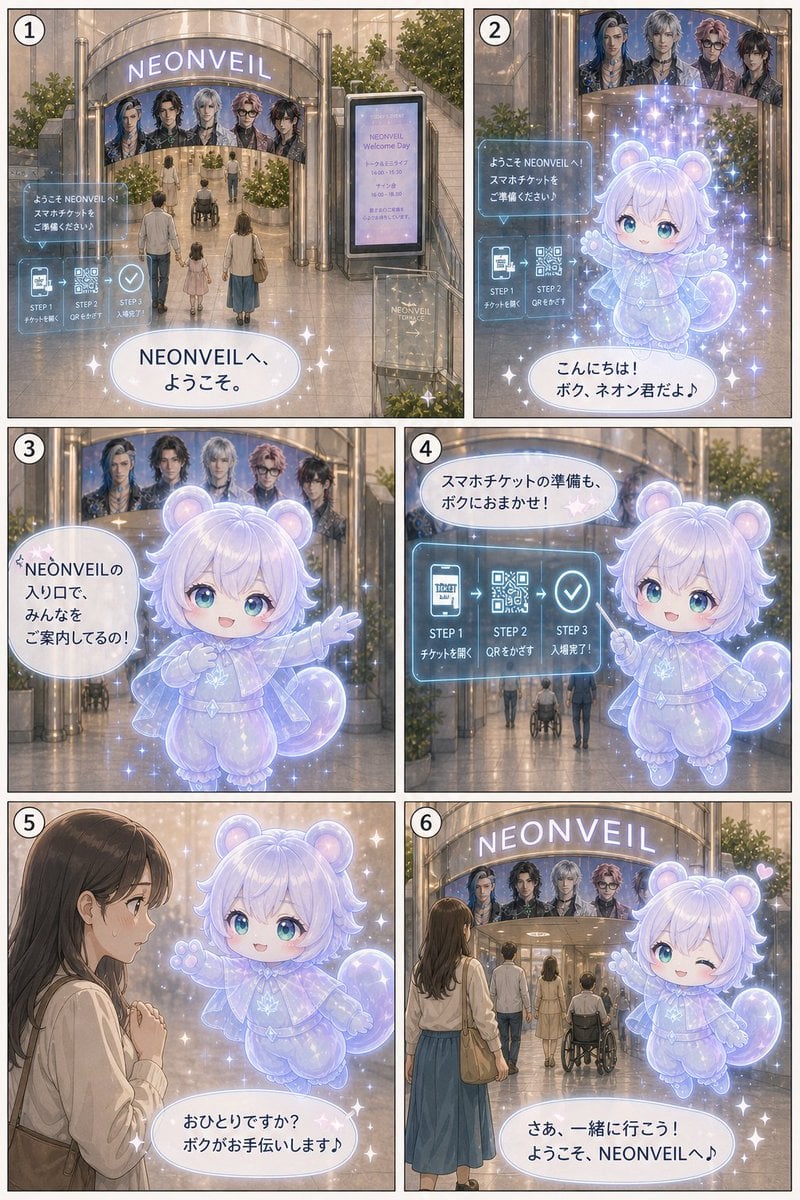
- Prompt included
- Model and format preset
- Free template
The prompt behind this image
Copy the exact prompt behind NEONVEIL Mascot Manga Page, or open it in the studio and make it yours.
- Type
- six-panel vertical manga page
- Language
- Japanese visible dialogue and signage
- Style
- soft semi-realistic anime manga, pastel glow, cinematic lighting, delicate linework, transparent holographic UI, magical sparkles, warm shopping-mall interior, clean readable Japanese typography
- Canvas
- portrait page with six bordered panels arranged in a 2-column by 3-row grid, each panel numbered in a white circle at the top-left from 1 to 6
- Setting › Location
- entrance of a glossy event venue and shopping-mall atrium
- Setting › Main Sign
- {argument name="venue name" default="NEONVEIL"}
- Setting › Details
- large curved glass entrance canopy, illuminated NEONVEIL sign, vertical digital signboard reading NEONVEIL Welcome Day with schedule-like small text, plants, polished floors, escalator-like architecture, banner showing five idol members above the entrance
- Characters › Mascot › Name
- {argument name="mascot name" default="ネオン君"}
- Characters › Mascot › Appearance
- small floating chibi guide mascot, translucent lavender-white body, round bear-like ears, fluffy short hair, large cyan eyes when visible, tiny plush-like limbs, curled tail, glowing outline, star-shaped decorations, magical aura and sparkles, friendly expressions and welcoming poses
- Characters › Visitor Group
- family-like group seen from behind: adult man, small child, adult woman in long blue skirt with shoulder bag, and a wheelchair user moving toward the entrance
- Characters › Female Visitor
- young woman with long brown hair, cream blouse, blue skirt, shoulder bag, shy or curious posture
- Recurring Elements › Holographic Ticket Guide
- blue transparent rectangular UI explaining smartphone ticket flow with three counted steps: STEP 1 ticket open, STEP 2 QR scan, STEP 3 admission complete; includes ticket icon, QR code icon, checkmark icon
- Recurring Elements › Idol Banner
- five male idol portraits displayed above the venue entrance
- Recurring Elements › Sparkles
- white star glints and lavender magical particles around mascot and speech bubbles
- Layout › Panel Count
- 6
- Layout › Panels › 0 › Number
- 1
- Layout › Panels › 0 › Position
- top-left
- Layout › Panels › 0 › Scene
- wide establishing shot of the NEONVEIL entrance; the visitor group approaches from behind toward the glowing venue sign, idol banner, digital signboard, and a floating holographic smartphone-ticket instruction card
- Layout › Panels › 0 › Visible Text
- NEONVEIL, ようこそ NEONVEILへ!スマホチケットをご準備ください♪, STEP 1 チケットを開く, STEP 2 QRをかざす, STEP 3 入場完了!, NEONVEILへ、ようこそ。
- Layout › Panels › 1 › Number
- 2
- Layout › Panels › 1 › Position
- top-right
- Layout › Panels › 1 › Scene
- closer view at the entrance with the mascot appearing large in front of the holographic ticket UI, sparkling and greeting visitors; idol banner remains visible above
- Layout › Panels › 1 › Visible Text
- ようこそ NEONVEILへ!スマホチケットをご準備ください♪, STEP 1 チケットを開く, STEP 2 QRをかざす, こんにちは!ボク、ネオン君だよ♪
- Layout › Panels › 2 › Number
- 3
Raw JSON
{"type":"six-panel vertical manga page","language":"Japanese visible dialogue and signage","style":"soft semi-realistic anime manga, pastel glow, cinematic lighting, delicate linework, transparent holographic UI, magical sparkles, warm shopping-mall interior, clean readable Japanese typography","canvas":"portrait page with six bordered panels arranged in a 2-column by 3-row grid, each panel numbered in a white circle at the top-left from 1 to 6","setting":{"location":"entrance of a glossy event venue and shopping-mall atrium","main sign":"{argument name=\"venue name\" default=\"NEONVEIL\"}","details":"large curved glass entrance canopy, illuminated NEONVEIL sign, vertical digital signboard reading NEONVEIL Welcome Day with schedule-like small text, plants, polished floors, escalator-like architecture, banner showing five idol members above the entrance"},"characters":{"mascot":{"name":"{argument name=\"mascot name\" default=\"ネオン君\"}","appearance":"small floating chibi guide mascot, translucent lavender-white body, round bear-like ears, fluffy short hair, large cyan eyes when visible, tiny plush-like limbs, curled tail, glowing outline, star-shaped decorations, magical aura and sparkles, friendly expressions and welcoming poses"},"visitor group":"family-like group seen from behind: adult man, small child, adult woman in long blue skirt with shoulder bag, and a wheelchair user moving toward the entrance","female visitor":"young woman with long brown hair, cream blouse, blue skirt, shoulder bag, shy or curious posture"},"recurring elements":{"holographic ticket guide":"blue transparent rectangular UI explaining smartphone ticket flow with three counted steps: STEP 1 ticket open, STEP 2 QR scan, STEP 3 admission complete; includes ticket icon, QR code icon, checkmark icon","idol banner":"five male idol portraits displayed above the venue entrance","sparkles":"white star glints and lavender magical particles around mascot and speech bubbles"},"layout":{"panel count":6,"panels":[{"number":1,"position":"top-left","scene":"wide establishing shot of the NEONVEIL entrance; the visitor group approaches from behind toward the glowing venue sign, idol banner, digital signboard, and a floating holographic smartphone-ticket instruction card","visible text":["NEONVEIL","ようこそ NEONVEILへ!スマホチケットをご準備ください♪","STEP 1 チケットを開く","STEP 2 QRをかざす","STEP 3 入場完了!","NEONVEILへ、ようこそ。"]},{"number":2,"position":"top-right","scene":"closer view at the entrance with the mascot appearing large in front of the holographic ticket UI, sparkling and greeting visitors; idol banner remains visible above","visible text":["ようこそ NEONVEILへ!スマホチケットをご準備ください♪","STEP 1 チケットを開く","STEP 2 QRをかざす","こんにちは!ボク、ネオン君だよ♪"]},{"number":3,"position":"middle-left","scene":"mascot floats close to camera, gesturing proudly with one arm toward the venue entrance behind it, surrounded by dense sparkles","visible text":["NEONVEILの入り口で、みんなをご案内してるの!"]},{"number":4,"position":"middle-right","scene":"mascot hovers beside a large transparent blue instructional UI showing the three-step smartphone ticket process, pointing upward as if explaining; visitors walk in the background through the atrium","visible text":["スマホチケットの準備も、ボクにおまかせ!","STEP 1 チケットを開く","STEP 2 QRをかざす","STEP 3 入場完了!"]},{"number":5,"position":"bottom-left","scene":"the young woman visitor in profile on the left clasps her hands shyly while the glowing mascot floats beside her, offering help in a comforting tone","visible text":["おひとりですか?ボクがお手伝いします♪"]},{"number":6,"position":"bottom-right","scene":"final welcoming shot from behind the young woman and visitor group facing the NEONVEIL entrance; mascot floats on the right, winking with one big cyan eye, smiling, raising a paw, with a small pink heart and sparkles","visible text":["NEONVEIL","さぁ、一緒に行こう!ようこそ、NEONVEILへ♪"]}]},"composition notes":"keep all six panels clearly separated with thin black borders, maintain consistent venue continuity across panels, use rounded white speech bubbles with soft blue outlines, make Japanese text crisp and legible, preserve a wholesome event-guide atmosphere","customization":{"main dialogue theme":"{argument name=\"event welcome theme\" default=\"a cute mascot guiding visitors through smartphone ticket admission at NEONVEIL\"}","final speech":"{argument name=\"final speech text\" default=\"さぁ、一緒に行こう!ようこそ、NEONVEILへ♪\"}"}}How to use NEONVEIL Mascot Manga Page in 3 steps
- 1Upload ImagePNG, JPG or paste
Add your photo
Upload the photo the template builds on. The prompt, model and format are already set.
- 2…a portrait of your subject in softgolden-hour light, 85mm…
Personalize
Edit the subject and creative details for your destination.
- 3Generate
Generate
Press Generate — your image is created in PicX Studio, so you can compare it with the original and refine one variable at a time.
More like this
Templates with the same subject, style or setup. Open one to see its prompt.

Quiet Hamster Manga Page

Late-Night Hamster Manga Page

Surreal Noir Hamster Manga Page

Shojo Horror Manga Corridor Page

Cute AI Manga Lesson Comic Page

Hamster Summons Sol Manga Page

Lazy Day Chibi Manga Page

Overwhelmed Coding Manga Page

Fantasy Wagashi Manga Cooking Page

Sunny Seaside Anime Manga Page

Anime Rain Poncho Parade

Anime Street Performer Magic
Make it yours
NEONVEIL Mascot Manga Page works as-is. These are the safest ways to change it without losing the look.
Swap the setting
Keep the rest of the prompt and replace the location block. The current setting is “entrance of a glossy event venue and shopping-mall atrium”.
Change one field
Copy a single group, rewrite it, and generate again so you can see what that field is doing.
Keep the frame, change the subject
Hold the composition and light of NEONVEIL Mascot Manga Page, then swap wardrobe, props or the person for a new take.
| If the result… | Why | Fix |
|---|---|---|
| The result drifts from the preview | Too many fields changed at once. | Reuse NEONVEIL Mascot Manga Page as-is first, then change one group — subject, light, or setting. |
| GPT Image 2 ignores part of the JSON | Some models flatten or skip nested keys. | Keep the same values and paste them as a short paragraph instead. |
More GPT Image 2 templates
Other prompts made for GPT Image 2.

Six VTuber Japanese Logo Sheet

Realistic Portrait of Woman and Deer

The Vista Modular Condo Poster

AI Model Routing Comparison Infographic

2.5D Anime Art Board

Isometric Productivity Desk Scene

New York Double Exposure Poster

Four-Panel AI Landscape Comparison

Japanese Tatami Lifestyle Magazine Cover

NESCAFÉ Coffee Map Poster
More image prompts
Fresh picks from across the catalog.
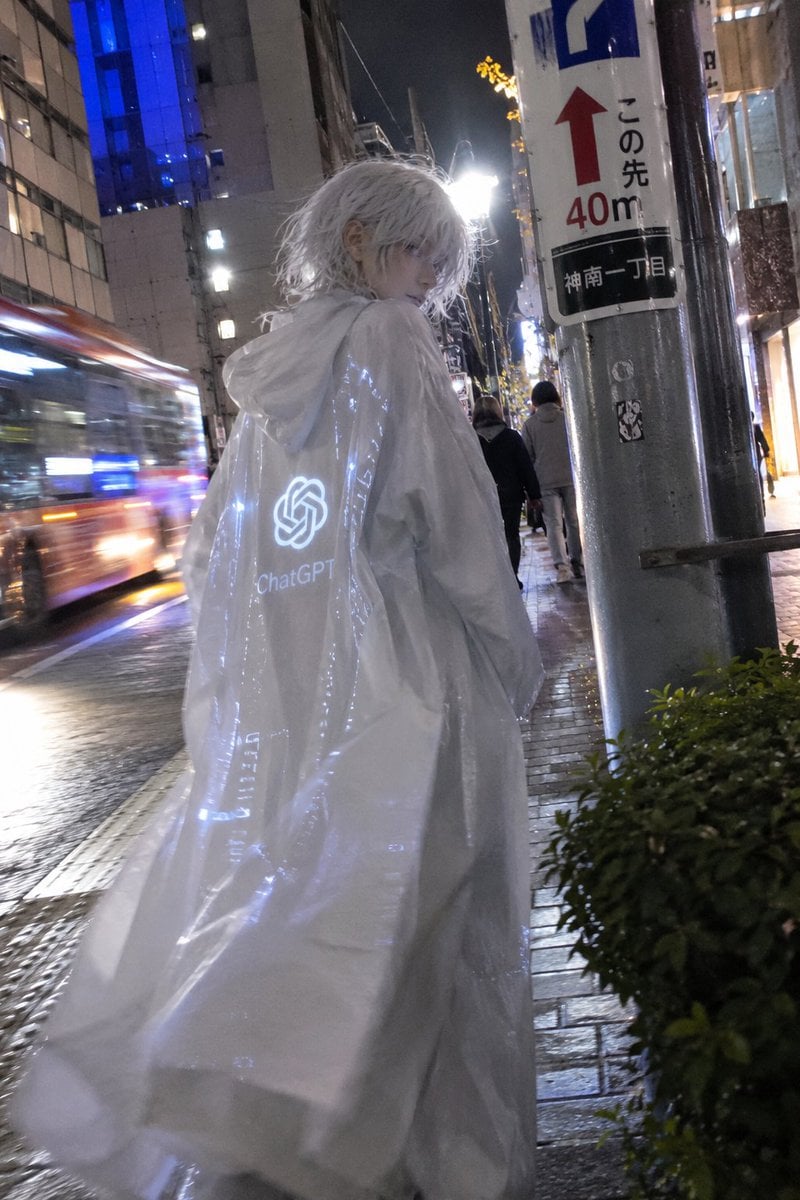
Mystical ChatGPT Raincoat Figure
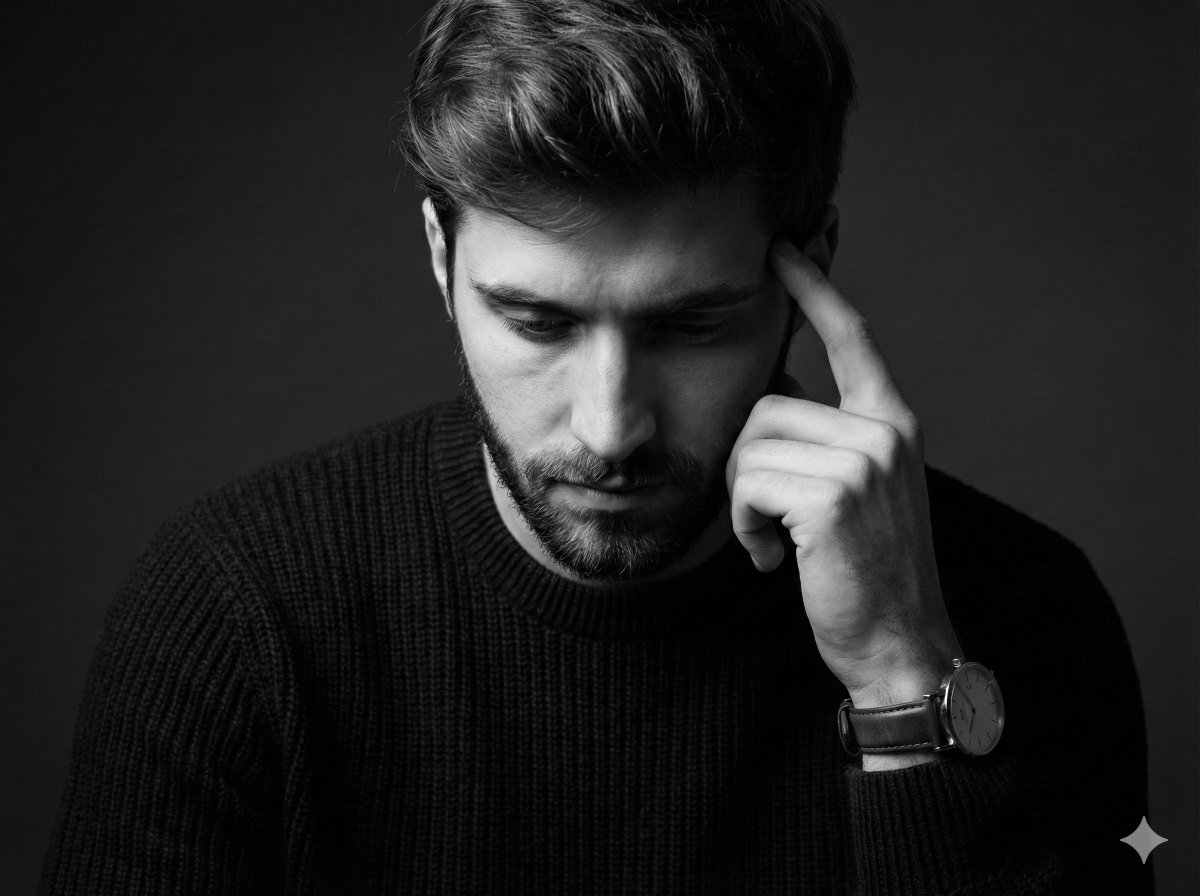
Monochrome Pensive Male Portrait (Fine Art Style)
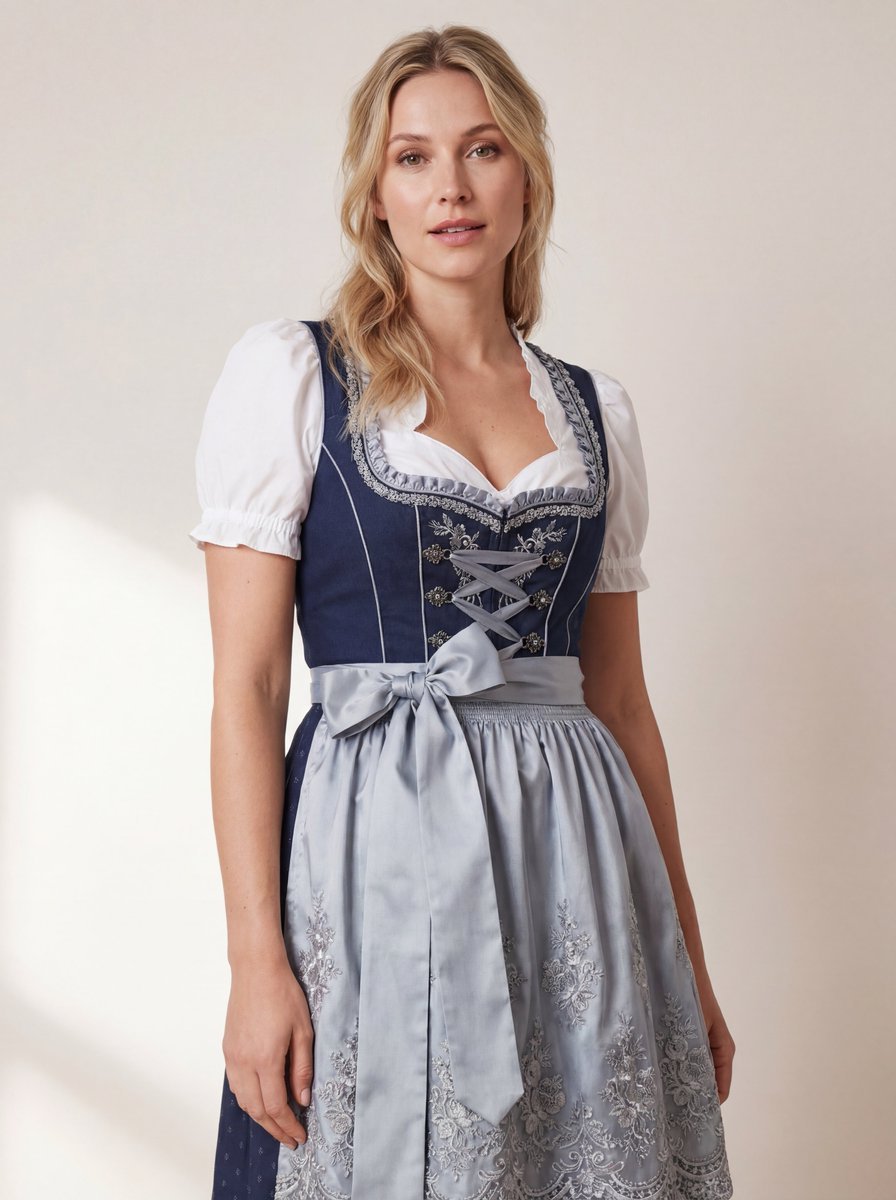
Hyper-Realistic Studio Photo of a Woman in Bavarian Dirndl
untitled
Miniature Japanese Canal Town at Dusk
High-End Matcha Product Photography Prompt for Nano Banana 2
Editorial Fashion Photography with Structural Mimicry Prompt
Steampunk Cat Airship Over the Sea
Photorealistic render from illustration
Shiba Inu Space Dream Poster
Browse template categories
NEONVEIL Mascot Manga Page questions
How do I use the NEONVEIL Mascot Manga Page template?
Add your photo if the template asks for one, edit the prompt if you like — the template's model and format are already selected — and press Generate. Your version opens in PicX Studio.
Can I customize the NEONVEIL Mascot Manga Page template?
Yes. You can change the subject, setting, lighting, mood, format, and available model controls before creating your image.
Is the NEONVEIL Mascot Manga Page template free?
Opening and editing this template is free. Generating uses credits, shown on the Generate button when you are signed in.
Which AI model should I use?
Start with GPT Image 2, which is the model associated with this template. You can compare another compatible model for a different finish.
Looking for something else? Browse all templates.

Your photo, any look
Thousands of ready templates for every top image and video model, from one credit balance.