How do I use the Emma Stone High-Fashion Editorial in Pink Plaid template?
Choose the primary action to open PicX Studio with the available template settings. Review the model and format, personalize the creative direction, and generate when ready.
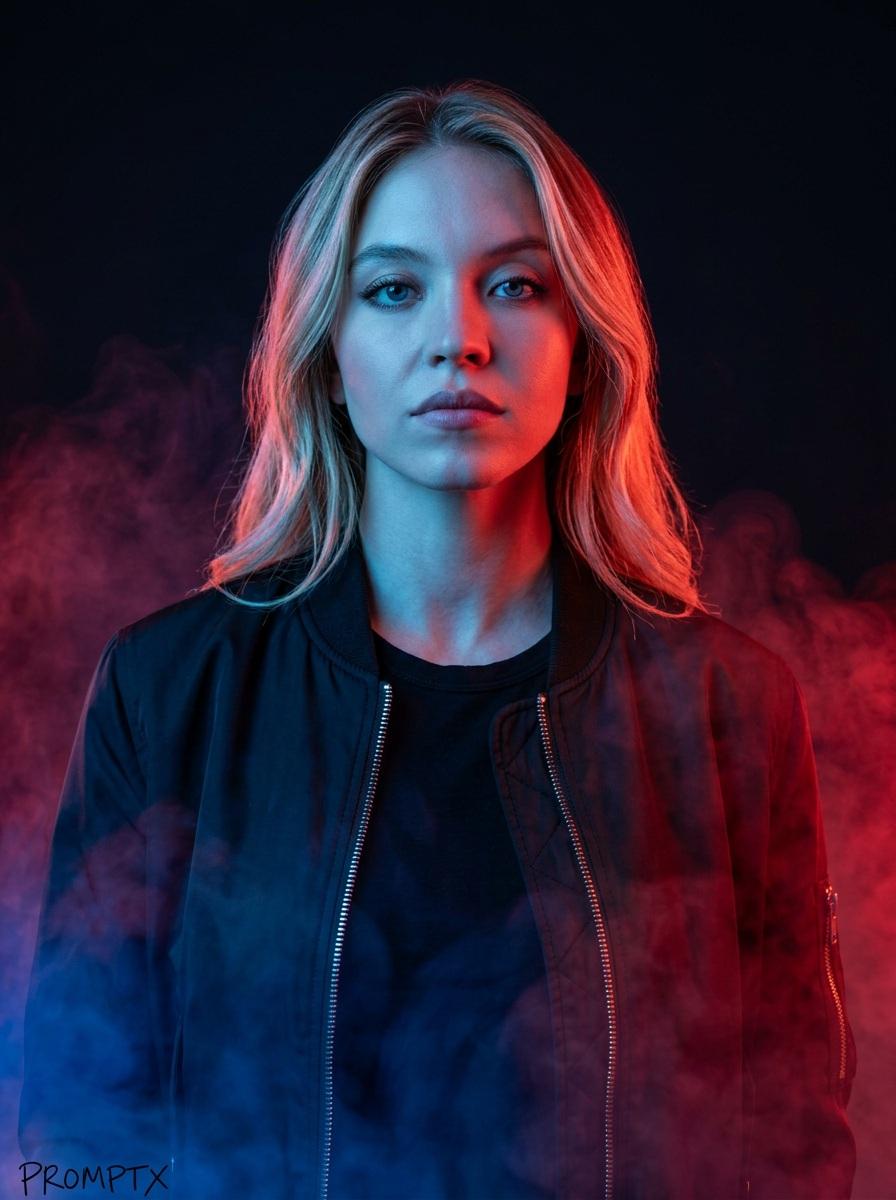
A detailed JSON prompt for Nano Banana Pro to generate an ultra-photorealistic, high-fashion editorial image of Emma Stone posing dynamically on a stool against a dusty rose pink background, wearing a black crop top and pink plaid skirt. Change the subject, setting, or lighting one variable at a time.

{ “meta”: { “quality”: “ultra_photorealistic, raw style, 8k”, “camera”: “Hasselblad H6D-400c, 80mm lens”, “lighting”: “professional studio lighting, dramatic rim lighting”, “style”: “high-fashion magazine editorial”, “aspect_ratio”: “9:16” }, “scene”: { “location”: “A minimalist studio with a delicate dusty rose pink background wall and a clean white floor with subtle shadows.”, “atmosphere”: “Sophisticated, high-end fashion.” }, “subject”: { “gender”: “female”, “name”: “Emma Stone”, “body”: { “type”: “Athletic and toned physique” }, “face”: { “features”: “Large expressive green eyes, signature vibrant red hair styled in elegant waves, subtle freckles, distinct facial features, intense editorial gaze.”, “expression”: “Serious and poised.” }, “outfit”: { “description”: “Black fitted sleeveless crop top with delicate spaghetti straps, a pleated pink plaid skirt, black sheer hosiery with lace detailing, black high-heeled pumps.”, “fit”: “Designer, sleek, tailored.”, “accessory”: “Posing with a small dark wooden stool.” }, “pose”: “Professional fashion pose. Standing with her right leg elevated, foot resting on a small stool to create a dynamic silhouette. Head turned toward the lens.” }, “composition”: “Full-body vertical shot, balanced composition, sharp focus on subject and fabric textures. Clean studio aesthetic.” }
Choose the primary action to open PicX Studio with the available template settings. Review the model and format, personalize the creative direction, and generate when ready.
Yes. You can change the subject, setting, lighting, mood, format, and available model controls before creating your image.
This template is free to open and customize. Generation usage is shown in PicX Studio before you create.
© 2026 PicX Studio. All rights reserved.

Start with Nano Banana 2, which is the model associated with this template. You can compare another compatible model for a different finish.
Follow a topic to a crawlable collection of related PicX Studio templates.
43,474 public templates available. Verified via the PicX Studio public templates API; refreshed hourly.






![Naive doodle-style subject illustration — A doodle-style {argument name="subject" default="[subject]"}, naive lines, humorous shape exaggeration](https://pbs.twimg.com/media/G6Wl2YxbsAARB2b.jpg)