How do I use the Professional Old Photo Restoration template?
Choose the primary action to open PicX Studio with the available template settings. Review the model and format, personalize the creative direction, and generate when ready.
Restores and realistically colorizes a damaged vintage portrait while preserving the original person, pose, and composition. Change the subject, setting, or lighting one variable at a time.
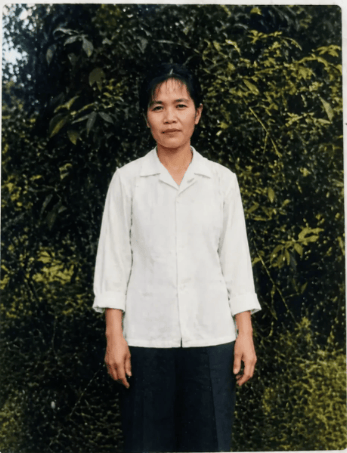
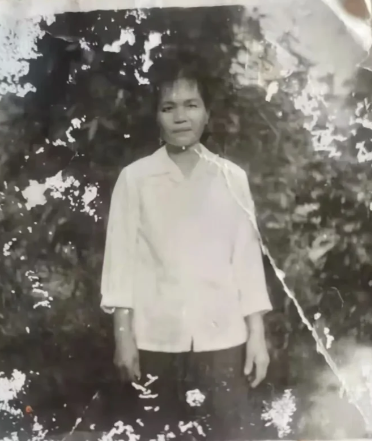
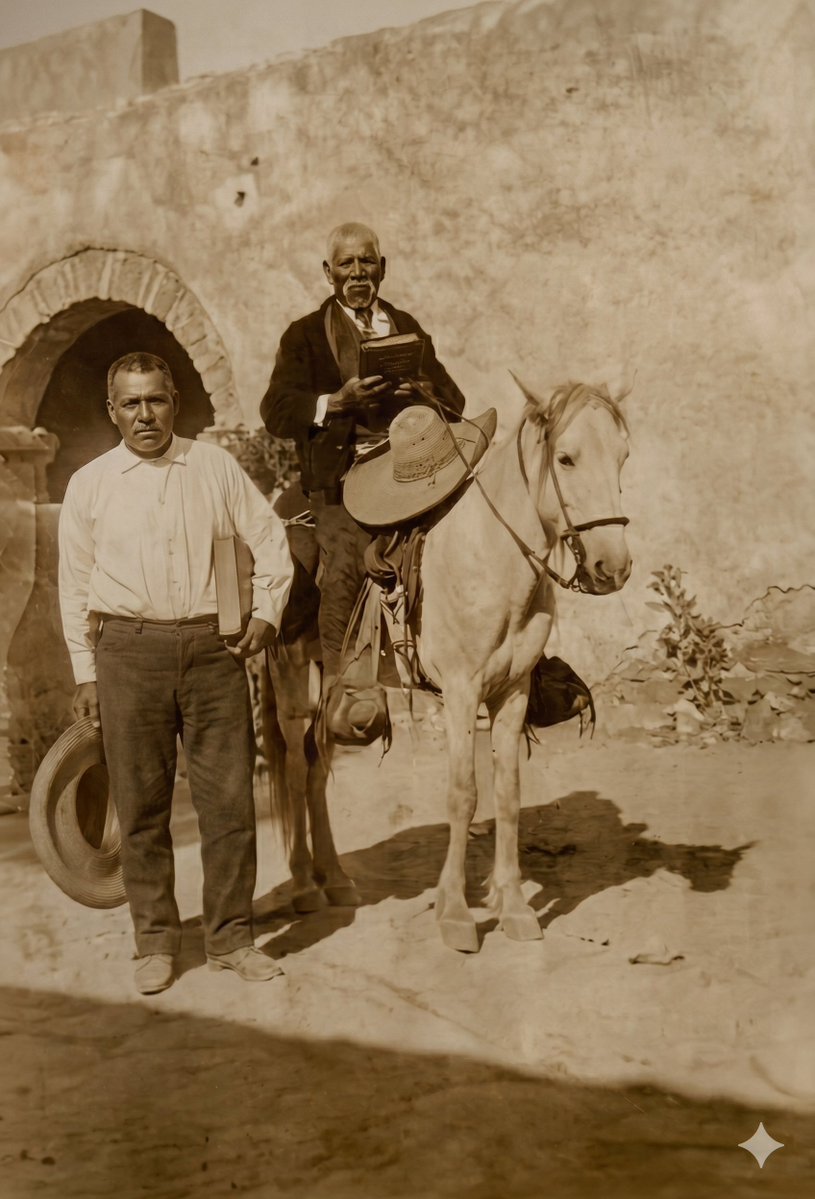
Using the provided reference image, perform a professional old-photo restoration and realistic colorization. Keep the original composition, the single standing person, pose, clothing shape, body proportions, and background layout unchanged. Remove all visible aging damage: mold-like white patches, peeling emulsion, scratches, stains, cracks, creases, faded contrast, and worn borders. Reconstruct missing image areas naturally without inventing new objects or changing the subject's identity. Convert the black-and-white damaged photo into a clean natural-color photograph from the {argument name="photo era" default="1970s"}: green outdoor foliage, a white long-sleeve shirt, dark trousers, natural skin tones, and soft daylight. Improve clarity, exposure, and texture while preserving the original documentary look; do not beautify, slim, reshape facial features, alter clothing, change the pose, add modern effects, or make it look like a newly staged portrait.
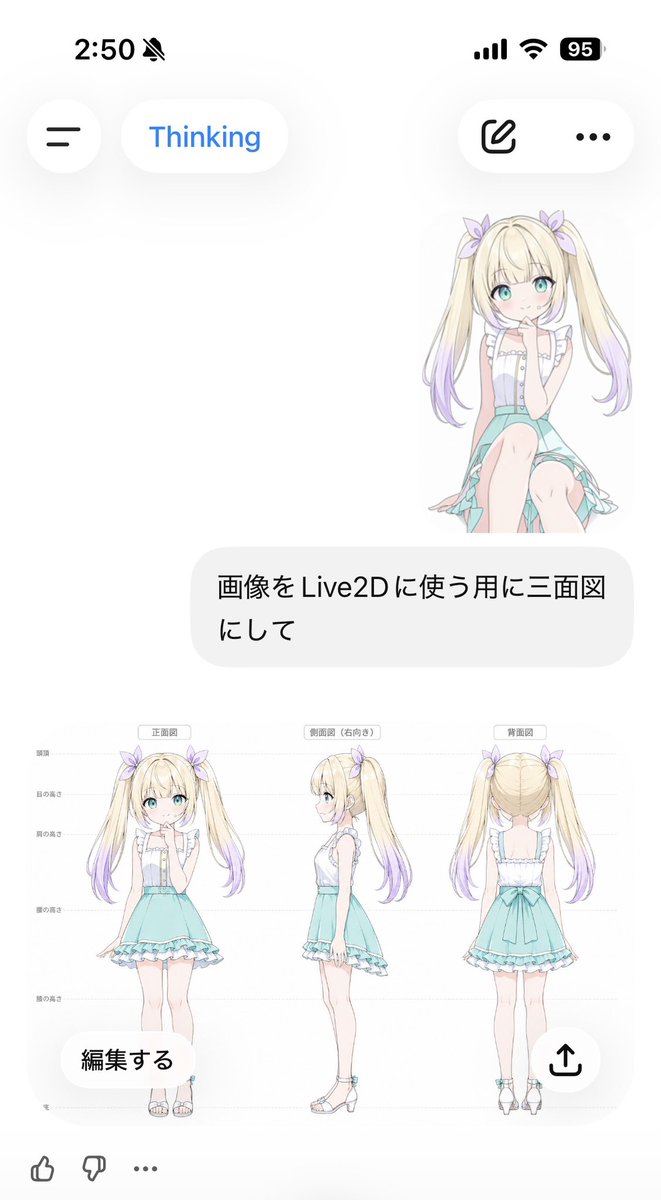
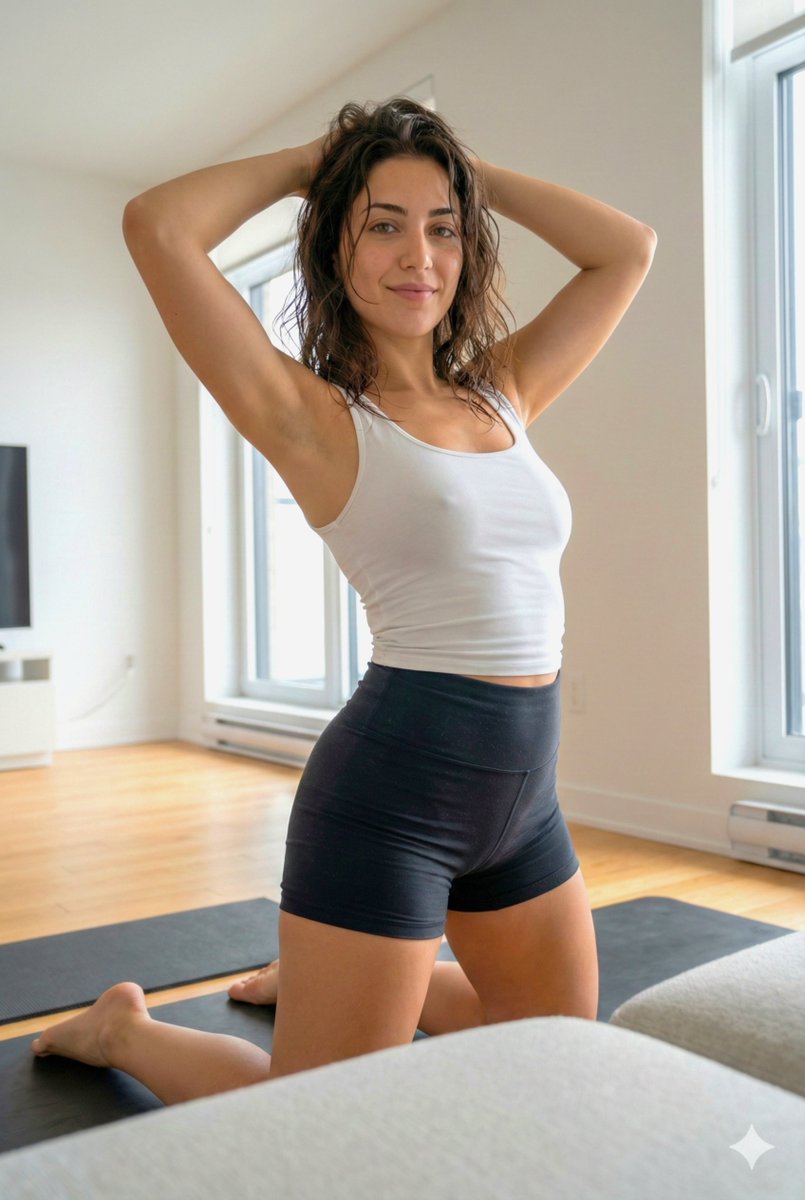
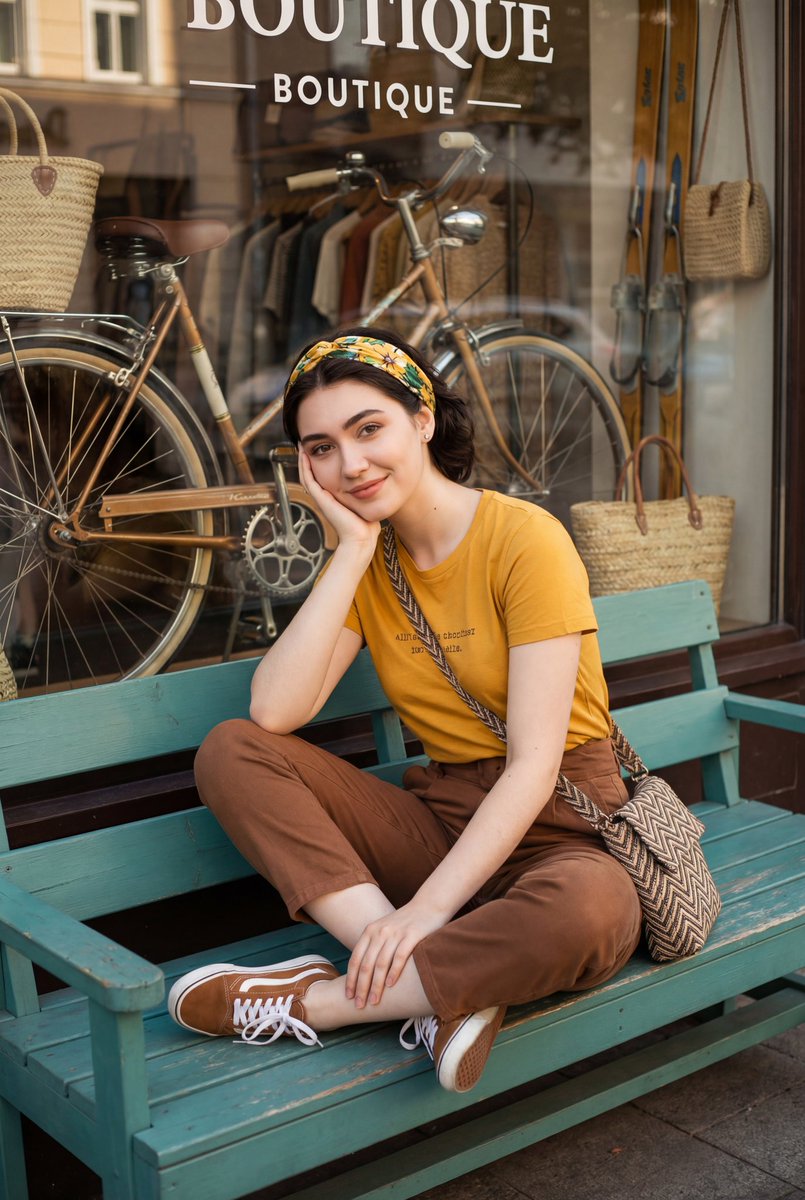
Professional Old Photo Restoration needs input media to work. Open it in the studio and these load alongside the prompt — pick whichever ones your chosen model can take.
Choose the primary action to open PicX Studio with the available template settings. Review the model and format, personalize the creative direction, and generate when ready.
Yes. You can change the subject, setting, lighting, mood, format, and available model controls before creating your image.
This template is free to open and customize. Generation usage is shown in PicX Studio before you create.
Start with GPT Image 2, which is the model associated with this template. You can compare another compatible model for a different finish.
© 2026 PicX Studio. All rights reserved.

Follow a topic to a crawlable collection of related PicX Studio templates.
43,474 public templates available. Verified via the PicX Studio public templates API; refreshed hourly.




![Character Archive — Blueprint Concept Sheet — A character concept sheet of a [character], featuring detailed front, back, and side views, along with close-up sk](/_next/image?url=https%3A%2F%2Fcdn.picxstudio.com%2Fuploads%2Fcharacter-archive-blueprint_bfd5779a-687e-4233-83b2-2ae86a20e679.jpg&w=828&q=100)










![Minimalist Flat Vector Travel Poster — Premium minimalist flat-vector travel poster for {argument name="city name" default="[CITY_NAME]"}, 3:4 vertical format.](https://cms-assets.youmind.com/media/1787917359711_3ug846_HQX205cbMAA6F6S-300x400.jpg)