
360 AI Art Gallery Panorama
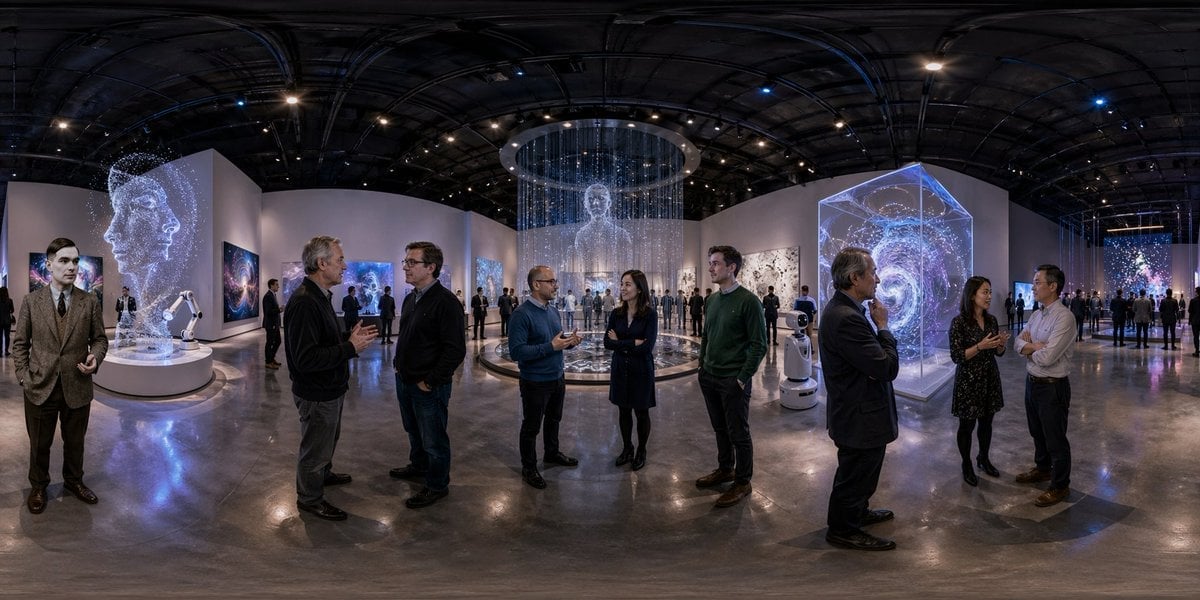
A photorealistic immersive 360-degree museum panorama showing a futuristic AI-themed exhibition, ideal for VR scenes, virtual tours, or concept visualization.
- Prompt included
- Model and format preset
- Free template
The prompt behind this image
Copy the exact prompt behind 360 AI Art Gallery Panorama, or open it in the studio and make it yours.
An ultra-wide 360-degree equirectangular panoramic view of a futuristic contemporary art gallery exhibition about artificial intelligence, designed for immersive VR viewing. The scene is inside a vast dark-ceilinged museum hall with exposed rigging, many small spotlights, polished reflective concrete floors, and curved white exhibition walls wrapping continuously across the panorama. The environment is filled with {argument name="visitor count" default="about 25"} adult visitors in smart casual and business attire, standing in small conversational groups and scattered around the room, with subtle face blur or indistinct facial detail. At the exact center of the panorama is a circular installation platform containing a tall translucent holographic human figure made of white glowing particles and vertical strands of light, suspended beneath a large circular ceiling ring. On the left side, show a white robotic arm sculpture on a round pedestal in front of a giant wall artwork depicting a luminous side-profile human head composed of particles and constellation-like dots. Across the walls, include 6 visible AI-themed artworks total: 1 giant particle head mural, 3 framed cosmic nebula or galaxy images, 1 large monochrome abstract painting, and 1 tall colorful starfield-like digital piece in the far right background. On the right foreground, place a large transparent cube installation containing a swirling spiral galaxy projection in blue, violet, and white. Also include 2 small white service robots near the center-right area of the floor. Lighting is cinematic and cool-toned, with blue, purple, and white glows from the installations contrasting against the dark ceiling and neutral gallery architecture. The mood is sleek, high-end, intellectual, and techno-cultural, like an AI biennale or premium digital art fair. Render photorealistically with crisp architectural detail, realistic reflections, natural human scale, and full seamless 360 panorama distortion appropriate for an equirectangular image.
How to use 360 AI Art Gallery Panorama in 3 steps
- 1Upload ImagePNG, JPG or paste
Add your photo
Upload the photo the template builds on. The prompt, model and format are already set.
- 2…a portrait of your subject in softgolden-hour light, 85mm…
Personalize
Edit the subject and creative details for your destination.
- 3Generate
Generate
Press Generate — your image is created in PicX Studio, so you can compare it with the original and refine one variable at a time.
More like this
Templates with the same subject, style or setup. Open one to see its prompt.
Mars Panorama Generator
City Spherical Panorama Tiny Planet
Hyperrealistic, surreal spherical panorama with its most iconic
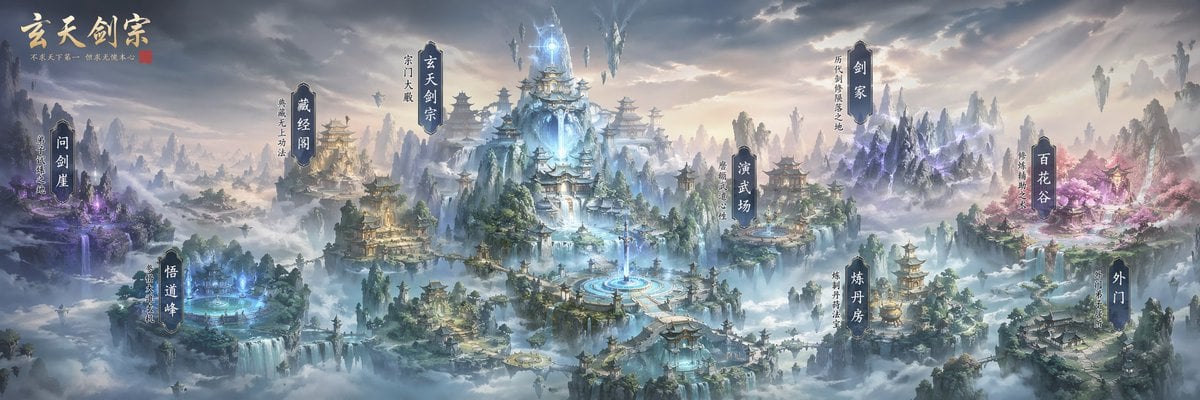
Xianxia Sect Panorama Map
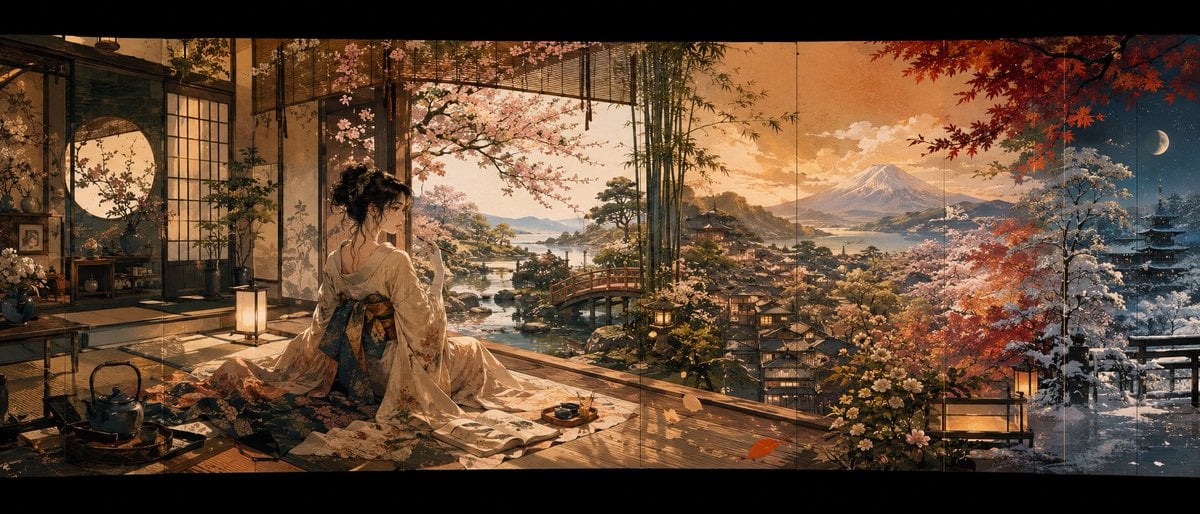
Four Seasons Japanese Panorama
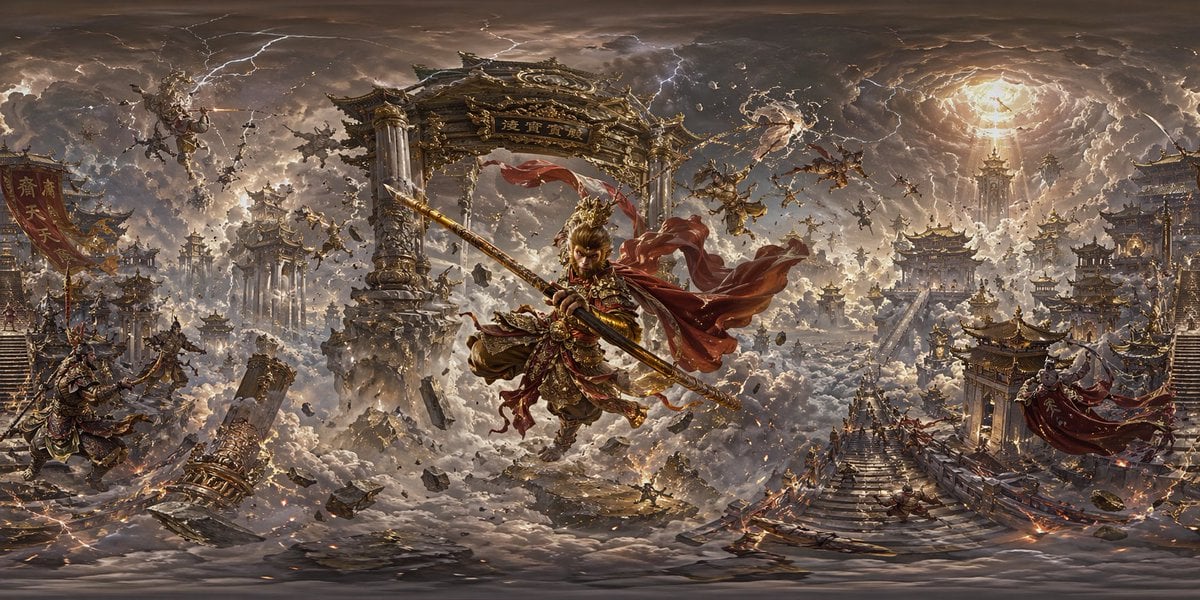
Degree Panorama Generation Formula
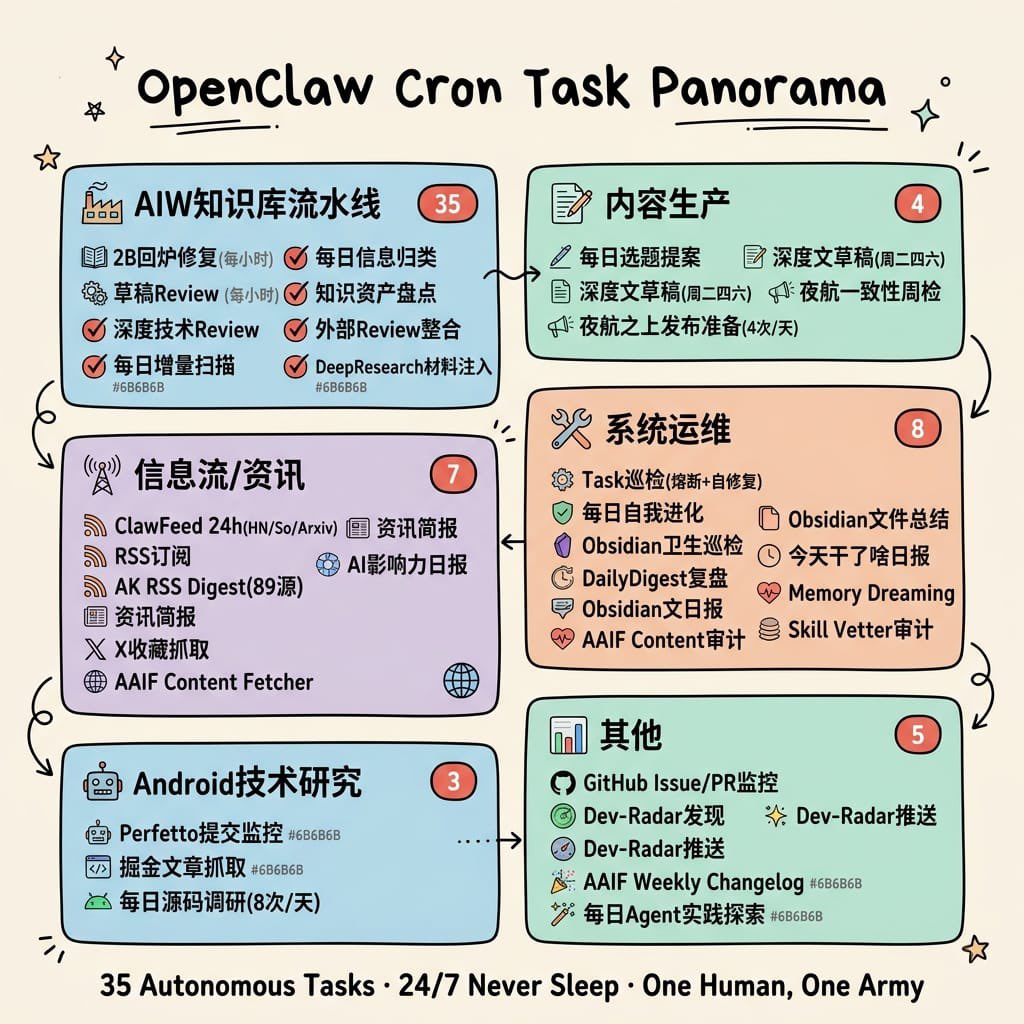
Hand-Drawn Cron Task Panorama
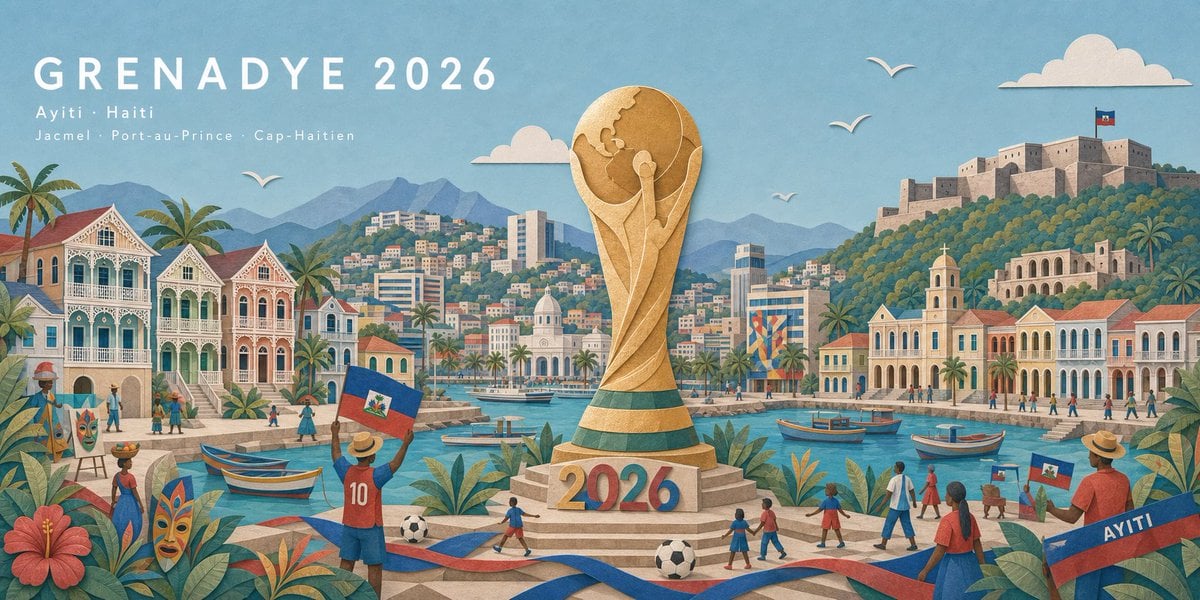
Haitian Football Poster Panorama
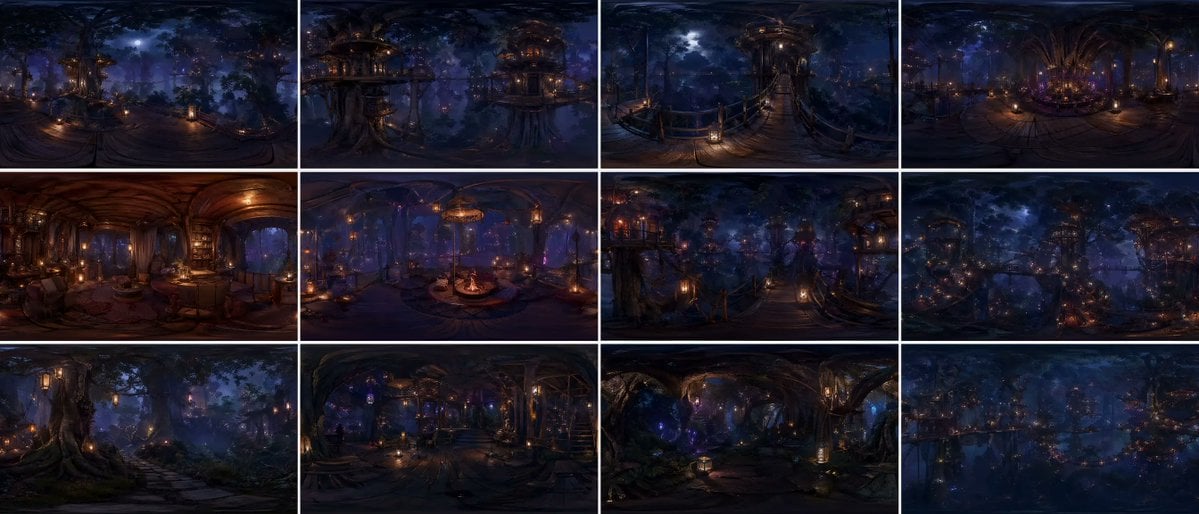
Degree Forest World Panorama Grid
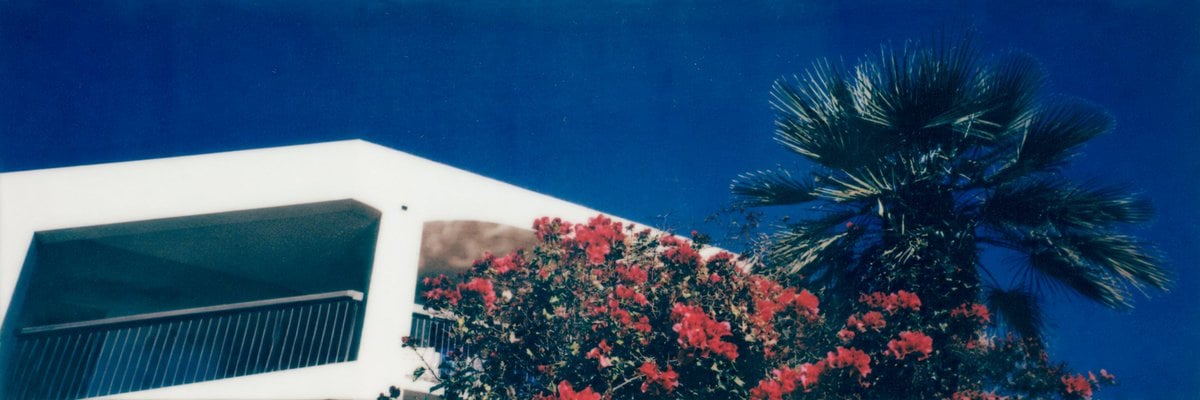
Mediterranean Villa Film Panorama
Degree Panorama Cockpit Scene
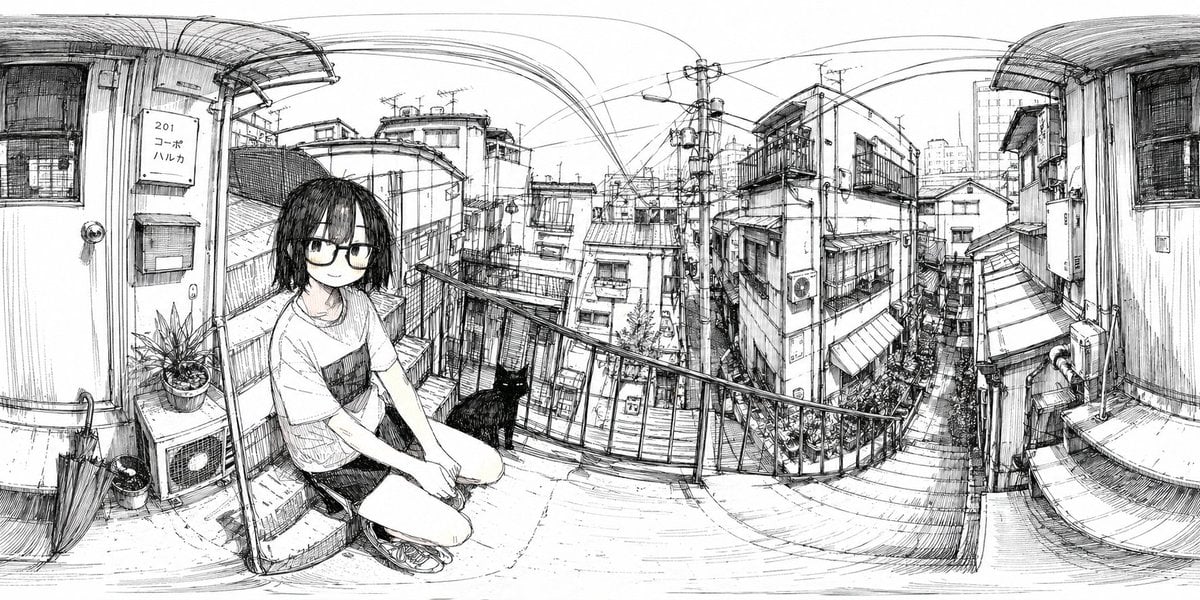
Ink 360 Panorama of Tokyo Backstreet
Make it yours
360 AI Art Gallery Panorama works as-is. These are the safest ways to change it without losing the look.
Change one field
Copy a single group, rewrite it, and generate again so you can see what that field is doing.
Keep the frame, change the subject
Hold the composition and light of 360 AI Art Gallery Panorama, then swap wardrobe, props or the person for a new take.
| If the result… | Why | Fix |
|---|---|---|
| The result drifts from the preview | Too many fields changed at once. | Reuse 360 AI Art Gallery Panorama as-is first, then change one group — subject, light, or setting. |
| The model over-stylizes the scene | The prose prompt leaves finish and camera underspecified. | Add one camera or lighting sentence and stay on GPT Image 2. |
More GPT Image 2 templates
Other prompts made for GPT Image 2.

Six VTuber Japanese Logo Sheet

Realistic Portrait of Woman and Deer

The Vista Modular Condo Poster

AI Model Routing Comparison Infographic

2.5D Anime Art Board

Isometric Productivity Desk Scene

New York Double Exposure Poster

Four-Panel AI Landscape Comparison

Japanese Tatami Lifestyle Magazine Cover

NESCAFÉ Coffee Map Poster
More image prompts
Fresh picks from across the catalog.
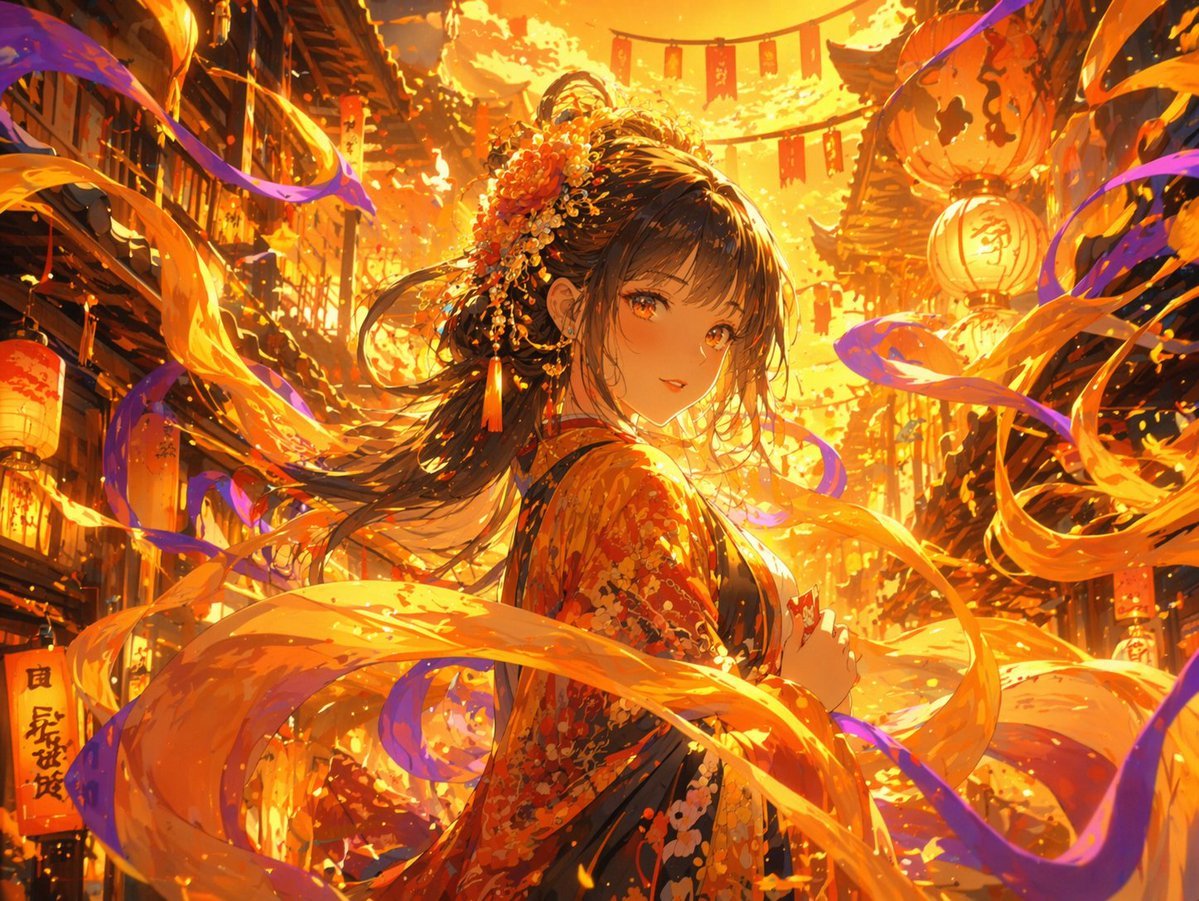
Magical Glowing Ribbon Style Transformation
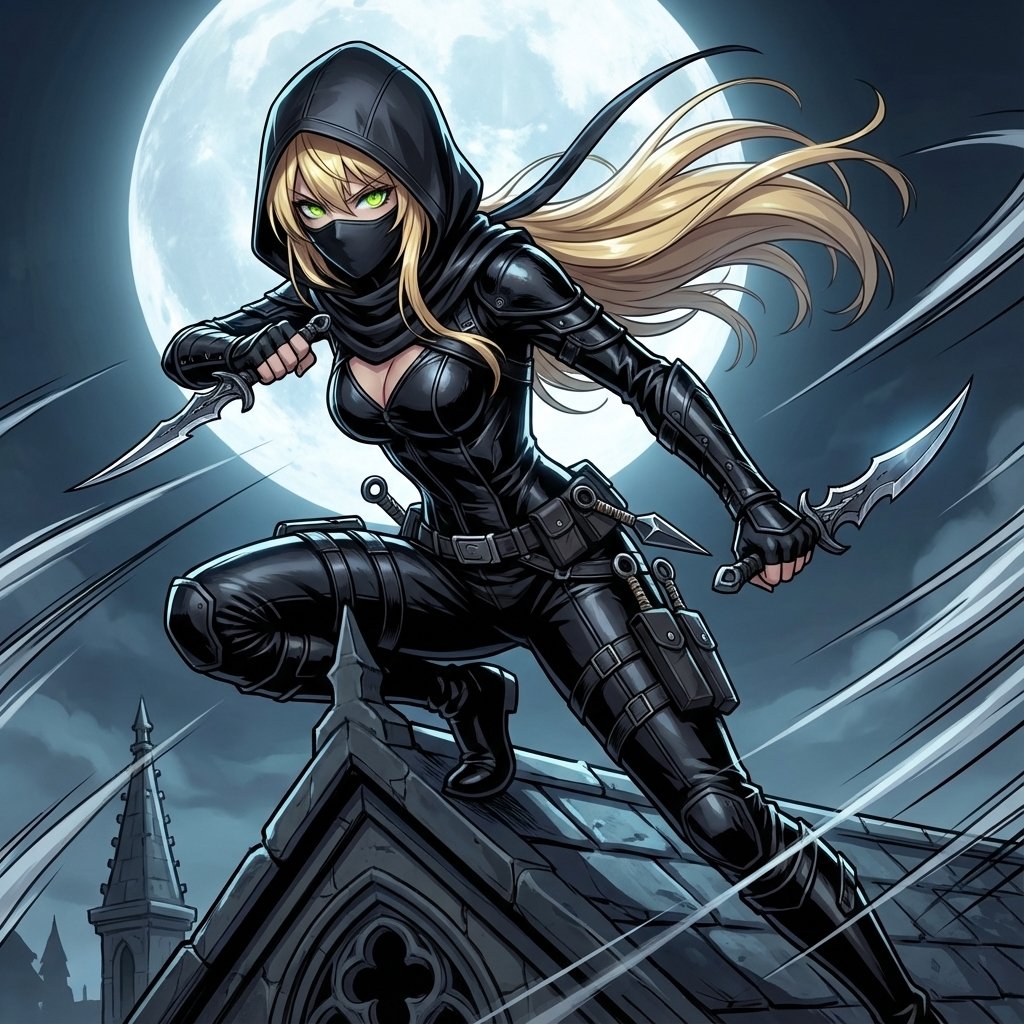
Assassin Style Conversion Prompt (Japanese)
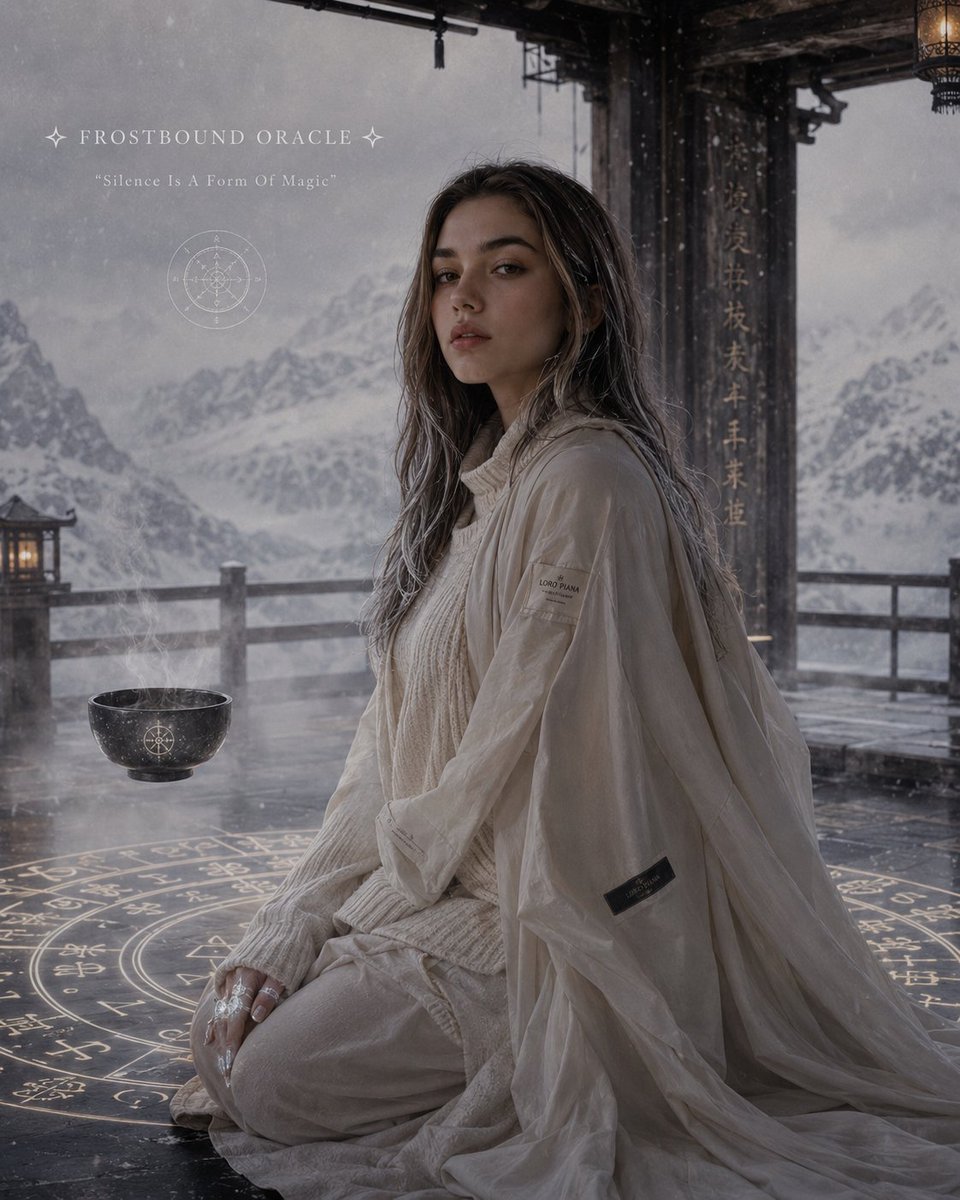
Celestial Ryokan Fantasy Editorial
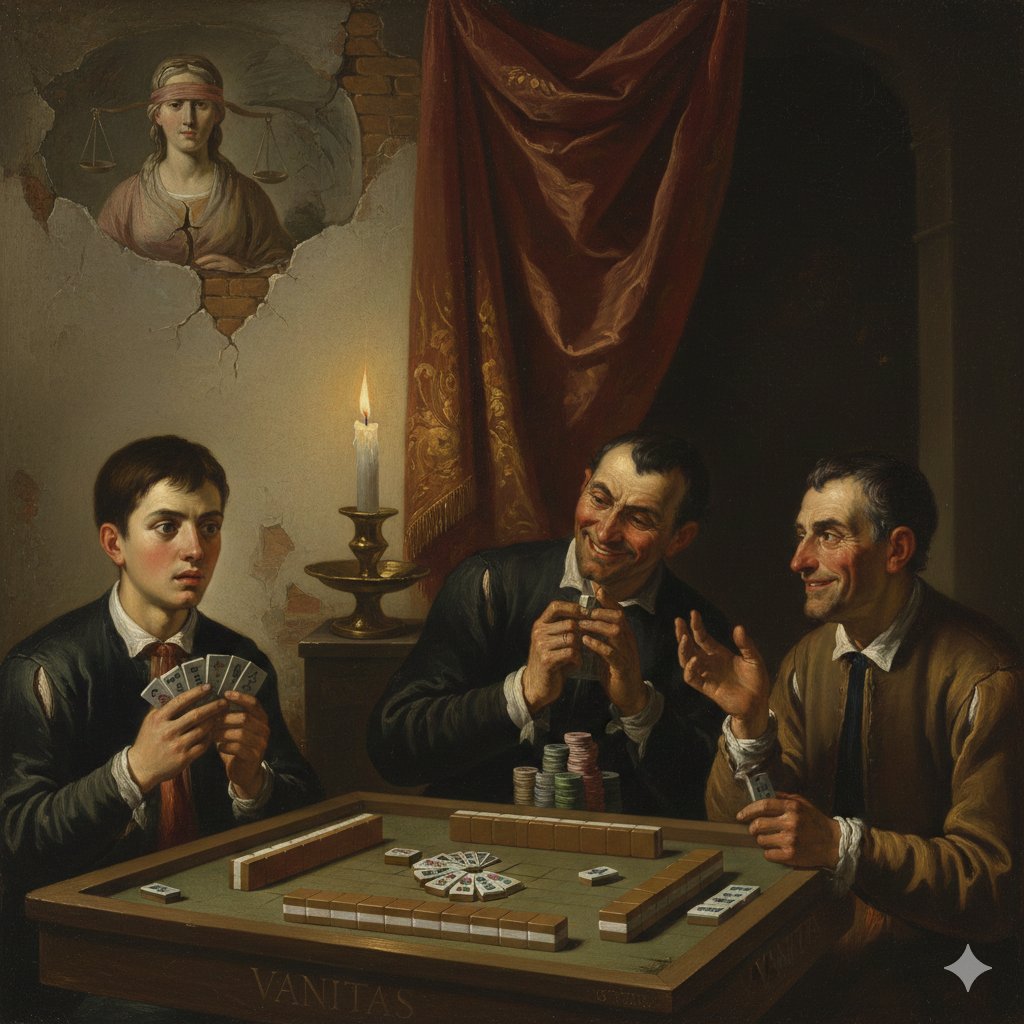
Caravaggio-style Moral Painting of Cheating at Mahjong
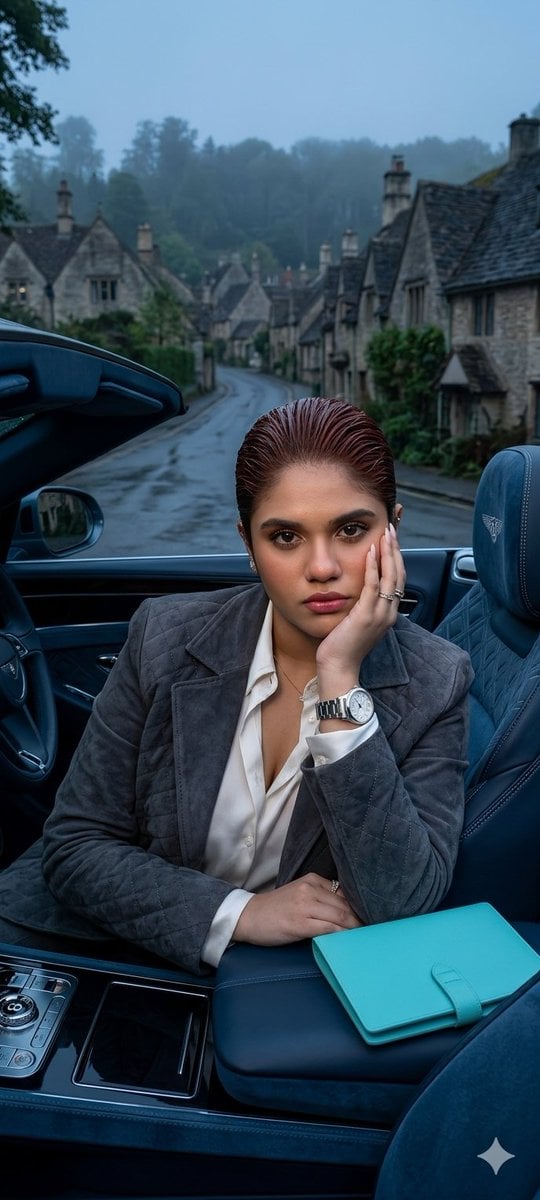
X Oye Samia Hyper Realistic Scene on the Outskirts
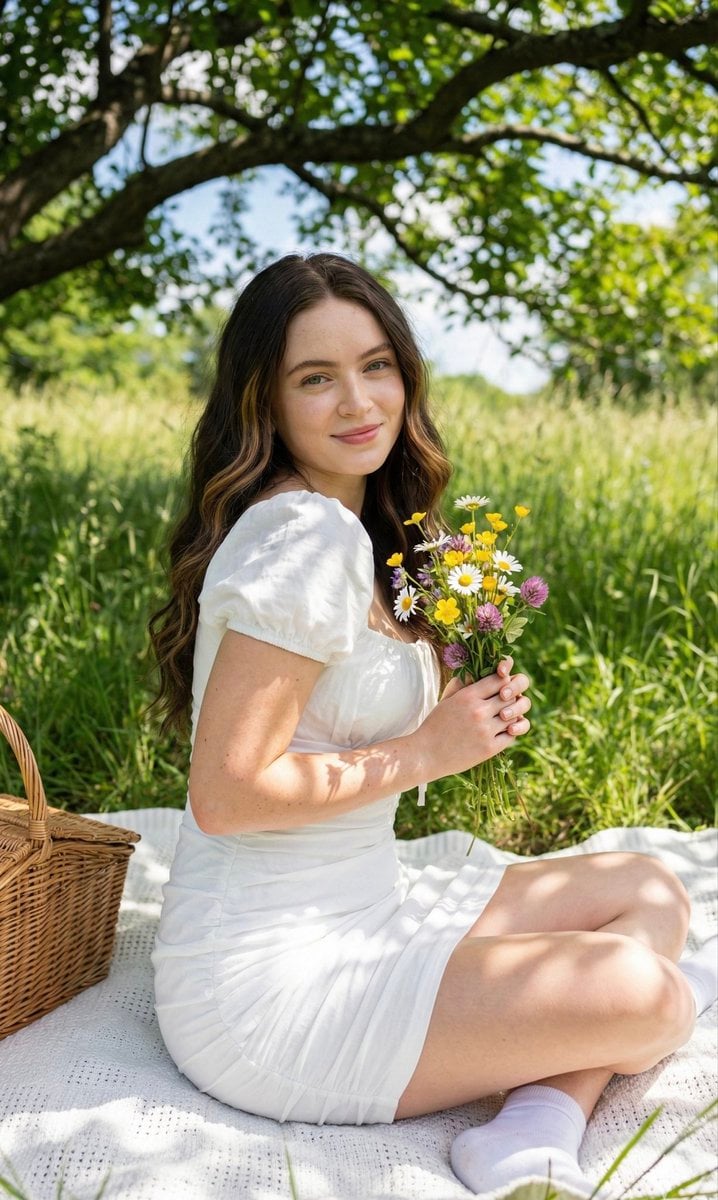
Cottagecore Picnic Portrait Prompt

X Sheldon056 Ultra Realistic Fashion Campaign Poster Featuring

Hyper-Realistic Football Broadcast Still
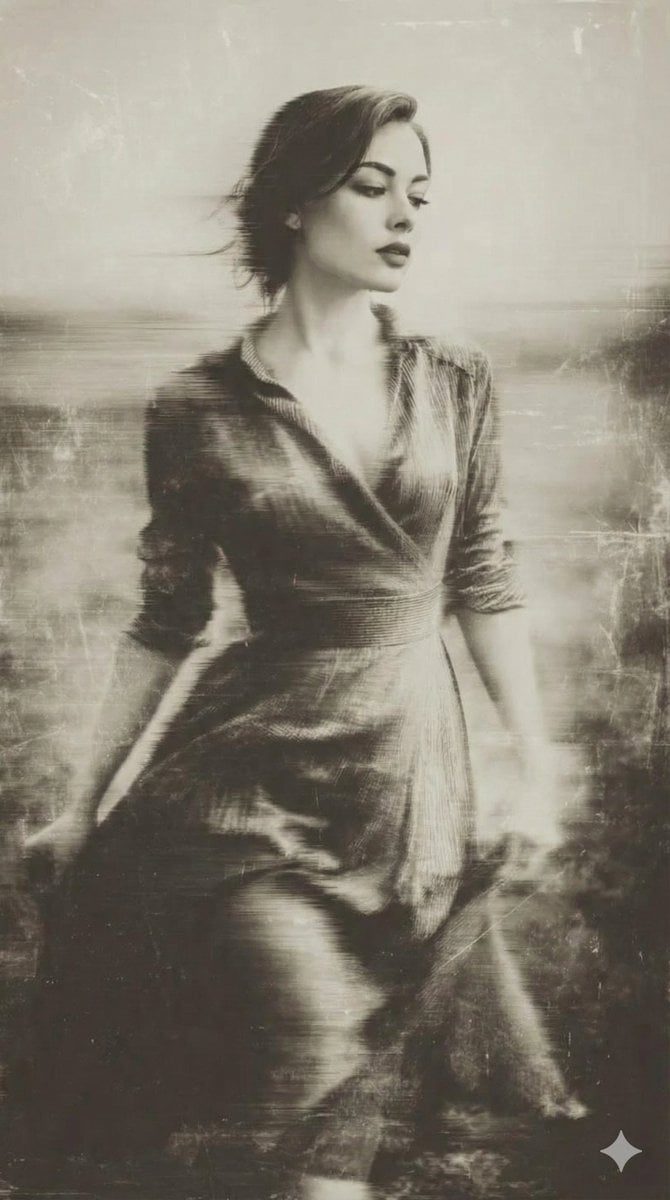
Vintage Wet-Plate Photograph Portrait
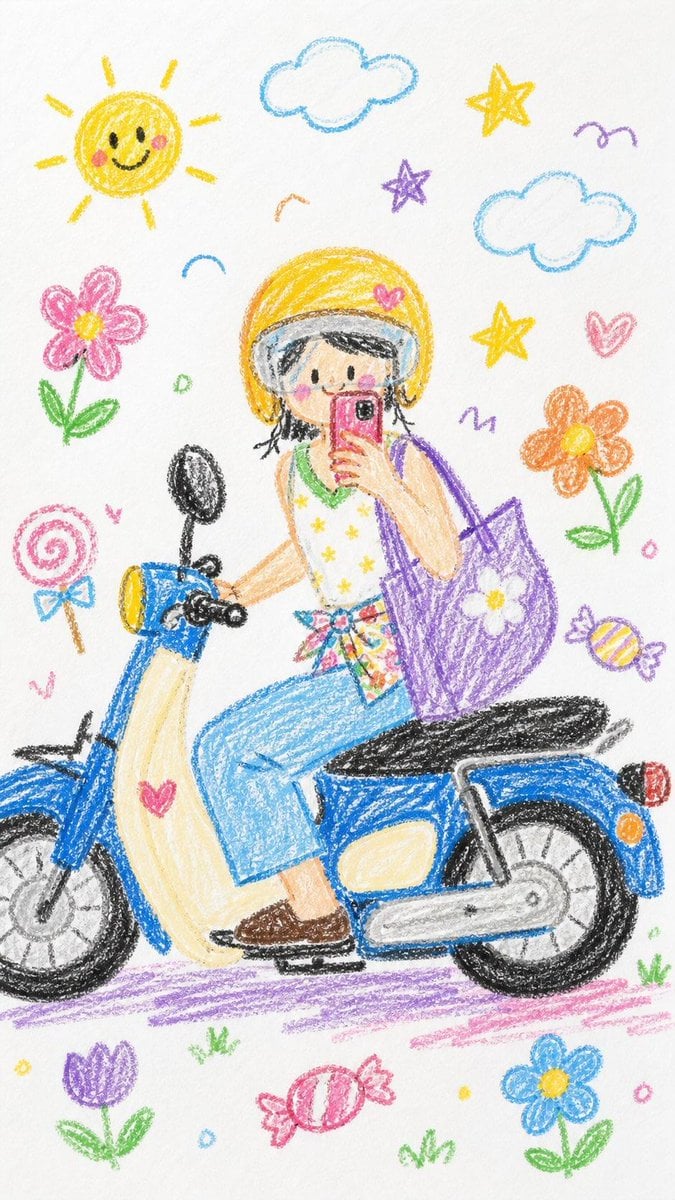
Crayon Style Image Transformation
Browse template categories
360 AI Art Gallery Panorama questions
How do I use the 360 AI Art Gallery Panorama template?
Add your photo if the template asks for one, edit the prompt if you like — the template's model and format are already selected — and press Generate. Your version opens in PicX Studio.
Can I customize the 360 AI Art Gallery Panorama template?
Yes. You can change the subject, setting, lighting, mood, format, and available model controls before creating your image.
Is the 360 AI Art Gallery Panorama template free?
Opening and editing this template is free. Generating uses credits, shown on the Generate button when you are signed in.
Which AI model should I use?
Start with GPT Image 2, which is the model associated with this template. You can compare another compatible model for a different finish.
Looking for something else? Browse all templates.

Your photo, any look
Thousands of ready templates for every top image and video model, from one credit balance.