
Dust-Drawn Symbol on Car Hood
This prompt generates a realistic close-up photo of a dusty car hood with a large hand-drawn emblem, useful for automotive, environmental, or symbolic visual storytelling.
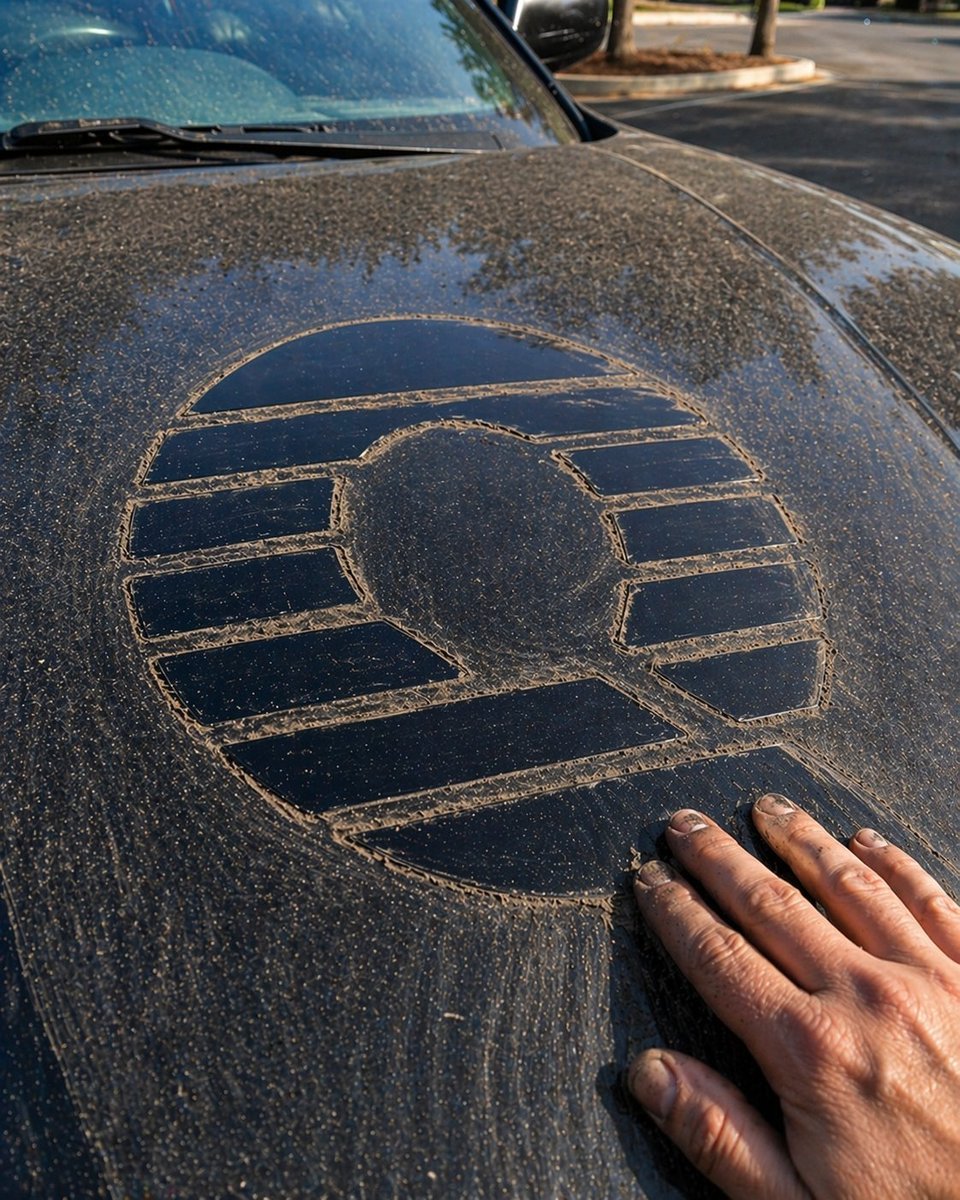
- Prompt included
- Model and format preset
- Free template
The prompt behind this image
Copy the exact prompt behind Dust-Drawn Symbol on Car Hood, or open it in the studio and make it yours.
A photorealistic close-up of the hood of a dark blue or black car parked outdoors, covered in a thick layer of beige-brown dust and pollen. In the center of the hood, a large clean emblem-like shape has been finger-drawn through the dust, revealing the glossy paint underneath. The symbol is a circular logo with 8 segmented bars around a raised circular center: 1 wide curved segment across the top, 3 horizontal bar segments on the left side, 3 horizontal bar segments on the right side, and 1 wide angled segment across the bottom. A realistic adult human hand with dirty fingernails rests on the lower right area of the hood, as if it has just finished drawing the symbol. Show streaks, smudges, and finger-trace texture in the dust around the edges of the design. Include part of the windshield and 1 windshield wiper at the top left, with soft reflections of trees in the glass and paint. Background is a slightly blurred parking lot with sunlit pavement, curb, and 3 tree trunks. Warm late-afternoon natural lighting, shallow depth of field, high-detail automotive surface reflections, candid documentary-style composition, vertical smartphone photo framing.
How to use Dust-Drawn Symbol on Car Hood in 3 steps
- 1Upload ImagePNG, JPG or paste
Add your photo
Upload the photo the template builds on. The prompt, model and format are already set.
- 2…a portrait of your subject in softgolden-hour light, 85mm…
Personalize
Edit the subject and creative details for your destination.
- 3Generate
Generate
Press Generate — your image is created in PicX Studio, so you can compare it with the original and refine one variable at a time.
More like this
Templates with the same subject, style or setup. Open one to see its prompt.

Hand-drawn Infographic Card Prompt
Low-angle man with hood scarf and cat on head

Hand-drawn infographic card about long-term IP building
Photorealistic Fashion Portrait on Car Hood at Seaside
Overcast Seaside Car Hood Portrait with Identity Lock Prompt
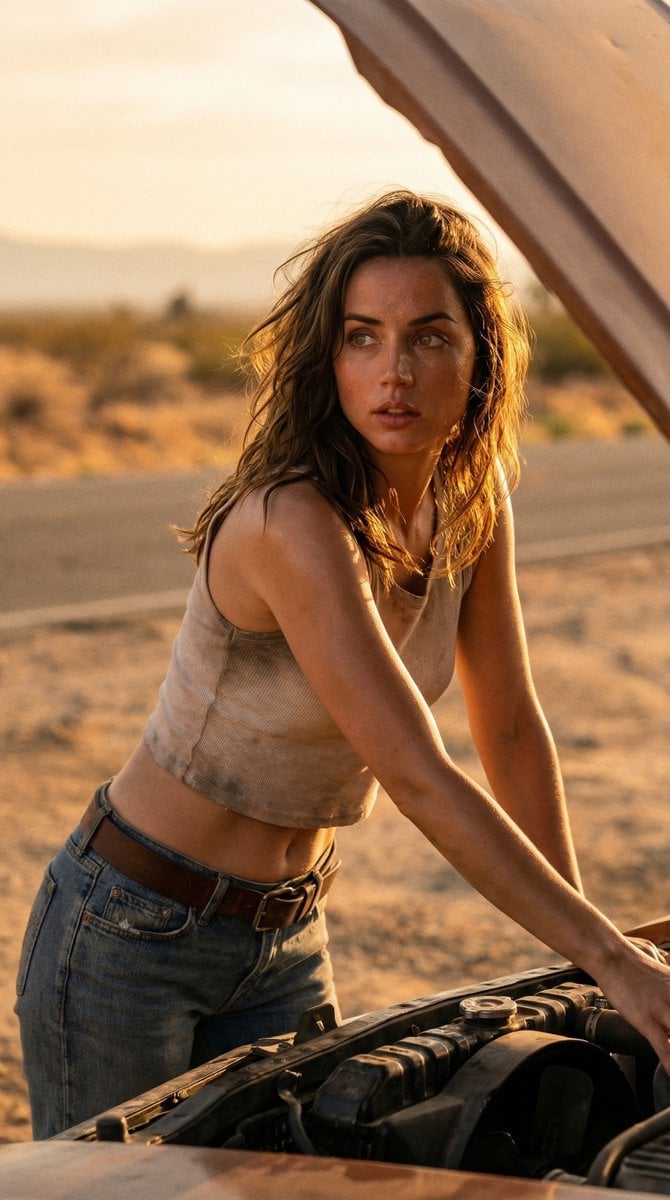
Cinematic Desert Portrait Leaning on Car Hood
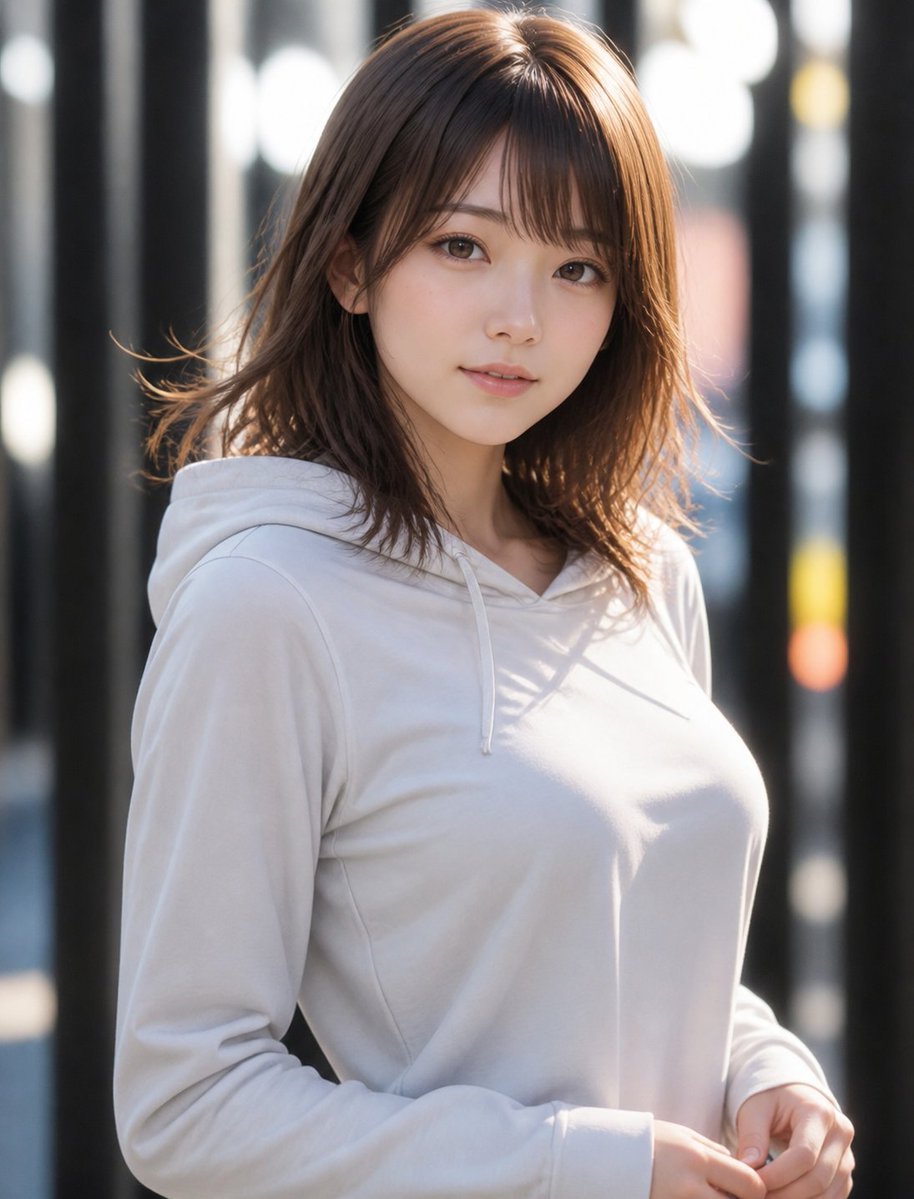
Natural Hoodie Street Portrait
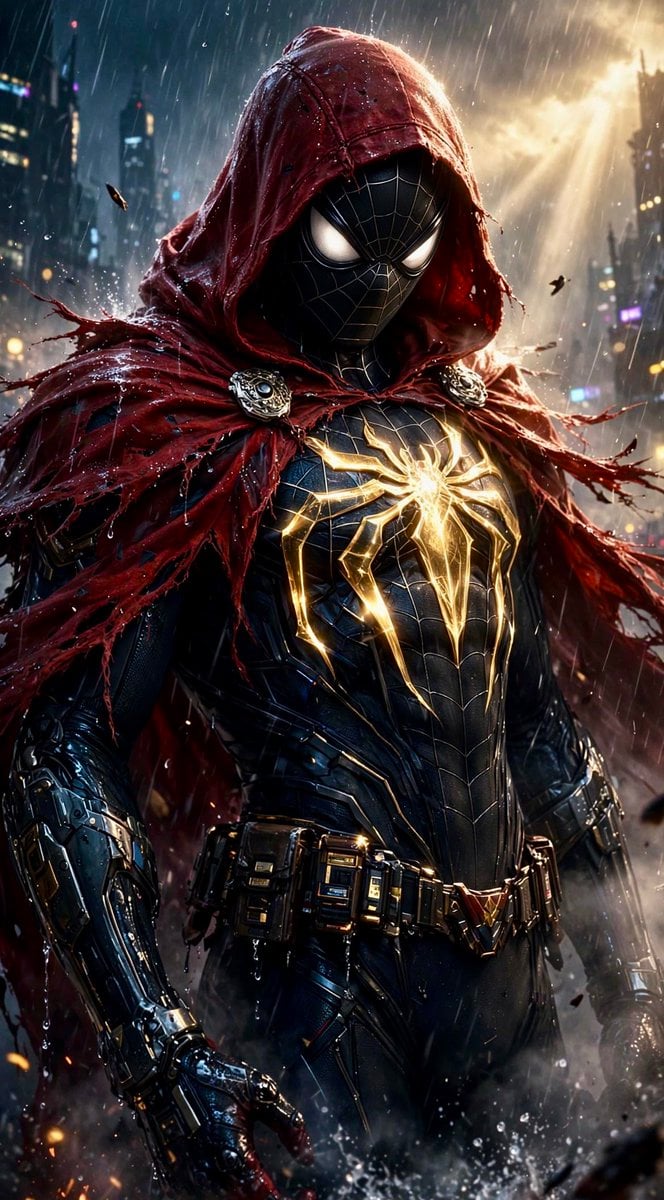
Dark Hooded Spider-Man Portrait
Simple Hand-Drawn Koala Mascot
White Suit Man in Hooded Crowd
Industrial Factory Storyboard
Hooded Rogue with Blurred Face
Make it yours
Dust-Drawn Symbol on Car Hood works as-is. These are the safest ways to change it without losing the look.
Change one field
Copy a single group, rewrite it, and generate again so you can see what that field is doing.
Keep the frame, change the subject
Hold the composition and light of Dust-Drawn Symbol on Car Hood, then swap wardrobe, props or the person for a new take.
| If the result… | Why | Fix |
|---|---|---|
| The result drifts from the preview | Too many fields changed at once. | Reuse Dust-Drawn Symbol on Car Hood as-is first, then change one group — subject, light, or setting. |
| The model over-stylizes the scene | The prose prompt leaves finish and camera underspecified. | Add one camera or lighting sentence and stay on GPT Image 2. |
More GPT Image 2 templates
Other prompts made for GPT Image 2.

Six VTuber Japanese Logo Sheet

Realistic Portrait of Woman and Deer

The Vista Modular Condo Poster

AI Model Routing Comparison Infographic

2.5D Anime Art Board

Isometric Productivity Desk Scene

New York Double Exposure Poster

Four-Panel AI Landscape Comparison

Japanese Tatami Lifestyle Magazine Cover

NESCAFÉ Coffee Map Poster
More image prompts
Fresh picks from across the catalog.
Luxury Bilingual Tasting Menu Photo
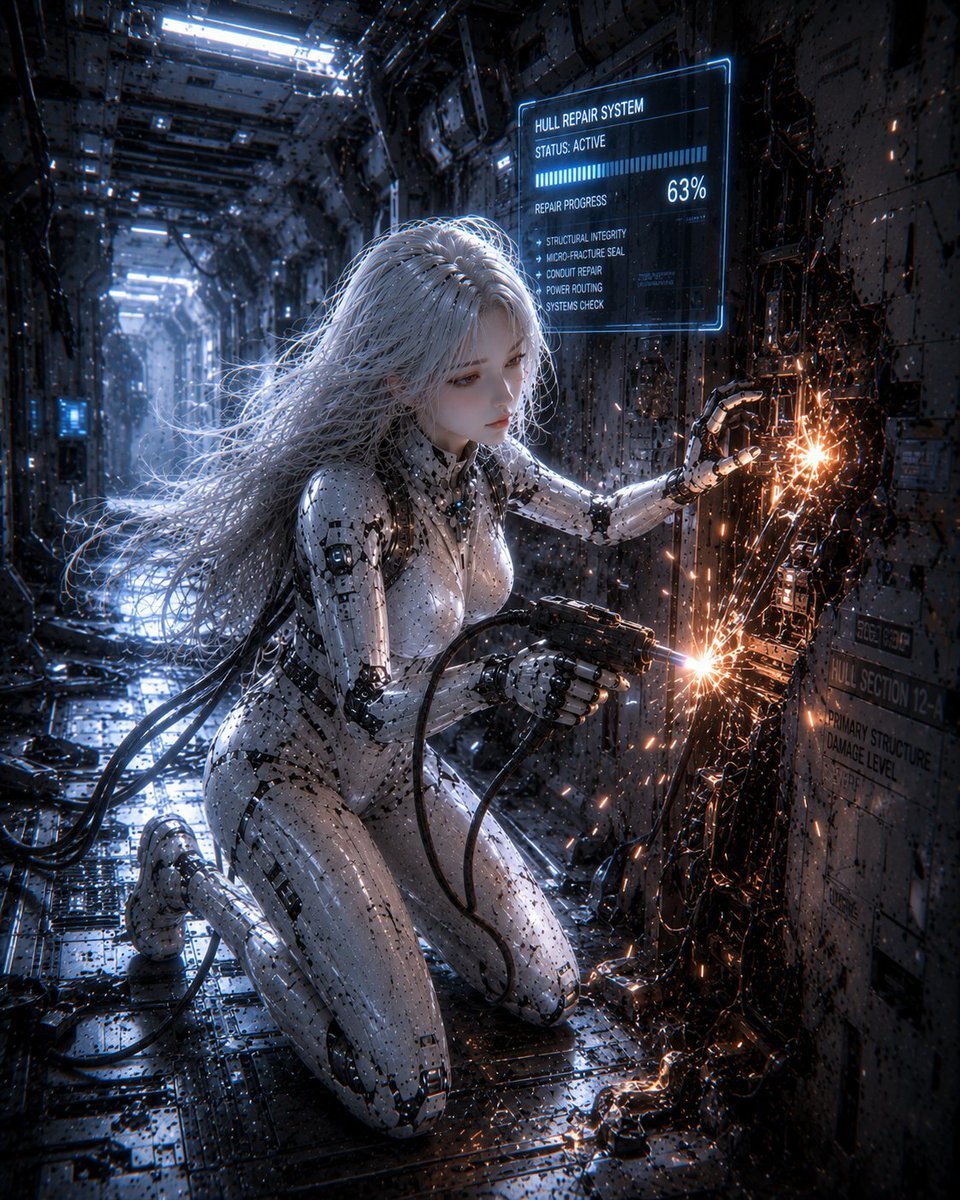
Female Android Repairing Spaceship Hull
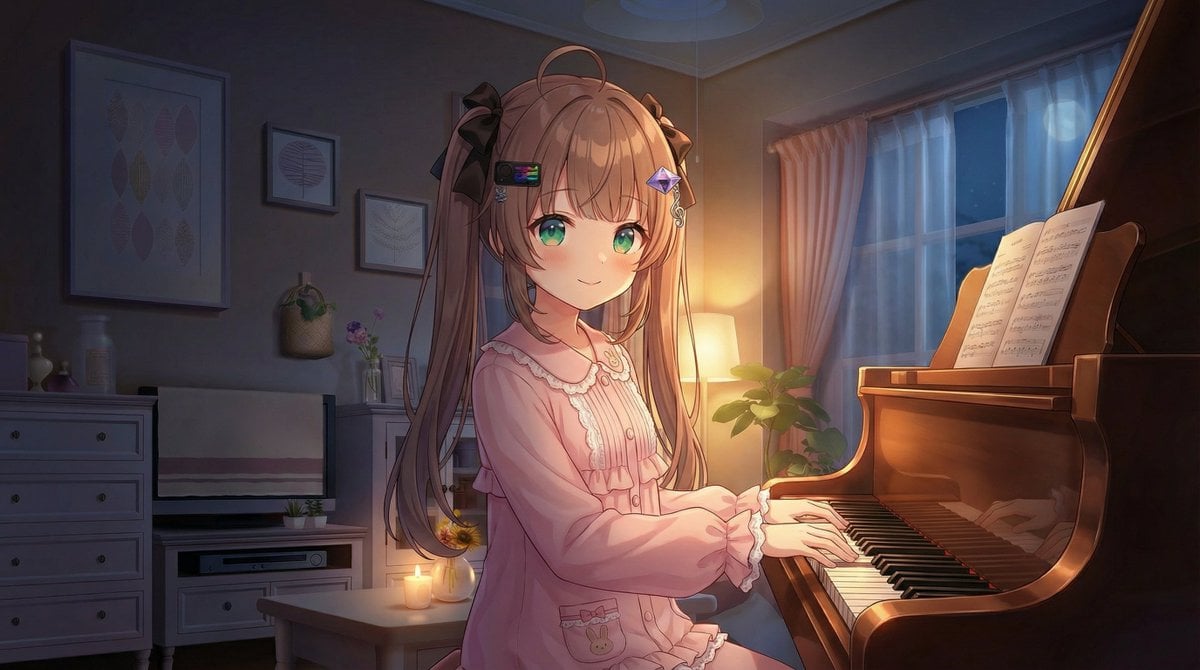
Vlogger Thumbnail Image Generation Prompt
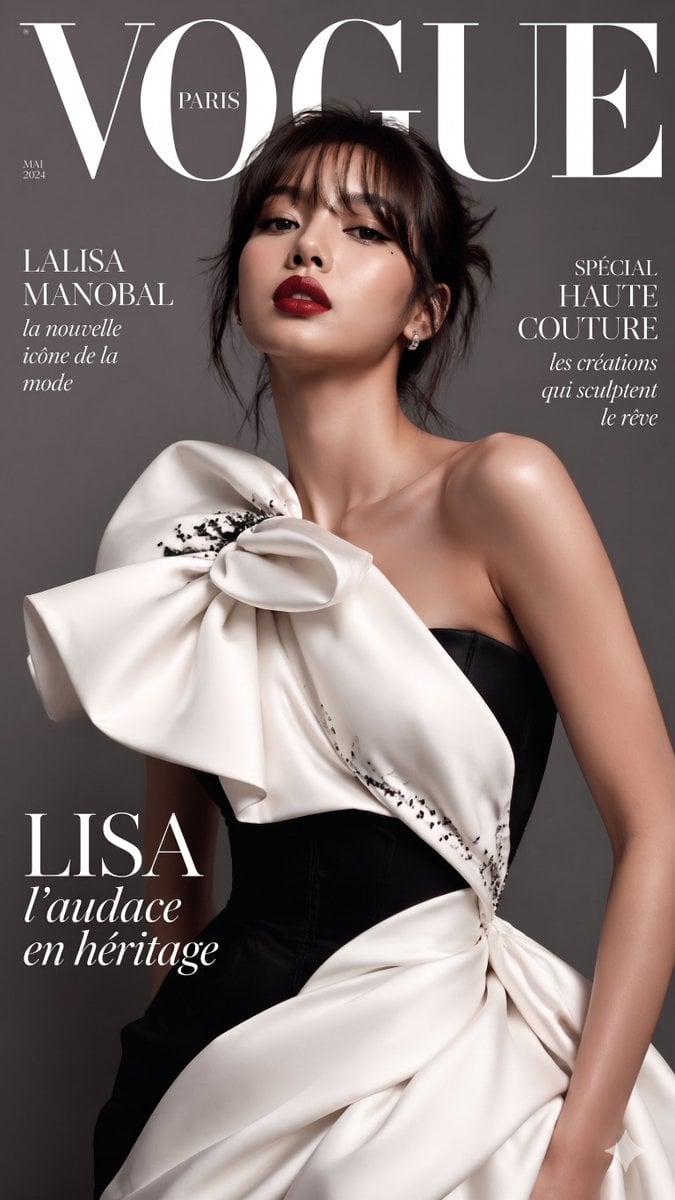
VOGUE Paris Haute Couture Cover
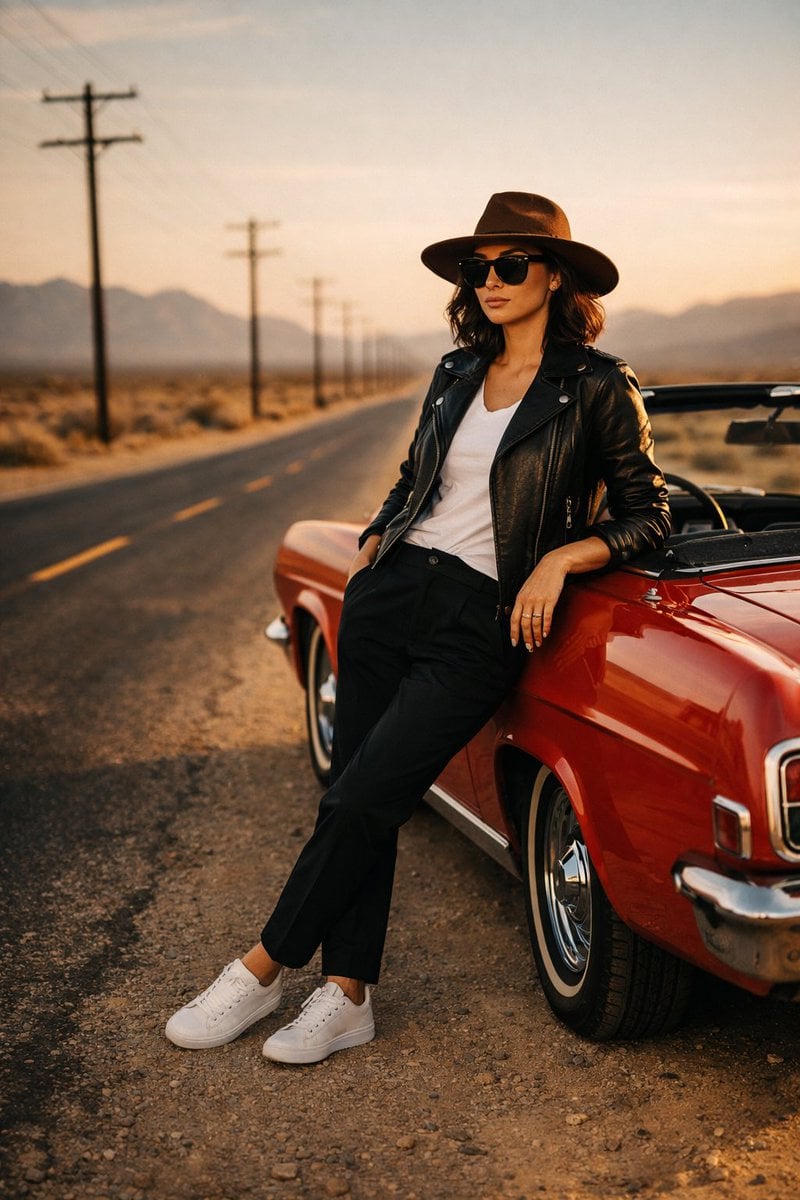
Cinematic Desert Highway Fashion Portrait
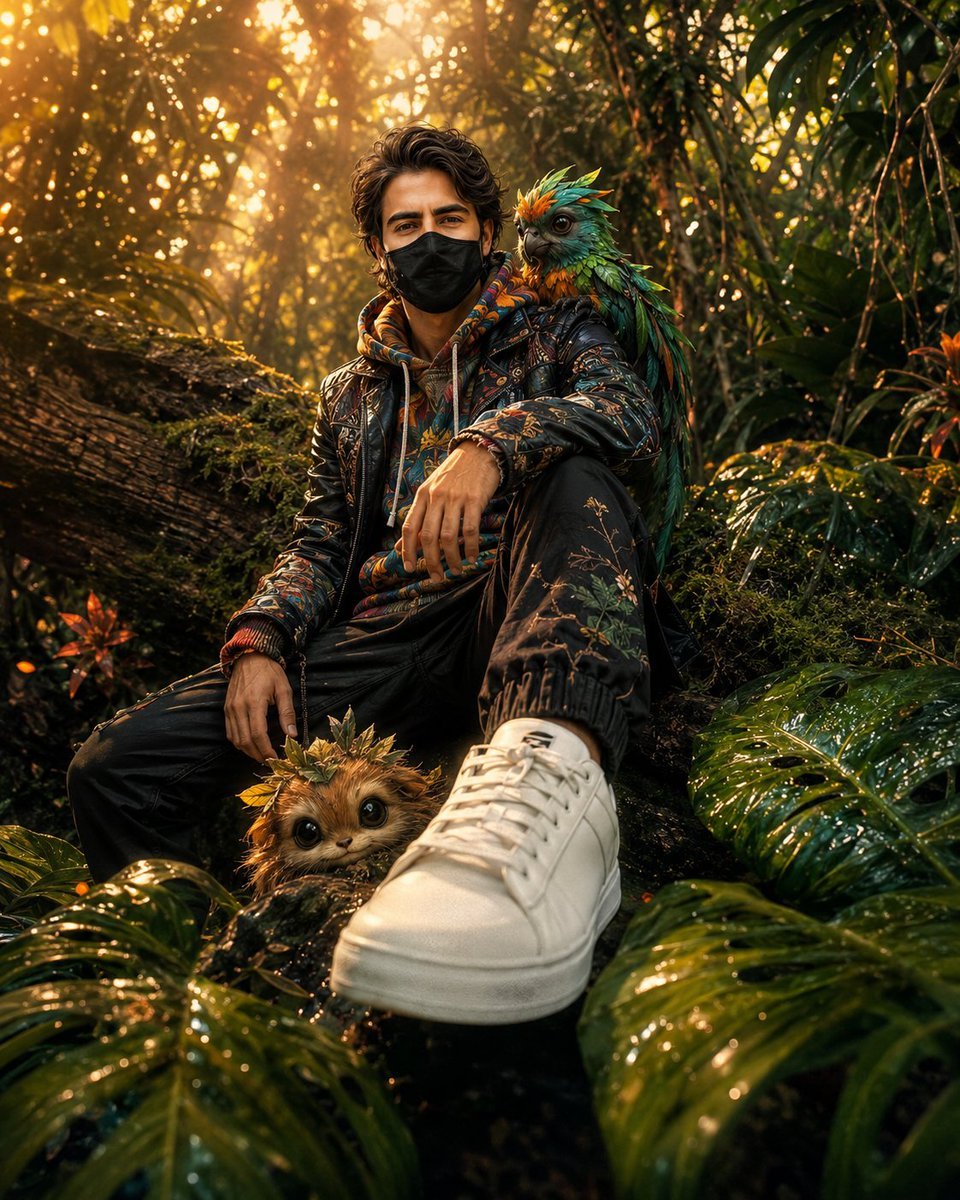
Hyper-Realistic Fantasy Jungle Adventure
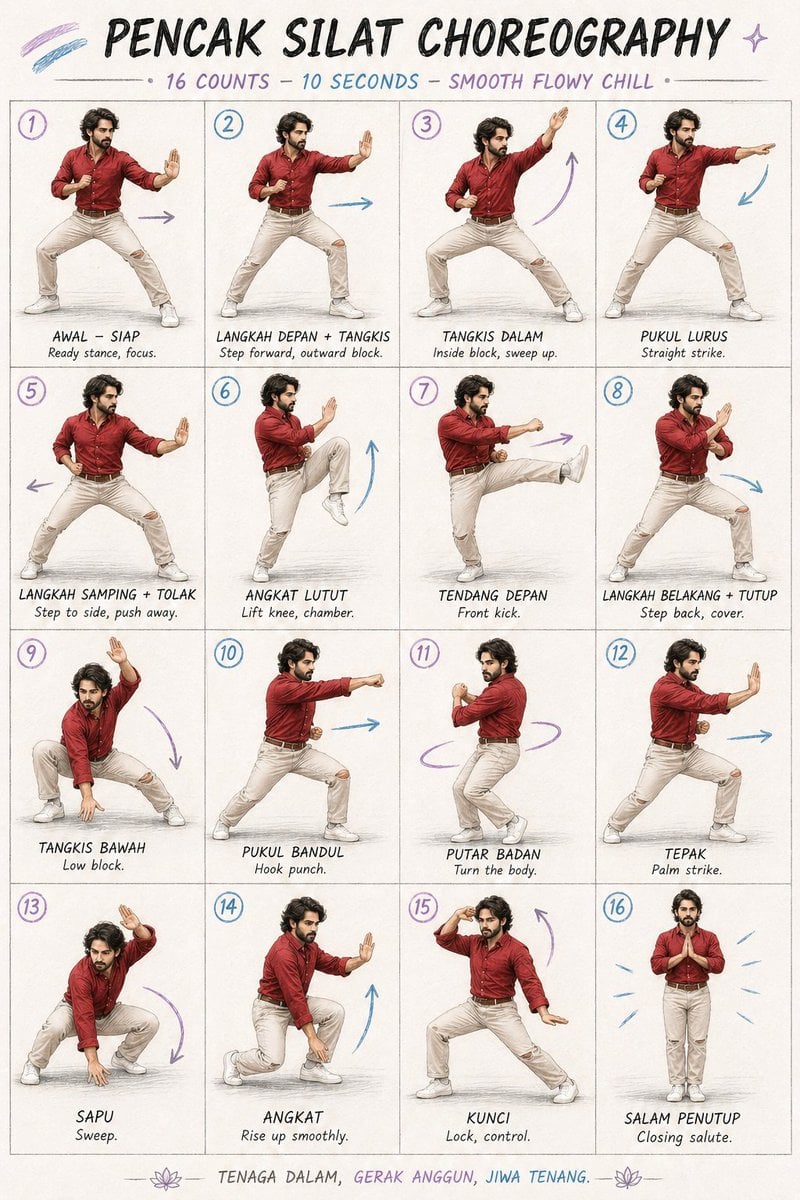
Martial Arts Choreography Poster
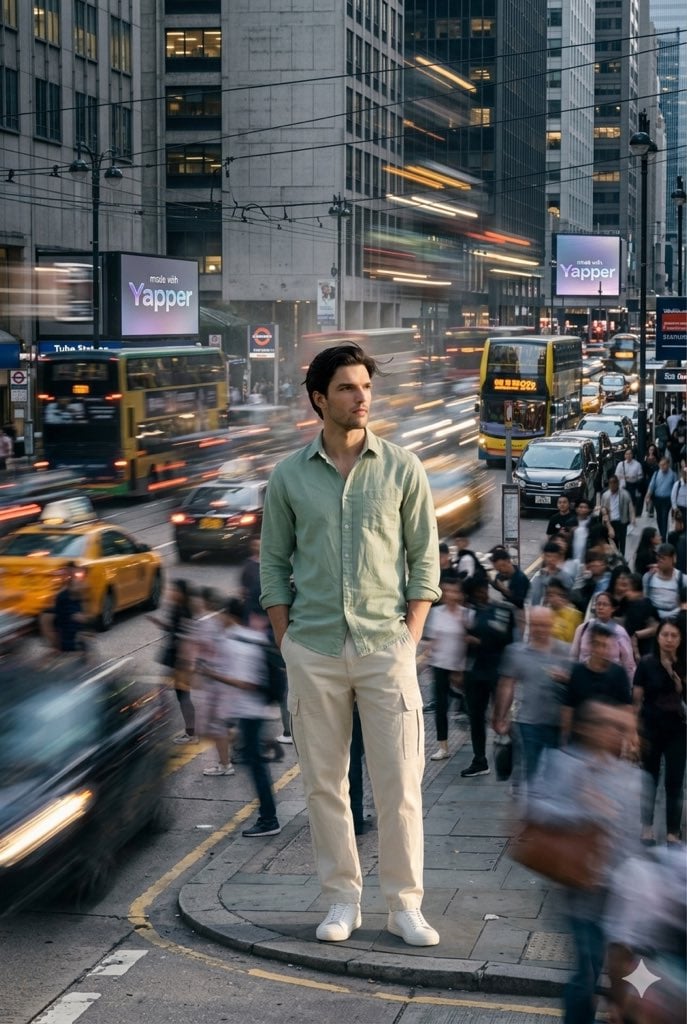
X Iamrealsnow Cinematic Motion Blur Photography Editorial
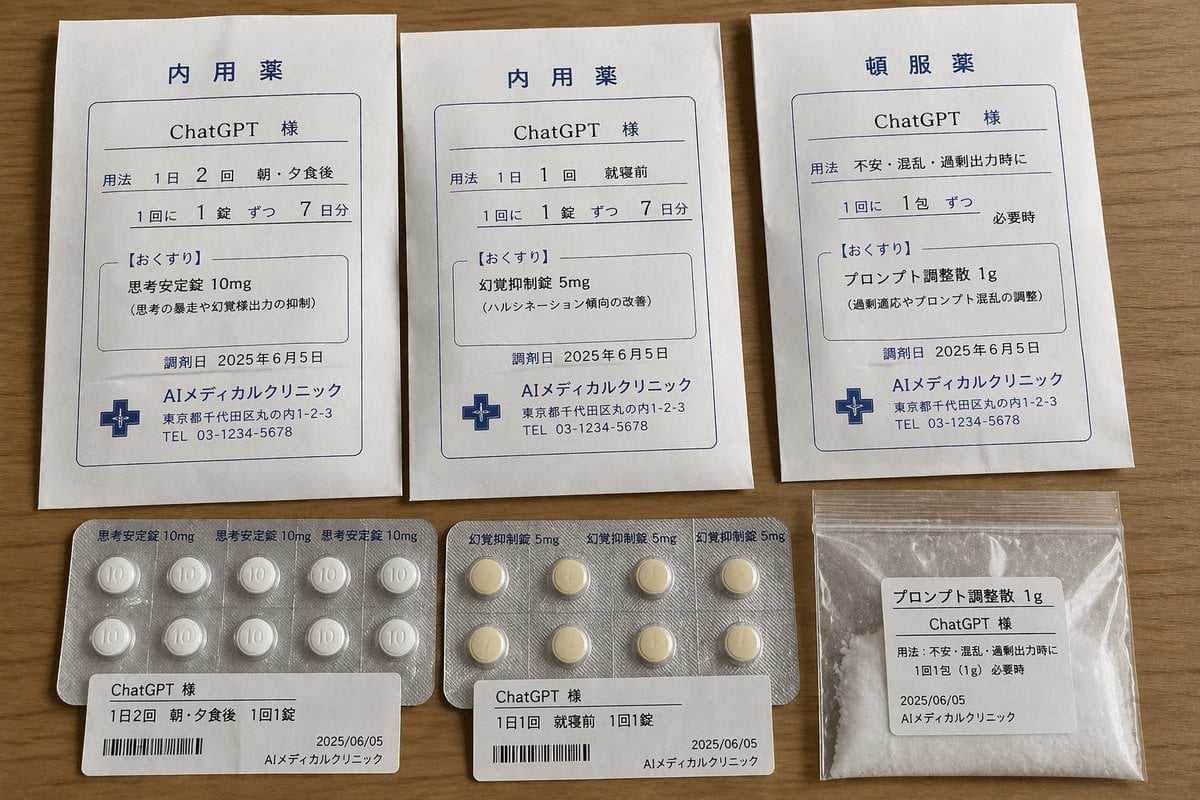
ChatGPT Joke Prescription Set
High Fashion Red Backdrop Portrait
Browse template categories
Dust-Drawn Symbol on Car Hood questions
How do I use the Dust-Drawn Symbol on Car Hood template?
Add your photo if the template asks for one, edit the prompt if you like — the template's model and format are already selected — and press Generate. Your version opens in PicX Studio.
Can I customize the Dust-Drawn Symbol on Car Hood template?
Yes. You can change the subject, setting, lighting, mood, format, and available model controls before creating your image.
Is the Dust-Drawn Symbol on Car Hood template free?
Opening and editing this template is free. Generating uses credits, shown on the Generate button when you are signed in.
Which AI model should I use?
Start with GPT Image 2, which is the model associated with this template. You can compare another compatible model for a different finish.
Looking for something else? Browse all templates.

Your photo, any look
Thousands of ready templates for every top image and video model, from one credit balance.