
Industrial Factory Storyboard
A photorealistic four-panel cinematic storyboard showing a businesswoman visiting an old metalworking factory and building trust with a craftsman.
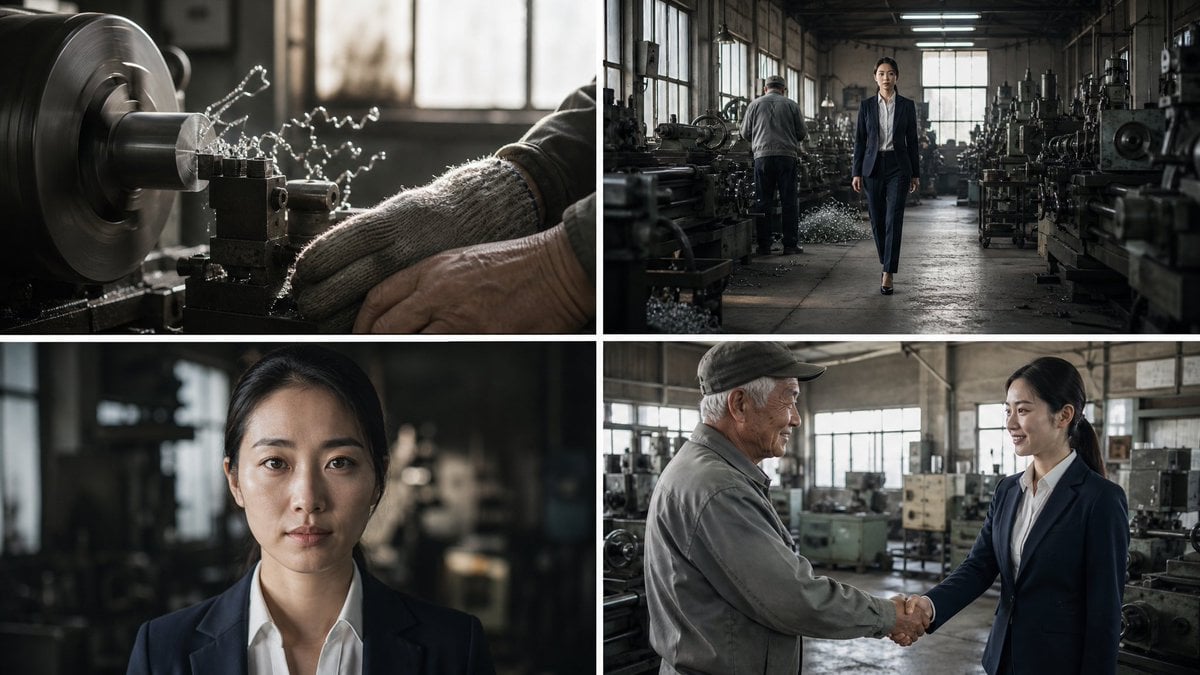
- Prompt included
- Model and format preset
- Free template
The prompt behind this image
Copy the exact prompt behind Industrial Factory Storyboard, or open it in the studio and make it yours.
Goal: Create a cinematic 4-panel storyboard for a serious business documentary scene set inside an old Japanese metalworking factory, showing craftsmanship, inspection, and trust-building between management and workers. Canvas: 16:9 horizontal image divided into exactly 4 equal panels in a 2x2 grid, separated by clean thick white borders. No captions, no speech bubbles, no logos, no text overlays. Visual style: Photorealistic live-action film stills, muted industrial color grading, high dynamic range, natural window light mixed with dim fluorescent factory lighting, shallow depth of field where appropriate, gritty realism, detailed metal textures, dust and oil on machinery, cinematic contrast. Panel count and layout: Use exactly 4 storyboard panels: 1. Top-left panel: Extreme close-up of a metal lathe in operation. A spinning cylindrical metal workpiece is being cut by a tool bit, with bright curled metal shavings flying outward. Include a worker’s gloved hand and forearm near the machine for scale. Background softly blurred with factory windows and machinery. 2. Top-right panel: Wide shot down the central aisle of the factory. A young Japanese businesswoman in a navy suit and white blouse walks confidently toward the camera, centered in the aisle. An older male factory worker stands with his back turned at a machine in the midground. Old lathes, workbenches, piles of metal shavings, and large windows line both sides. 3. Bottom-left panel: Tight portrait close-up of the same young Japanese businesswoman, facing the camera directly with a calm, determined, serious expression. She has black hair neatly tied back, minimal makeup, and wears a navy blazer over a white collared shirt. The factory interior behind her is dark and blurred. 4. Bottom-right panel: Medium two-shot of the young Japanese businesswoman smiling and shaking hands with an elderly Japanese factory worker wearing a gray work jacket and dark cap. They stand among old industrial machines in the same workshop, with warm daylight from large windows behind them, conveying agreement and mutual respect. Subject details: The main character is {argument name="main character" default="a young Japanese businesswoman"}, wearing {argument name="business outfit" default="a navy suit and white blouse"}. The factory worker is {argument name="factory worker" default="an elderly Japanese craftsman in a gray work jacket and dark cap"}. The setting is {argument name="factory setting" default="an old metalworking factory filled with lathes and industrial machines"}. The mood is {argument name="story mood" default="serious, respectful, cinematic, documentary-like"}. Constraints: Maintain consistent character identity across all panels, use realistic anatomy and proportions, keep the white grid borders crisp, avoid illustration or anime style, avoid extra panels, avoid text, avoid futuristic or clean high-tech factory elements.
How to use Industrial Factory Storyboard in 3 steps
- 1Upload ImagePNG, JPG or paste
Add your photo
Upload the photo the template builds on. The prompt, model and format are already set.
- 2…a portrait of your subject in softgolden-hour light, 85mm…
Personalize
Edit the subject and creative details for your destination.
- 3Generate
Generate
Press Generate — your image is created in PicX Studio, so you can compare it with the original and refine one variable at a time.
More like this
Templates with the same subject, style or setup. Open one to see its prompt.

Headphones Lifestyle Nine Panel Grid
Kai Industrial Titan Storyboard

Caution Tape Fashion — Industrial Editorial
Seedance - Storyboard to Movie
Realistic Factory Technician Portrait
Anonymous Figures in Industrial Wasteland

Pencil Sketch Coffee Storyboard
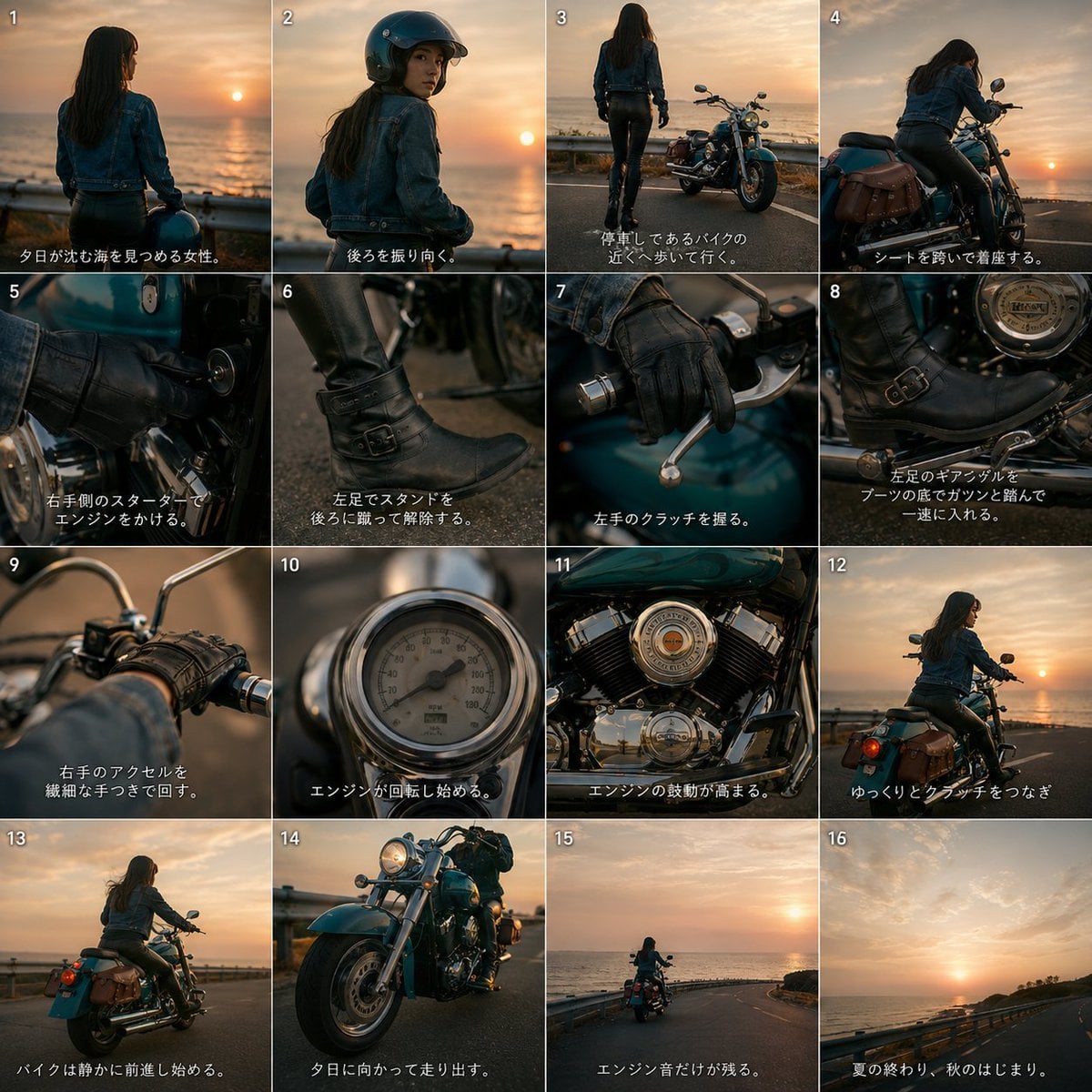
Cinematic Motorcycle Storyboard
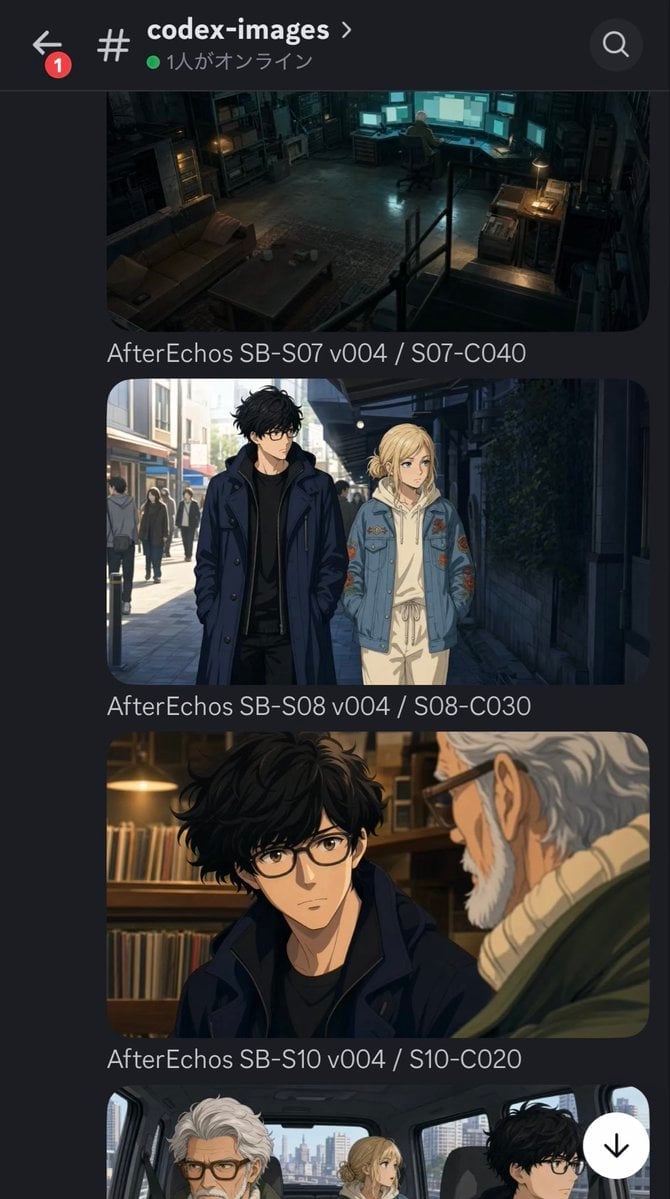
Discord Anime Storyboard Feed
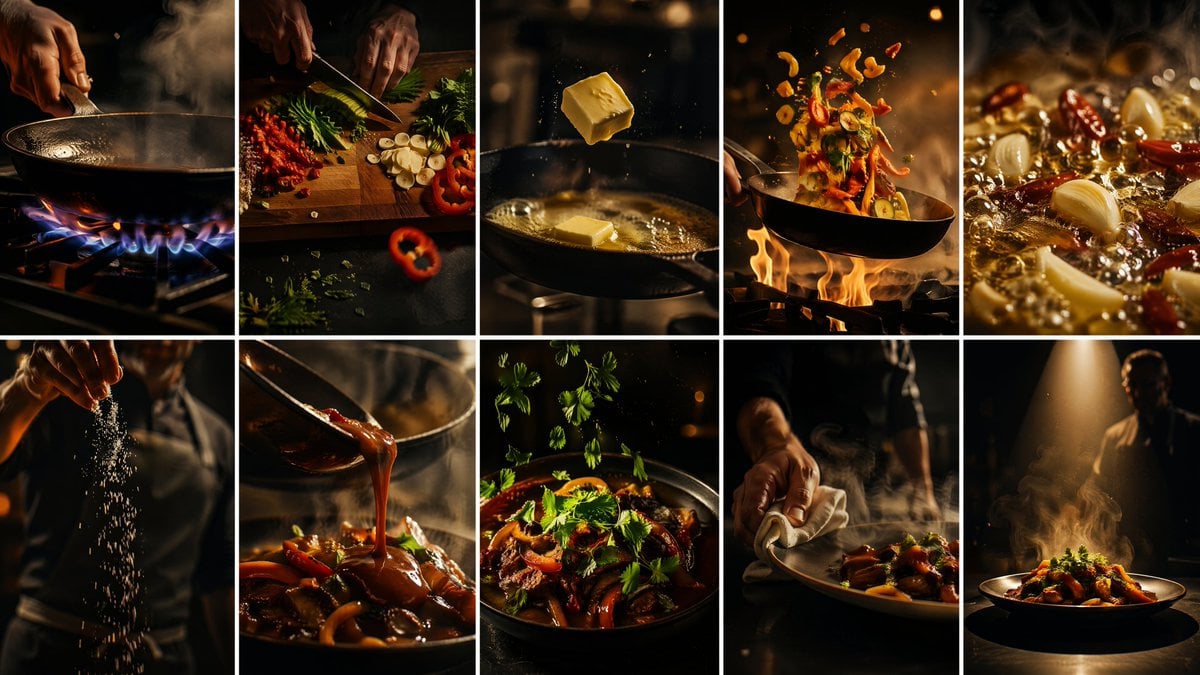
Cinematic Flame Chef Storyboard
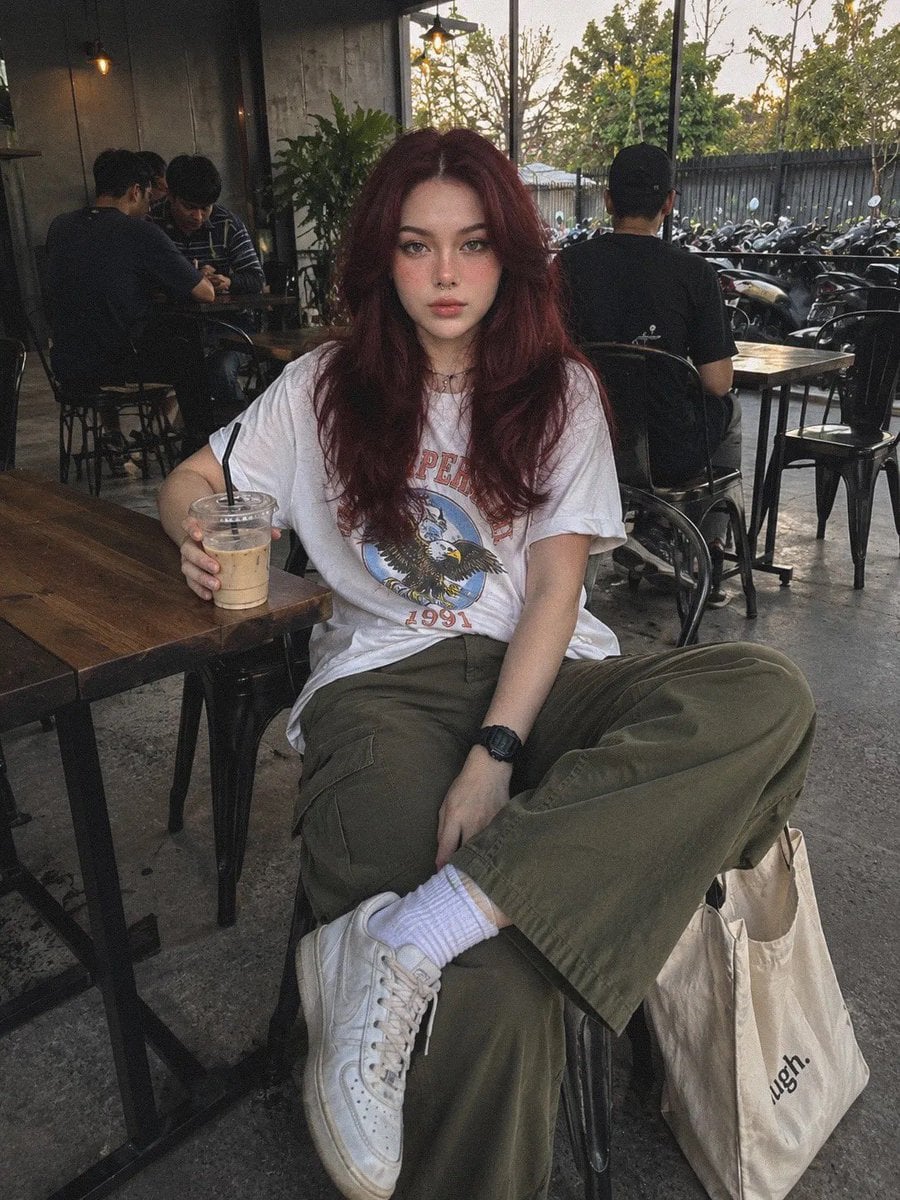
Industrial Coffee Shop Portrait
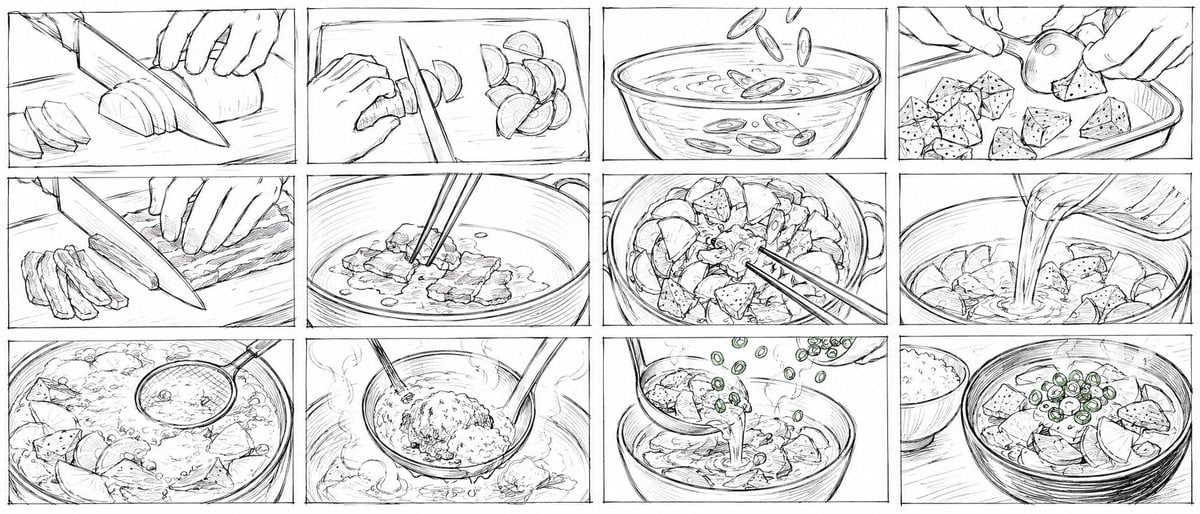
Rough Tonjiru Cooking Storyboard
Make it yours
Industrial Factory Storyboard works as-is. These are the safest ways to change it without losing the look.
Change one field
Copy a single group, rewrite it, and generate again so you can see what that field is doing.
Keep the frame, change the subject
Hold the composition and light of Industrial Factory Storyboard, then swap wardrobe, props or the person for a new take.
| If the result… | Why | Fix |
|---|---|---|
| The result drifts from the preview | Too many fields changed at once. | Reuse Industrial Factory Storyboard as-is first, then change one group — subject, light, or setting. |
| The model over-stylizes the scene | The prose prompt leaves finish and camera underspecified. | Add one camera or lighting sentence and stay on GPT Image 2. |
More GPT Image 2 templates
Other prompts made for GPT Image 2.

Six VTuber Japanese Logo Sheet

Realistic Portrait of Woman and Deer

The Vista Modular Condo Poster

AI Model Routing Comparison Infographic

2.5D Anime Art Board

Isometric Productivity Desk Scene

New York Double Exposure Poster

Four-Panel AI Landscape Comparison

Japanese Tatami Lifestyle Magazine Cover

NESCAFÉ Coffee Map Poster
More image prompts
Fresh picks from across the catalog.
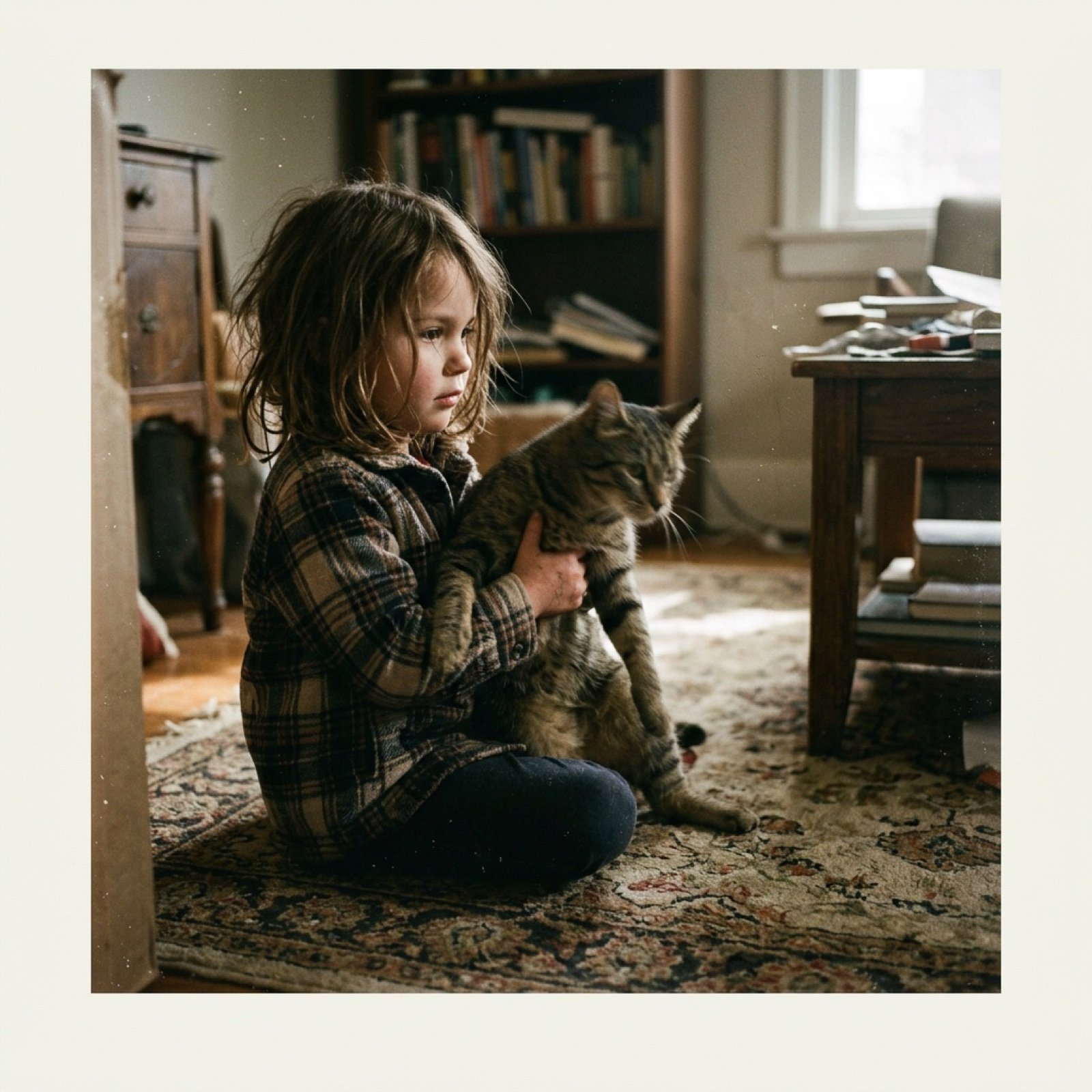
Low-Quality Disposable Camera Aesthetic for Daily Life Photos

Golden Morning Kitchen Portrait
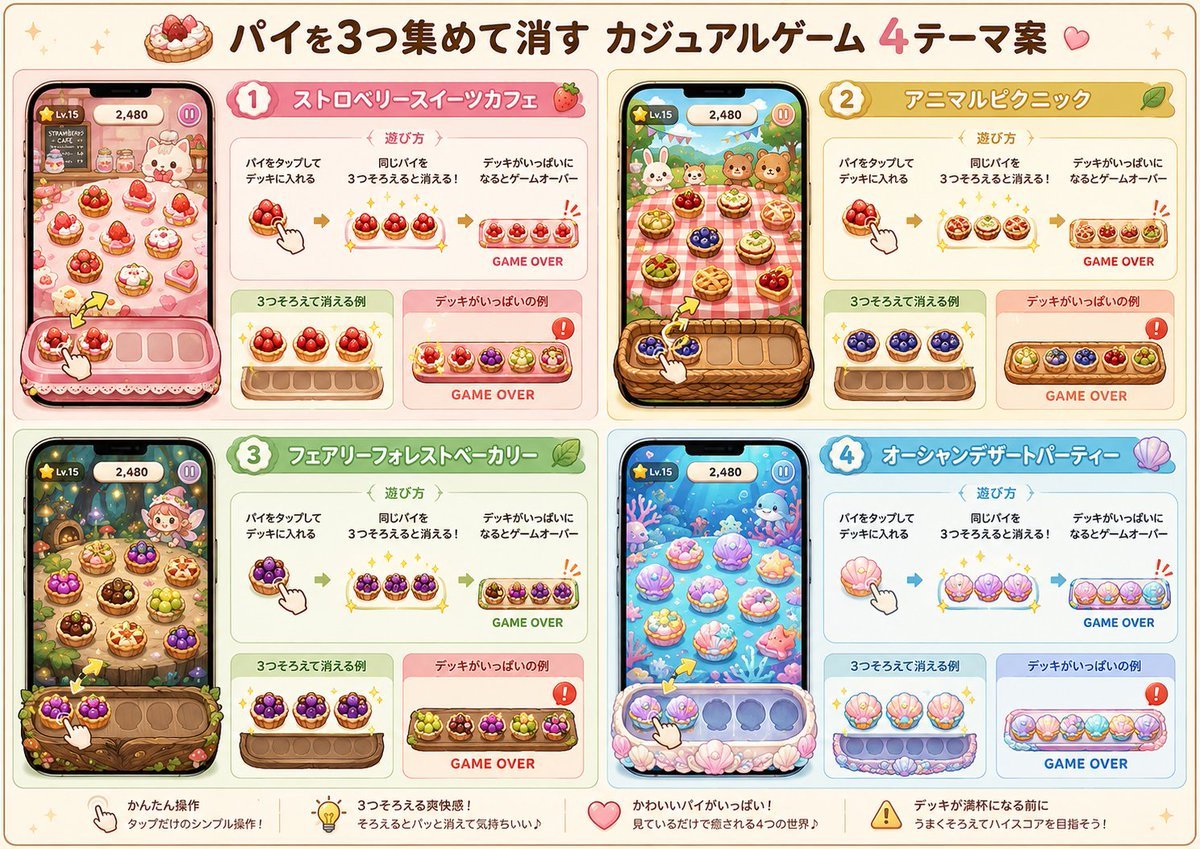
Four Theme Pie Puzzle Game Sheet

Luxury Editorial Fashion Portrait Prompt for Nano Banana 2
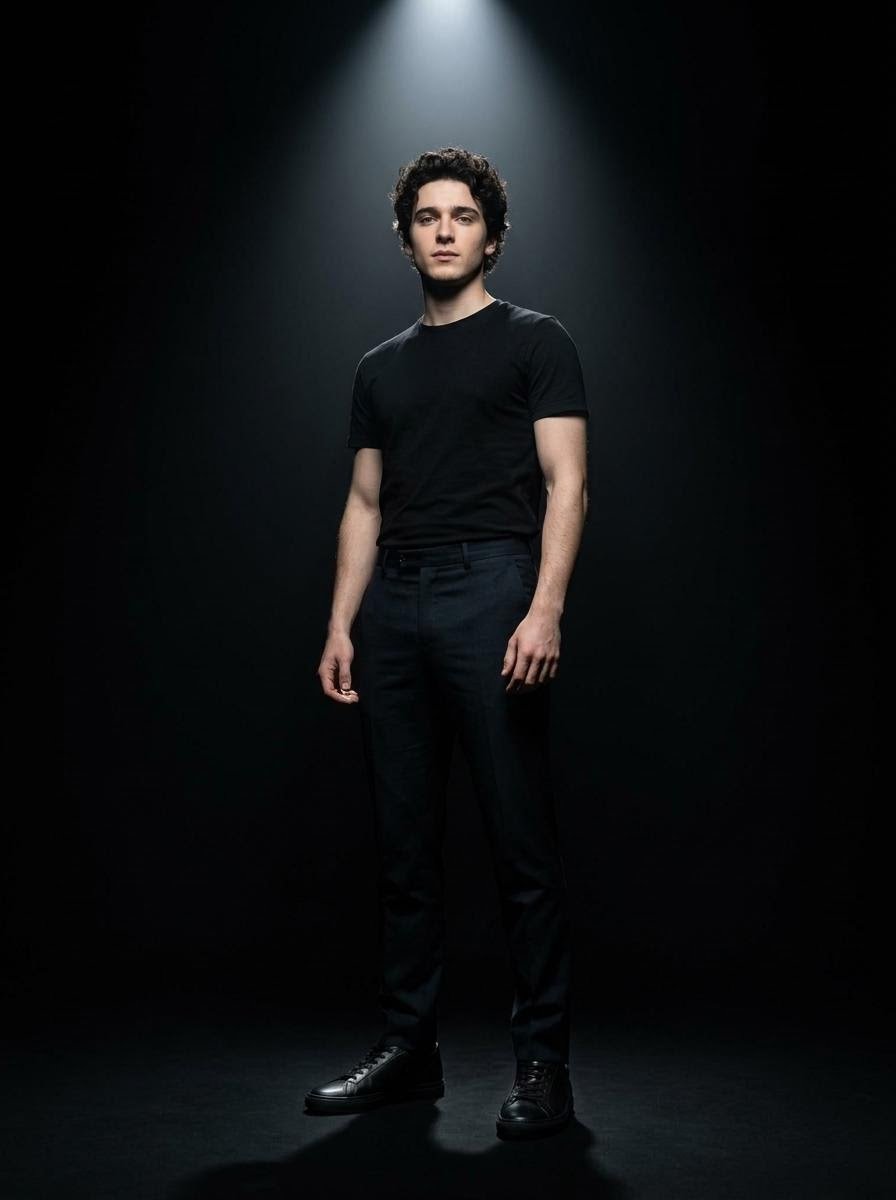
Dramatic Spotlight Studio Portrait
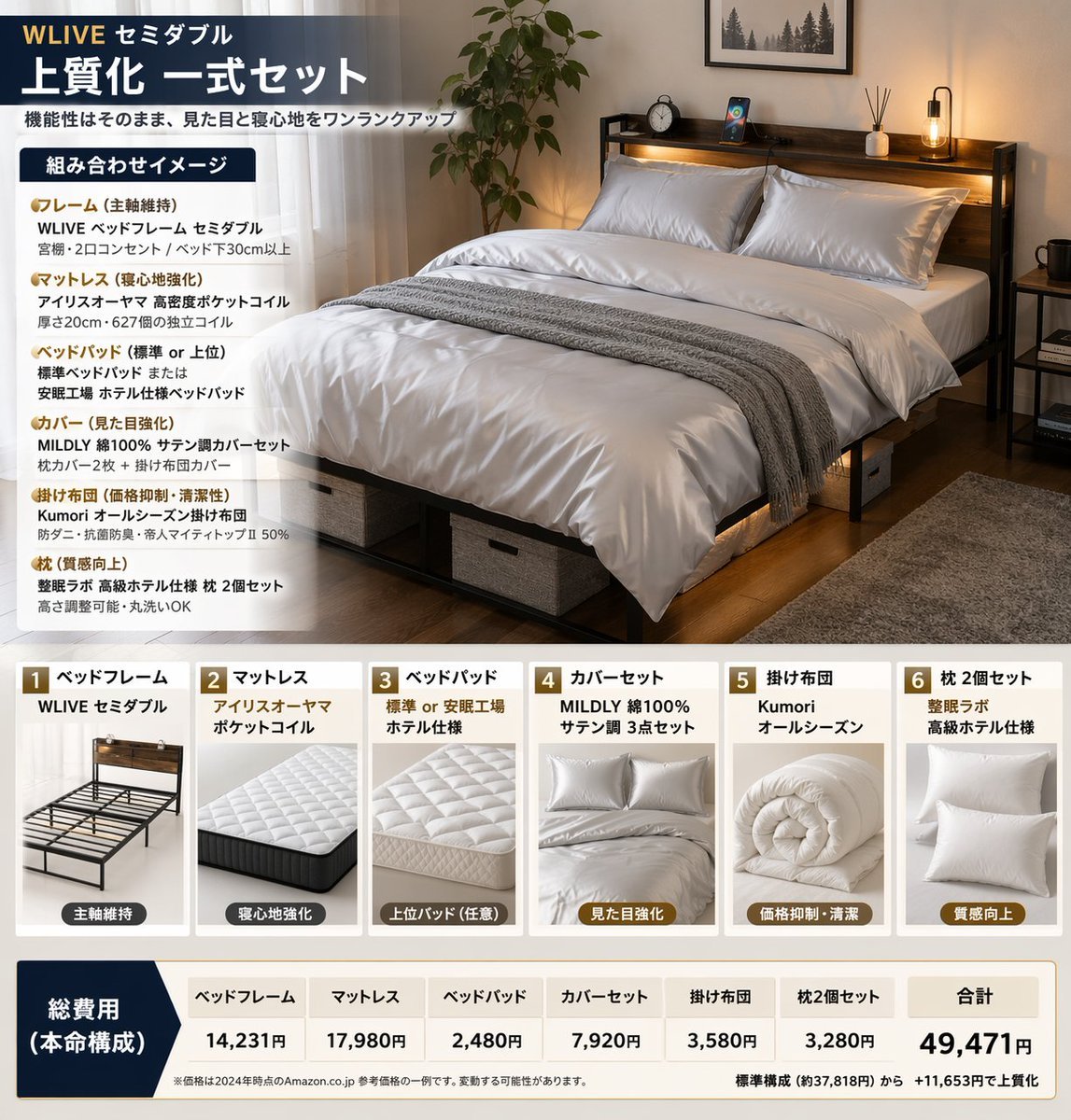
Bedding Bundle Infographic

Futuristic Samurai Glitch Art Portrait
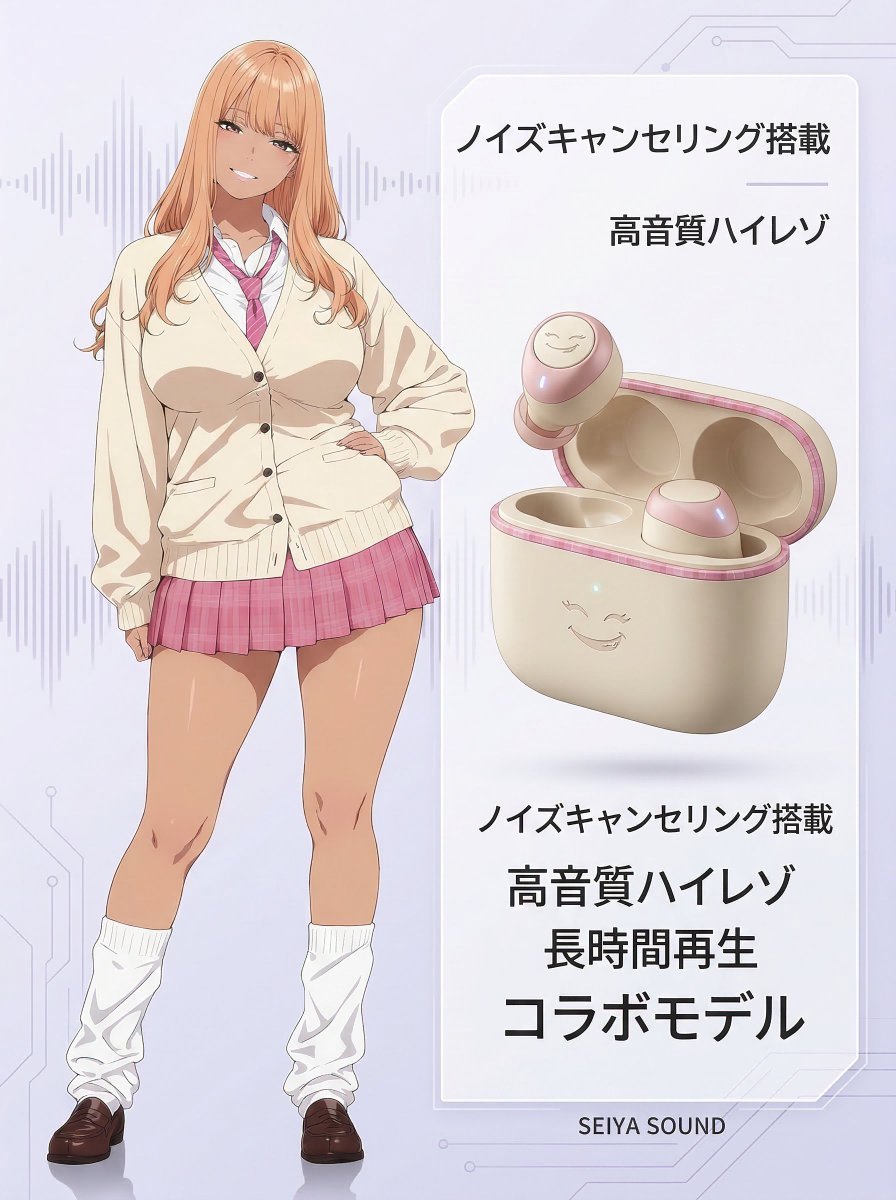
Character-Themed Wireless Earbuds Product Shot
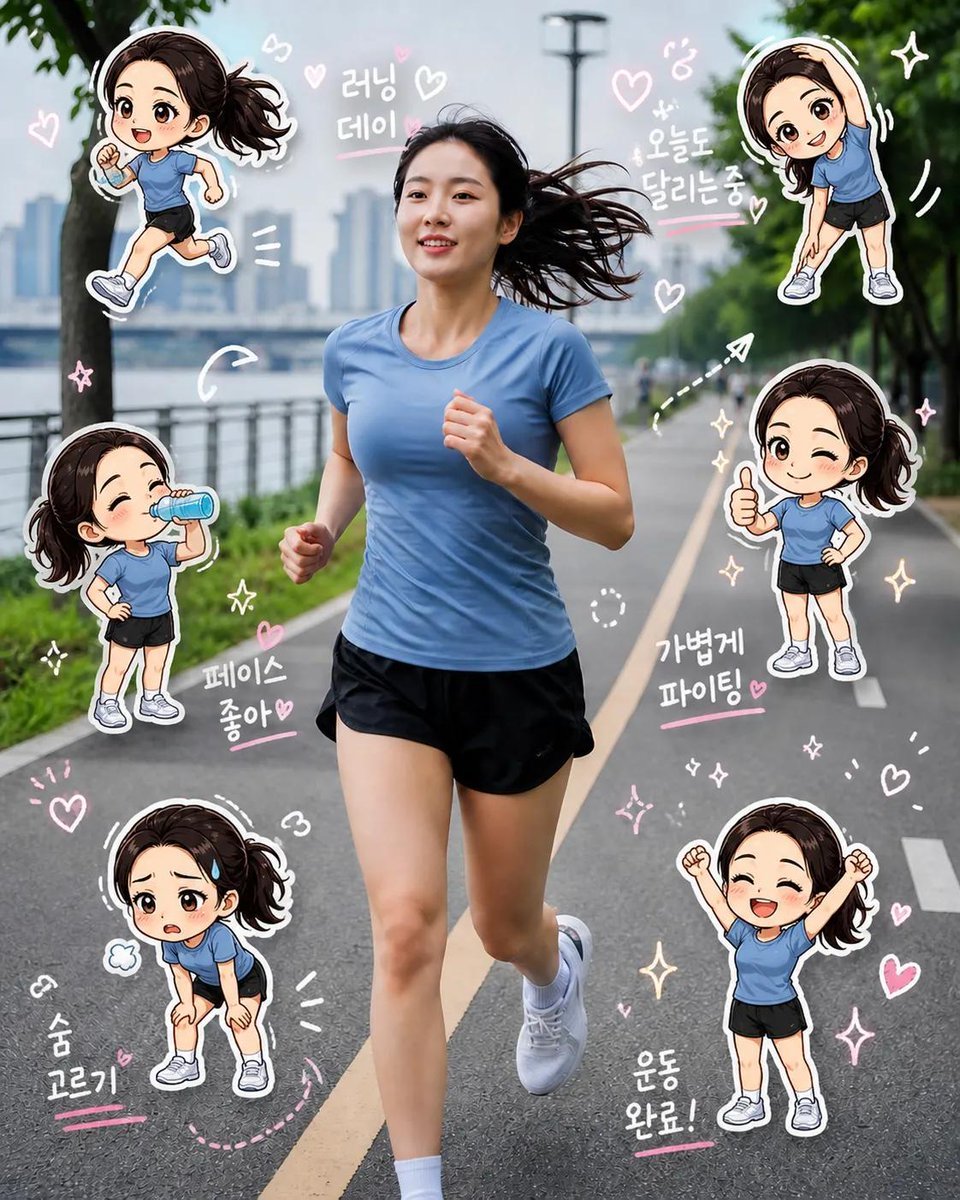
Chibi Clone Sticker Diary
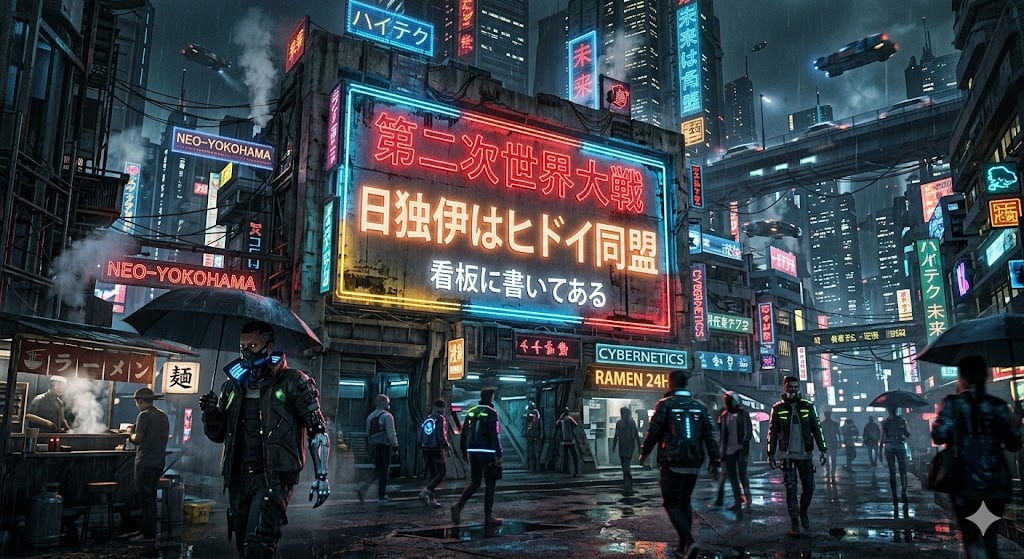
Cyberpunk World War II Signboard
Browse template categories
Industrial Factory Storyboard questions
How do I use the Industrial Factory Storyboard template?
Add your photo if the template asks for one, edit the prompt if you like — the template's model and format are already selected — and press Generate. Your version opens in PicX Studio.
Can I customize the Industrial Factory Storyboard template?
Yes. You can change the subject, setting, lighting, mood, format, and available model controls before creating your image.
Is the Industrial Factory Storyboard template free?
Opening and editing this template is free. Generating uses credits, shown on the Generate button when you are signed in.
Which AI model should I use?
Start with GPT Image 2, which is the model associated with this template. You can compare another compatible model for a different finish.
Looking for something else? Browse all templates.

Your photo, any look
Thousands of ready templates for every top image and video model, from one credit balance.