
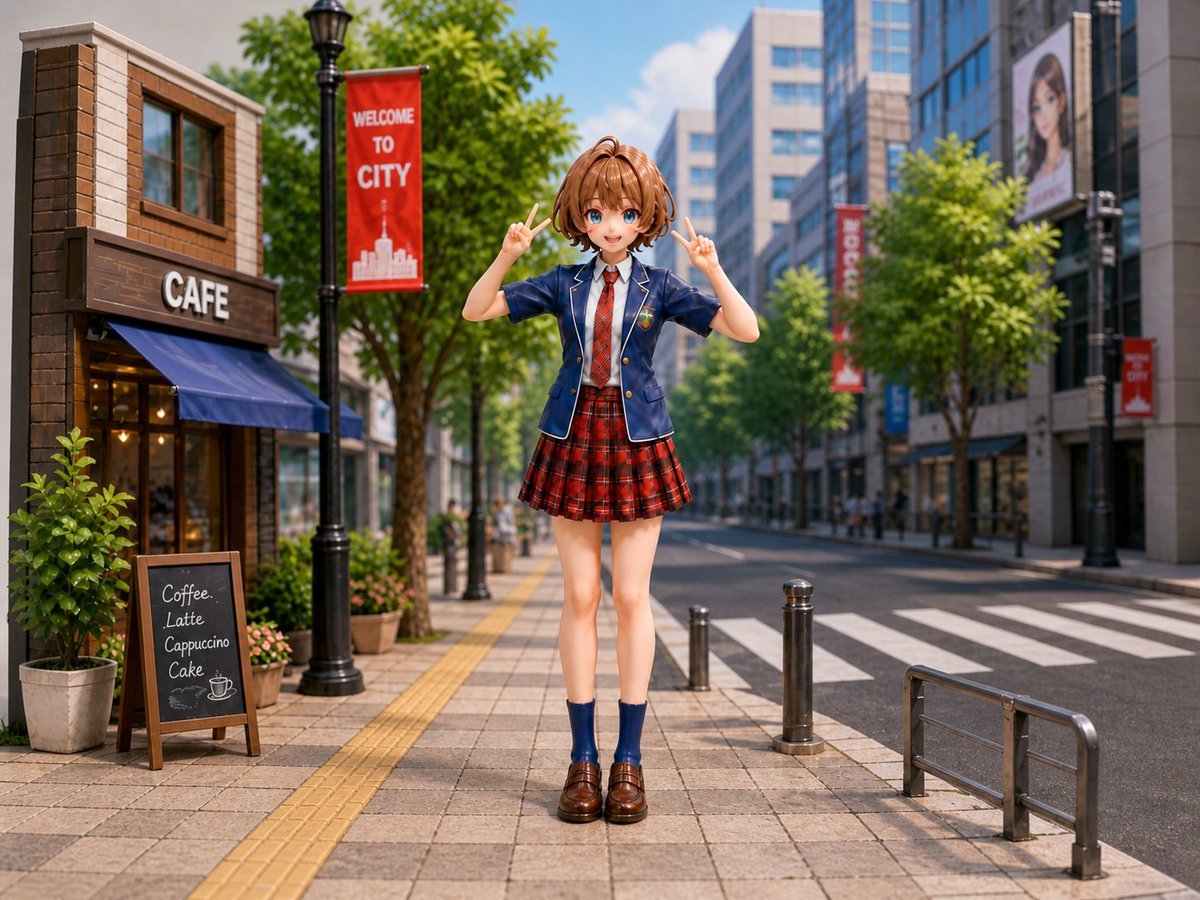
Anime Schoolgirl City Diorama
Generates a photorealistic miniature city-street diorama featuring an anime schoolgirl figure posing in front of a cafe.
- Prompt included
- Model and format preset
- Free template
The prompt behind this image
Copy the exact prompt behind Anime Schoolgirl City Diorama, or open it in the studio and make it yours.
Create a highly realistic miniature diorama photograph of a cute anime-style {argument name="character type" default="Japanese schoolgirl figure"} standing centered on a modern city sidewalk in bright daylight, posed full body facing the camera with both hands raised in cheerful peace signs. She has {argument name="hair color and style" default="short light brown bob hair with a small top ponytail"}, a softly blurred featureless face, slim proportions, and wears a navy school blazer with white piping and crest badge, white shirt, red necktie, red tartan pleated skirt, navy ankle socks, and glossy brown loafers. The scene is a detailed urban street diorama with a cafe building on the left, a large white “CAFE” sign, blue awning, warm interior lights, potted plants, and one chalkboard menu listing four items: “Coffee,” “Latte,” “Cappuccino,” and “Cake.” Add a black streetlamp with a red vertical banner reading {argument name="banner text" default="WELCOME TO CITY"}, leafy green trees lining the sidewalk, tactile yellow paving strips, tiled pavement, short metal bollards, a crosswalk and road on the right, metal guardrail in the foreground, glass office buildings and distant pedestrians in the background, plus additional red city banners and a billboard with a blurred portrait. Use a shallow depth of field, tilt-shift miniature effect, crisp foreground details, soft background blur, vibrant colors, realistic sunlight and shadows, 4:3 landscape composition, eye-level camera, photorealistic toy-figure diorama aesthetic.
How to use Anime Schoolgirl City Diorama in 3 steps
- 1Upload ImagePNG, JPG or paste
Add your photo
Upload the photo the template builds on. The prompt, model and format are already set.
- 2…a portrait of your subject in softgolden-hour light, 85mm…
Personalize
Edit the subject and creative details for your destination.
- 3Generate
Generate
Press Generate — your image is created in PicX Studio, so you can compare it with the original and refine one variable at a time.
More like this
Templates with the same subject, style or setup. Open one to see its prompt.
Cel 2D City Chase
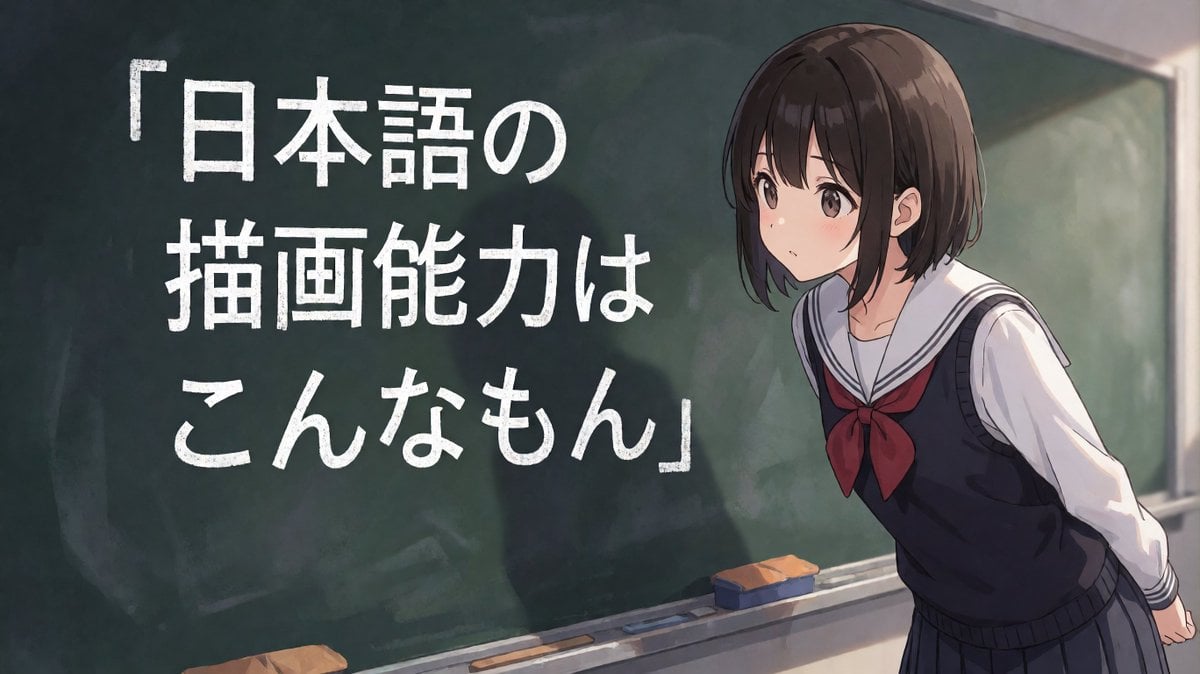
Anime Schoolgirl Chalkboard Quote
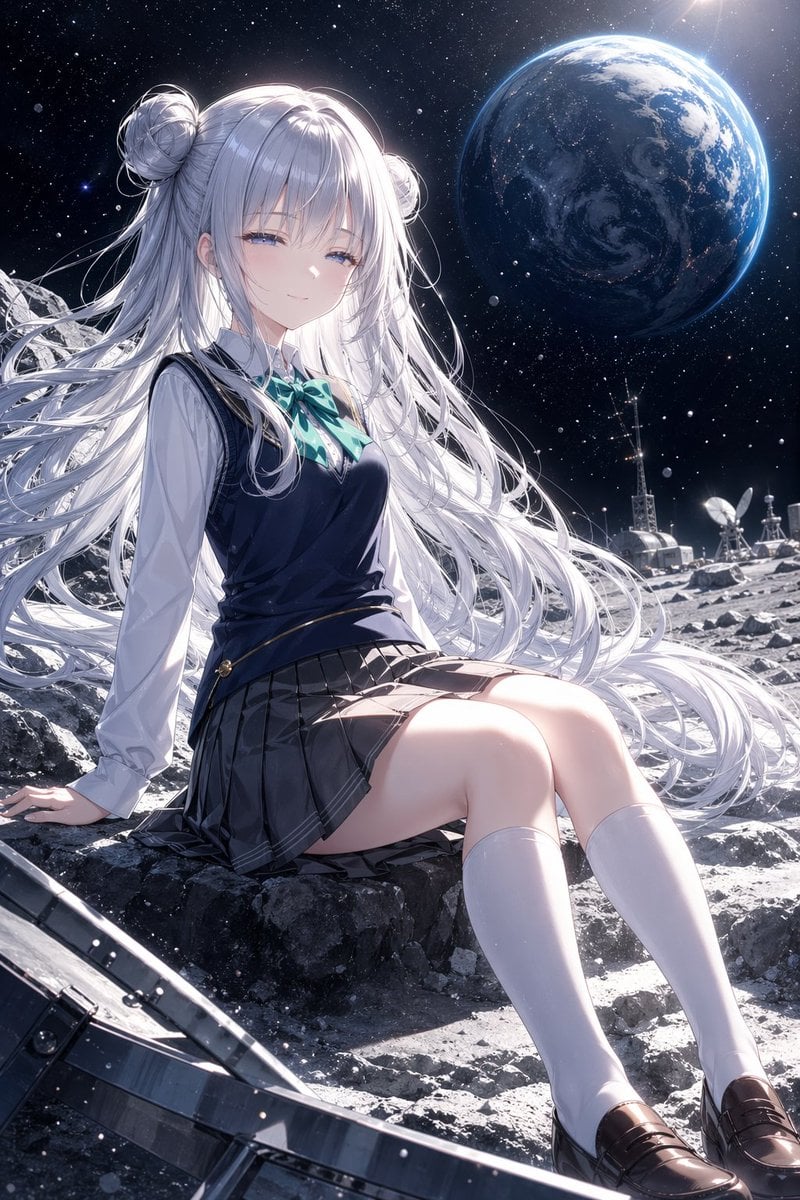
Anime Schoolgirl on the Moon
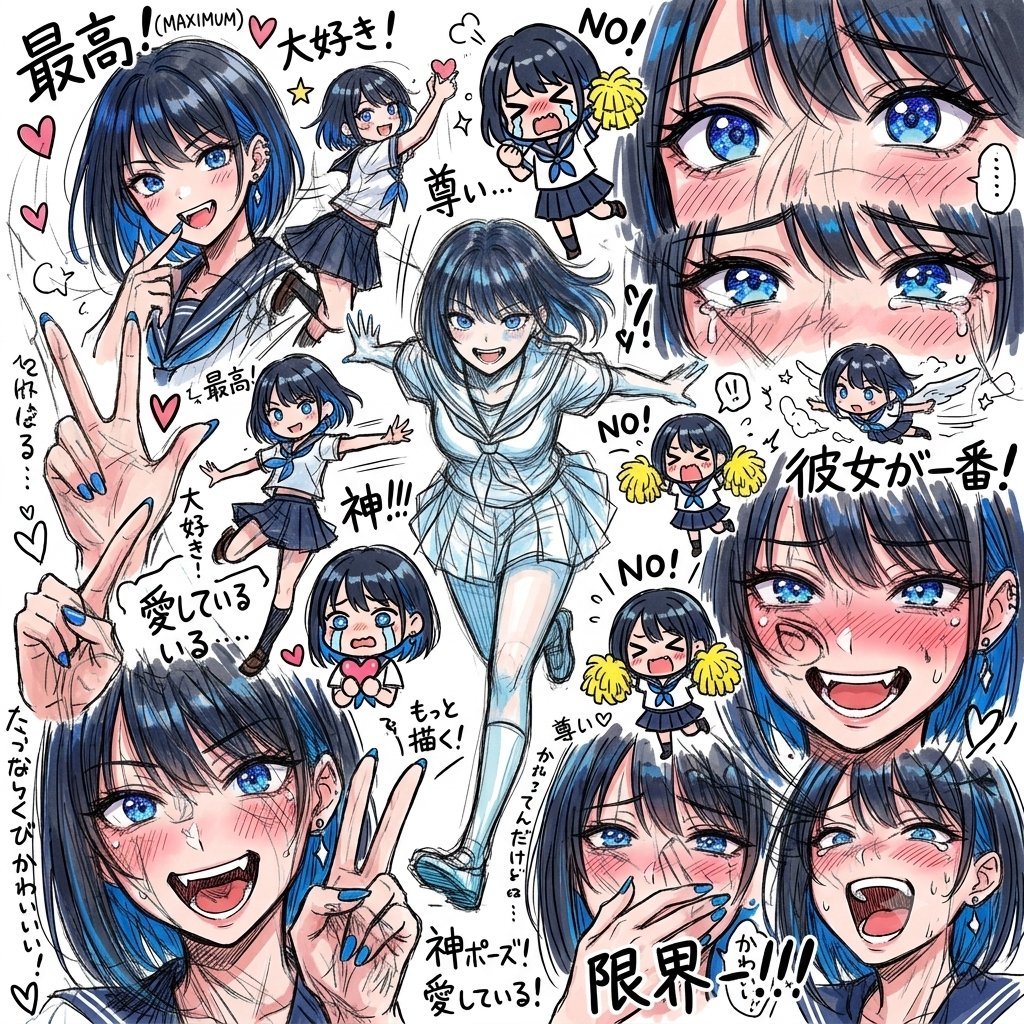
Chaotic Anime Schoolgirl Fan Collage
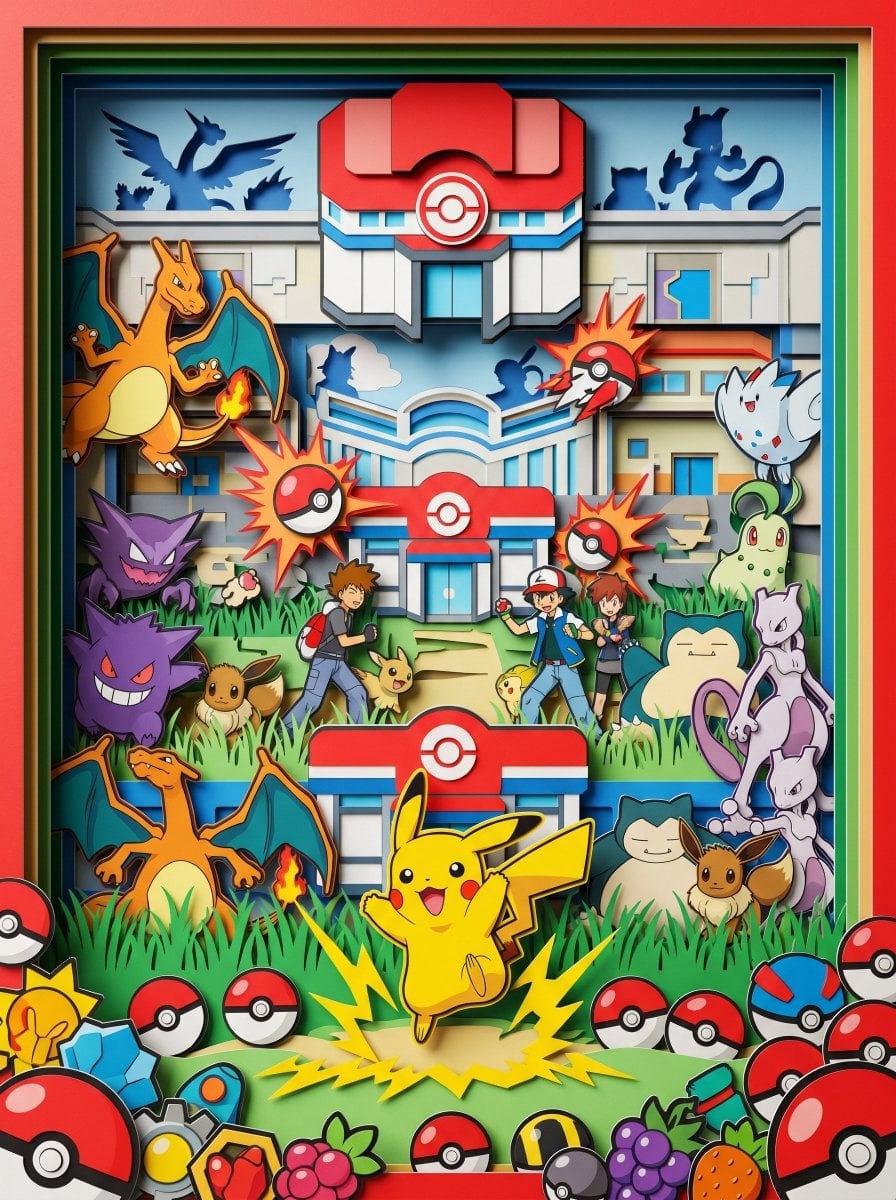
Layered Paper Cut Forest Diorama
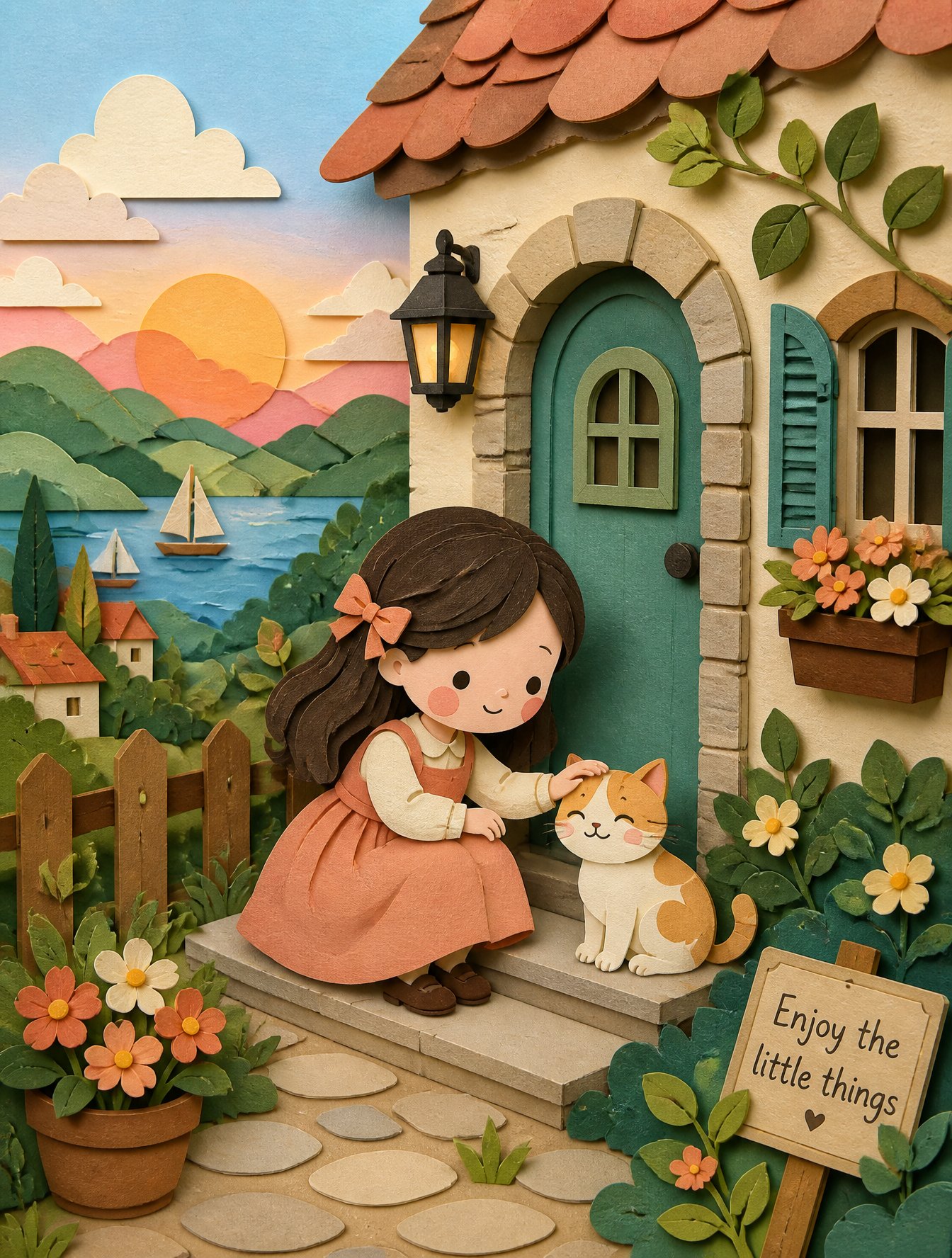
Soft Handcrafted Paper-Cut Layered Illustration

Cel 2D Finale Fireworks

Cel 2D Garden Maze

Cel 2D Rooftop Concert
Cel 2D Bicycle Coast

Cel 2D Castle Gate
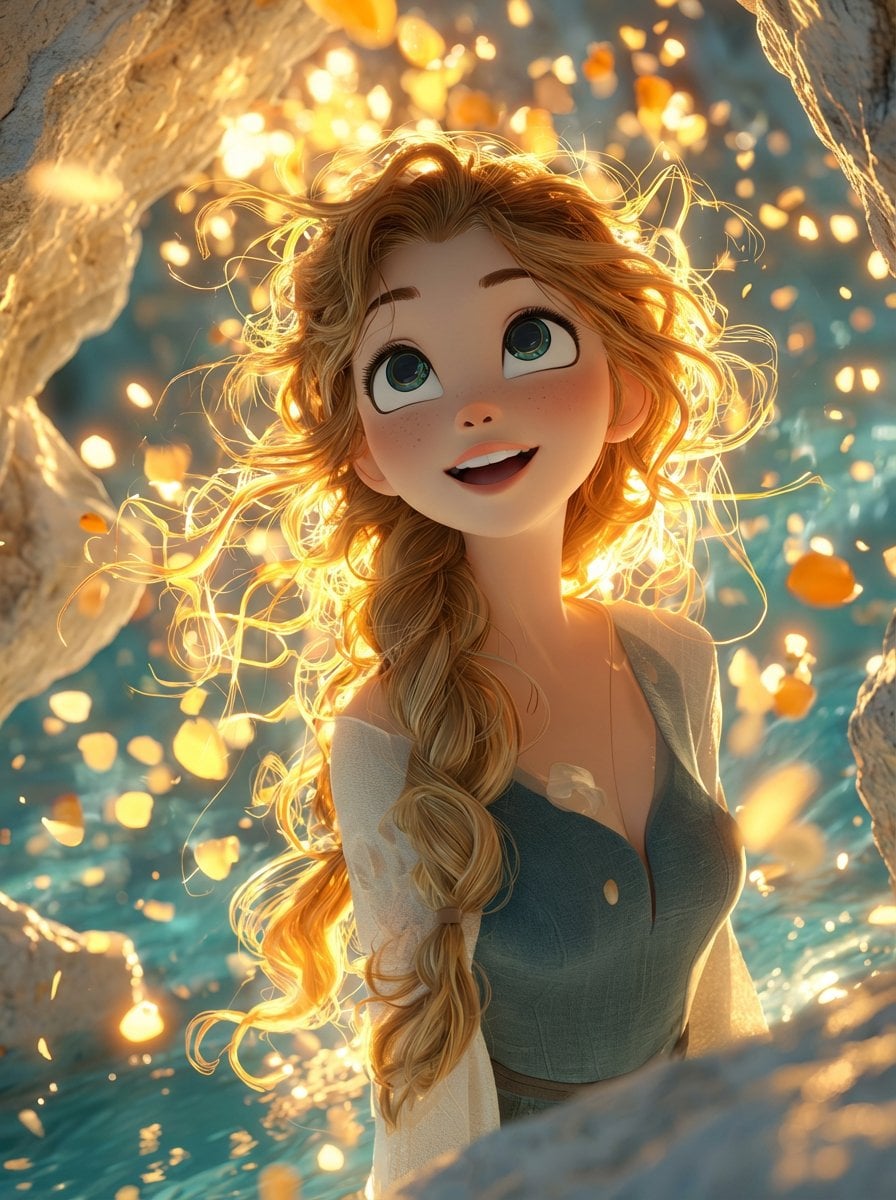
Cel 2D Kitchen Chaos
Make it yours
Anime Schoolgirl City Diorama works as-is. These are the safest ways to change it without losing the look.
Change one field
Copy a single group, rewrite it, and generate again so you can see what that field is doing.
Keep the frame, change the subject
Hold the composition and light of Anime Schoolgirl City Diorama, then swap wardrobe, props or the person for a new take.
| If the result… | Why | Fix |
|---|---|---|
| The result drifts from the preview | Too many fields changed at once. | Reuse Anime Schoolgirl City Diorama as-is first, then change one group — subject, light, or setting. |
| The model over-stylizes the scene | The prose prompt leaves finish and camera underspecified. | Add one camera or lighting sentence and stay on GPT Image 2. |
More GPT Image 2 templates
Other prompts made for GPT Image 2.

Six VTuber Japanese Logo Sheet

Realistic Portrait of Woman and Deer

The Vista Modular Condo Poster

AI Model Routing Comparison Infographic

2.5D Anime Art Board

Isometric Productivity Desk Scene

New York Double Exposure Poster

Four-Panel AI Landscape Comparison

Japanese Tatami Lifestyle Magazine Cover

NESCAFÉ Coffee Map Poster
More image prompts
Fresh picks from across the catalog.
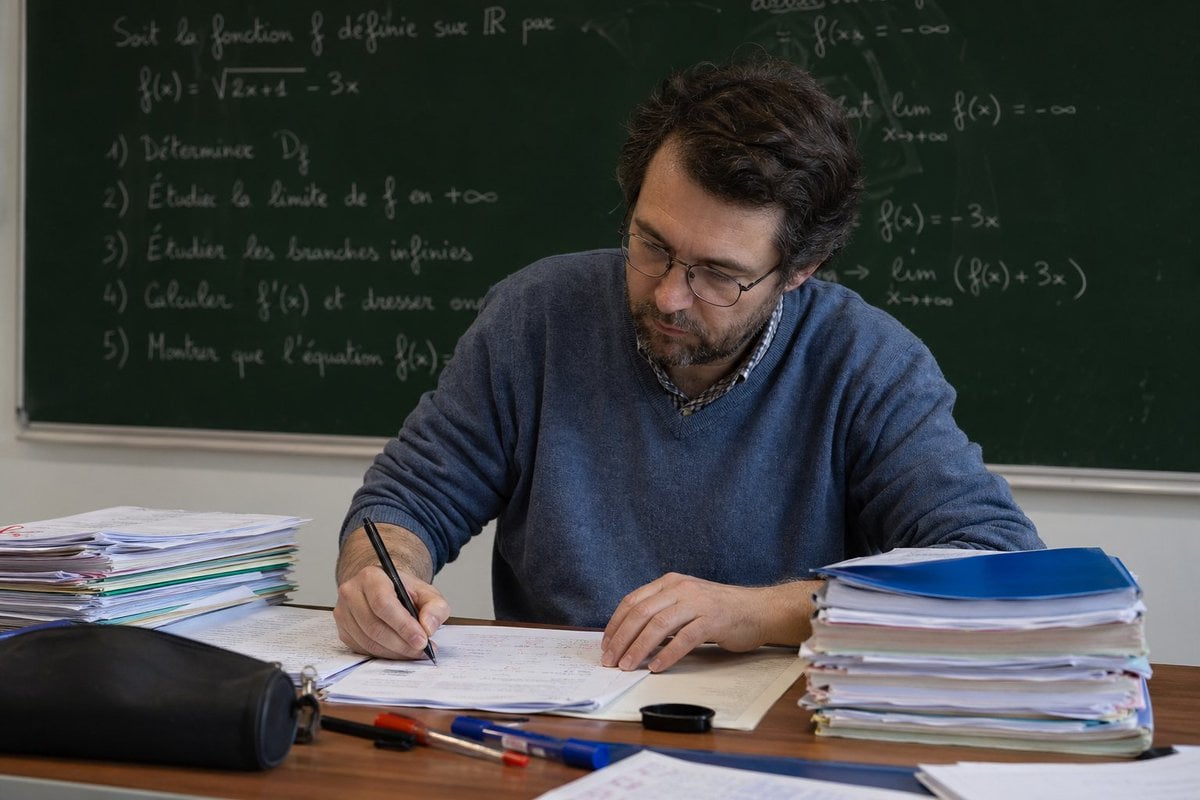
Math Teacher Grading Papers in Classroom
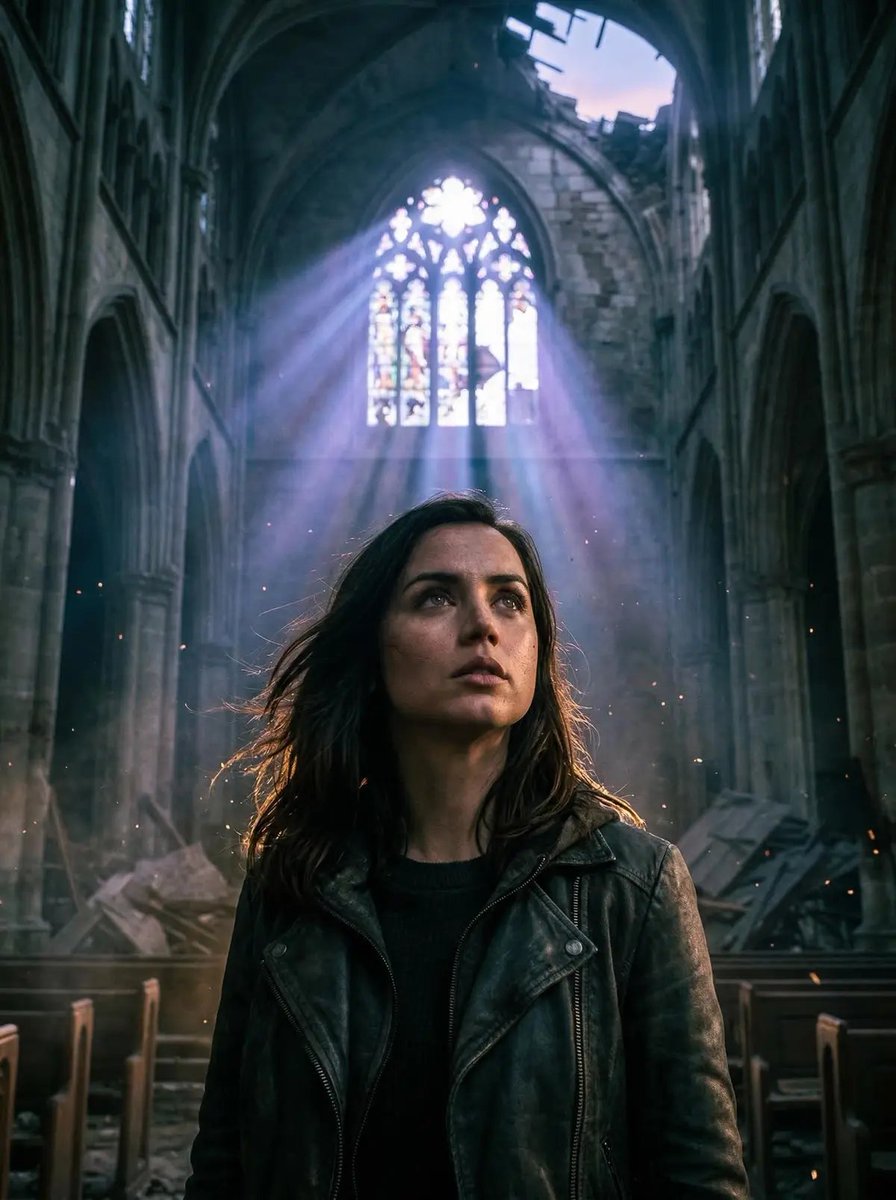
Cinematic Portrait in Ruined Gothic Cathedral
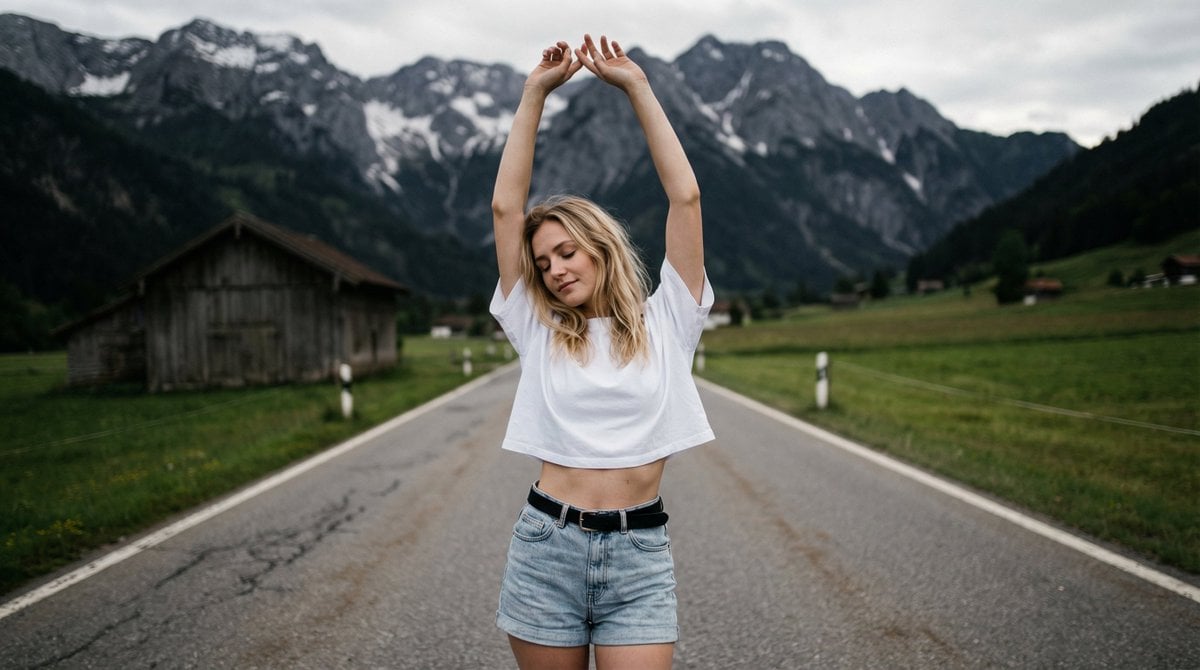
Surreal Double Exposure Portrait with Transparent Torso
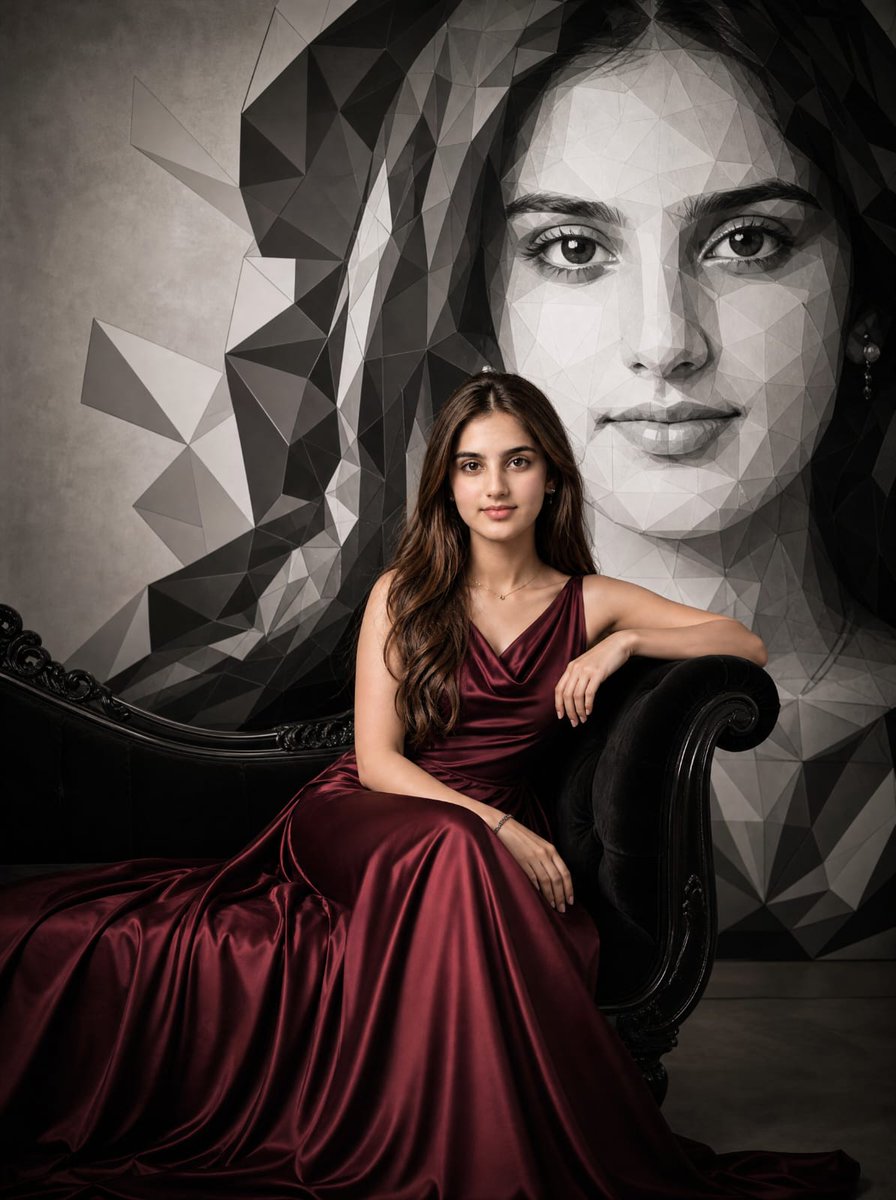
Burgundy Gown Editorial on Black Chaise
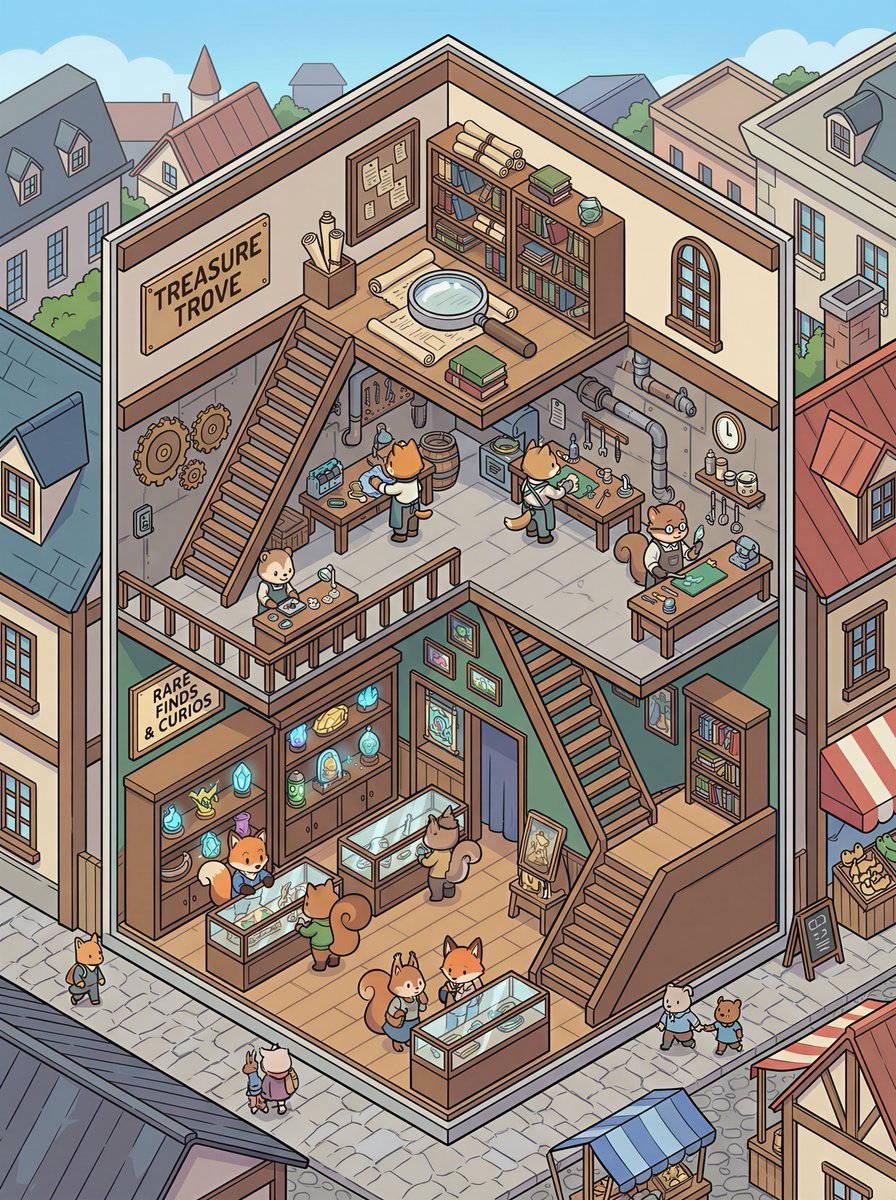
Isometric 2.5D Architectural Slice Illustration of an Animal Community
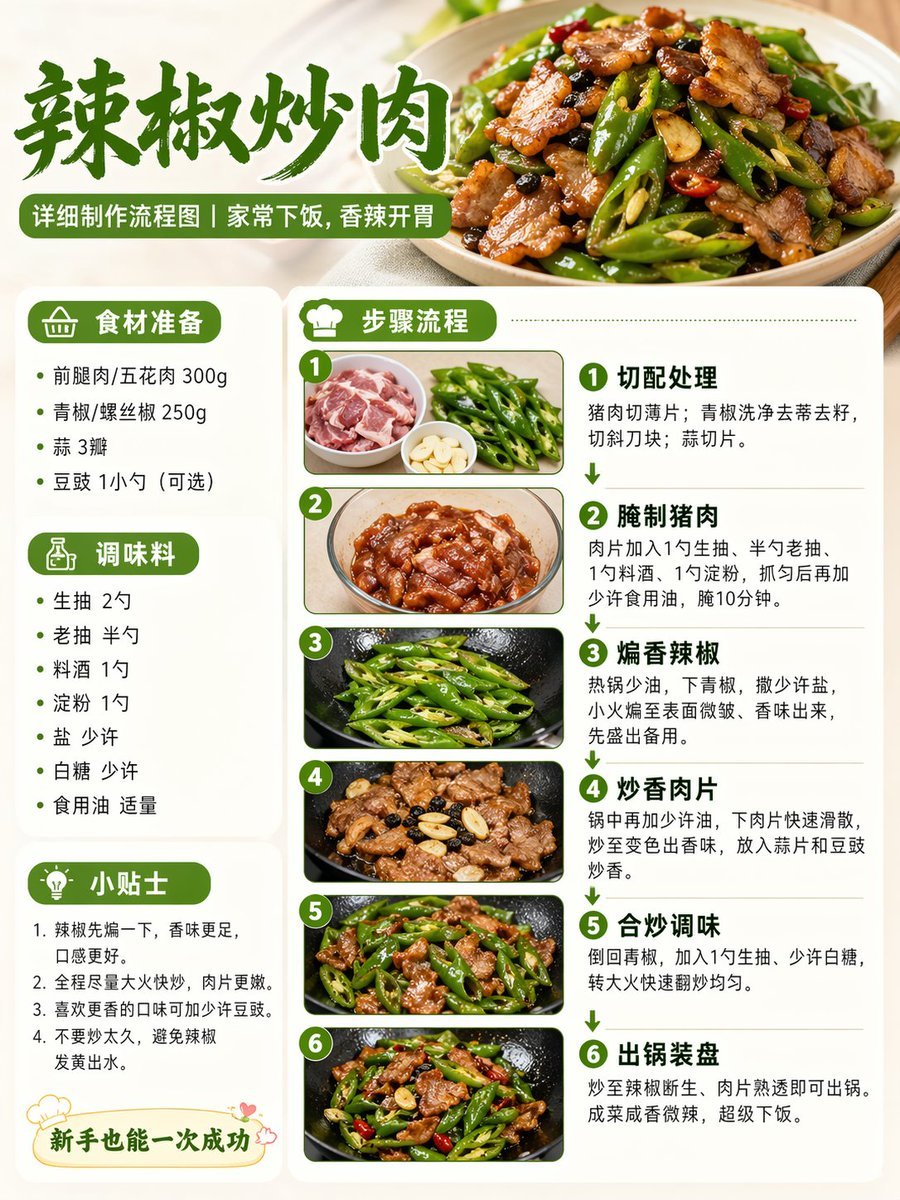
Food Recipe Flowchart Prompt
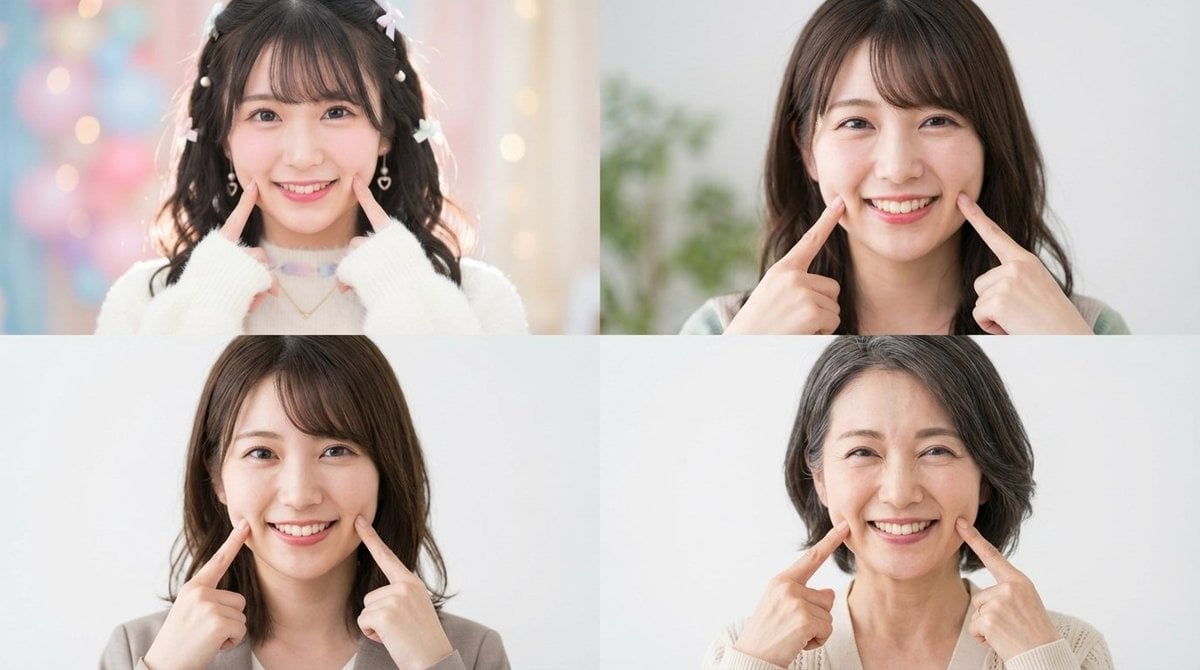
Future Self Visualization Prompt (4 Grids)
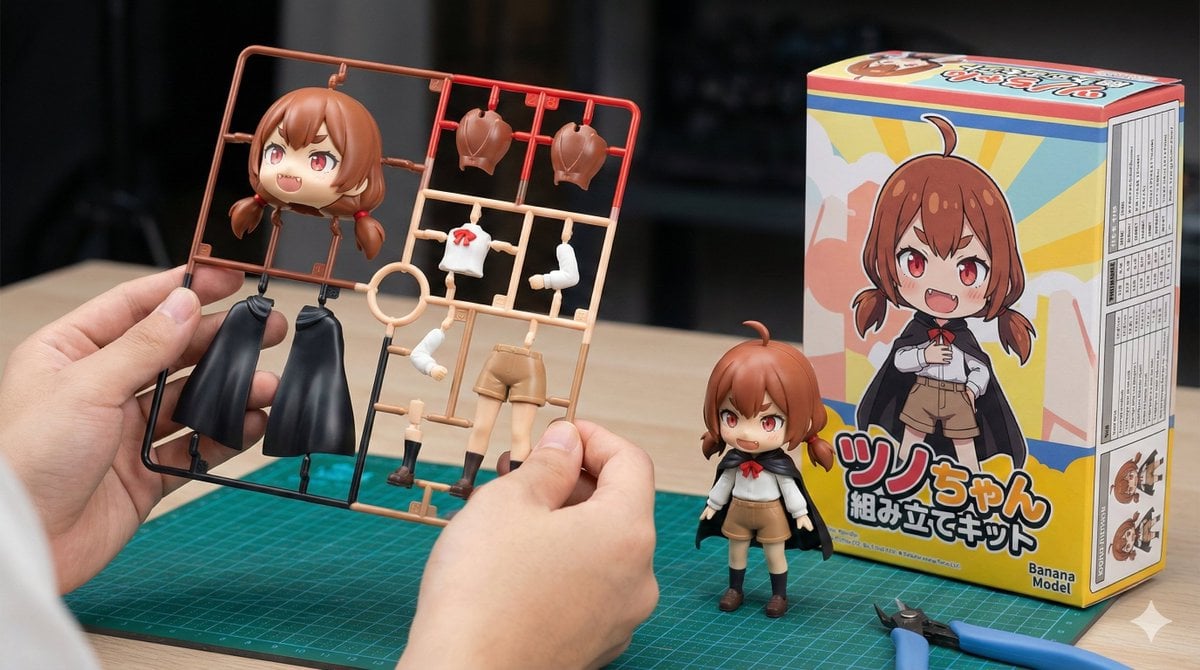
Plastic Model Kit Generation Prompt
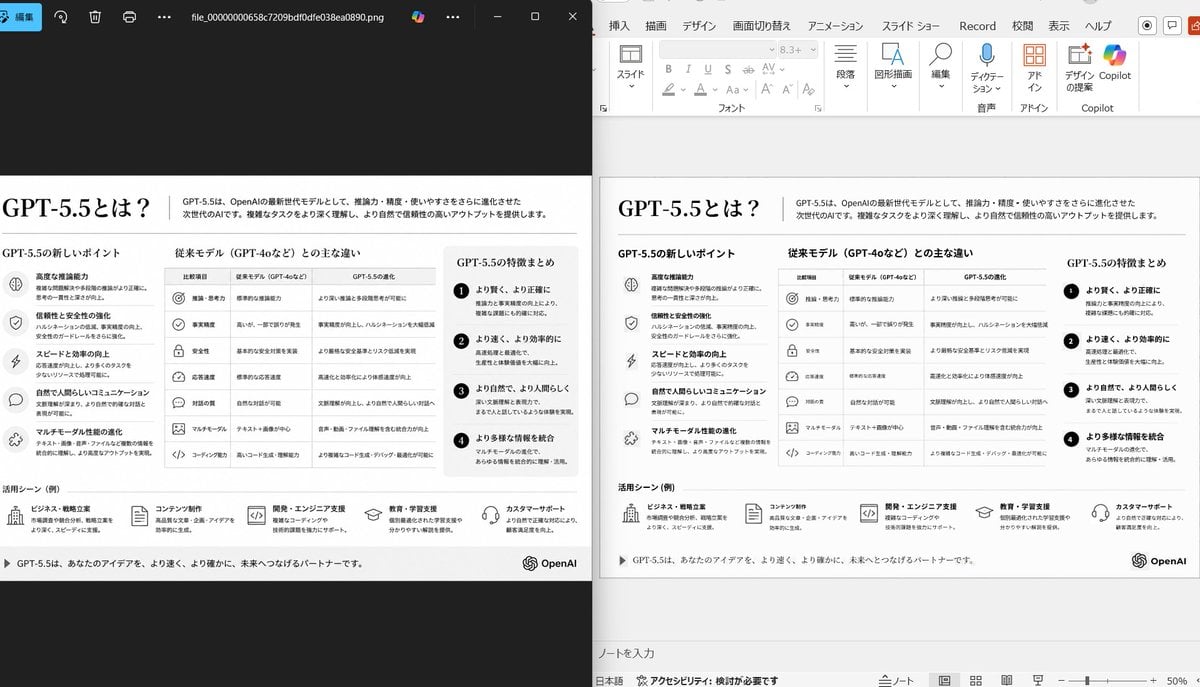
Side-by-Side PPT Reconstruction Demo
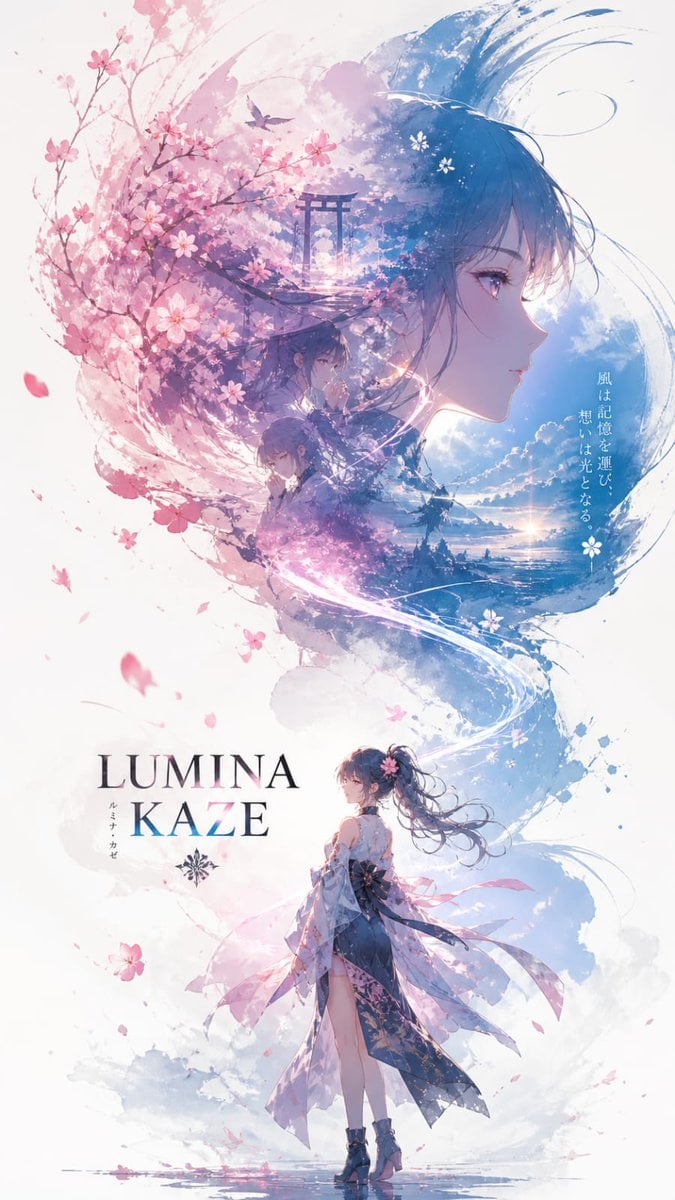
Anime Double-Exposure Poster
Browse template categories
Anime Schoolgirl City Diorama questions
How do I use the Anime Schoolgirl City Diorama template?
Add your photo if the template asks for one, edit the prompt if you like — the template's model and format are already selected — and press Generate. Your version opens in PicX Studio.
Can I customize the Anime Schoolgirl City Diorama template?
Yes. You can change the subject, setting, lighting, mood, format, and available model controls before creating your image.
Is the Anime Schoolgirl City Diorama template free?
Opening and editing this template is free. Generating uses credits, shown on the Generate button when you are signed in.
Which AI model should I use?
Start with GPT Image 2, which is the model associated with this template. You can compare another compatible model for a different finish.
Looking for something else? Browse all templates.

Your photo, any look
Thousands of ready templates for every top image and video model, from one credit balance.