
Dada Anime Collage Portrait
This generates an avant-garde poster-style collage of an anime character built from vintage newspapers, diagrams, typography, and distressed Dada-inspired graphic elements.
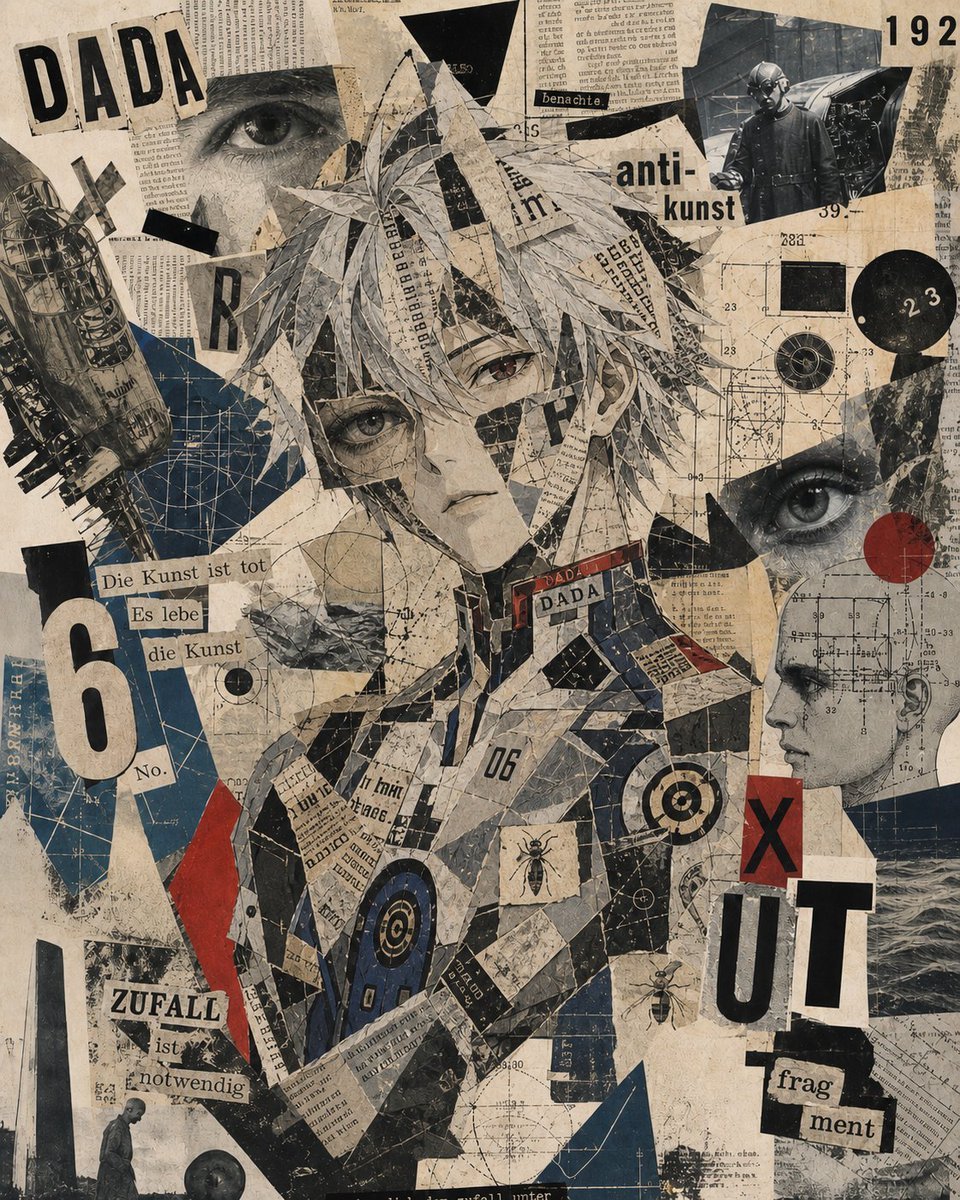
- Prompt included
- Model and format preset
- Free template
The prompt behind this image
Copy the exact prompt behind Dada Anime Collage Portrait, or open it in the studio and make it yours.
A highly detailed Dadaist mixed-media collage portrait of an androgynous anime boy centered in the composition, shown from the chest up with a calm, slightly melancholic expression and direct gaze. He has messy spiky white-gray hair and pale skin, with one visible eye rendered in a realistic anime style and the face fragmented by torn paper strips, geometric shards, and overlapping newsprint pieces. The entire figure is constructed from layered vintage newspaper clippings, technical diagrams, blueprint grids, distressed typography, cut-paper textures, and photocollage fragments, creating a deconstructed cubist look. Use a muted aged-paper palette of beige, off-white, charcoal black, faded navy blue, gray, and small accents of dark red. The background is a dense wall of torn printed pages and graphic scraps on weathered paper, with exact visible text elements including large “DADA” at the upper left, “anti-kunst” near the upper right, “Die Kunst ist tot / Es lebe / die Kunst” on the left-middle, “ZUFALL / ist / notwendig” on the lower left, oversized “6” and “No.” on the left, fragmented “X”, “UT”, and “frag / ment” on the lower right, and partial year numerals “192” at the top right. Include exactly 3 separate realistic eye cutouts in the collage outside or partially outside the main face, 2 small bee illustrations pinned into the body area, 3 target-like circular graphics on the clothing, 1 small astronaut or suited figure photo at the upper right, 1 mechanical rocket or engine collage element at the upper left, 1 ocean-wave photo strip at the lower right, and multiple circular diagram overlays. The character’s outfit should read as a futuristic high-collared jacket assembled from paper scraps and schematic fragments, with small red label details near the collar and a visible “06” marking on the chest. Composition should be vertically poster-like, tightly packed, asymmetrical, and editorial, with gritty tactile paper edges, glue seams, xerox noise, ink smudges, and strong contrast between organic portrait features and abstract graphic construction. Style: avant-garde Dada, Bauhaus-inflected collage, manga portrait fused with archival print ephemera, ultra-detailed, textured, flat frontal view, no clean digital gradients, no modern glossy finish.
How to use Dada Anime Collage Portrait in 3 steps
- 1Upload ImagePNG, JPG or paste
Add your photo
Upload the photo the template builds on. The prompt, model and format are already set.
- 2…a portrait of your subject in softgolden-hour light, 85mm…
Personalize
Edit the subject and creative details for your destination.
- 3Generate
Generate
Press Generate — your image is created in PicX Studio, so you can compare it with the original and refine one variable at a time.
More like this
Templates with the same subject, style or setup. Open one to see its prompt.

Found Photograph: Us, 1970

80s Couple Studio Portrait

80s Bollywood Star

80s Golden Hour Cinema

Me in 1985

1985 Studio Portrait

Hyper-Realistic Minecraft POV Portrait
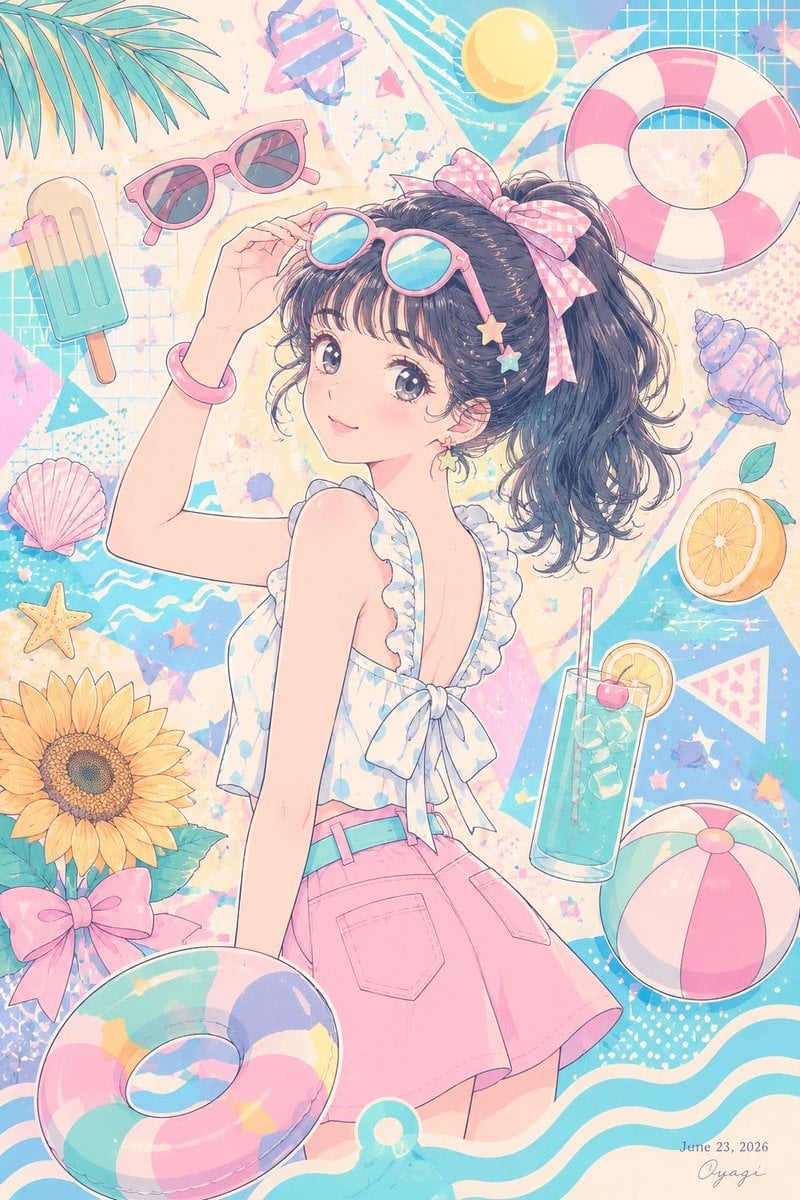
Pastel Anime Summer Beach Collage
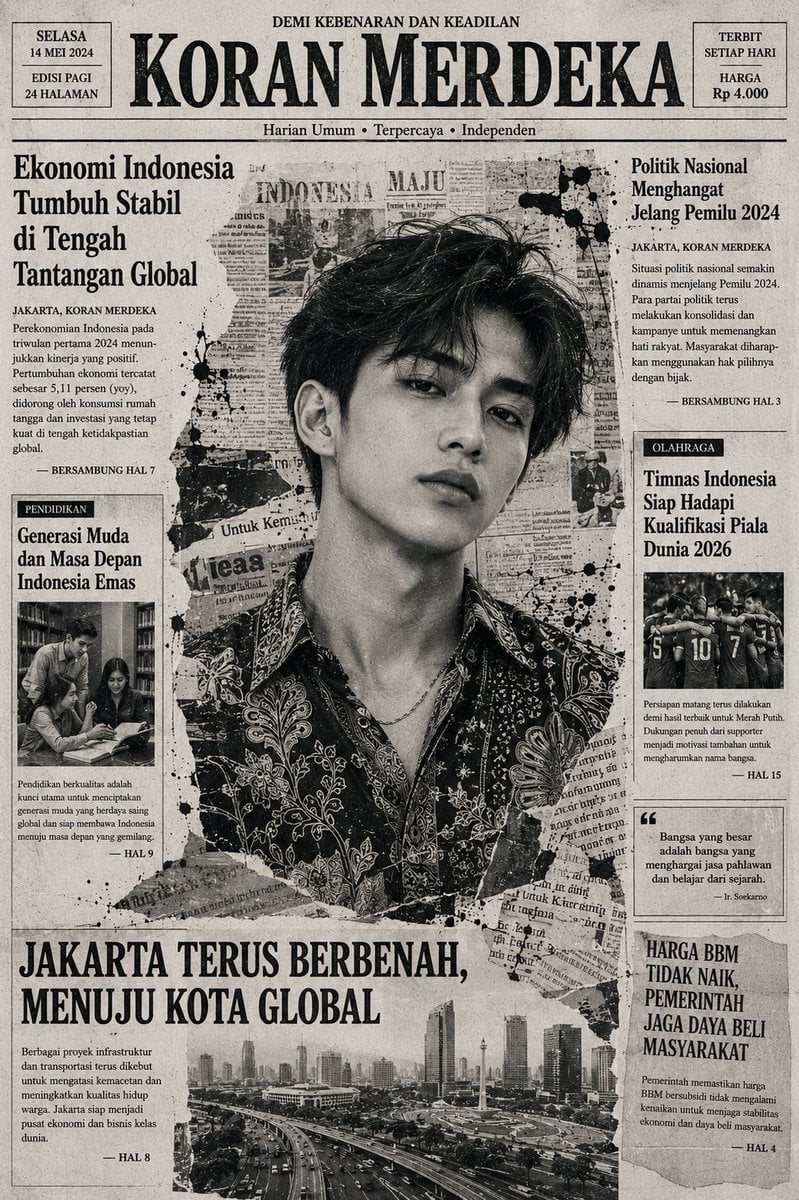
Indonesian Woman Newspaper Collage Portrait
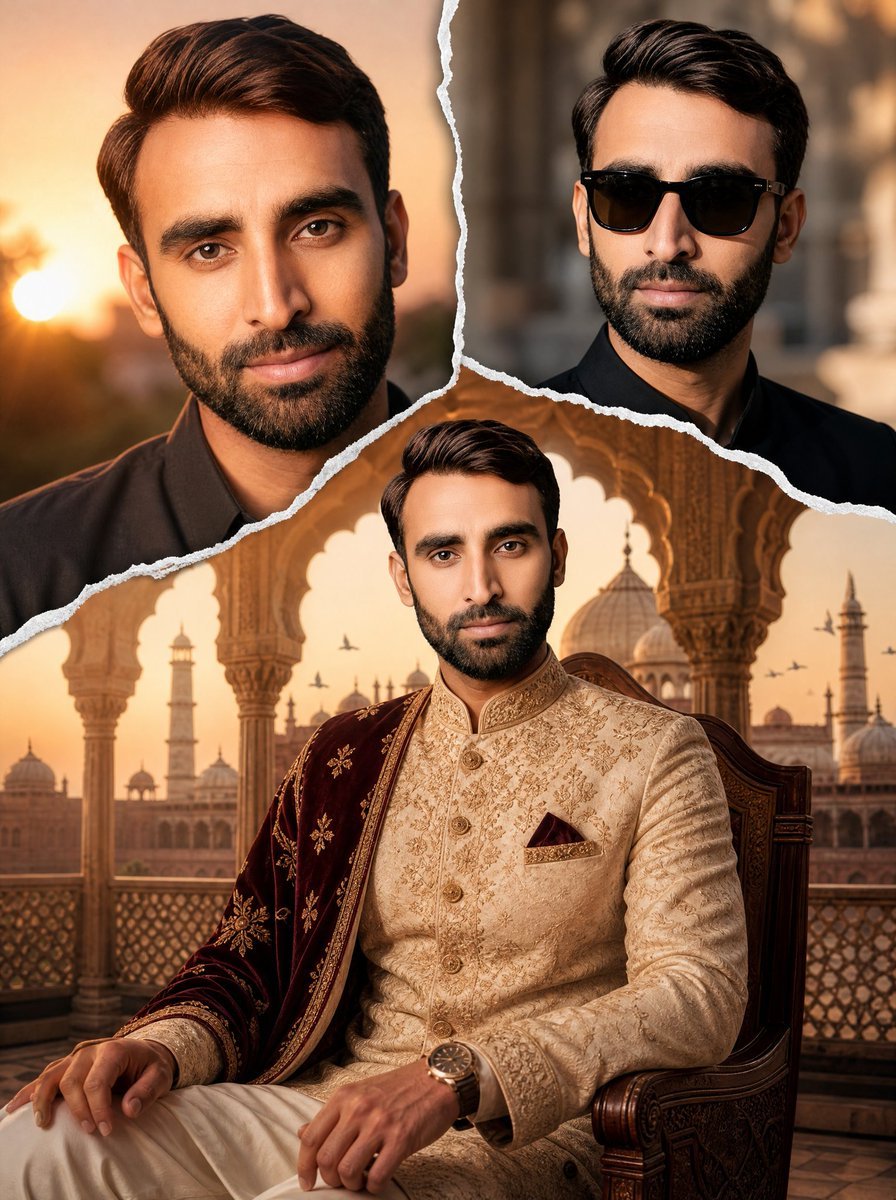
Royal Sherwani Portrait Collage Prompt

Rooftop Fisheye — Cat-Ear Balaclava at Golden Hour
Cel 2D Underwater Reef
Make it yours
Dada Anime Collage Portrait works as-is. These are the safest ways to change it without losing the look.
Change one field
Copy a single group, rewrite it, and generate again so you can see what that field is doing.
Keep the frame, change the subject
Hold the composition and light of Dada Anime Collage Portrait, then swap wardrobe, props or the person for a new take.
| If the result… | Why | Fix |
|---|---|---|
| The result drifts from the preview | Too many fields changed at once. | Reuse Dada Anime Collage Portrait as-is first, then change one group — subject, light, or setting. |
| The model over-stylizes the scene | The prose prompt leaves finish and camera underspecified. | Add one camera or lighting sentence and stay on GPT Image 2. |
More GPT Image 2 templates
Other prompts made for GPT Image 2.

Six VTuber Japanese Logo Sheet

Realistic Portrait of Woman and Deer

The Vista Modular Condo Poster

AI Model Routing Comparison Infographic

2.5D Anime Art Board

Isometric Productivity Desk Scene

New York Double Exposure Poster

Four-Panel AI Landscape Comparison

Japanese Tatami Lifestyle Magazine Cover

NESCAFÉ Coffee Map Poster
More image prompts
Fresh picks from across the catalog.
Tokyo DisneySea Front-Row Battle UI
Messy Handwritten Notebook Photo
Luxury Fashion Campaign Poster
Neumorphic Smart UI Kit
Anonymous Winter Noir Portrait
Anime Rock Band Concert Poster
Cinematic Photoreal Character Pair Prompt: Blue Character and Woman
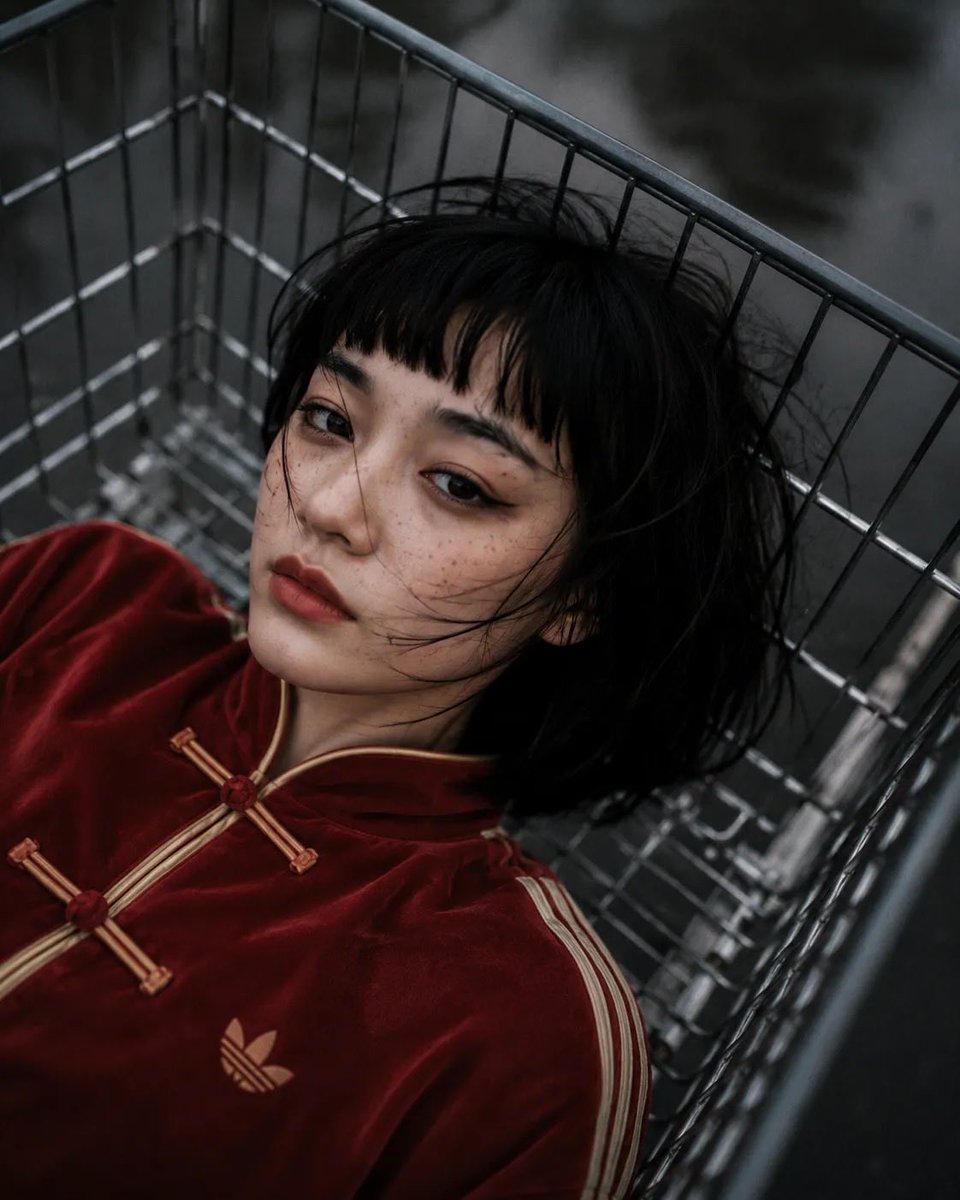
Shopping Trolley POV Fashion Photography
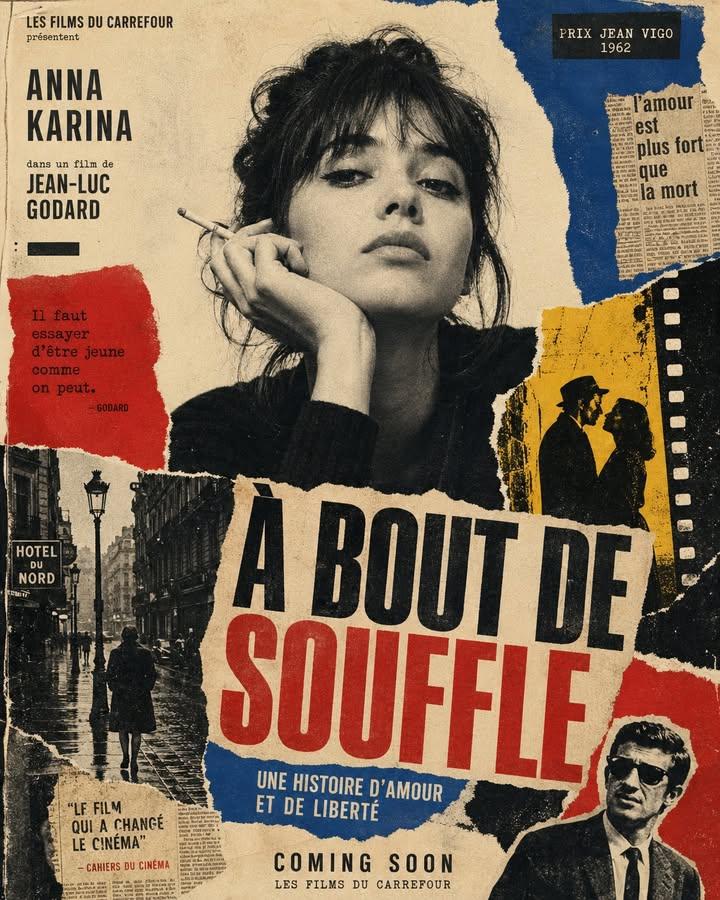
1960s Art-House Film Poster
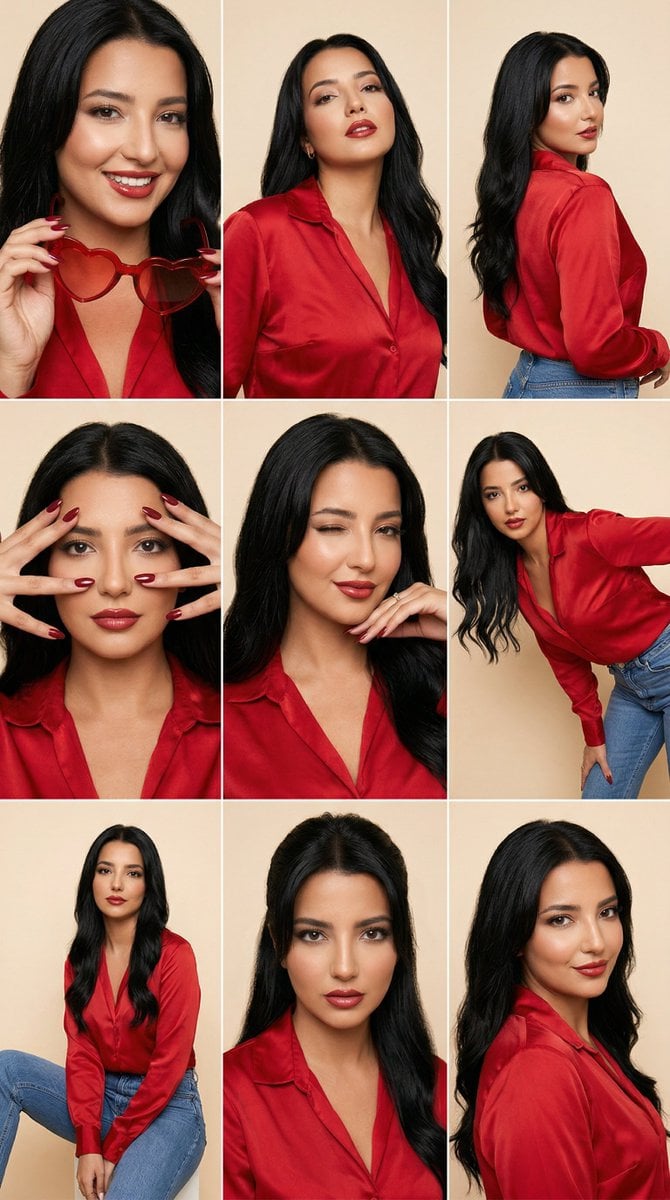
Fashion Editorial Grid Prompt (Red Satin Heart Glasses)
Browse template categories
Dada Anime Collage Portrait questions
How do I use the Dada Anime Collage Portrait template?
Add your photo if the template asks for one, edit the prompt if you like — the template's model and format are already selected — and press Generate. Your version opens in PicX Studio.
Can I customize the Dada Anime Collage Portrait template?
Yes. You can change the subject, setting, lighting, mood, format, and available model controls before creating your image.
Is the Dada Anime Collage Portrait template free?
Opening and editing this template is free. Generating uses credits, shown on the Generate button when you are signed in.
Which AI model should I use?
Start with GPT Image 2, which is the model associated with this template. You can compare another compatible model for a different finish.
Looking for something else? Browse all templates.

Your photo, any look
Thousands of ready templates for every top image and video model, from one credit balance.