
Enhance Blurry Kitten Photo
This prompt turns a low-quality cat reference photo into a sharp, realistic pet portrait while keeping the original composition and subject identity.
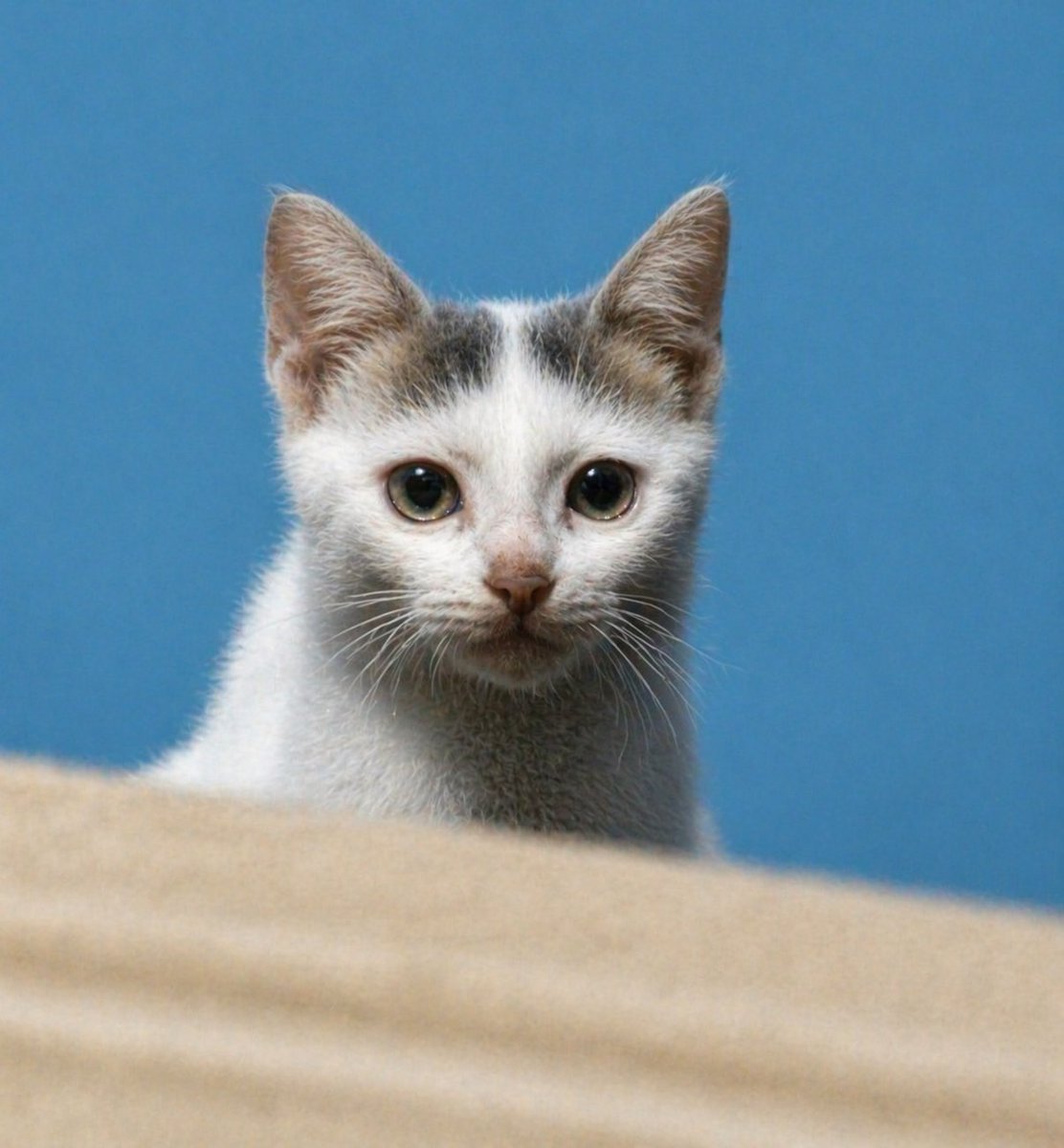
- Prompt included
- Model and format preset
- Free template
The prompt behind this image
Copy the exact prompt behind Enhance Blurry Kitten Photo, or open it in the studio and make it yours.
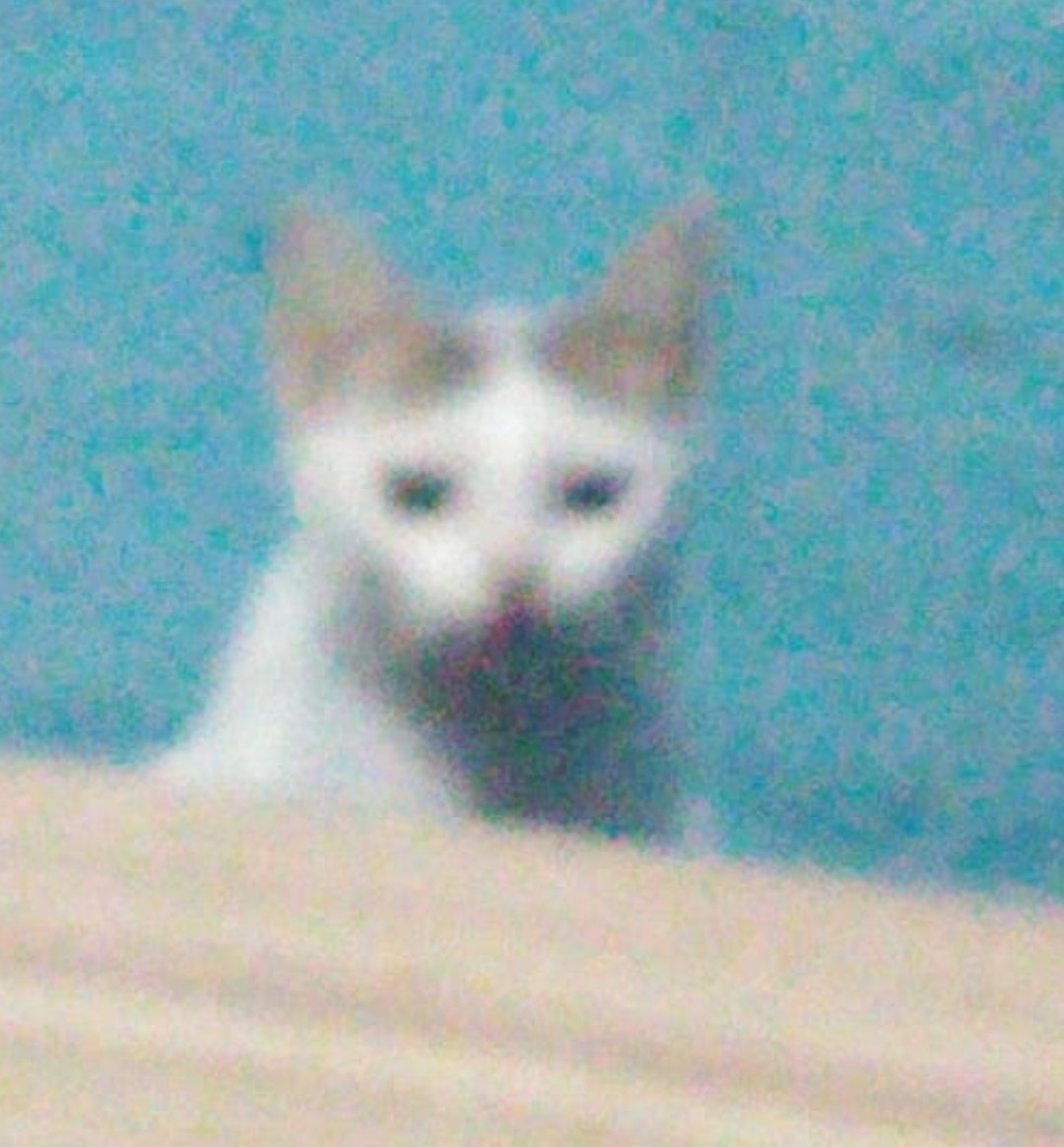
Using REFERENCE_0, restore the same kitten into a clean, realistic high-resolution portrait while preserving the front-facing composition, white fur with gray-brown markings on the head, blue background, and the beige foreground ledge at the bottom. Sharpen the face and eyes, add natural fur detail and whiskers, correct the proportions into a believable young kitten, improve lighting and contrast, and remove the heavy blur/noise so it looks like a crisp DSLR-style pet photo with shallow depth of field.
Reference images included
Enhance Blurry Kitten Photo needs input media to work. They load alongside the prompt when you open it in the studio.
How to use Enhance Blurry Kitten Photo in 3 steps
- 1Upload ImagePNG, JPG or paste
Add your photo
Upload the photo the template builds on. The prompt, model and format are already set.
- 2…a portrait of your subject in softgolden-hour light, 85mm…
Personalize
Edit the subject and creative details for your destination.
- 3Generate
Generate
Press Generate — your image is created in PicX Studio, so you can compare it with the original and refine one variable at a time.
More like this
Templates with the same subject, style or setup. Open one to see its prompt.
Pixel Art Kitten Companion Sheet
Cute Baby and Kittens Wallpaper
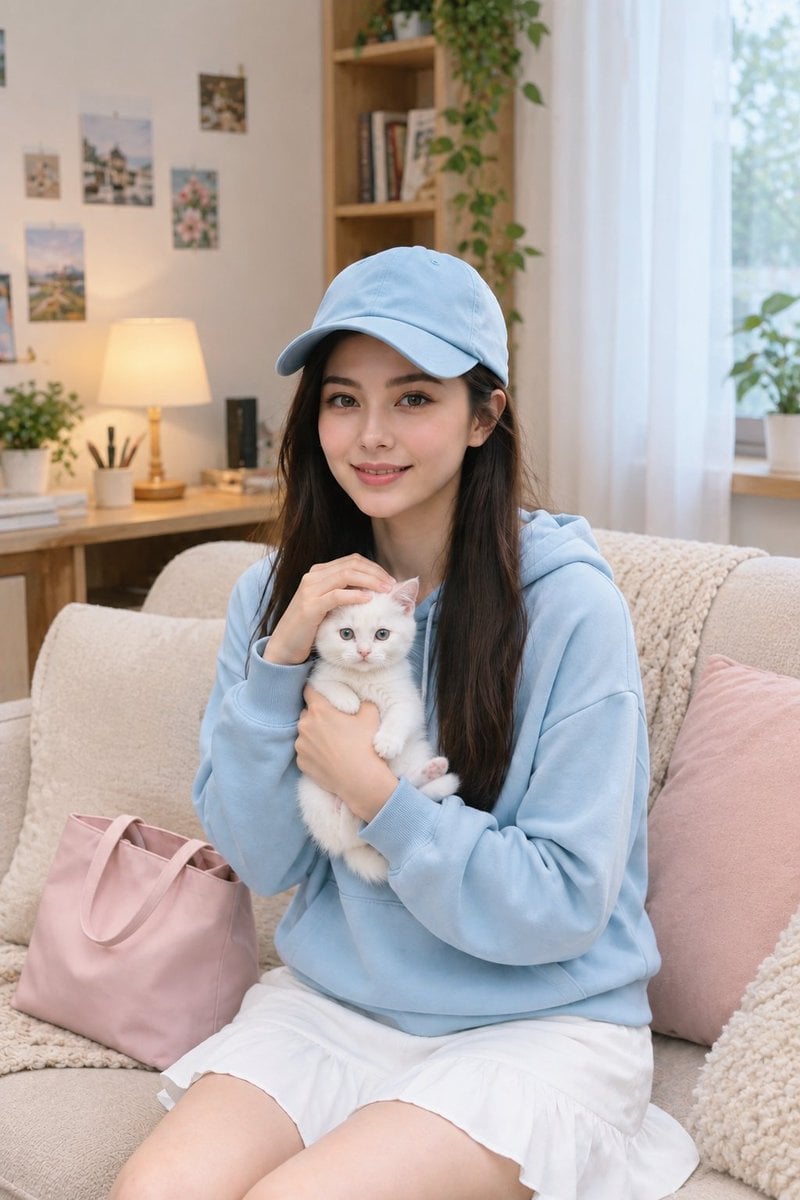
Lifestyle Portrait of Korean Woman with Kitten
Out of frame, cut off product, blurry edges, tripod, light stand, floor
Enhanced realism, minimal alteration from original composition
Photo Restoration and Clarity Enhancement
Woman with Kitten Close-up
Blurry Night Smartphone Snapshot
Smiling Baby With Five Kittens
Gray Kitten Sticker Pack Sheet
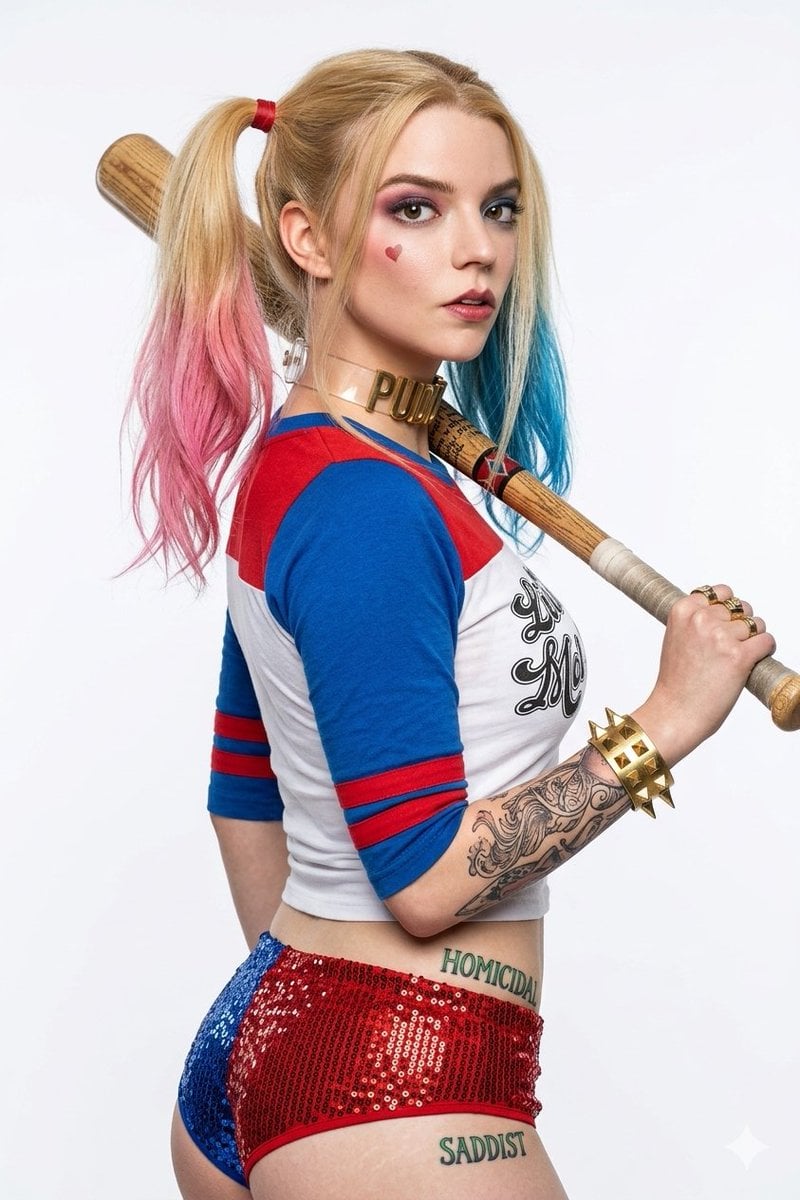
Harley Quinn Cosplay Enhancer
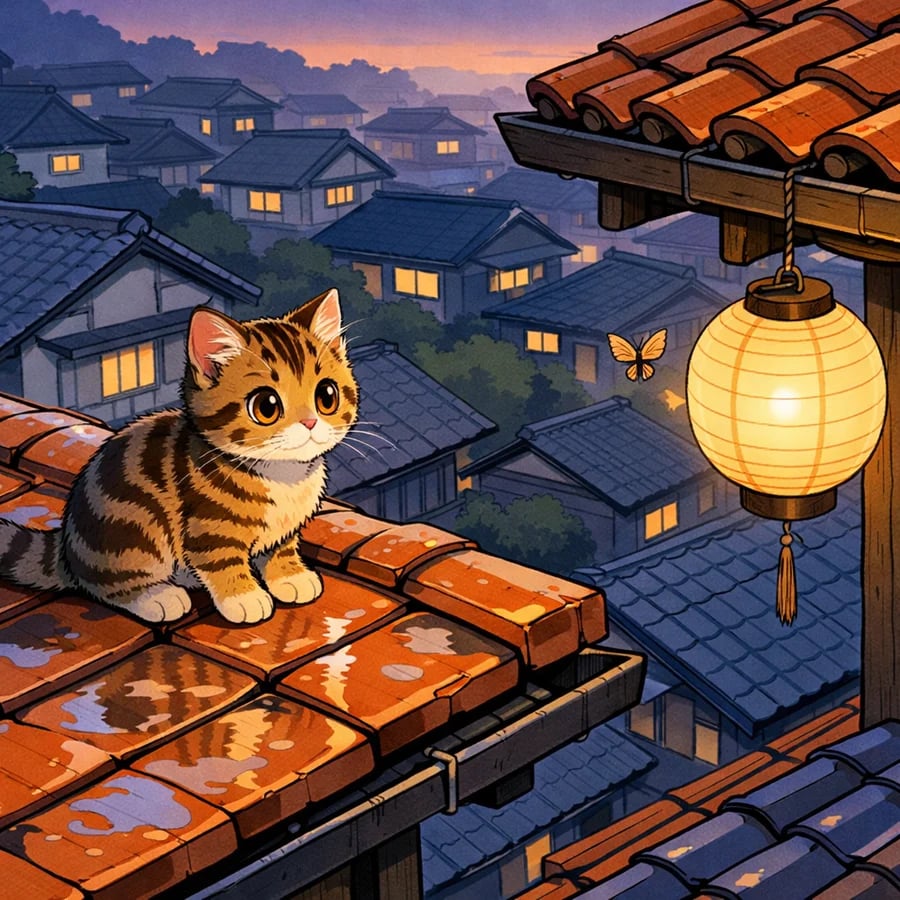
Tabby Kitten on Rain-Wet Rooftop
Make it yours
Enhance Blurry Kitten Photo works as-is. These are the safest ways to change it without losing the look.
Change one field
Copy a single group, rewrite it, and generate again so you can see what that field is doing.
Keep the frame, change the subject
Hold the composition and light of Enhance Blurry Kitten Photo, then swap wardrobe, props or the person for a new take.
| If the result… | Why | Fix |
|---|---|---|
| The result drifts from the preview | Too many fields changed at once. | Reuse Enhance Blurry Kitten Photo as-is first, then change one group — subject, light, or setting. |
| The model over-stylizes the scene | The prose prompt leaves finish and camera underspecified. | Add one camera or lighting sentence and stay on GPT Image 2. |
More GPT Image 2 templates
Other prompts made for GPT Image 2.

Six VTuber Japanese Logo Sheet

Realistic Portrait of Woman and Deer

The Vista Modular Condo Poster

AI Model Routing Comparison Infographic

2.5D Anime Art Board

Isometric Productivity Desk Scene

New York Double Exposure Poster

Four-Panel AI Landscape Comparison

Japanese Tatami Lifestyle Magazine Cover

NESCAFÉ Coffee Map Poster
More image prompts
Fresh picks from across the catalog.
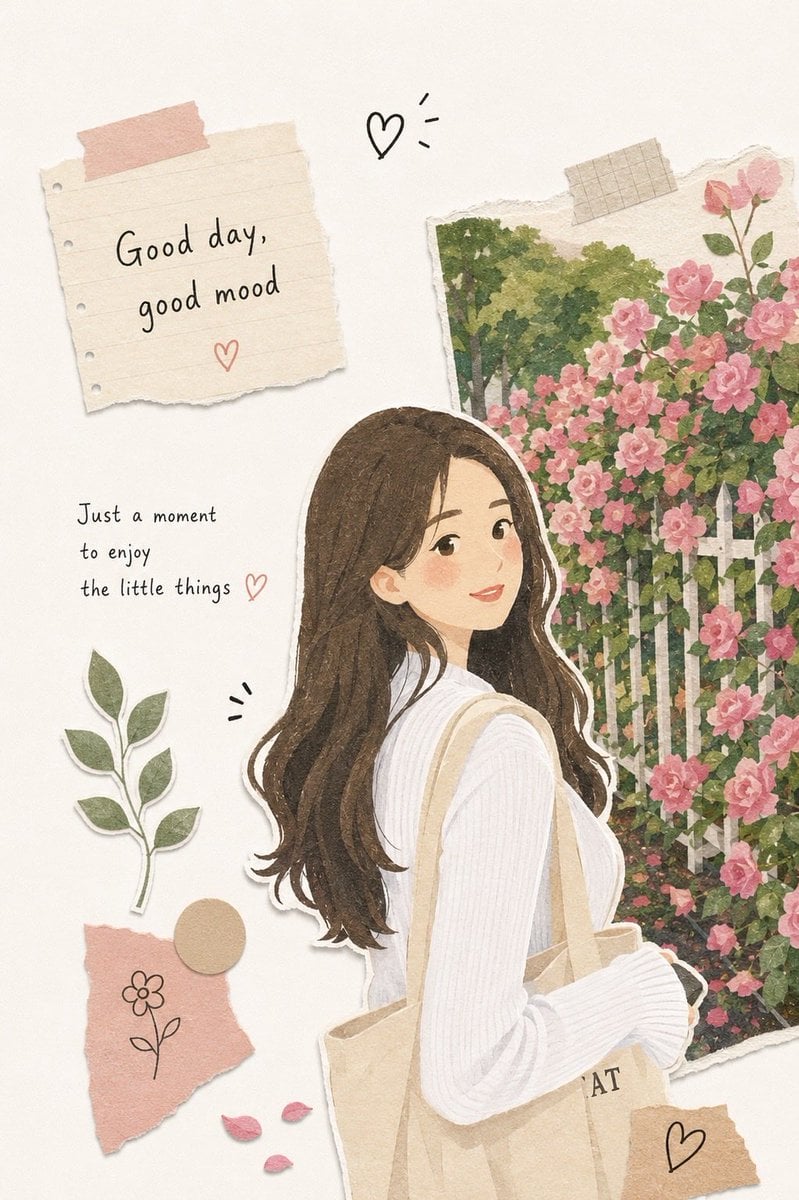
Photo to Kawaii Scrapbook Illustration
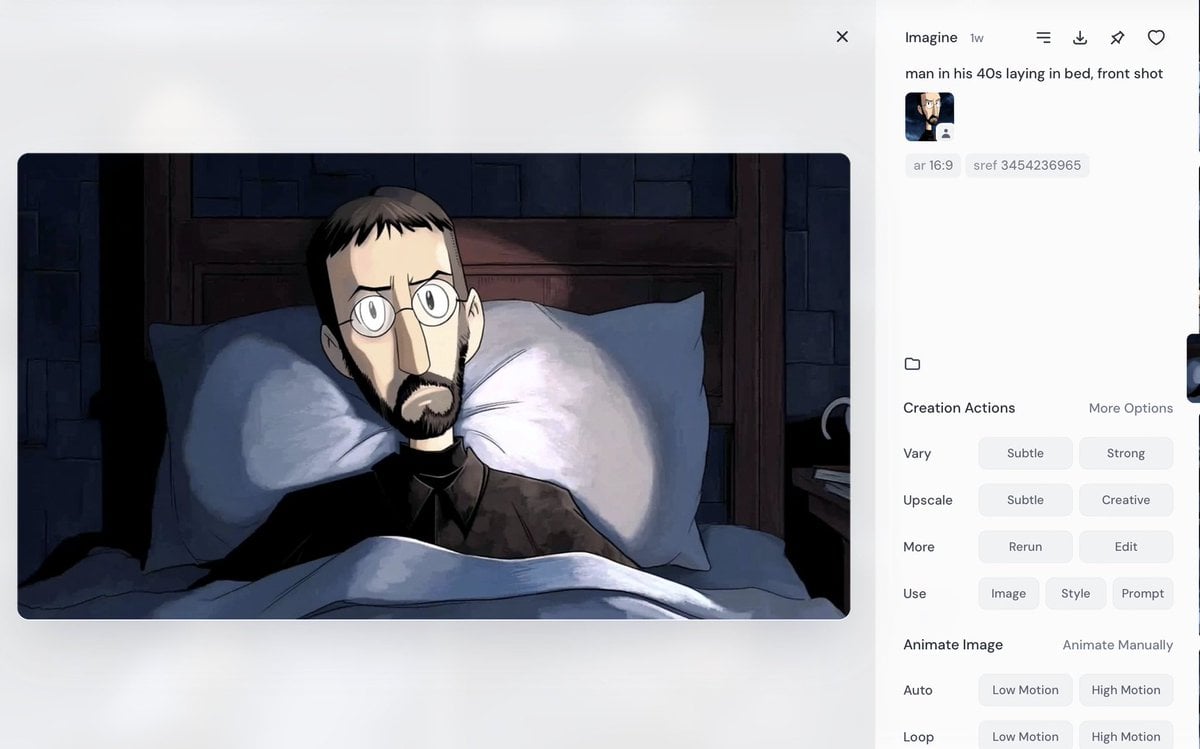
Portrait of a Middle-Aged Man Lying Down
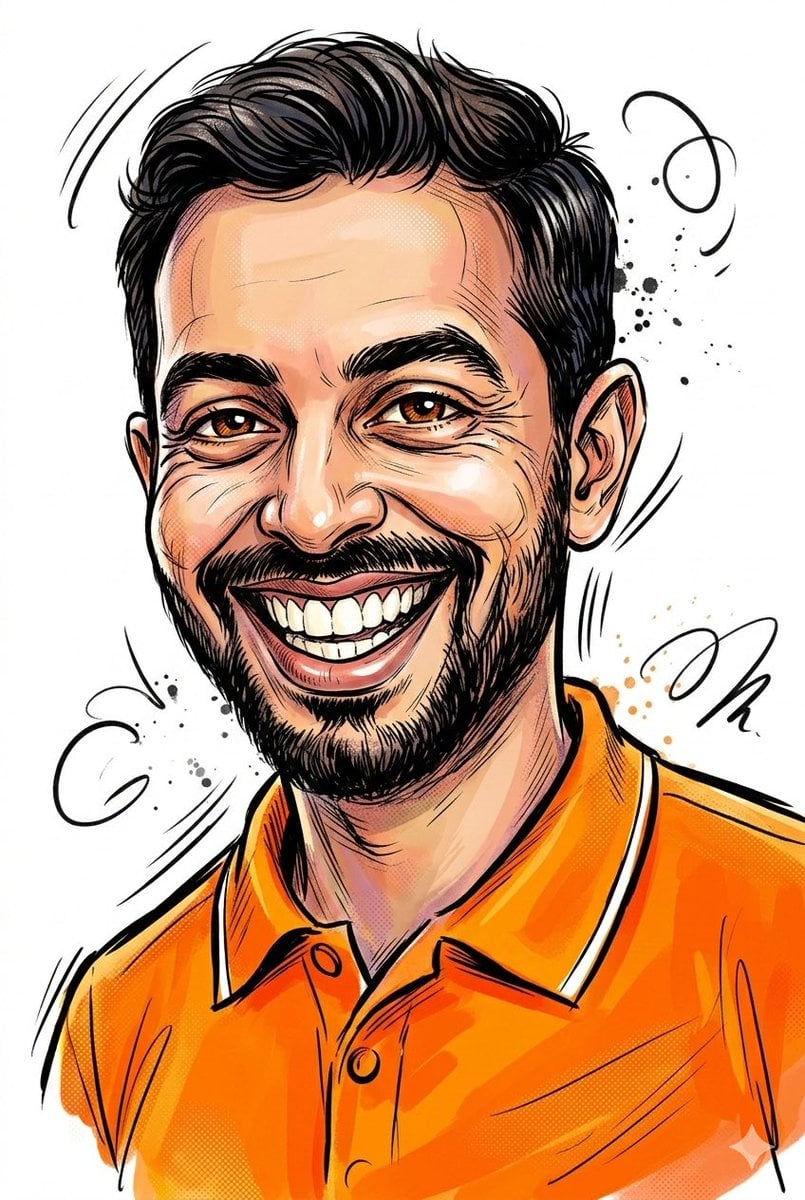
Image-to-Sketch Cartoon Transformation Prompt
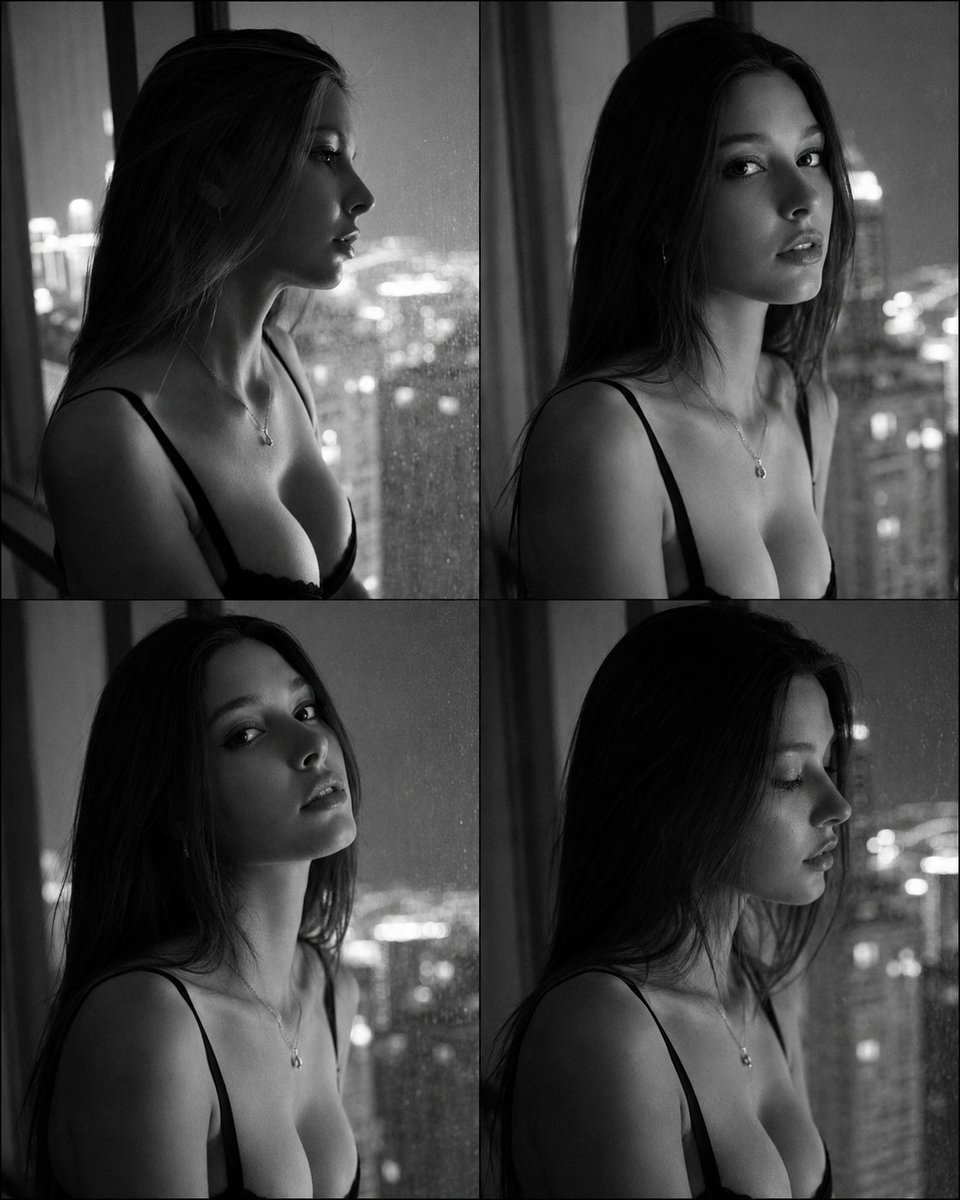
Fashion Casting Contact Sheet Portrait
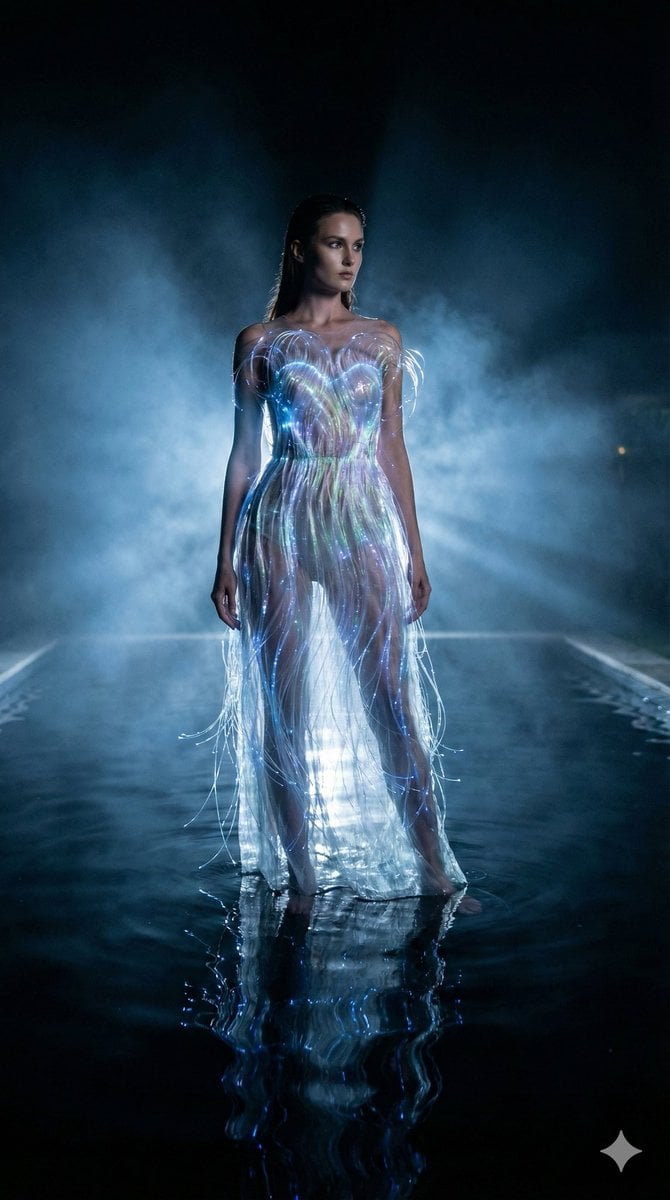
High-Fashion Sci-Fi Realism in Water
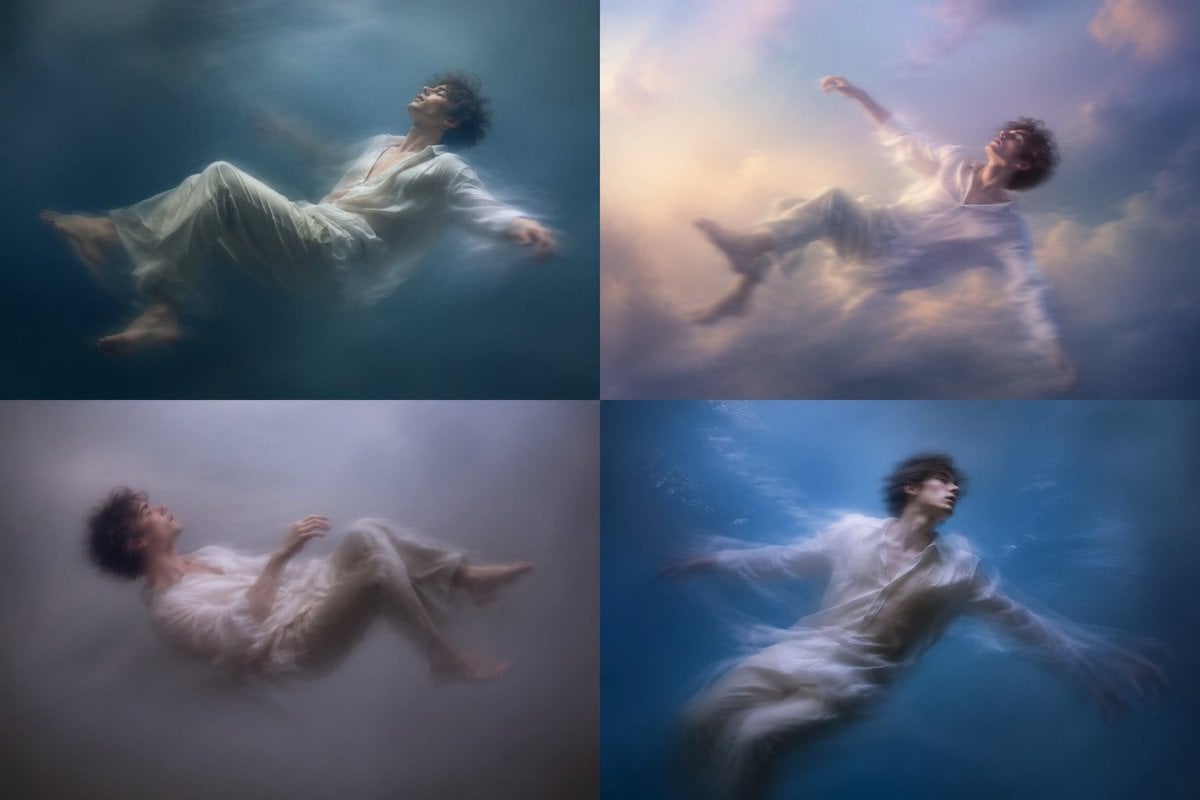
Dreamy Floating Portrait Grid
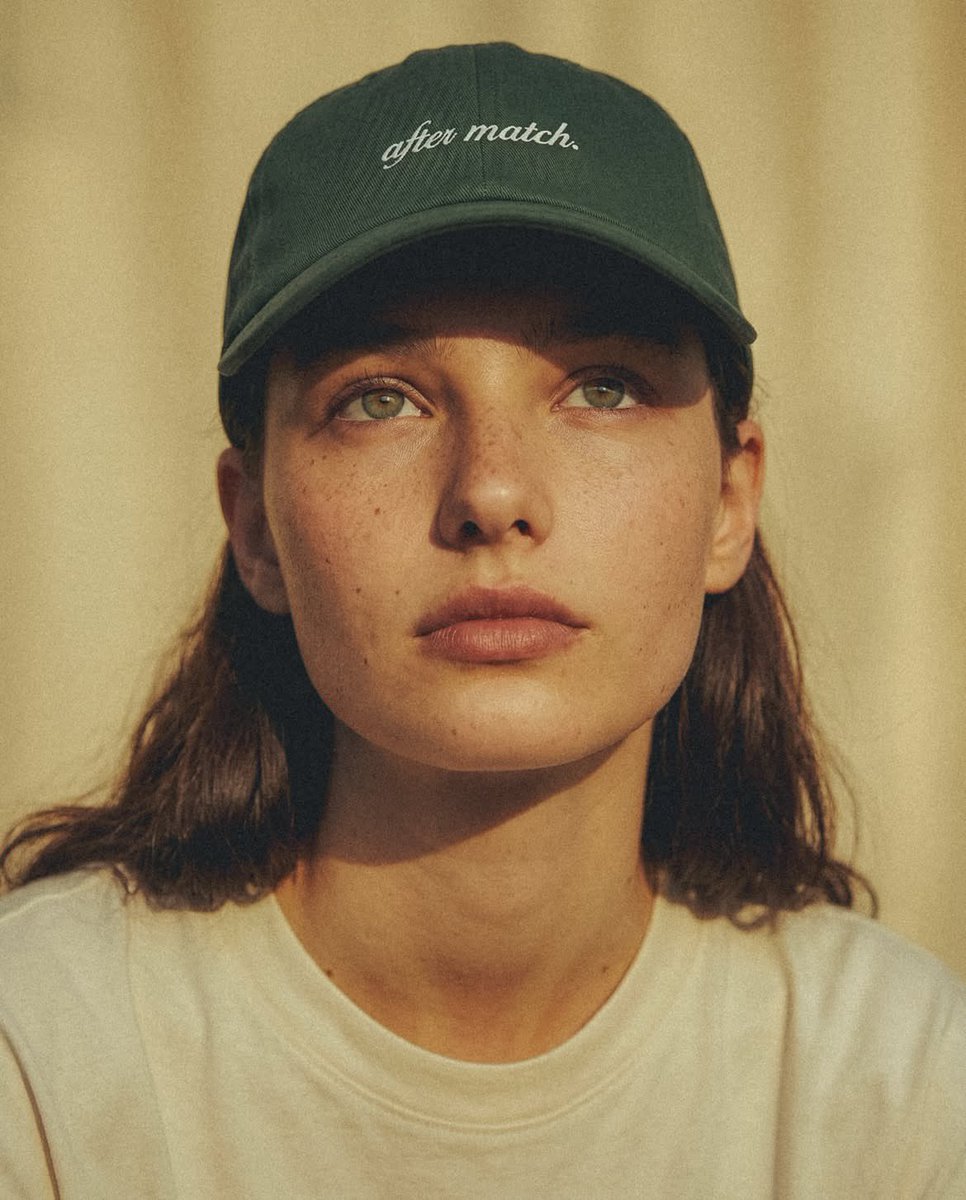
Fashion Editorial Green Cap Portraits
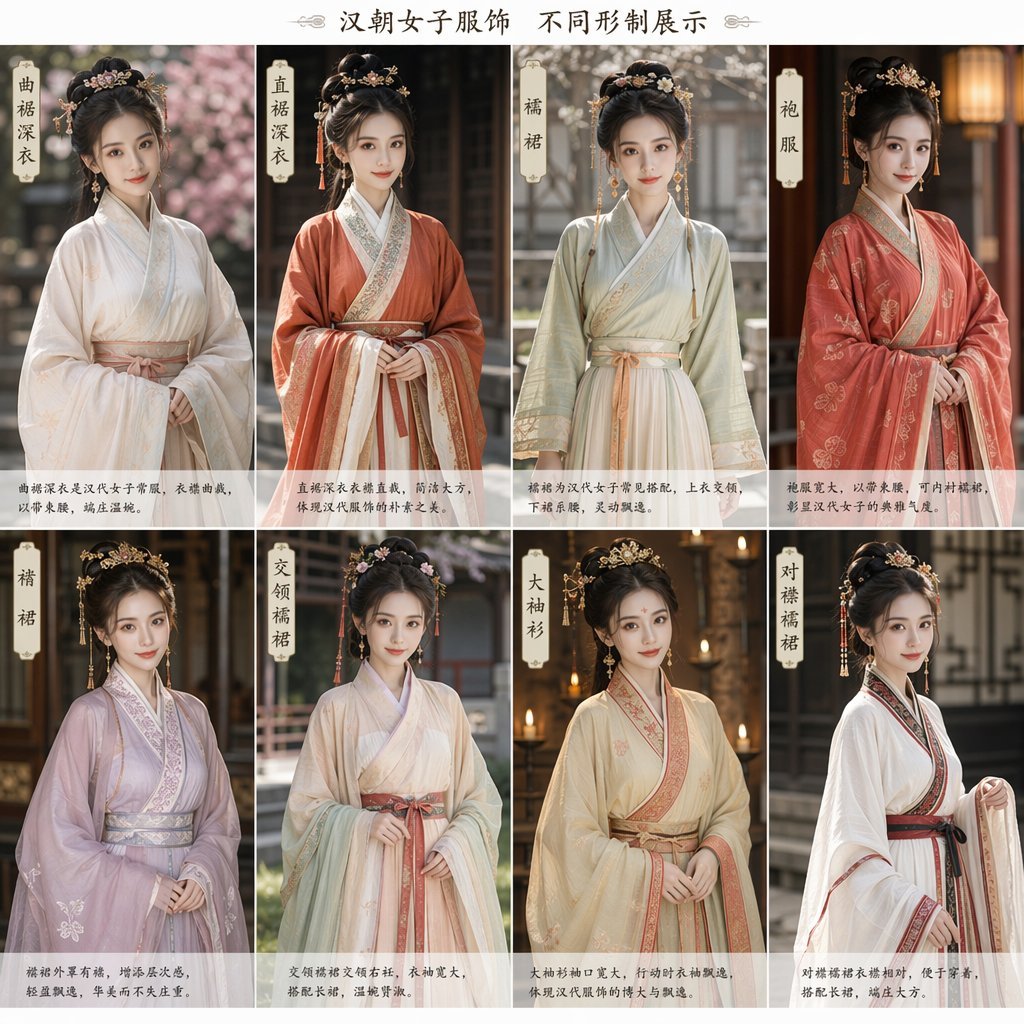
Eight-Panel Hanfu Clothing Reference Poster
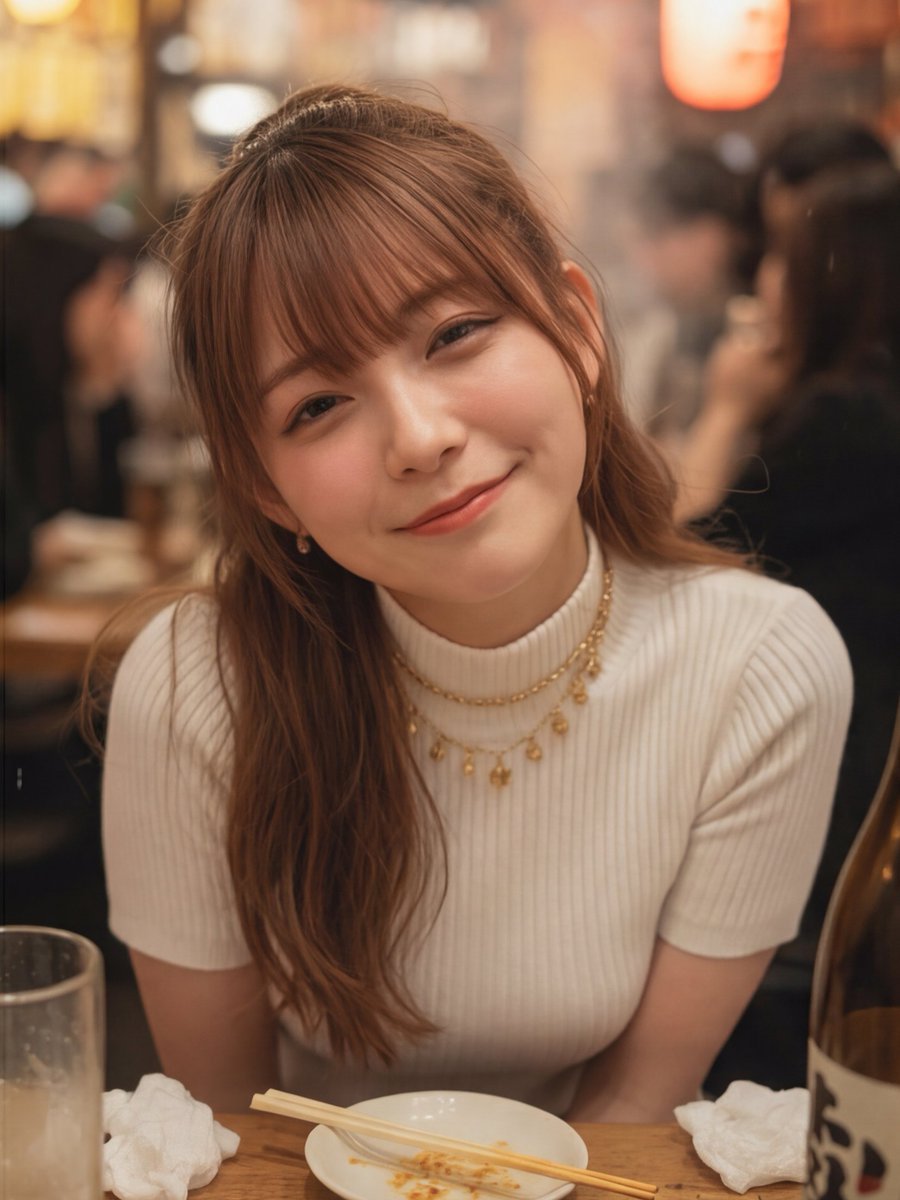
Intoxicated Face 2x2 Grid Generator
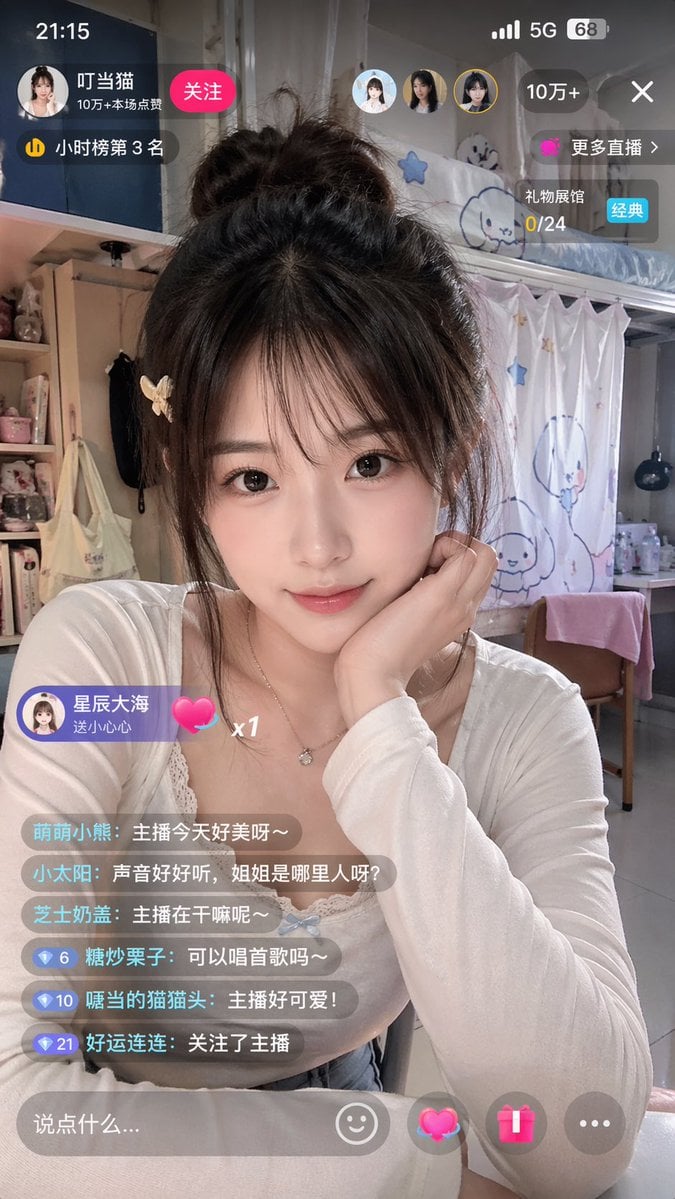
Chinese Livestream Dorm Selfie UI
Browse template categories
Enhance Blurry Kitten Photo questions
How do I use the Enhance Blurry Kitten Photo template?
Add your photo if the template asks for one, edit the prompt if you like — the template's model and format are already selected — and press Generate. Your version opens in PicX Studio.
Can I customize the Enhance Blurry Kitten Photo template?
Yes. You can change the subject, setting, lighting, mood, format, and available model controls before creating your image.
Is the Enhance Blurry Kitten Photo template free?
Opening and editing this template is free. Generating uses credits, shown on the Generate button when you are signed in.
Which AI model should I use?
Start with GPT Image 2, which is the model associated with this template. You can compare another compatible model for a different finish.
Looking for something else? Browse all templates.

Your photo, any look
Thousands of ready templates for every top image and video model, from one credit balance.