
Dogs Carrying Giant Bone by the Sea
This prompt generates a humorous painterly coastal scene of four dogs riding in a vintage car with an enormous bone strapped to the roof, ideal for whimsical art prints or social media visuals.
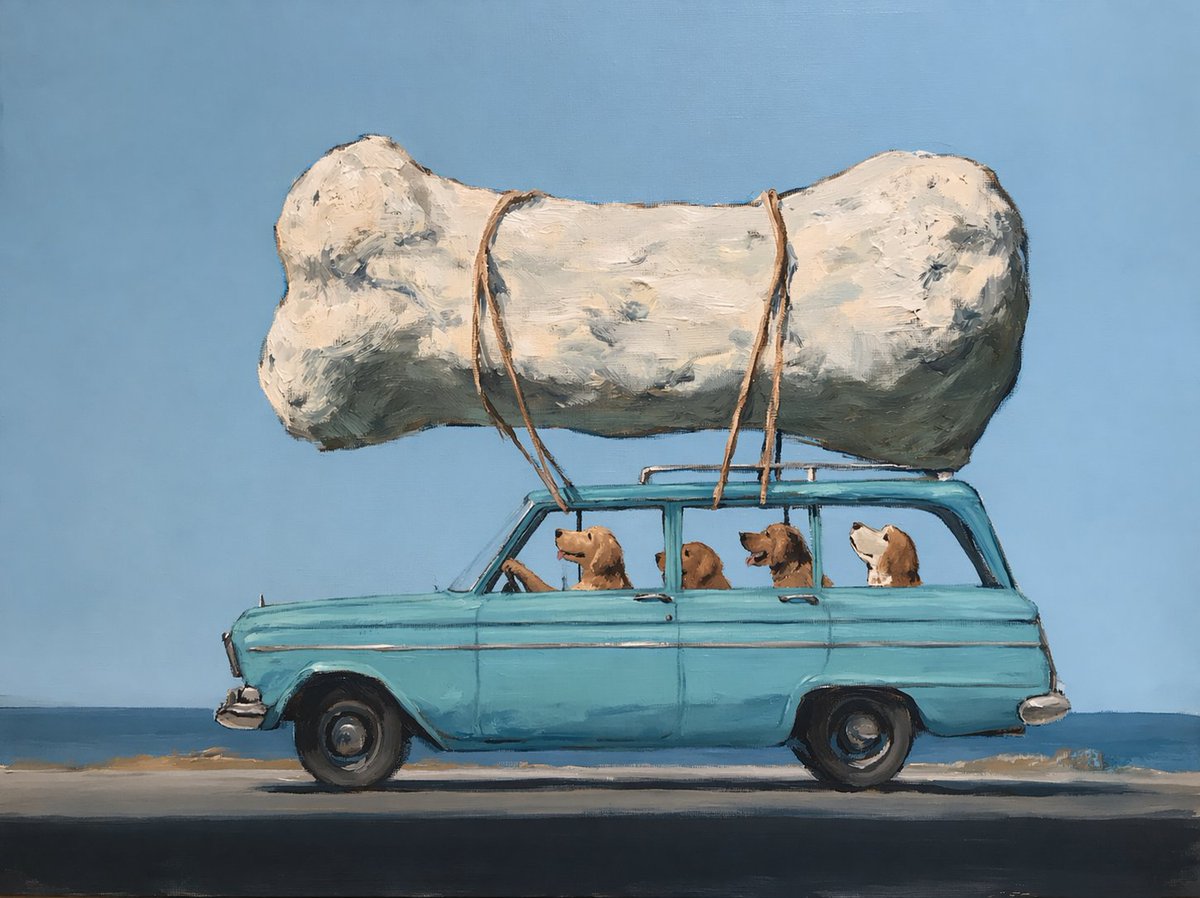
- Prompt included
- Model and format preset
- Free template
The prompt behind this image
Copy the exact prompt behind Dogs Carrying Giant Bone by the Sea, or open it in the studio and make it yours.
A whimsical painterly illustration of a vintage turquoise station wagon driving along a coastal road, shown in clean side profile against a simple blue sky and calm ocean horizon. On the roof, tied down with 4 visible tan ropes, is an absurdly oversized white dog bone, rough-textured and sculptural, longer than the car itself. Inside the car are 4 dogs total: 1 golden-brown dog in the driver’s seat with one paw on the steering wheel, 2 golden-brown dogs sitting in the middle and rear windows looking outward, and 1 white-and-brown dog at the back with its head tilted slightly up. Use thick expressive oil-paint brushstrokes, soft impasto texture, slightly naive folk-art realism, gentle humor, and a minimalist composition with the car centered horizontally. The road is dark in the foreground with a thin sandy strip near the water, and the palette is dominated by sky blue, sea blue, faded turquoise, cream white, and warm brown. Bright daylight, no text, no extra objects, serene but funny road-trip mood.
How to use Dogs Carrying Giant Bone by the Sea in 3 steps
- 1Upload ImagePNG, JPG or paste
Add your photo
Upload the photo the template builds on. The prompt, model and format are already set.
- 2…a portrait of your subject in softgolden-hour light, 85mm…
Personalize
Edit the subject and creative details for your destination.
- 3Generate
Generate
Press Generate — your image is created in PicX Studio, so you can compare it with the original and refine one variable at a time.
More like this
Templates with the same subject, style or setup. Open one to see its prompt.
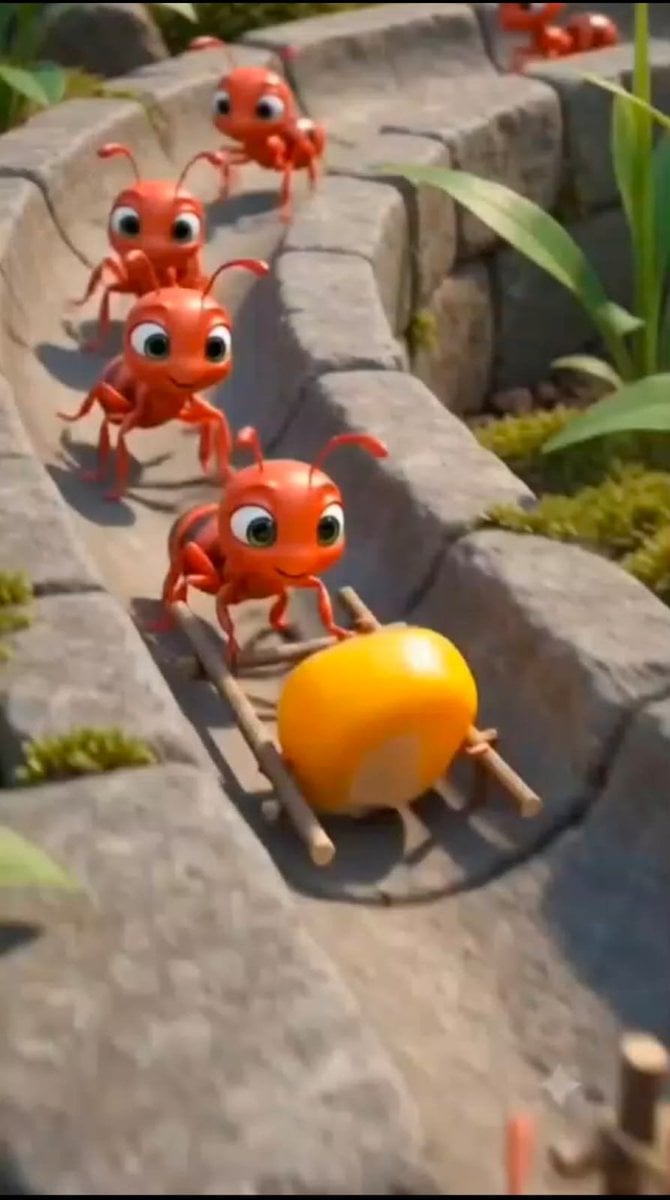
Cartoon Ants Carrying a Golden Seed
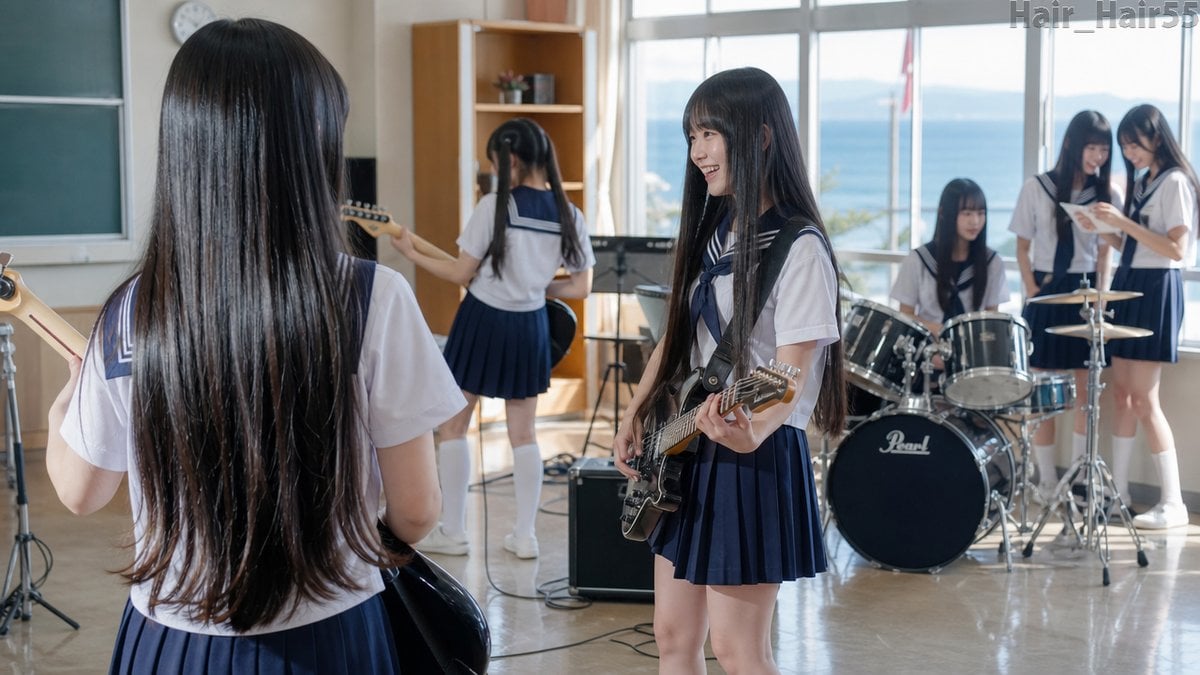
Seaside School Band Rehearsal

Giant Lotus Pond Portrait
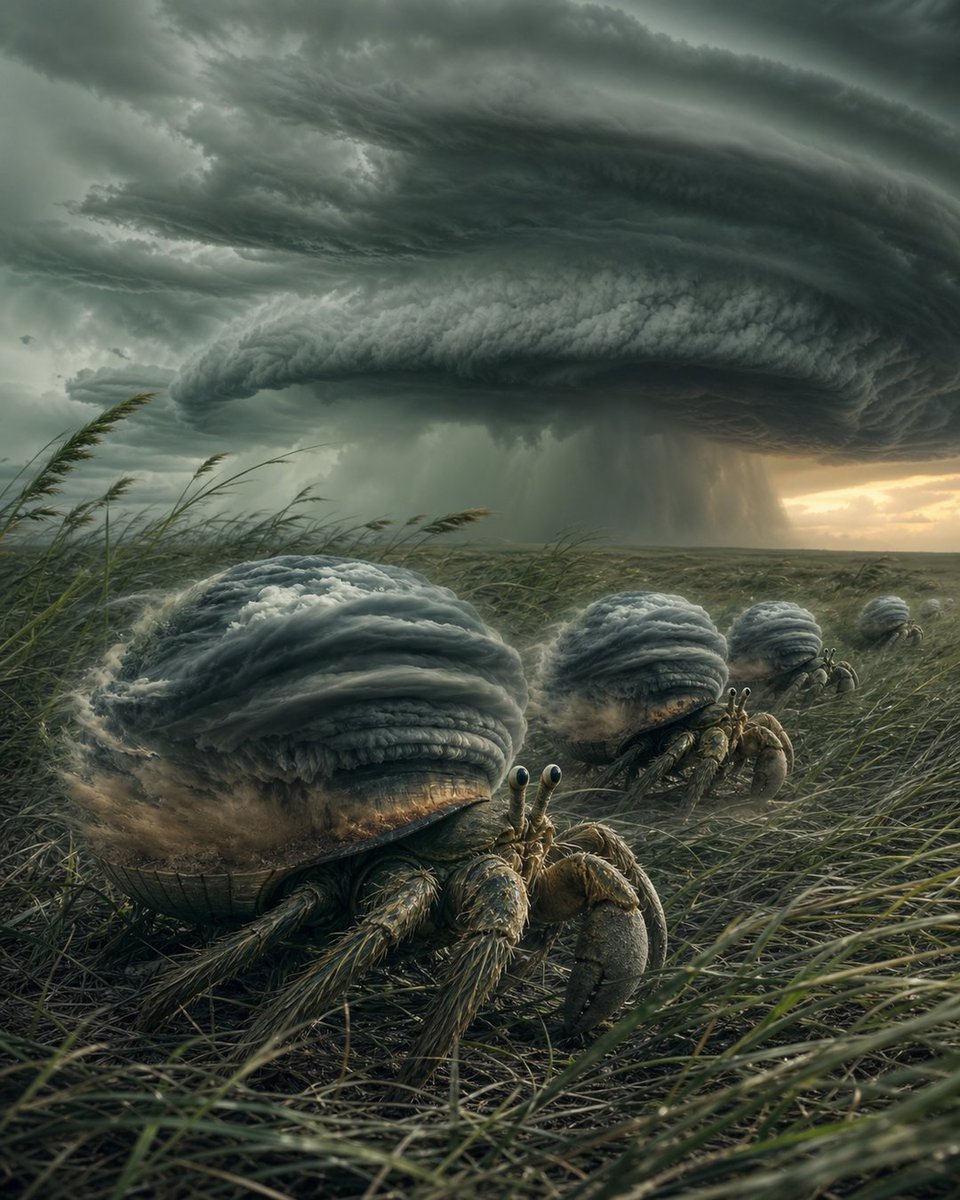
Hermit Crabs Carrying Storm Clouds
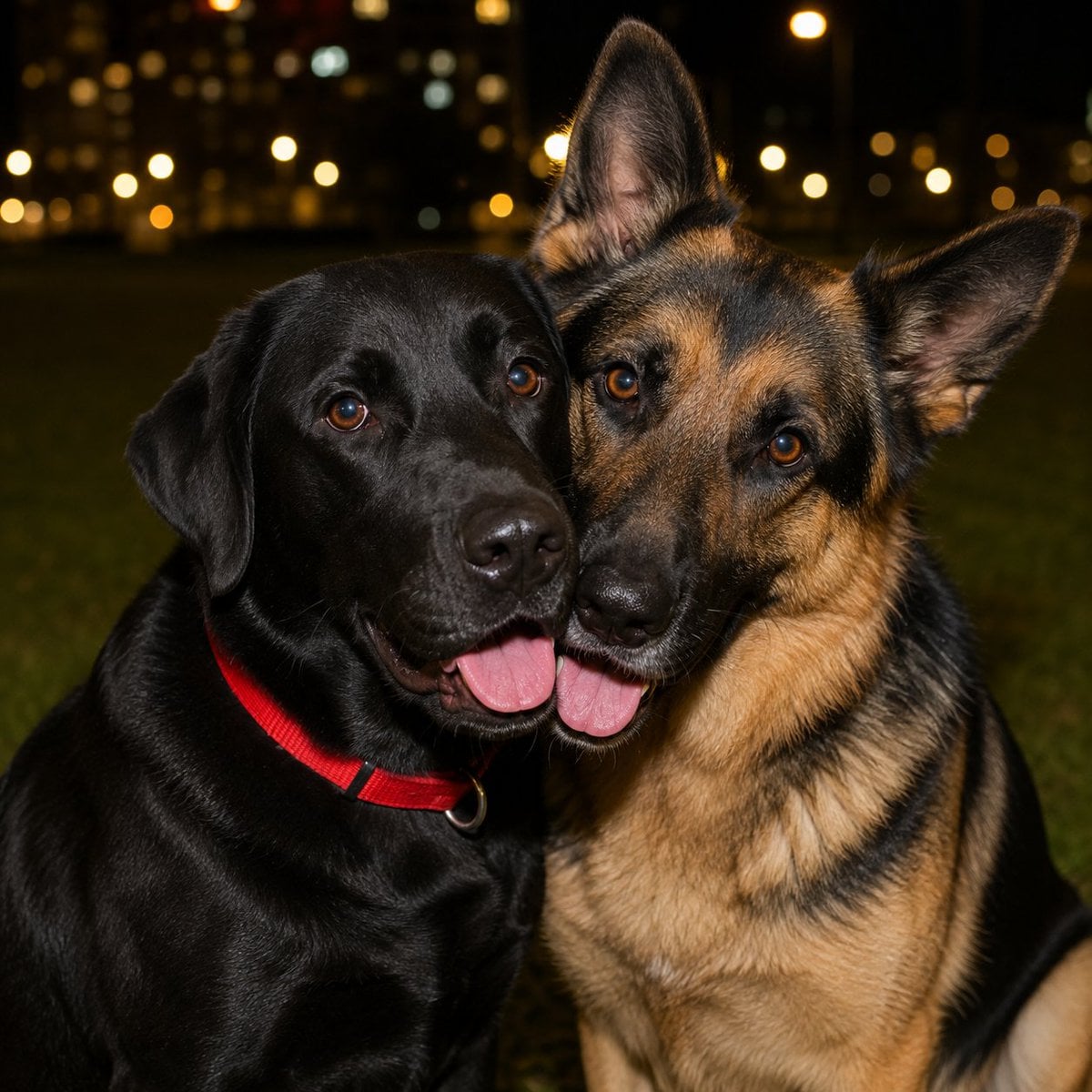
Night Park Portrait of Two Dogs

Knight Facing Cathedral Giant

Sparkling Seaside Anime Album Cover

Giant Woman Forced Perspective Street Photo

Miniature Girl on Giant Smartphone Desk

Giant Typography Shanghai Travel Poster

Boyfriend POV Seaside Sunset Date

Sunny Seaside Anime Manga Page
Make it yours
Dogs Carrying Giant Bone by the Sea works as-is. These are the safest ways to change it without losing the look.
Change one field
Copy a single group, rewrite it, and generate again so you can see what that field is doing.
Keep the frame, change the subject
Hold the composition and light of Dogs Carrying Giant Bone by the Sea, then swap wardrobe, props or the person for a new take.
| If the result… | Why | Fix |
|---|---|---|
| The result drifts from the preview | Too many fields changed at once. | Reuse Dogs Carrying Giant Bone by the Sea as-is first, then change one group — subject, light, or setting. |
| The model over-stylizes the scene | The prose prompt leaves finish and camera underspecified. | Add one camera or lighting sentence and stay on GPT Image 2. |
More GPT Image 2 templates
Other prompts made for GPT Image 2.

Six VTuber Japanese Logo Sheet

Realistic Portrait of Woman and Deer

The Vista Modular Condo Poster

AI Model Routing Comparison Infographic

2.5D Anime Art Board

Isometric Productivity Desk Scene

New York Double Exposure Poster

Four-Panel AI Landscape Comparison

Japanese Tatami Lifestyle Magazine Cover

NESCAFÉ Coffee Map Poster
More image prompts
Fresh picks from across the catalog.

Sprite Can Advertising Macro Shot

Ultra-Realistic Night Flash Selfie
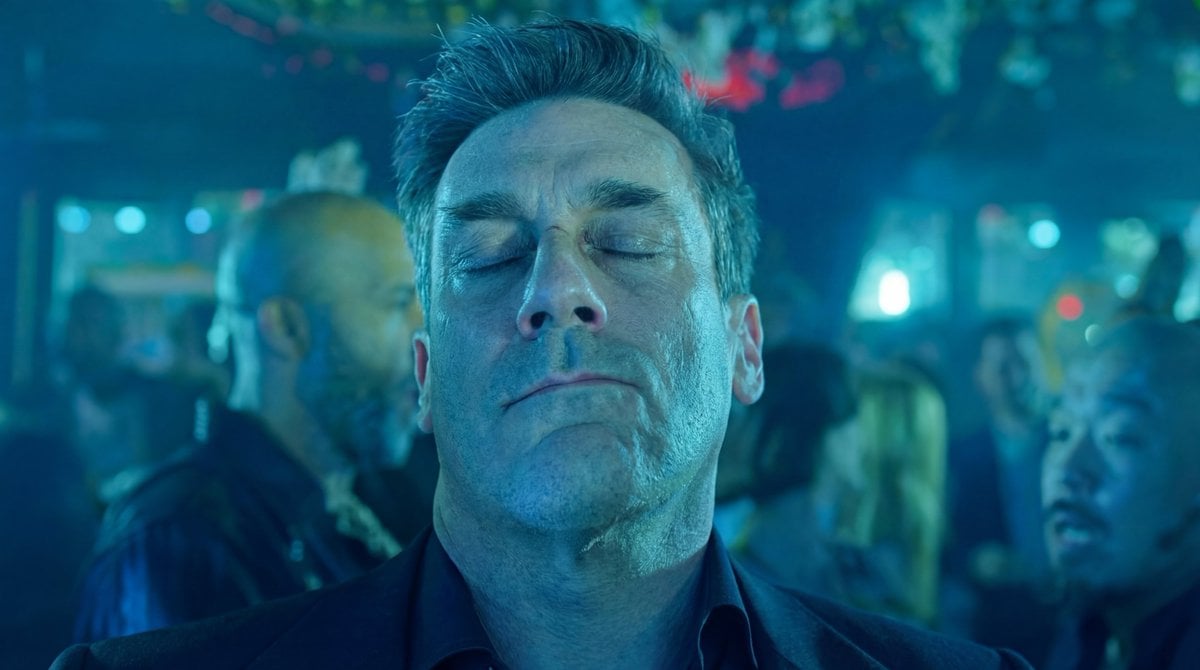
Nano Banana Pro Prompt for Character and Background Change
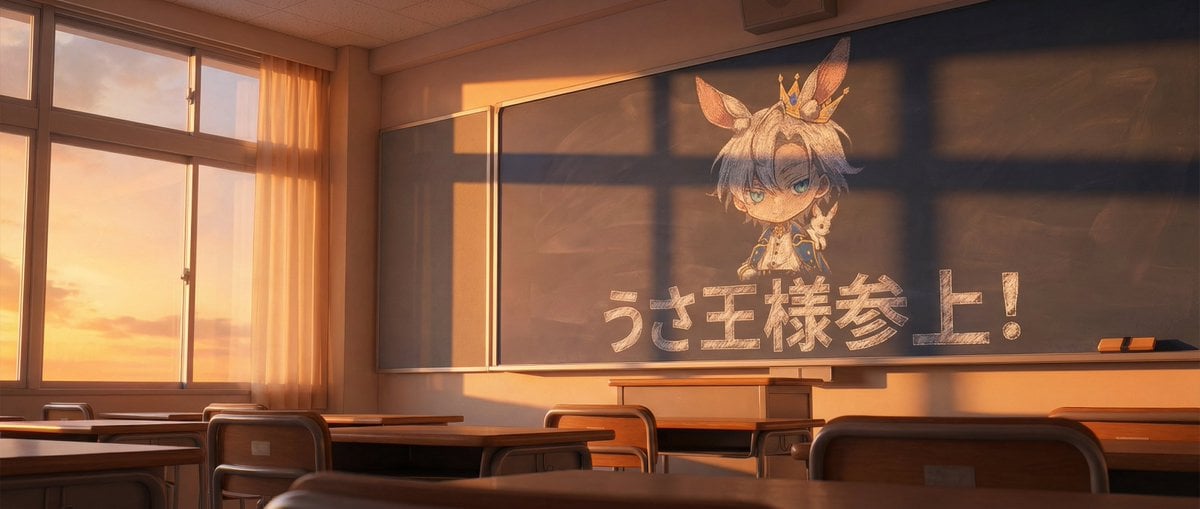
Chalkboard king rabbit illustration at sunset
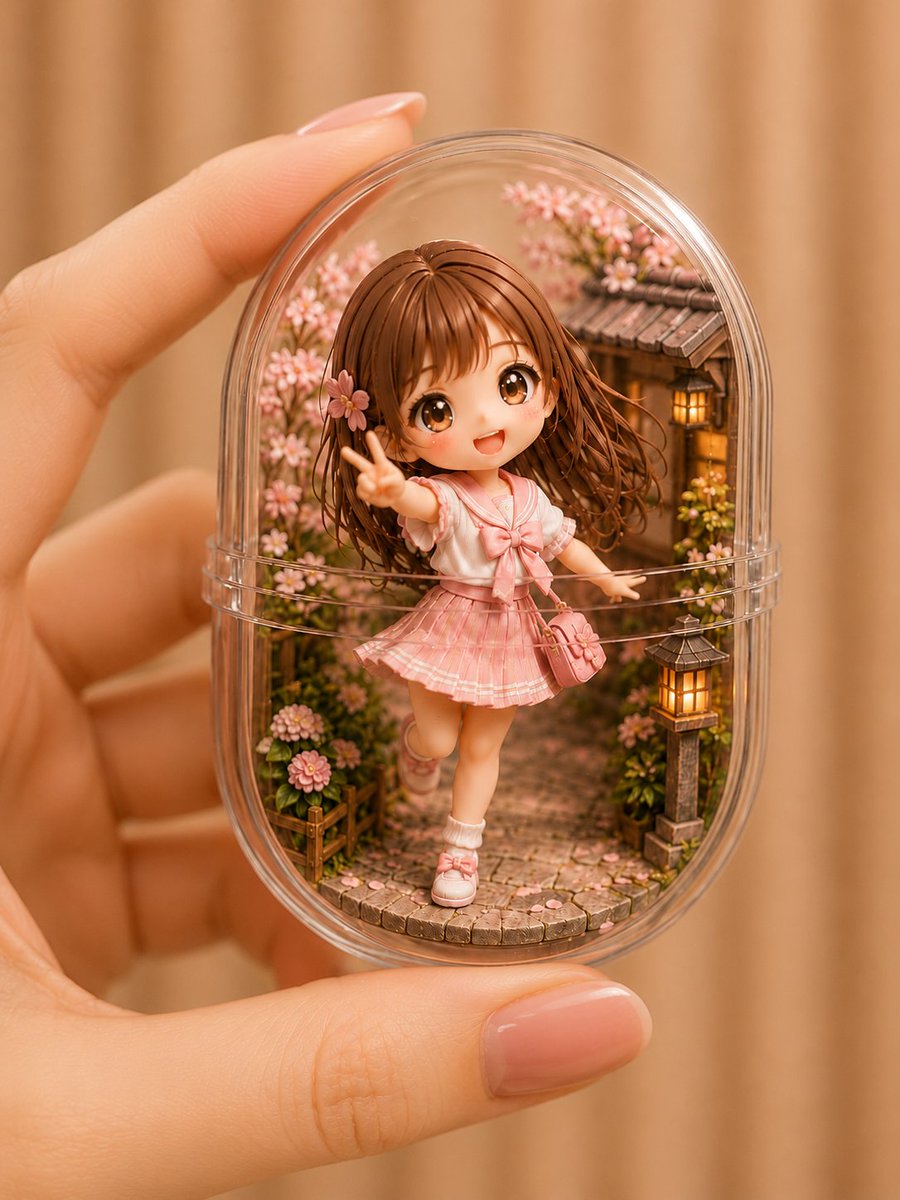
Kawaii Miniature Girl in Capsule
Box-Headed Couple Mirror Selfie Prompt
Dramatic Wide Angle Dynamic Pose

Professional profile photo prompt for Nano Banana Pro

Hyperrealistic Fantasy Food Ad

Minimalist Luxury Brand Advertisement
Browse template categories
Dogs Carrying Giant Bone by the Sea questions
How do I use the Dogs Carrying Giant Bone by the Sea template?
Add your photo if the template asks for one, edit the prompt if you like — the template's model and format are already selected — and press Generate. Your version opens in PicX Studio.
Can I customize the Dogs Carrying Giant Bone by the Sea template?
Yes. You can change the subject, setting, lighting, mood, format, and available model controls before creating your image.
Is the Dogs Carrying Giant Bone by the Sea template free?
Opening and editing this template is free. Generating uses credits, shown on the Generate button when you are signed in.
Which AI model should I use?
Start with GPT Image 2, which is the model associated with this template. You can compare another compatible model for a different finish.
Looking for something else? Browse all templates.

Your photo, any look
Thousands of ready templates for every top image and video model, from one credit balance.