
Noir Detective Agency Street
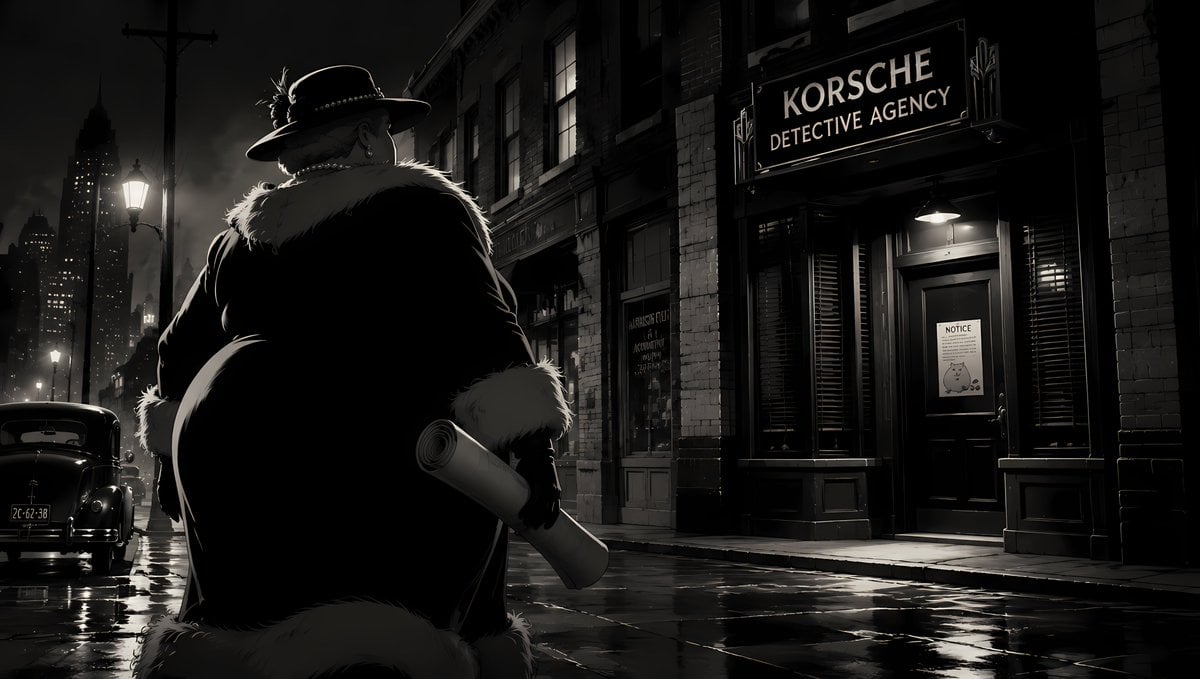
A widescreen black-and-white noir city scene featuring a lone detective outside a rain-soaked private agency, useful for cinematic storyboards or music video visuals.
- Prompt included
- Model and format preset
- Free template
The prompt behind this image
Copy the exact prompt behind Noir Detective Agency Street, or open it in the studio and make it yours.
Create a cinematic 1940s film-noir street scene in high-contrast black and white, widescreen 16:9. In the left foreground, show exactly 1 large heavyset detective or gangster seen from behind, wearing a wide-brim fedora with a feather and studded band, a dark long coat with a pale fur collar and fur cuffs, gloves, and holding exactly 1 rolled document or blueprint in his right hand. He faces across a rain-slick city sidewalk toward a brick storefront on the right with a glowing sign reading {argument name="agency sign text" default="KORSCHE DETECTIVE AGENCY"}. The office entrance has dark shutters, a glass door, and a small paper notice on the door reading {argument name="door notice text" default="NOTICE"}. Include exactly 1 vintage black car parked on the left curb, exactly 3 visible street or exterior lamps casting white pools of light, tall shadowy skyscrapers in the far-left background, wet reflective pavement, misty night air, deep shadows, rim lighting around the character’s hat and fur, and subtle warm yellow highlights only in the storefront and lamp glow. Style: graphic novel realism mixed with classic noir cinematography, dramatic low-key lighting, moody urban detective atmosphere, sharp architectural detail, no modern objects, no extra people, no watermark.
How to use Noir Detective Agency Street in 3 steps
- 1Upload ImagePNG, JPG or paste
Add your photo
Upload the photo the template builds on. The prompt, model and format are already set.
- 2…a portrait of your subject in softgolden-hour light, 85mm…
Personalize
Edit the subject and creative details for your destination.
- 3Generate
Generate
Press Generate — your image is created in PicX Studio, so you can compare it with the original and refine one variable at a time.
More like this
Templates with the same subject, style or setup. Open one to see its prompt.

Spider-Man Noir Detective Rain Alley
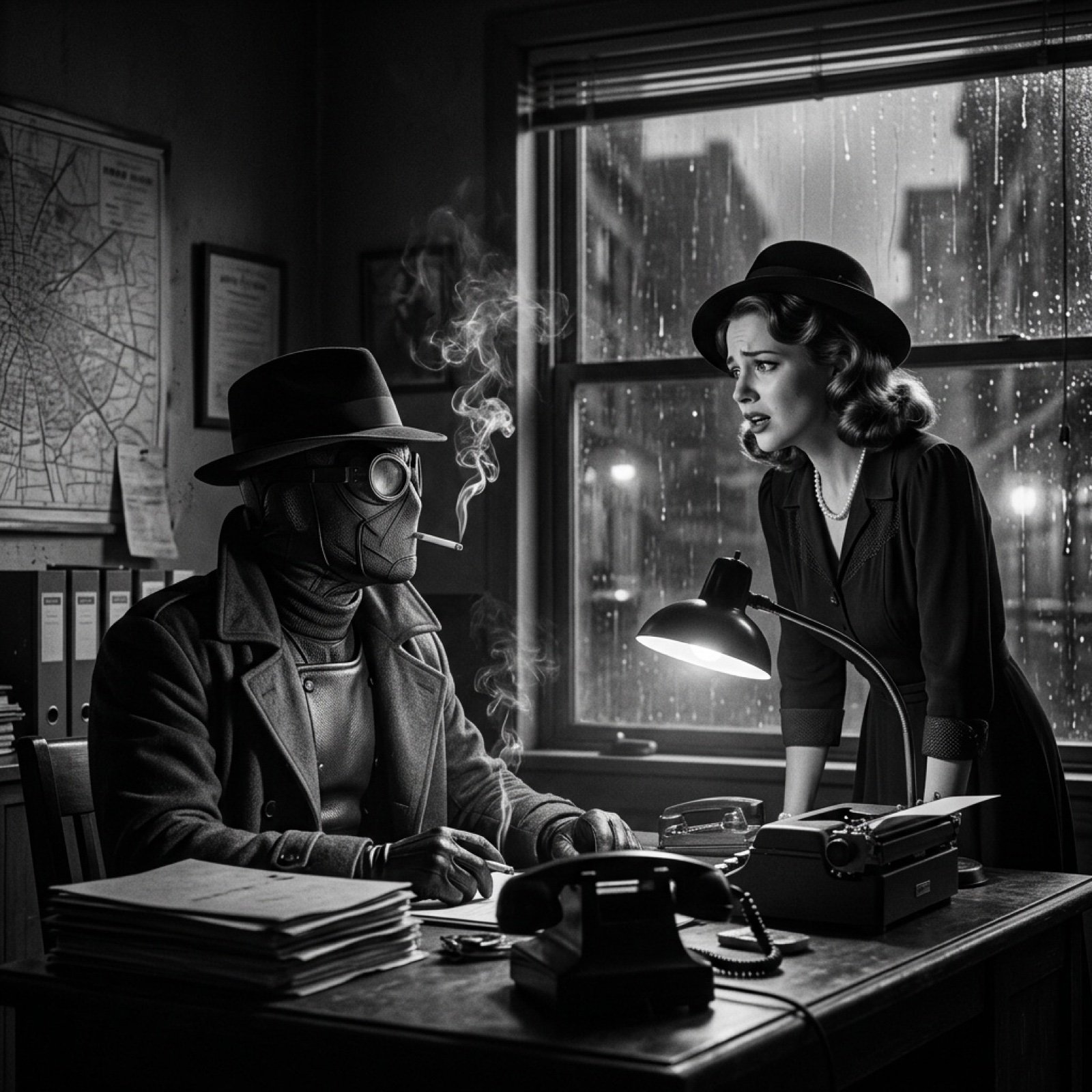
Seedance 2.0 - Spider-Man Noir
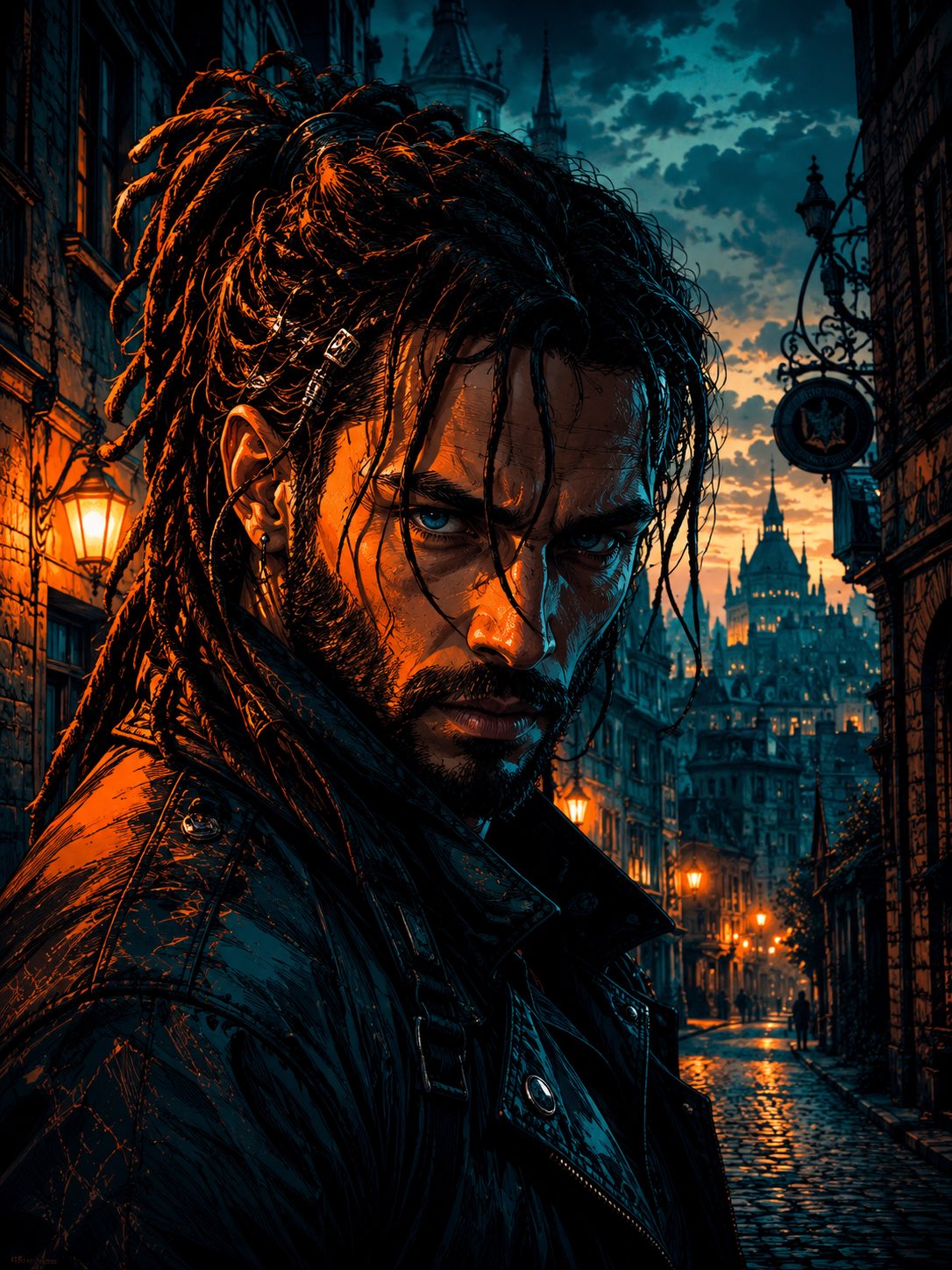
Cyber Noir Dreadlocks Street Portrait

Two Tickets, One Night

Meet Me When It Rains

Two Hearts. One Scooter.

1986 Street Couple

1985 Street Scene

Noir Punk Street Portrait
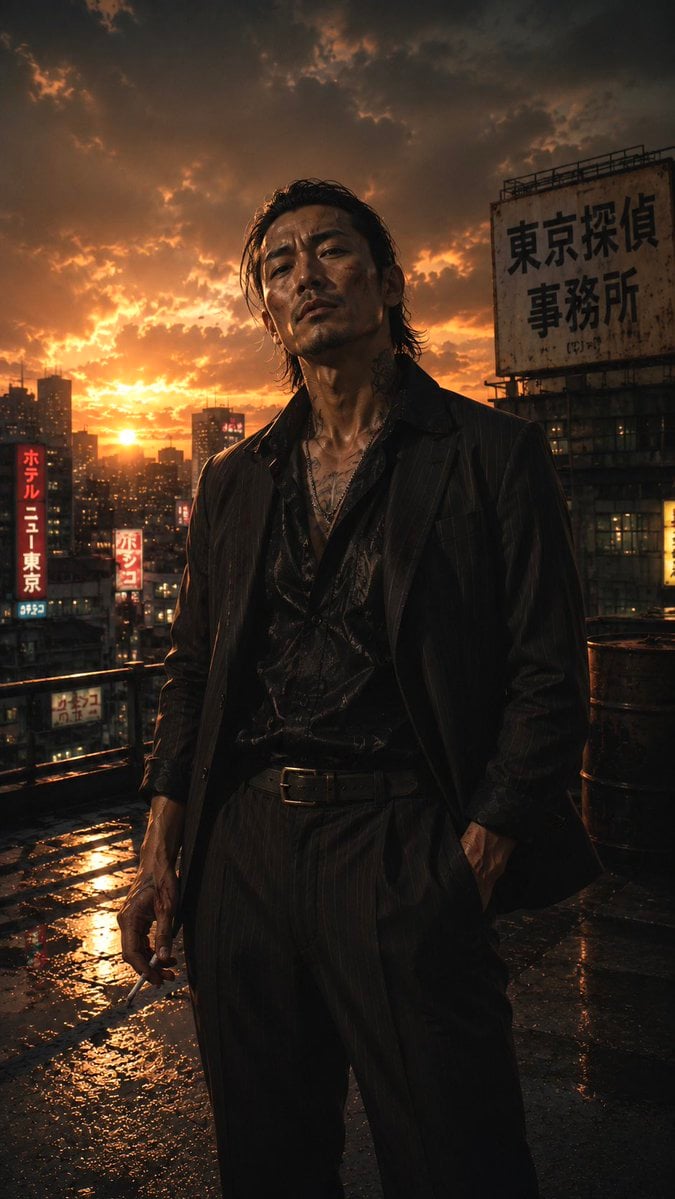
Tokyo Noir Detective Rooftop
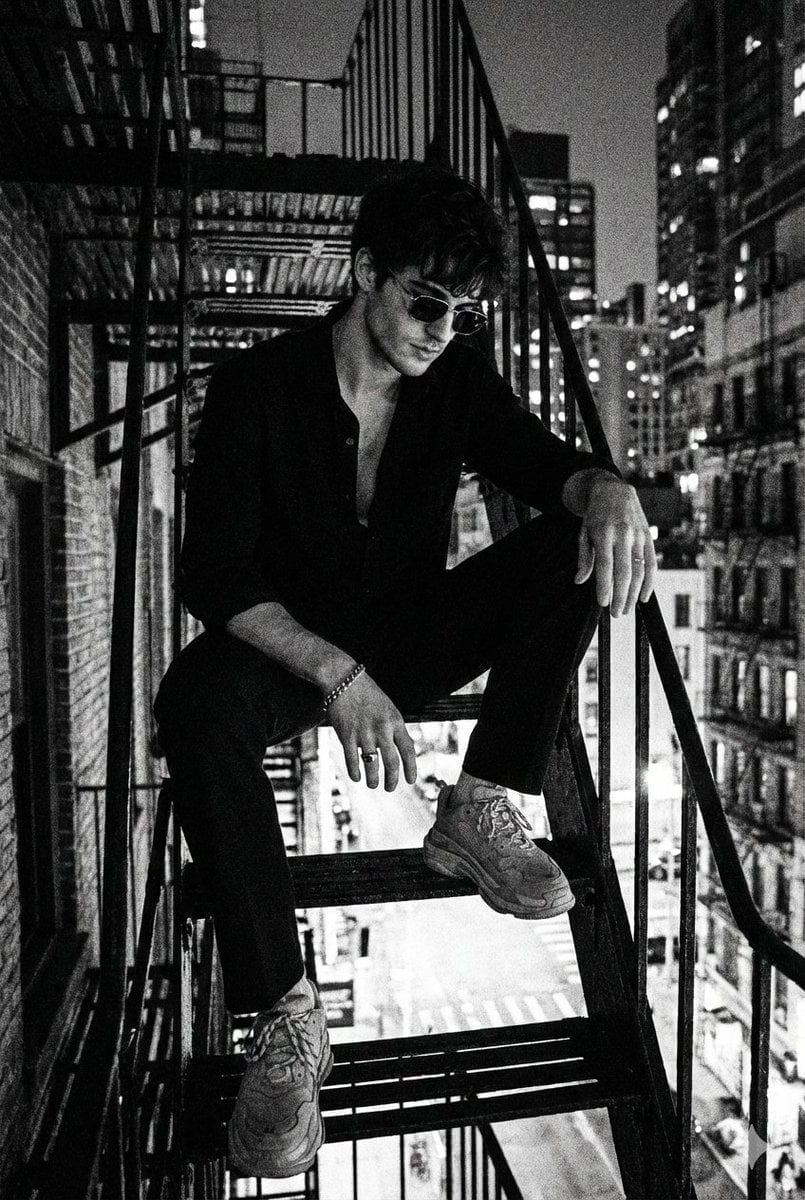
Film Noir Detective Rain

Cinematic Street Fashion Portrait Motion Blur Crowd
Make it yours
Noir Detective Agency Street works as-is. These are the safest ways to change it without losing the look.
Change one field
Copy a single group, rewrite it, and generate again so you can see what that field is doing.
Keep the frame, change the subject
Hold the composition and light of Noir Detective Agency Street, then swap wardrobe, props or the person for a new take.
| If the result… | Why | Fix |
|---|---|---|
| The result drifts from the preview | Too many fields changed at once. | Reuse Noir Detective Agency Street as-is first, then change one group — subject, light, or setting. |
| The model over-stylizes the scene | The prose prompt leaves finish and camera underspecified. | Add one camera or lighting sentence and stay on GPT Image 2. |
More GPT Image 2 templates
Other prompts made for GPT Image 2.

Six VTuber Japanese Logo Sheet

Realistic Portrait of Woman and Deer

The Vista Modular Condo Poster

AI Model Routing Comparison Infographic

2.5D Anime Art Board

Isometric Productivity Desk Scene

New York Double Exposure Poster

Four-Panel AI Landscape Comparison

Japanese Tatami Lifestyle Magazine Cover

NESCAFÉ Coffee Map Poster
More image prompts
Fresh picks from across the catalog.
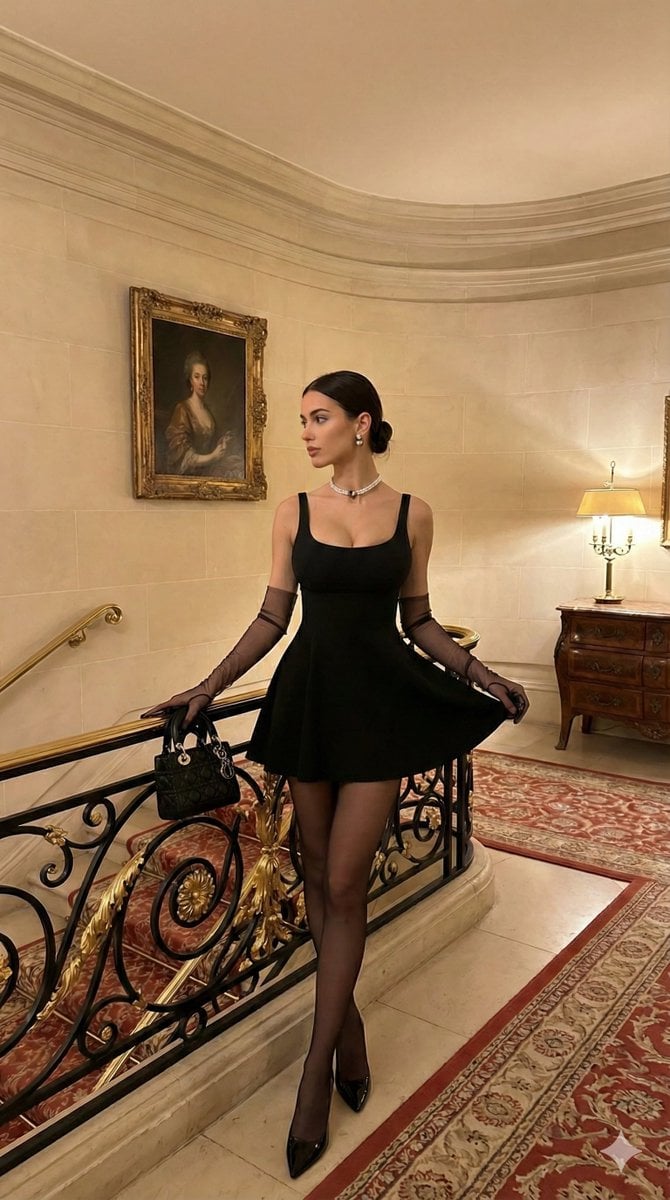
Old Money Aesthetic: Woman in LBD on Grand Staircase
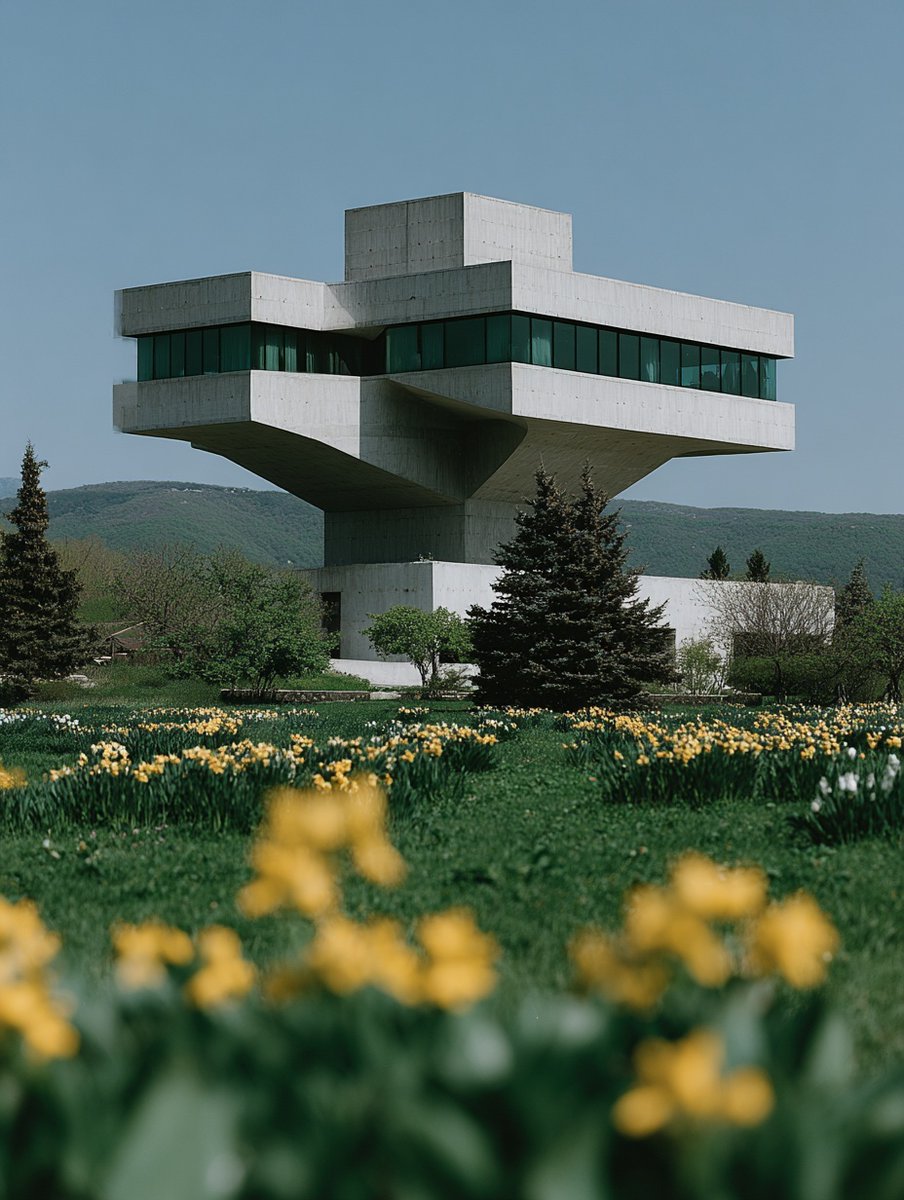
Show Interior of Building
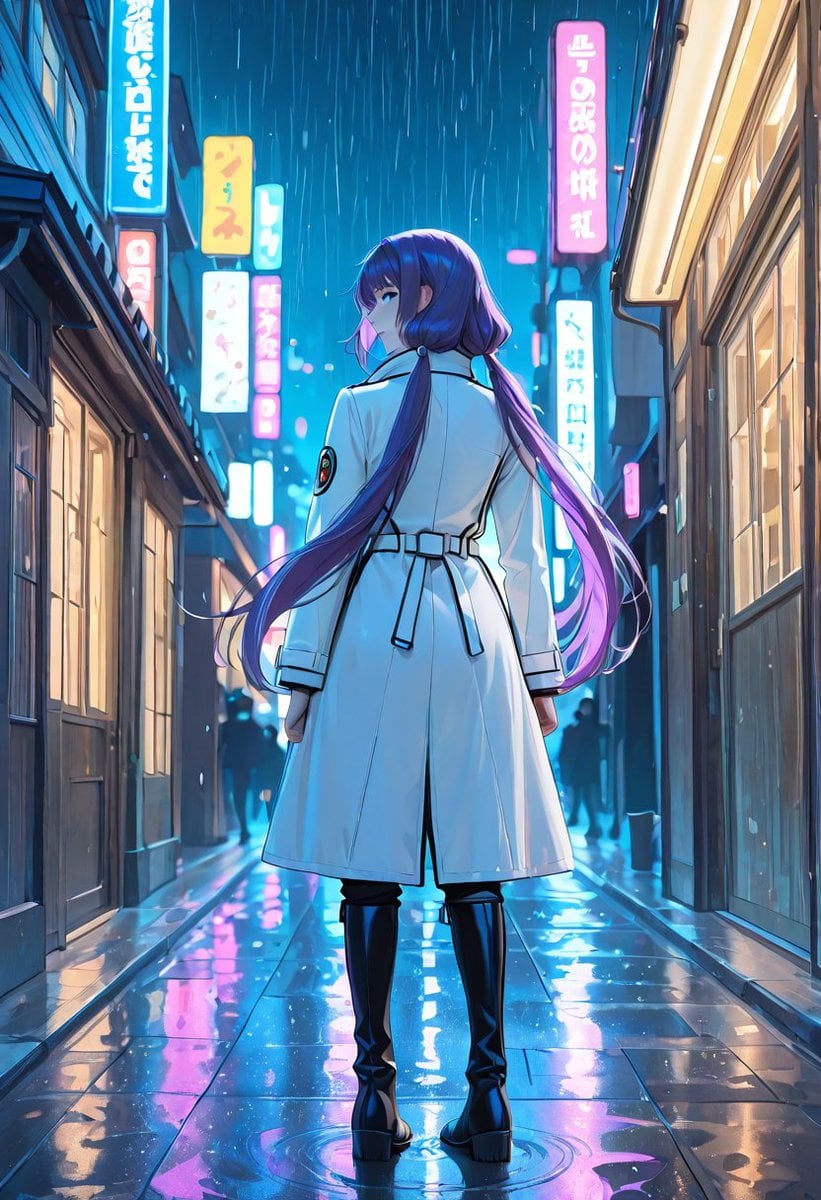
Rainy Neon Anime Alley Woman
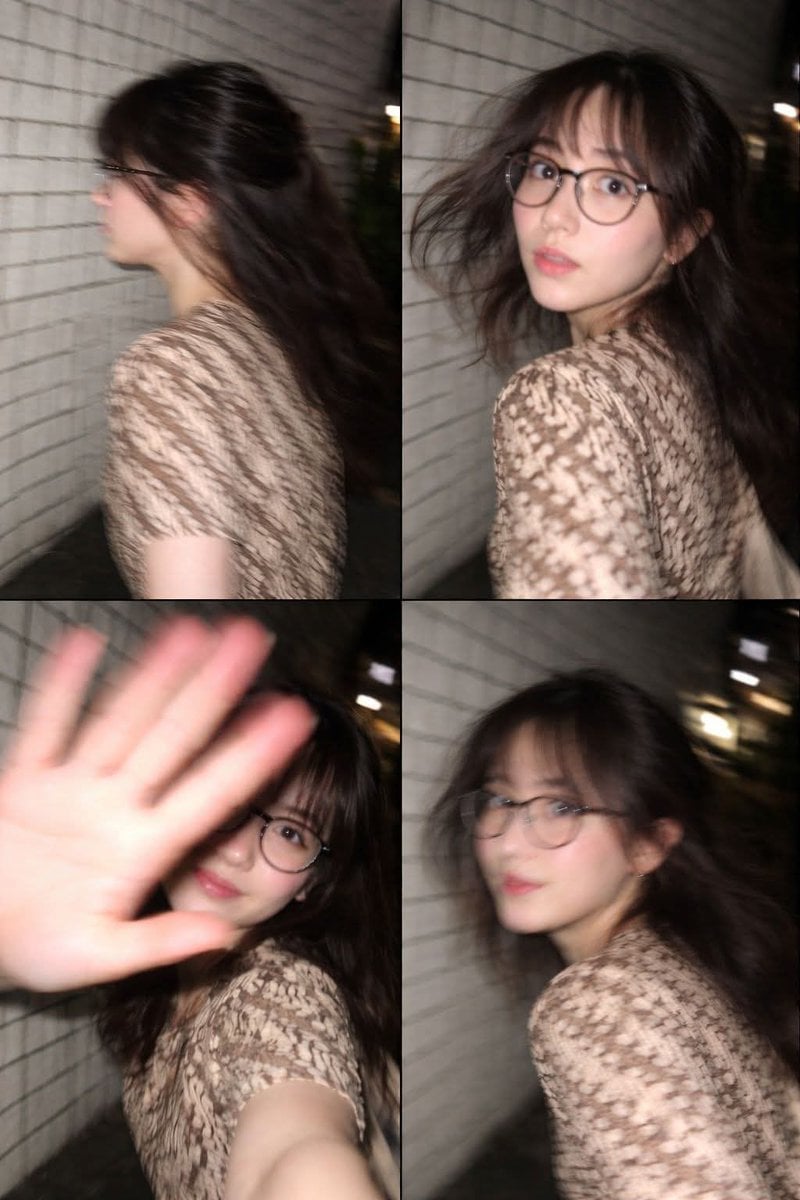
Ultra-Realistic Candid Nighttime Smartphone Photo in Tokyo

Forensic Luxury Disassembly Poster
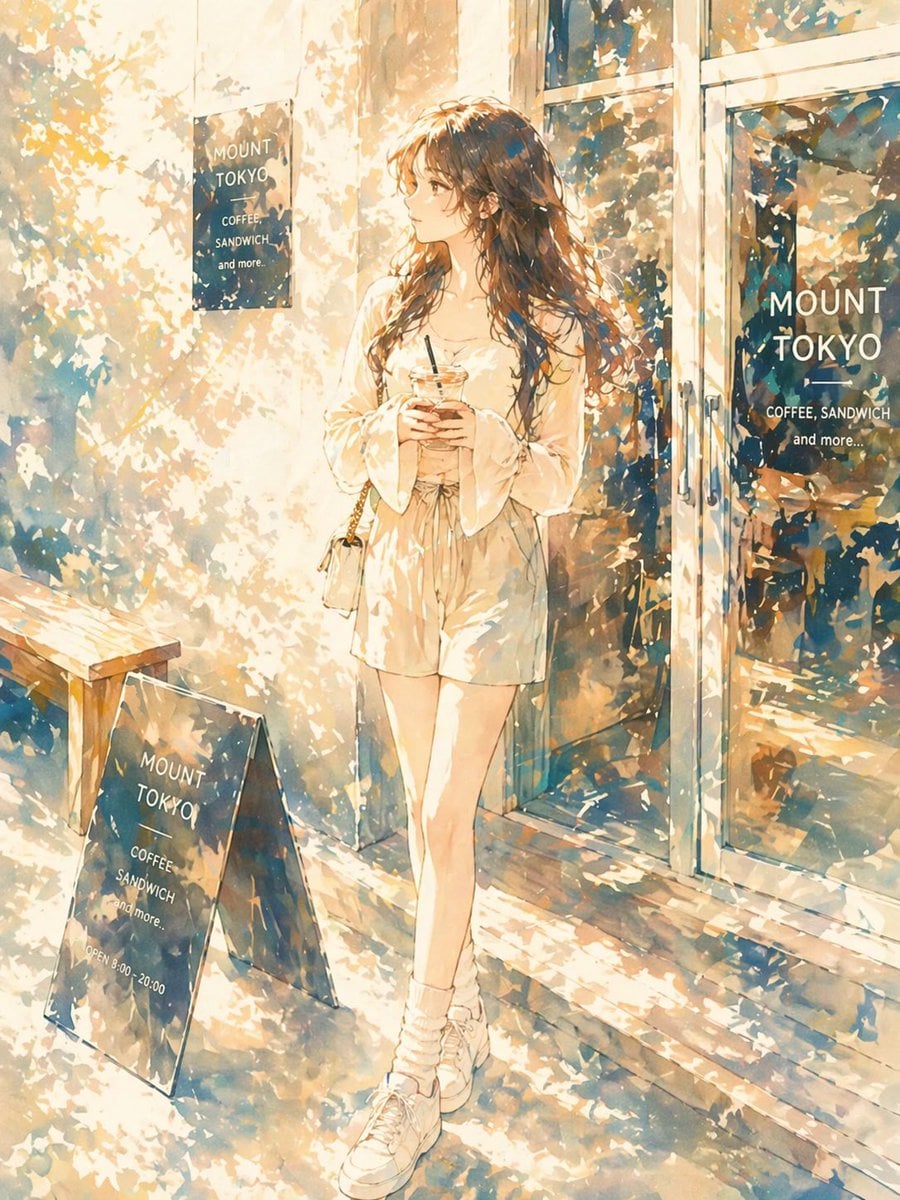
Sunlit Anime Girl Outside Cafe
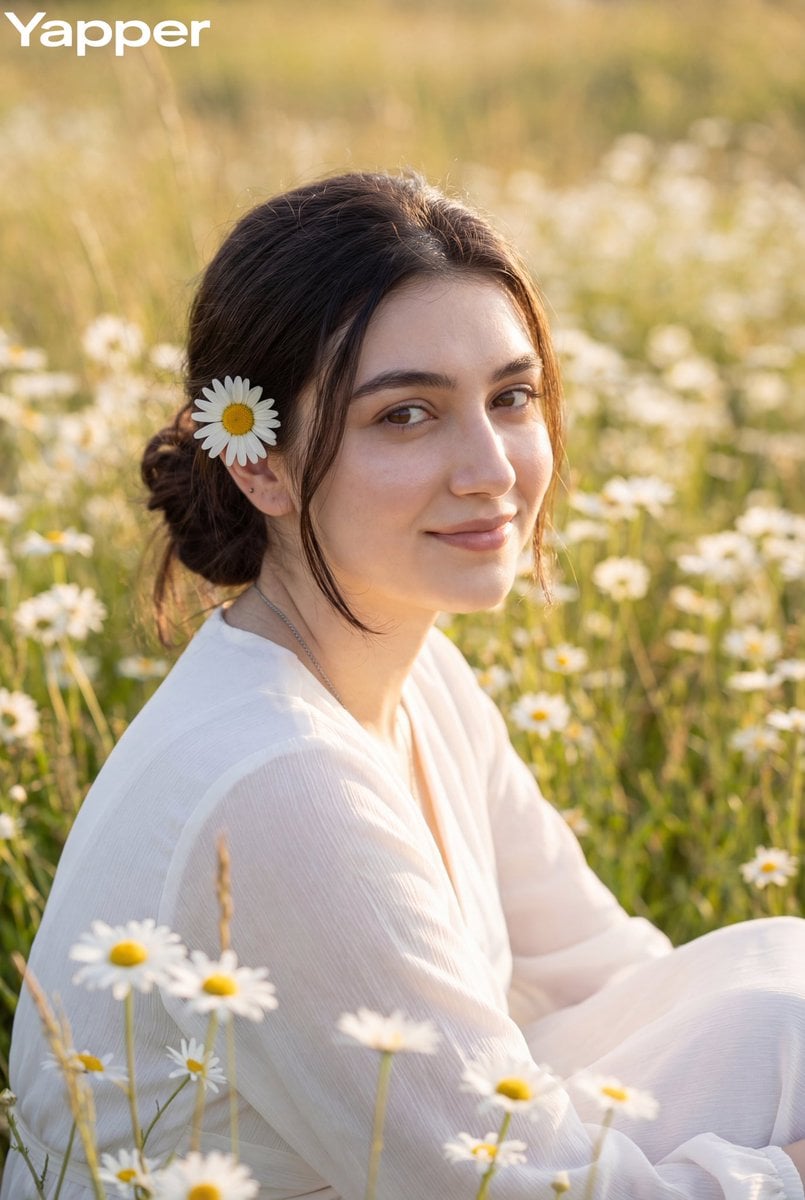
Dreamy Meadow Portrait at Golden Hour
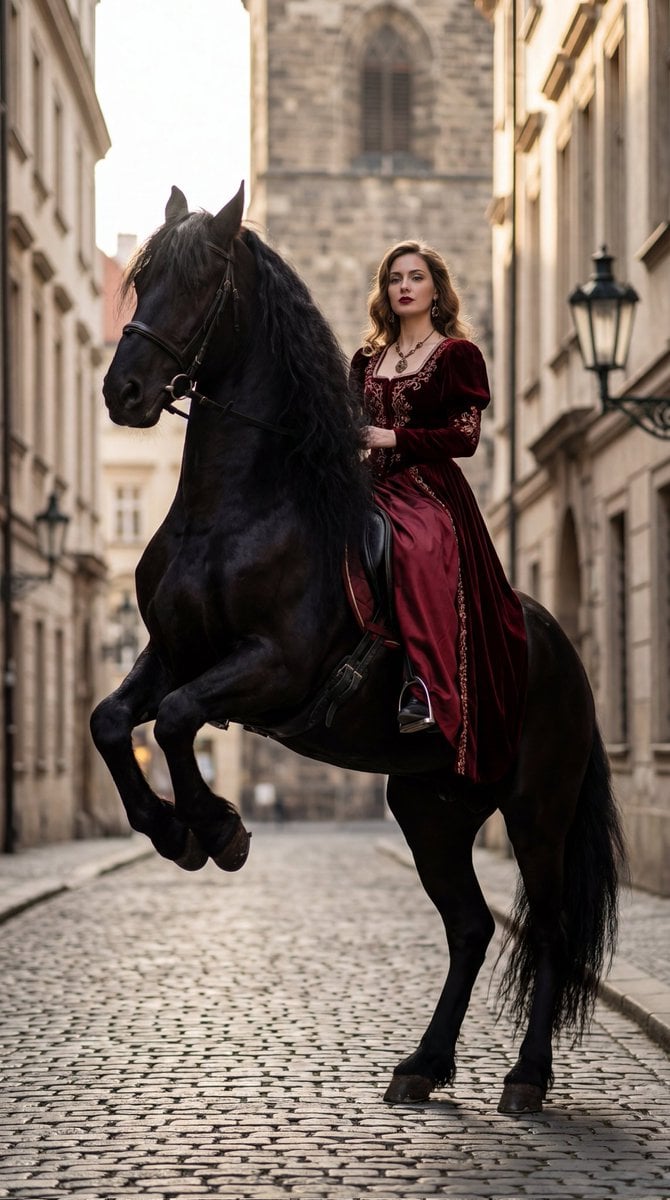
High-Fashion Horseback Portrait on Vintage Street
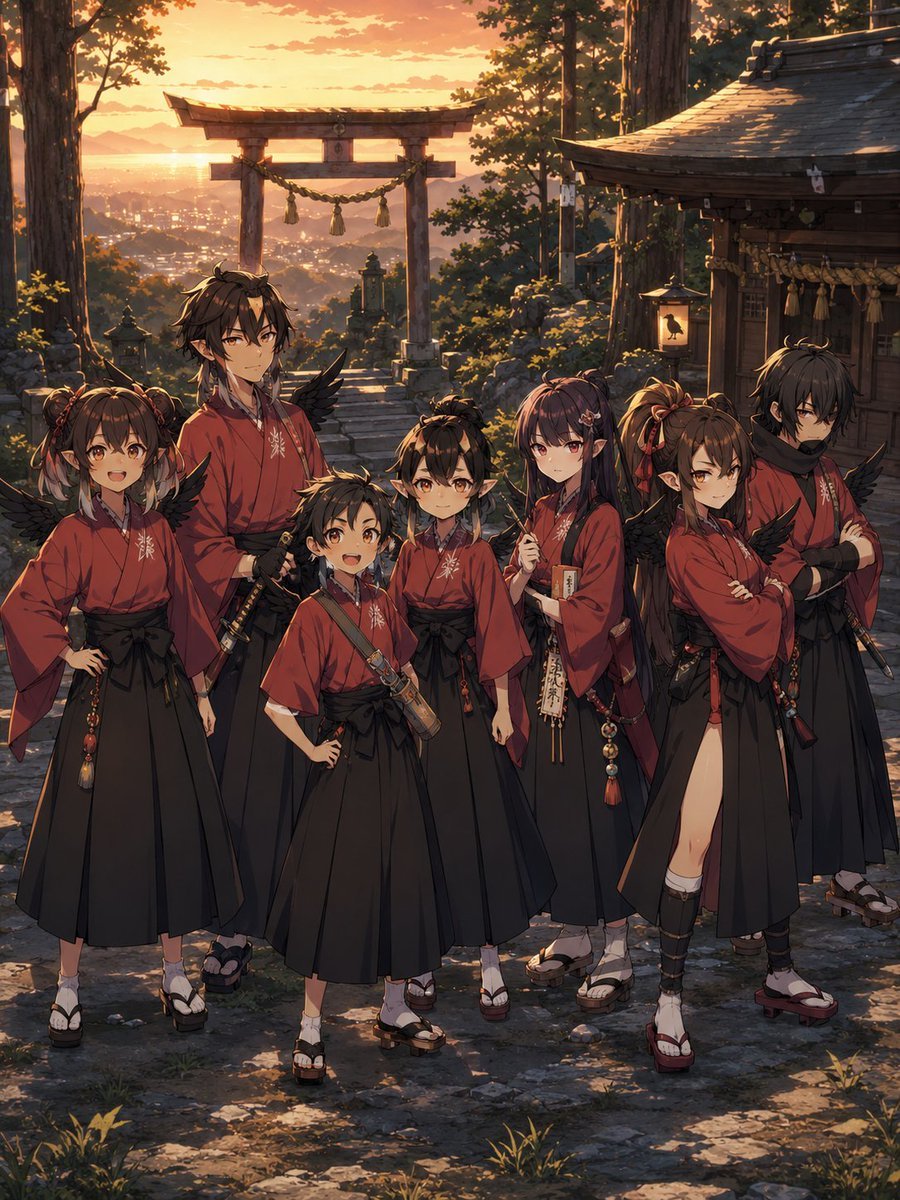
Crow Tengu Shrine Ensemble
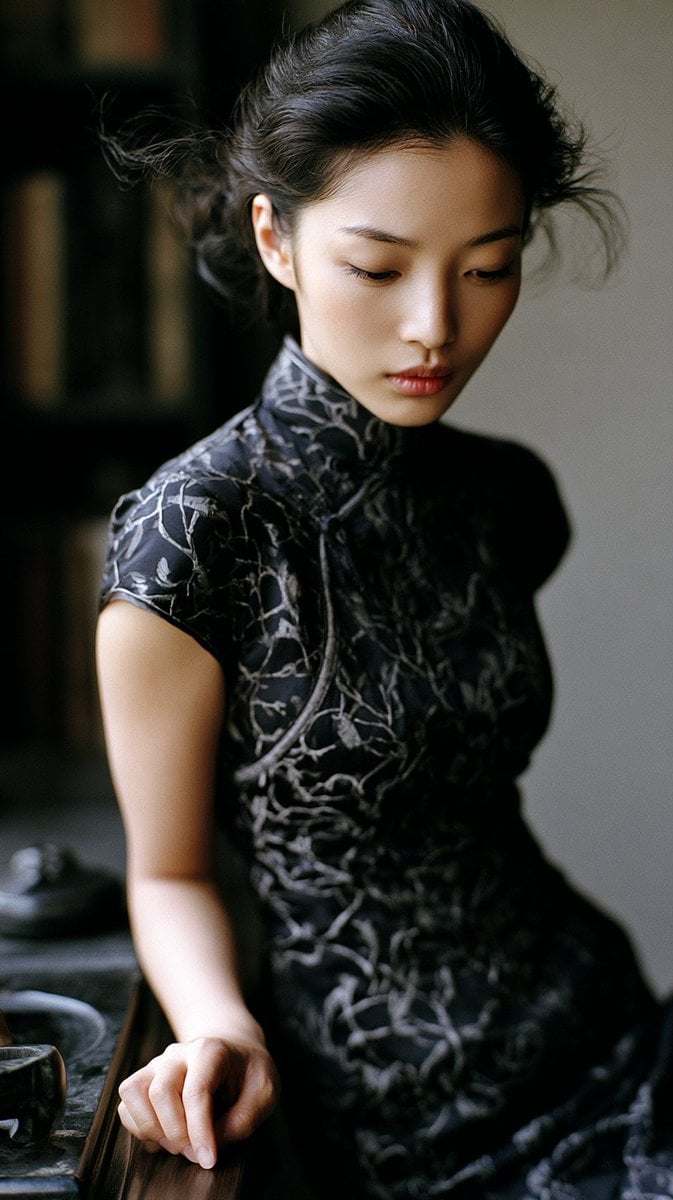
Classical Study Room Portrait
Browse template categories
Noir Detective Agency Street questions
How do I use the Noir Detective Agency Street template?
Add your photo if the template asks for one, edit the prompt if you like — the template's model and format are already selected — and press Generate. Your version opens in PicX Studio.
Can I customize the Noir Detective Agency Street template?
Yes. You can change the subject, setting, lighting, mood, format, and available model controls before creating your image.
Is the Noir Detective Agency Street template free?
Opening and editing this template is free. Generating uses credits, shown on the Generate button when you are signed in.
Which AI model should I use?
Start with GPT Image 2, which is the model associated with this template. You can compare another compatible model for a different finish.
Looking for something else? Browse all templates.

Your photo, any look
Thousands of ready templates for every top image and video model, from one credit balance.