
1998 Rural School Gate Shop Photo
This prompt generates a realistic nostalgic photo of a late-1990s rural Chinese primary school entrance with a small snack and stationery shop, useful for historical lifestyle and documentary-style scene creation.
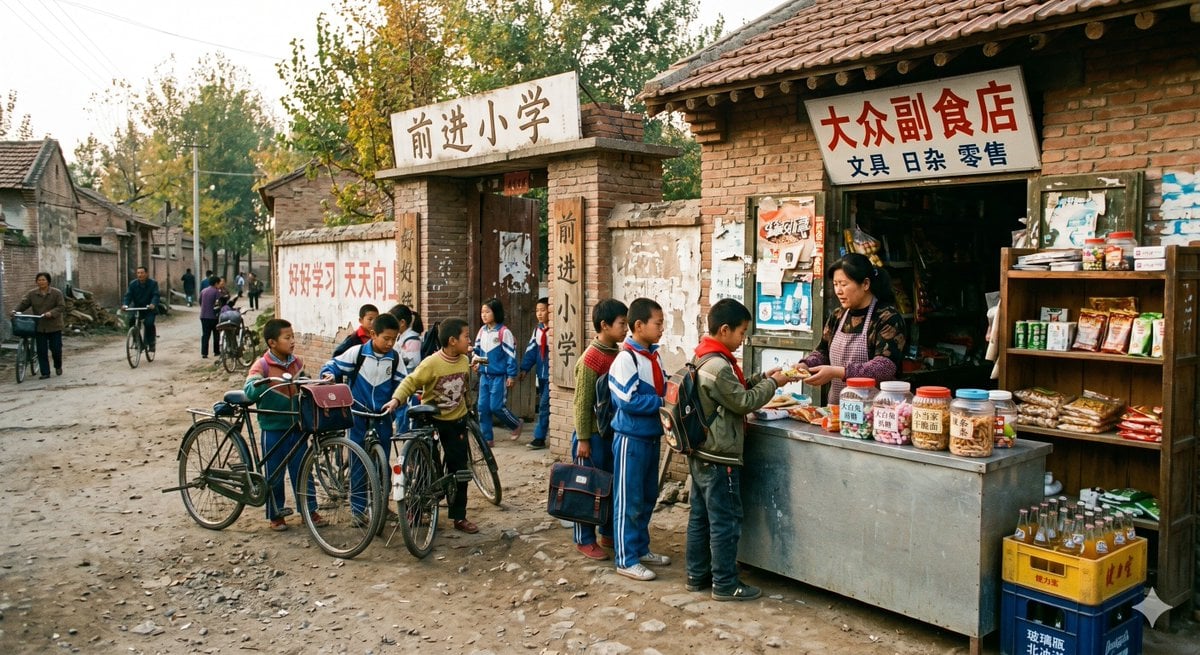
- Prompt included
- Model and format preset
- Free template
The prompt behind this image
Copy the exact prompt behind 1998 Rural School Gate Shop Photo, or open it in the studio and make it yours.
A realistic documentary-style color photo set in {argument name="year" default="1998"}, showing the entrance of a rural Chinese primary school and the small roadside shop beside it. The scene is viewed at street level on a dusty, uneven dirt road in a North China village, with old brick houses, weathered walls, utility poles, bicycles, and tall autumn trees in the background. The school gate is made of aged brick and concrete, with a sign above it reading “前进小学”, and vertical characters on the gate pillars also reading “前进小学”. On the long wall next to the gate, there is a faded painted slogan in red characters: “好好学习 天天向上”. To the right of the gate is a humble brick-and-tile storefront with a hand-painted signboard reading “大众副食店” and a smaller line below reading “文具 日杂 零售”. In front of the shop is a simple metal counter where a female shopkeeper is selling snacks to schoolchildren. Show exactly 8 primary school children gathered around the shop and gate area, most wearing late-1990s Chinese school tracksuits in blue, red, and green, some carrying old-fashioned schoolbags, and exactly 2 bicycles parked among them. One child is buying snacks at the counter, several are waiting, and others are chatting near the gate. In the deeper left background, show exactly 5 additional villagers and students moving along the lane, including at least 2 people with bicycles. The shop display should feel crowded and believable: clear plastic jars of candy and snacks on the counter, small packaged treats, exercise books and stationery, hanging goods inside the dark doorway, a wooden shelf at right with snacks and daily necessities, and stacked crates of bottled soda on the ground. Faces should be softly indistinct rather than sharply detailed. Lighting is natural late-afternoon sunlight with warm tones, slightly nostalgic but not stylized, with authentic textures, muted colors, mild film-like softness, and strong realism as if captured by a consumer camera of the late 1990s. Emphasize historical authenticity, ordinary rural life, and candid everyday atmosphere.
How to use 1998 Rural School Gate Shop Photo in 3 steps
- 1Upload ImagePNG, JPG or paste
Add your photo
Upload the photo the template builds on. The prompt, model and format are already set.
- 2…a portrait of your subject in softgolden-hour light, 85mm…
Personalize
Edit the subject and creative details for your destination.
- 3Generate
Generate
Press Generate — your image is created in PicX Studio, so you can compare it with the original and refine one variable at a time.
More like this
Templates with the same subject, style or setup. Open one to see its prompt.
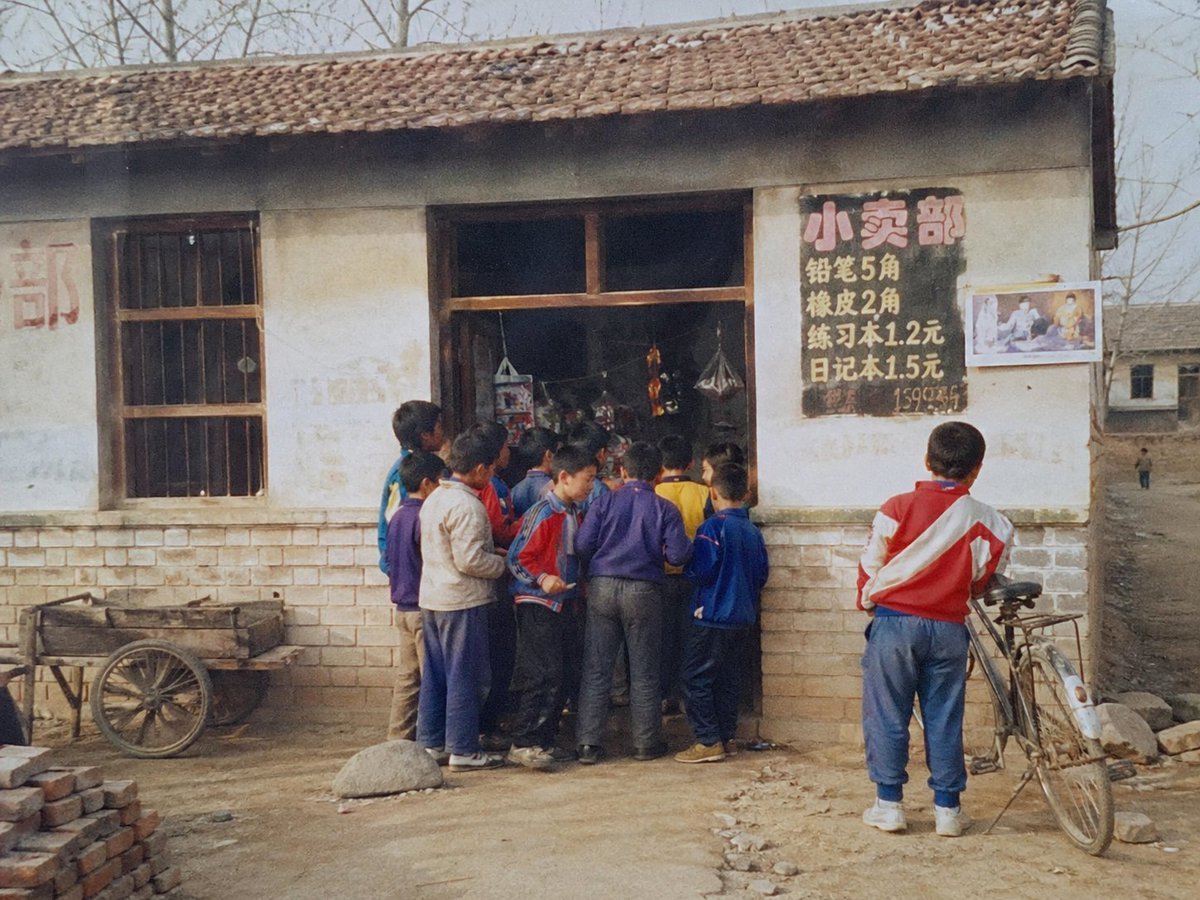
1998 Rural School Shop Photo
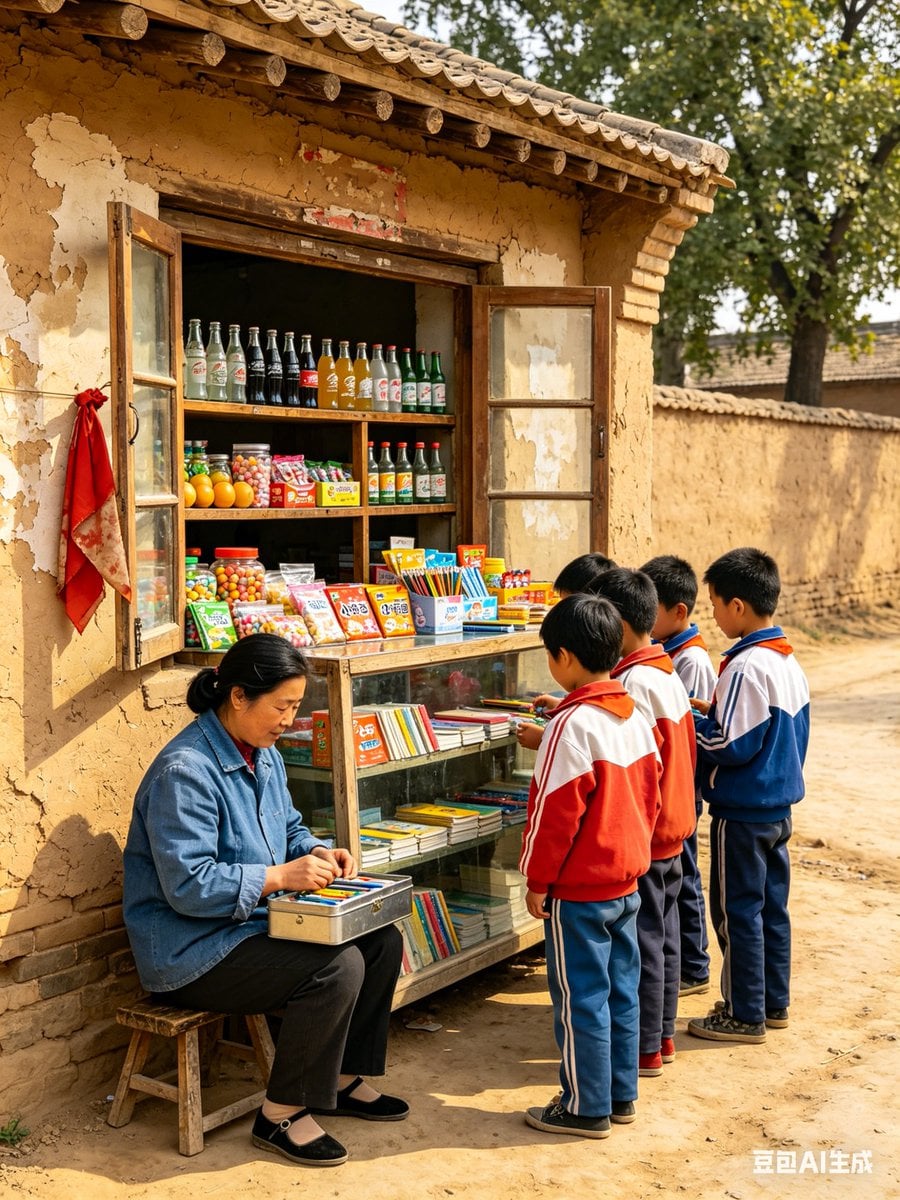
1998 Rural China School Snack Shop
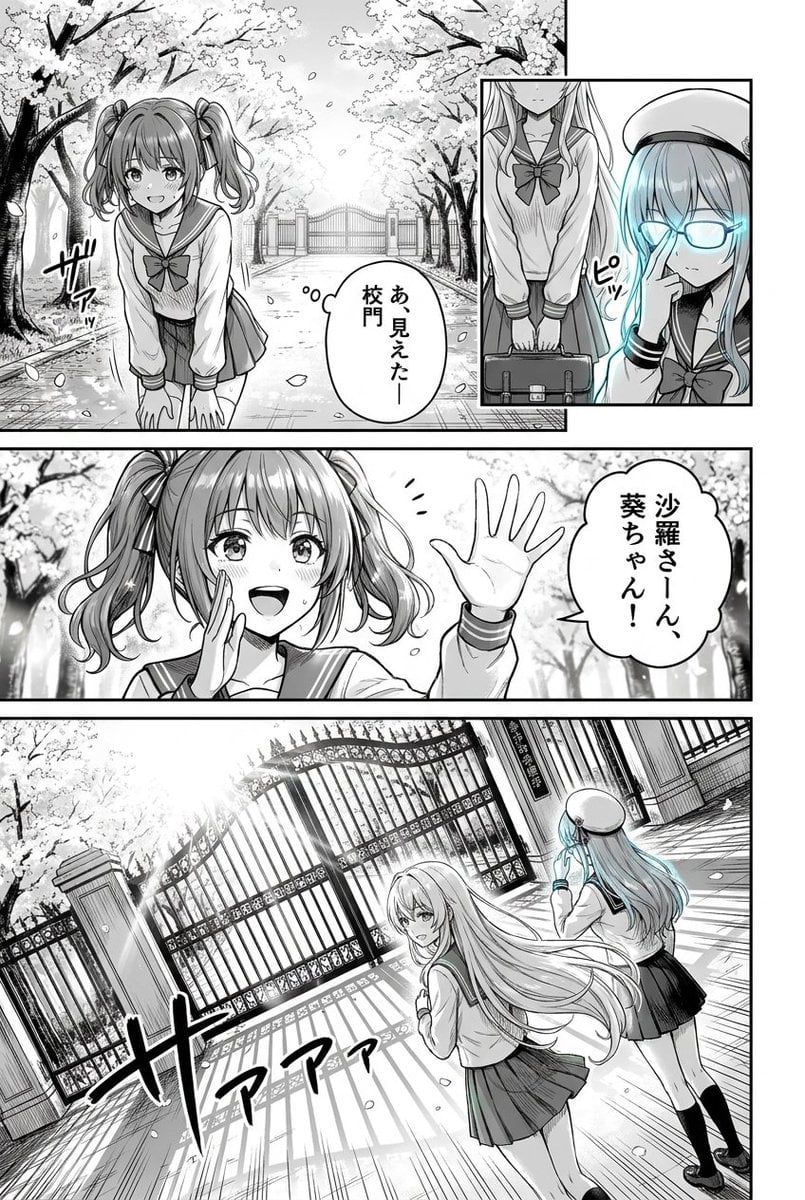
Cherry Blossom School Gate Manga Page
Rural Station Schoolgirl Scene
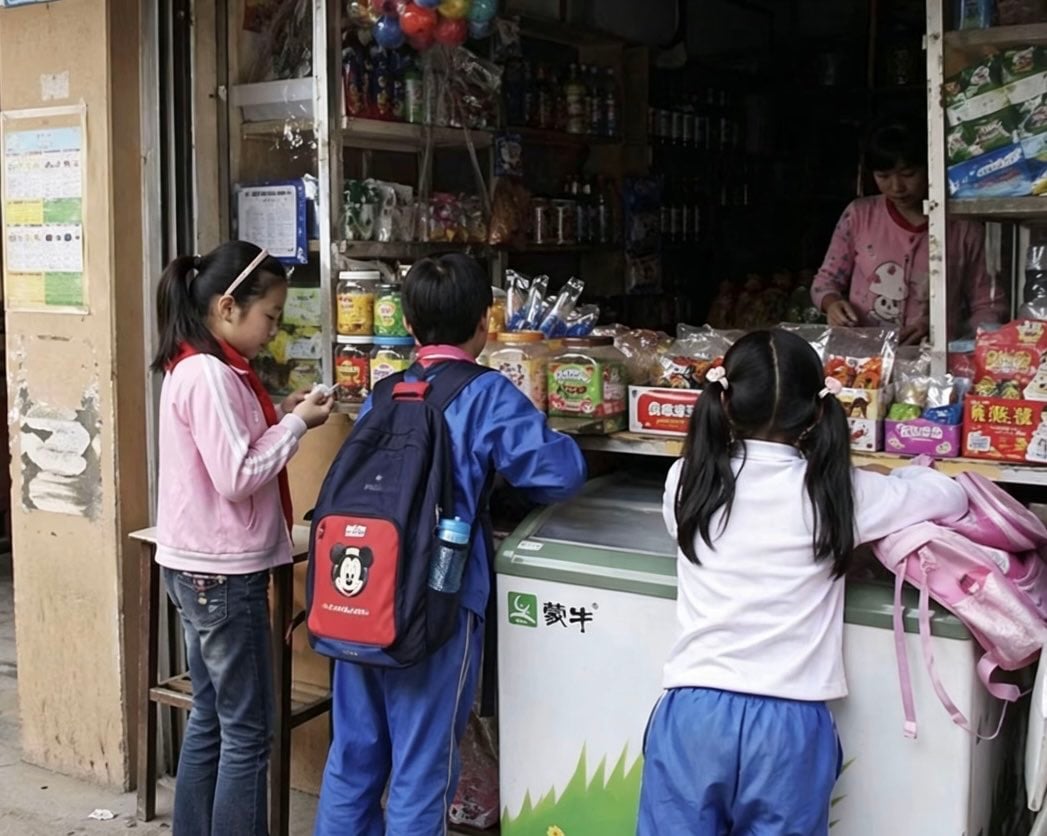
Chinese Schoolchildren at Corner Shop
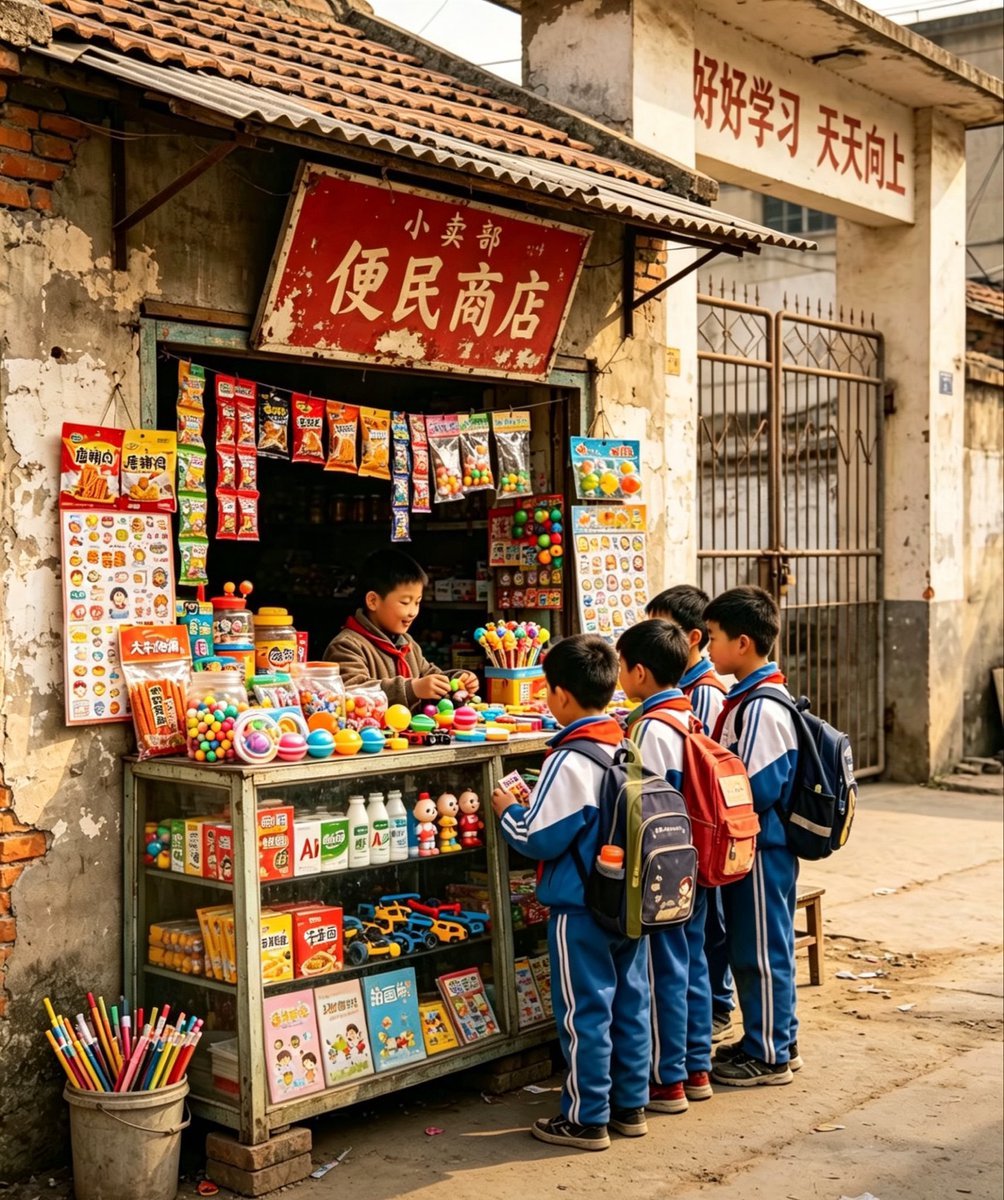
Nostalgic Chinese School Shop Scene
Anime Schoolgirl Scarecrow in Rural Field
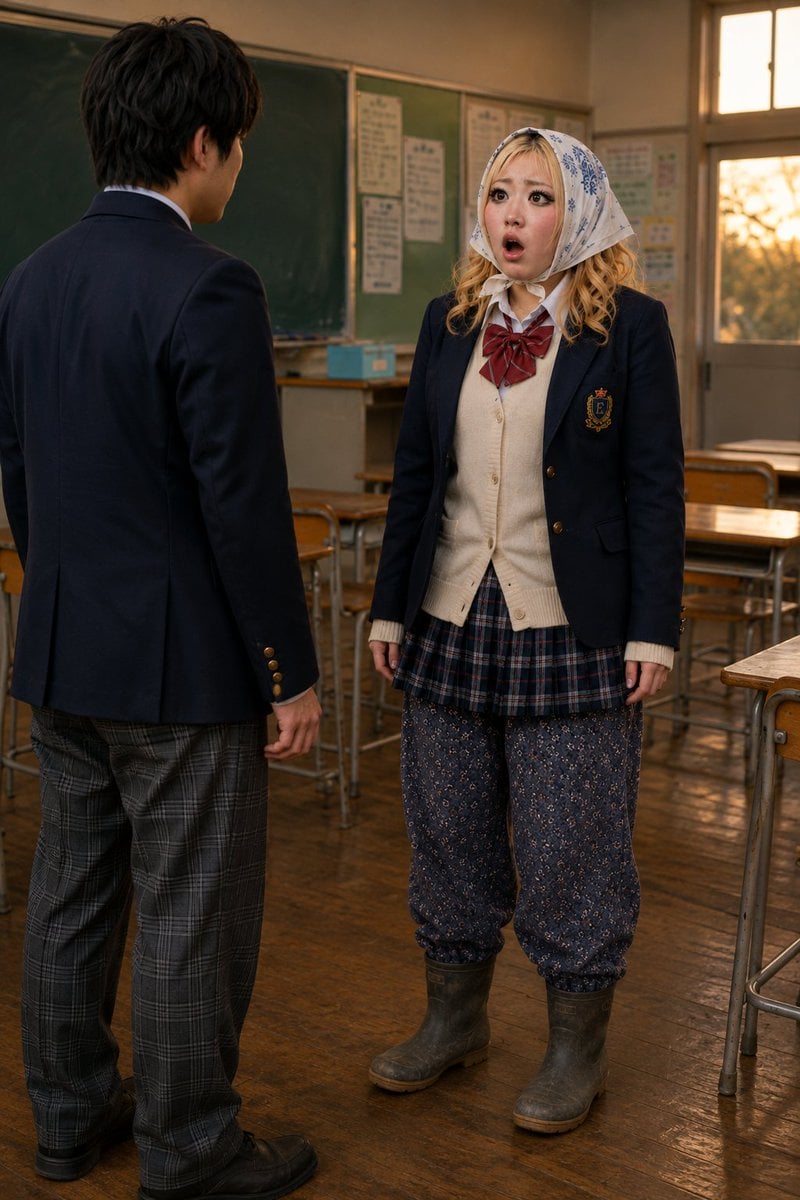
Schoolgirl Turned Rural Farmer Classroom Scene
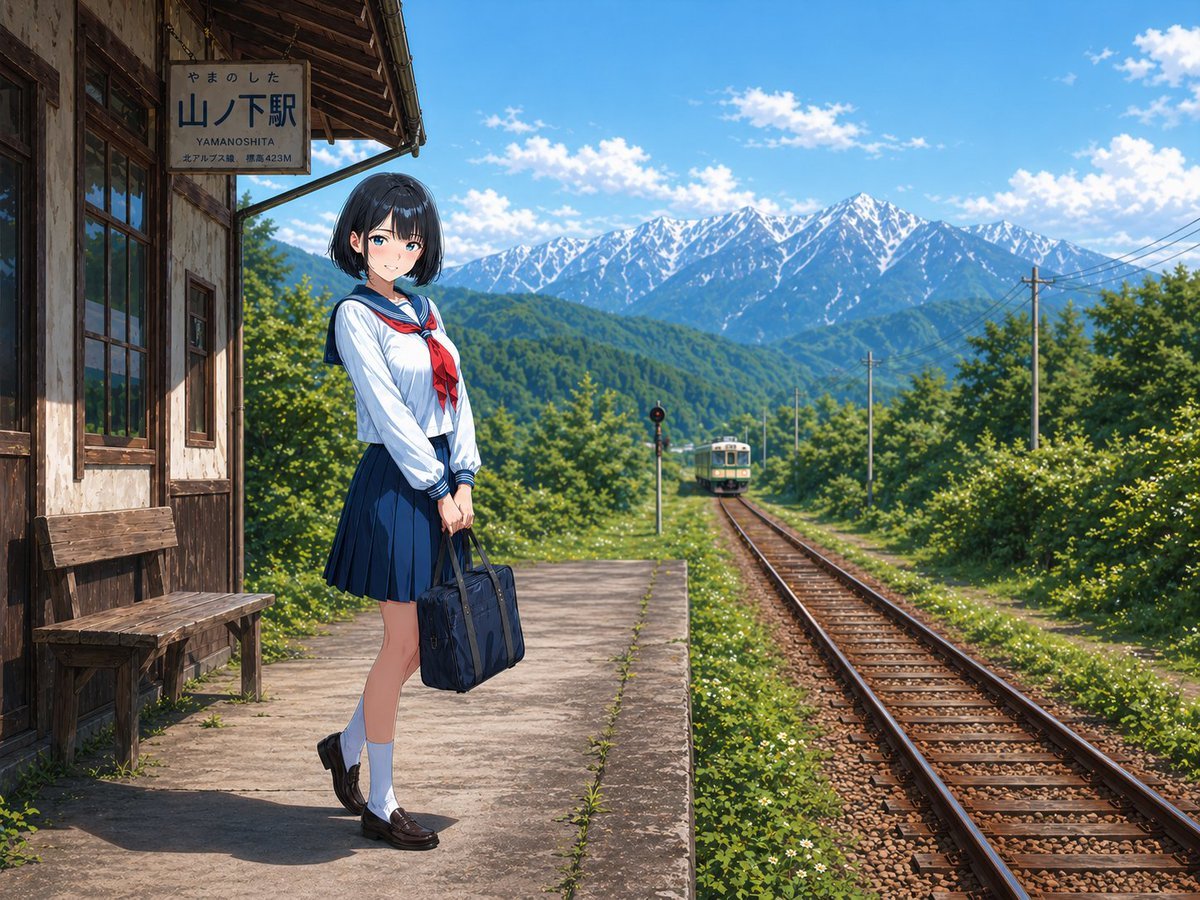
Gpt2 Social Media Post Rural Station Schoolgirl Scene

Indian Village Cattle Herding — Nano Banana

80s College Gate
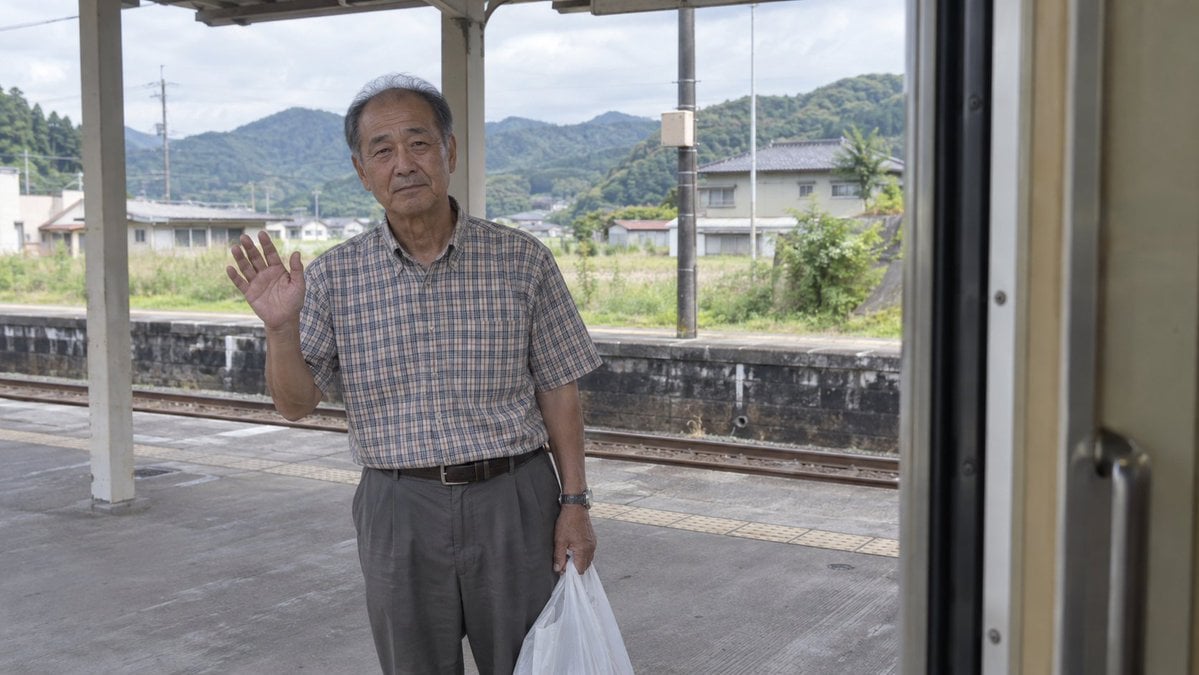
Elderly Man Waving at Rural Station
Make it yours
1998 Rural School Gate Shop Photo works as-is. These are the safest ways to change it without losing the look.
Change one field
Copy a single group, rewrite it, and generate again so you can see what that field is doing.
Keep the frame, change the subject
Hold the composition and light of 1998 Rural School Gate Shop Photo, then swap wardrobe, props or the person for a new take.
| If the result… | Why | Fix |
|---|---|---|
| The result drifts from the preview | Too many fields changed at once. | Reuse 1998 Rural School Gate Shop Photo as-is first, then change one group — subject, light, or setting. |
| The model over-stylizes the scene | The prose prompt leaves finish and camera underspecified. | Add one camera or lighting sentence and stay on GPT Image 2. |
More GPT Image 2 templates
Other prompts made for GPT Image 2.

Six VTuber Japanese Logo Sheet

Realistic Portrait of Woman and Deer

The Vista Modular Condo Poster

AI Model Routing Comparison Infographic

2.5D Anime Art Board

Isometric Productivity Desk Scene

New York Double Exposure Poster

Four-Panel AI Landscape Comparison

Japanese Tatami Lifestyle Magazine Cover

NESCAFÉ Coffee Map Poster
More image prompts
Fresh picks from across the catalog.

Japanese Four-Panel Healing Ad Collage
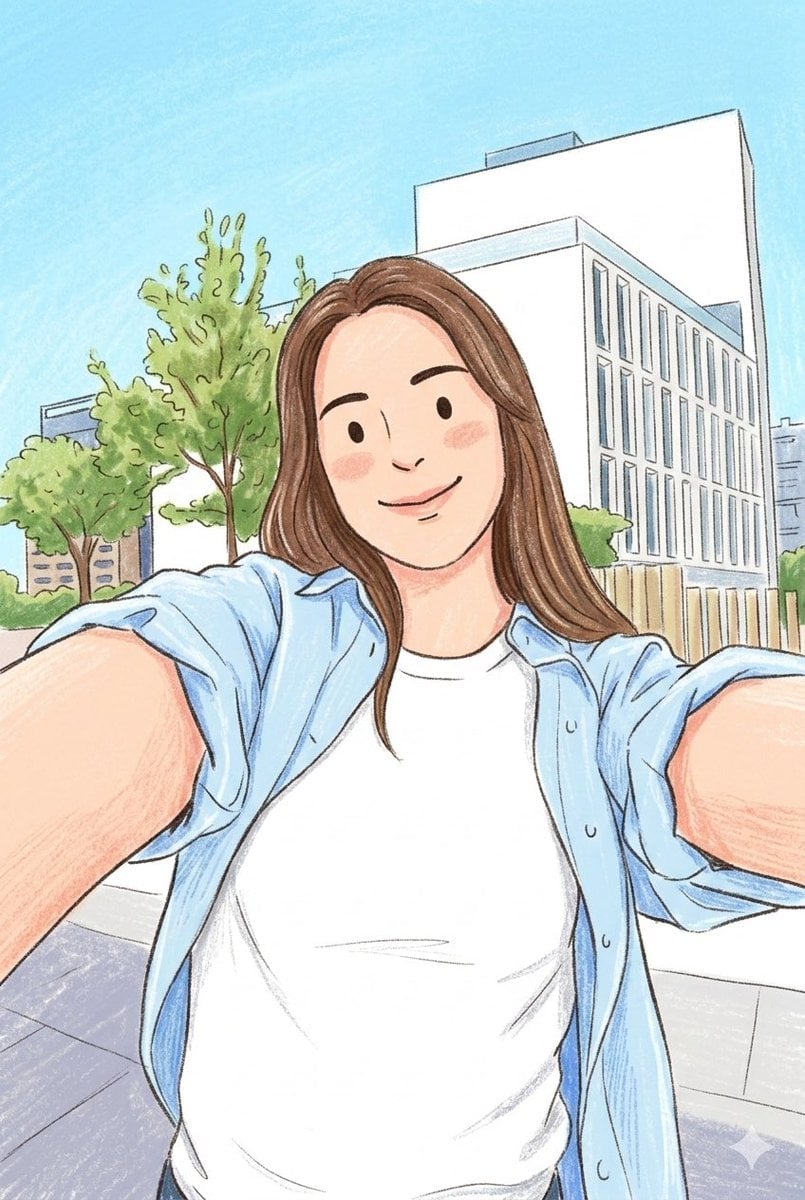
Children's Book Style Colored Pencil and Watercolor Illustration
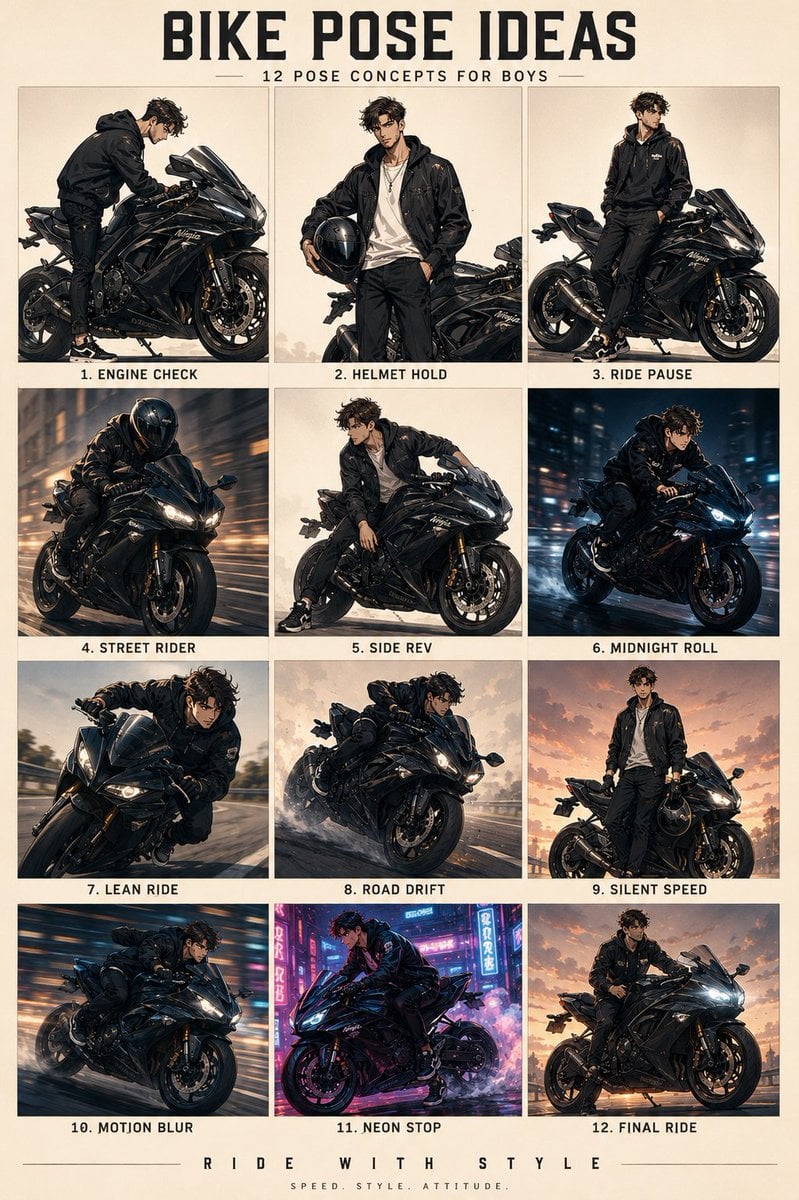
Anime Character Motorbike Pose Sheet

Minimalist World Cup poster
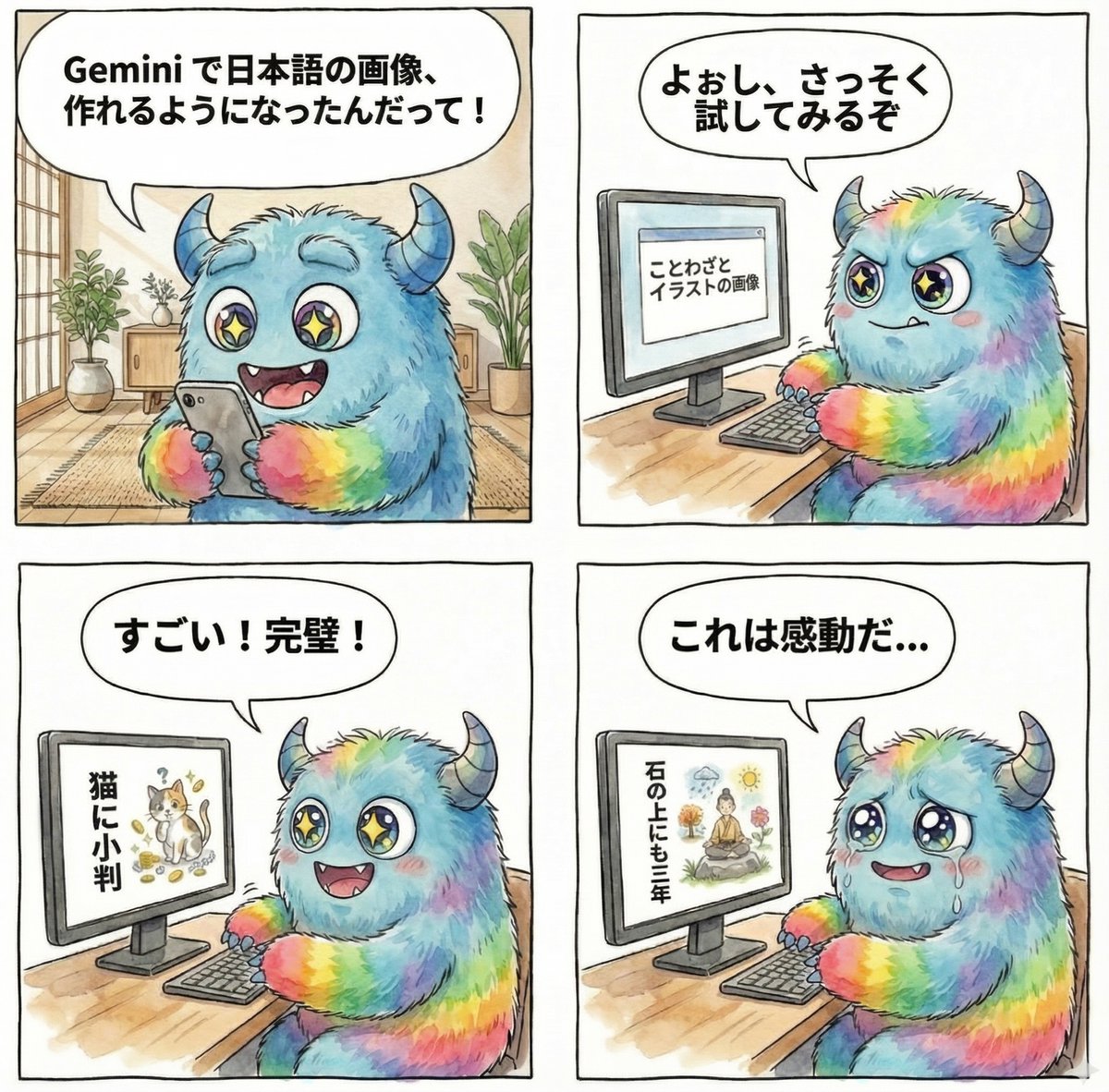
panel manga about Gemini generating Japanese text images
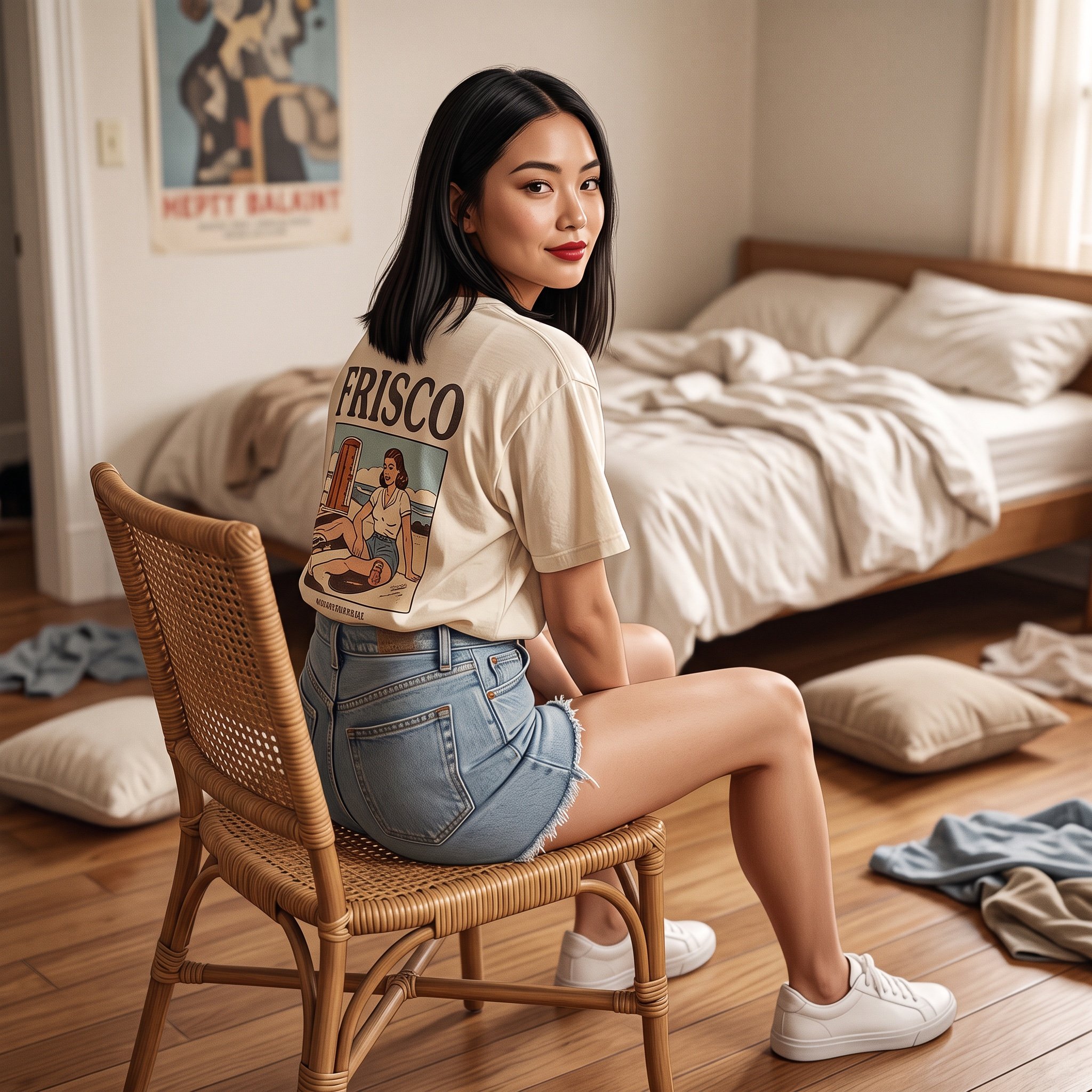
Photorealistic Frisco T-Shirt Lifestyle Portrait Prompt
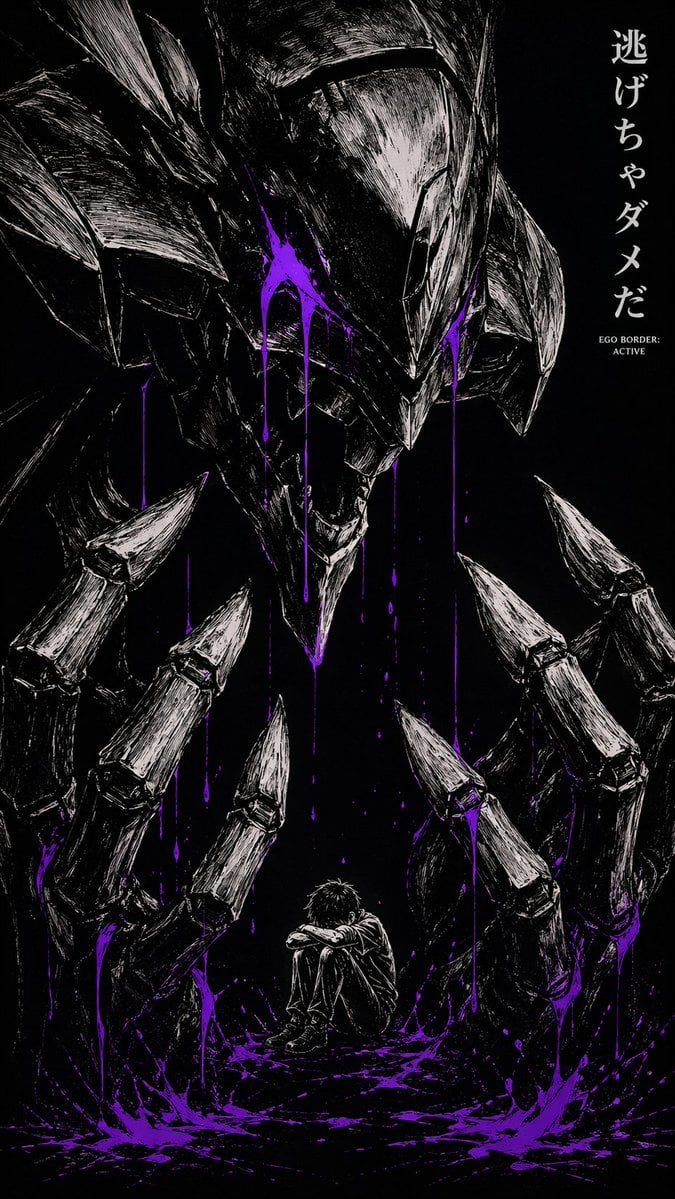
Dark Manga Monster Poster
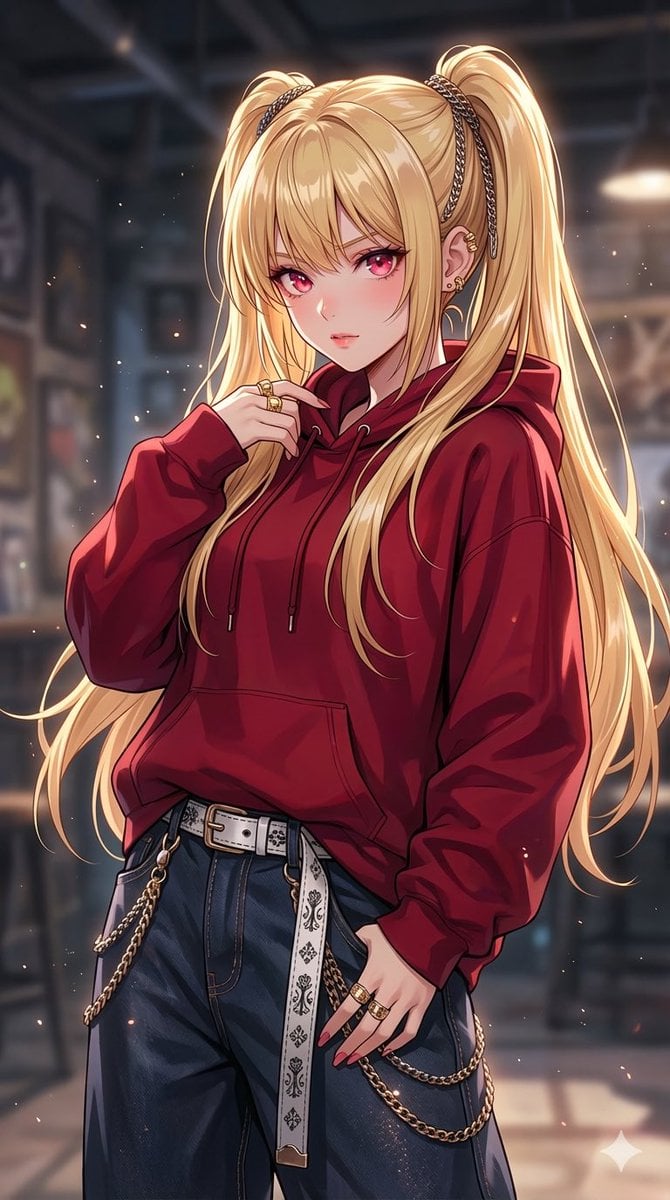
Detailed Texture and Accessory Generation
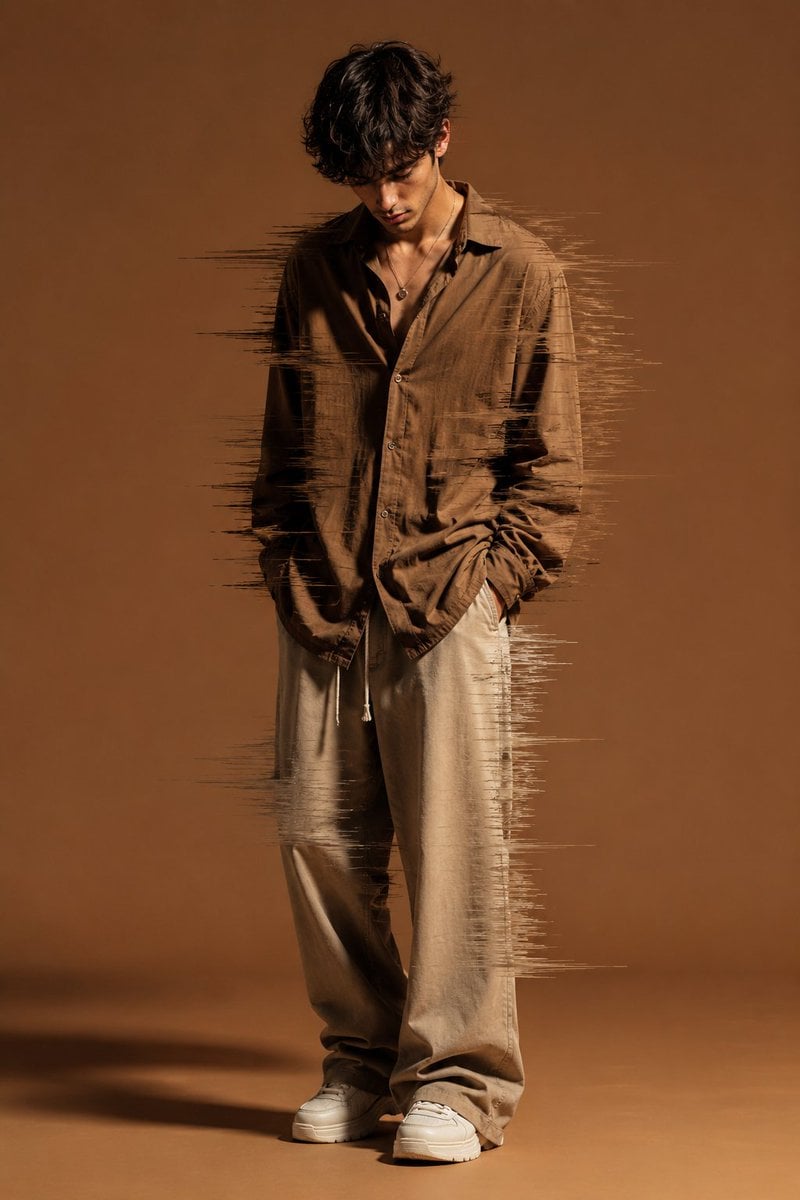
Editorial Fashion Glitch Portrait
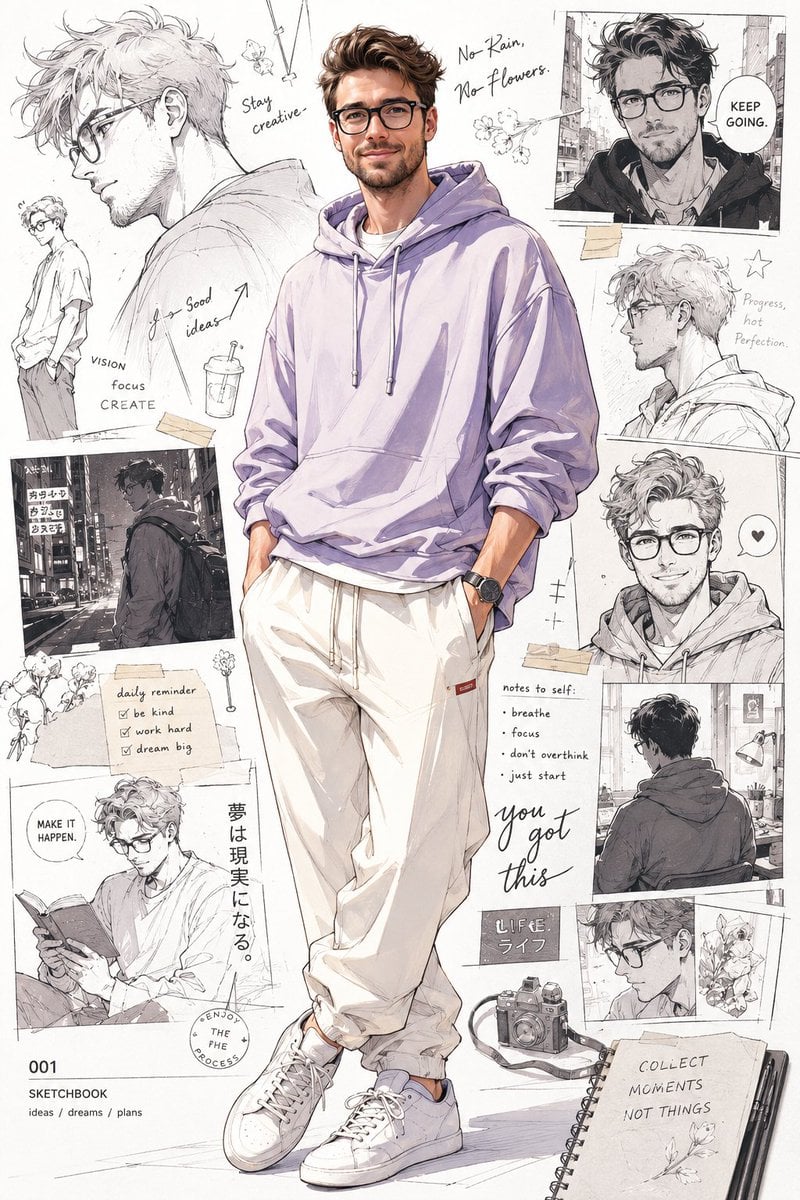
Anime Portrait with Sketch Background
Browse template categories
1998 Rural School Gate Shop Photo questions
How do I use the 1998 Rural School Gate Shop Photo template?
Add your photo if the template asks for one, edit the prompt if you like — the template's model and format are already selected — and press Generate. Your version opens in PicX Studio.
Can I customize the 1998 Rural School Gate Shop Photo template?
Yes. You can change the subject, setting, lighting, mood, format, and available model controls before creating your image.
Is the 1998 Rural School Gate Shop Photo template free?
Opening and editing this template is free. Generating uses credits, shown on the Generate button when you are signed in.
Which AI model should I use?
Start with GPT Image 2, which is the model associated with this template. You can compare another compatible model for a different finish.
Looking for something else? Browse all templates.

Your photo, any look
Thousands of ready templates for every top image and video model, from one credit balance.