
Angel Blessing a Praying Nun
A vertical ethereal anime fantasy scene of a radiant angel blessing a kneeling nun in a glowing flower-filled celestial garden.

- Prompt included
- Model and format preset
- Free template
The prompt behind this image
Copy the exact prompt behind Angel Blessing a Praying Nun, or open it in the studio and make it yours.
Create a luminous fantasy anime illustration of a tender spiritual encounter between a radiant angel and a kneeling nun in a blooming celestial garden. The angel is a young feminine figure with very long flowing {argument name="hair color" default="golden blonde"} hair streaming across the scene, wearing a translucent white robe with delicate gold embroidery and a jeweled golden neckline, with two enormous feathered wings spread behind her. A brilliant sunlike halo and backlight glow directly above and behind the angel’s head, scattering gold sparks and blue-white light through the feathers. The angel gently places one hand on the nun’s bowed head in blessing while the nun clasps both hands in prayer. The nun wears a deep {argument name="nun habit color" default="navy blue"} veil and traditional habit with a white wimple, kneeling humbly and looking upward. Surround them with a dense dreamlike field of blue, violet, lavender, and peach flowers, drifting petals, glittering dust, and swirling strands of light. Composition is vertical portrait, close and intimate, with the angel occupying the upper left and center, the nun in the lower right, their hands forming the emotional focal point. Style: highly detailed painterly anime fantasy art, ethereal Catholic-inspired iconography, soft luminous brushwork, iridescent wings, dramatic rim lighting, warm gold highlights contrasted with cool blues and purples, romantic sacred atmosphere, no text, no watermark.
How to use Angel Blessing a Praying Nun in 3 steps
- 1Upload ImagePNG, JPG or paste
Add your photo
Upload the photo the template builds on. The prompt, model and format are already set.
- 2…a portrait of your subject in softgolden-hour light, 85mm…
Personalize
Edit the subject and creative details for your destination.
- 3Generate
Generate
Press Generate — your image is created in PicX Studio, so you can compare it with the original and refine one variable at a time.
More like this
Templates with the same subject, style or setup. Open one to see its prompt.
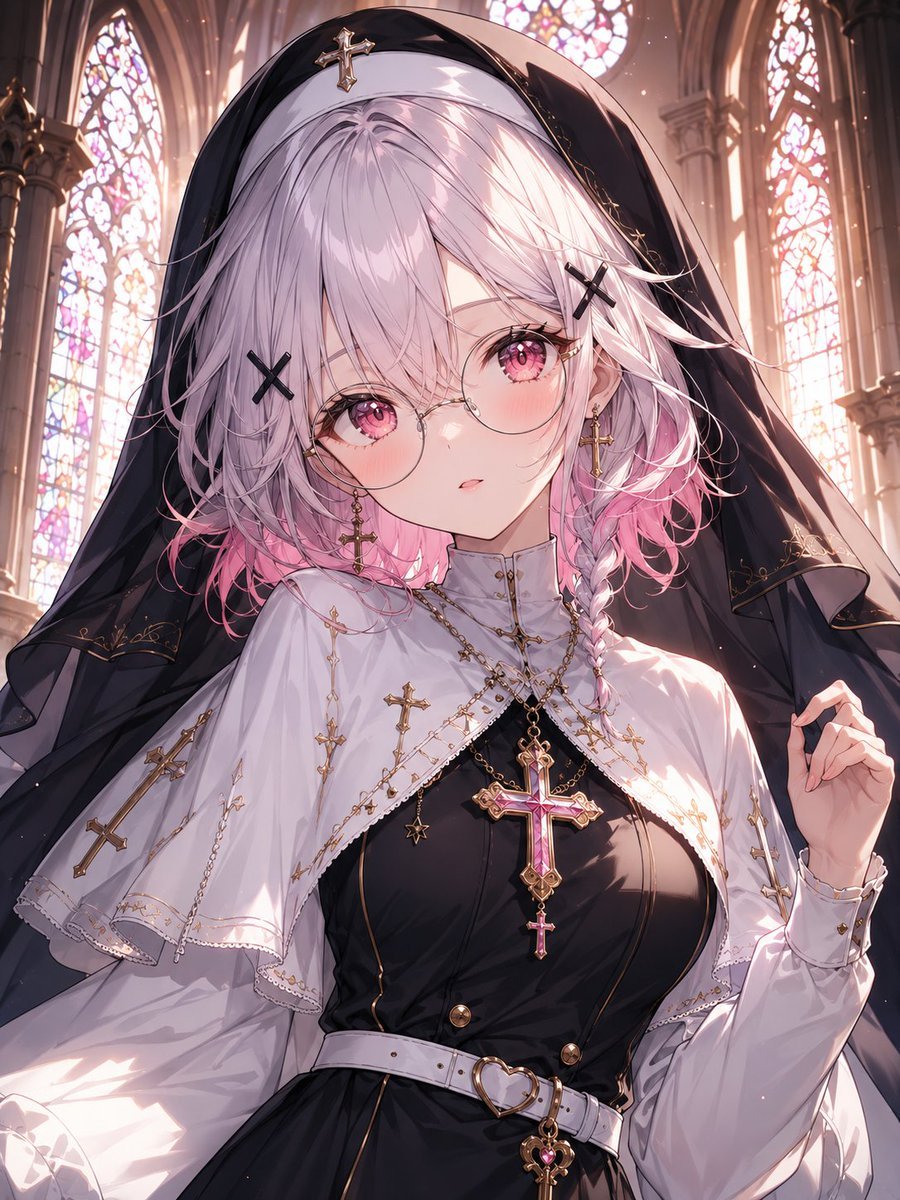
Gothic Nun Cathedral Portrait
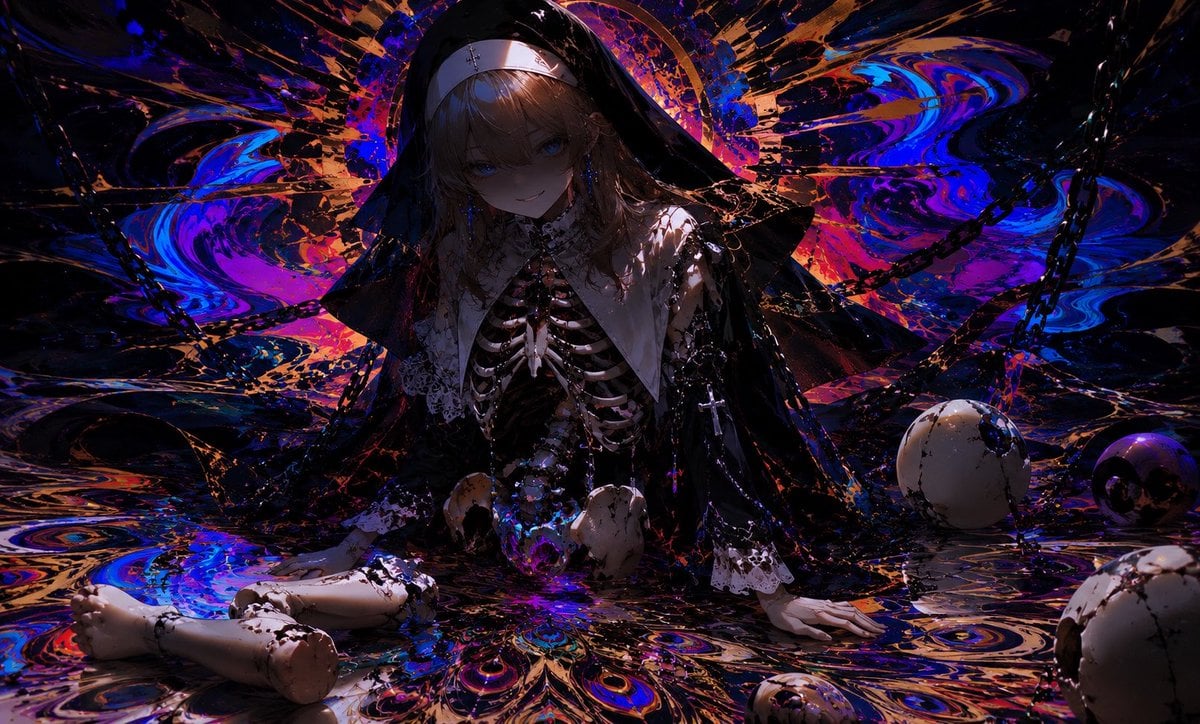
Cursed Peacock Nun Doll
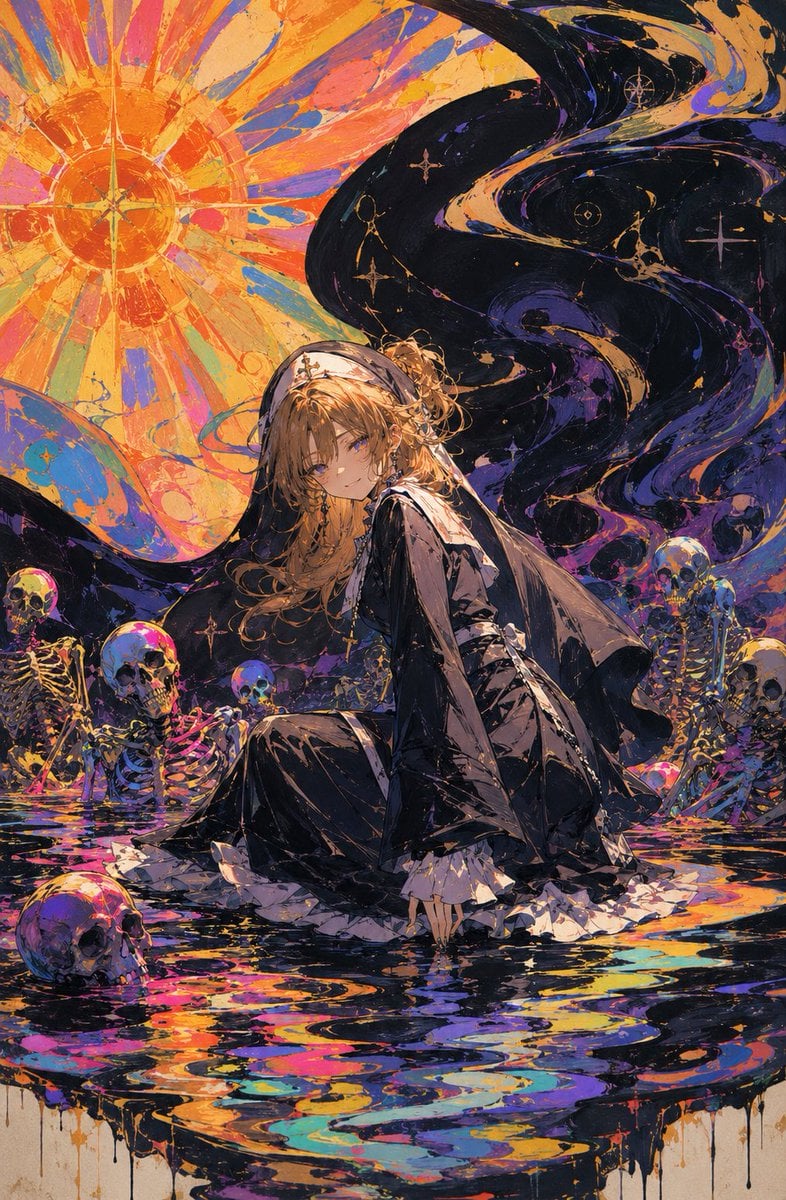
Oil Rainbow Gothic Nun

Halloween Nun Chibi Character Sheet
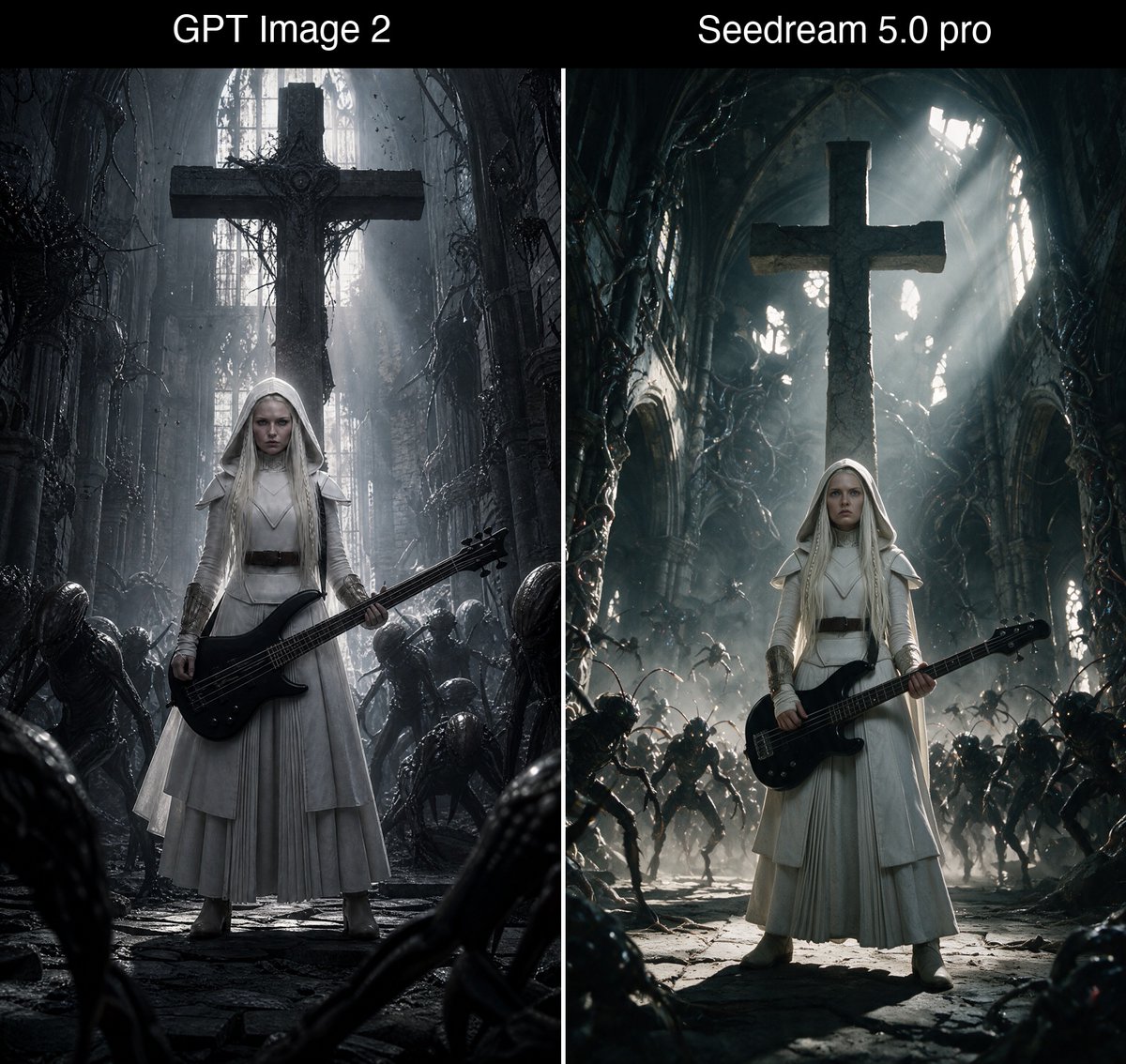
Bass Nun Model Comparison
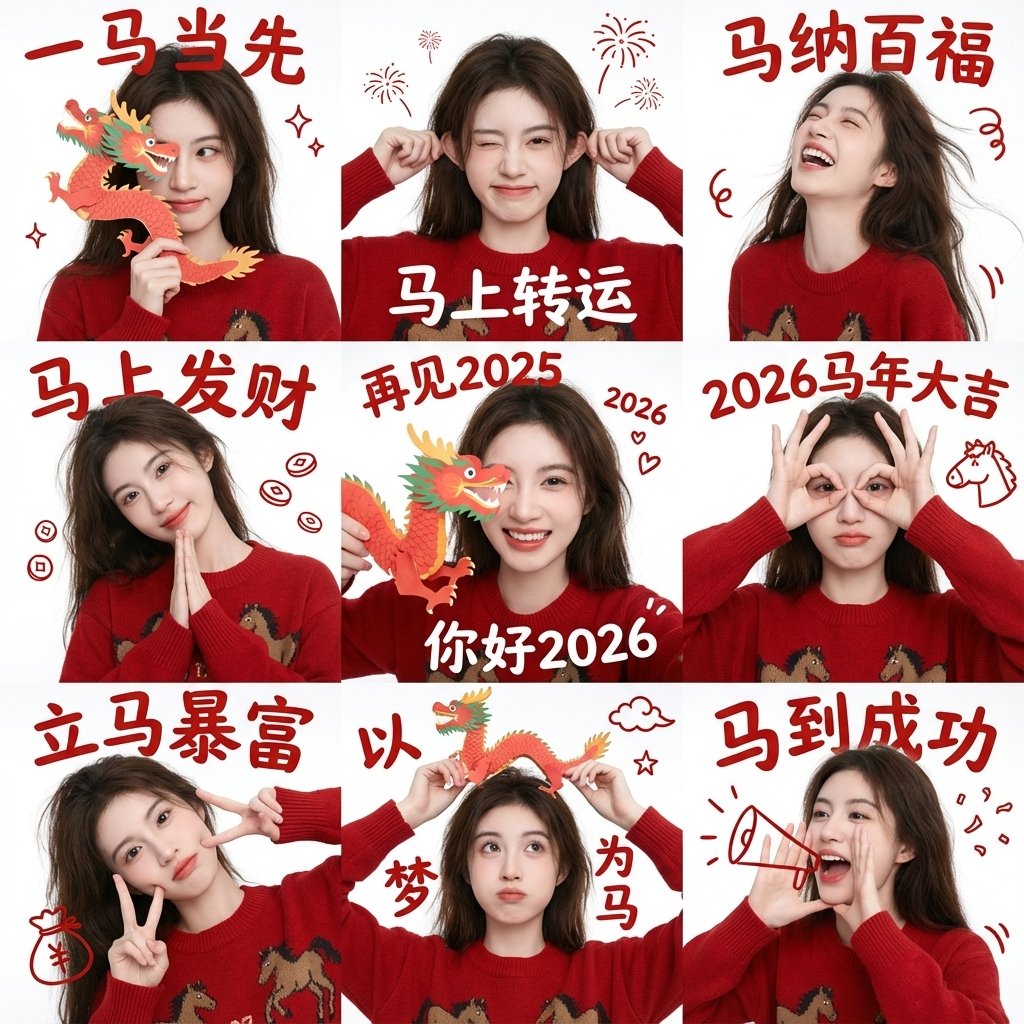
Chinese New Year Blessing Portrait Grid
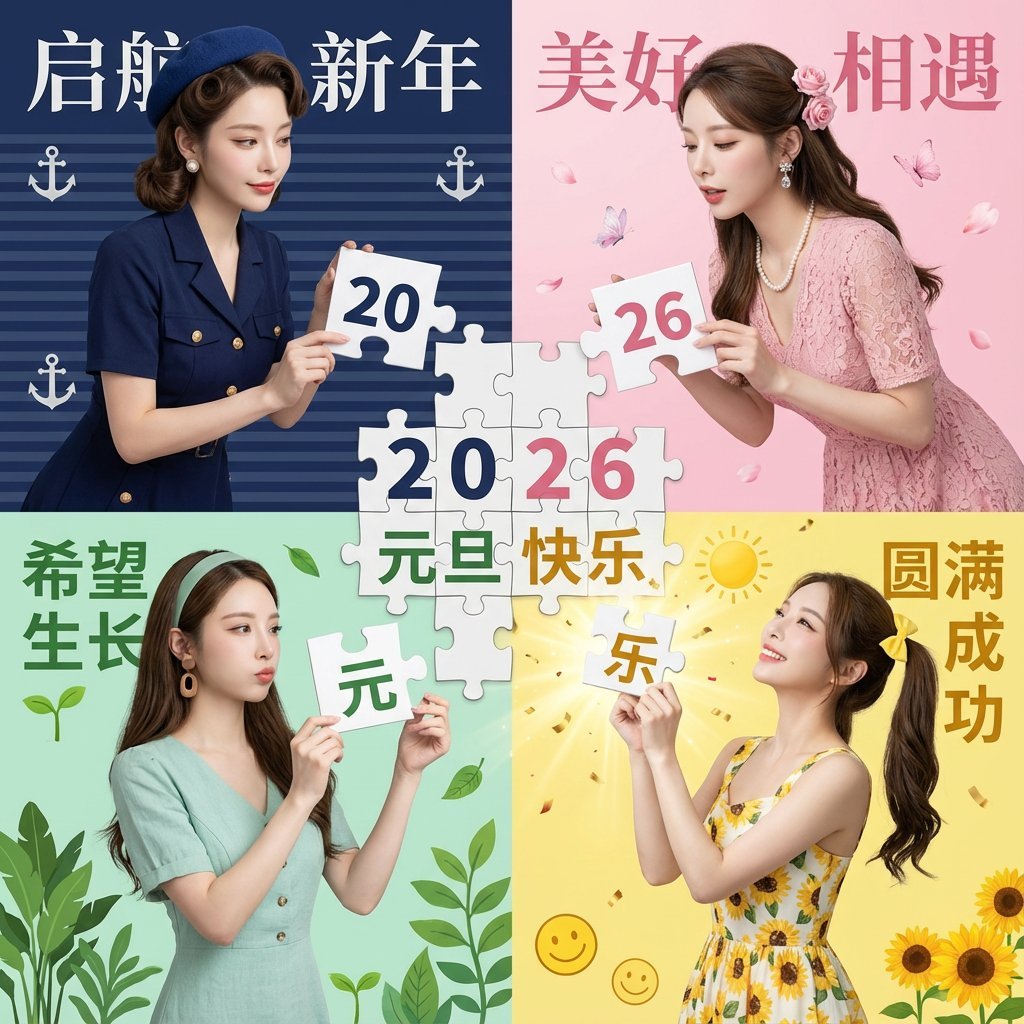
New Year's Day Special: Four-Panel Puzzle for 2026 Blessing
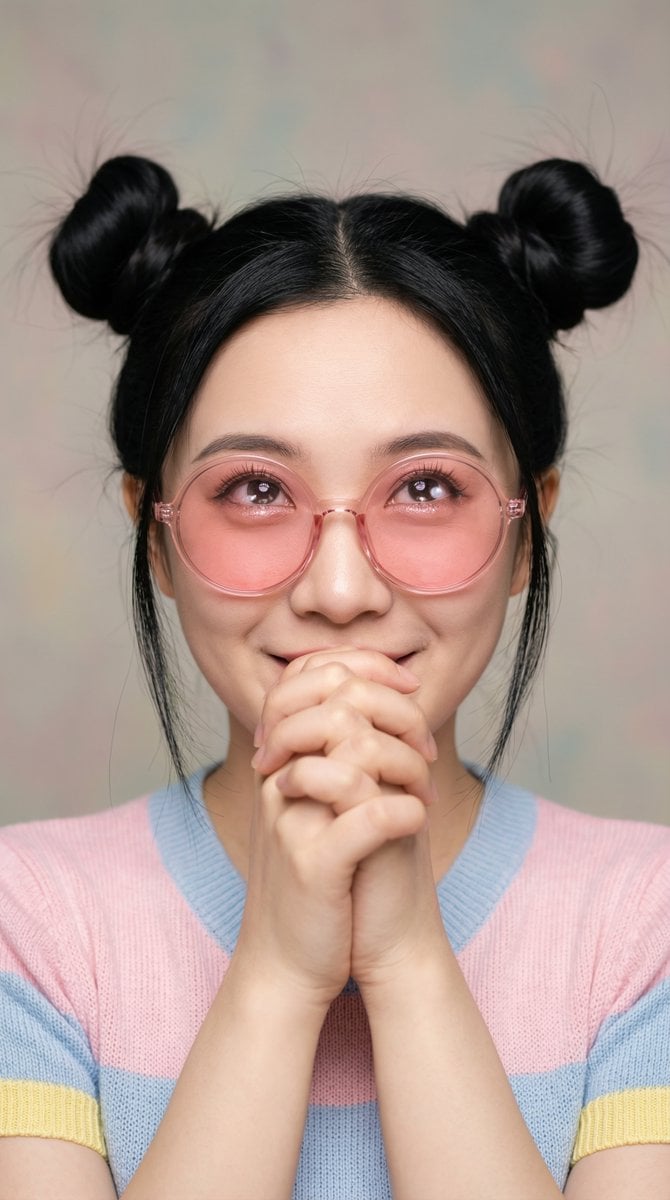
Ultra-Professional Portrait with 'Praying Hands' Motif

Gemini Prompt for Generating New Year's Blessing Website
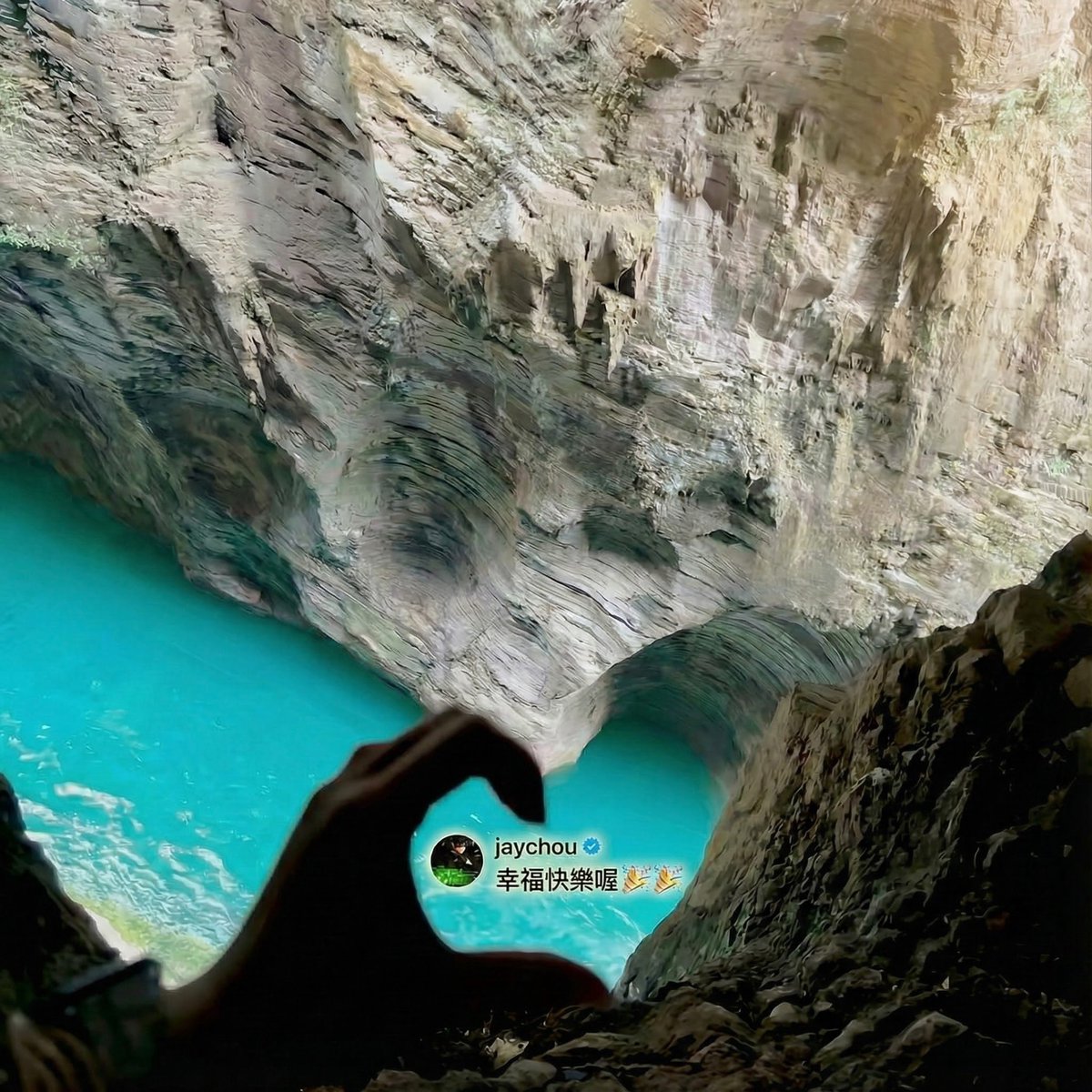
Jay Chou Blessing Image Integration Prompt
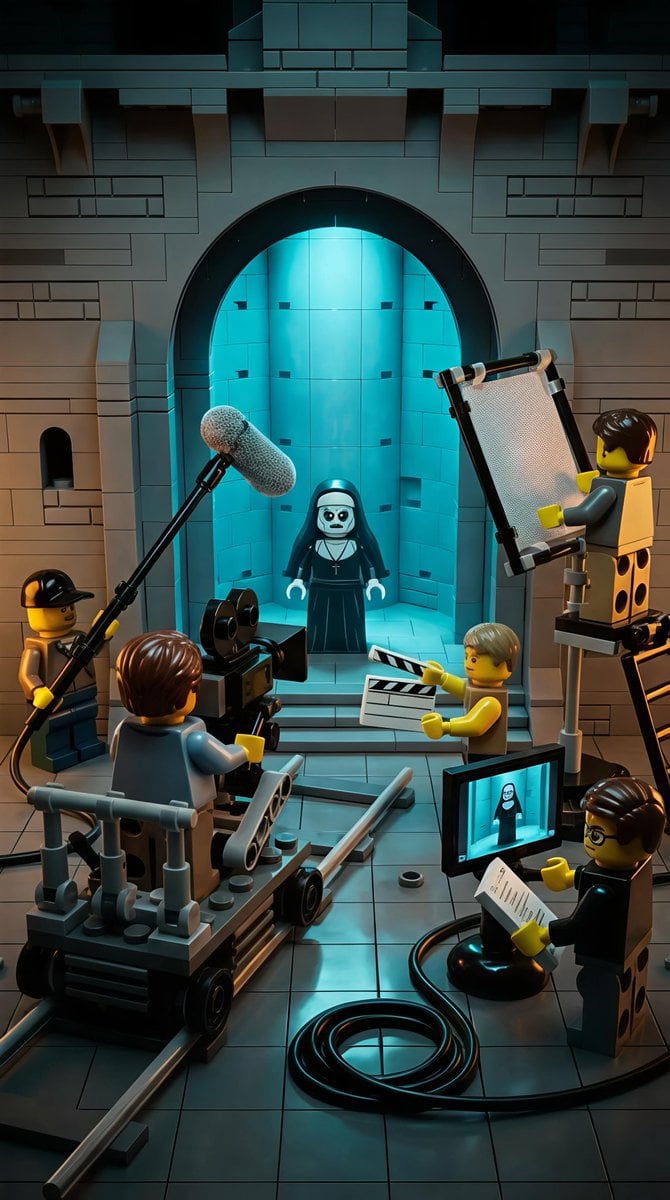
LEGO Miniature Diorama of 'The Nun' Horror Film Set
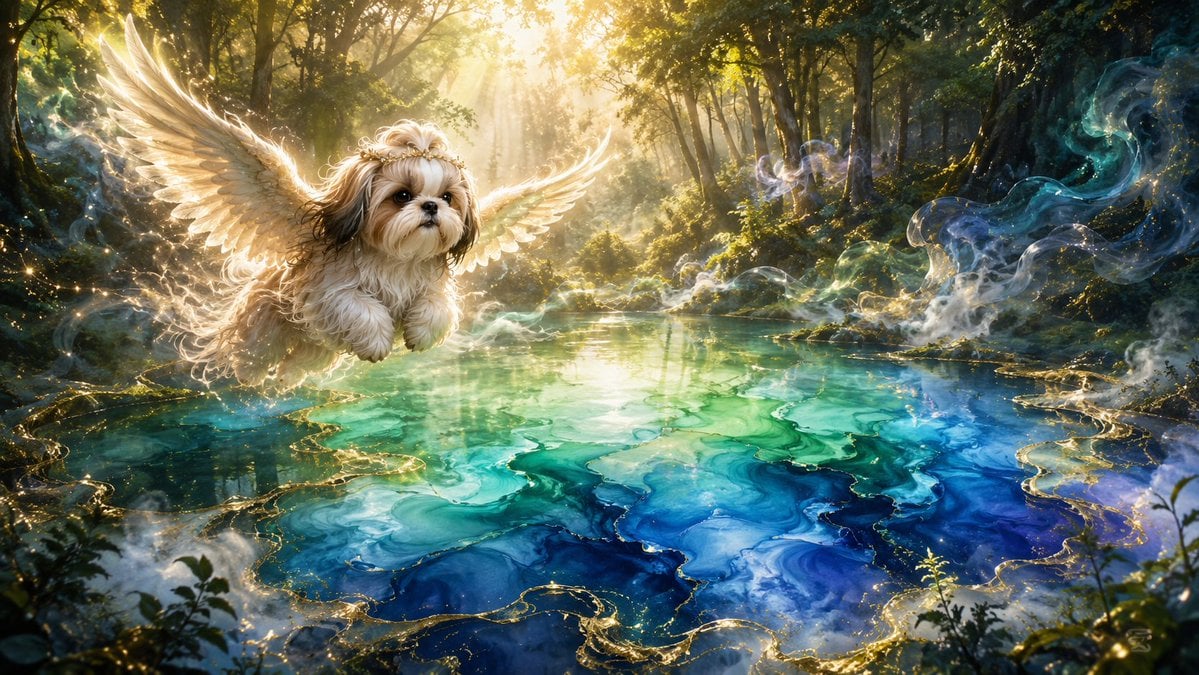
Angel Shih Tzu Over Ink Pond
Make it yours
Angel Blessing a Praying Nun works as-is. These are the safest ways to change it without losing the look.
Change one field
Copy a single group, rewrite it, and generate again so you can see what that field is doing.
Keep the frame, change the subject
Hold the composition and light of Angel Blessing a Praying Nun, then swap wardrobe, props or the person for a new take.
| If the result… | Why | Fix |
|---|---|---|
| The result drifts from the preview | Too many fields changed at once. | Reuse Angel Blessing a Praying Nun as-is first, then change one group — subject, light, or setting. |
| The model over-stylizes the scene | The prose prompt leaves finish and camera underspecified. | Add one camera or lighting sentence and stay on GPT Image 2. |
More GPT Image 2 templates
Other prompts made for GPT Image 2.

Six VTuber Japanese Logo Sheet

Realistic Portrait of Woman and Deer

The Vista Modular Condo Poster

AI Model Routing Comparison Infographic

2.5D Anime Art Board

Isometric Productivity Desk Scene

New York Double Exposure Poster

Four-Panel AI Landscape Comparison

Japanese Tatami Lifestyle Magazine Cover

NESCAFÉ Coffee Map Poster
More image prompts
Fresh picks from across the catalog.
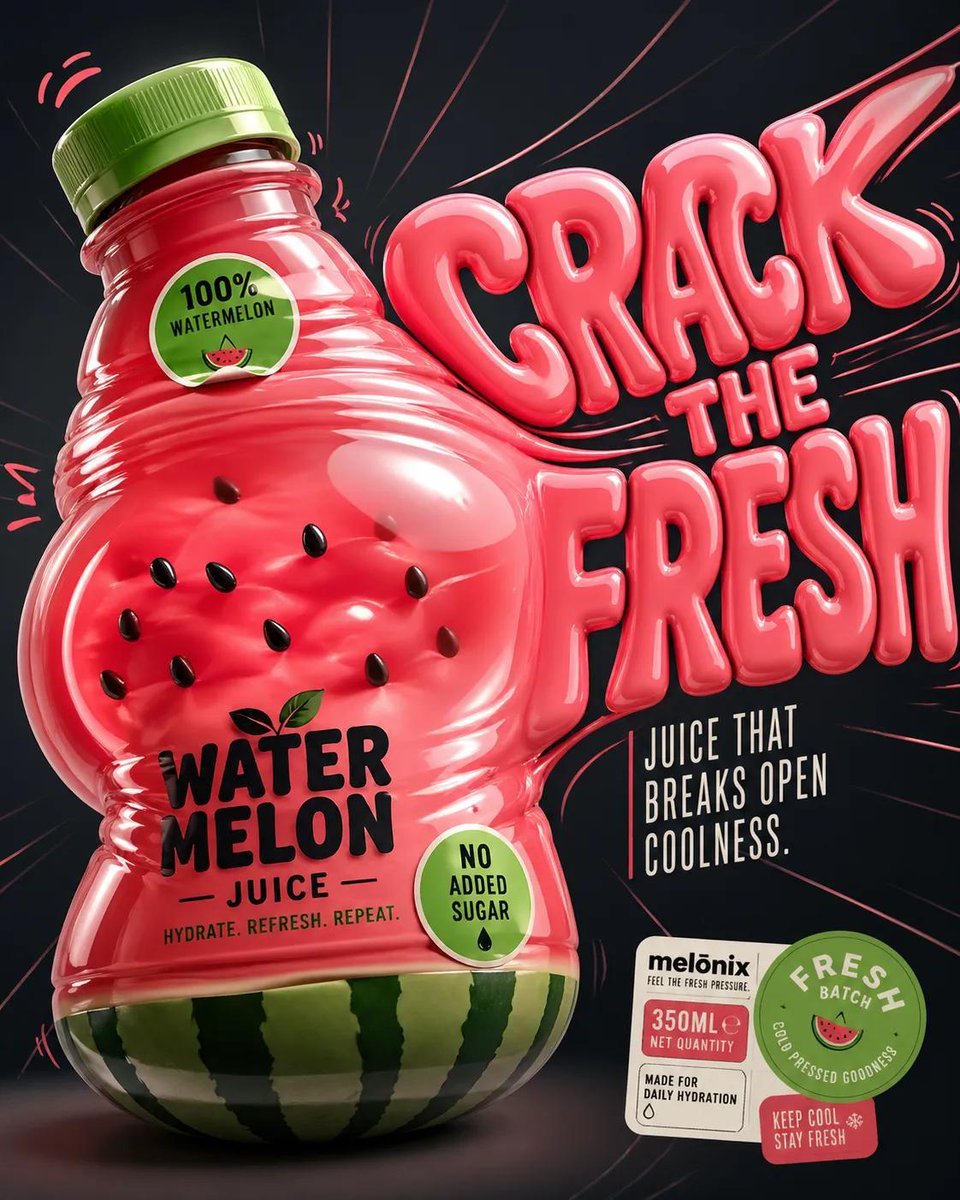
Inflatable Surreal Product Poster
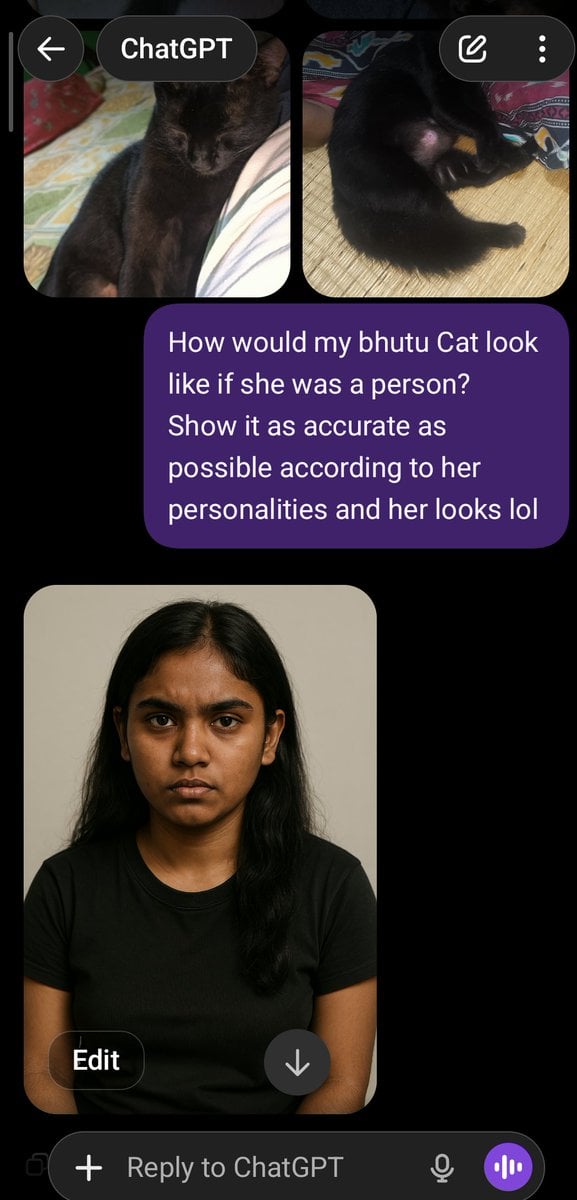
Cat to Person Character Visualization
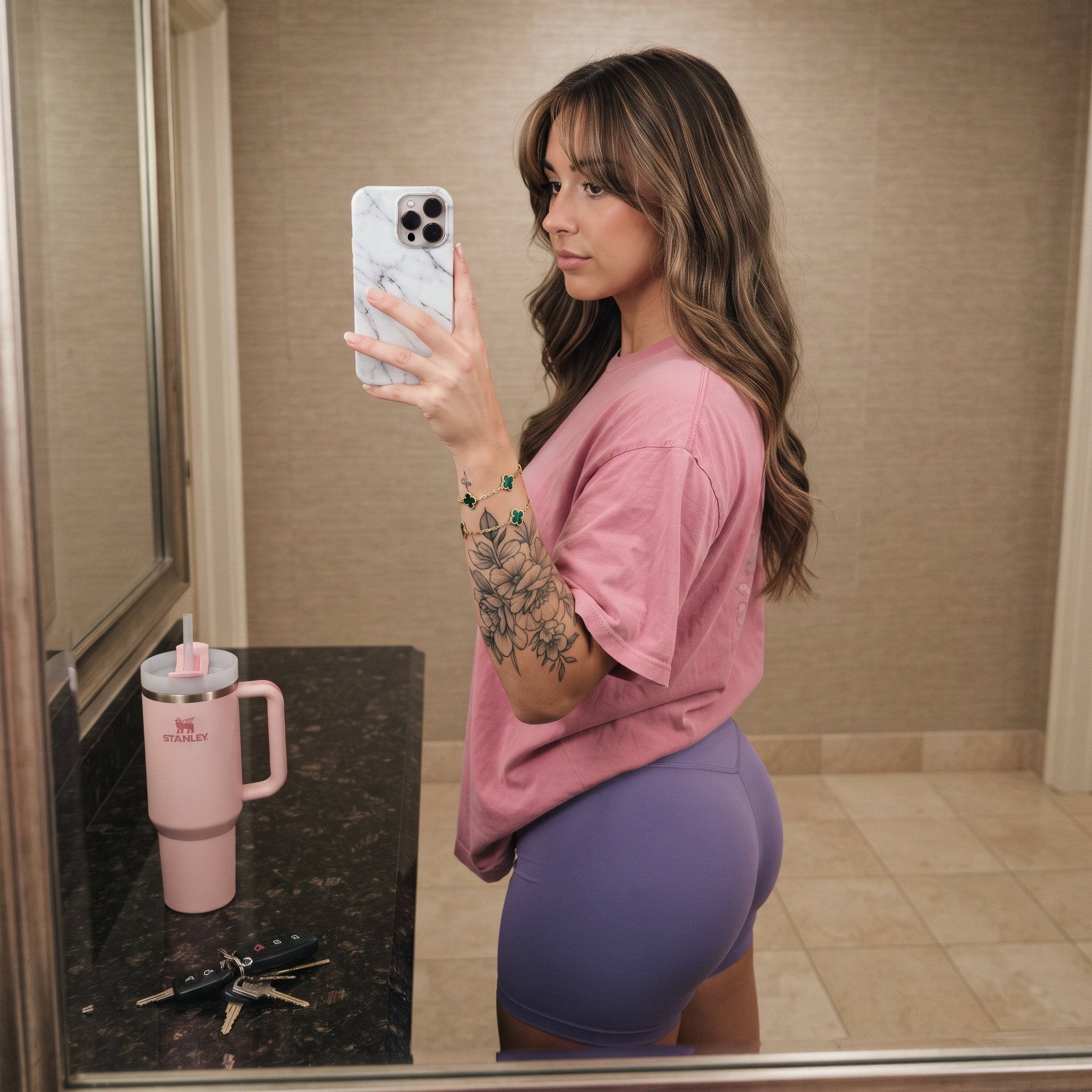
Mirror Selfie Prompt with Detailed Subject and Object Specifications

Fanta Orange Beverage Ad
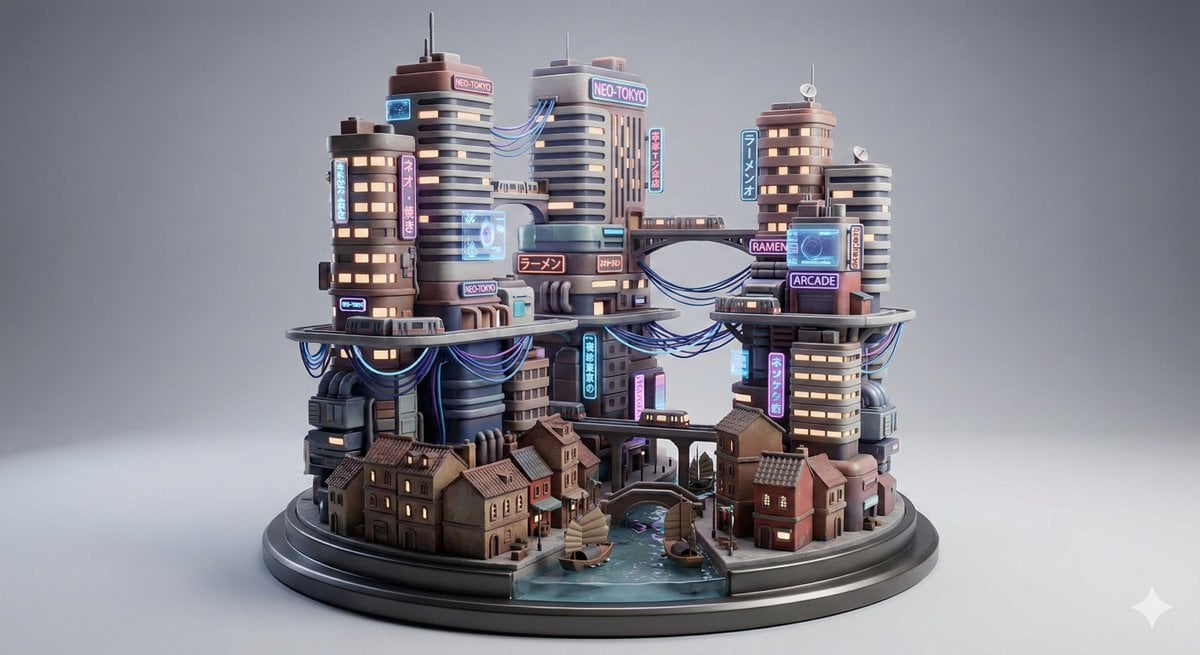
Cyberpunk City Block Collectible Diorama
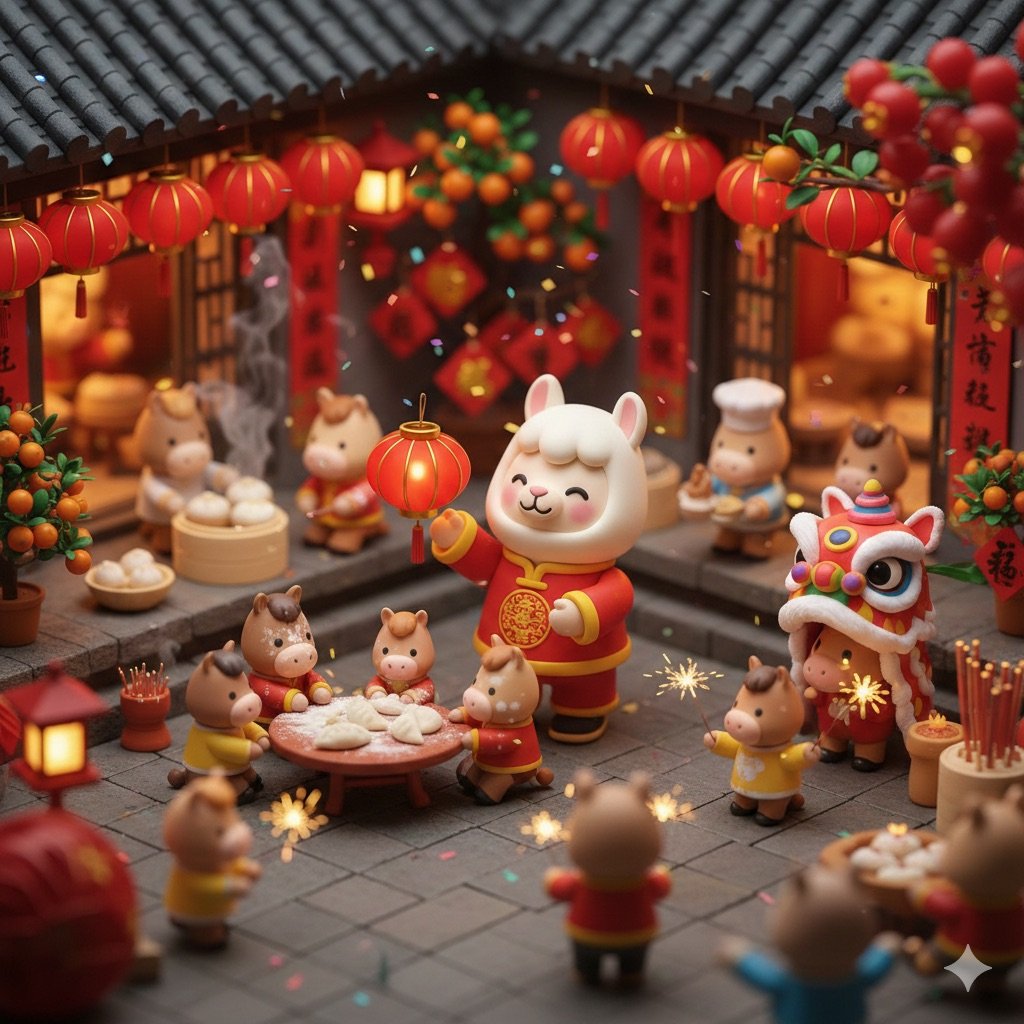
Cute Popmart Chinese New Year Llama
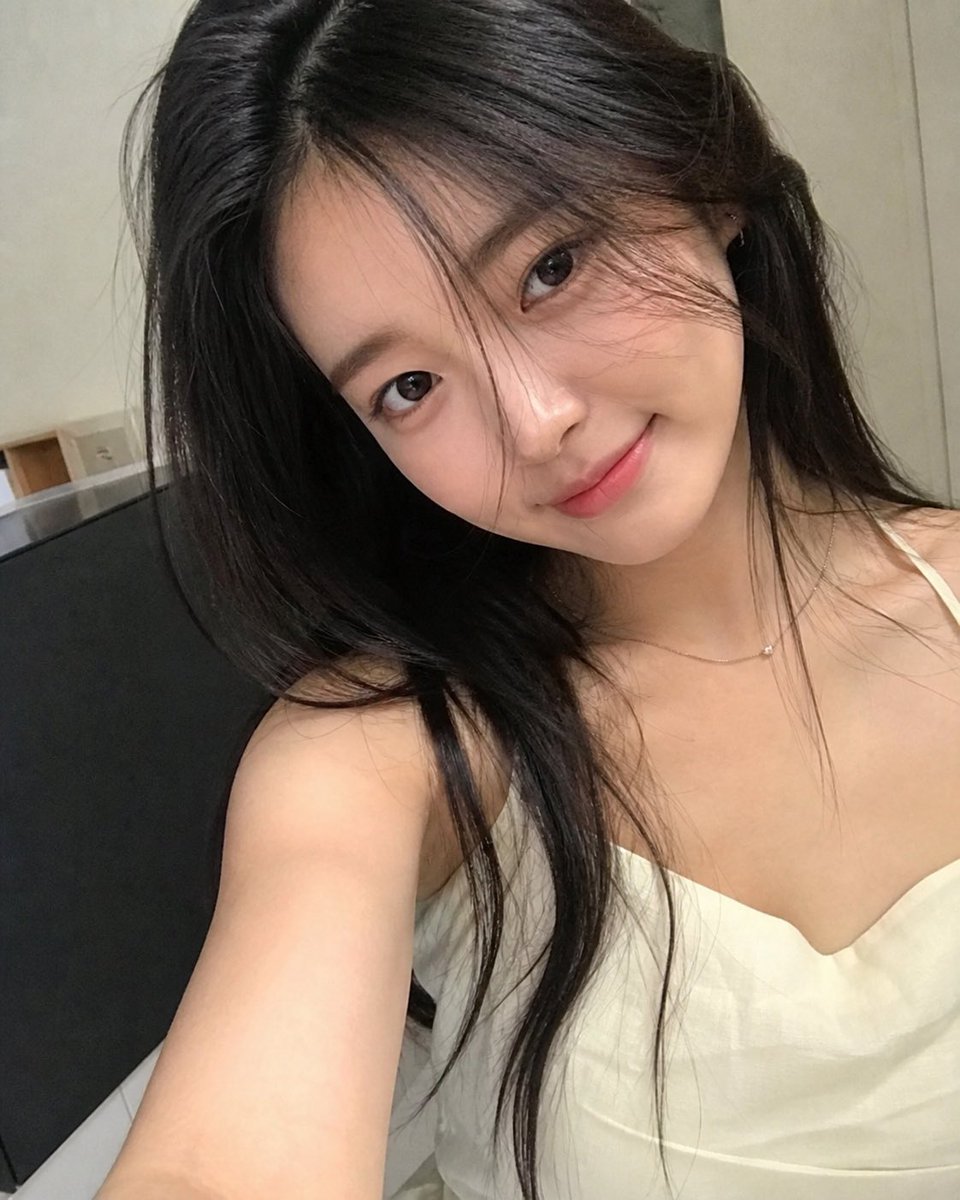
AI Personification Selfie

Moonlit Sierra-Style Castle Pixel Art

AI Manga Theme: Trial and Error
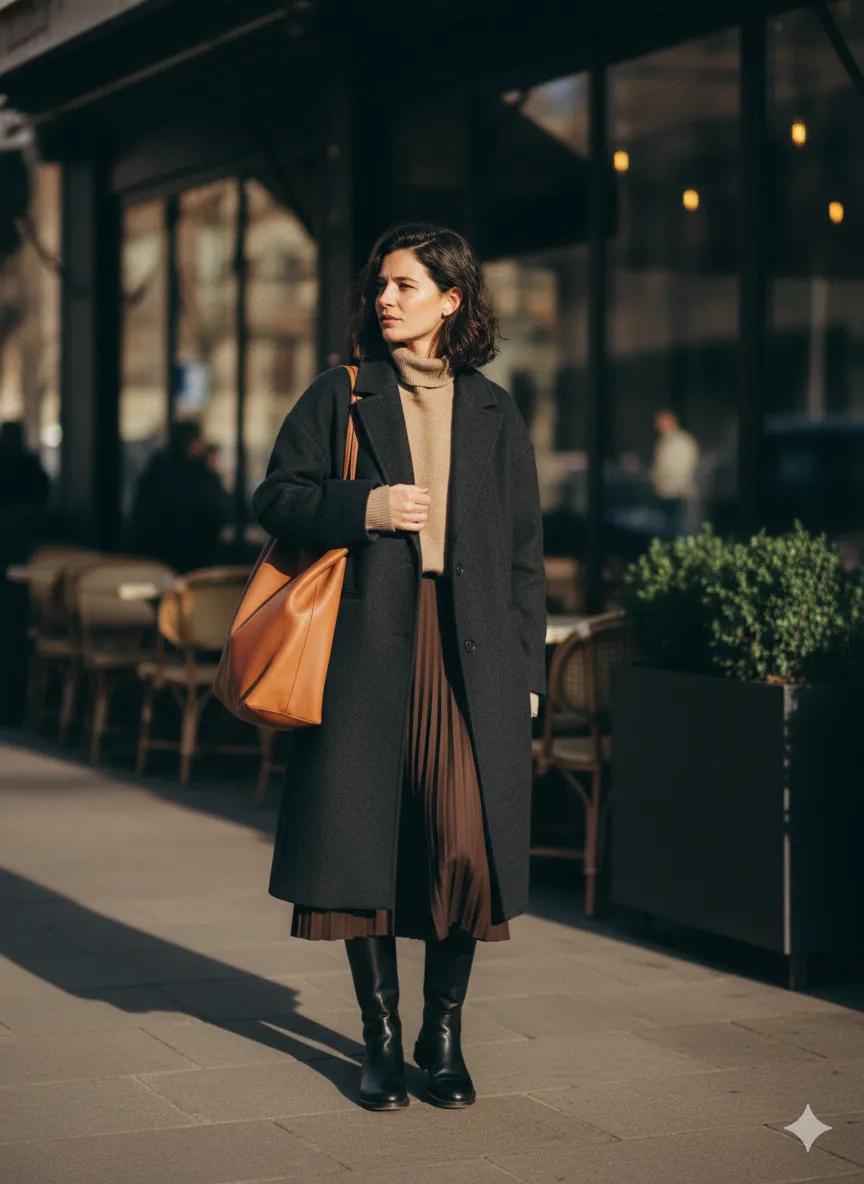
Scott Schuman Style Street Photography Portrait
Browse template categories
Angel Blessing a Praying Nun questions
How do I use the Angel Blessing a Praying Nun template?
Add your photo if the template asks for one, edit the prompt if you like — the template's model and format are already selected — and press Generate. Your version opens in PicX Studio.
Can I customize the Angel Blessing a Praying Nun template?
Yes. You can change the subject, setting, lighting, mood, format, and available model controls before creating your image.
Is the Angel Blessing a Praying Nun template free?
Opening and editing this template is free. Generating uses credits, shown on the Generate button when you are signed in.
Which AI model should I use?
Start with GPT Image 2, which is the model associated with this template. You can compare another compatible model for a different finish.
Looking for something else? Browse all templates.

Your photo, any look
Thousands of ready templates for every top image and video model, from one credit balance.