
Bass Nun Model Comparison
Generates a square diptych comparing two dark fantasy cathedral scenes of a white-clad nun with a black bass guitar.
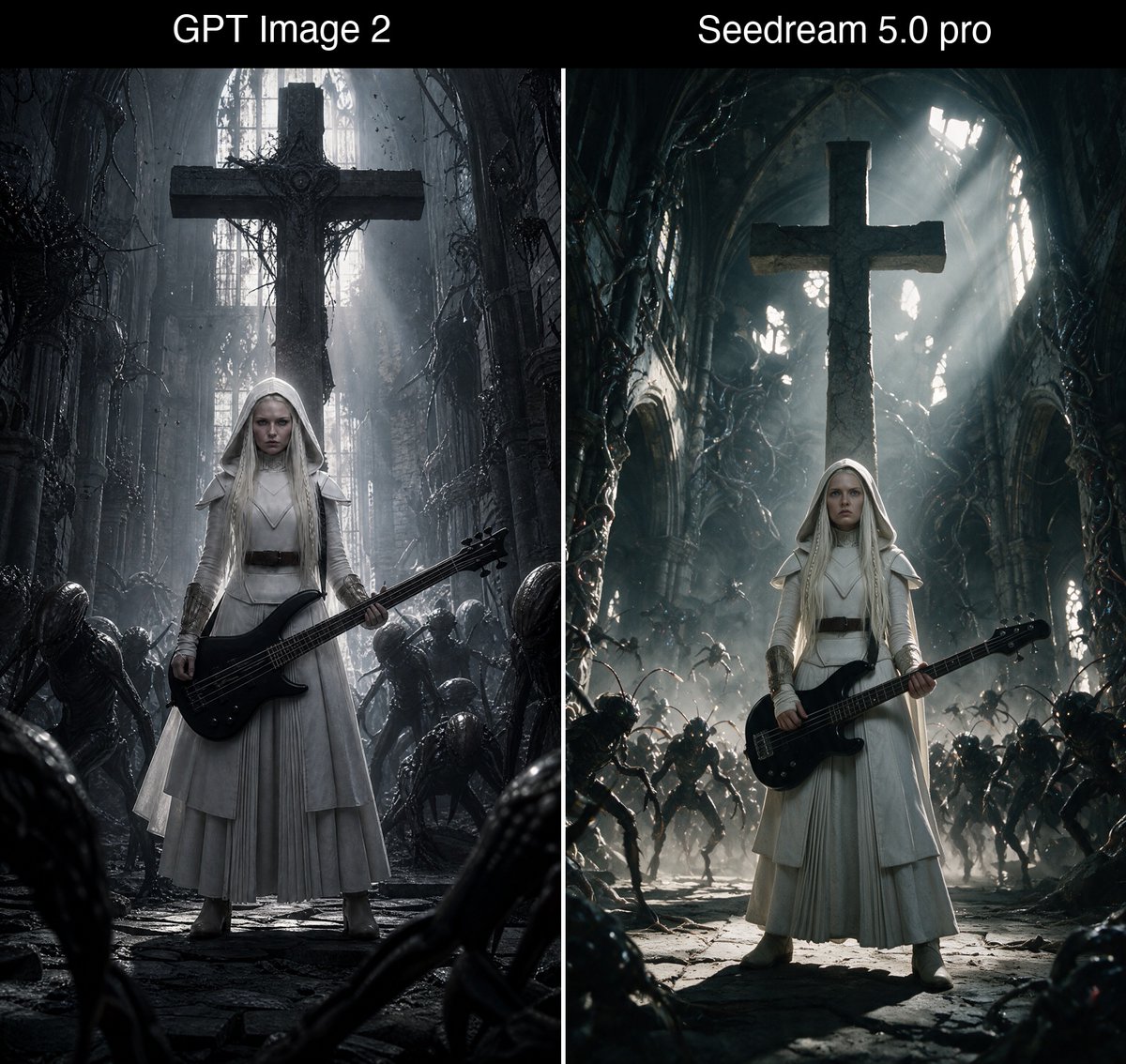
- Prompt included
- Model and format preset
- Premium template
The prompt behind this image
Copy the exact prompt behind Bass Nun Model Comparison, or open it in the studio and make it yours.
Goal: Create a square side-by-side comparison image showing two dark fantasy generations of the same concept: a white-clad gothic nun holding a black bass guitar inside a ruined cathedral, with a black title bar across the top. Canvas: Square 1:1 image, split into exactly 2 equal vertical panels separated by a thin white divider line. Add a black header band across the full width at the top. Top text: Place exactly 2 white sans-serif labels in the header band: left label “{argument name="left model label" default="GPT Image 2"}” centered over the left panel, right label “{argument name="right model label" default="Seedream 5.0 pro"}” centered over the right panel. Use large clean white text, no other typography. Left panel: A clean cinematic hero shot. Center exactly 1 young pale gothic nun with long platinum-blonde hair under a white hooded veil, stern expression, wearing layered white robes with a dark belt and subtle armor-like shoulder pieces. She stands full body, facing forward, holding exactly 1 glossy black electric bass guitar diagonally across her waist. Behind her is exactly 1 enormous dark stone cross suspended or mounted high in the ruined cathedral. The cathedral is narrow, gray, decayed, filled with vines, broken arches, dust, mist, and cold shafts of light from tall windows. Around her are exactly 6 visible crouching alien/demon silhouettes: 2 near the left foreground/midground, 2 near the right midground, and 2 partially visible in the lower foreground edges. Mood is restrained, flat, scanned-film, monochrome gray, clean composition, strong centered symmetry. Right panel: A more dramatic action-horror version of the same scene. Center exactly 1 young pale gothic nun with long platinum-blonde hair under a white hooded veil, wearing white robes and a dark belt, holding exactly 1 black electric bass guitar across her waist. Behind her is exactly 1 enormous dark stone cross, backlit by intense god rays pouring through broken cathedral windows. The ruined cathedral is wider, deeper, more chaotic, with twisted organic vines, arched walls, rubble, smoky haze, and high-contrast teal-gray lighting. Include exactly 14 visible demon/alien figures: 5 on the left side, 5 on the right side, 2 in the center background, and 2 partial foreground creatures at the bottom corners. They should appear as a menacing swarm approaching the nun. Mood is dread-filled, dynamic, cinematic, with stronger rim light and volumetric beams. Visual style: Dark fantasy gothic realism, ultra-detailed but not glossy, cold desaturated palette of black, charcoal, bone white, silver gray, and faint blue-green. The nun’s white outfit must remain the brightest subject in both panels. Use dramatic cathedral scale, wet stone floor texture, dust particles, and horror atmosphere. Constraints: Keep the image as a comparison diptych, not two separate files. Include exactly 2 panels, exactly 2 top labels, exactly 2 nuns total, exactly 2 bass guitars total, and exactly 2 large crosses total. No watermark, no extra captions, no logos, no additional text.
How to use Bass Nun Model Comparison in 3 steps
- 1Upload ImagePNG, JPG or paste
Add your photo
Upload the photo the template builds on. The prompt, model and format are already set.
- 2…a portrait of your subject in softgolden-hour light, 85mm…
Personalize
Edit the subject and creative details for your destination.
- 3Generate
Generate
Press Generate — your image is created in PicX Studio, so you can compare it with the original and refine one variable at a time.
More like this
Templates with the same subject, style or setup. Open one to see its prompt.

Premium Vertical Product Campaign Poster

Skin Comparison Portrait — Nano Banana Pro

AI Model Routing Comparison Infographic

Fantasy Model Comparison Grid
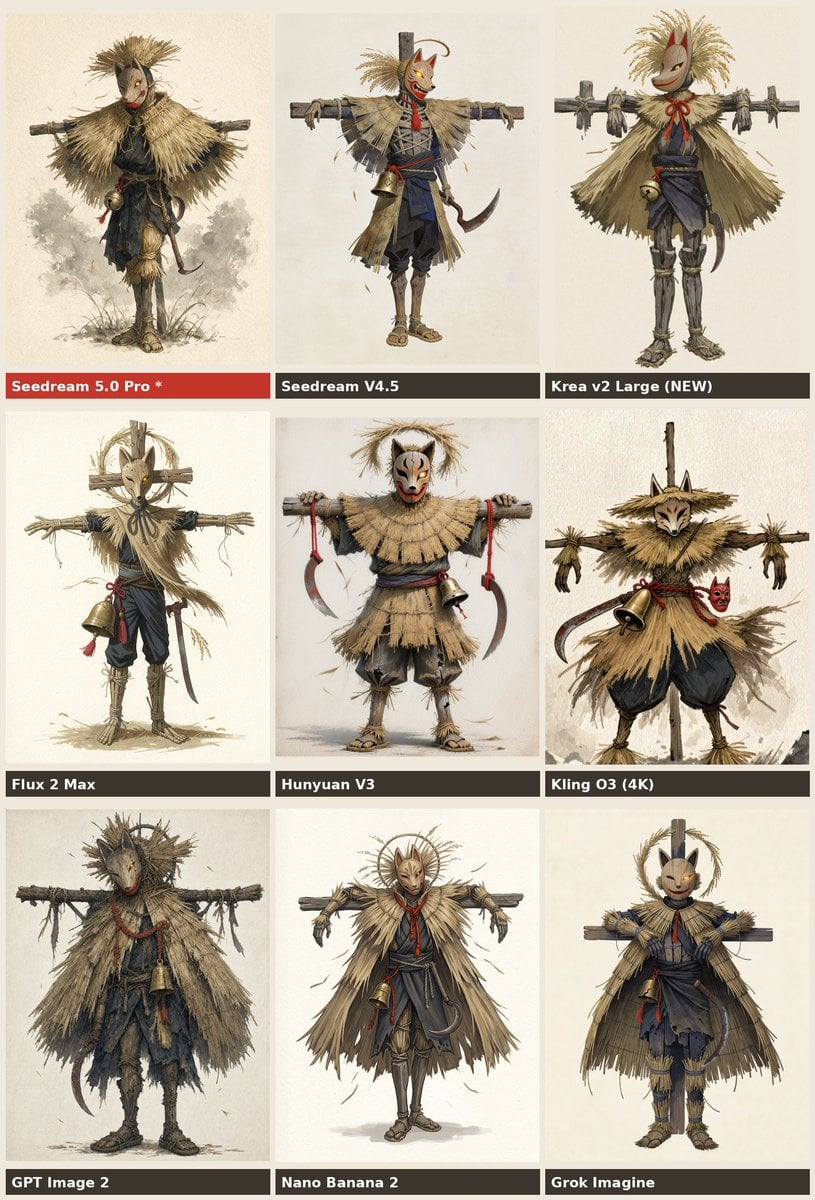
Nine-Model Scarecrow Yokai Comparison
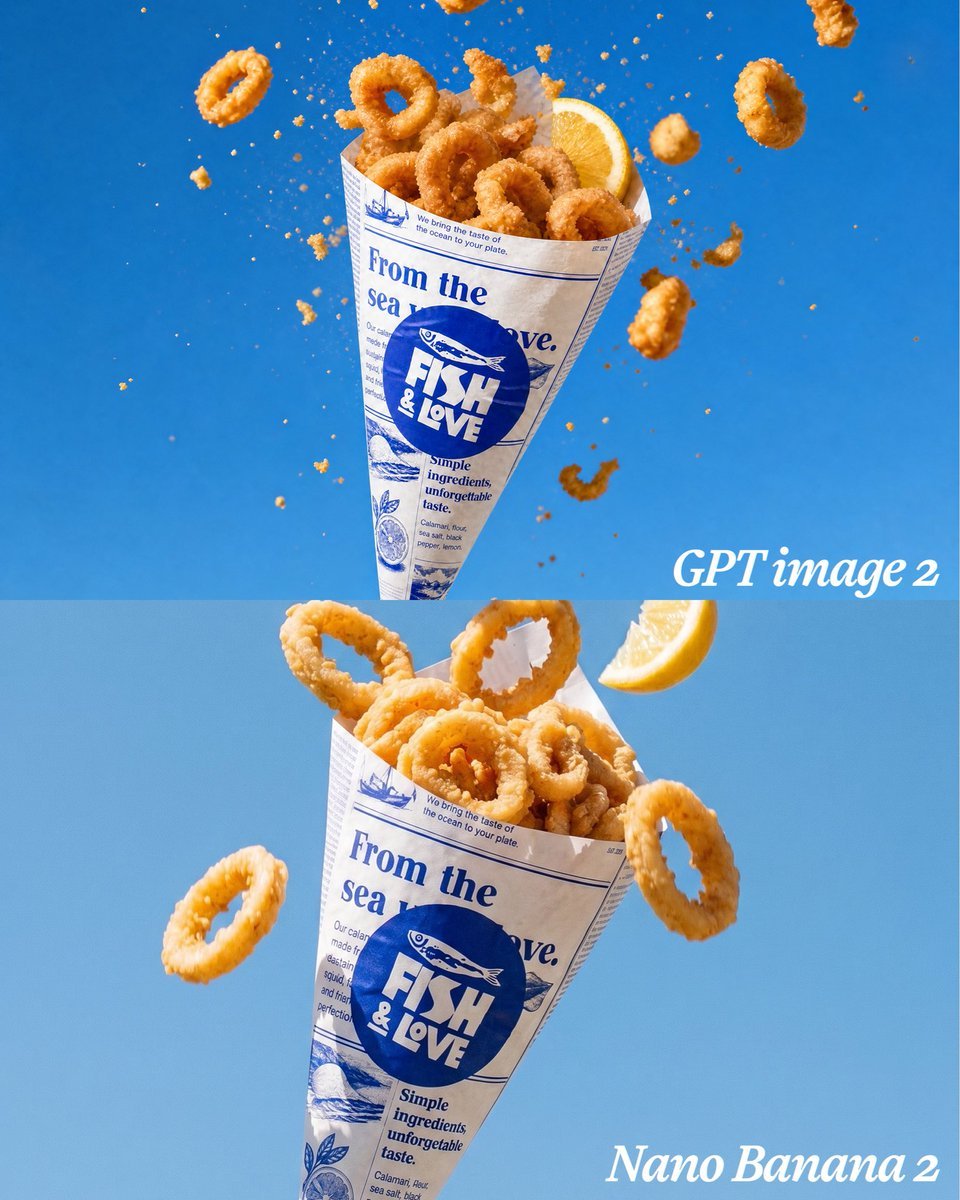
Calamari Cone Model Comparison
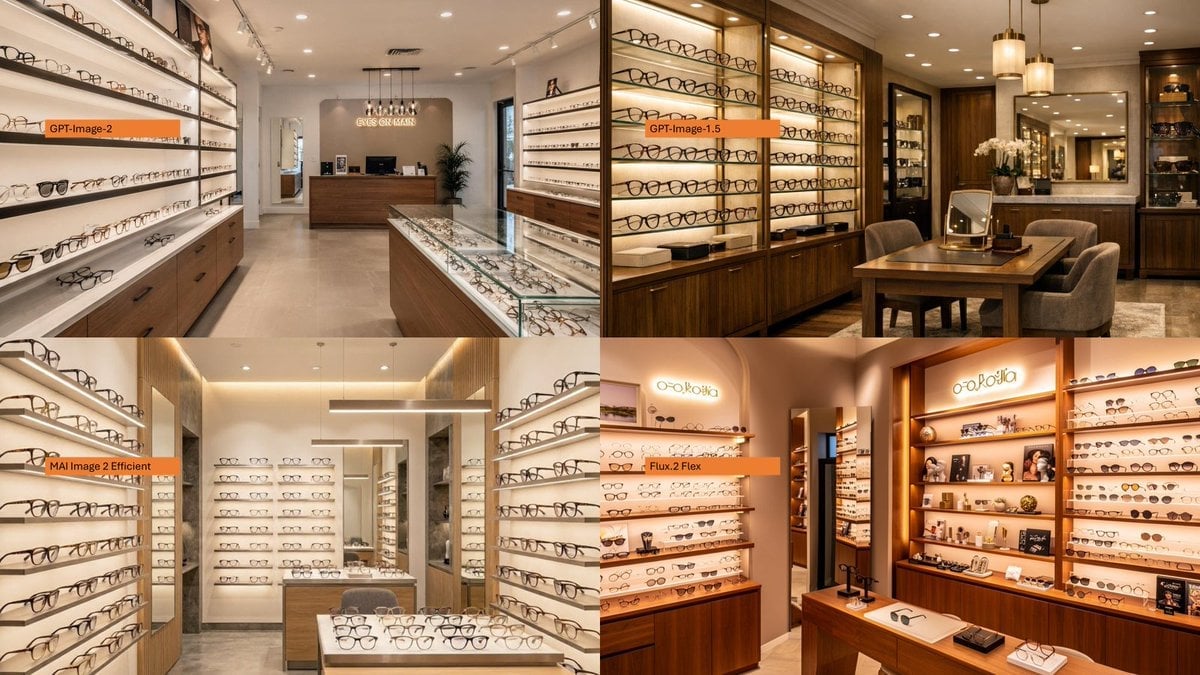
AI Model Eyewear Store Comparison
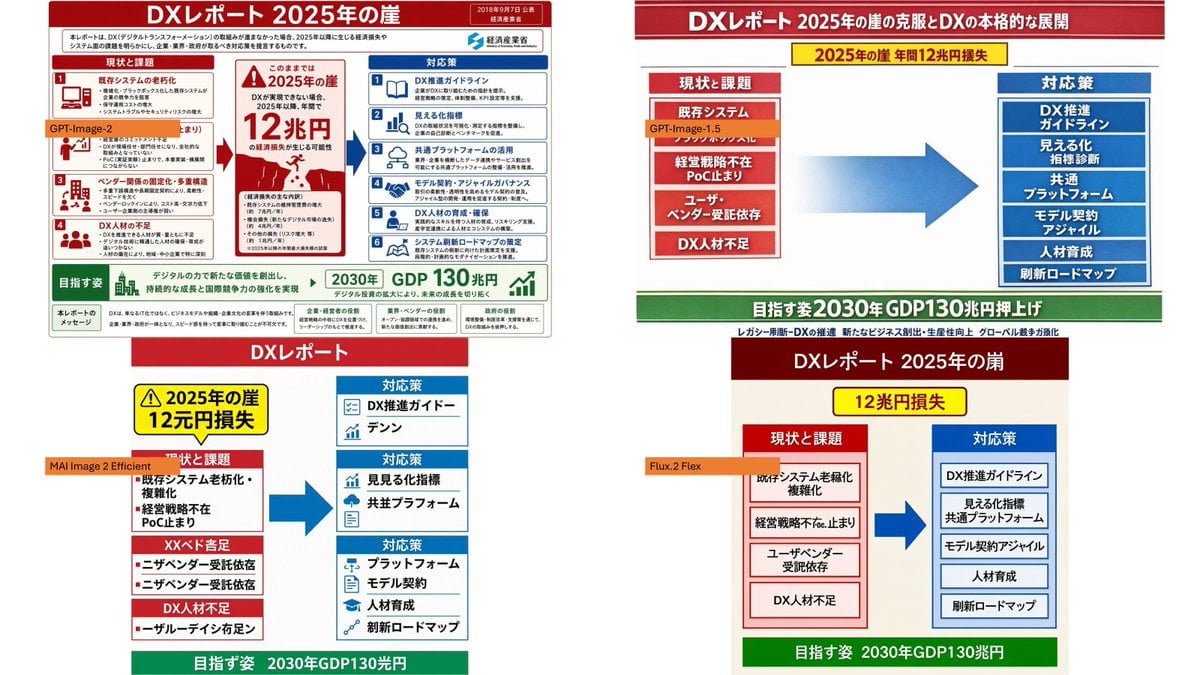
DX Infographic Model Comparison
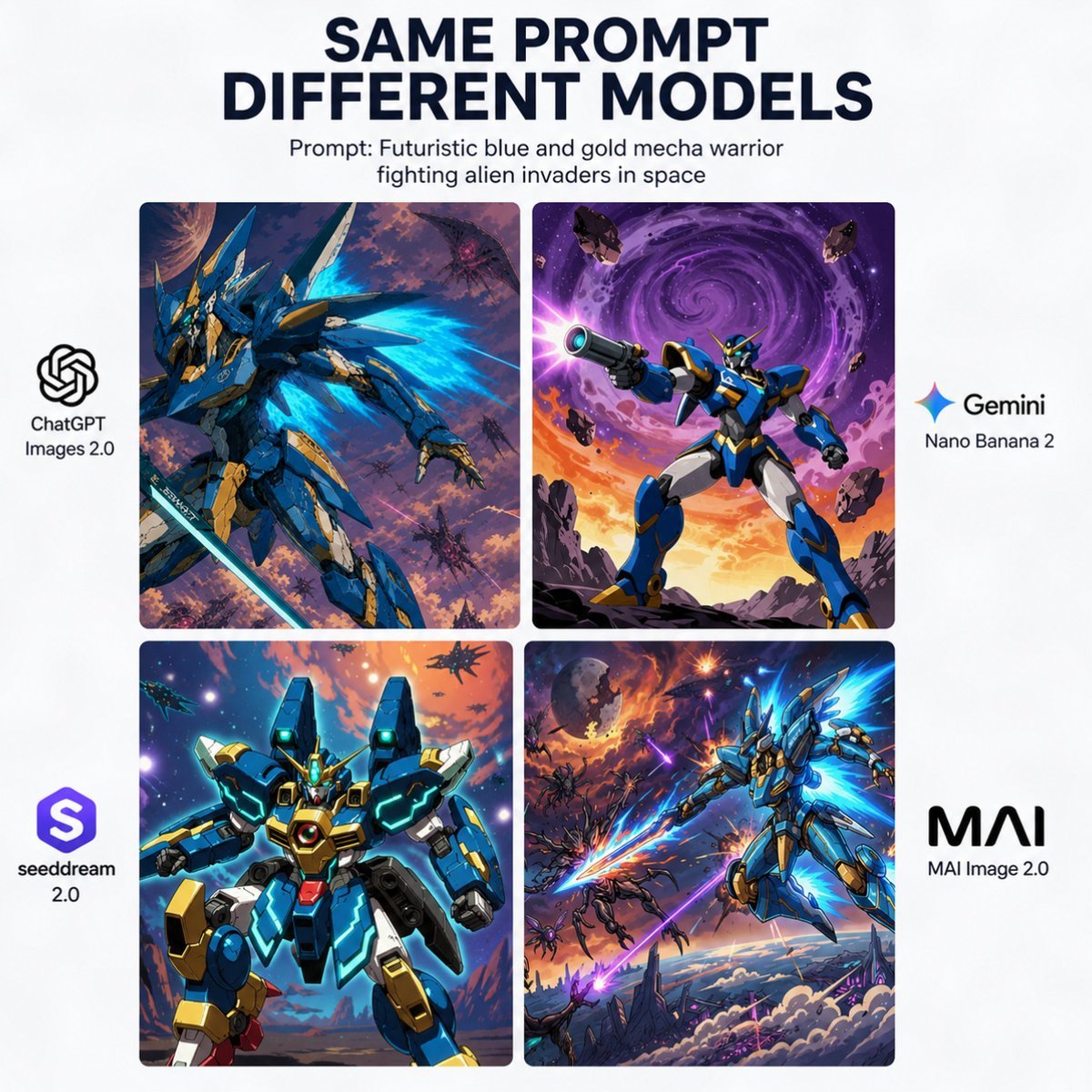
AI Model Mecha Comparison Poster
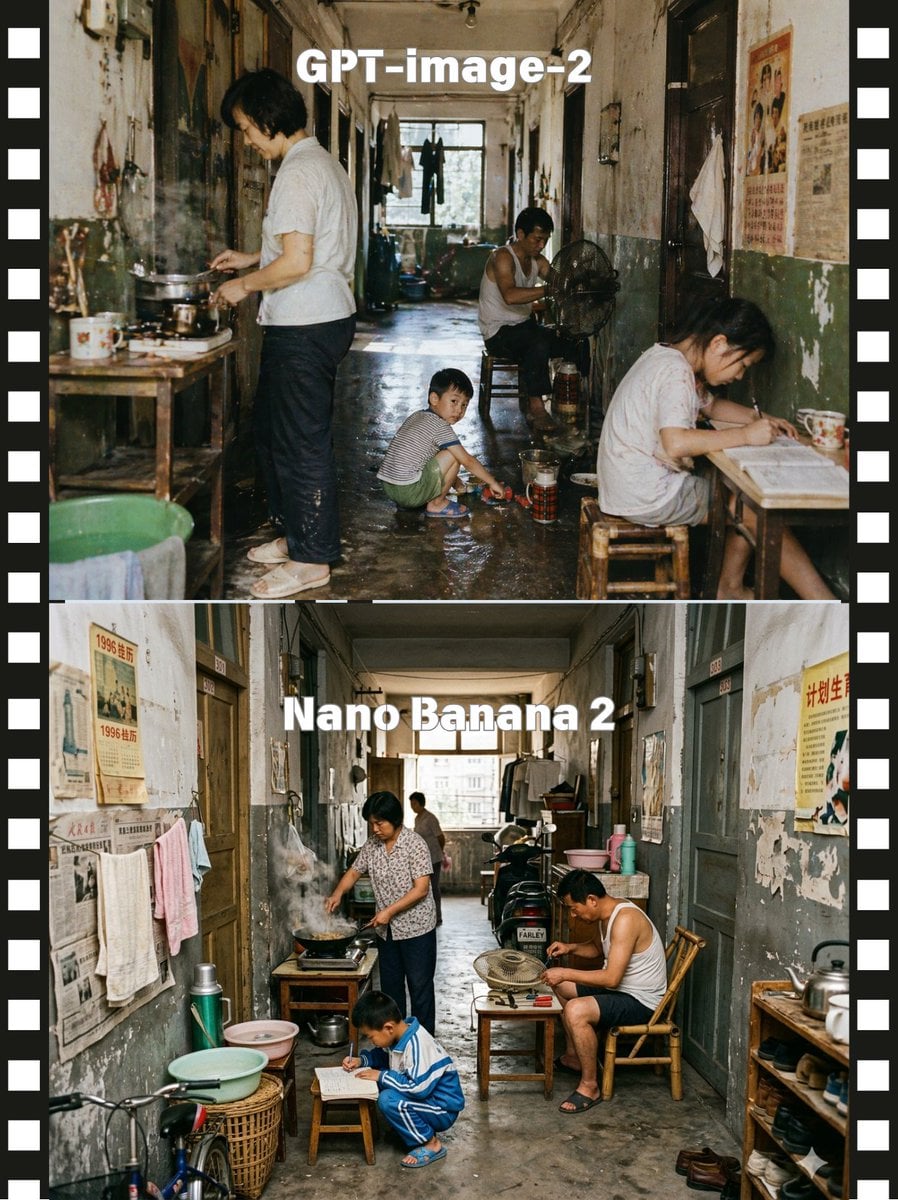
Stacked Corridor Model Comparison
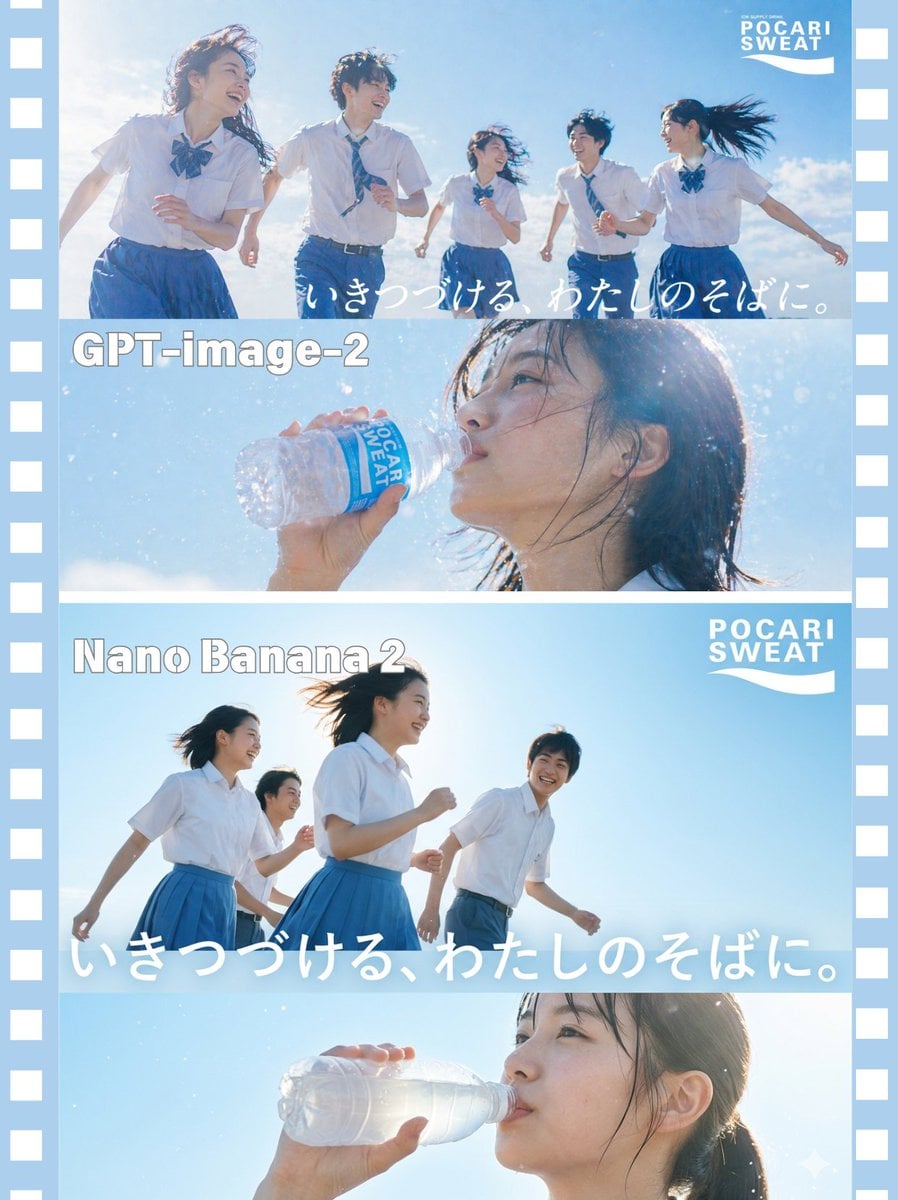
AI Model Comparison Ad Poster
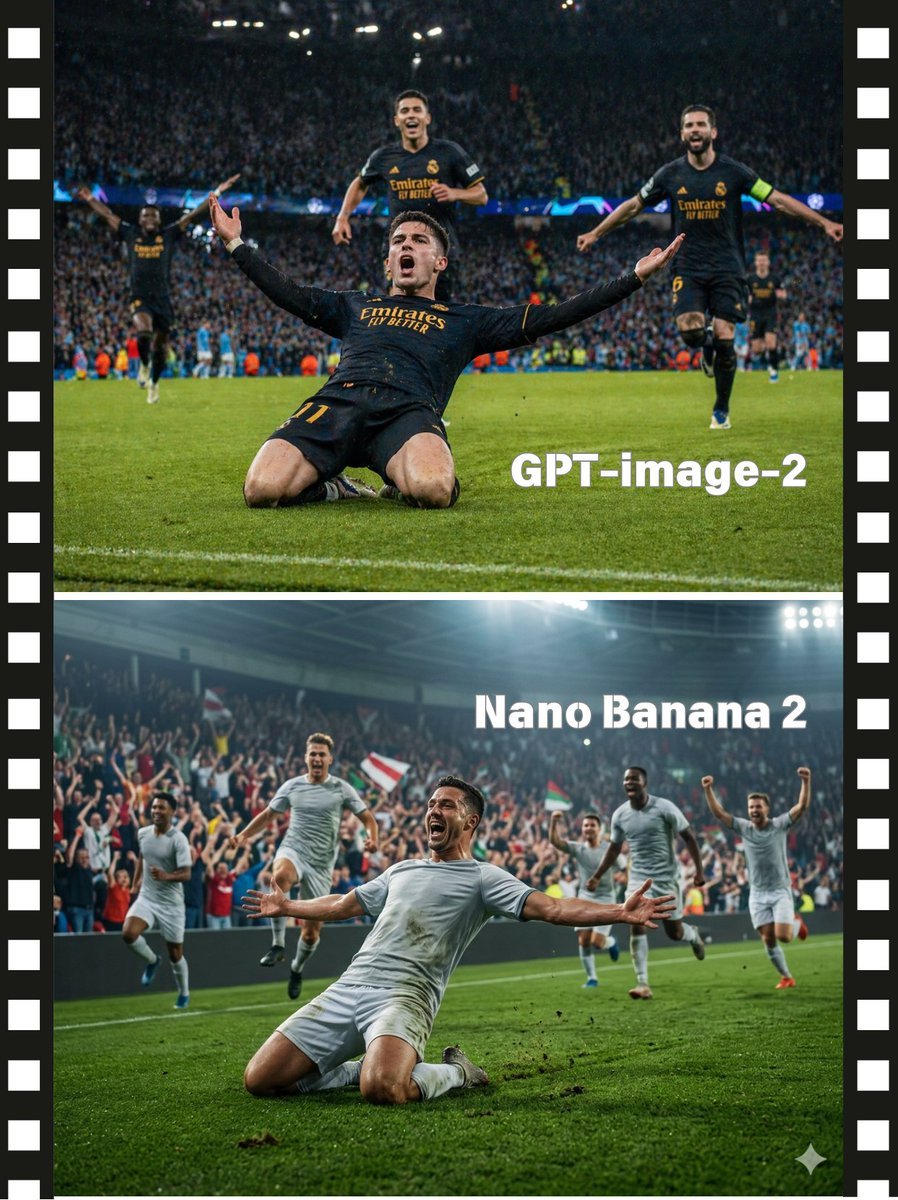
Soccer Model Comparison Poster
Make it yours
Bass Nun Model Comparison works as-is. These are the safest ways to change it without losing the look.
Change one field
Copy a single group, rewrite it, and generate again so you can see what that field is doing.
Keep the frame, change the subject
Hold the composition and light of Bass Nun Model Comparison, then swap wardrobe, props or the person for a new take.
| If the result… | Why | Fix |
|---|---|---|
| The result drifts from the preview | Too many fields changed at once. | Reuse Bass Nun Model Comparison as-is first, then change one group — subject, light, or setting. |
| The model over-stylizes the scene | The prose prompt leaves finish and camera underspecified. | Add one camera or lighting sentence and stay on GPT Image 2. |
More GPT Image 2 templates
Other prompts made for GPT Image 2.

Six VTuber Japanese Logo Sheet

Realistic Portrait of Woman and Deer

The Vista Modular Condo Poster

2.5D Anime Art Board

Isometric Productivity Desk Scene

New York Double Exposure Poster

Four-Panel AI Landscape Comparison

Japanese Tatami Lifestyle Magazine Cover

NESCAFÉ Coffee Map Poster

Brutalist Cogito Chinese Typography Poster
More image prompts
Fresh picks from across the catalog.
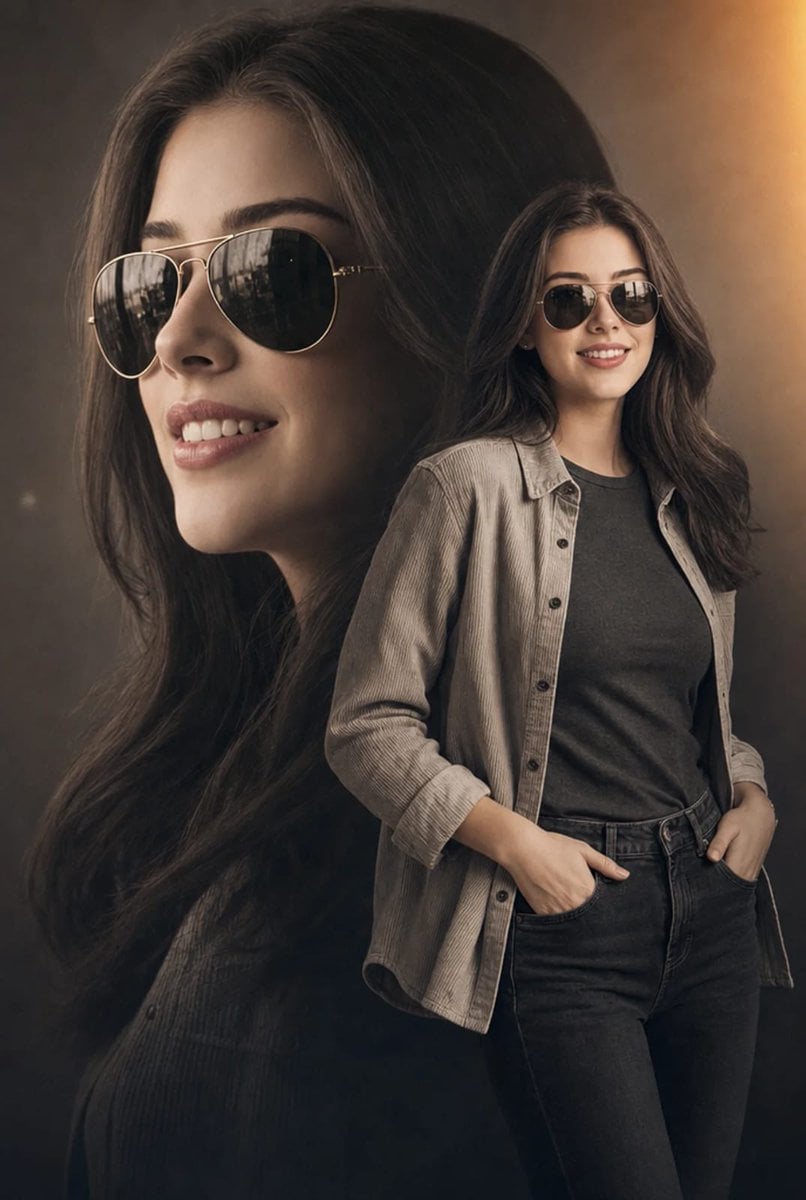
Cinematic Double Exposure Fashion Portrait
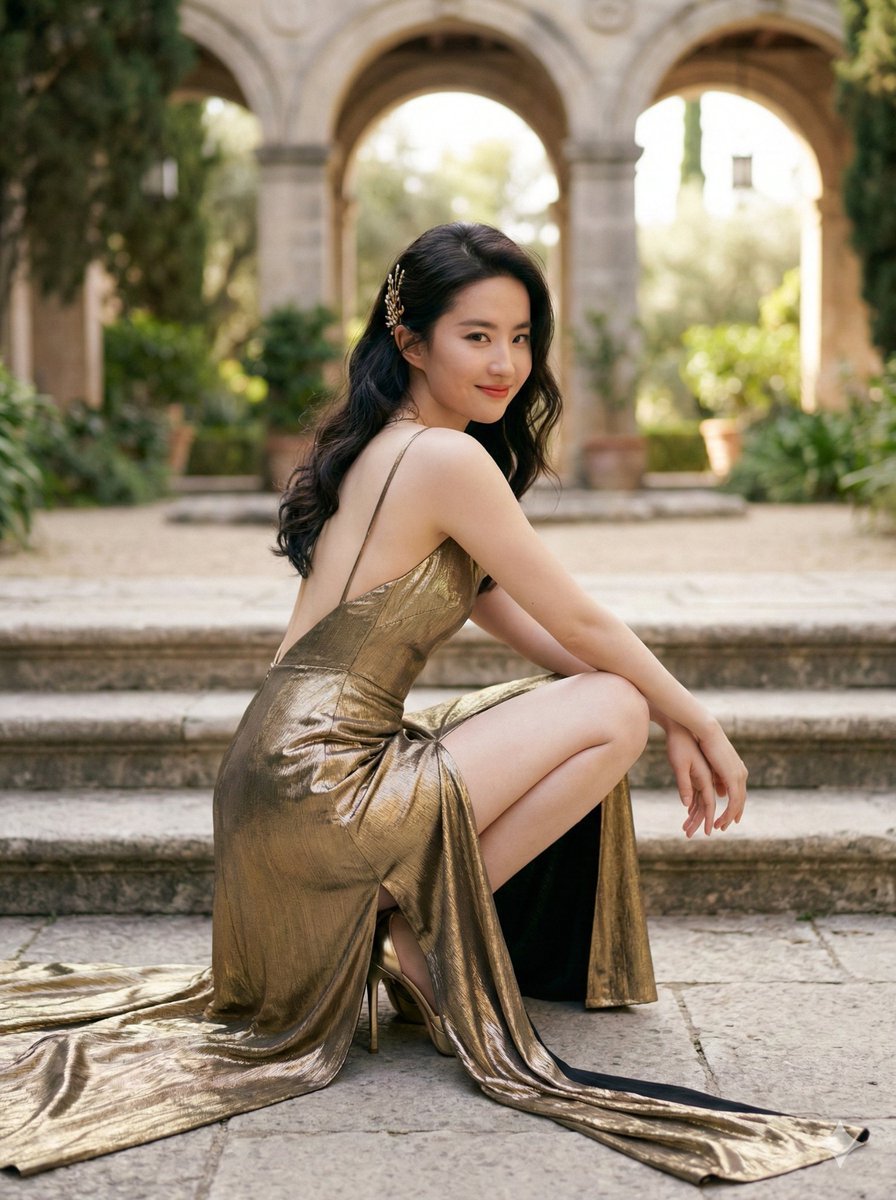
Elegant Outdoor Portrait in Gold Evening Gown
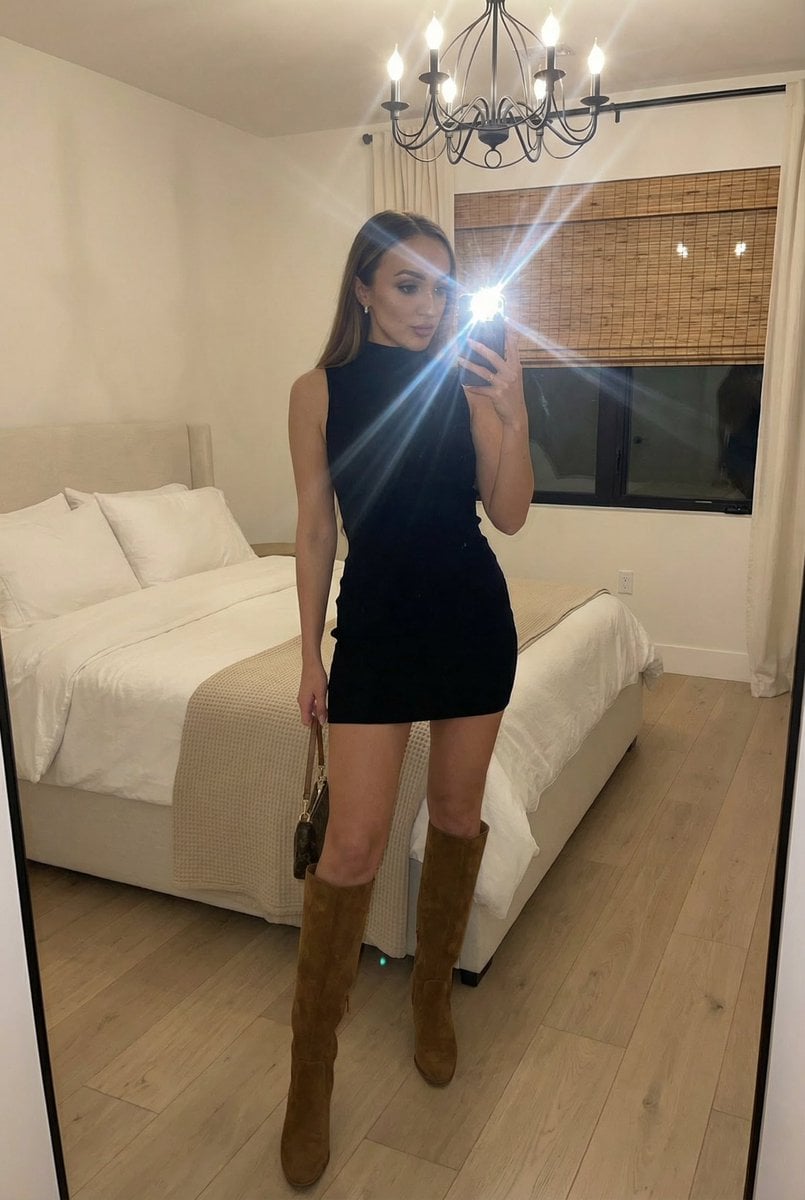
Stylish Mirror Selfie in Modern Bedroom
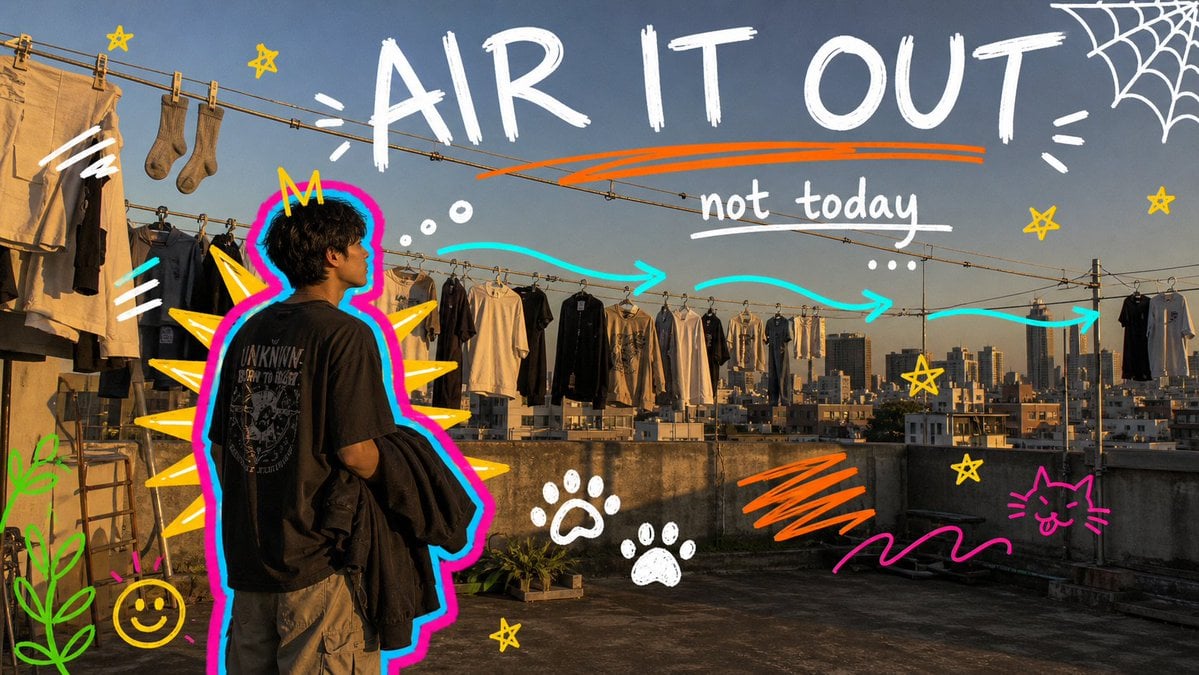
Neon Doodle Gallery Snapshot
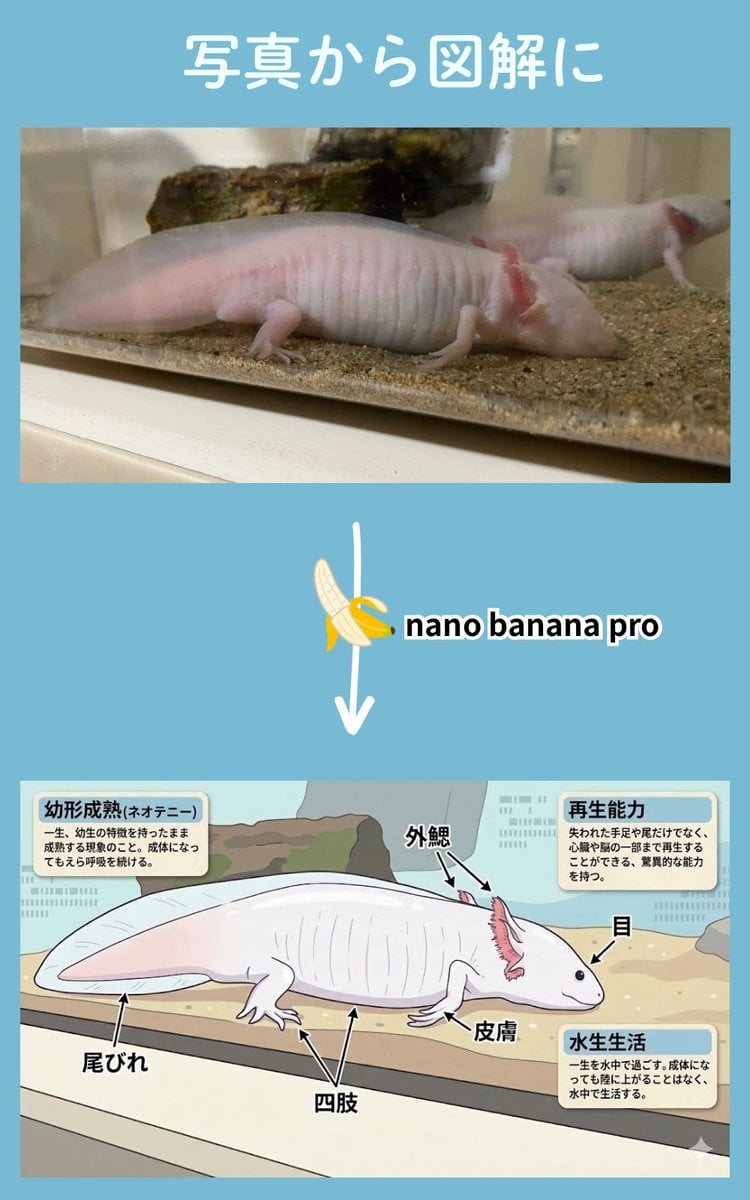
Multi-Step Diagram Generation and Coloring Book Creation
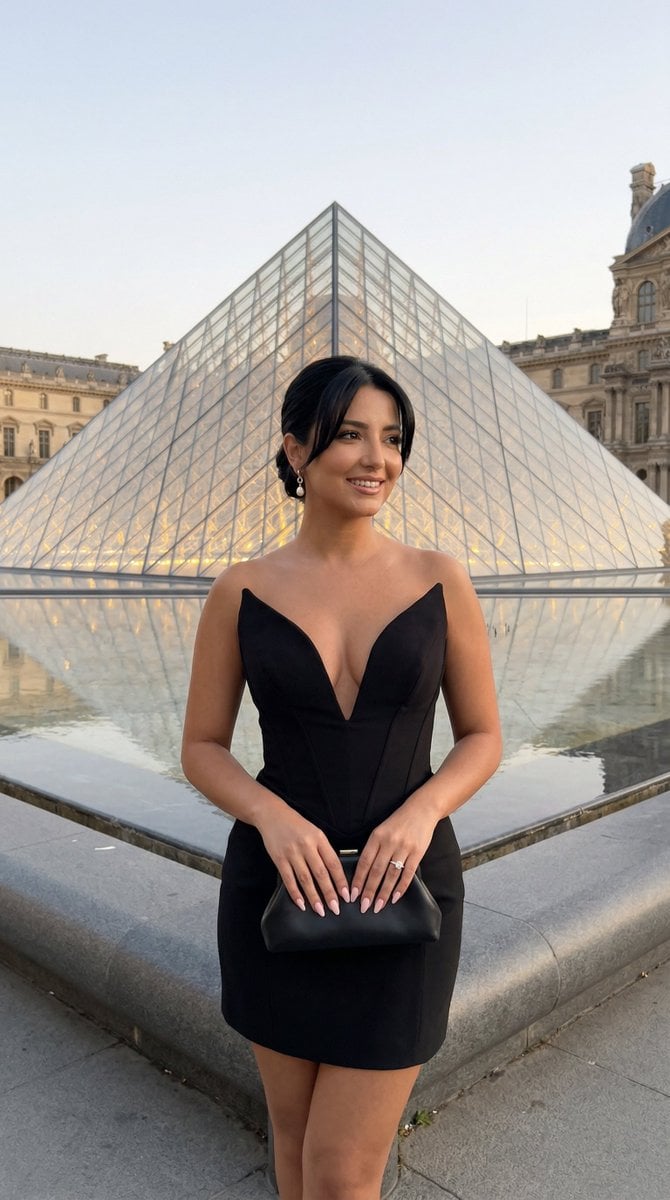
Nano Banana - Paris Street with Flowers
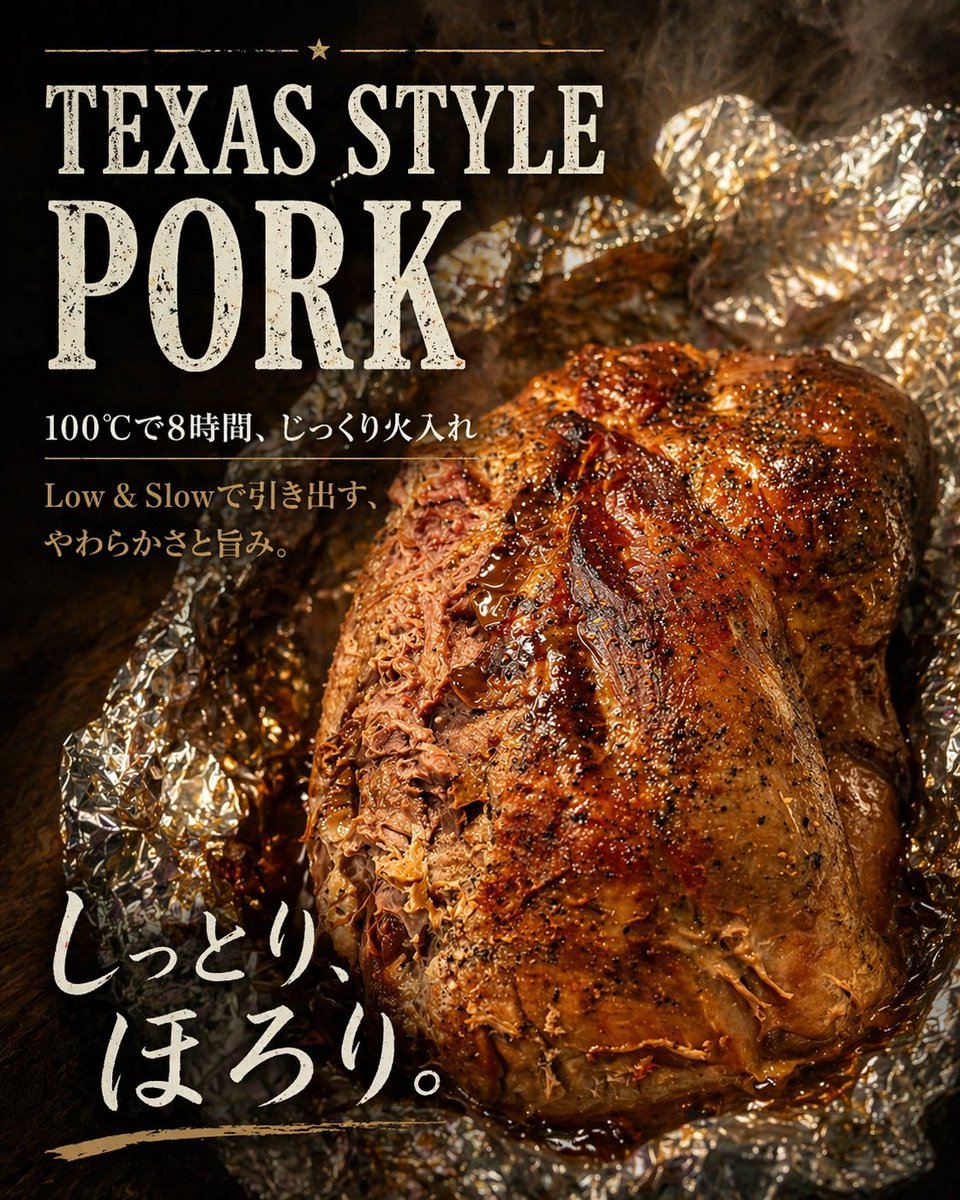
Texas-Style Pork Poster
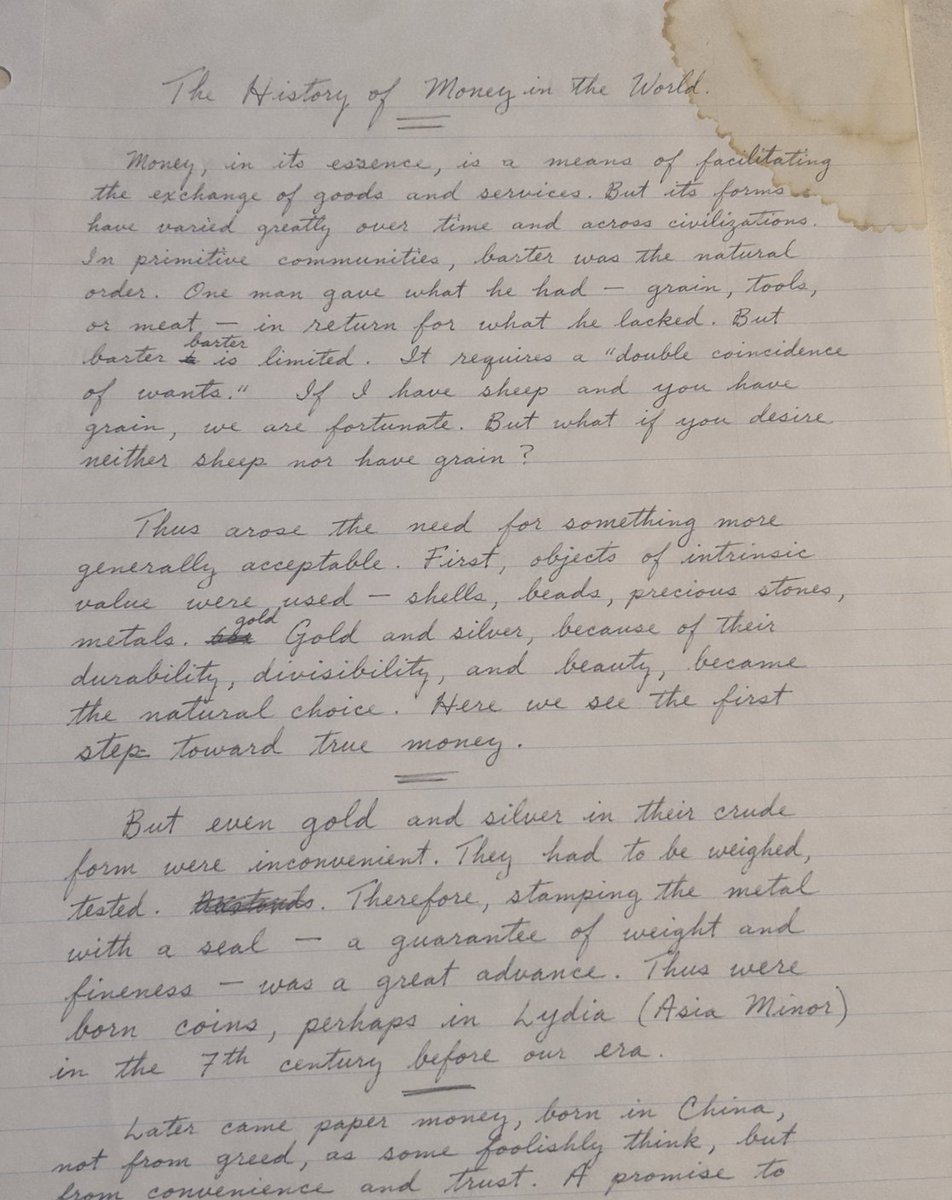
Handwritten Historical Essay
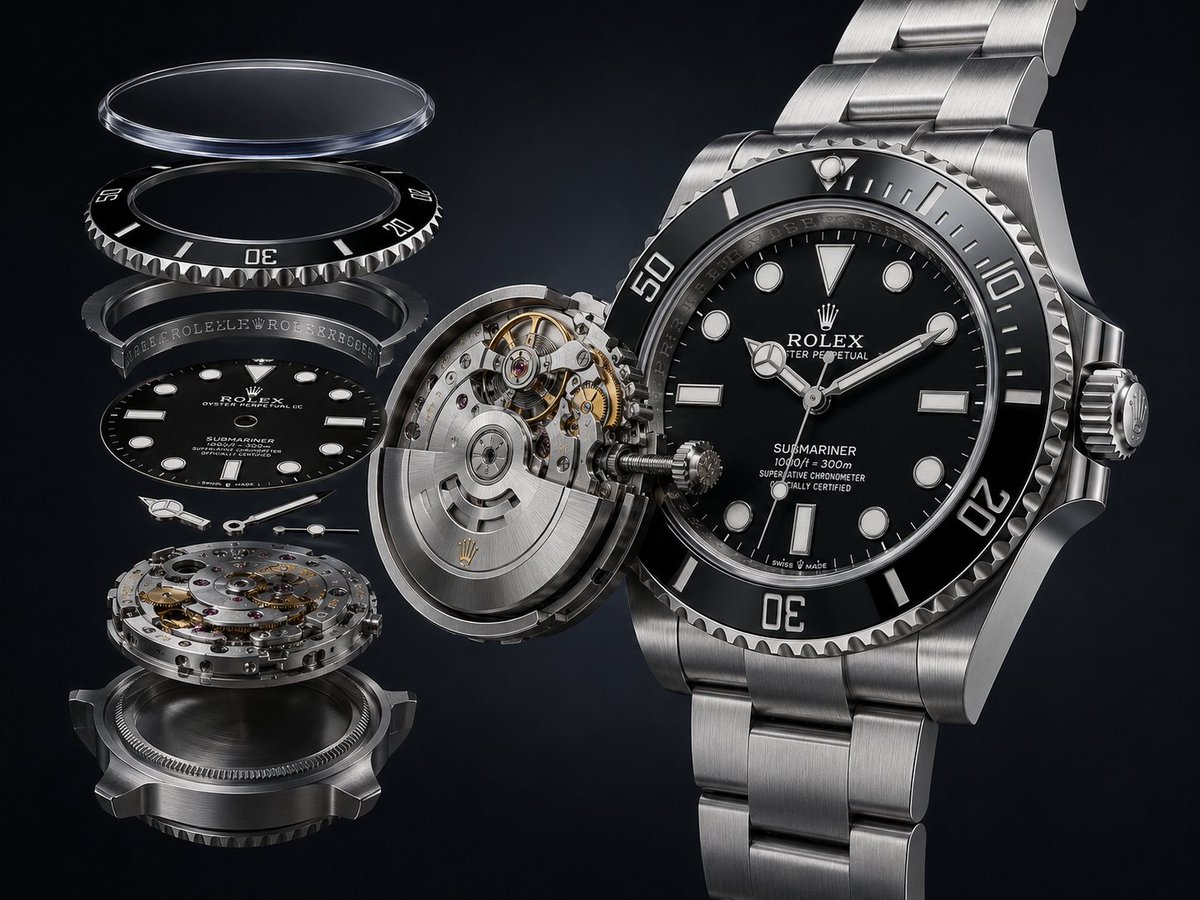
Exploded Luxury Dive Watch Render
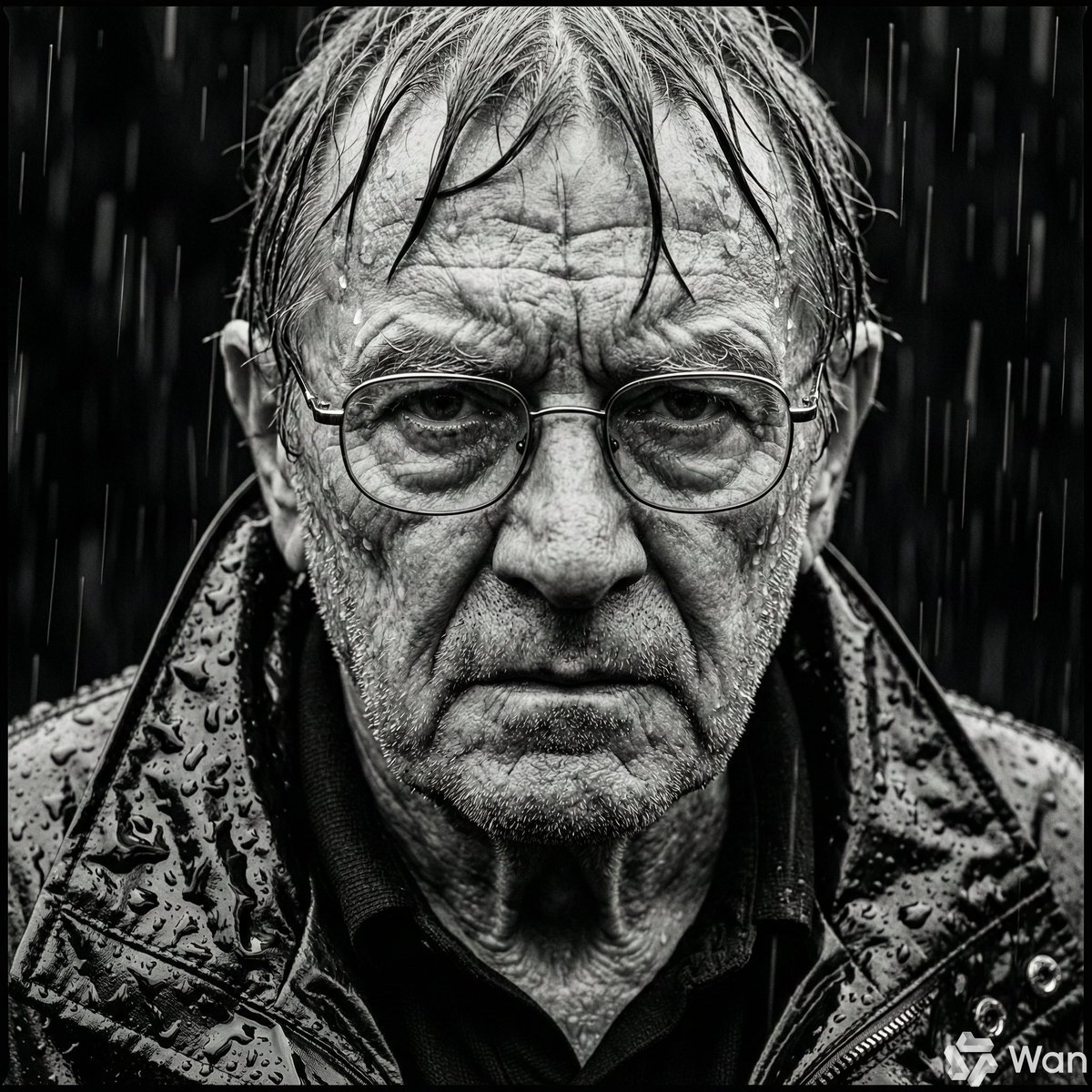
Monochrome Portrait of Elderly Man in Heavy Rain
Browse template categories
Bass Nun Model Comparison questions
How do I use the Bass Nun Model Comparison template?
Add your photo if the template asks for one, edit the prompt if you like — the template's model and format are already selected — and press Generate. Your version opens in PicX Studio.
Can I customize the Bass Nun Model Comparison template?
Yes. You can change the subject, setting, lighting, mood, format, and available model controls before creating your image.
Is the Bass Nun Model Comparison template free?
Opening and editing this template is free. Generating uses credits, shown on the Generate button when you are signed in.
Which AI model should I use?
Start with GPT Image 2, which is the model associated with this template. You can compare another compatible model for a different finish.
Looking for something else? Browse all templates.

Your photo, any look
Thousands of ready templates for every top image and video model, from one credit balance.