
Cursed Peacock Nun Doll
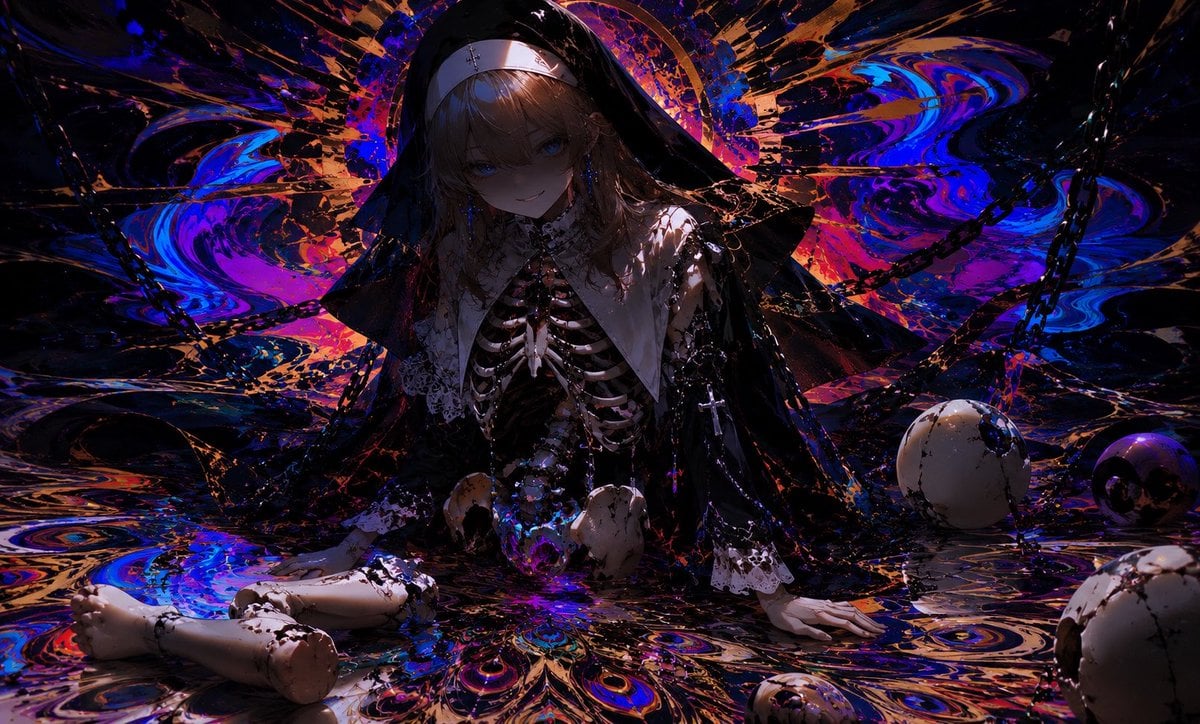
A dark anime horror-beauty prompt for generating a broken nun doll with exposed bones amid toxic peacock-like iridescent patterns.
- Prompt included
- Model and format preset
- Free template
The prompt behind this image
Copy the exact prompt behind Cursed Peacock Nun Doll, or open it in the studio and make it yours.
Create a dark, cinematic anime illustration of a broken gothic nun doll sitting low on a glossy floor, centered in the frame, with {argument name="character name" default="a nameless cursed doll nun"} as the subject. She has pale porcelain skin, a faint unsettling smile, shadowed blue eyes, and long {argument name="hair color" default="ash-blonde"} hair under a black nun veil with a white headband. Her upper body is partially damaged, exposing a realistic ribcage and spine like an anatomical skeleton beneath lace and black religious clothing; the outfit includes exactly 5 main visible clothing/accessory elements: a black veil, white wimple/headband, white pointed collar, black lace sleeves, and a dangling cross rosary. Show her seated like a discarded doll, with both hands on the floor and detached porcelain doll legs stretched toward the lower left, cracked and smeared with black oily stains. Surround her with exactly 5 visible skull or skull-like objects: one small skull near the center-left by her lap, one small skull near the center-right by her lap, one large cracked skull on the mid-right, one dark purple skull behind it on the far right, and one partially cropped cracked skull in the lower-right foreground. Add exactly 3 prominent black chain arcs crossing the background and sides. The environment should feel like a toxic peacock-feather nightmare: swirling iridescent patterns in {argument name="dominant palette" default="electric blue, violet, magenta, black, and copper-orange"}, glossy marbled liquid, explosive radial splashes behind her forming a halo, and peacock-eye motifs across the floor. Lighting is very low-key and dramatic, with strong rim highlights, deep shadows across the face, reflective wet surfaces, and high contrast. Composition is wide horizontal 16:9, ultra-detailed, painterly anime concept art, horror-beauty atmosphere, ornate, surreal, no text, no watermark, no extra characters.
How to use Cursed Peacock Nun Doll in 3 steps
- 1Upload ImagePNG, JPG or paste
Add your photo
Upload the photo the template builds on. The prompt, model and format are already set.
- 2…a portrait of your subject in softgolden-hour light, 85mm…
Personalize
Edit the subject and creative details for your destination.
- 3Generate
Generate
Press Generate — your image is created in PicX Studio, so you can compare it with the original and refine one variable at a time.
More like this
Templates with the same subject, style or setup. Open one to see its prompt.
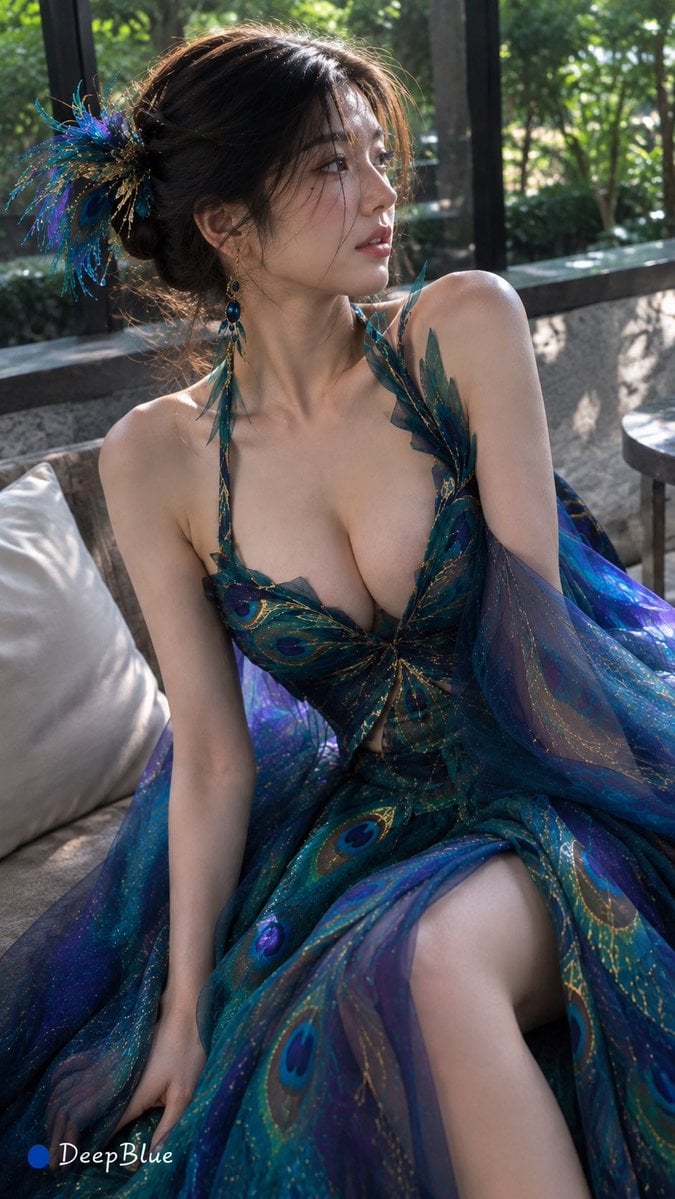
Peacock-Inspired Modern Fashion
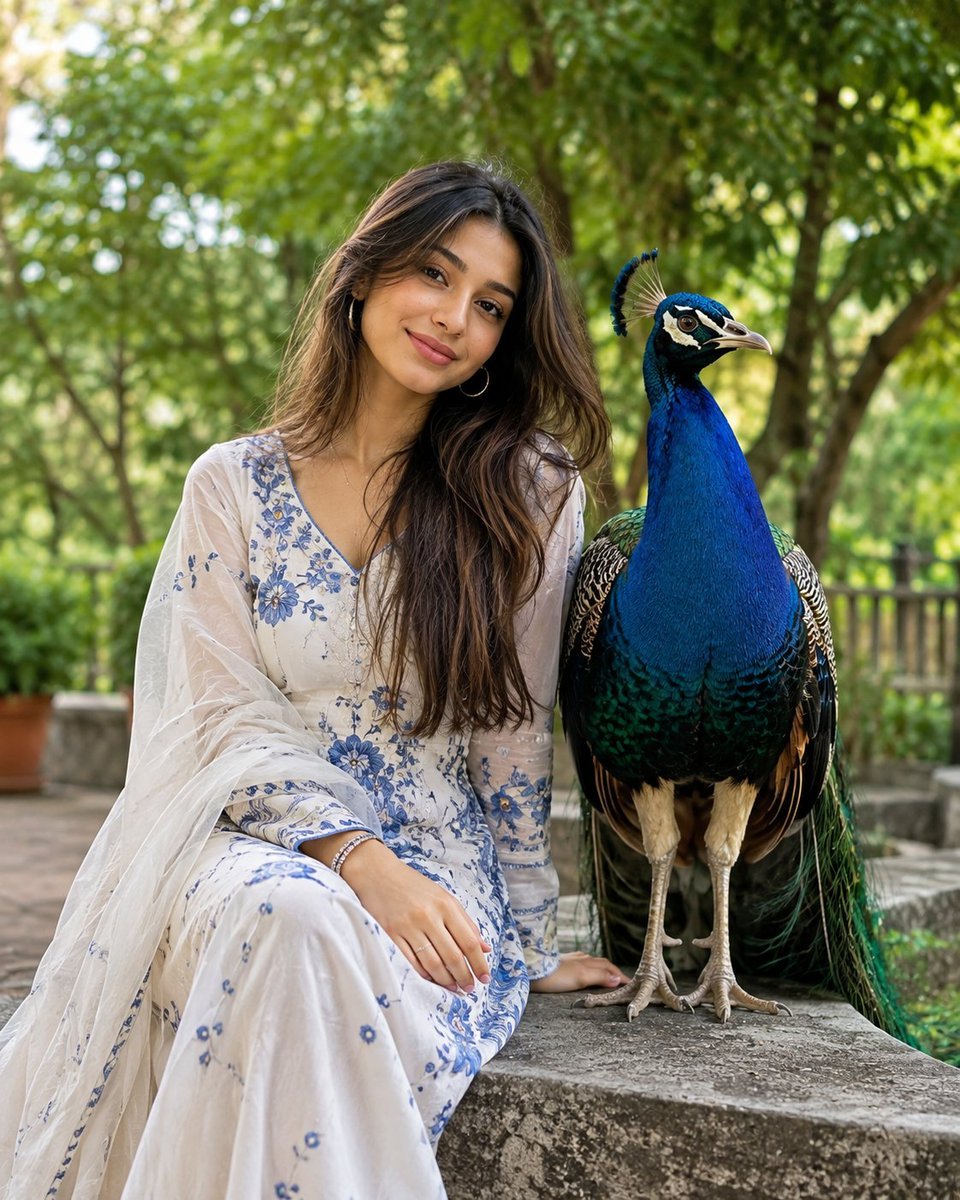
South Asian Portrait with Majestic Peacock
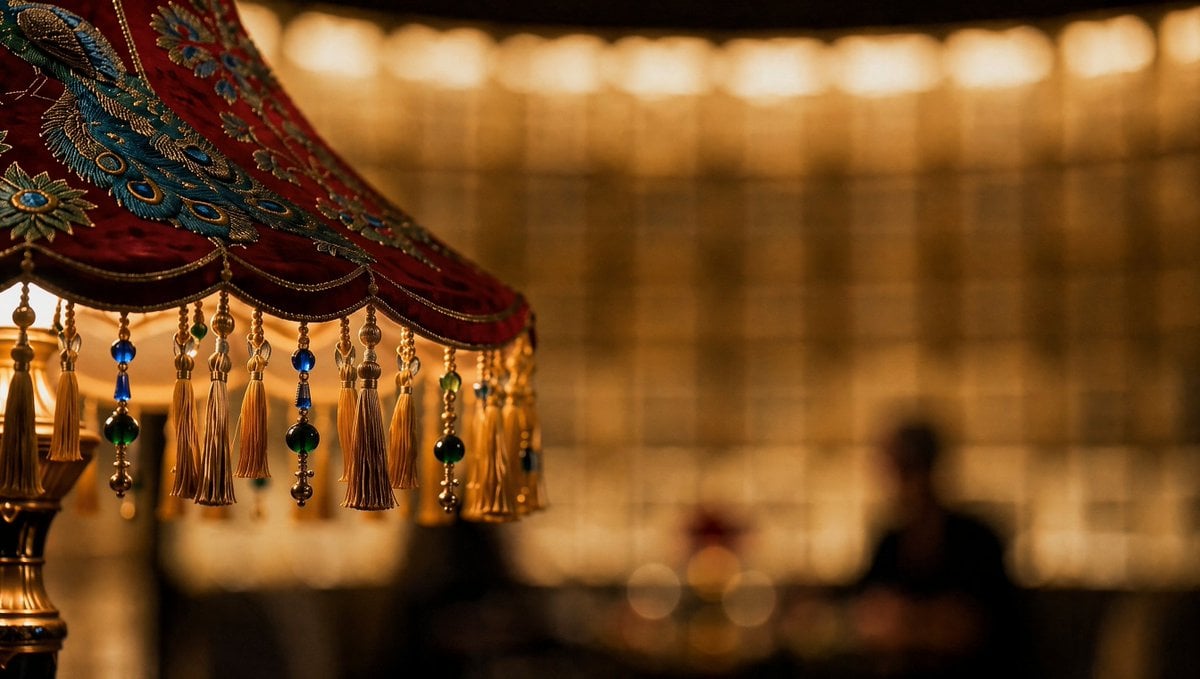
Ornate Peacock Lampshade Close-Up
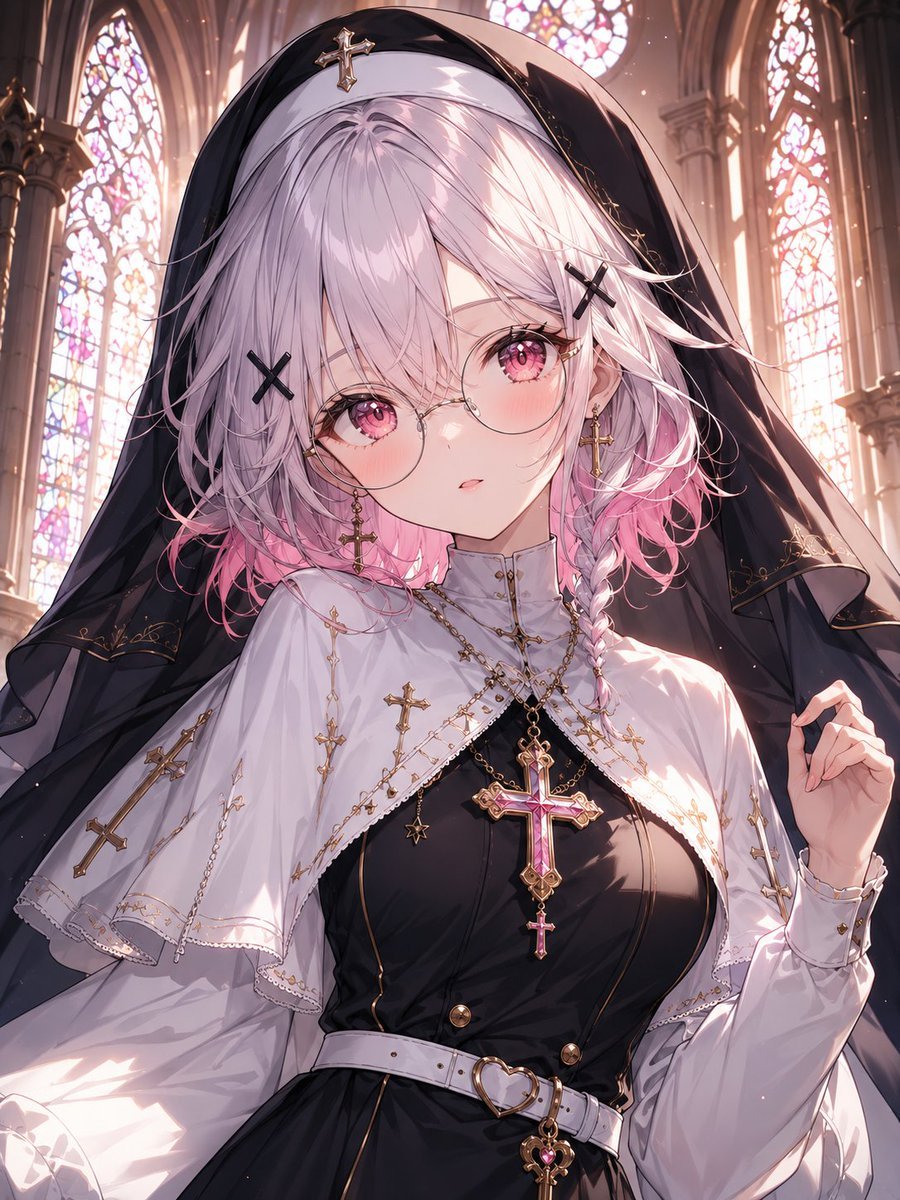
Gothic Nun Cathedral Portrait
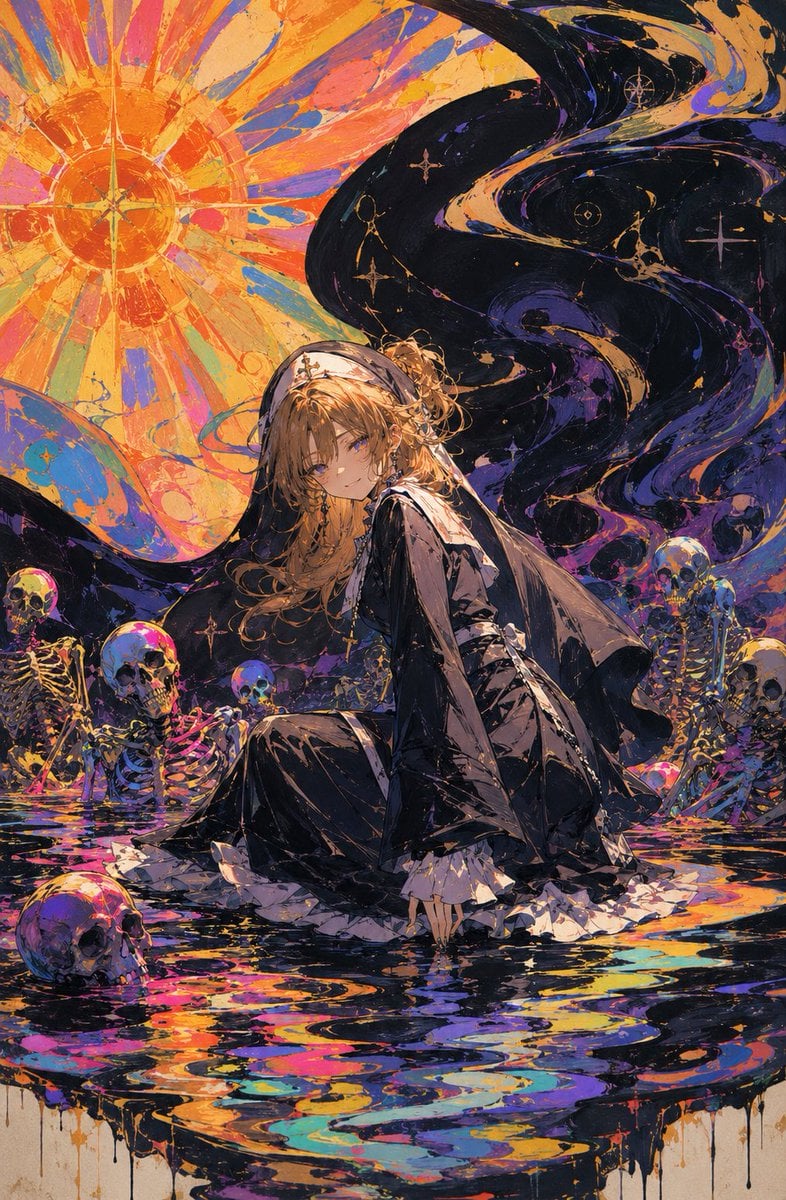
Oil Rainbow Gothic Nun

Halloween Nun Chibi Character Sheet
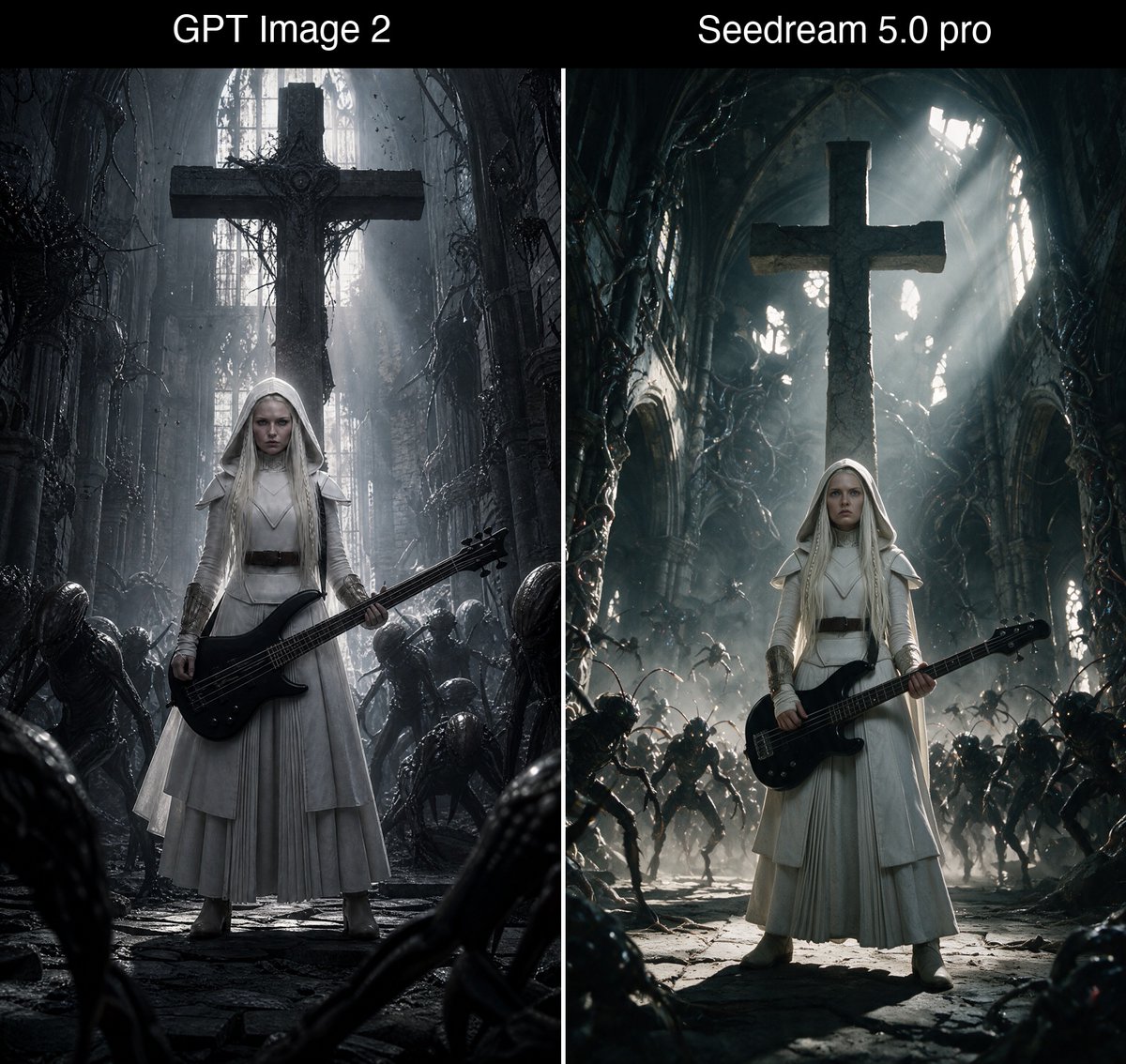
Bass Nun Model Comparison
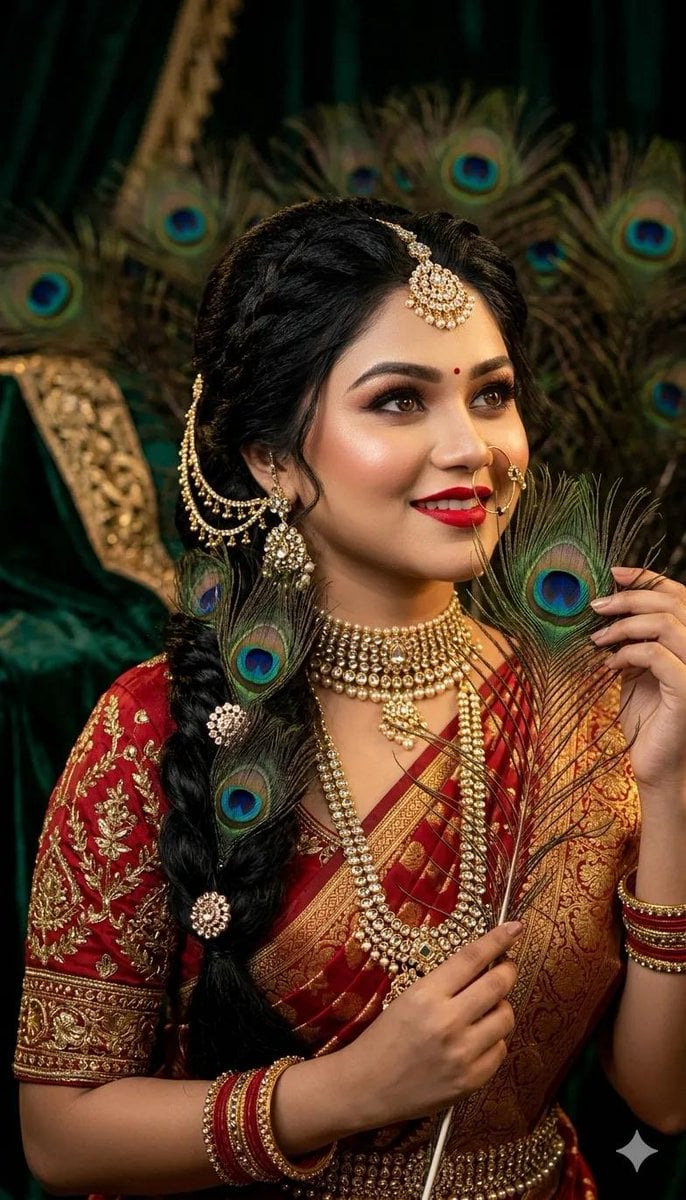
Indian Bridal Peacock Feather Portrait
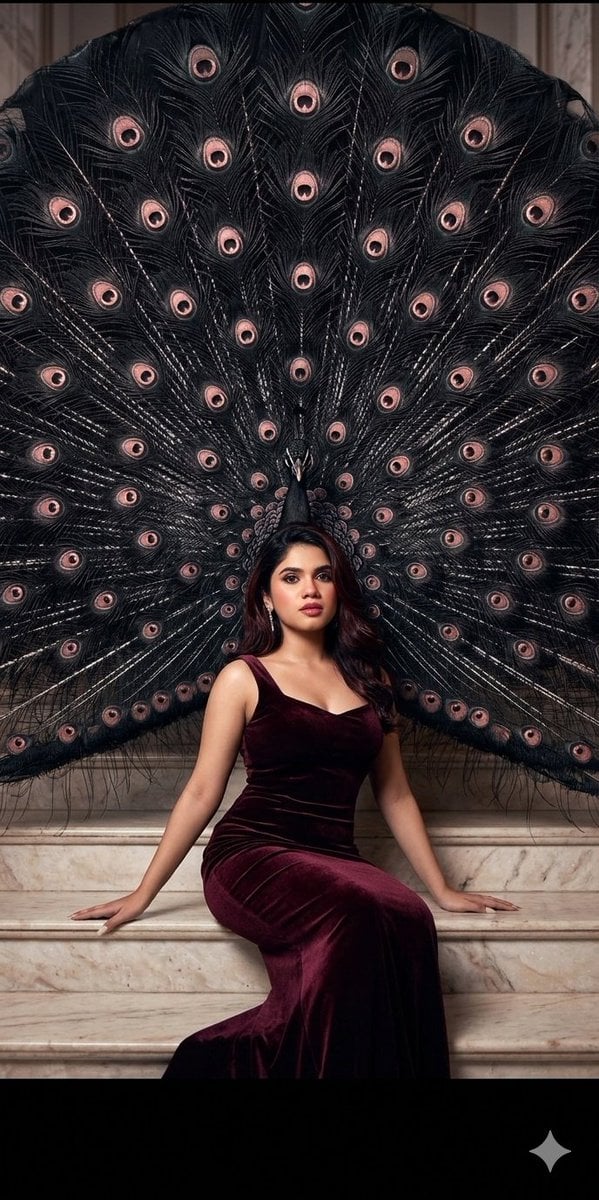
Velvet Fashion with Giant Peacock
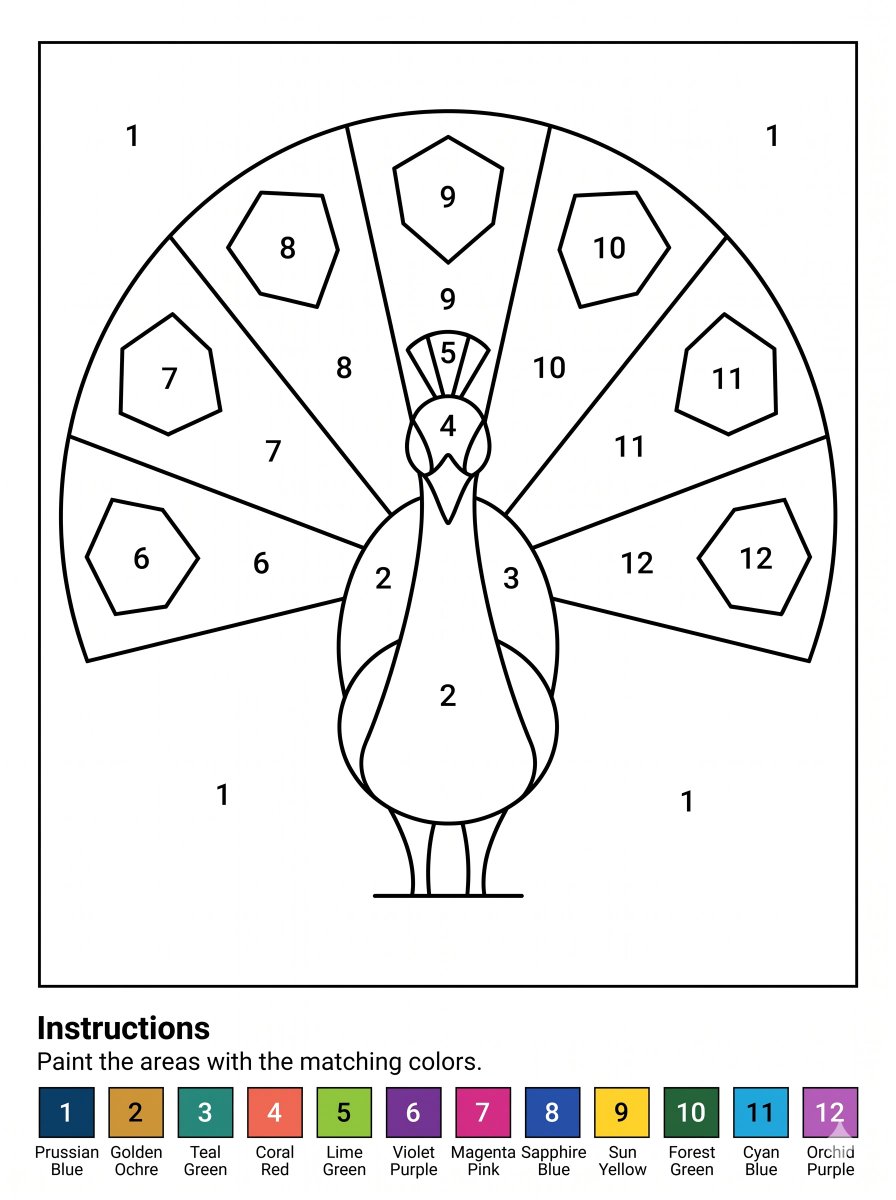
Peacock Paint-by-Numbers Worksheet
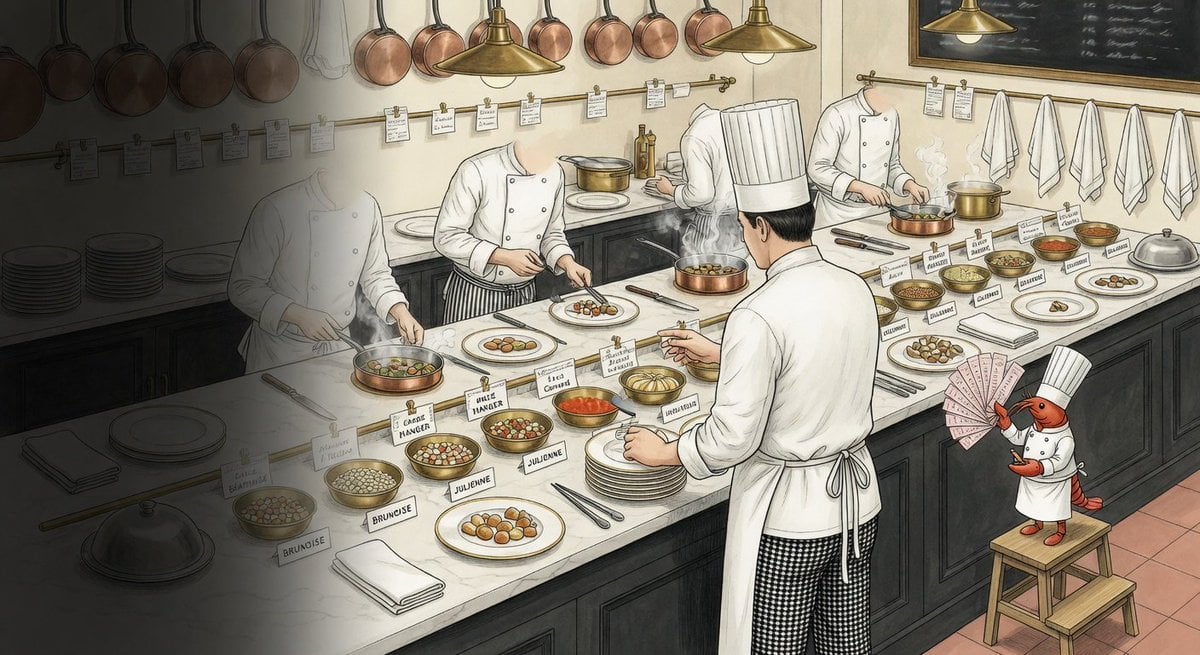
Cursed Repository Kitchen Illustration
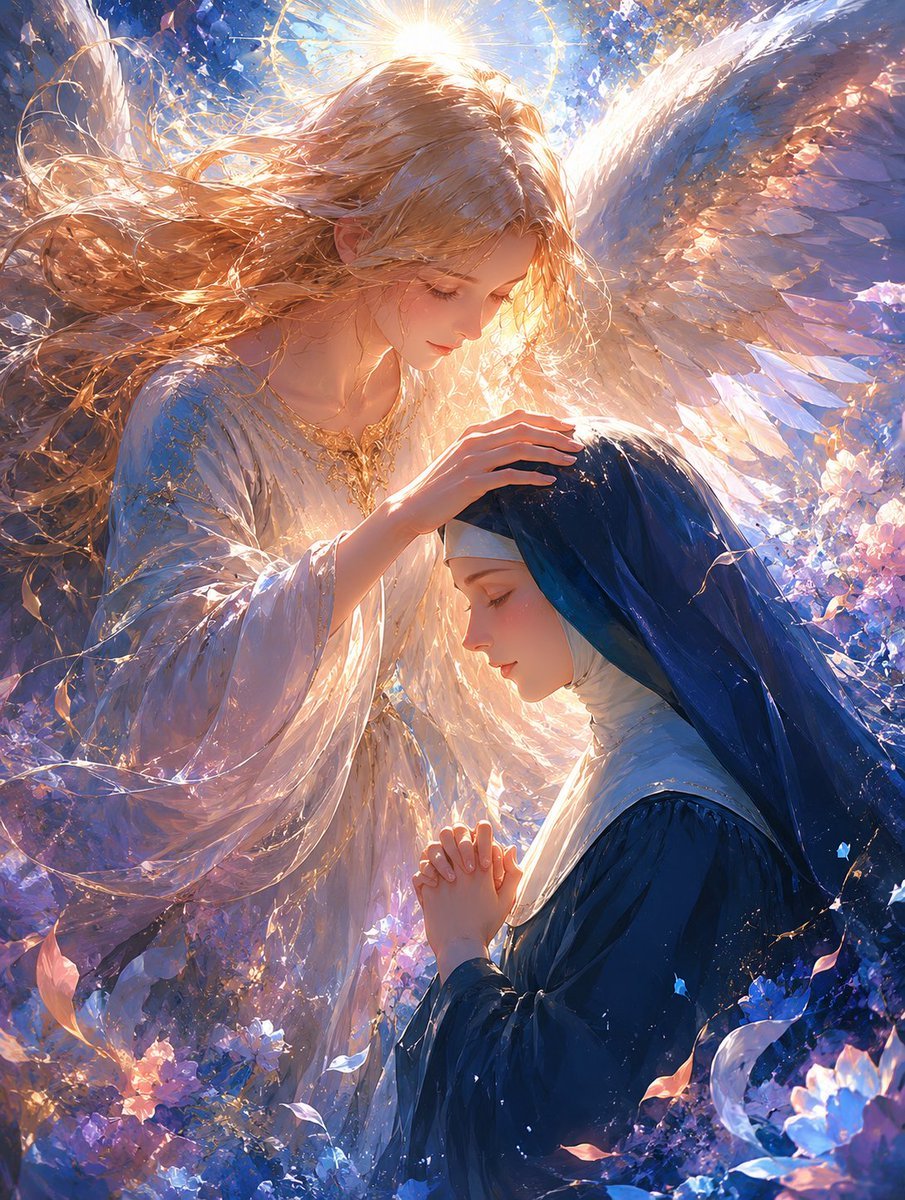
Angel Blessing a Praying Nun
Make it yours
Cursed Peacock Nun Doll works as-is. These are the safest ways to change it without losing the look.
Change one field
Copy a single group, rewrite it, and generate again so you can see what that field is doing.
Keep the frame, change the subject
Hold the composition and light of Cursed Peacock Nun Doll, then swap wardrobe, props or the person for a new take.
| If the result… | Why | Fix |
|---|---|---|
| The result drifts from the preview | Too many fields changed at once. | Reuse Cursed Peacock Nun Doll as-is first, then change one group — subject, light, or setting. |
| The model over-stylizes the scene | The prose prompt leaves finish and camera underspecified. | Add one camera or lighting sentence and stay on GPT Image 2. |
More GPT Image 2 templates
Other prompts made for GPT Image 2.

Six VTuber Japanese Logo Sheet

Realistic Portrait of Woman and Deer

The Vista Modular Condo Poster

AI Model Routing Comparison Infographic

2.5D Anime Art Board

Isometric Productivity Desk Scene

New York Double Exposure Poster

Four-Panel AI Landscape Comparison

Japanese Tatami Lifestyle Magazine Cover

NESCAFÉ Coffee Map Poster
More image prompts
Fresh picks from across the catalog.
Editorial Surrealism Portrait (Amber Trance)
Cyber Projector Numbers Beauty Portrait Prompt (JSON format)
T-Shirt Text Customization Prompt

Futuristic Sunset Megacity
Casual Cafe Portrait in Sailor Blouse
Character Enhancement and Style Transfer Prompt
Luxury Jewelry Advertisement
High-Angle Night Street Fashion Photograph
Luxury Skincare Advertisement
X Bubblebrain Portrait
Browse template categories
Cursed Peacock Nun Doll questions
How do I use the Cursed Peacock Nun Doll template?
Add your photo if the template asks for one, edit the prompt if you like — the template's model and format are already selected — and press Generate. Your version opens in PicX Studio.
Can I customize the Cursed Peacock Nun Doll template?
Yes. You can change the subject, setting, lighting, mood, format, and available model controls before creating your image.
Is the Cursed Peacock Nun Doll template free?
Opening and editing this template is free. Generating uses credits, shown on the Generate button when you are signed in.
Which AI model should I use?
Start with GPT Image 2, which is the model associated with this template. You can compare another compatible model for a different finish.
Looking for something else? Browse all templates.

Your photo, any look
Thousands of ready templates for every top image and video model, from one credit balance.