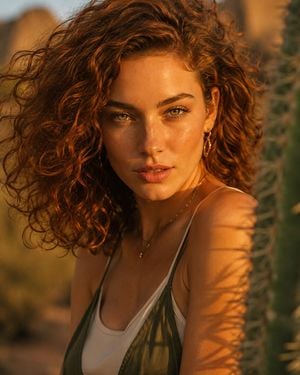
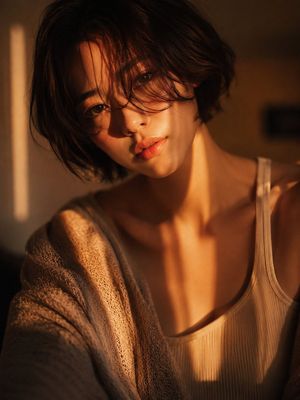
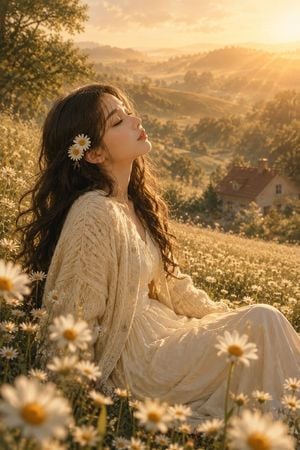
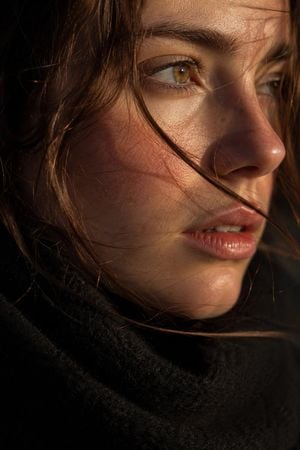
How do I use the Golden Hour Privacy Portrait template?
Edit the prompt in the box under the preview — the template's model and format are already selected — and press Generate. Your version appears right on this page.
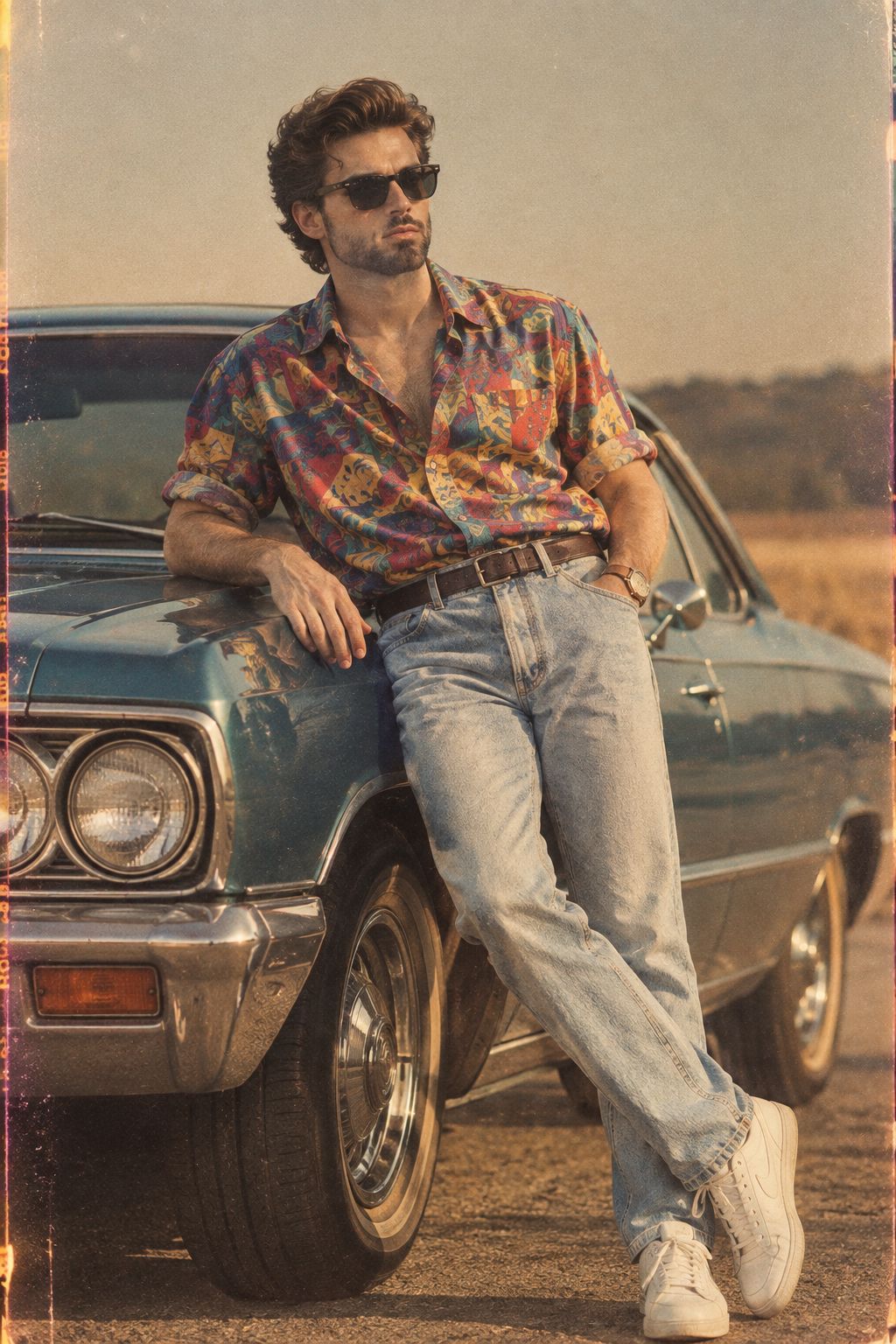
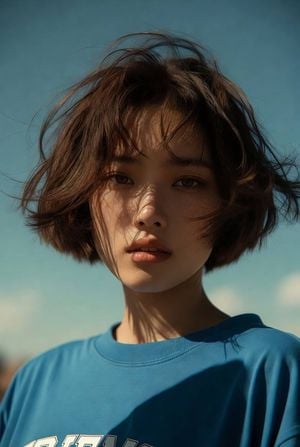
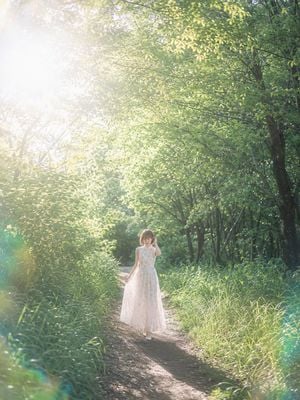
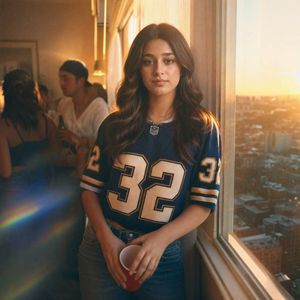
A warm backlit outdoor portrait of a woman with her face hidden by a privacy block, useful for anonymized lifestyle photography concepts.

This template uses your photo — add one with the + button.
Create a vertical golden-hour portrait photograph of {argument name="subject" default="a young woman"} outdoors in a lush green forest or garden, shown from the shoulders up in left-facing side profile with her face deliberately covered by a large opaque square privacy block in warm medium brown. She has {argument name="hair color" default="light brown"} hair gathered into a loose messy bun at the back of her head, with many fine flyaway strands glowing in strong backlight. She wears a simple {argument name="top color" default="white"} spaghetti-strap tank top, exposing her shoulder and upper back. The scene is lit by low sun behind her head, creating bright rim light, warm amber highlights, lens flare, and circular bokeh throughout a softly blurred green background. Use a realistic DSLR look with shallow depth of field, natural skin texture on the visible neck and shoulder, warm cinematic color grading, and a candid intimate mood. Composition: portrait orientation, subject centered slightly right, head near the top third, shoulder and torso filling the lower half. Add a small subtle signature-like watermark near the bottom right and a small circular social-media-style icon beneath it. Avoid extra people, text, or props.
Create a vertical golden-hour portrait photograph of {argument name="subject" default="a young woman"} outdoors in a lush green forest or garden, shown from the shoulders up in left-facing side profile with her face deliberately covered by a large opaque square privacy block in warm medium brown. She has {argument name="hair color" default="light brown"} hair gathered into a loose messy bun at the back of her head, with many fine flyaway strands glowing in strong backlight. She wears a simple {argument name="top color" default="white"} spaghetti-strap tank top, exposing her shoulder and upper back. The scene is lit by low sun behind her head, creating bright rim light, warm amber highlights, lens flare, and circular bokeh throughout a softly blurred green background. Use a realistic DSLR look with shallow depth of field, natural skin texture on the visible neck and shoulder, warm cinematic color grading, and a candid intimate mood. Composition: portrait orientation, subject centered slightly right, head near the top third, shoulder and torso filling the lower half. Add a small subtle signature-like watermark near the bottom right and a small circular social-media-style icon beneath it. Avoid extra people, text, or props.
Edit the prompt in the box under the preview — the template's model and format are already selected — and press Generate. Your version appears right on this page.
Yes. You can change the subject, setting, lighting, mood, format, and available model controls before creating your image.
Opening and editing this template is free. Generating uses credits, shown on the Generate button when you are signed in.
Start with GPT Image 2, which is the model associated with this template. You can compare another compatible model for a different finish.
Follow a topic to a crawlable collection of related PicX Studio templates.