
Modern Mojito Recipe Card
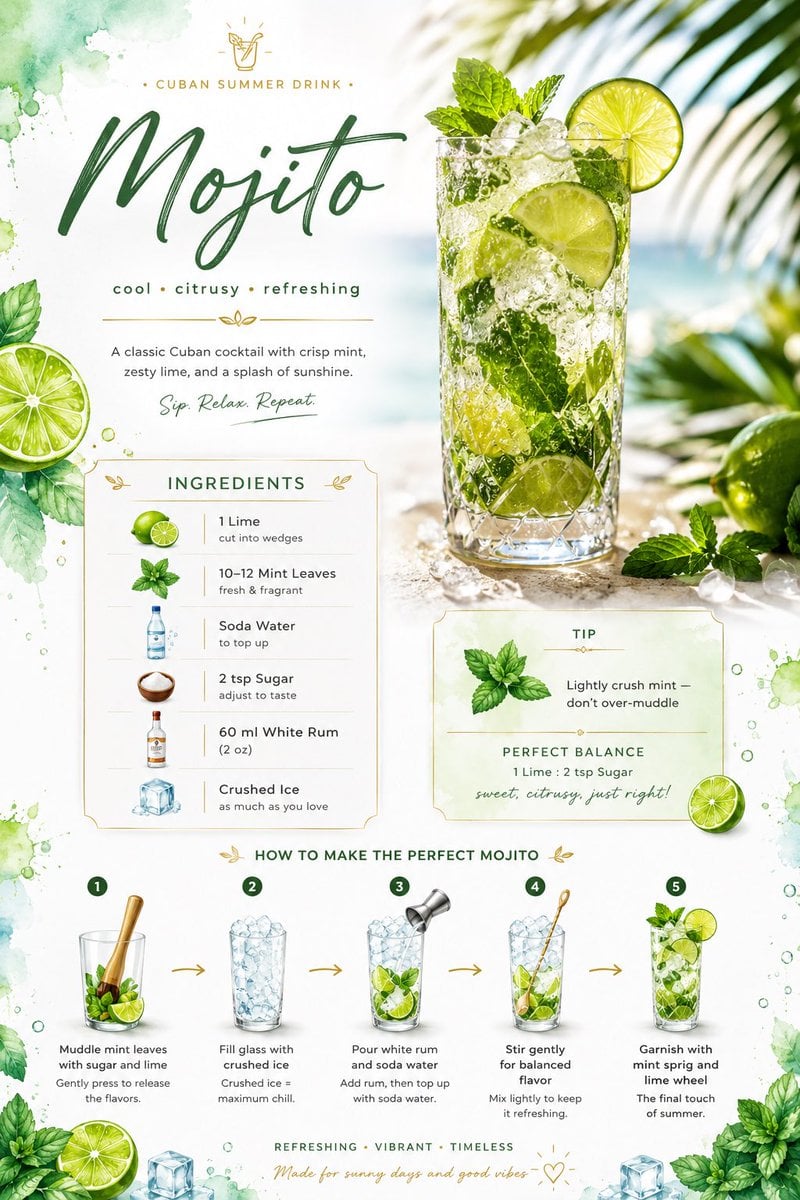
A tropical luxury cocktail recipe card for a Cuban mojito, ideal for social media sharing and summer drink content.
- Prompt included
- Model and format preset
- Free template
The prompt behind this image
Copy the exact prompt behind Modern Mojito Recipe Card, or open it in the studio and make it yours.
Goal: Create a visually stunning modern recipe card for {argument name="cocktail name" default="Mojito"}, presented as a luxurious tropical social-media recipe poster. Canvas: Vertical 2:3 portrait layout, bright white background with soft beach-and-ocean blur behind the hero drink, airy margins, watercolor lime-green splashes around the edges, subtle mint leaf textures, gold ornamental line accents, and a fresh upscale cocktail-bar aesthetic. Layout: Top-left title area with a tiny gold cocktail icon, the small uppercase label “CUBAN SUMMER DRINK,” a huge flowing dark-green script title “Mojito,” then the tagline “cool • citrusy • refreshing.” Under it add a short description: “A classic Cuban cocktail with crisp mint, zesty lime, and a splash of sunshine.” Add a handwritten line: “Sip. Relax. Repeat.” On the right side place a tall crystal highball glass filled with crushed ice, lime wedges, mint leaves, bubbles, and condensation, garnished with a lime wheel and mint sprig; include tropical palm shadows and limes/mint on the table. Ingredients section: Create one elegant bordered card labeled “INGREDIENTS” with exactly 6 ingredient rows, each with a small watercolor-style icon and text: 1) “1 Lime” with subtext “cut into wedges,” 2) “10–12 Mint Leaves” with subtext “fresh & fragrant,” 3) “Soda Water” with subtext “to top up,” 4) “2 tsp Sugar” with subtext “adjust to taste,” 5) “60 ml White Rum” with subtext “(2 oz),” 6) “Crushed Ice” with subtext “as much as you love.” Tip card: To the right of the ingredients, add one smaller pale-green bordered card with mint illustration and exactly 2 text blocks: top label “TIP” with the note “Lightly crush mint — don’t over-muddle,” and bottom label “PERFECT BALANCE” with “1 Lime : 2 tsp Sugar” plus handwritten text “sweet, citrusy, just right!” How-to section: Along the lower half, add the heading “HOW TO MAKE THE PERFECT MOJITO” and exactly 5 numbered illustrated steps connected by small gold arrows: 1) muddling mint, sugar, and lime in a glass with a wooden muddler, caption “Muddle mint leaves with sugar and lime. Gently press to release the flavors.” 2) filling a glass with crushed ice, caption “Fill glass with crushed ice. Crushed ice = maximum chill.” 3) pouring white rum and soda water into the glass, caption “Pour white rum and soda water. Add rum, then top up with soda water.” 4) stirring with a bar spoon, caption “Stir gently for balanced flavor. Mix lightly to keep it refreshing.” 5) finished mojito with mint sprig and lime wheel, caption “Garnish with mint sprig and lime wheel. The final touch of summer.” Footer: Add small uppercase text “REFRESHING • VIBRANT • TIMELESS” and handwritten gold script “Made for sunny days and good vibes!” with a small heart doodle. Decorate the corners with watercolor lime slices, mint sprigs, ice cubes, bubbles, and splashes. Visual style: Minimal yet artistic, polished editorial recipe-card design, watercolor botanical accents mixed with realistic cocktail photography, fresh lime green, mint green, white, pale aqua, and muted gold. Use elegant serif/sans-serif typography paired with large hand-lettered script for the title. Constraints: Keep all text legible, maintain the exact counts of 6 ingredient rows, 2 tip-card text blocks, and 5 numbered preparation steps. No people, no watermark, no extra recipe steps, no clutter.
How to use Modern Mojito Recipe Card in 3 steps
- 1Upload ImagePNG, JPG or paste
Add your photo
Upload the photo the template builds on. The prompt, model and format are already set.
- 2…a portrait of your subject in softgolden-hour light, 85mm…
Personalize
Edit the subject and creative details for your destination.
- 3Generate
Generate
Press Generate — your image is created in PicX Studio, so you can compare it with the original and refine one variable at a time.
More like this
Templates with the same subject, style or setup. Open one to see its prompt.
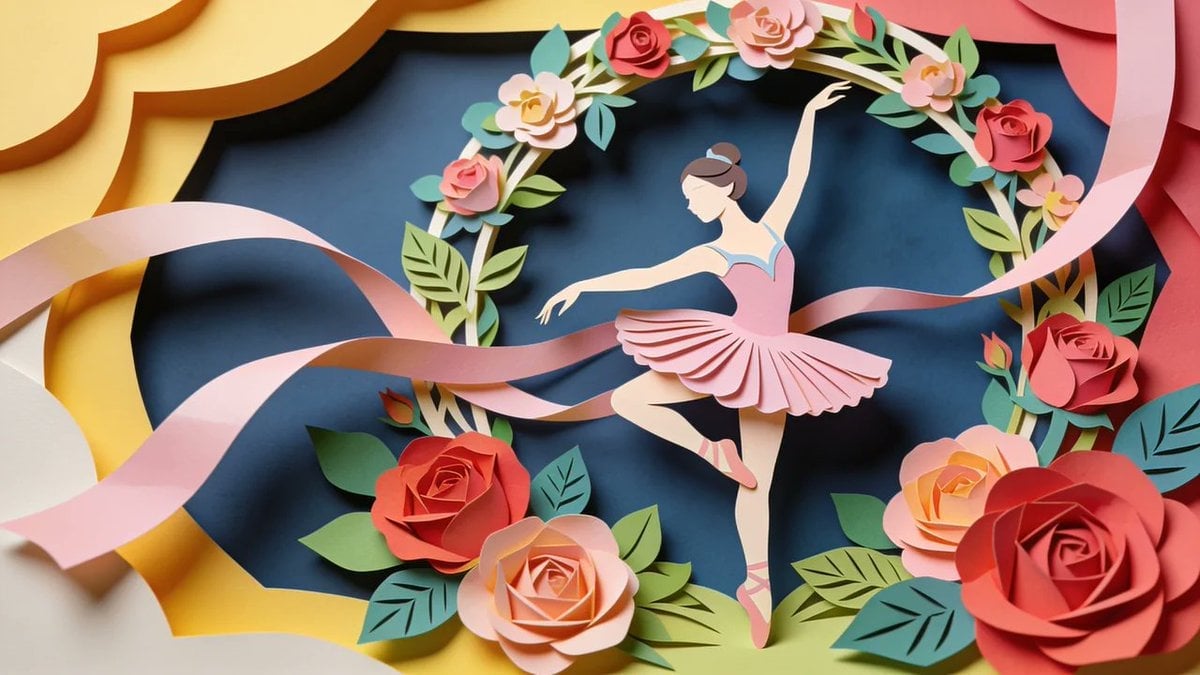
Paper Cut Craft Illustration
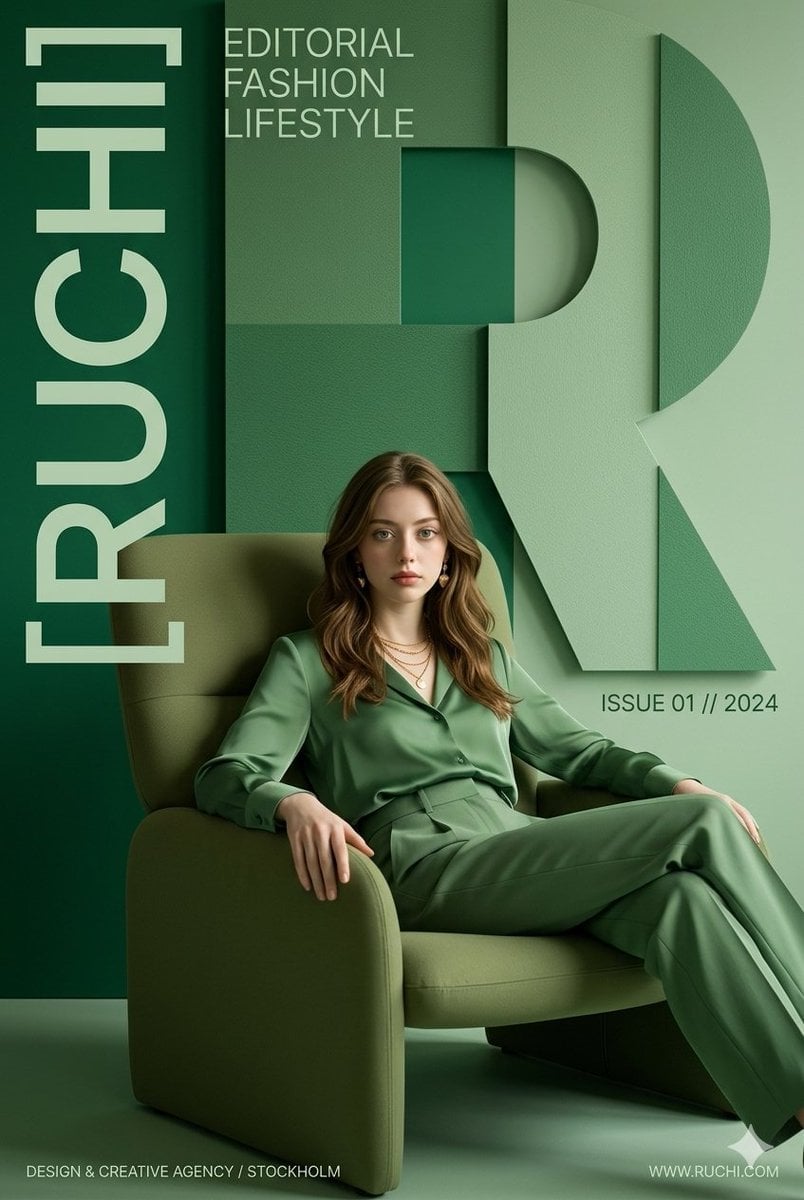
Premium Editorial Branding Poster Charcoal Green
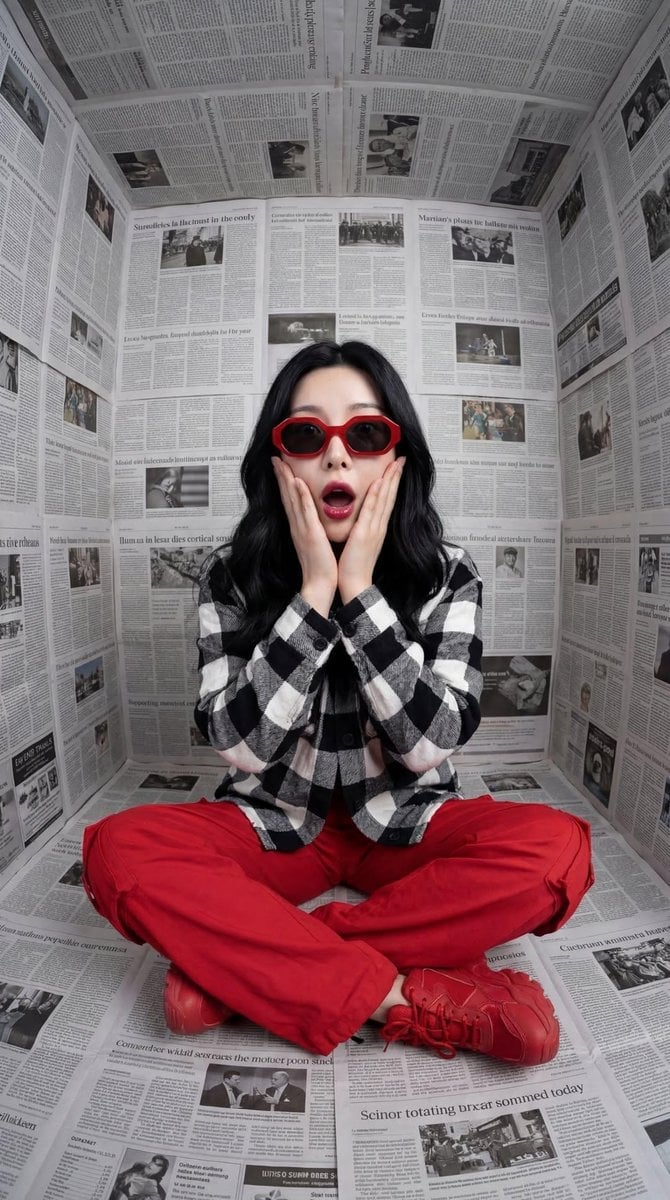
Stylized Fashion Portrait Bold Color Contrast Editorial
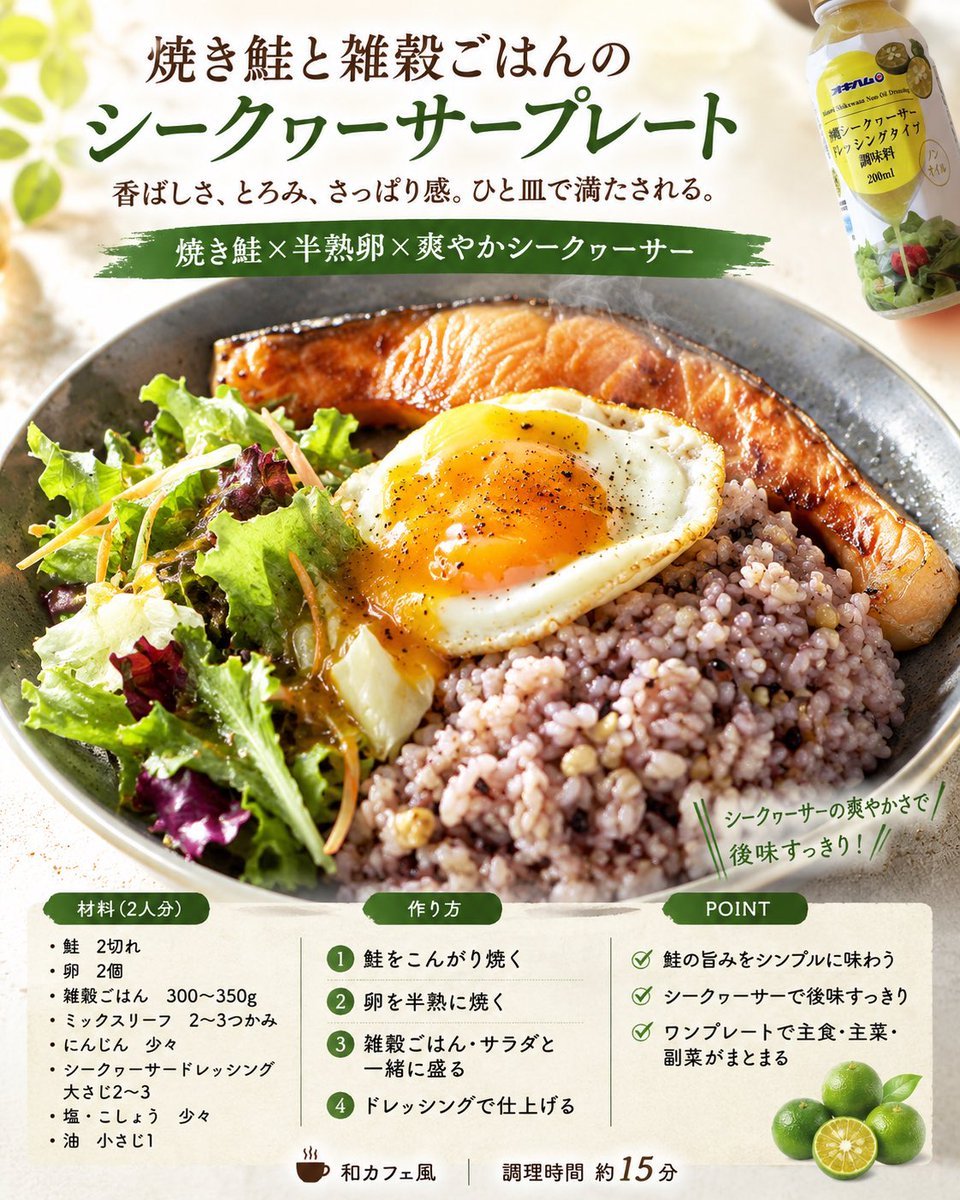
Professional Recipe Card Designer
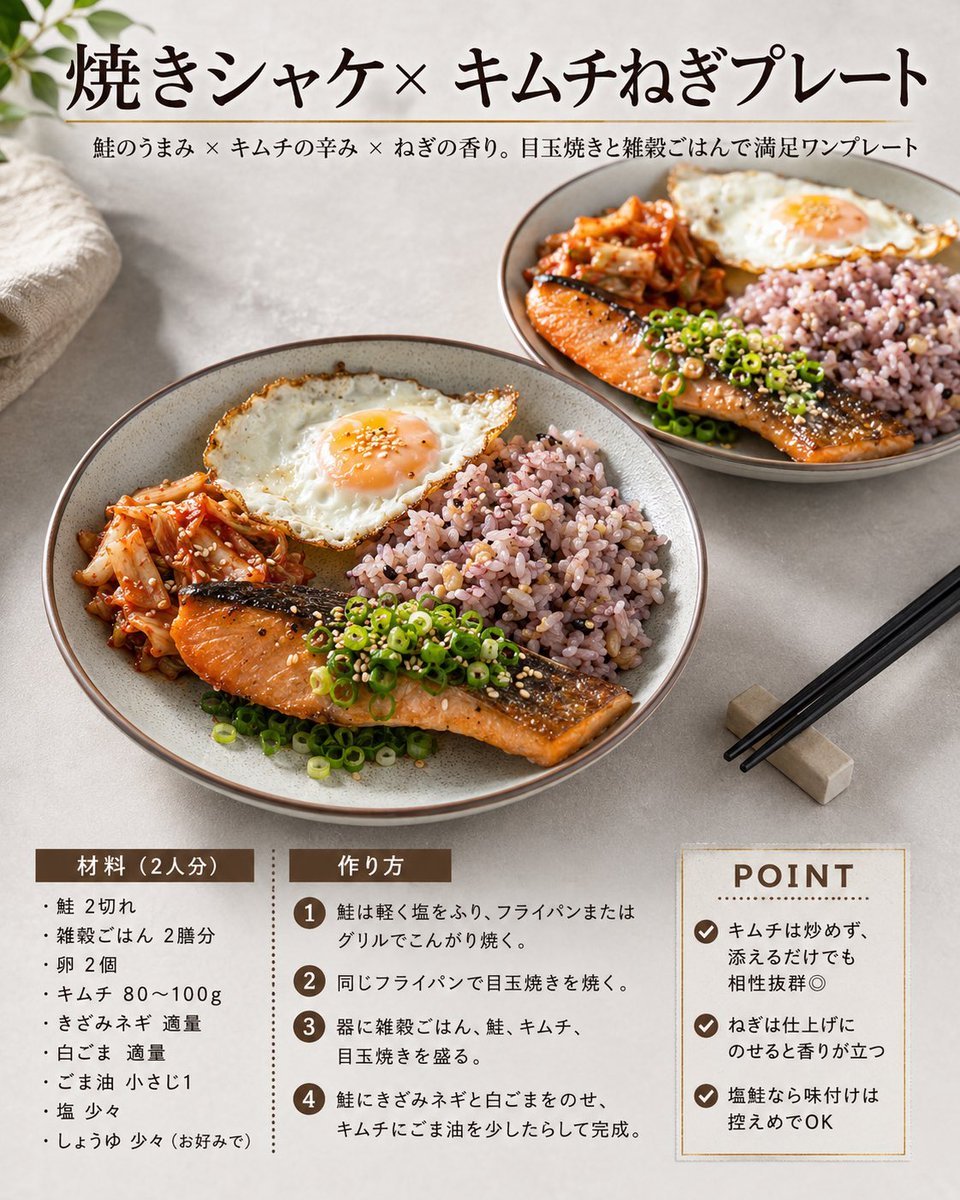
Japanese Salmon Kimchi Recipe Card
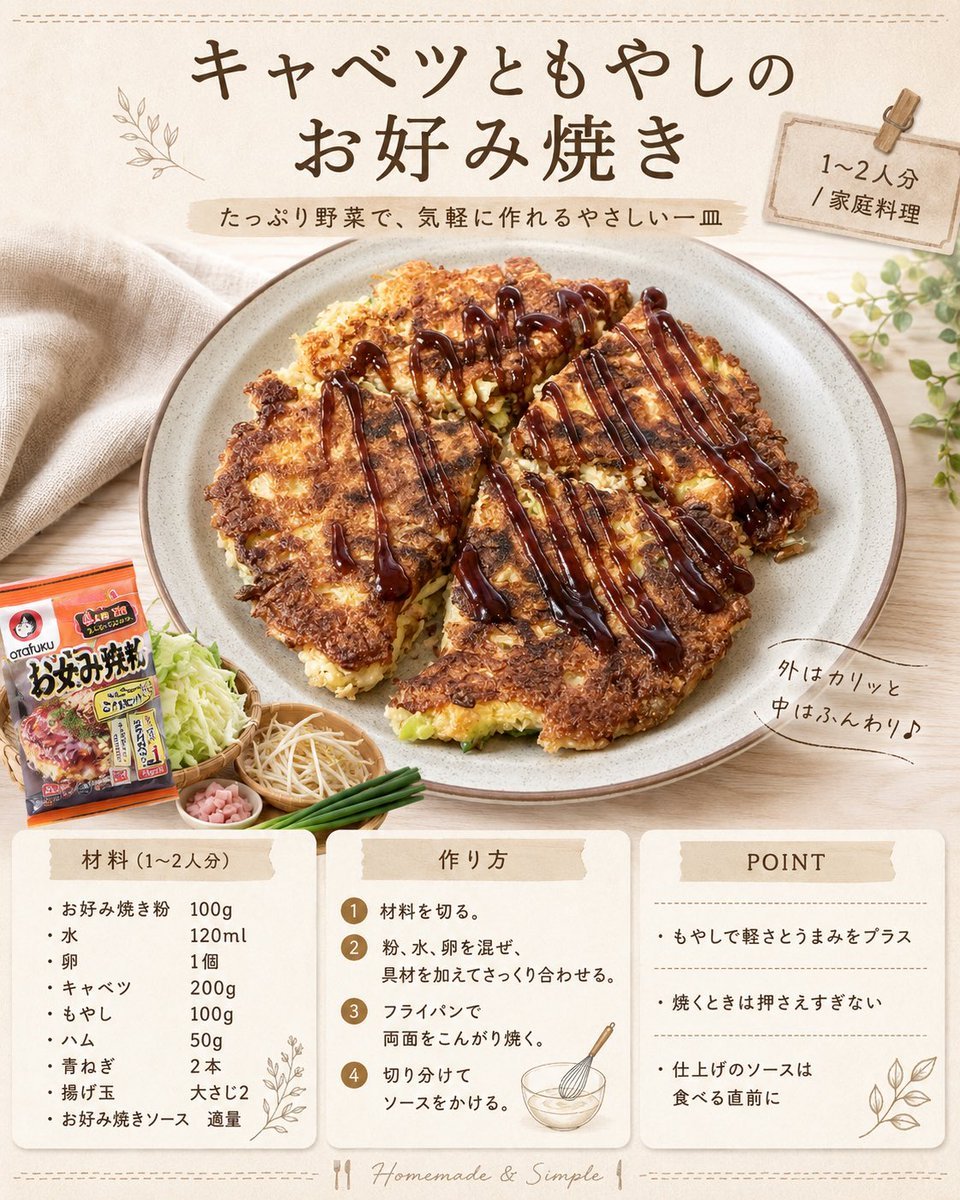
Japanese Okonomiyaki Recipe Card
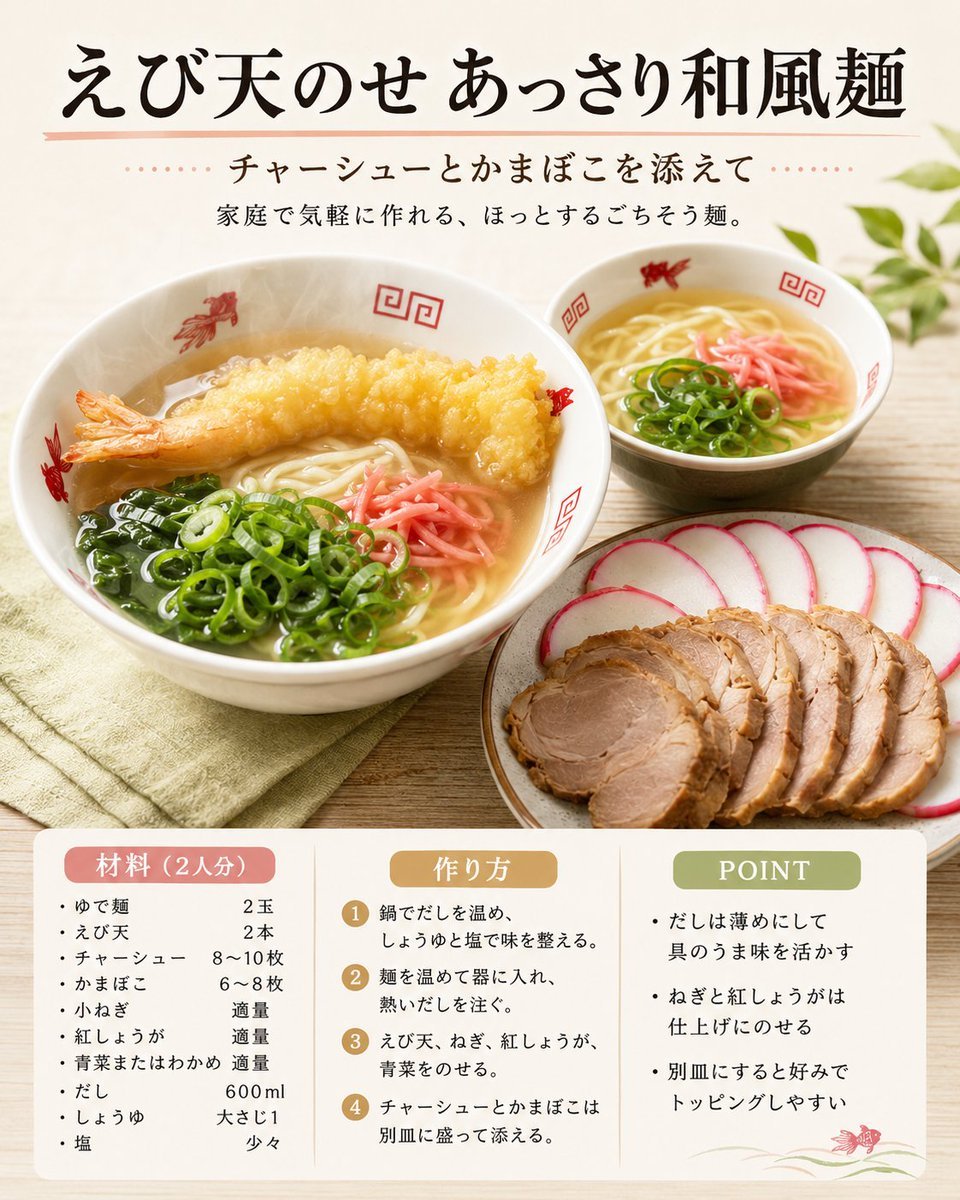
Japanese Tempura Noodle Recipe Card
Woman in Mall with Chanel Bag - Heart Gesture
Teal Japanese Handwritten Lyric Card
Reiwa Slang Reaction Gacha Card
Modern Oriental Papercut Art Cityscape
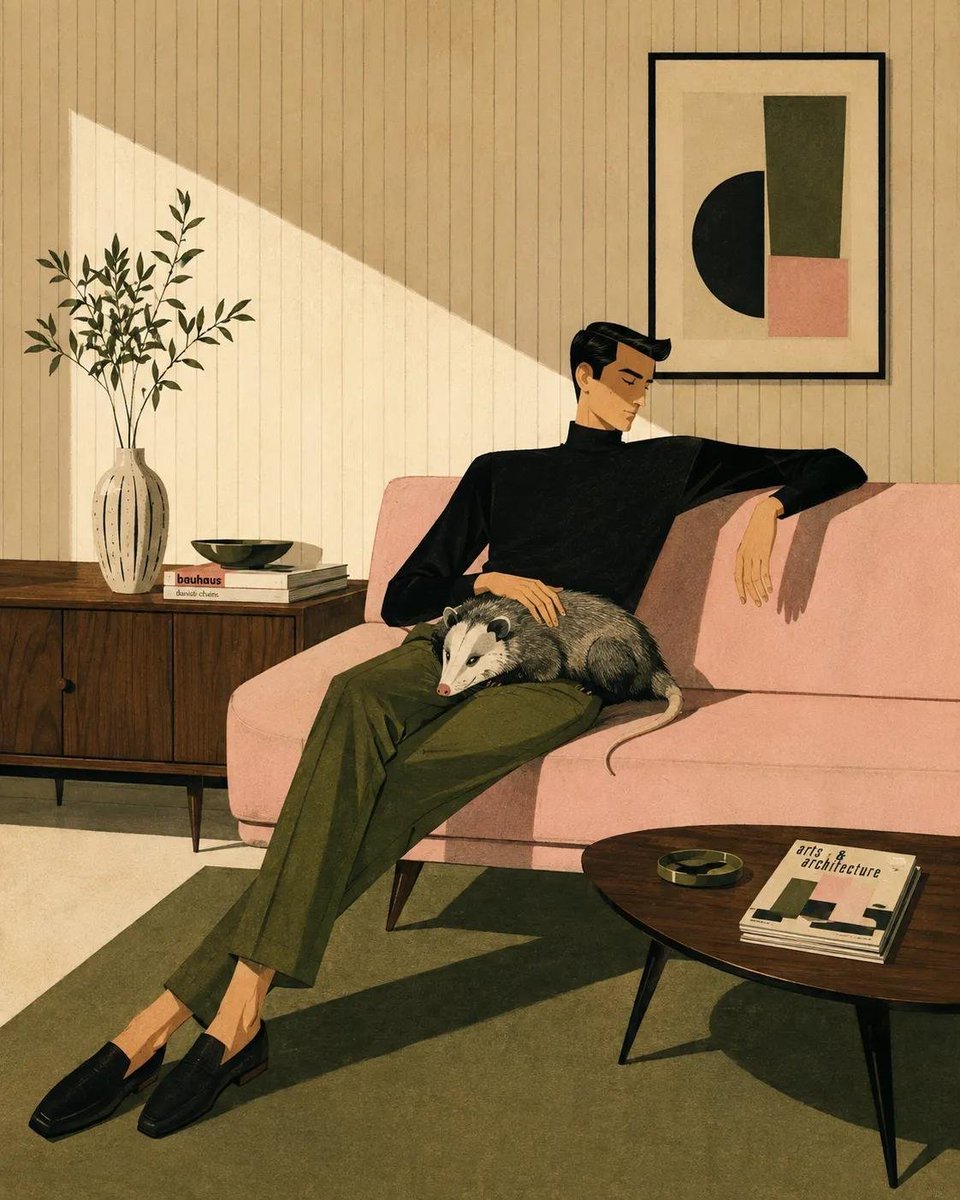
Mid-Century Modern Lifestyle Illustration
Make it yours
Modern Mojito Recipe Card works as-is. These are the safest ways to change it without losing the look.
Change one field
Copy a single group, rewrite it, and generate again so you can see what that field is doing.
Keep the frame, change the subject
Hold the composition and light of Modern Mojito Recipe Card, then swap wardrobe, props or the person for a new take.
| If the result… | Why | Fix |
|---|---|---|
| The result drifts from the preview | Too many fields changed at once. | Reuse Modern Mojito Recipe Card as-is first, then change one group — subject, light, or setting. |
| The model over-stylizes the scene | The prose prompt leaves finish and camera underspecified. | Add one camera or lighting sentence and stay on GPT Image 2. |
More GPT Image 2 templates
Other prompts made for GPT Image 2.

Six VTuber Japanese Logo Sheet

Realistic Portrait of Woman and Deer

The Vista Modular Condo Poster

AI Model Routing Comparison Infographic

2.5D Anime Art Board

Isometric Productivity Desk Scene

New York Double Exposure Poster

Four-Panel AI Landscape Comparison

Japanese Tatami Lifestyle Magazine Cover

NESCAFÉ Coffee Map Poster
More image prompts
Fresh picks from across the catalog.
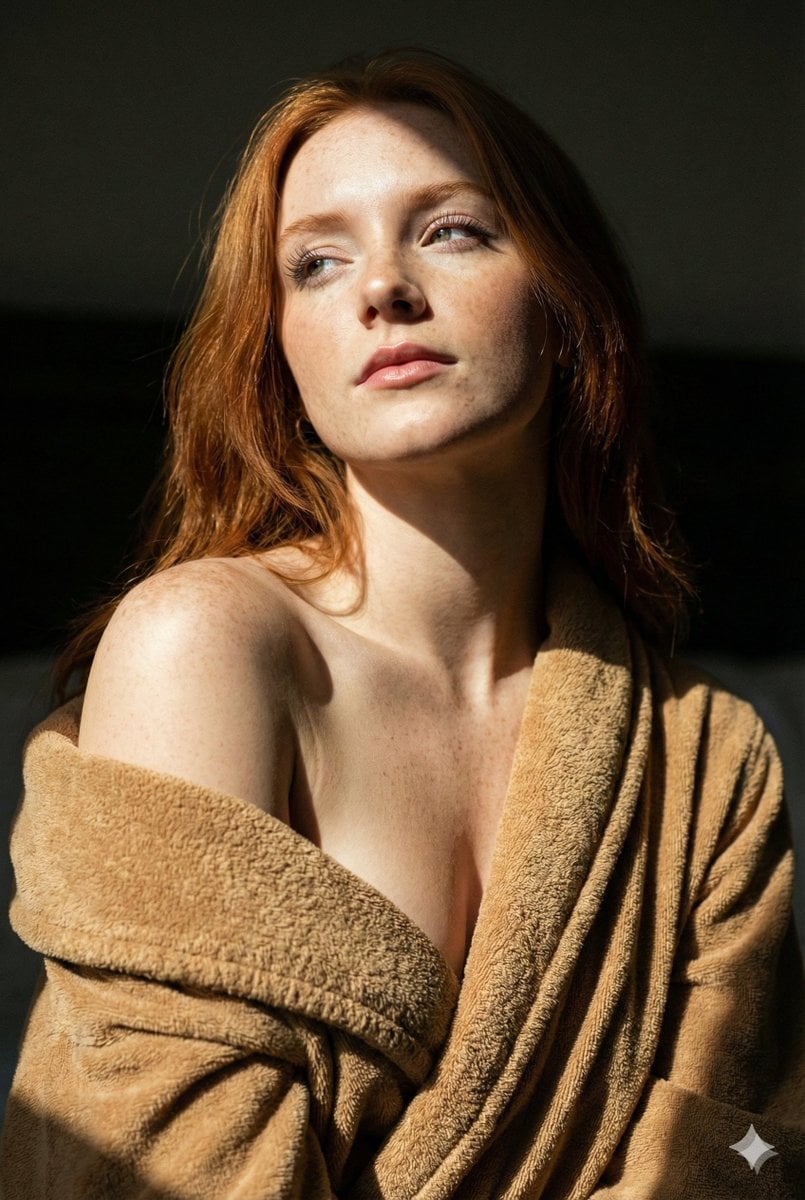
Chiaroscuro Portrait with Identity Swap
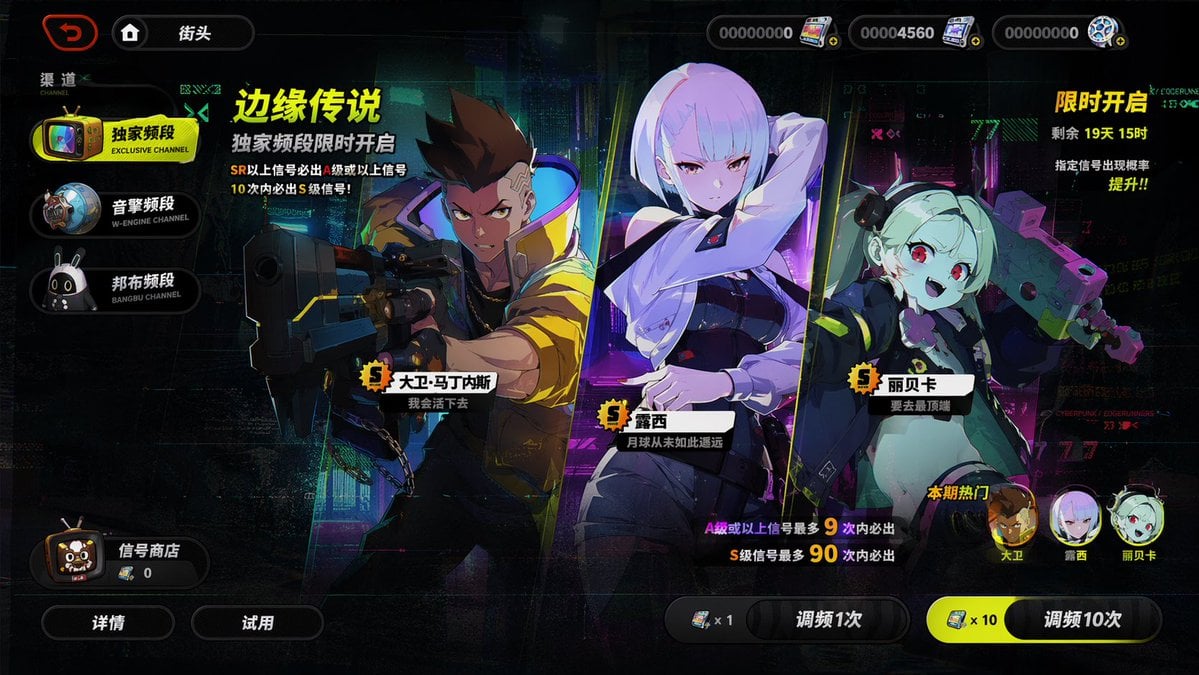
Mobile Game Gacha Interface Design
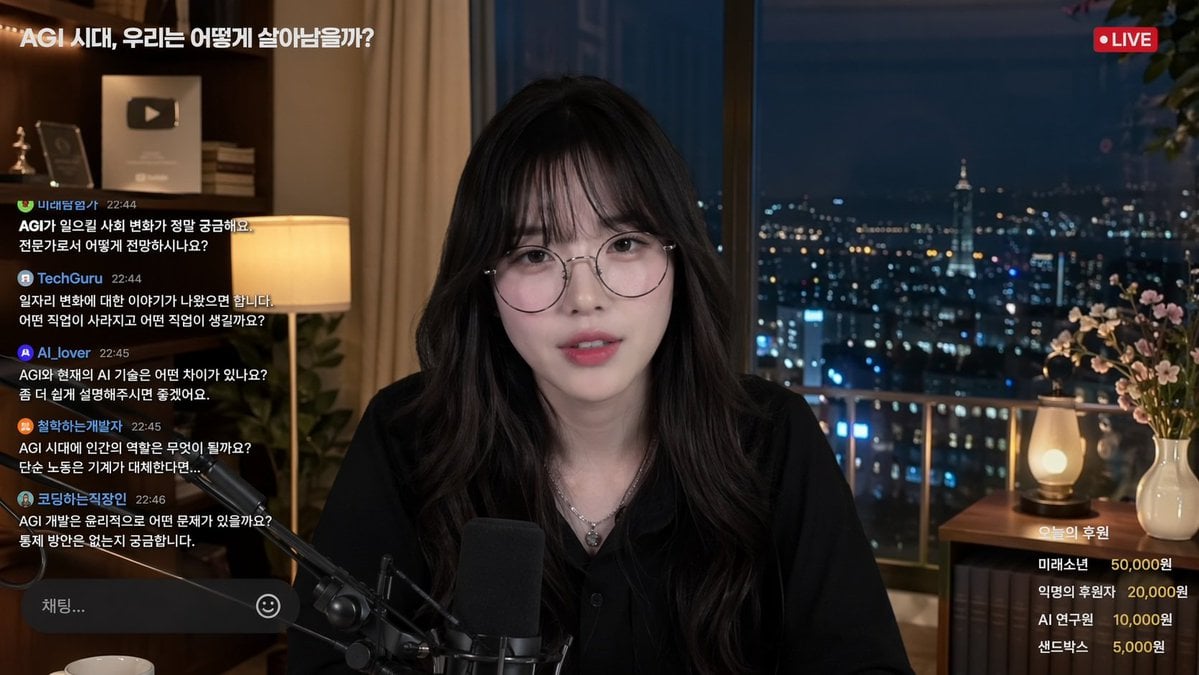
Livestream Interface Mockup
Impossible Anti-Memetic Entity Photo
Candid series of Indonesian president photos
Magical Seed Packet Diorama

Cute Ball Shaped Animal Characters

Cinematic Winter Forest Portrait
Cinematic rainy street, underwater cathedral, and design-to-photo
Winter Travel Influencer Editorial Prompt (Cappadocia)
Browse template categories
Modern Mojito Recipe Card questions
How do I use the Modern Mojito Recipe Card template?
Add your photo if the template asks for one, edit the prompt if you like — the template's model and format are already selected — and press Generate. Your version opens in PicX Studio.
Can I customize the Modern Mojito Recipe Card template?
Yes. You can change the subject, setting, lighting, mood, format, and available model controls before creating your image.
Is the Modern Mojito Recipe Card template free?
Opening and editing this template is free. Generating uses credits, shown on the Generate button when you are signed in.
Which AI model should I use?
Start with GPT Image 2, which is the model associated with this template. You can compare another compatible model for a different finish.
Looking for something else? Browse all templates.

Your photo, any look
Thousands of ready templates for every top image and video model, from one credit balance.