
Vintage Chinese General Store Interior
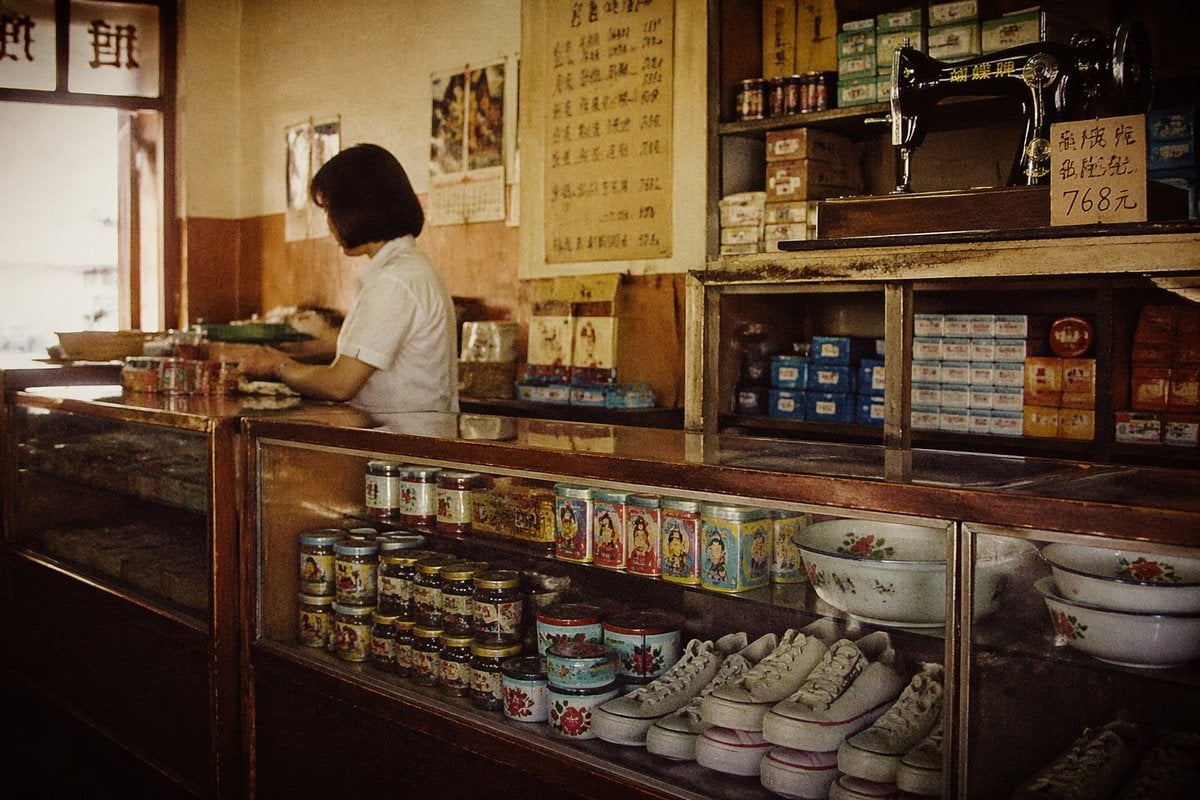
This prompt generates a warm, nostalgic documentary-style photo of an old Chinese corner shop interior, useful for retro lifestyle scenes and cinematic period imagery.
- Prompt included
- Model and format preset
- Free template
The prompt behind this image
Copy the exact prompt behind Vintage Chinese General Store Interior, or open it in the studio and make it yours.
A nostalgic cinematic photograph of a small old-fashioned Chinese general store interior, shot from customer eye level with a slightly wide framing. Warm sepia and amber tones, soft window light from the left, subtle film grain, faint vignette, and a slightly hazy vintage look. Behind a long dark wooden-and-glass display counter stands 1 shopkeeper, a woman with a short black bob haircut wearing a plain white short-sleeve blouse, shown in side profile while working with her hands at the counter. The store feels authentic, modest, and lived-in, like the late 1970s to 1990s. On the right side, a black vintage sewing machine sits on an upper shelf with a handwritten price sign in Chinese beside it reading “768元”. Behind it are shelves packed with small colorful product boxes and tins. On the wall hang 1 large vertical handwritten price list in Chinese calligraphy and 2 old paper calendars or posters. The foreground glass cases display many old packaged goods: stacks of colorful tins and jars, several rectangular illustrated tins, 2 enamel wash basins with floral patterns, and multiple pairs of plain white canvas shoes arranged side by side on the bottom shelf. The left side of the frame shows bright wooden-framed windows and more countertop clutter, creating strong contrast between sunlight and the dim interior. Emphasize realistic documentary photography, richly textured wood, aged surfaces, retro packaging design, quiet everyday atmosphere, and a composition that leads the eye from the woman at center-left to the sewing machine and shelves at upper right.
How to use Vintage Chinese General Store Interior in 3 steps
- 1Upload ImagePNG, JPG or paste
Add your photo
Upload the photo the template builds on. The prompt, model and format are already set.
- 2…a portrait of your subject in softgolden-hour light, 85mm…
Personalize
Edit the subject and creative details for your destination.
- 3Generate
Generate
Press Generate — your image is created in PicX Studio, so you can compare it with the original and refine one variable at a time.
More like this
Templates with the same subject, style or setup. Open one to see its prompt.











Make it yours
Vintage Chinese General Store Interior works as-is. These are the safest ways to change it without losing the look.
Change one field
Copy a single group, rewrite it, and generate again so you can see what that field is doing.
Keep the frame, change the subject
Hold the composition and light of Vintage Chinese General Store Interior, then swap wardrobe, props or the person for a new take.
| If the result… | Why | Fix |
|---|---|---|
| The result drifts from the preview | Too many fields changed at once. | Reuse Vintage Chinese General Store Interior as-is first, then change one group — subject, light, or setting. |
| The model over-stylizes the scene | The prose prompt leaves finish and camera underspecified. | Add one camera or lighting sentence and stay on GPT Image 2. |
More GPT Image 2 templates
Other prompts made for GPT Image 2.

Six VTuber Japanese Logo Sheet

Realistic Portrait of Woman and Deer

The Vista Modular Condo Poster

AI Model Routing Comparison Infographic

2.5D Anime Art Board

Isometric Productivity Desk Scene

New York Double Exposure Poster

Four-Panel AI Landscape Comparison

Japanese Tatami Lifestyle Magazine Cover

NESCAFÉ Coffee Map Poster
More image prompts
Fresh picks from across the catalog.
Professional Corporate Headshot Poster Creator
Monstera Leaf Logo Design

Faceless Blond Anime Icon
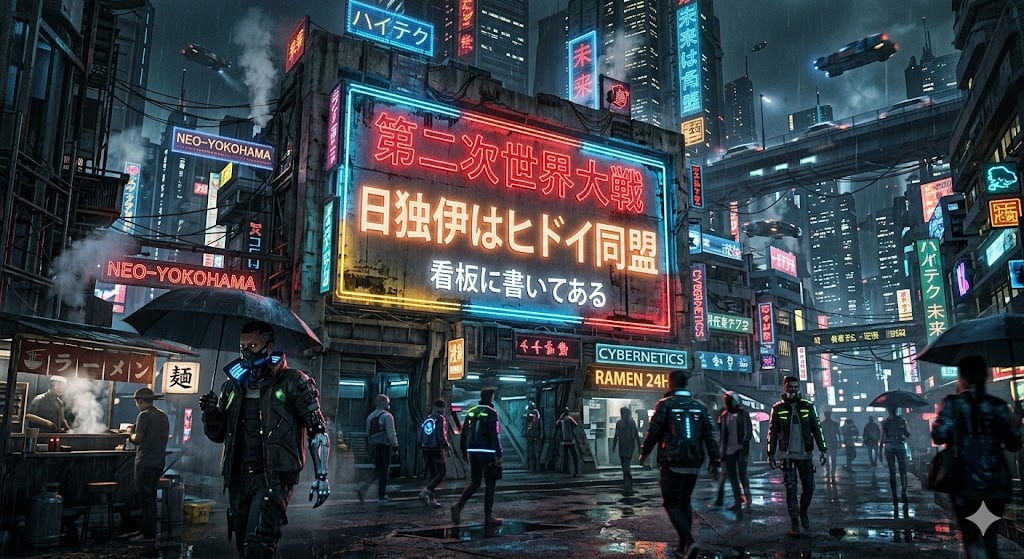
Cyberpunk World War II Signboard
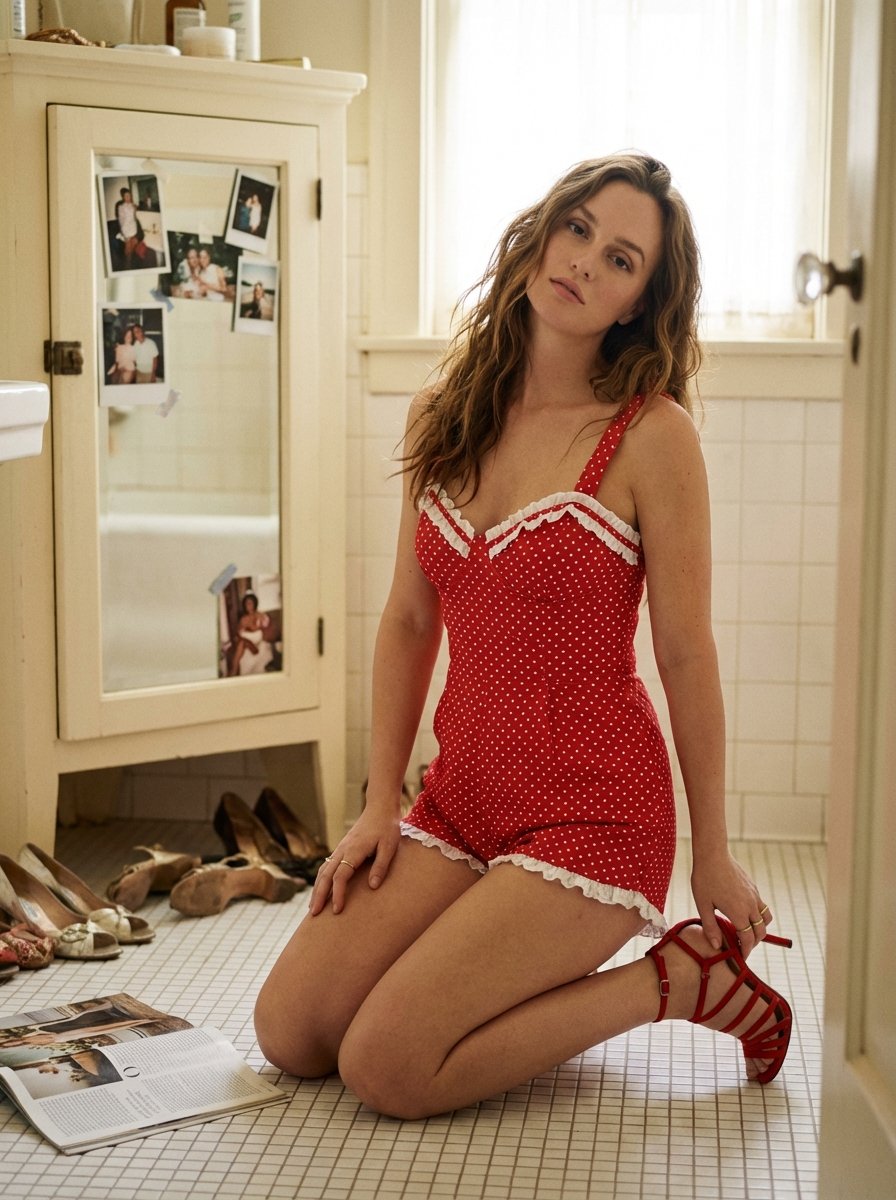
Ultra Photorealistic Retro Vintage Bathroom Scene Prompt (Leighton Meester resemblance)
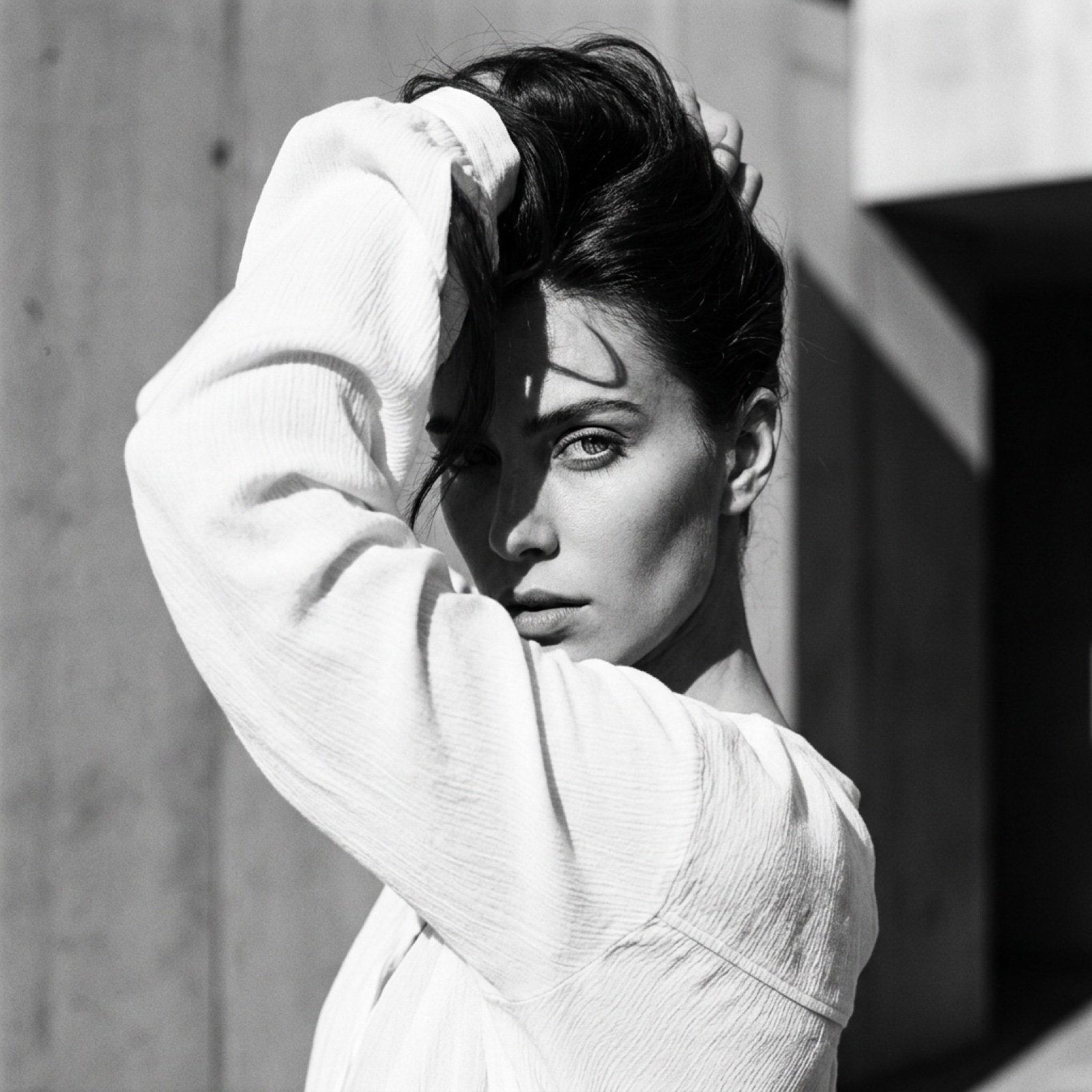
High-Fashion Black and White Editorial Portrait Prompt (Facial Lock)

Gritty Sci-Fi Shoujo Manga Page
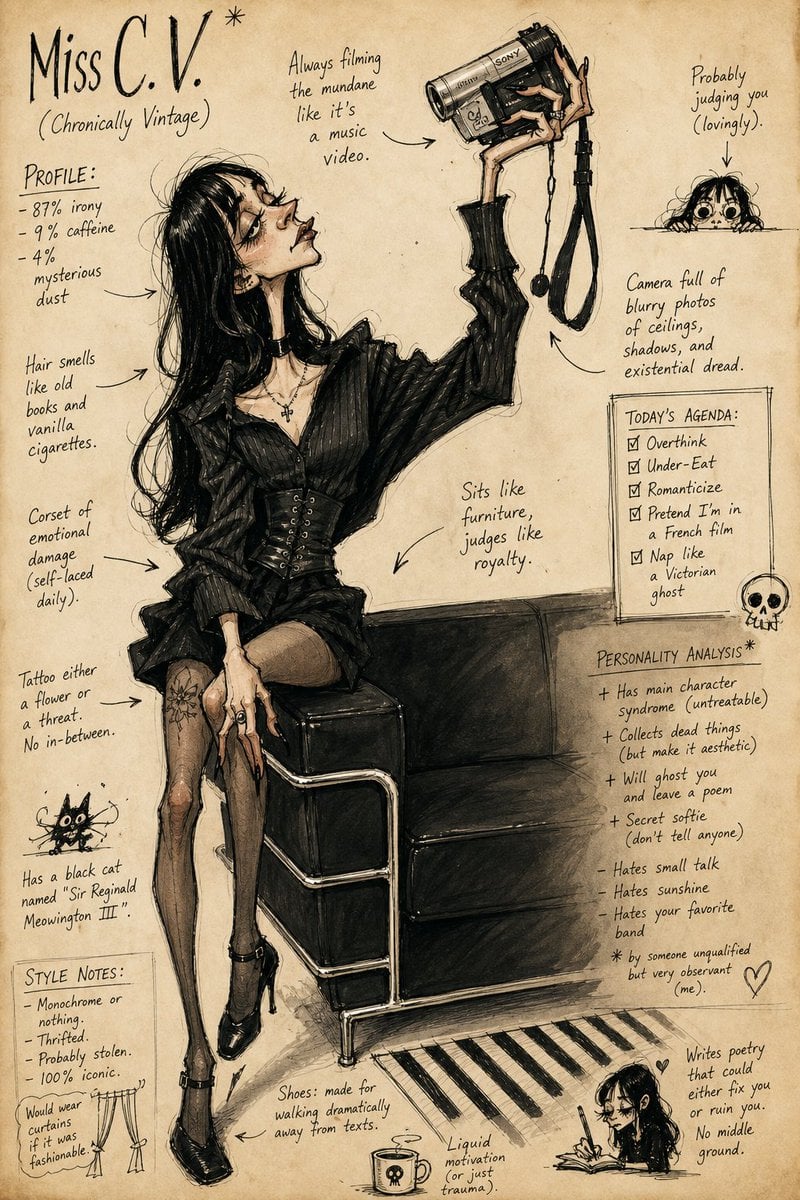
Grotesque Fashion Caricature Sketch
Jade Aesthetic Conceptual Architecture Still Life
Cinematic Portrait on a Bustling City Street at Twilight
Browse template categories
Vintage Chinese General Store Interior questions
How do I use the Vintage Chinese General Store Interior template?
Add your photo if the template asks for one, edit the prompt if you like — the template's model and format are already selected — and press Generate. Your version opens in PicX Studio.
Can I customize the Vintage Chinese General Store Interior template?
Yes. You can change the subject, setting, lighting, mood, format, and available model controls before creating your image.
Is the Vintage Chinese General Store Interior template free?
Opening and editing this template is free. Generating uses credits, shown on the Generate button when you are signed in.
Which AI model should I use?
Start with GPT Image 2, which is the model associated with this template. You can compare another compatible model for a different finish.
Looking for something else? Browse all templates.

Your photo, any look
Thousands of ready templates for every top image and video model, from one credit balance.