
Realistic Morning Commute Portrait
A detailed prompt for creating a realistic documentary-style photograph of a young woman on a crowded morning train.
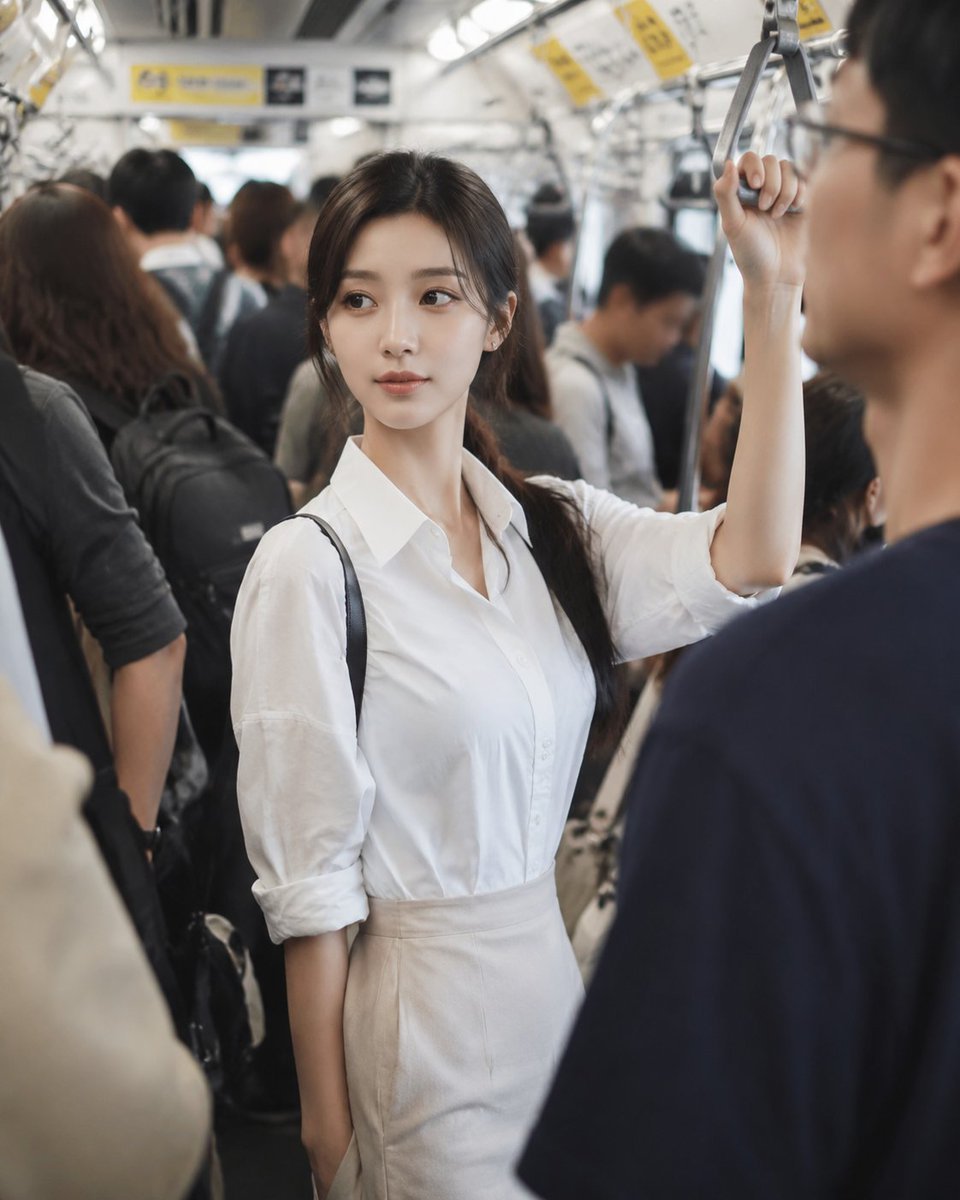
- Prompt included
- Model and format preset
- Free template
The prompt behind this image
Copy the exact prompt behind Realistic Morning Commute Portrait, or open it in the studio and make it yours.
拥挤的{argument name="场景" default="早班通勤列车"}上,一位{argument name="年龄" default="20岁"}的年轻女性站在人群中,气质出众而自然。她有柔软的黑色长发,低马尾造型,五官精致,眼神清澈,脸型小巧,脖颈修长,身形纤细优雅。她穿着干净利落的{argument name="服装" default="白色衬衫和米色半身裙"},服装质感轻盈但不透明,带有自然褶皱。她一只手扶着车厢扶手,身体微微侧转,保持平衡。画面从正常乘客视角拍摄,构图自然,具有真实通勤纪实摄影感。车厢内人群拥挤,背景略带动态模糊,光线柔和,整体氛围真实、清晨、城市感、高级纪实摄影风格。
How to use Realistic Morning Commute Portrait in 3 steps
- 1
Open
The prompt is already in the box next to the preview, with the template's model and format selected.
- 2…a portrait of your subject in softgolden-hour light, 85mm…
Personalize
Edit the subject and creative details for your destination.
- 3Generate
Generate
Press Generate — your image is created in PicX Studio, so you can compare it with the original and refine one variable at a time.
More like this
Templates with the same subject, style or setup. Open one to see its prompt.

Found Photograph: Us, 1970

80s Couple Studio Portrait

80s Bollywood Star

80s Golden Hour Cinema

Me in 1985

1985 Studio Portrait

Hyper-Realistic Minecraft POV Portrait

Rooftop Fisheye — Cat-Ear Balaclava at Golden Hour
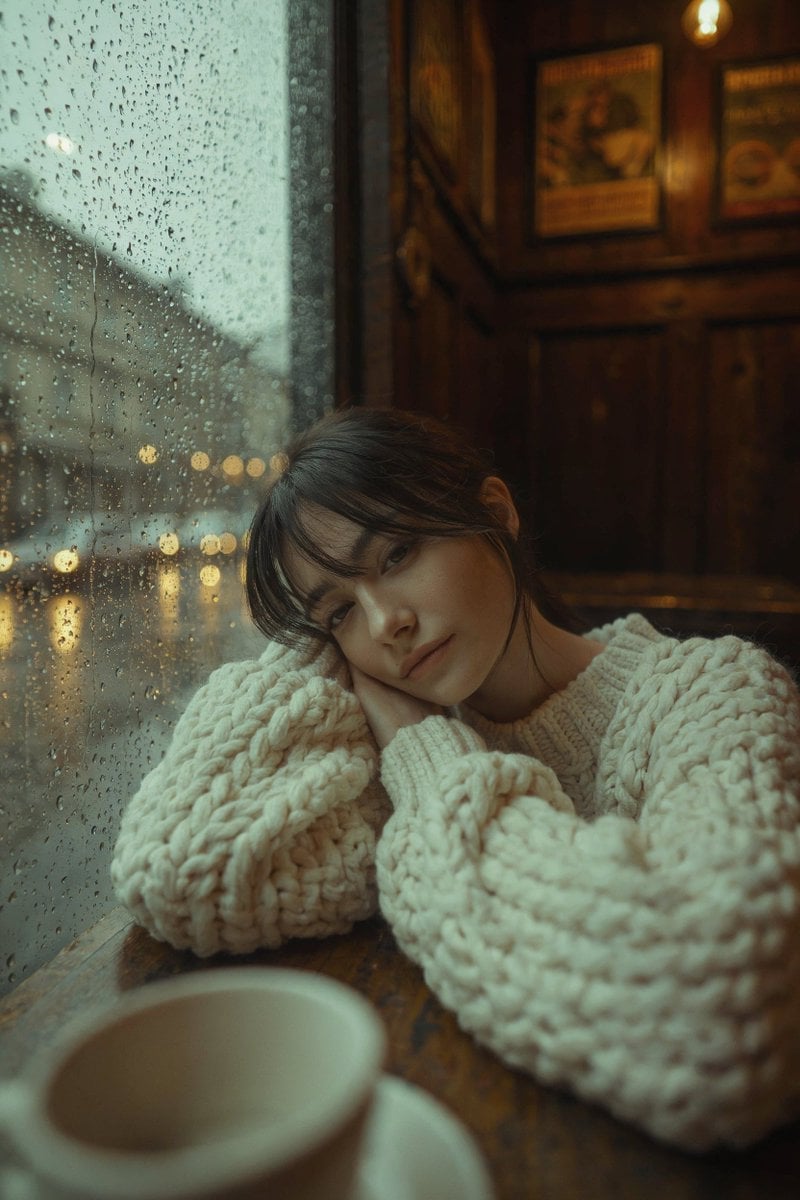
Rainy Café Window Moody Portrait
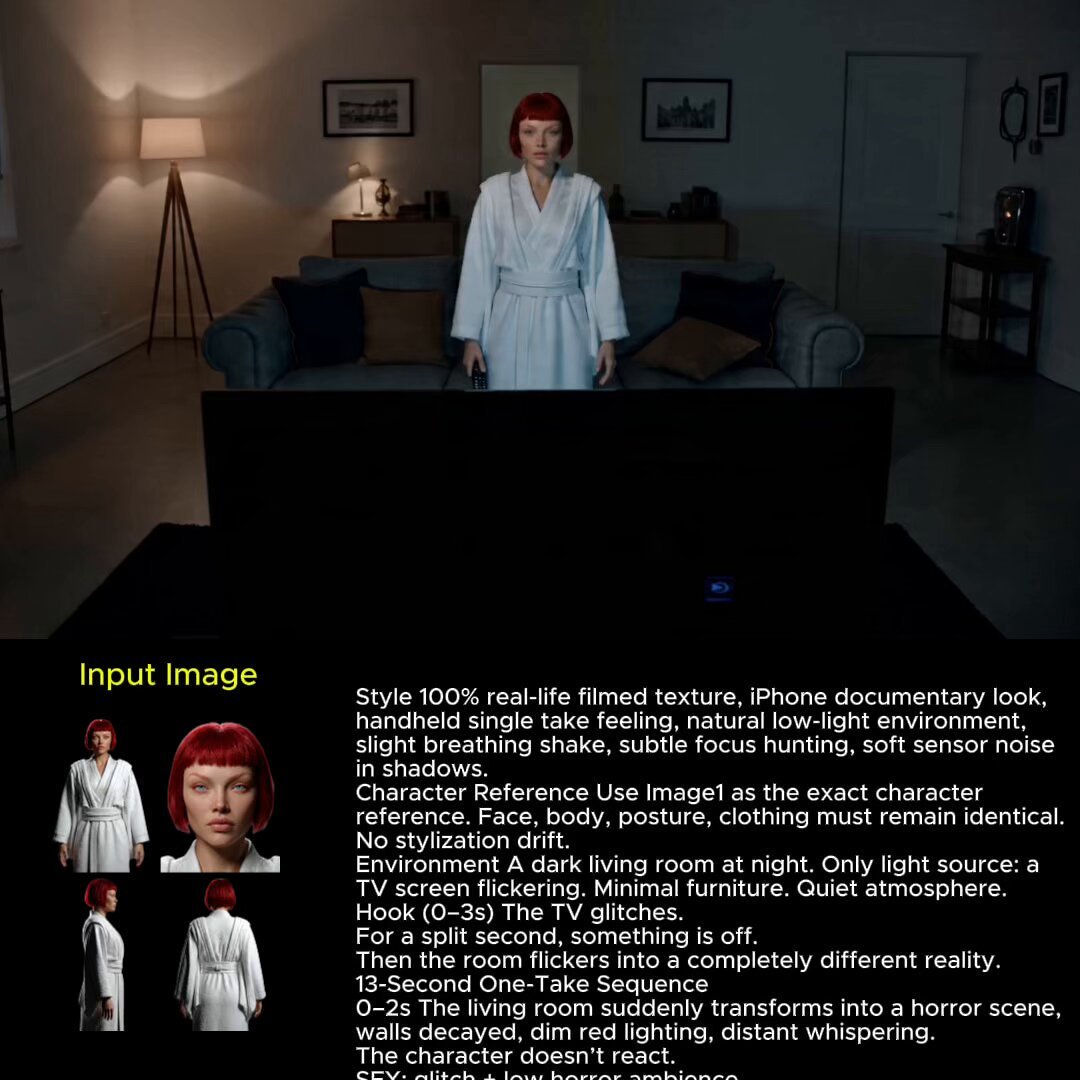
2025 Aesthetic Photography
Nano Banana Is So Addictive
Transformation the Burger Seedance 2 0 a
Make it yours
Realistic Morning Commute Portrait works as-is. These are the safest ways to change it without losing the look.
Change one field
Copy a single group, rewrite it, and generate again so you can see what that field is doing.
Keep the frame, change the subject
Hold the composition and light of Realistic Morning Commute Portrait, then swap wardrobe, props or the person for a new take.
| If the result… | Why | Fix |
|---|---|---|
| The result drifts from the preview | Too many fields changed at once. | Reuse Realistic Morning Commute Portrait as-is first, then change one group — subject, light, or setting. |
| The model over-stylizes the scene | The prose prompt leaves finish and camera underspecified. | Add one camera or lighting sentence and stay on GPT Image 2. |
More GPT Image 2 templates
Other prompts made for GPT Image 2.

Six VTuber Japanese Logo Sheet

Realistic Portrait of Woman and Deer

The Vista Modular Condo Poster

AI Model Routing Comparison Infographic

2.5D Anime Art Board

Isometric Productivity Desk Scene

New York Double Exposure Poster

Four-Panel AI Landscape Comparison

Japanese Tatami Lifestyle Magazine Cover

NESCAFÉ Coffee Map Poster
More image prompts
Fresh picks from across the catalog.
Magical Mini Me Portrait
Fashion Portrait with Chinese Dragon Qipao
Top-Down Red Hair Woman Portrait

Miniature Diorama Scene in a Vintage Café
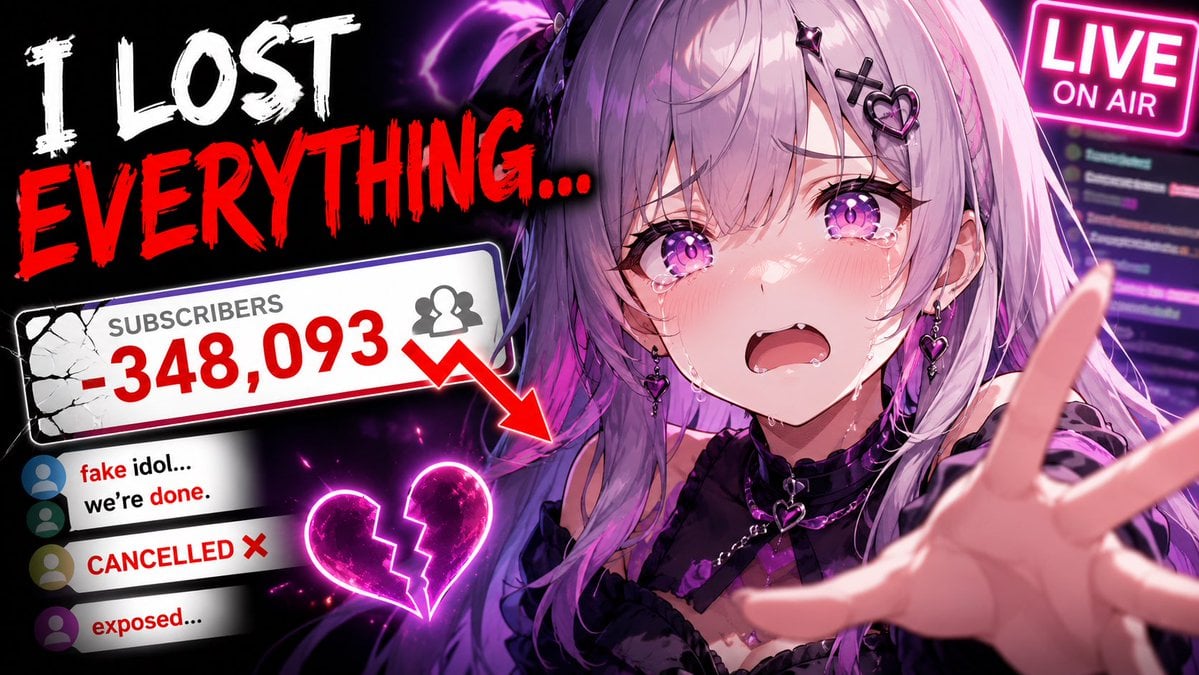
Viral YouTube Thumbnail Template
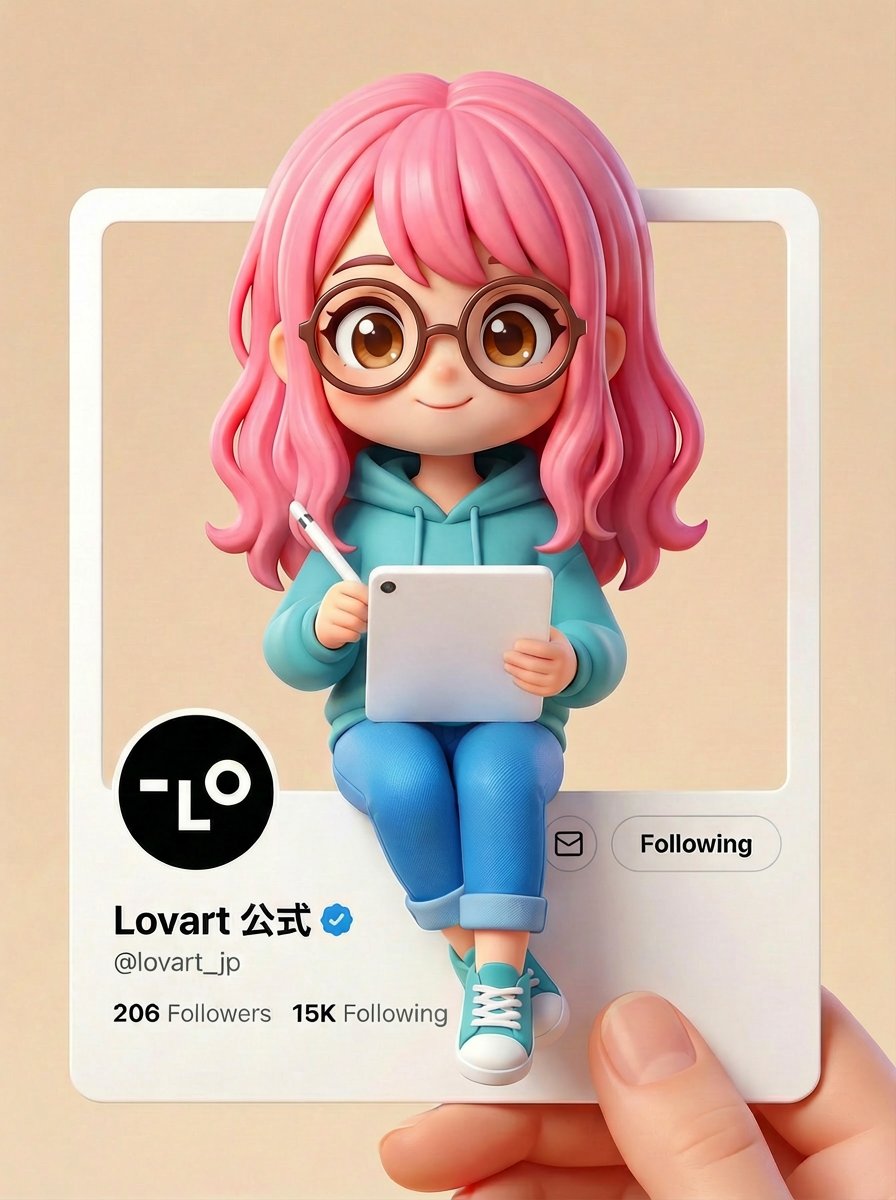
Pixar/Disney Style X (Twitter) Profile Card Prompt
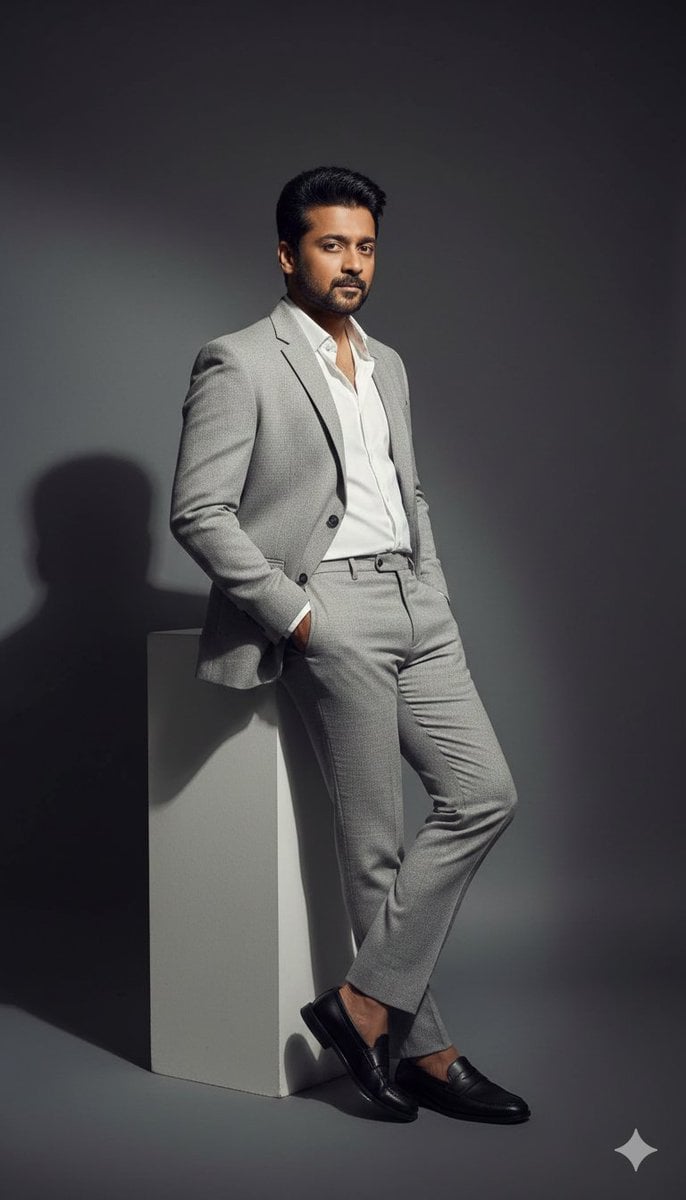
High-Contrast Fashion Editorial Portrait of a Man
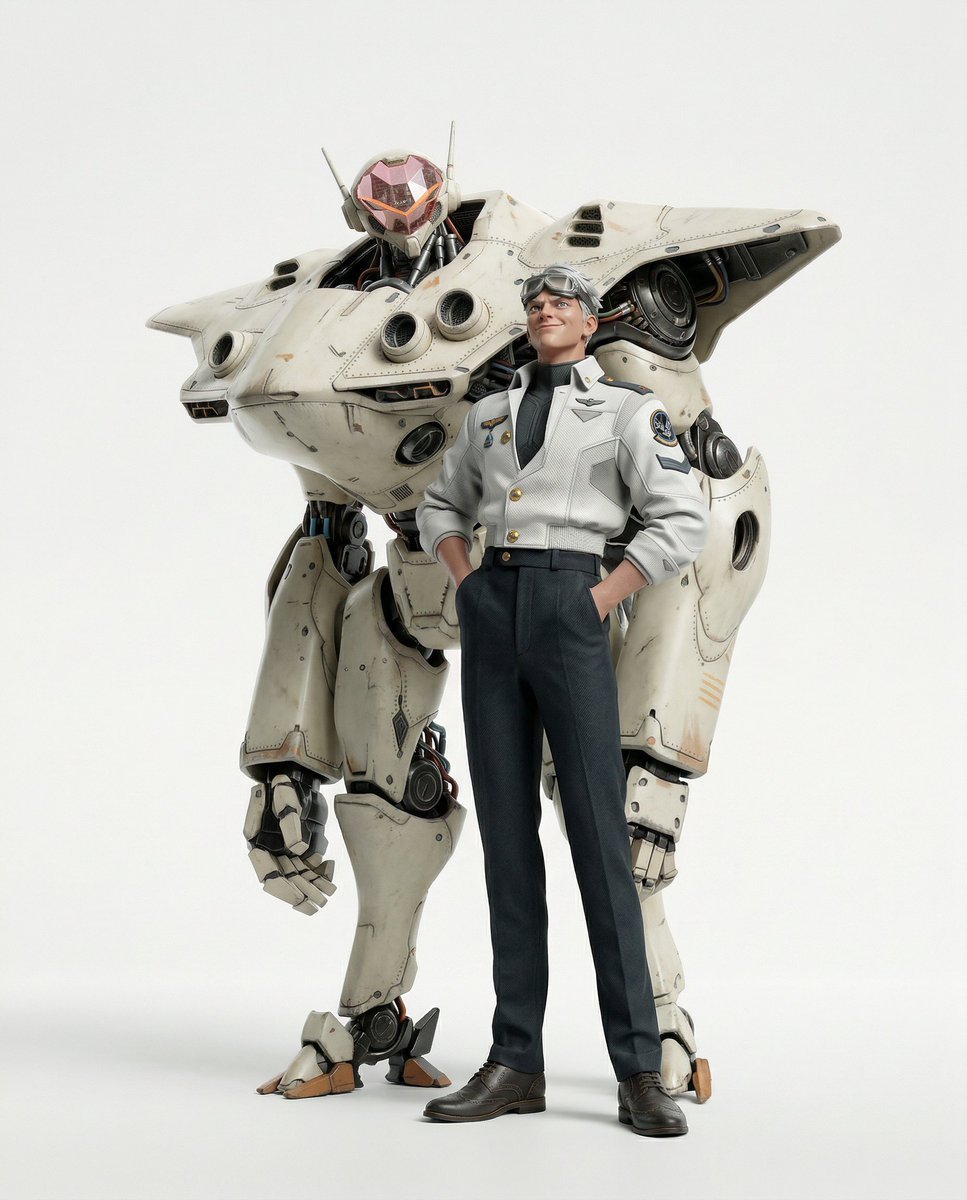
Hyper-Realistic 3D CGI Collectible Figurine Prompt for Nano Banana 2
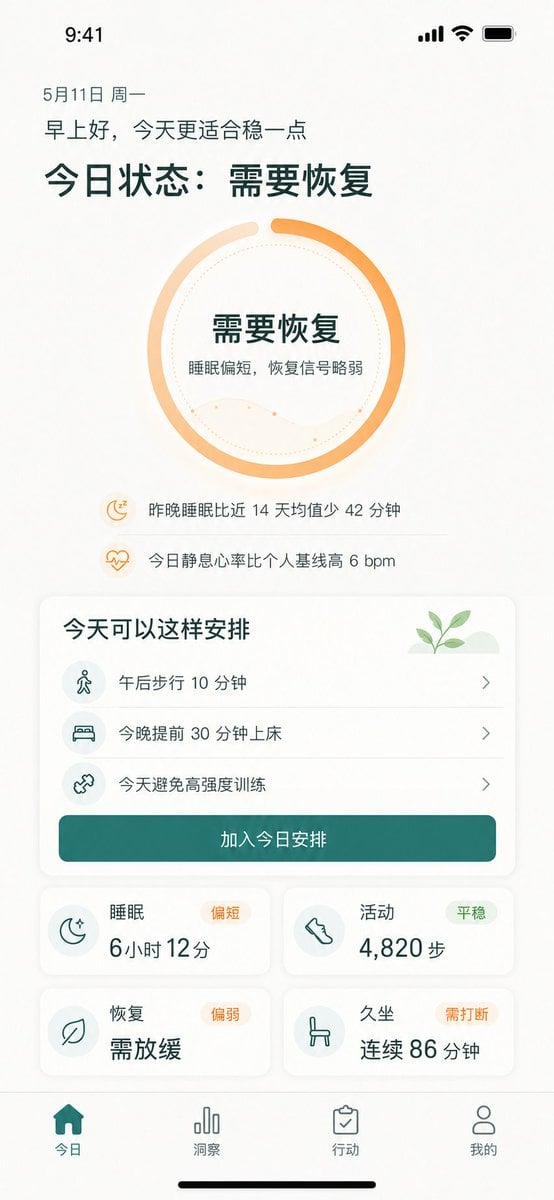
Chinese Wellness Recovery App UI

3x3 Grid Collage of Emotions in 3D Cartoon Style
Browse template categories
Realistic Morning Commute Portrait questions
How do I use the Realistic Morning Commute Portrait template?
Add your photo if the template asks for one, edit the prompt if you like — the template's model and format are already selected — and press Generate. Your version opens in PicX Studio.
Can I customize the Realistic Morning Commute Portrait template?
Yes. You can change the subject, setting, lighting, mood, format, and available model controls before creating your image.
Is the Realistic Morning Commute Portrait template free?
Opening and editing this template is free. Generating uses credits, shown on the Generate button when you are signed in.
Which AI model should I use?
Start with GPT Image 2, which is the model associated with this template. You can compare another compatible model for a different finish.
Looking for something else? Browse all templates.

Your photo, any look
Thousands of ready templates for every top image and video model, from one credit balance.