
Anime Idol Advertising Takeover City
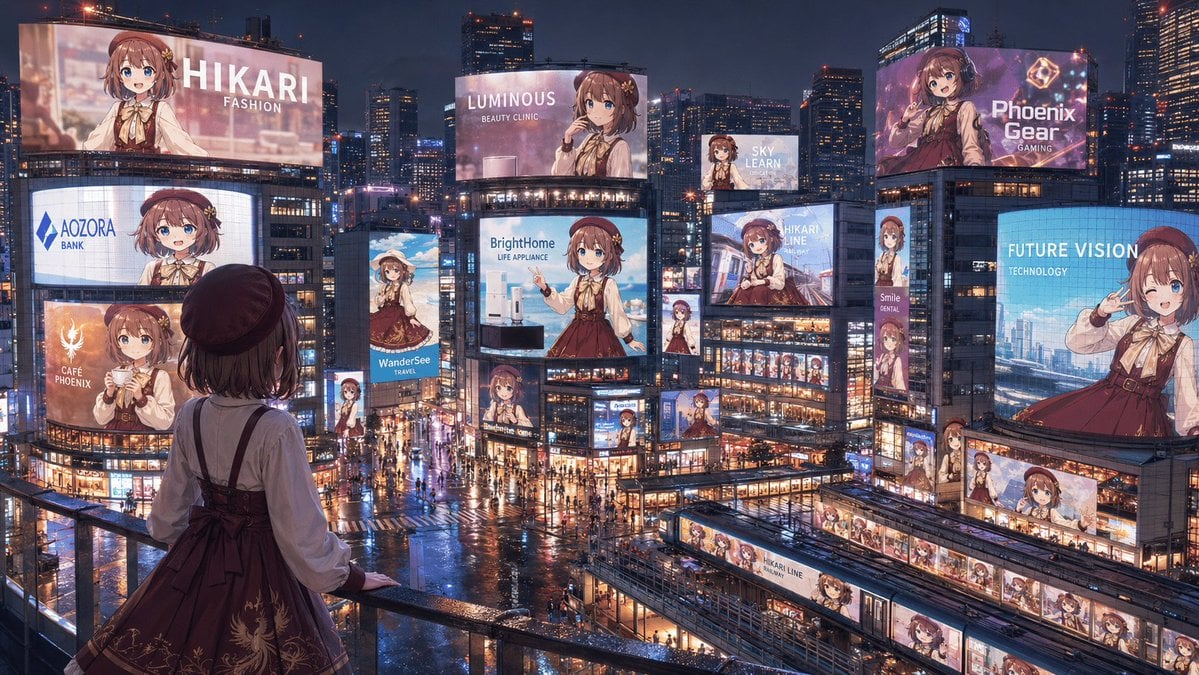
A wide cinematic prompt for generating a rainy neon city filled with coordinated billboard ads of one anime idol character.
- Prompt included
- Model and format preset
- Free template
The prompt behind this image
Copy the exact prompt behind Anime Idol Advertising Takeover City, or open it in the studio and make it yours.
Create a cinematic wide 16:9 anime-style nighttime cityscape showing a full “advertising takeover” of a futuristic Tokyo-like entertainment district by one idol character, {argument name="character name" default="Hikari"}. View from a high pedestrian balcony in the foreground, looking down over a rainy neon plaza packed with tiny pedestrians, wet reflective streets, glass buildings, trains, skybridges, and dense skyscrapers under a dark blue evening sky. In the foreground, place the same character seen from behind at the railing: a young anime girl with short brown hair, a dark beret, cream blouse, burgundy jumper dress with ribbon bow and subtle gold embroidery, looking out at the city. Fill the city with exactly 18 visible advertisements featuring the same girl in different poses and crops: 1) giant top-left billboard reading “HIKARI / FASHION,” 2) curved mid-left screen reading “AOZORA / BANK,” 3) lower-left orange cafe ad reading “CAFÉ PHOENIX,” 4) slim vertical travel ad reading “WanderSee / TRAVEL,” 5) large central billboard reading “LUMINOUS / BEAUTY CLINIC,” 6) central appliance billboard reading “BrightHome / LIFE APPLIANCE,” 7) small high billboard reading “SKY LEARN,” 8) large upper-right purple gaming ad reading “Phoenix Gear / GAMING,” 9) right-side blue technology billboard reading “FUTURE VISION / TECHNOLOGY,” 10) center-right transit ad reading “HIKARI LINE,” 11) narrow vertical sign reading “Smile / DENTAL,” 12) small vertical character sign beneath the central screens, 13) small character billboard near the lower center intersection, 14) small character sign on a mid-right building corner, 15) long horizontal station-front banner with repeated Hikari portraits, 16) train-side wrap ad labeled “HIKARI LINE,” 17) another train or platform wrap with repeated portraits in the lower-right transit area, and 18) small rooftop or facade screen near the center-right showing her portrait. Make every ad visually consistent but branded differently, with clean white sans-serif English text, glossy LED glow, and no extra unreadable copy. Use rich cyberpunk-commercial lighting, rain reflections, warm shop windows, blue and pink neon, highly detailed architecture, and a grand sense of scale. Some distant character faces on billboards may be softly blurred by glow and distance, but the overall impression must be clear: one beloved character has taken over the entire city’s advertising landscape. Use {argument name="primary outfit color" default="burgundy"}, {argument name="hair color" default="brown"}, {argument name="city mood" default="rainy neon night"}, and {argument name="main brand theme" default="idol fashion and lifestyle"}.
How to use Anime Idol Advertising Takeover City in 3 steps
- 1Upload ImagePNG, JPG or paste
Add your photo
Upload the photo the template builds on. The prompt, model and format are already set.
- 2…a portrait of your subject in softgolden-hour light, 85mm…
Personalize
Edit the subject and creative details for your destination.
- 3Generate
Generate
Press Generate — your image is created in PicX Studio, so you can compare it with the original and refine one variable at a time.
More like this
Templates with the same subject, style or setup. Open one to see its prompt.




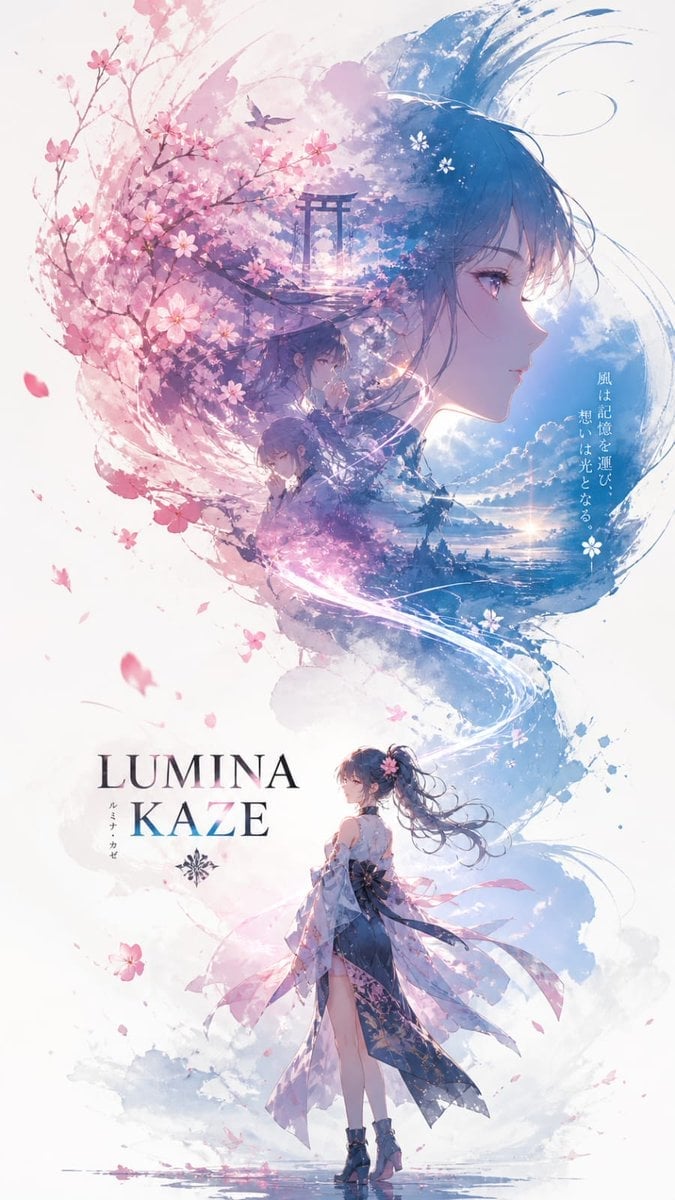
Make it yours
Anime Idol Advertising Takeover City works as-is. These are the safest ways to change it without losing the look.
Change one field
Copy a single group, rewrite it, and generate again so you can see what that field is doing.
Keep the frame, change the subject
Hold the composition and light of Anime Idol Advertising Takeover City, then swap wardrobe, props or the person for a new take.
| If the result… | Why | Fix |
|---|---|---|
| The result drifts from the preview | Too many fields changed at once. | Reuse Anime Idol Advertising Takeover City as-is first, then change one group — subject, light, or setting. |
| The model over-stylizes the scene | The prose prompt leaves finish and camera underspecified. | Add one camera or lighting sentence and stay on GPT Image 2. |
More GPT Image 2 templates
Other prompts made for GPT Image 2.

Six VTuber Japanese Logo Sheet

Realistic Portrait of Woman and Deer

The Vista Modular Condo Poster

AI Model Routing Comparison Infographic

2.5D Anime Art Board

Isometric Productivity Desk Scene

New York Double Exposure Poster

Four-Panel AI Landscape Comparison

Japanese Tatami Lifestyle Magazine Cover

NESCAFÉ Coffee Map Poster
More image prompts
Fresh picks from across the catalog.
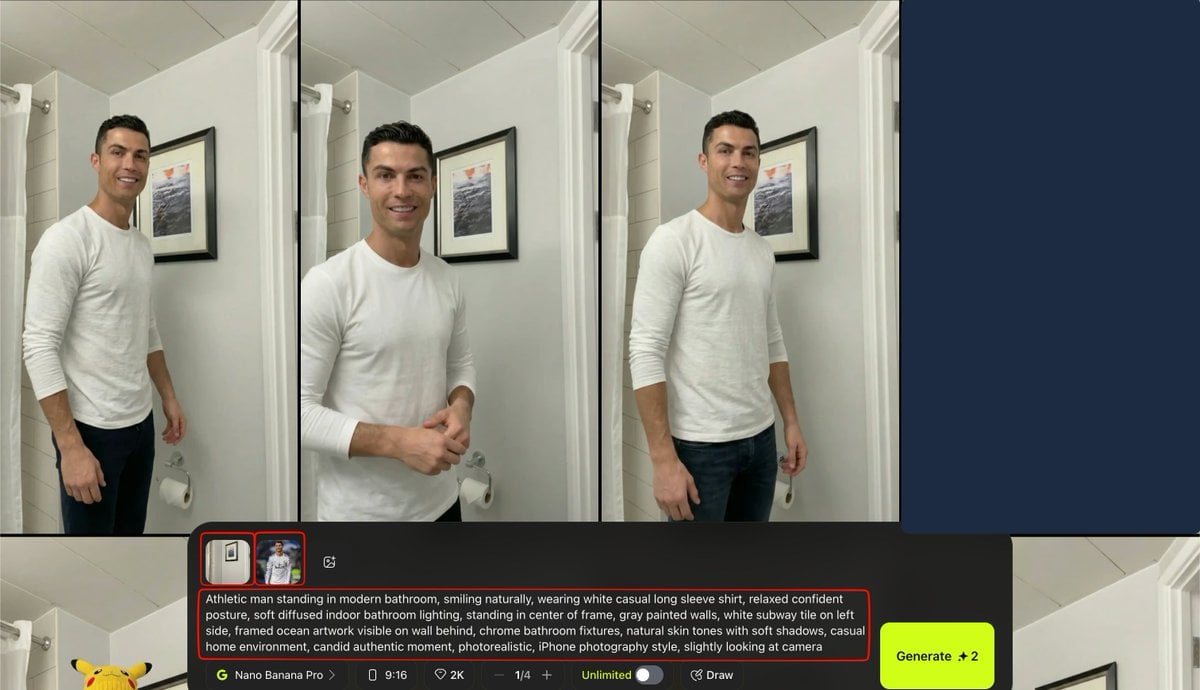
Turkish Prompt for Image Integration
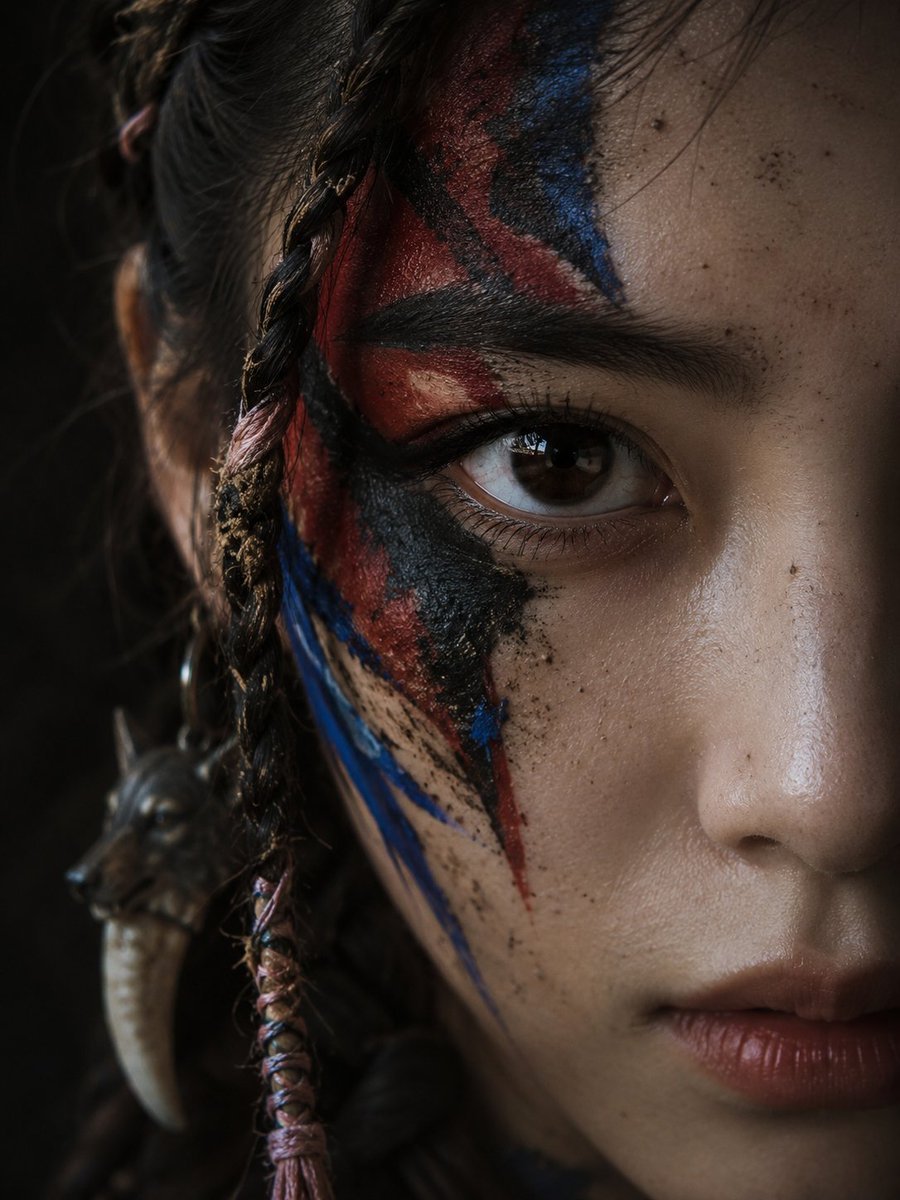
Cinematic Tribal Warrior Portrait
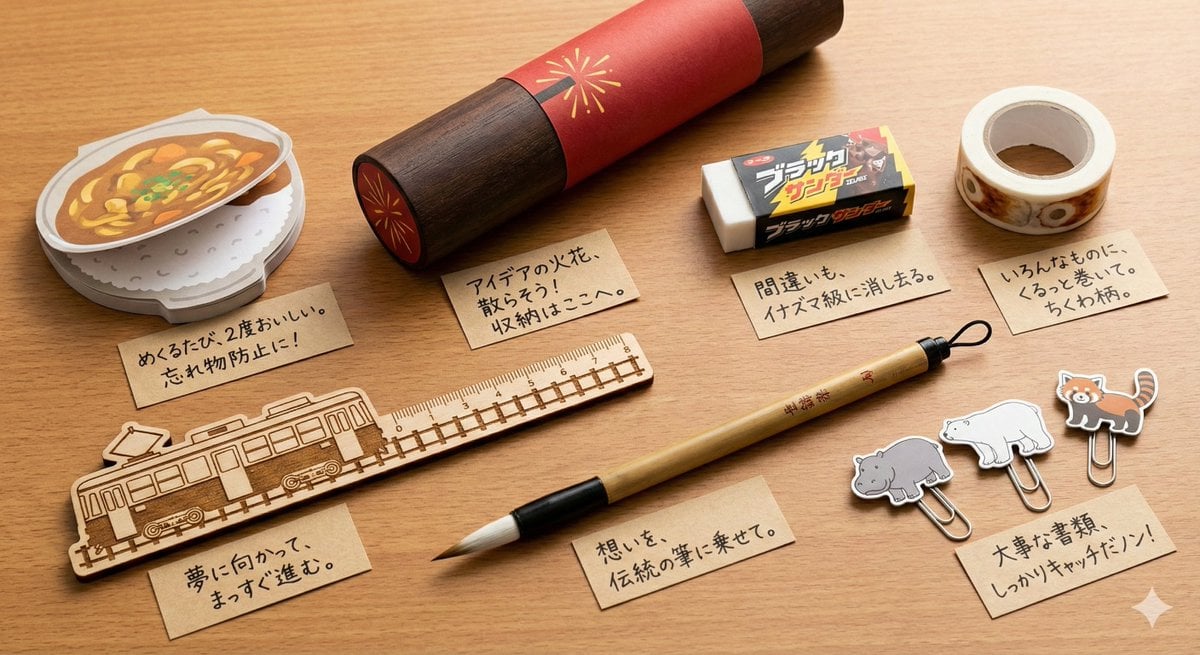
Conceptual Stationery Design Prompt for Toyohashi Specialties
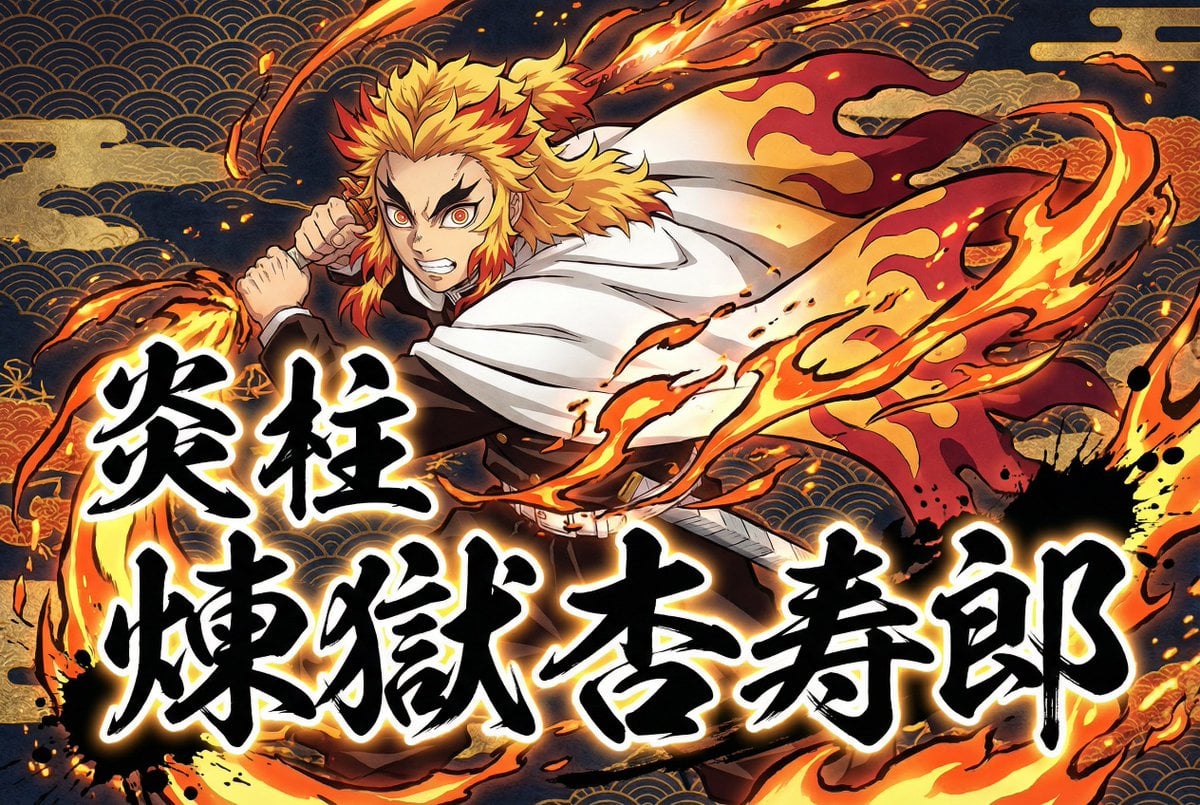
Kimetsu no Yaiba-style anime transformation with brush calligraphy
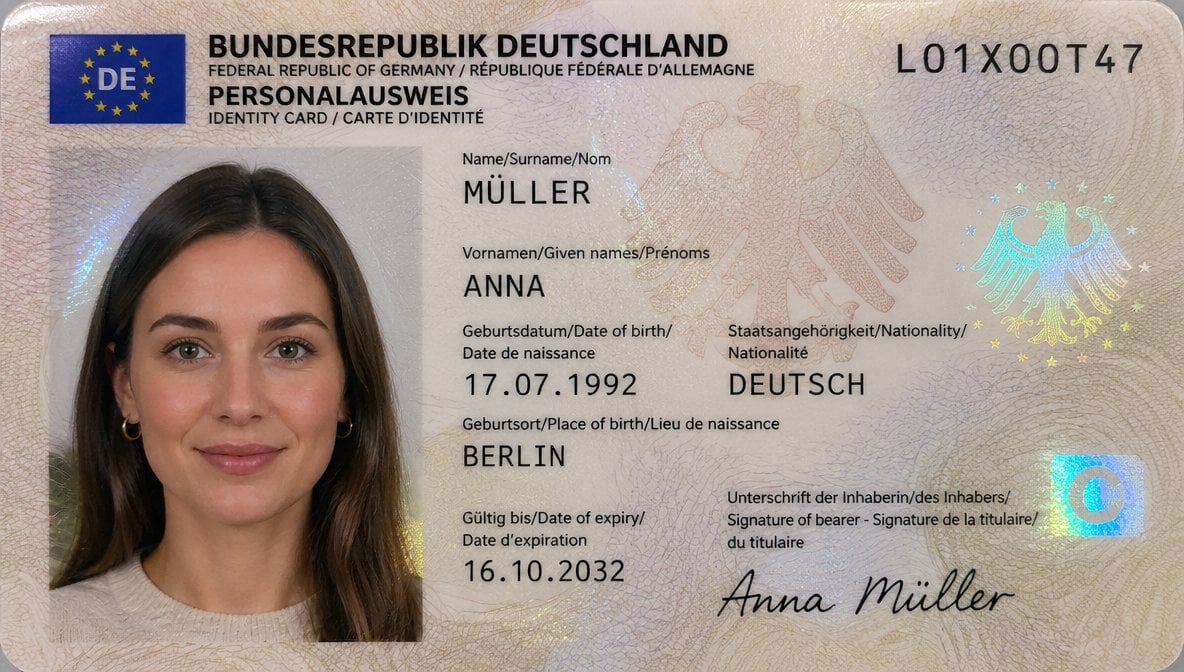
German ID Card Scan Transformation
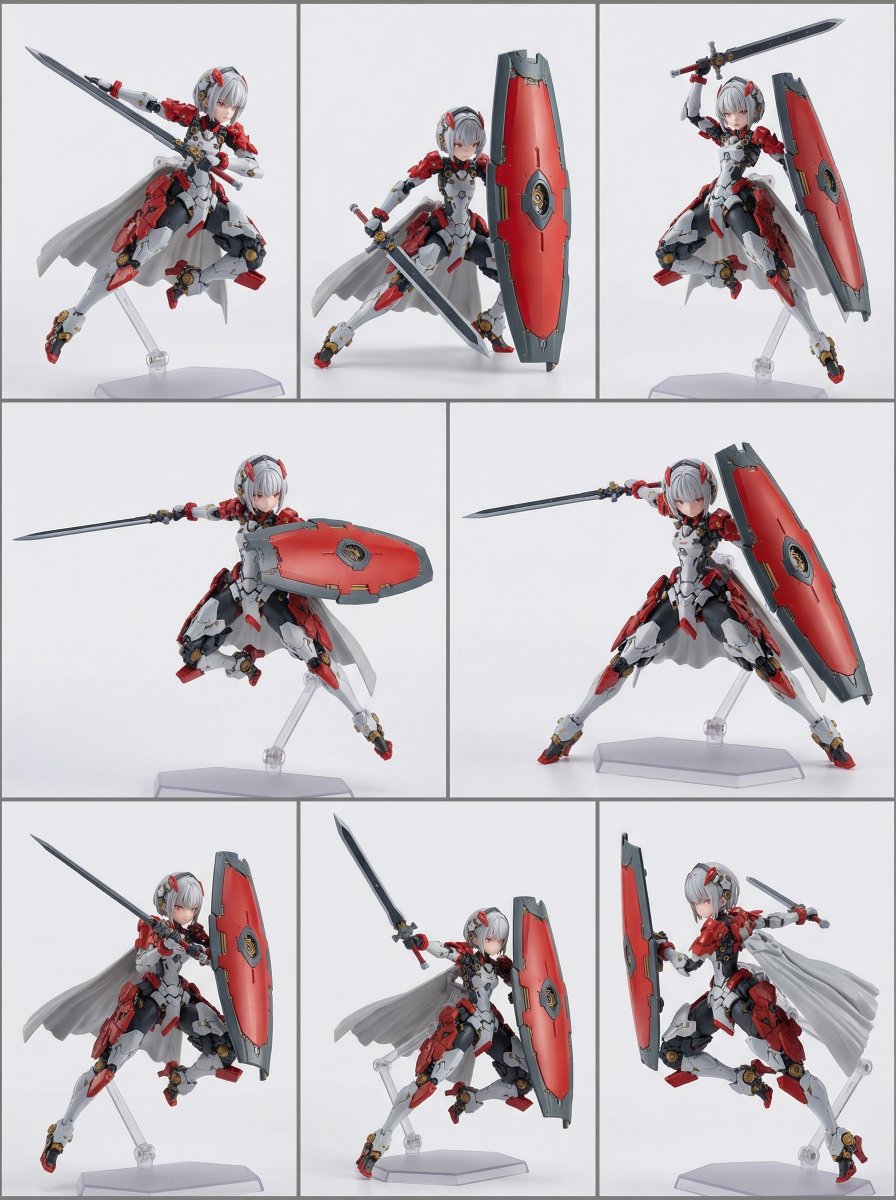
Action Figure Transformation Prompt for Nano Banana Pro
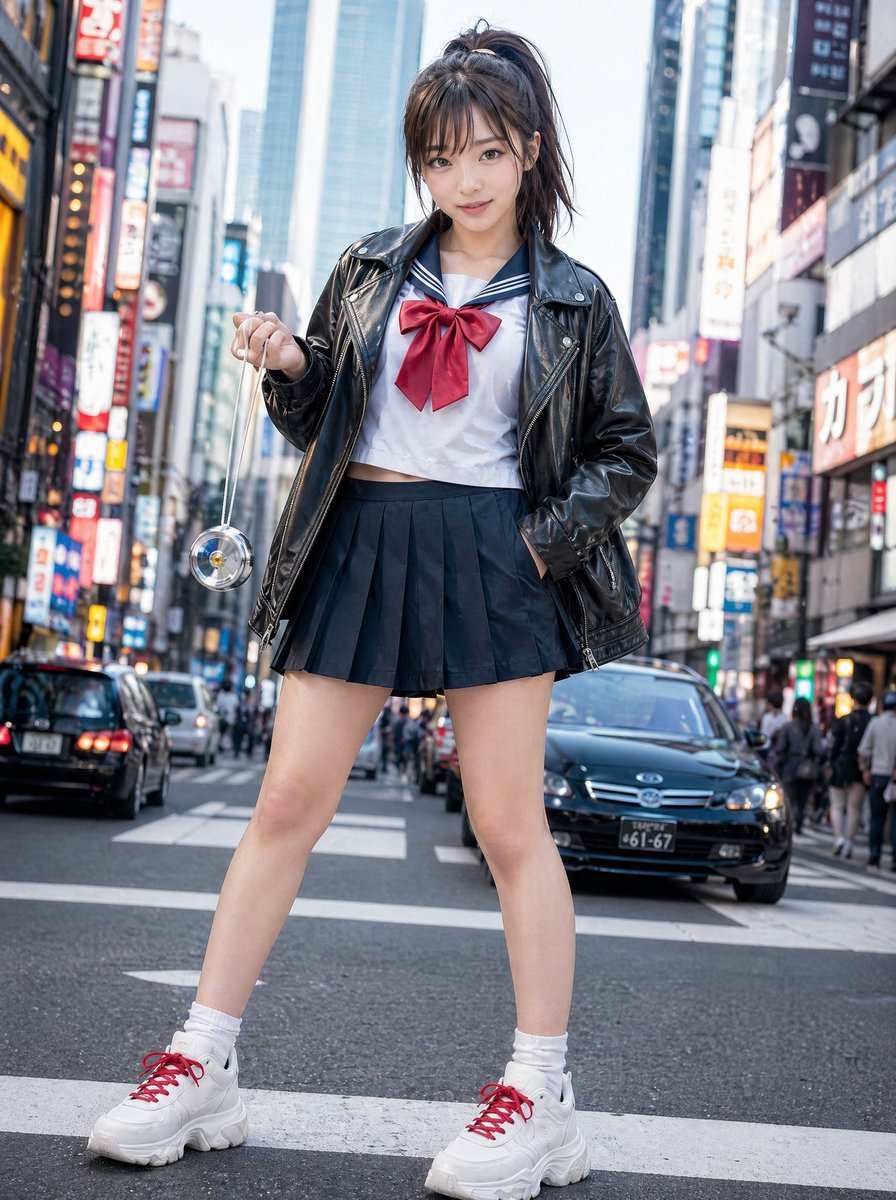
Modern Sukeban Street Portrait
Ultra-Realistic 3D Automotive Brand Render
Anatomy Correction Prompt for Nano Banana 2
Hyperrealistic Fashion Editorial with Animated Characters
Browse template categories
Anime Idol Advertising Takeover City questions
How do I use the Anime Idol Advertising Takeover City template?
Add your photo if the template asks for one, edit the prompt if you like — the template's model and format are already selected — and press Generate. Your version opens in PicX Studio.
Can I customize the Anime Idol Advertising Takeover City template?
Yes. You can change the subject, setting, lighting, mood, format, and available model controls before creating your image.
Is the Anime Idol Advertising Takeover City template free?
Opening and editing this template is free. Generating uses credits, shown on the Generate button when you are signed in.
Which AI model should I use?
Start with GPT Image 2, which is the model associated with this template. You can compare another compatible model for a different finish.
Looking for something else? Browse all templates.

Your photo, any look
Thousands of ready templates for every top image and video model, from one credit balance.