How do I use the Dreamy Soft-Focus Portrait Photography template?
Choose the primary action to open PicX Studio with the available template settings. Review the model and format, personalize the creative direction, and generate when ready.
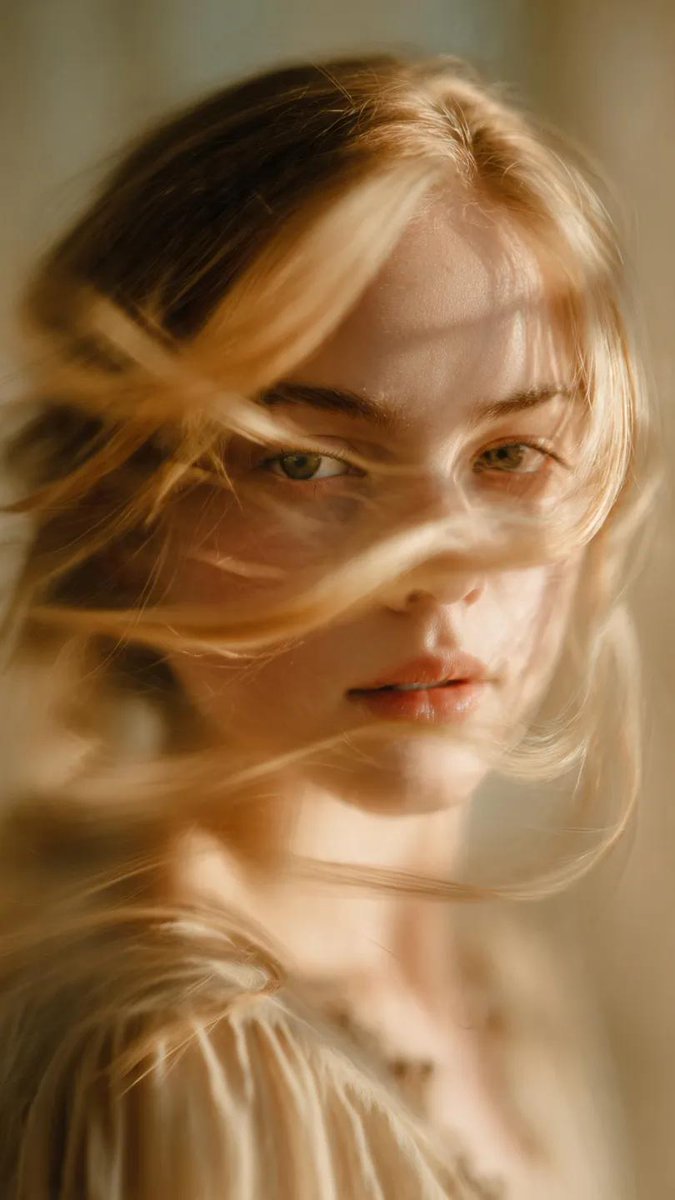
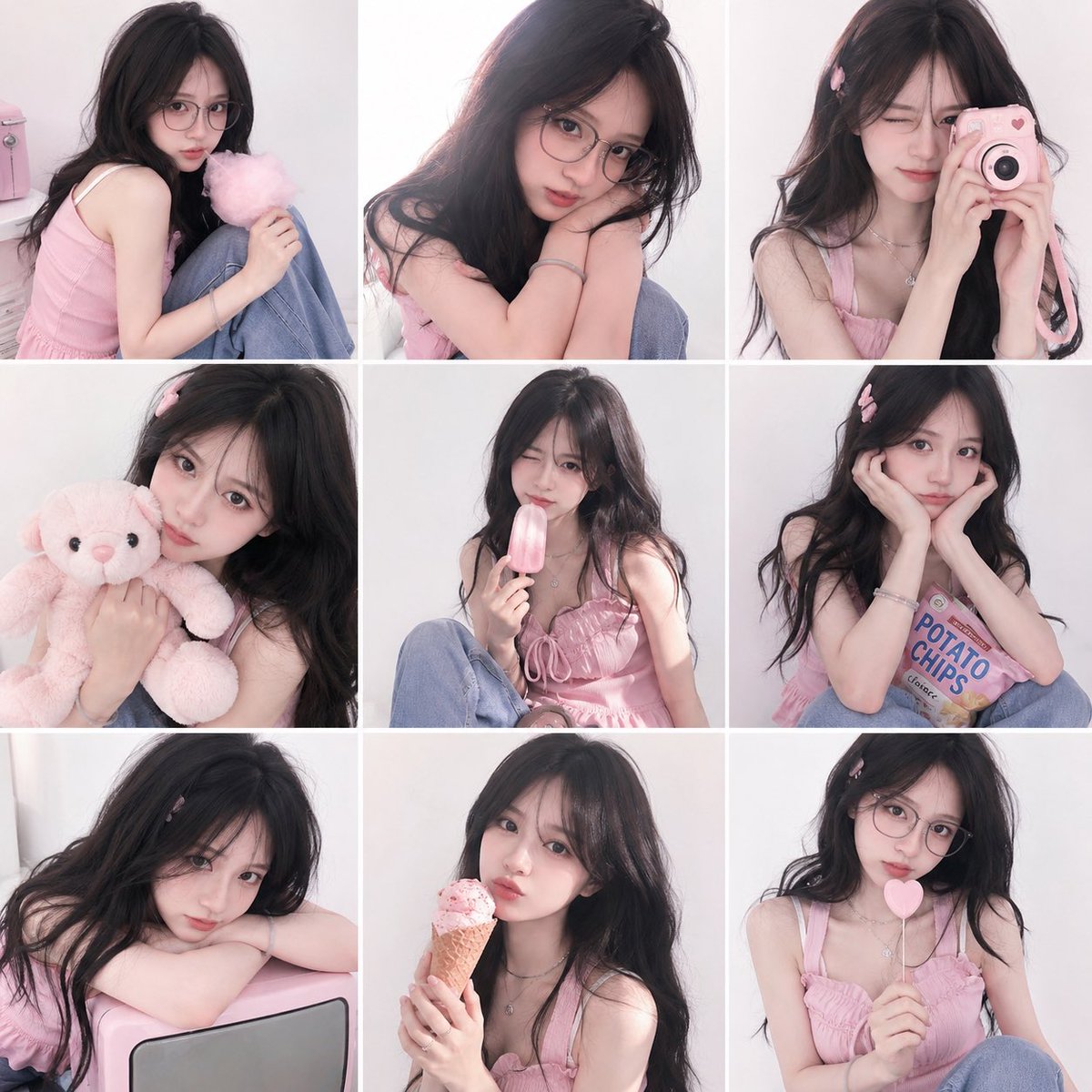
A detailed prompt for generating soft-focus, dreamy portrait photography with a nostalgic film aesthetic, featuring low contrast, airy lighting, and gentle color tones. Change the subject, setting, or lighting one variable at a time.
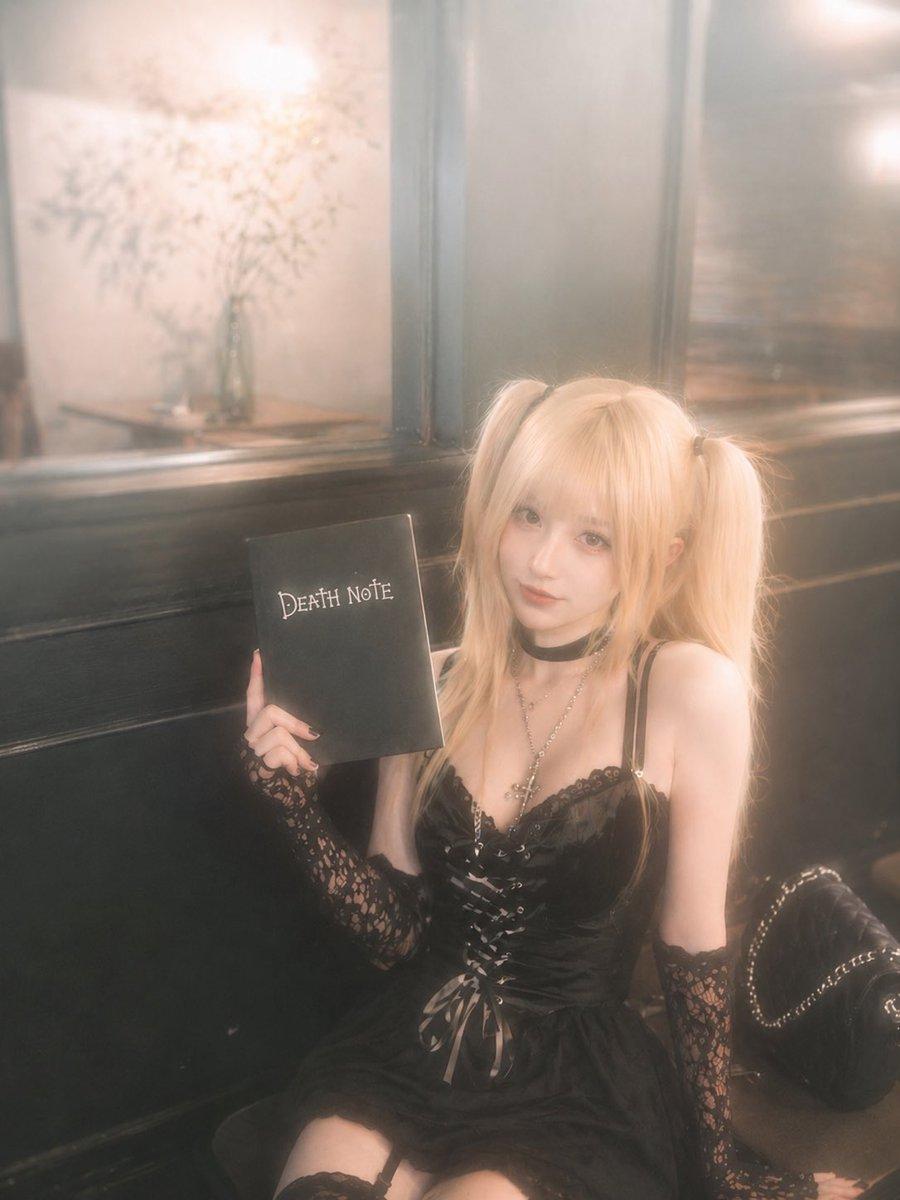
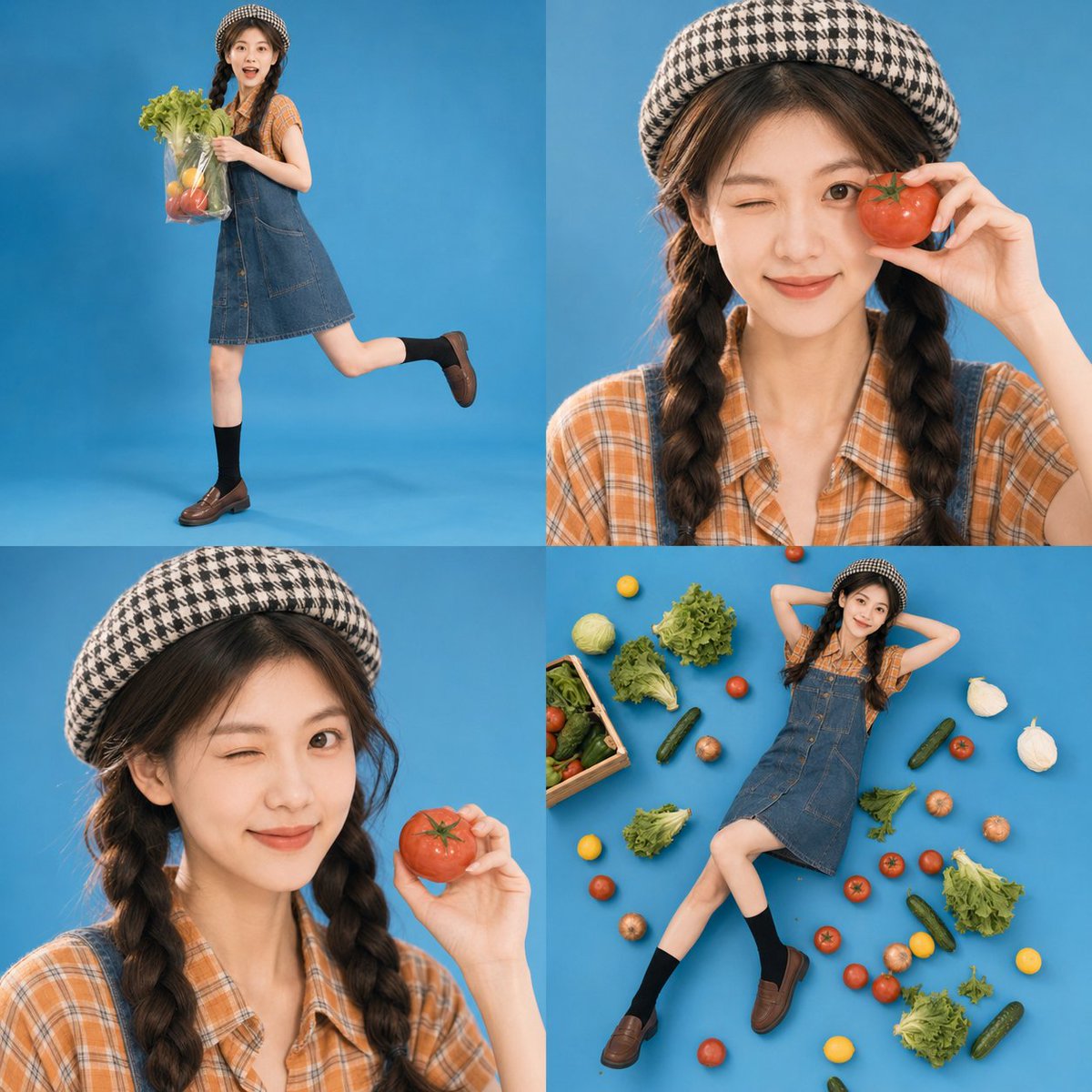
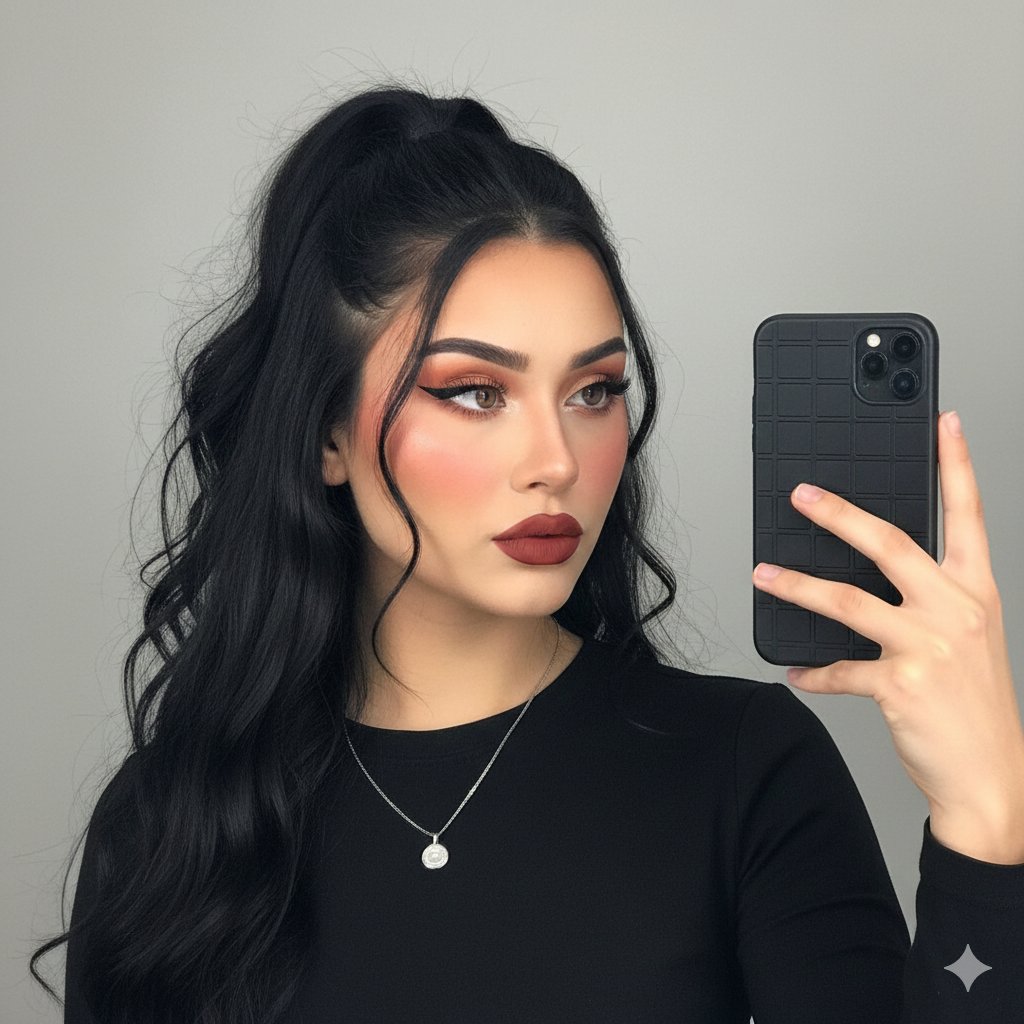
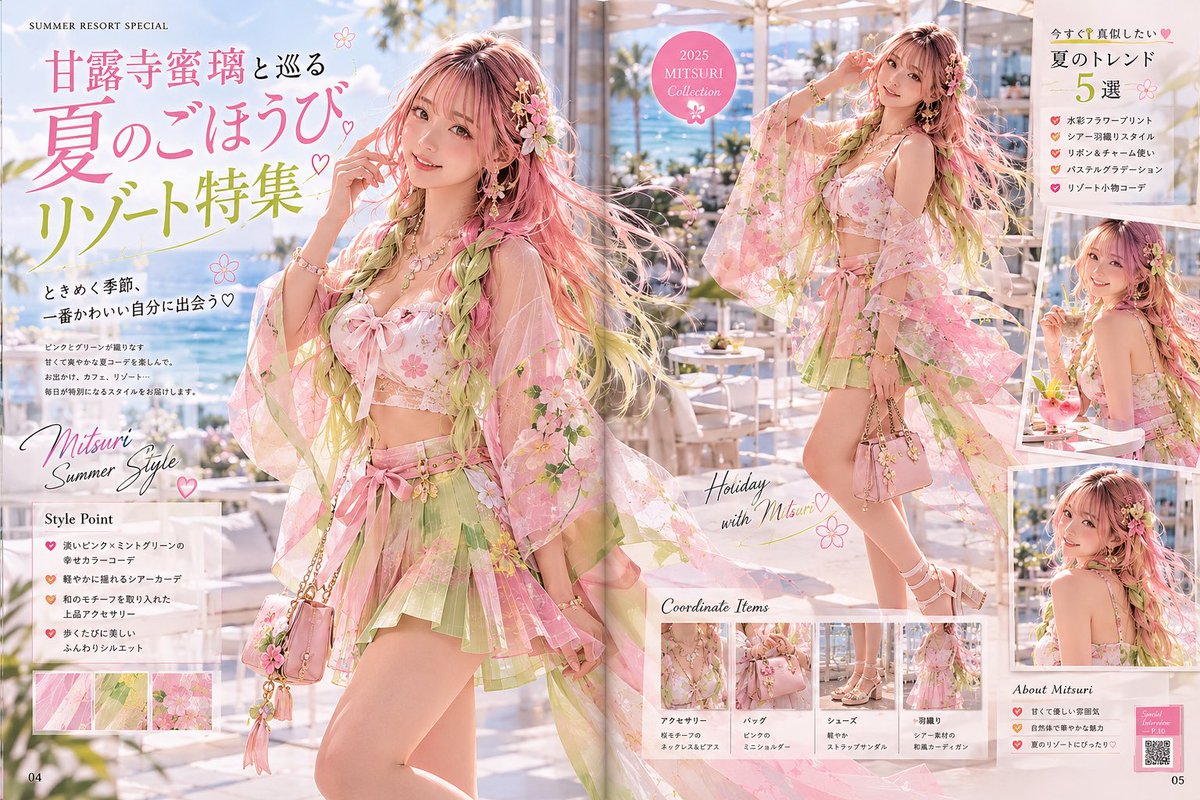
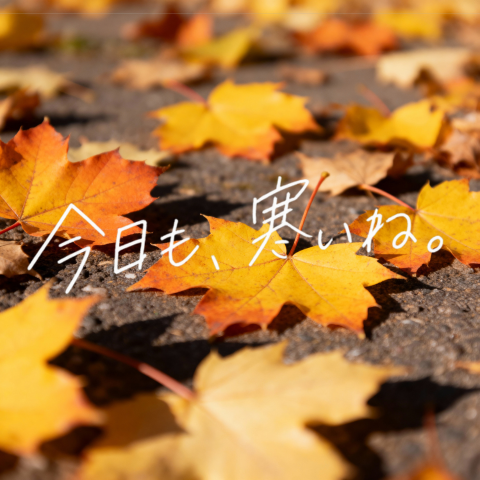
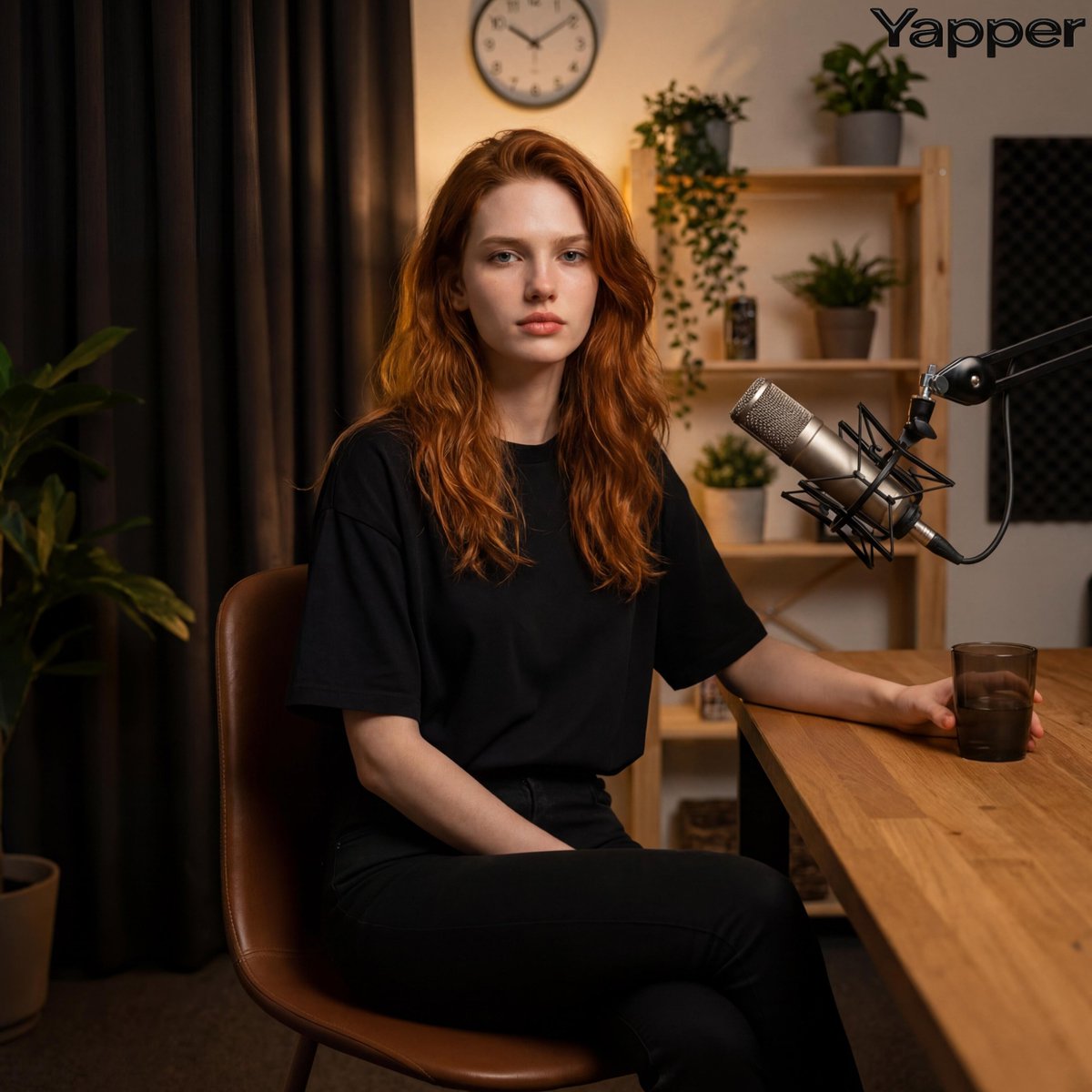
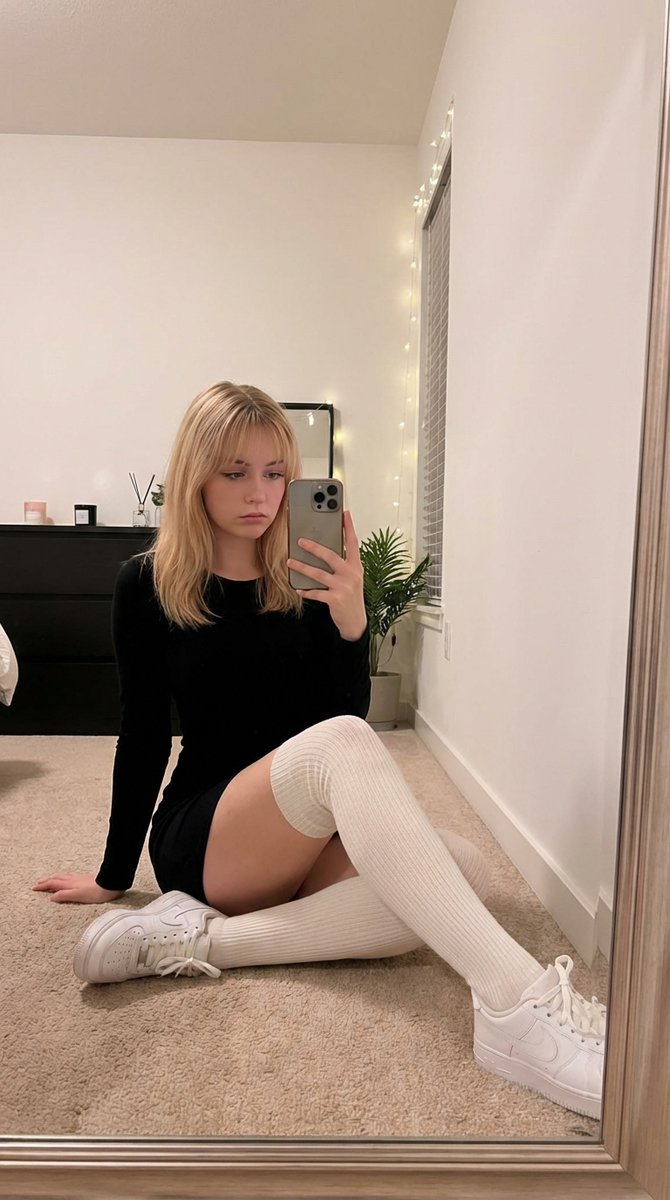
柔焦梦幻写真摄影风格,低对比度、轻微过曝、空气感雾化效果,画面带有朦胧滤镜与胶片感。自然散射光,逆光或侧逆光,人物边缘有柔和光晕,肤色白皙通透,整体色调{argument name="色调" default="清淡、低饱和、偏奶白与浅绿"},氛围温柔、安静、浪漫、少女感。浅景深背景虚化,细节不过分锐利,像早期数码相机或手机拍摄的柔美人像照片。构图以{argument name="构图" default="竖幅半身或七分身人像"}为主,人物居中或略偏一侧,表情{argument name="表情" default="清冷、温柔、微微忧郁"},眼神看向镜头。增加柔和反光等元素,整体呈现梦幻、轻盈、仙气、私房写真般的摄影质感。真实摄影,不是插画,不是3D,不是过度精修。
Choose the primary action to open PicX Studio with the available template settings. Review the model and format, personalize the creative direction, and generate when ready.
Yes. You can change the subject, setting, lighting, mood, format, and available model controls before creating your image.
This template is free to open and customize. Generation usage is shown in PicX Studio before you create.
Start with GPT Image 2, which is the model associated with this template. You can compare another compatible model for a different finish.
Follow a topic to a crawlable collection of related PicX Studio templates.
43,474 public templates available. Verified via the PicX Studio public templates API; refreshed hourly.




![69-untitled — FORMAT: 15s / 145 BPM / 14 SHOTS
SUBJECT: @[image1]
WARDROBE: Clean modern outfit
ENVIRONMENT: Street / indoor transitions
MOOD: Discovery → contr](/_next/image?url=https%3A%2F%2Fcdn.picxstudio.com%2Fuploads%2Fpost69_img0_d45faecf-38c3-4bcb-81a4-f6eb1cf42bb2.jpg&w=828&q=100)
![A soft-focus dream photograph of a in a, seen through translucent fabric — A soft-focus dream photograph of a [subject] in a [setting], seen through translucent](https://images.meigen.ai/tweets/2047631914769756180/0.jpg)








![Minimalist Flat Vector Travel Poster — Premium minimalist flat-vector travel poster for {argument name="city name" default="[CITY_NAME]"}, 3:4 vertical format.](https://cms-assets.youmind.com/media/1787917359711_3ug846_HQX205cbMAA6F6S-300x400.jpg)






























![Generate Cakes from Logos or Characters — いろいろな企業のロゴをケーキにするプロンプトです
(画像を添付した上で[LOGO]のところを [Character in the image]に変えるとできます)](https://pbs.twimg.com/media/G8QspXEa0AAr1Wb.jpg)
![Commercial Cosmetic Product Photography Prompt — A centrally placed pink cosmetic jar labeled “LANEIGE Lip Sleeping Mask [Berry] 3 g” sits on top of a large spi](https://pbs.twimg.com/media/HDhRyeEaIAAW8dL.jpg)