
Zen Tea Cup Ink Wash
A minimalist Japanese zen ink illustration of a steaming tea cup with bamboo on aged paper, suitable for calm decor or meditation-themed visuals.
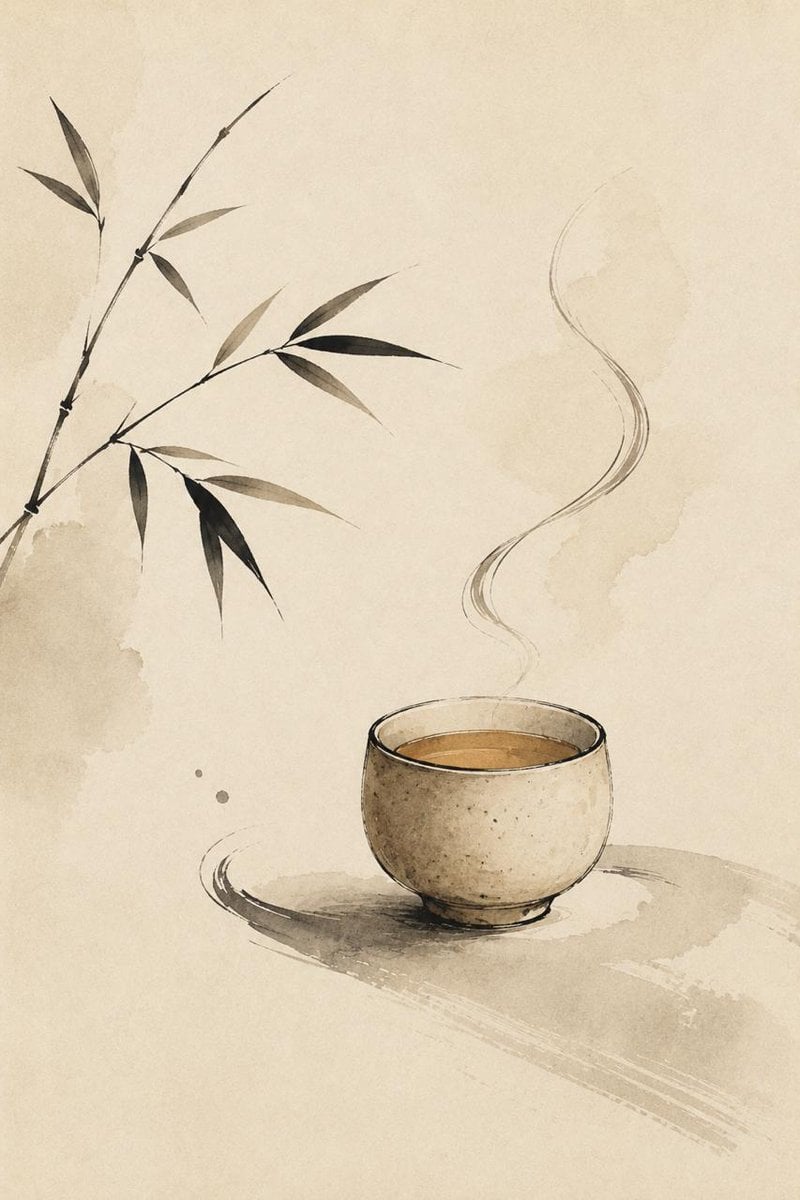
- Prompt included
- Model and format preset
- Free template
The prompt behind this image
Copy the exact prompt behind Zen Tea Cup Ink Wash, or open it in the studio and make it yours.
Create a minimalist zen-style Japanese ink wash illustration on a vertical canvas. Use warm aged rice paper as the background with subtle beige watercolor stains and abundant negative space. Place a single rustic ceramic tea cup in the lower-right area, rounded and slightly imperfect, with speckled beige clay texture, a thin dark rim, a visible amber-brown tea surface, and a soft gray ink shadow beneath it. From the cup, draw one graceful column of steam made of thin, translucent, flowing S-shaped black-gray brush lines rising upward. On the left side, include one slender bamboo branch entering diagonally from the lower-left edge and reaching toward the upper-left and center, with exactly 3 visible stem segments and exactly 12 narrow bamboo leaves in muted black, charcoal, and pale gray ink tones. Add 2 small ink dots near the lower-left of the cup. Keep the composition quiet, asymmetrical, meditative, and elegant, with soft organic brush textures, sumi-e linework, light watercolor washes, no hard outlines except the expressive ink strokes, no text, no border, no watermark.
How to use Zen Tea Cup Ink Wash in 3 steps
- 1Upload ImagePNG, JPG or paste
Add your photo
Upload the photo the template builds on. The prompt, model and format are already set.
- 2…a portrait of your subject in softgolden-hour light, 85mm…
Personalize
Edit the subject and creative details for your destination.
- 3Generate
Generate
Press Generate — your image is created in PicX Studio, so you can compare it with the original and refine one variable at a time.
More like this
Templates with the same subject, style or setup. Open one to see its prompt.
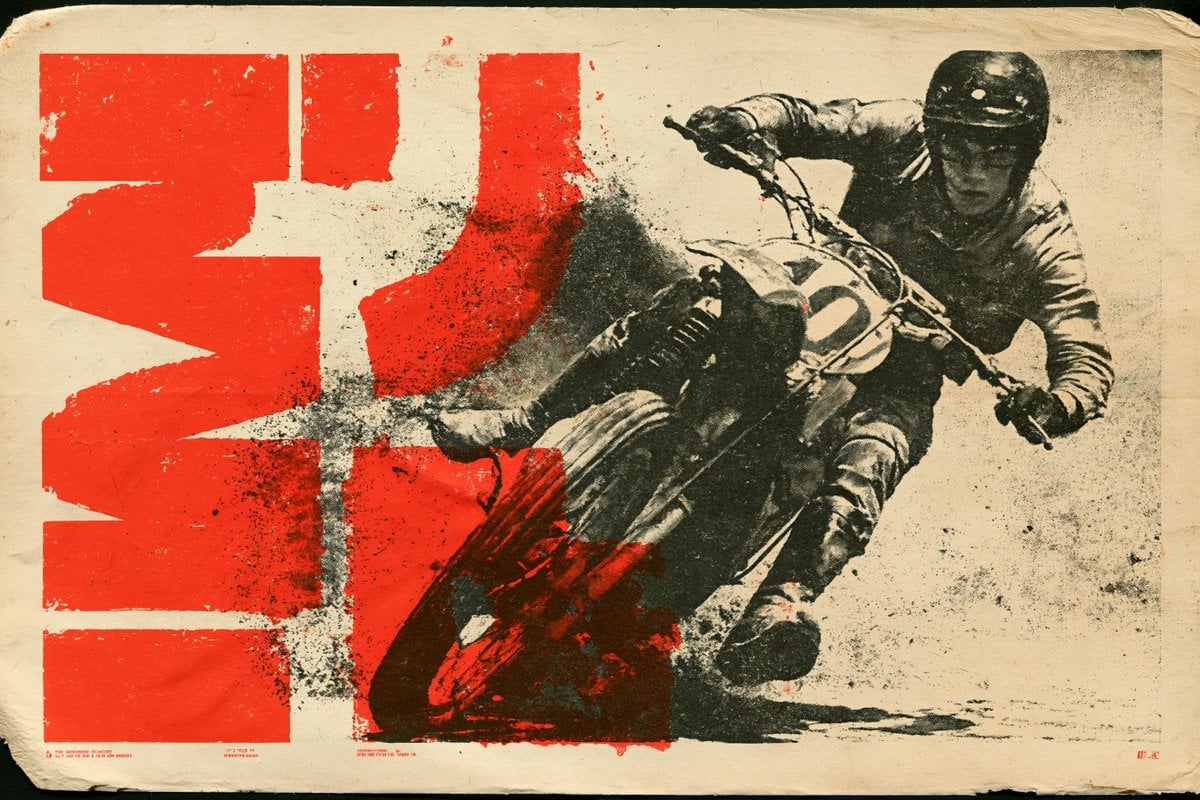
Vintage Lithograph Retro World Cup Poster
Vintage Lithograph Retro World Cup Poster
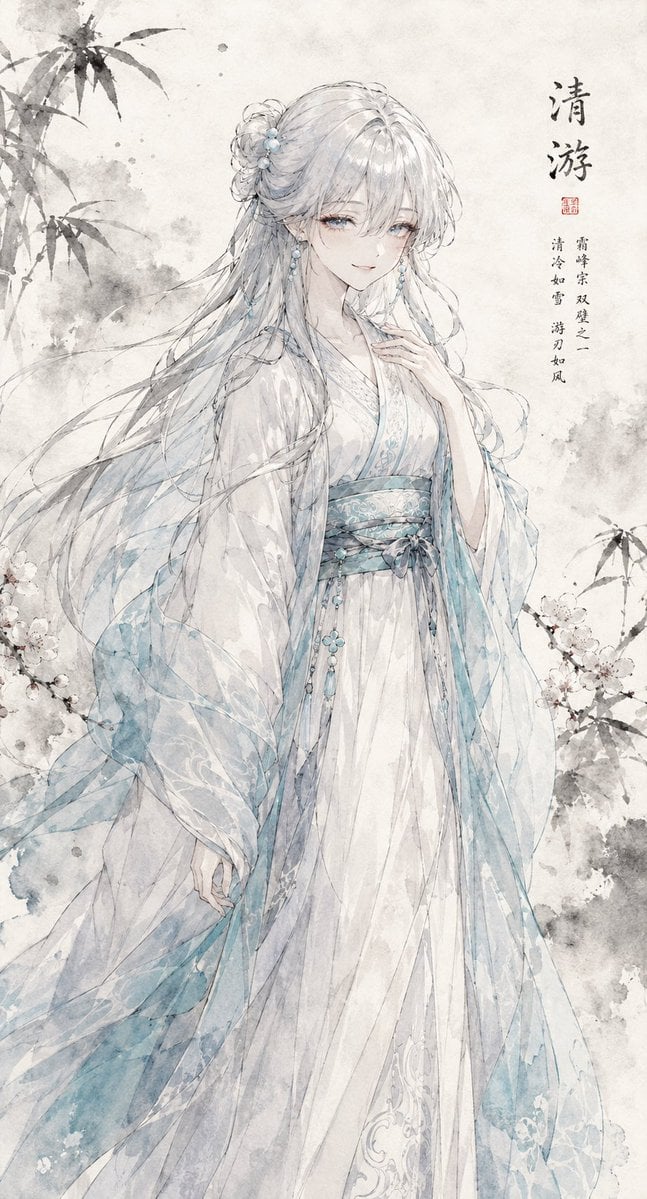
Ink Wash Hanfu Character Portrait
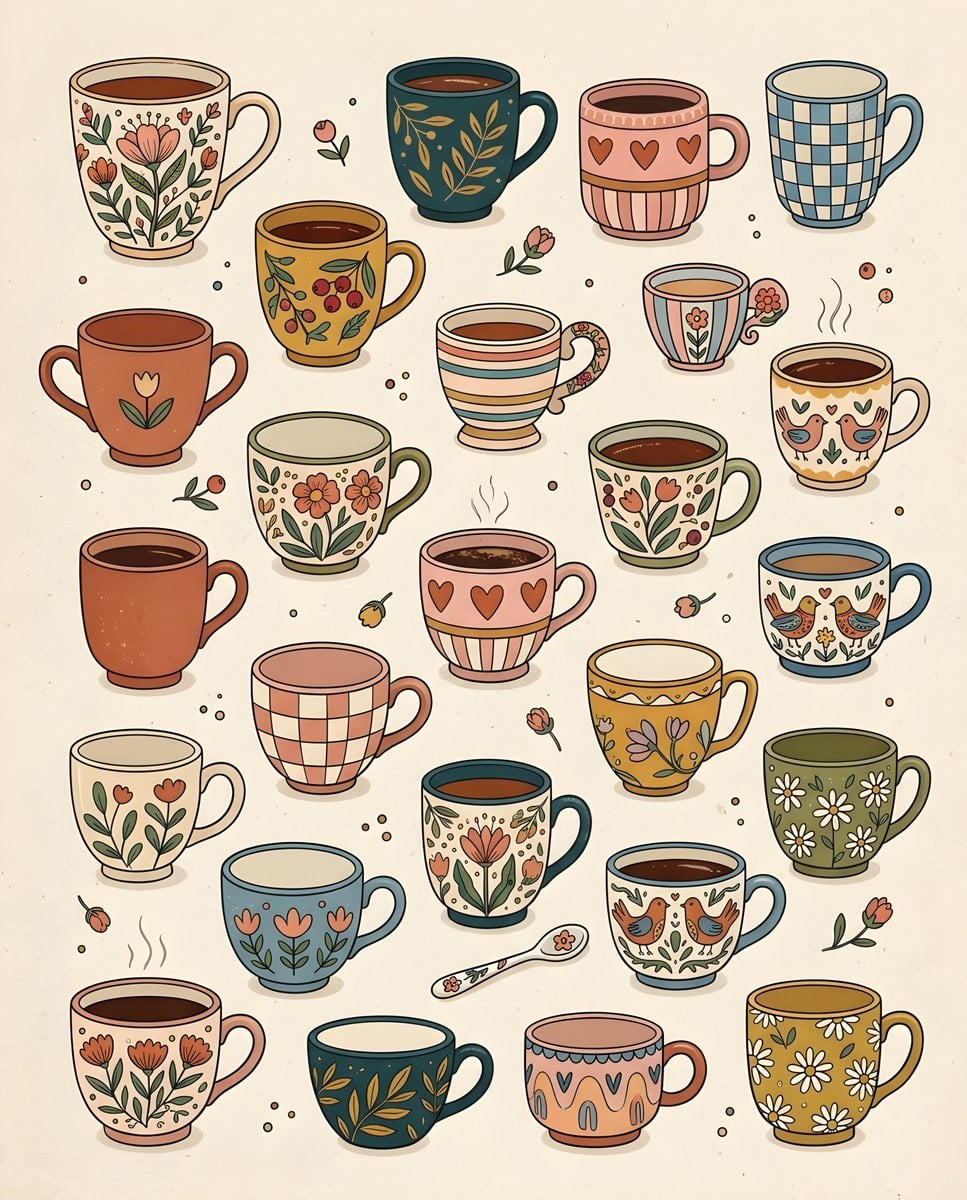
Whimsical Hand-Drawn Teacups
Ink wash and watercolor woman portrait
Ink-Wash Samurai Landscape

Luxury Golden Tea Cup Mountain Stream
Ink-Wash Warrior Riding a Tiger
Ink-Wash Tribute Poster for Chen Uen
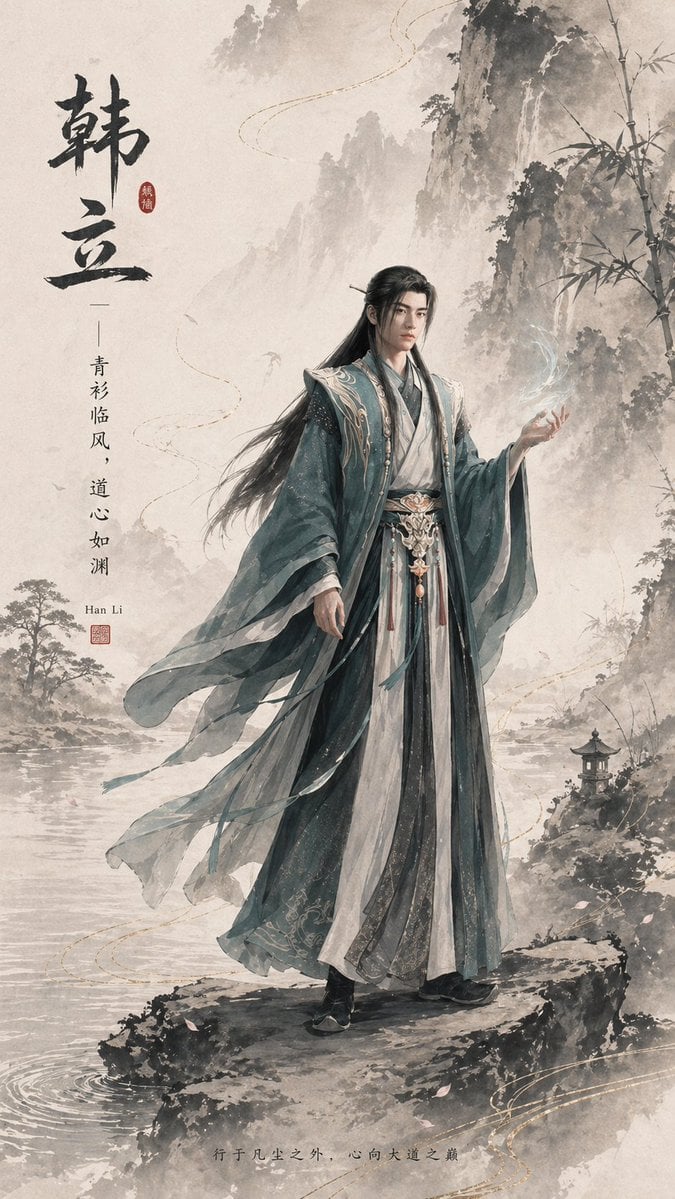
Ink-Wash Han Li Character Poster
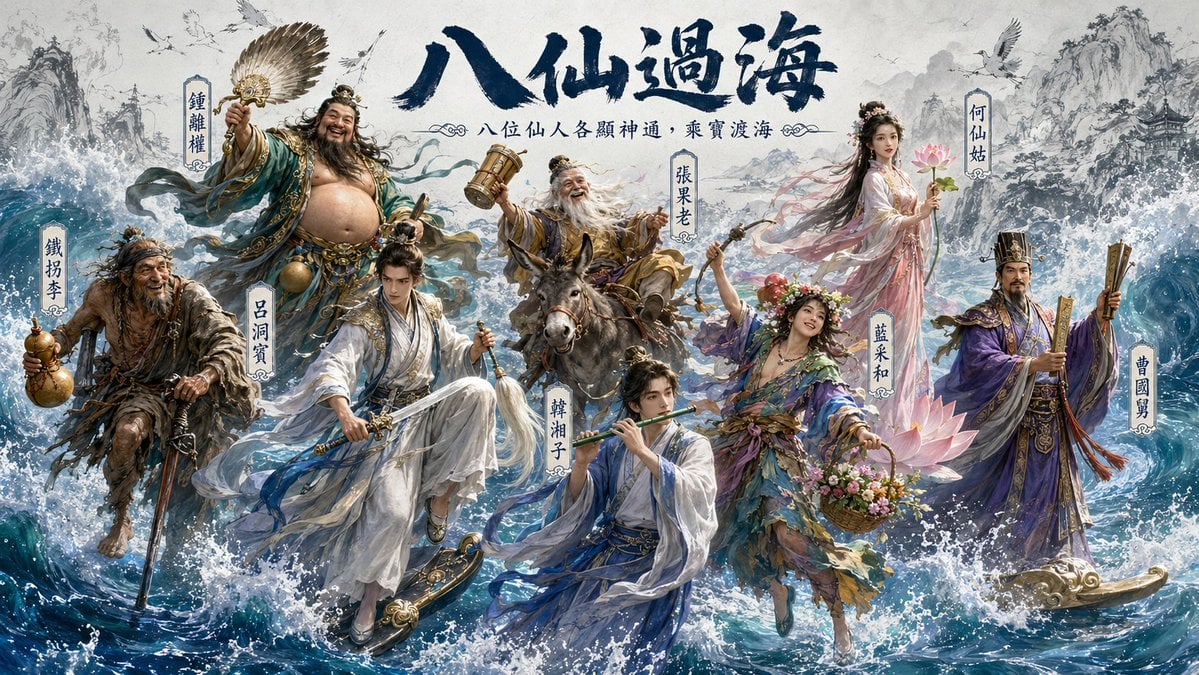
Hybrid CGI Ink-Wash Chinese Illustration
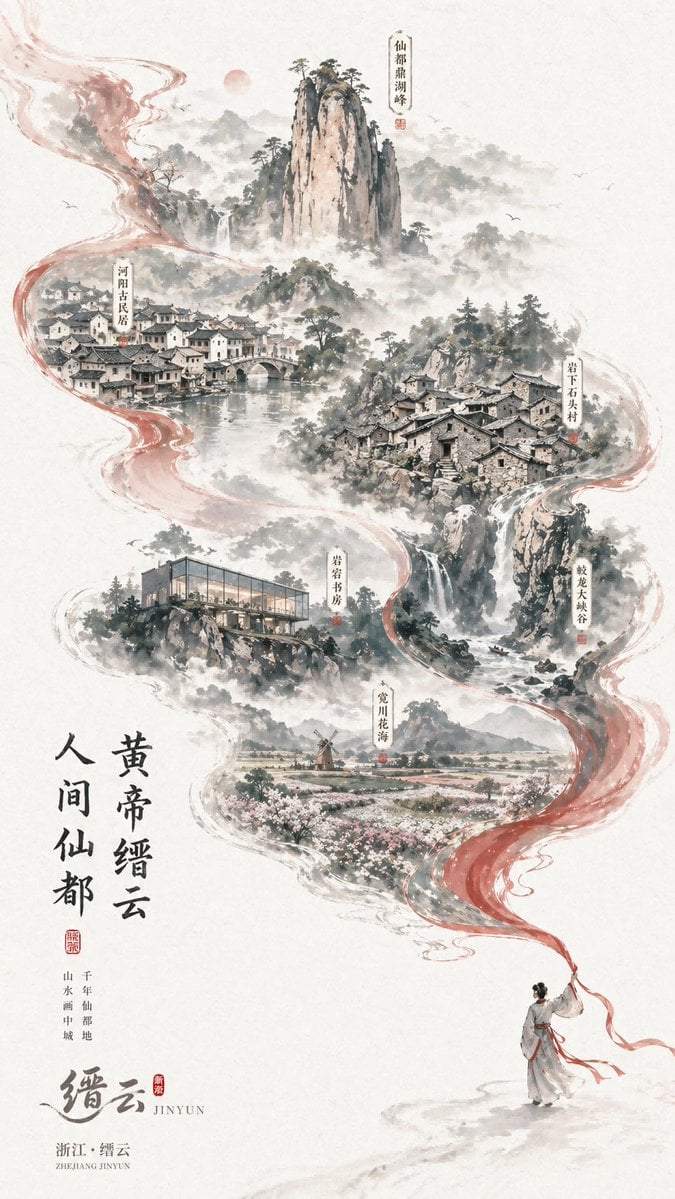
Chinese Ink-Wash Jinyun Travel Poster
Make it yours
Zen Tea Cup Ink Wash works as-is. These are the safest ways to change it without losing the look.
Change one field
Copy a single group, rewrite it, and generate again so you can see what that field is doing.
Keep the frame, change the subject
Hold the composition and light of Zen Tea Cup Ink Wash, then swap wardrobe, props or the person for a new take.
| If the result… | Why | Fix |
|---|---|---|
| The result drifts from the preview | Too many fields changed at once. | Reuse Zen Tea Cup Ink Wash as-is first, then change one group — subject, light, or setting. |
| The model over-stylizes the scene | The prose prompt leaves finish and camera underspecified. | Add one camera or lighting sentence and stay on GPT Image 2. |
More GPT Image 2 templates
Other prompts made for GPT Image 2.

Six VTuber Japanese Logo Sheet

Realistic Portrait of Woman and Deer

The Vista Modular Condo Poster

AI Model Routing Comparison Infographic

2.5D Anime Art Board

Isometric Productivity Desk Scene

New York Double Exposure Poster

Four-Panel AI Landscape Comparison

Japanese Tatami Lifestyle Magazine Cover

NESCAFÉ Coffee Map Poster
More image prompts
Fresh picks from across the catalog.
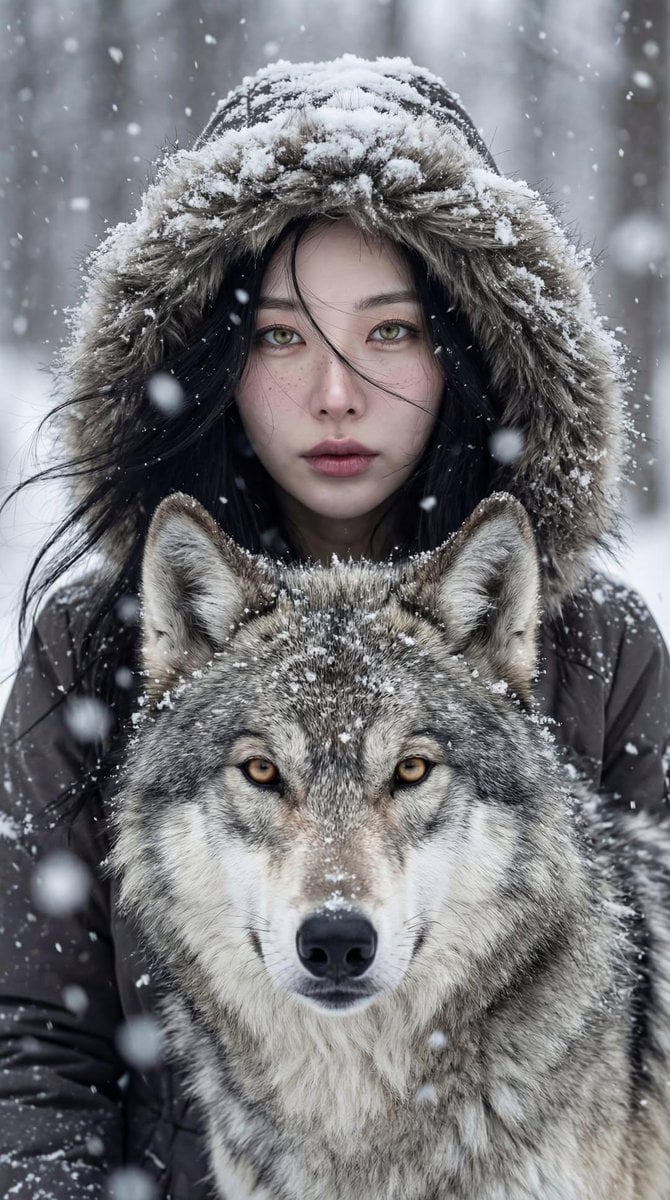
Cinematic Winter Portrait: Woman and Wolf
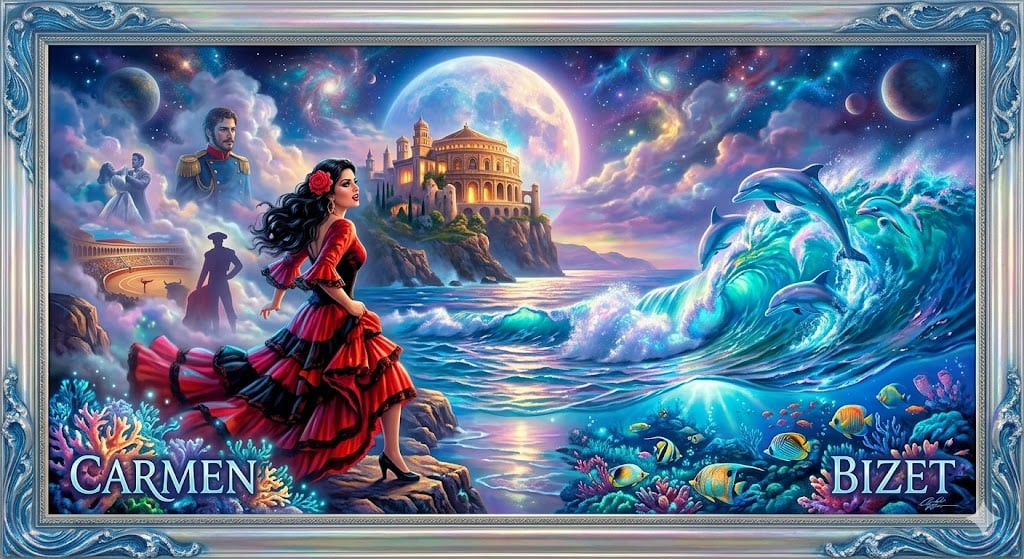
Image generation prompt for Carmen in a Kinkade style
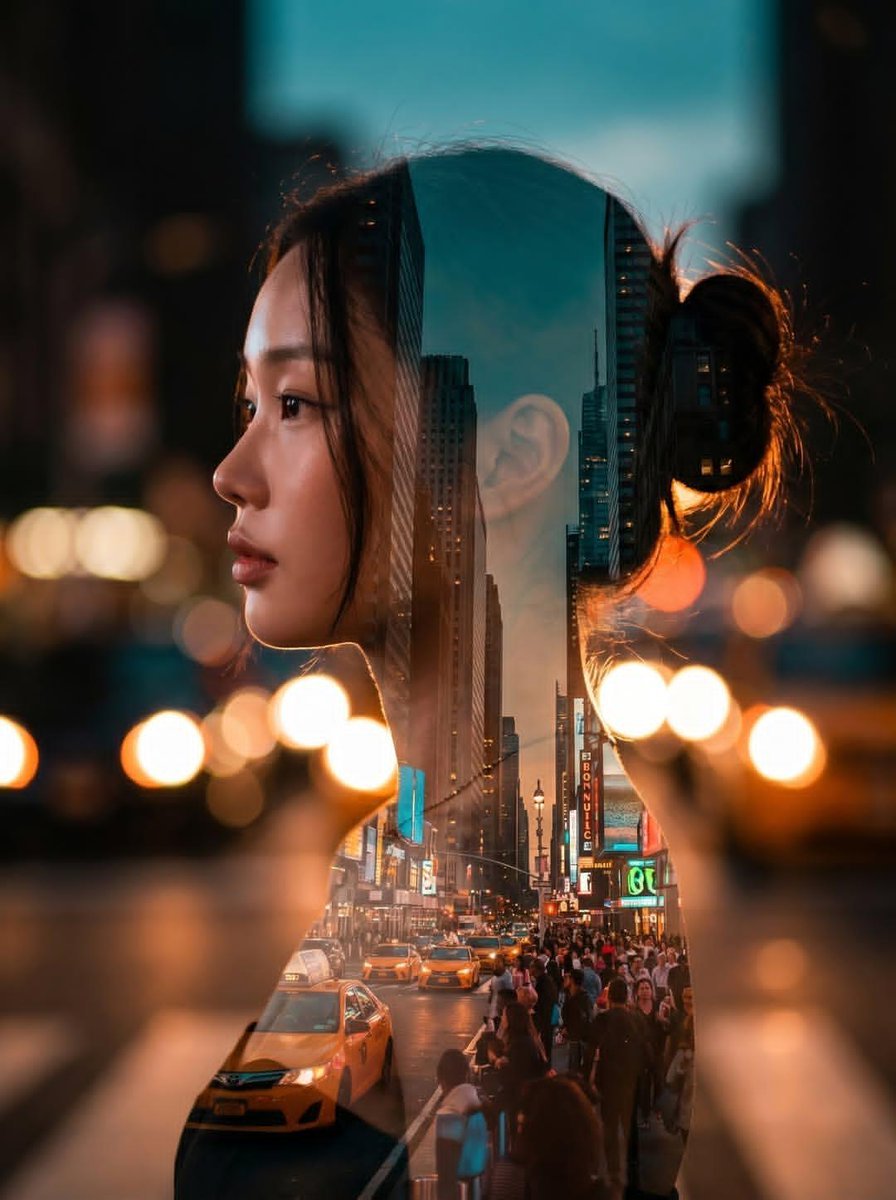
Double Exposure City Portrait
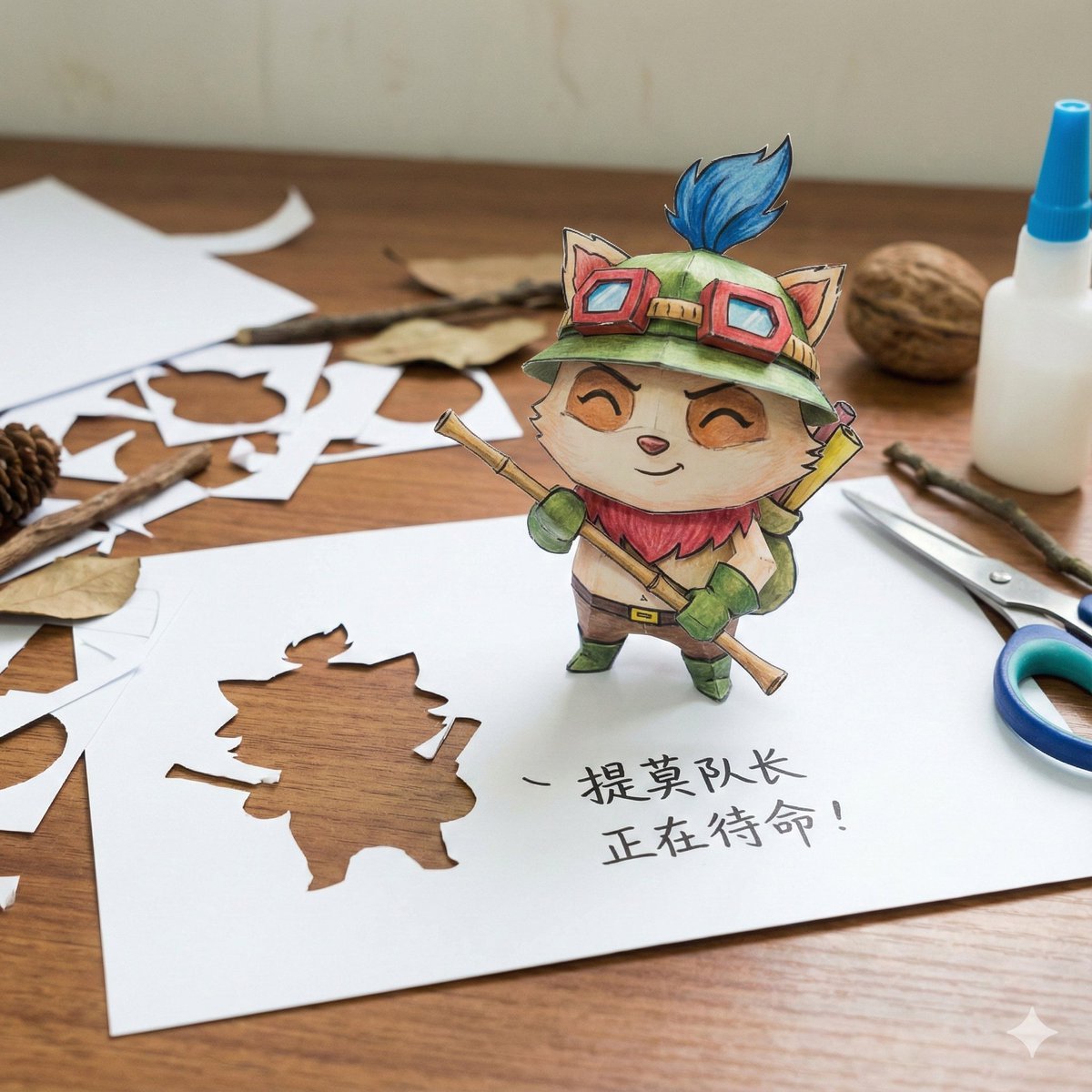
Paper Art Cutout Effect Prompt

Cinematic Overhead Portrait of a Man on a Red Couch
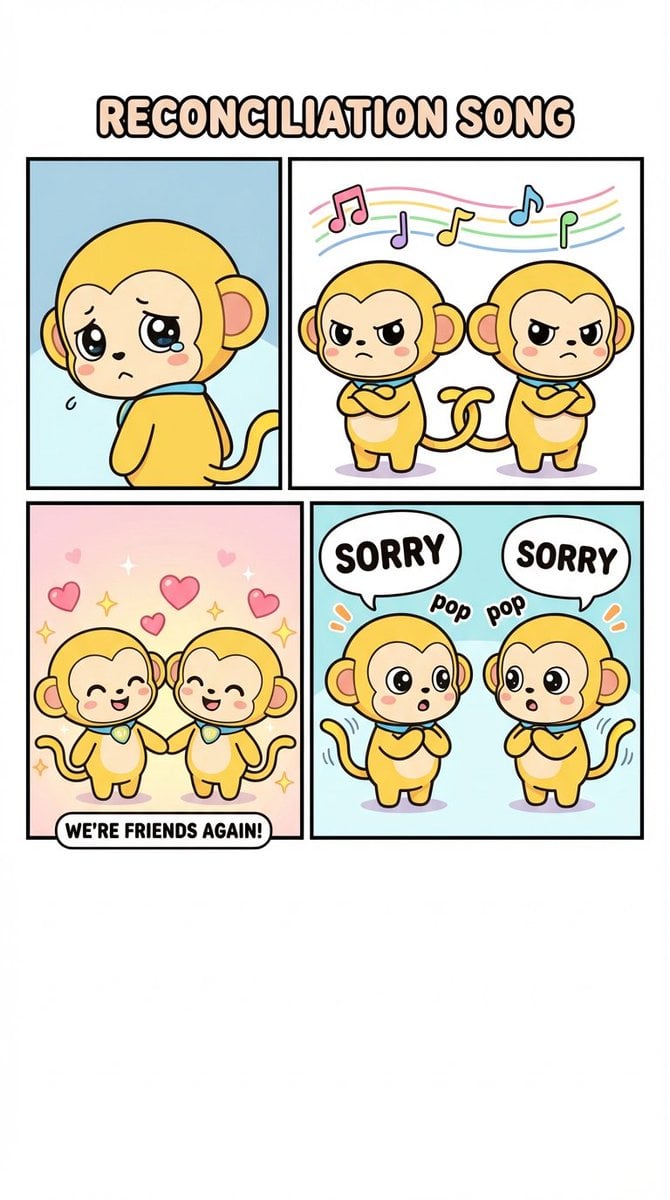
Four-Panel Comic: Reconciliation Song (English Version)
Cute Character Walking Illustration
Y2K Futurist Scream Desktop

Eid Mubarak Stylized Composition

Neon Studio Fitness Influencer
Browse template categories
Zen Tea Cup Ink Wash questions
How do I use the Zen Tea Cup Ink Wash template?
Add your photo if the template asks for one, edit the prompt if you like — the template's model and format are already selected — and press Generate. Your version opens in PicX Studio.
Can I customize the Zen Tea Cup Ink Wash template?
Yes. You can change the subject, setting, lighting, mood, format, and available model controls before creating your image.
Is the Zen Tea Cup Ink Wash template free?
Opening and editing this template is free. Generating uses credits, shown on the Generate button when you are signed in.
Which AI model should I use?
Start with GPT Image 2, which is the model associated with this template. You can compare another compatible model for a different finish.
Looking for something else? Browse all templates.

Your photo, any look
Thousands of ready templates for every top image and video model, from one credit balance.