
Steampunk Robot Movie Poster
Generates a heartfelt Japanese-style animated adventure poster featuring a boy, a rusty robot companion, and a glowing futuristic steampunk city.
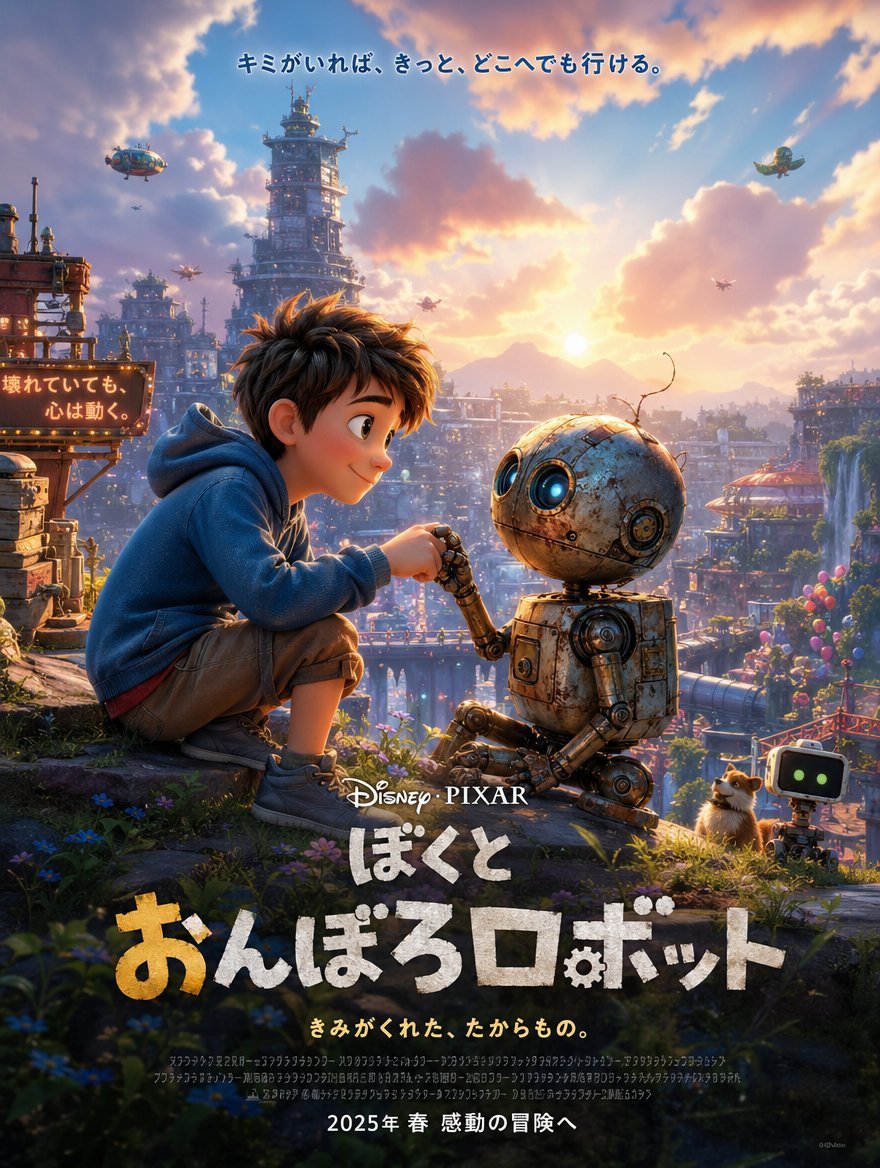
- Prompt included
- Model and format preset
- Free template
The prompt behind this image
Copy the exact prompt behind Steampunk Robot Movie Poster, or open it in the studio and make it yours.
Create a cinematic vertical animated movie poster in a warm Disney/Pixar-inspired 3D adventure style, set in a vast whimsical steampunk robot city at sunset with glowing clouds, distant towers, bridges, pipes, floating airships, tiny flying drones, flowers, and lush greenery in the foreground. In the lower left foreground, show a young boy named {argument name="character name" default="Bokuto"} crouching on a grassy rooftop ledge, wearing a blue hoodie, tan shorts, gray sneakers, and tousled brown hair; his face is deliberately obscured by a smooth rectangular blur/blank mask, while he gently holds hands with a small rusty spherical-headed robot sitting opposite him. The main robot has a weathered metal body, round head, one glowing blue camera eye, antenna wire, jointed arms and legs, scratches, dents, rivets, and a tender emotional pose. Add two small side companions near the lower right: a fluffy small dog and a tiny boxy black-screen robot with green eyes. The background should feel enormous and magical, with towering industrial buildings full of tiny lights, balconies, antennas, and signs, bathed in golden sunrise/sunset rim light and soft atmospheric haze. Place Japanese poster copy at the top center reading {argument name="top tagline" default="キミがいれば、きっと、どこへでも行ける。"}, and a glowing sign on the left building reading {argument name="side sign text" default="壊れていても、心は動く。"}. At the bottom center, add a realistic movie-logo layout: small studio text “Disney PIXAR”, then the title line “ぼくと” above a huge hand-painted Japanese main title {argument name="main title" default="おんぼろロボット"}, with the first character in warm yellow and the rest in off-white textured lettering. Beneath it add the tagline {argument name="bottom tagline" default="きみがくれた、たからもの。"}, a block of tiny faux credits, and the release line “2025年 春 感動の冒険へ”. Use dramatic composition, high detail, depth of field, volumetric light, painterly realism, emotional family-film tone, and authentic Japanese theatrical poster typography.
How to use Steampunk Robot Movie Poster in 3 steps
- 1Upload ImagePNG, JPG or paste
Add your photo
Upload the photo the template builds on. The prompt, model and format are already set.
- 2…a portrait of your subject in softgolden-hour light, 85mm…
Personalize
Edit the subject and creative details for your destination.
- 3Generate
Generate
Press Generate — your image is created in PicX Studio, so you can compare it with the original and refine one variable at a time.
More like this
Templates with the same subject, style or setup. Open one to see its prompt.

Gpt2 Youtube Thumbnail Wuxia Movie Character Posters

Japan Travel Brochure Poster

Cartoon TV Show Poster Pack

Trendy Cafe Drink Promo Poster

Urban Fashion Editorial Collage Streetwear Poster

Premium Fashion Editorial Cover Layout System

Polo Ralph Lauren Luxury American Heritage Fashion Campaign

Monochrome Halftone Editorial Fashion Poster

Retro Mirror Luxury Fashion Campaign Poster

Luxury Fashion Campaign Typography Poster System
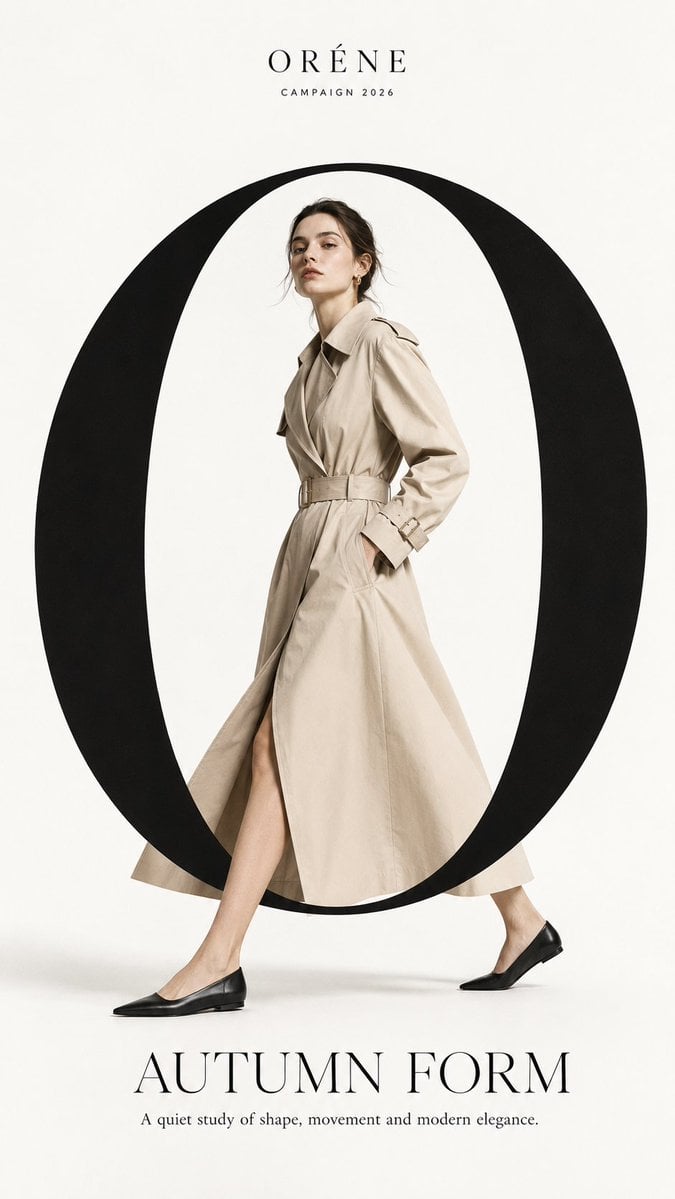
Premium Fashion Editorial Campaign Poster System
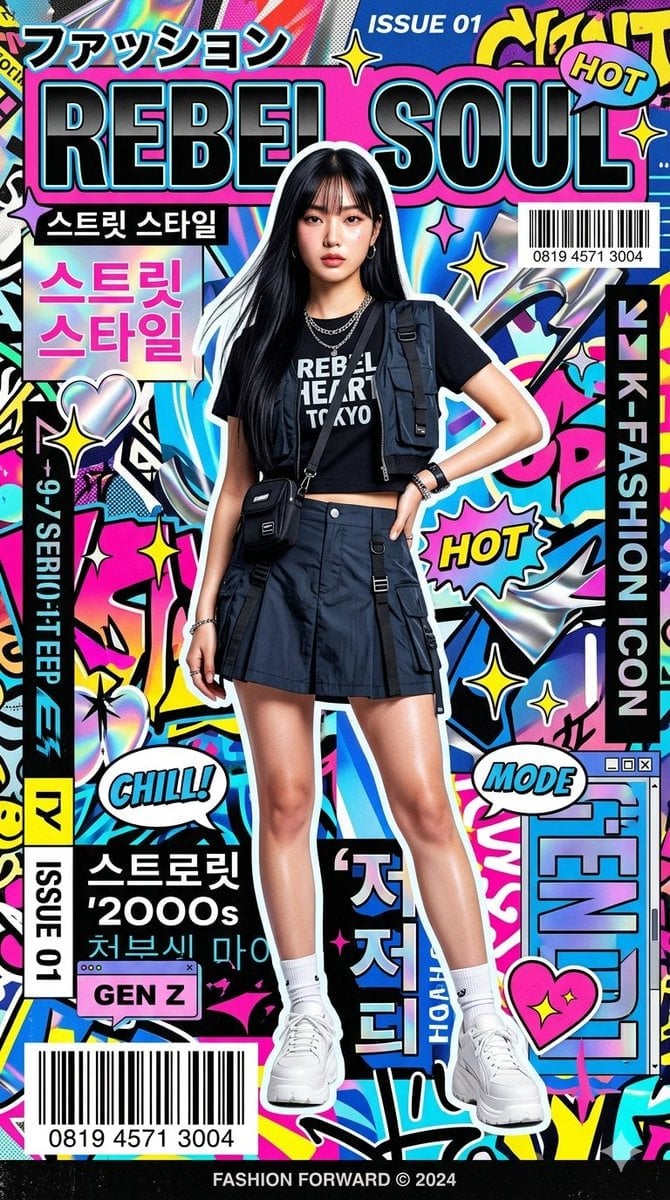
Ultra-Stylized High-Fashion Streetwear Poster
Make it yours
Steampunk Robot Movie Poster works as-is. These are the safest ways to change it without losing the look.
Change one field
Copy a single group, rewrite it, and generate again so you can see what that field is doing.
Keep the frame, change the subject
Hold the composition and light of Steampunk Robot Movie Poster, then swap wardrobe, props or the person for a new take.
| If the result… | Why | Fix |
|---|---|---|
| The result drifts from the preview | Too many fields changed at once. | Reuse Steampunk Robot Movie Poster as-is first, then change one group — subject, light, or setting. |
| The model over-stylizes the scene | The prose prompt leaves finish and camera underspecified. | Add one camera or lighting sentence and stay on GPT Image 2. |
More GPT Image 2 templates
Other prompts made for GPT Image 2.

Six VTuber Japanese Logo Sheet

Realistic Portrait of Woman and Deer

The Vista Modular Condo Poster

AI Model Routing Comparison Infographic

2.5D Anime Art Board

Isometric Productivity Desk Scene

New York Double Exposure Poster

Four-Panel AI Landscape Comparison

Japanese Tatami Lifestyle Magazine Cover

NESCAFÉ Coffee Map Poster
More image prompts
Fresh picks from across the catalog.
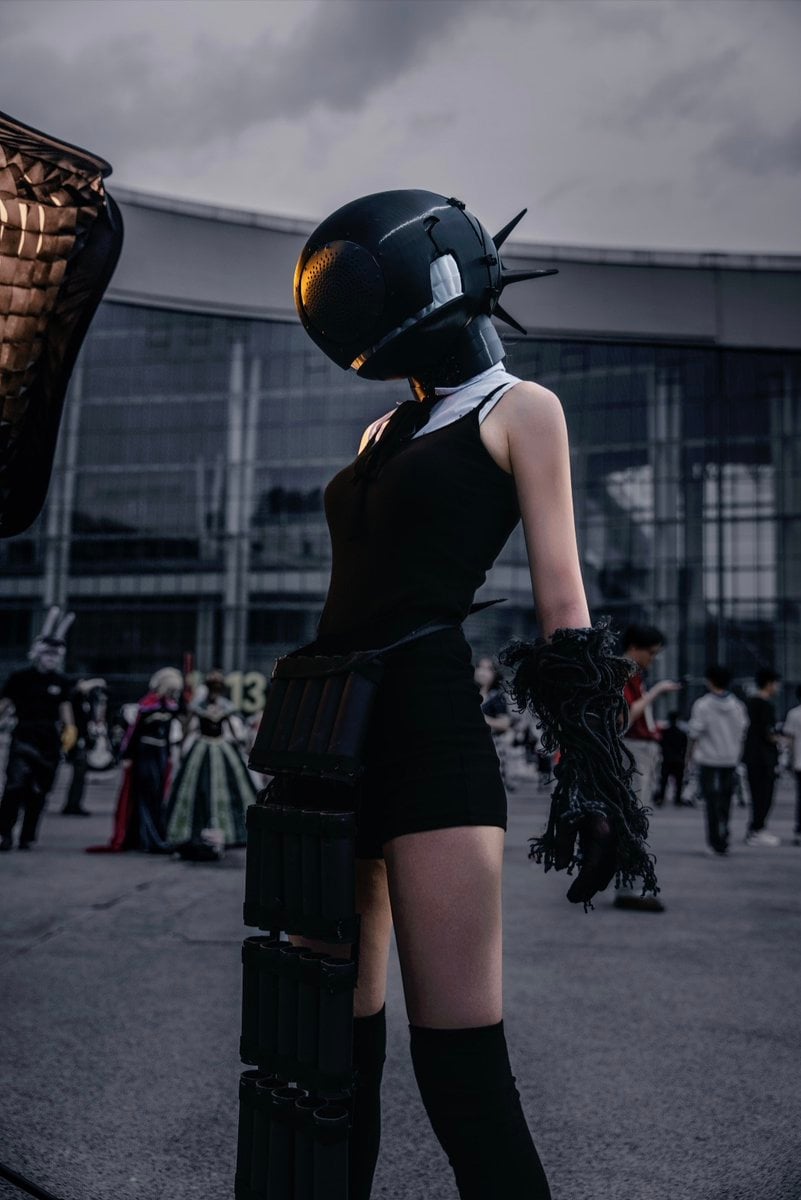
Cyberpunk Cinematic Photo Edit
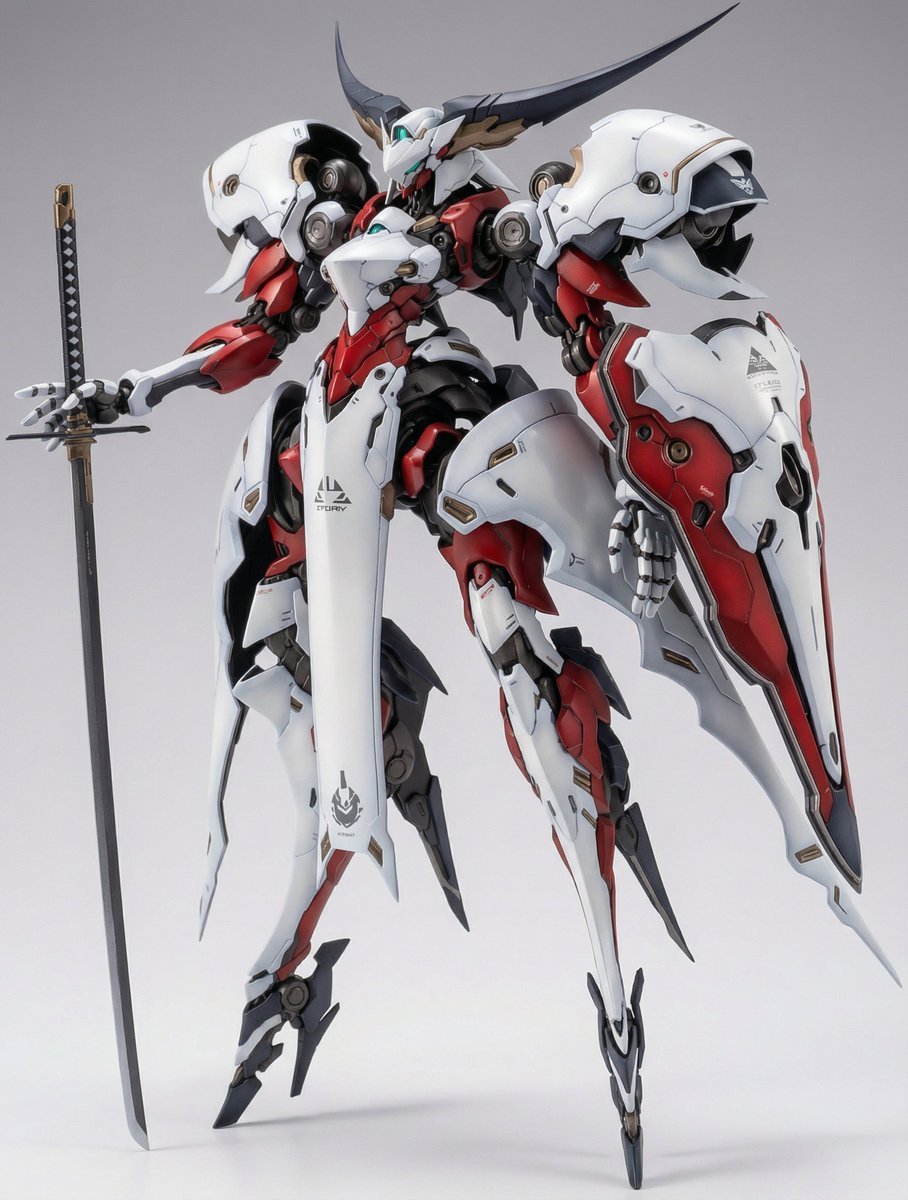
Full Armor Mecha Girl Figure Concept for Nano Banana Pro
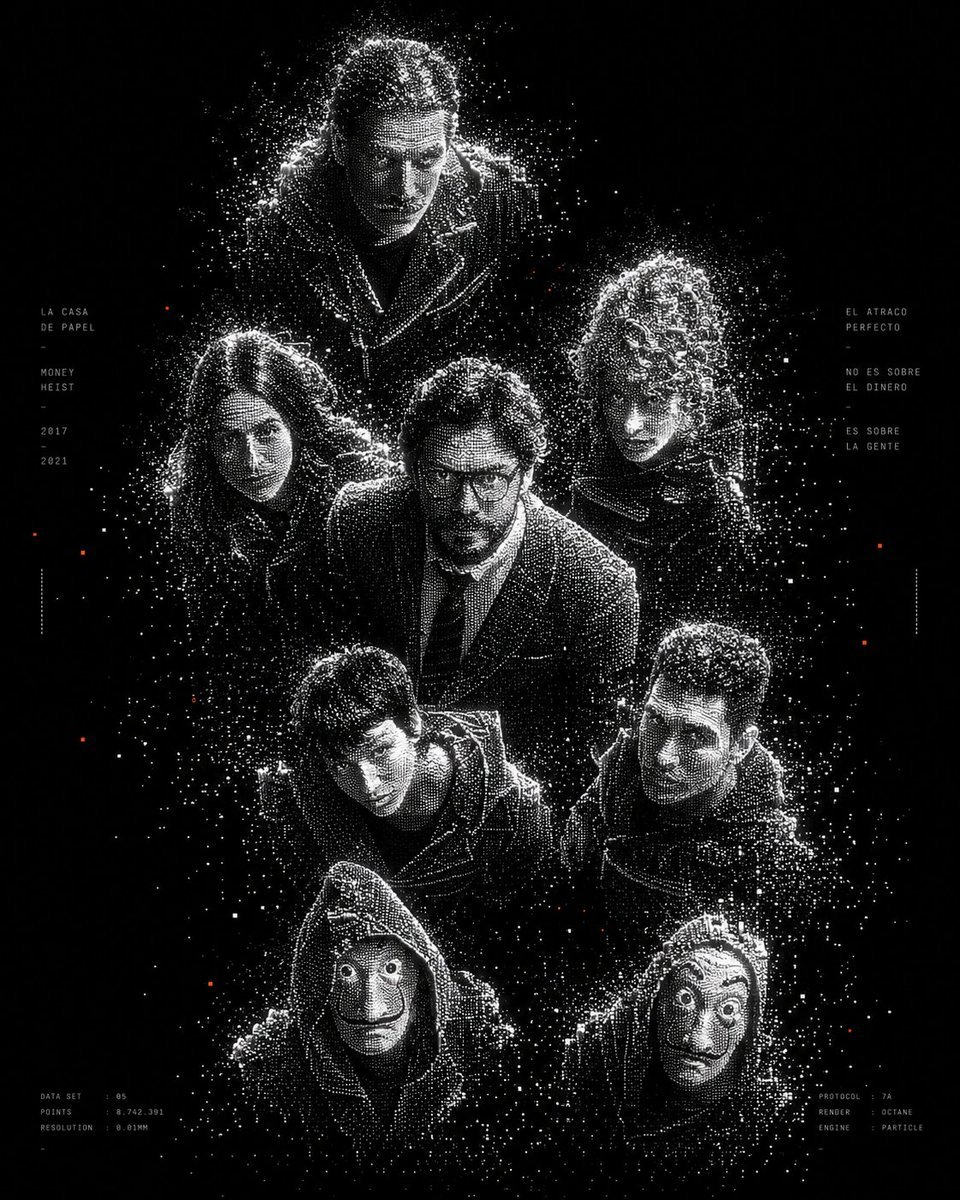
Monochrome Particle Render Art
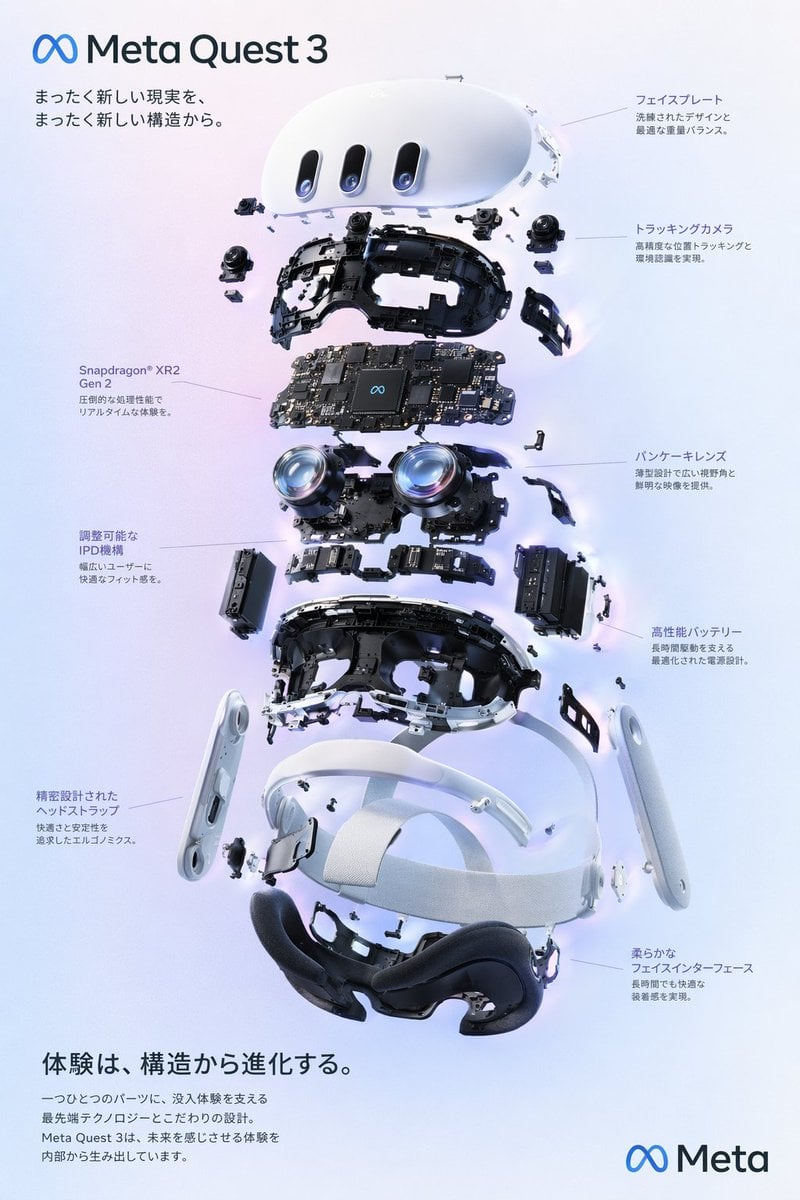
VR Headset Exploded View Poster

Nano Banana Sea Cave Portrait
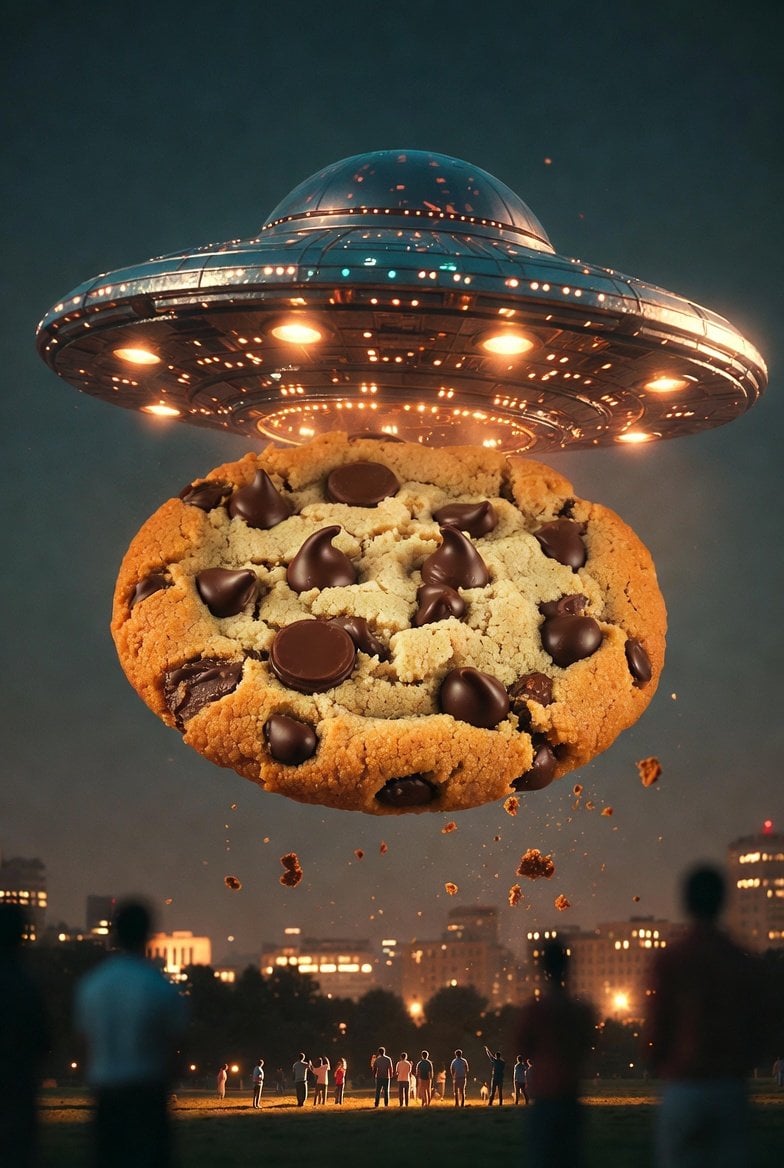
Sci-Fi Encounter with Giant Floating Cookie
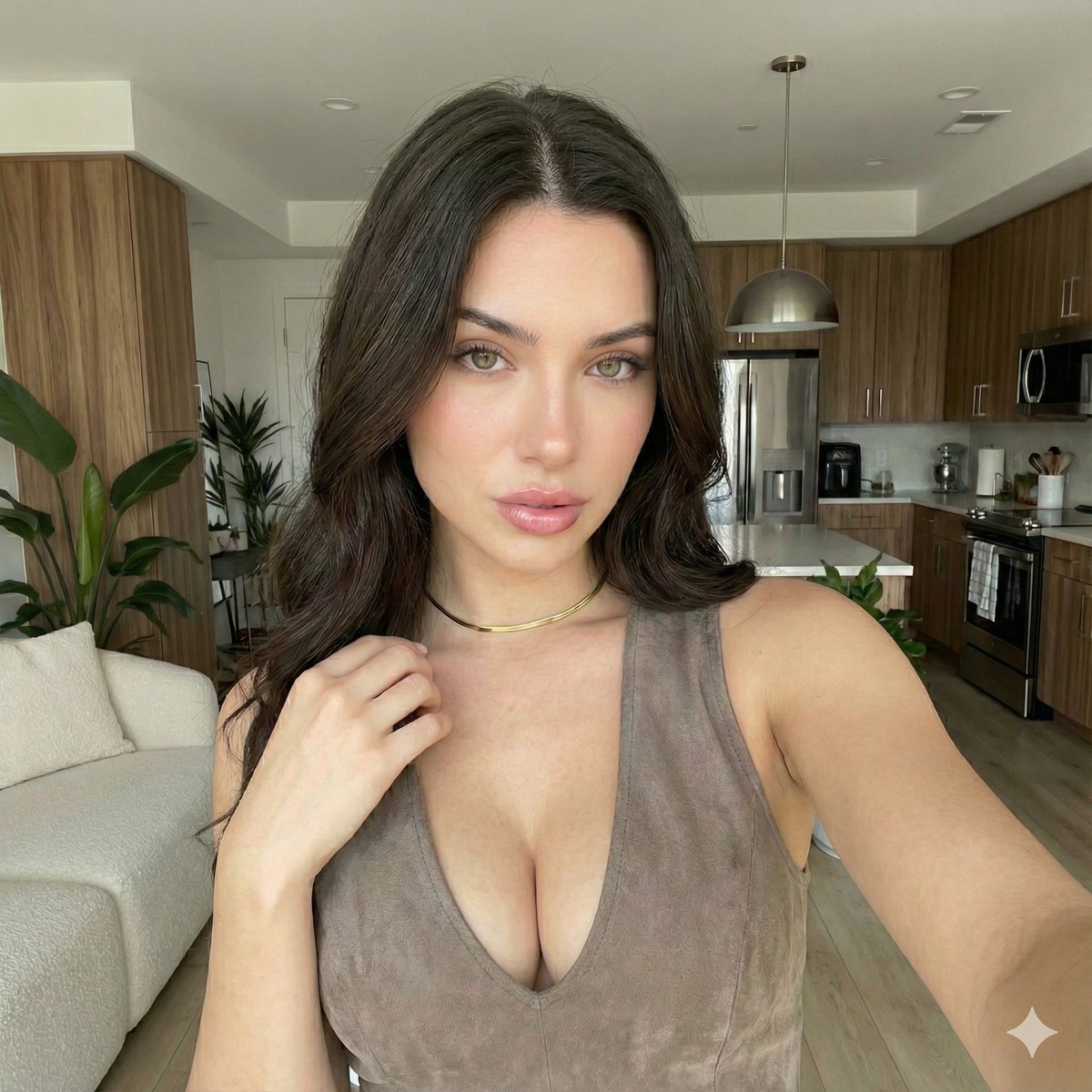
iPhone 17 Pro Max Influencer Selfie
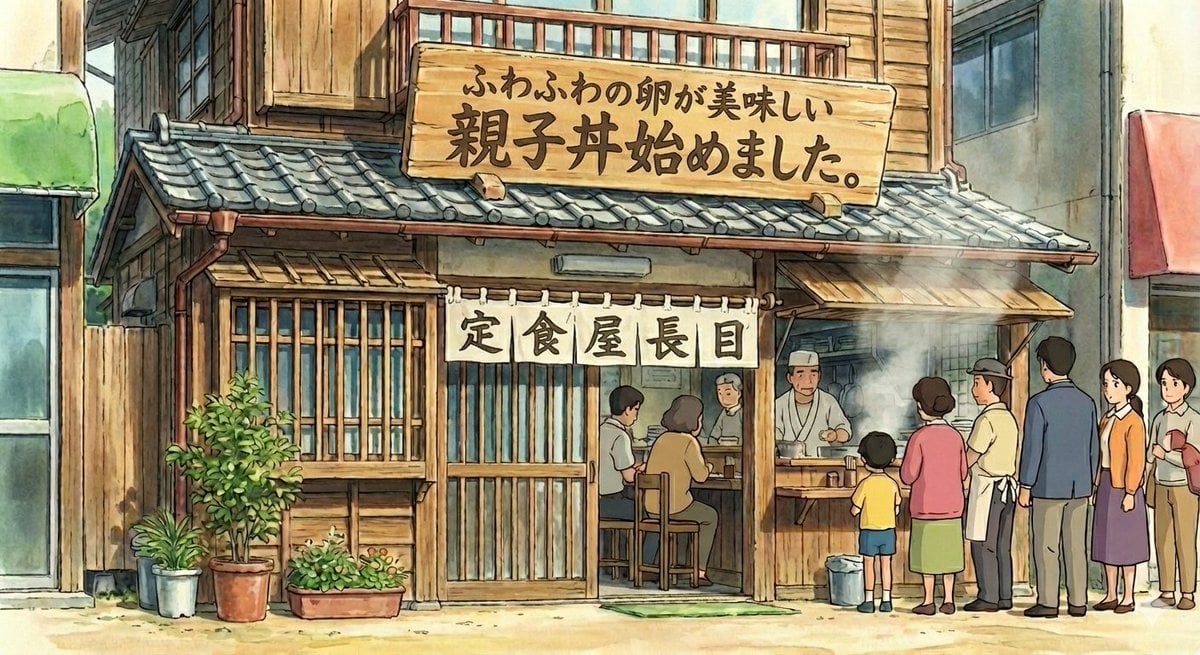
New oyakodon menu poster for a fictional diner
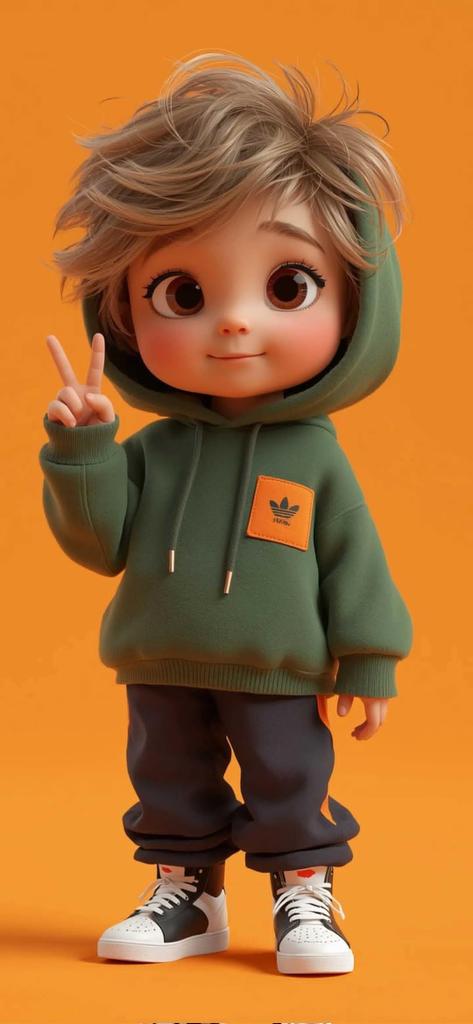
Pixar-Style 3D Chibi Boy Character
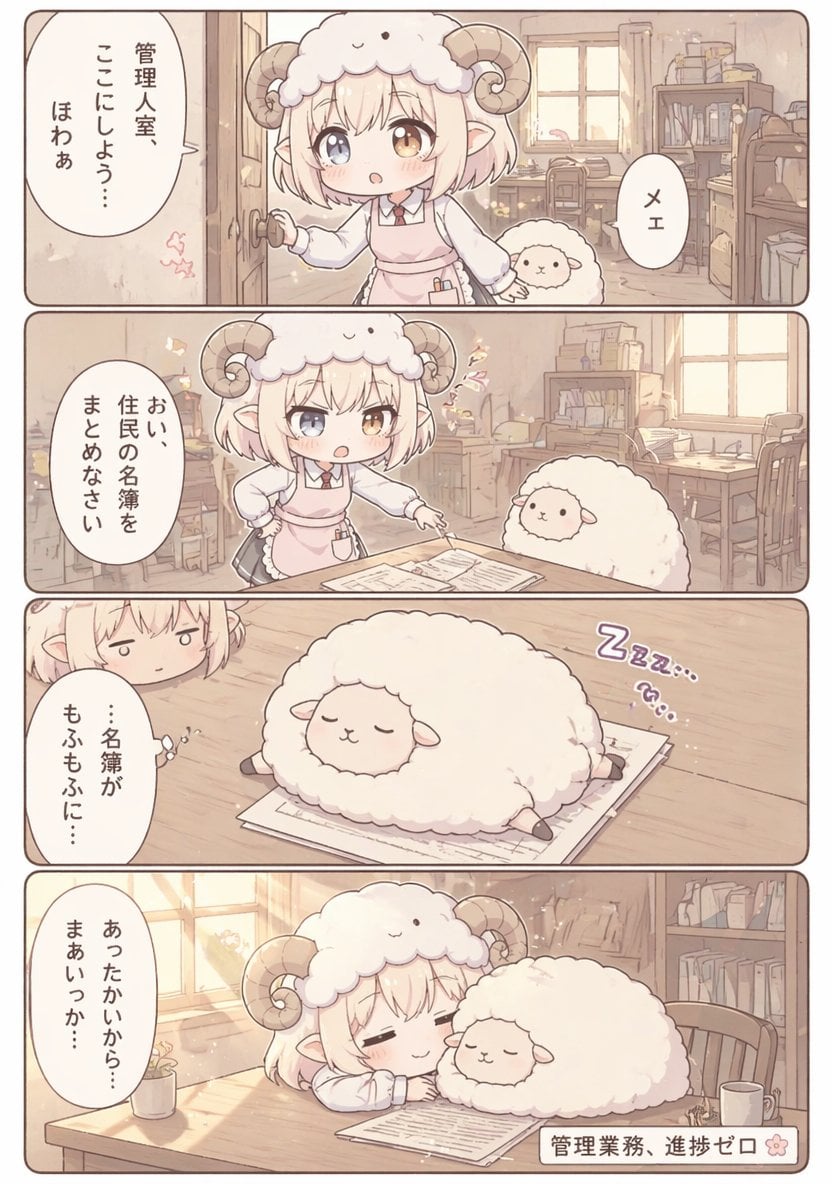
Cute Sheep Girl Office Manga Page
Browse template categories
Steampunk Robot Movie Poster questions
How do I use the Steampunk Robot Movie Poster template?
Add your photo if the template asks for one, edit the prompt if you like — the template's model and format are already selected — and press Generate. Your version opens in PicX Studio.
Can I customize the Steampunk Robot Movie Poster template?
Yes. You can change the subject, setting, lighting, mood, format, and available model controls before creating your image.
Is the Steampunk Robot Movie Poster template free?
Opening and editing this template is free. Generating uses credits, shown on the Generate button when you are signed in.
Which AI model should I use?
Start with GPT Image 2, which is the model associated with this template. You can compare another compatible model for a different finish.
Looking for something else? Browse all templates.

Your photo, any look
Thousands of ready templates for every top image and video model, from one credit balance.