
Candid Kitchen Baking Photo
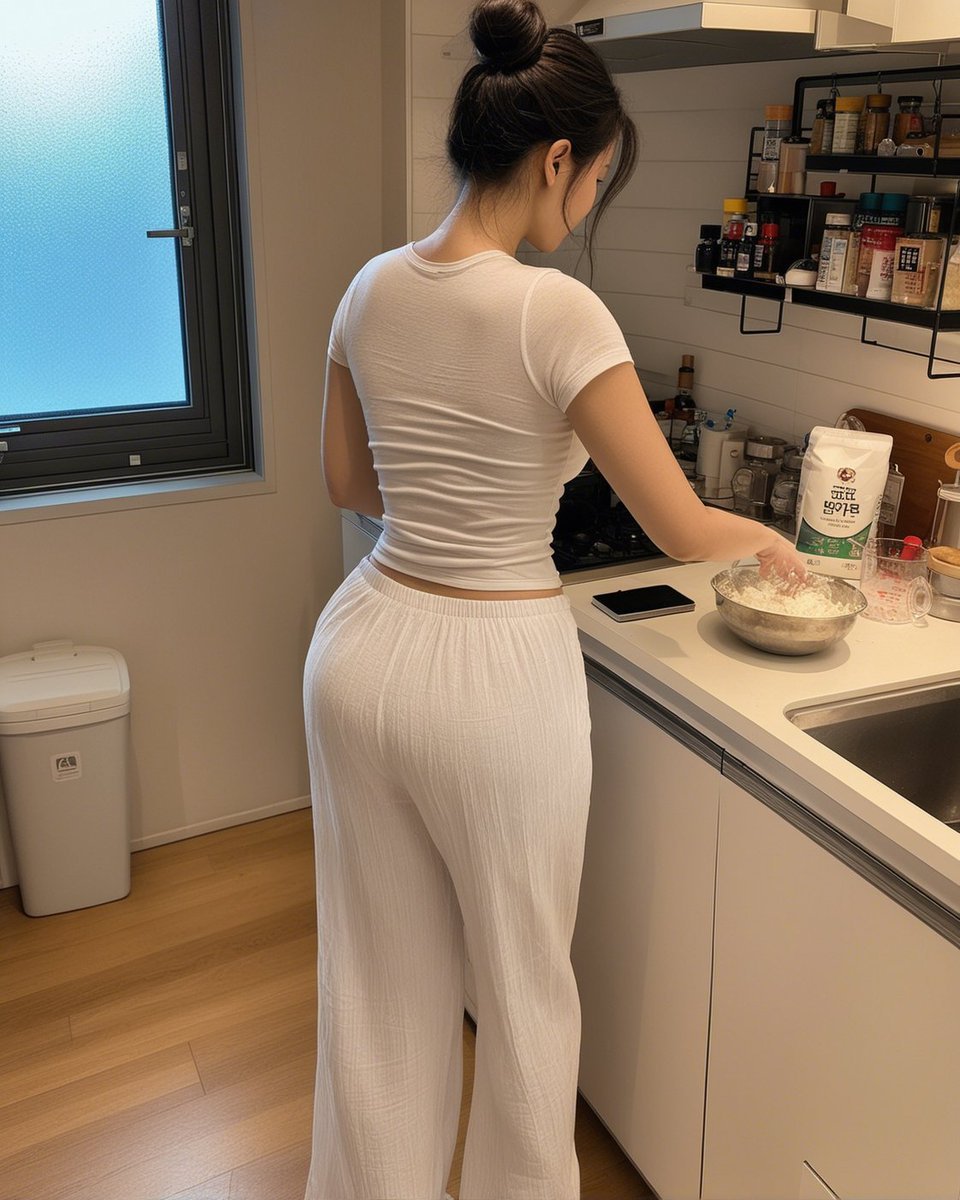
A photorealistic vertical lifestyle shot of an adult woman preparing food in a small modern kitchen, useful for candid domestic scene generation.
- Prompt included
- Model and format preset
- Free template
The prompt behind this image
Copy the exact prompt behind Candid Kitchen Baking Photo, or open it in the studio and make it yours.
Create a realistic candid smartphone-style photo of an adult woman cooking in a compact modern apartment kitchen, viewed from behind at waist-to-head height. She has {argument name="hair color" default="dark brown"} hair tied in a messy high bun and her face is intentionally obscured by a soft rectangular blur for privacy. She wears a fitted {argument name="top color" default="white"} short-sleeve ribbed crop T-shirt and loose high-waisted {argument name="pants color" default="white"} wide-leg lounge pants with subtle vertical texture. She stands at a white countertop beside a stainless sink, one hand near a metal mixing bowl filled with flour or dough ingredients. On the counter include exactly 4 visible main items: a metal mixing bowl, a white flour bag with Korean-style packaging, a black smartphone lying flat, and a clear measuring cup. The kitchen has white cabinets, a white tile backsplash, a range hood, and two black wall-mounted spice shelves holding many small jars and bottles. On the left side show a large frosted-glass window with a dark frame and a white trash bin below it. Use warm indoor lighting, natural shadows, light wood flooring, casual lived-in atmosphere, vertical 4:5 composition, photorealistic detail, no glamour lighting, no watermark, no added text.
How to use Candid Kitchen Baking Photo in 3 steps
- 1Upload ImagePNG, JPG or paste
Add your photo
Upload the photo the template builds on. The prompt, model and format are already set.
- 2…a portrait of your subject in softgolden-hour light, 85mm…
Personalize
Edit the subject and creative details for your destination.
- 3Generate
Generate
Press Generate — your image is created in PicX Studio, so you can compare it with the original and refine one variable at a time.
More like this
Templates with the same subject, style or setup. Open one to see its prompt.

Sunday Afternoon, 1988

Our Song was on a Cassette

The Date After College

80s College Gate

Teen Girl Alpine Lake Mountain View

Cat Photobomb Selfie — 0.5x Wide Angle Café Chaos

Cinematic Street Fashion Portrait Motion Blur Crowd

Nostalgic Digicam Café Afternoon Portrait

Neon Night Crosswalk Candid Portrait
Neon Night Crosswalk Candid Portrait
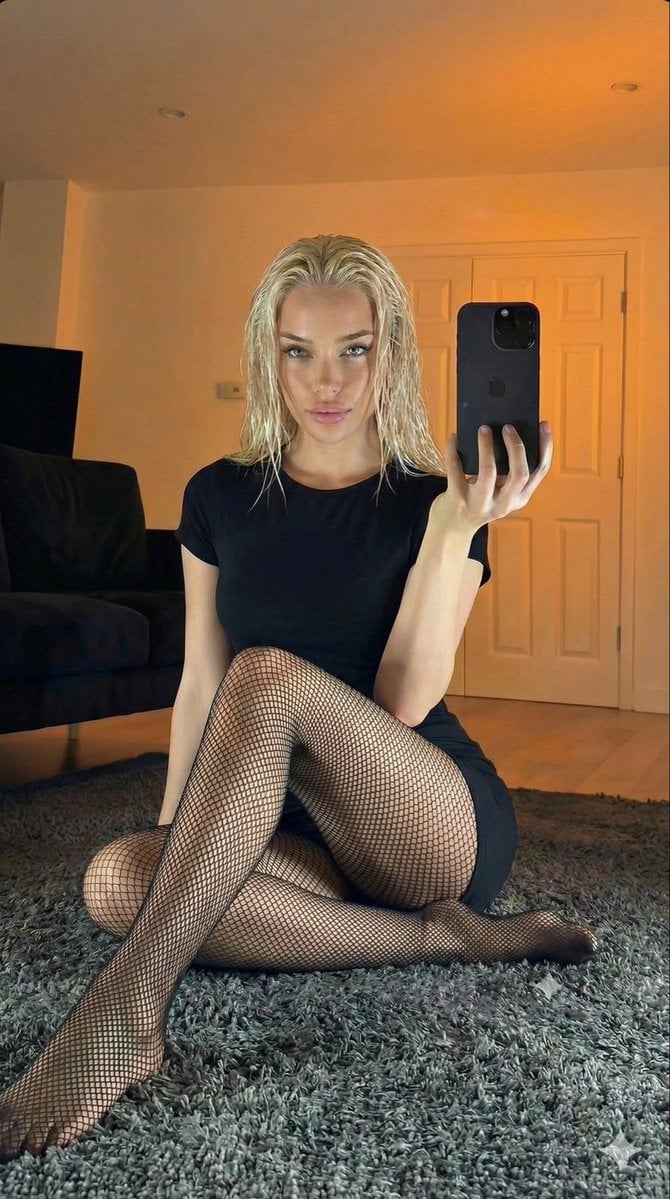
Living Room Rug Evening Mirror Selfie
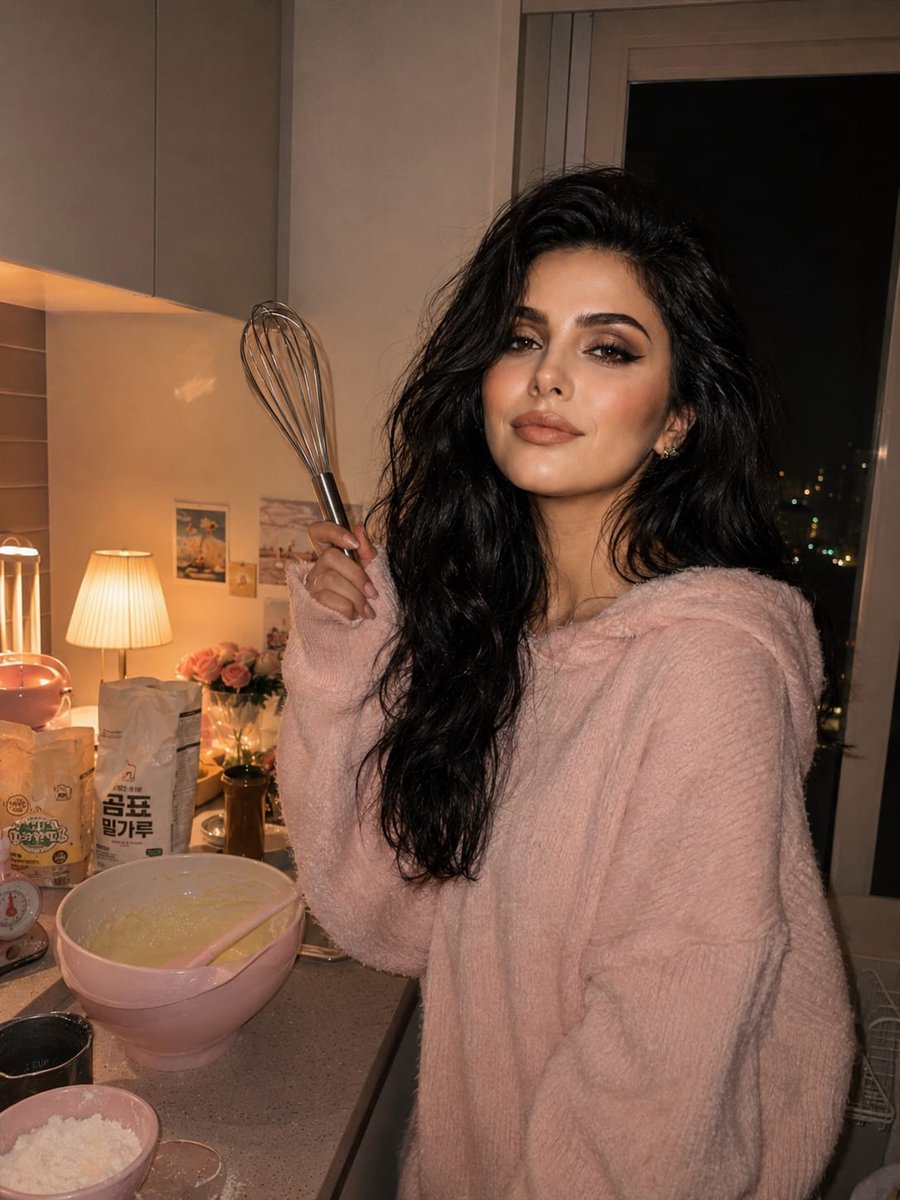
Cozy Kitchen Late Night Baking Portrait
Make it yours
Candid Kitchen Baking Photo works as-is. These are the safest ways to change it without losing the look.
Change one field
Copy a single group, rewrite it, and generate again so you can see what that field is doing.
Keep the frame, change the subject
Hold the composition and light of Candid Kitchen Baking Photo, then swap wardrobe, props or the person for a new take.
| If the result… | Why | Fix |
|---|---|---|
| The result drifts from the preview | Too many fields changed at once. | Reuse Candid Kitchen Baking Photo as-is first, then change one group — subject, light, or setting. |
| The model over-stylizes the scene | The prose prompt leaves finish and camera underspecified. | Add one camera or lighting sentence and stay on GPT Image 2. |
More GPT Image 2 templates
Other prompts made for GPT Image 2.

Six VTuber Japanese Logo Sheet

Realistic Portrait of Woman and Deer

The Vista Modular Condo Poster

AI Model Routing Comparison Infographic

2.5D Anime Art Board

Isometric Productivity Desk Scene

New York Double Exposure Poster

Four-Panel AI Landscape Comparison

Japanese Tatami Lifestyle Magazine Cover

NESCAFÉ Coffee Map Poster
More image prompts
Fresh picks from across the catalog.
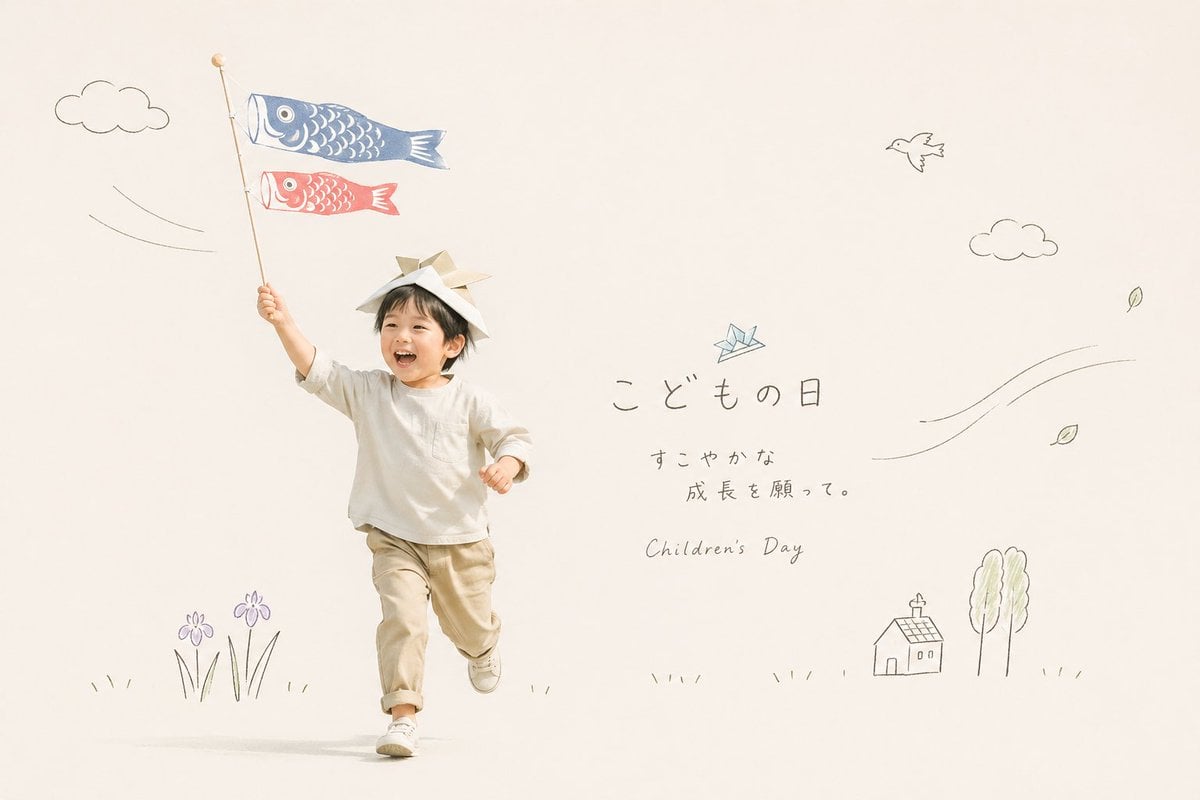
Japanese Children's Day Photo Card
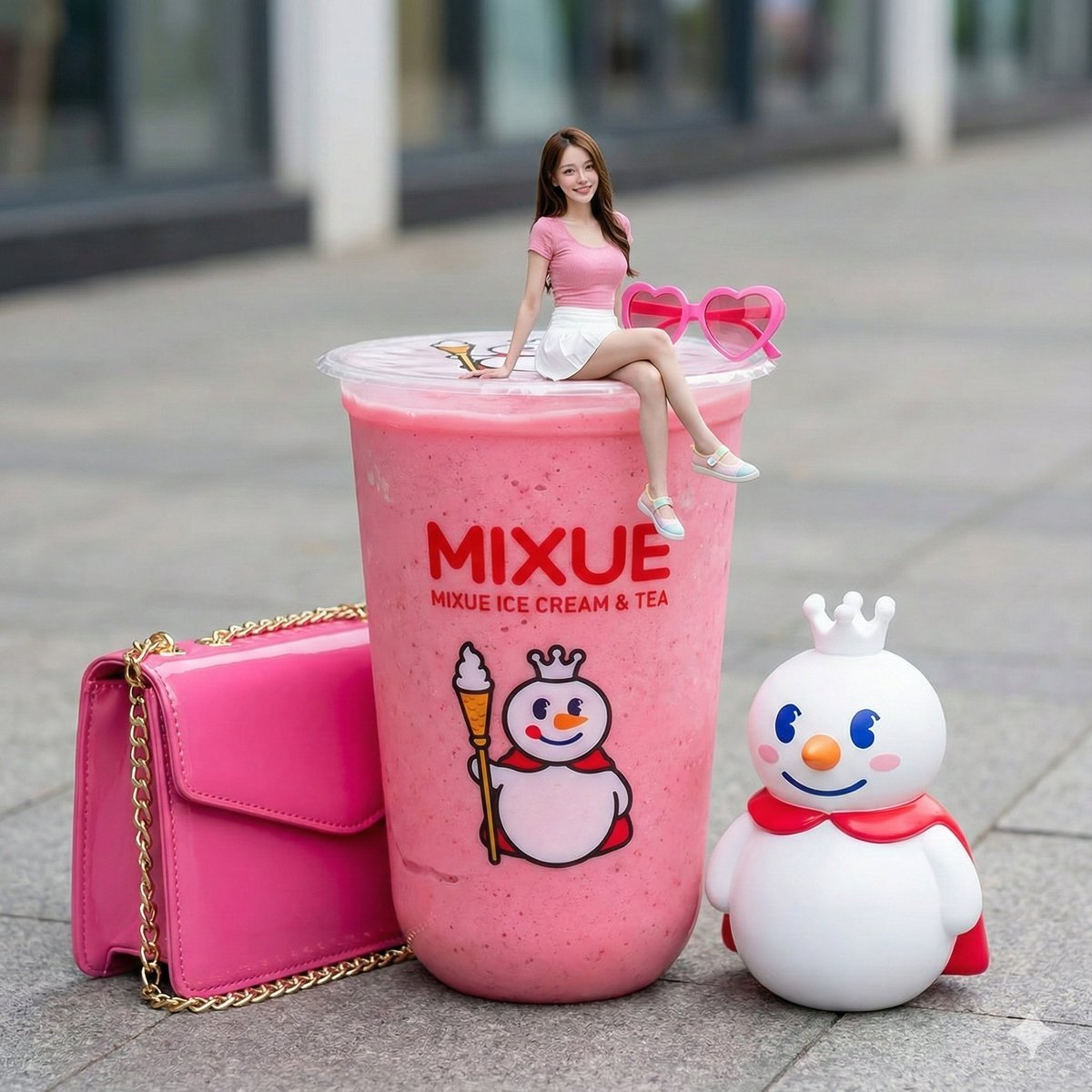
Miniature Girl Sitting on Coffee Cups
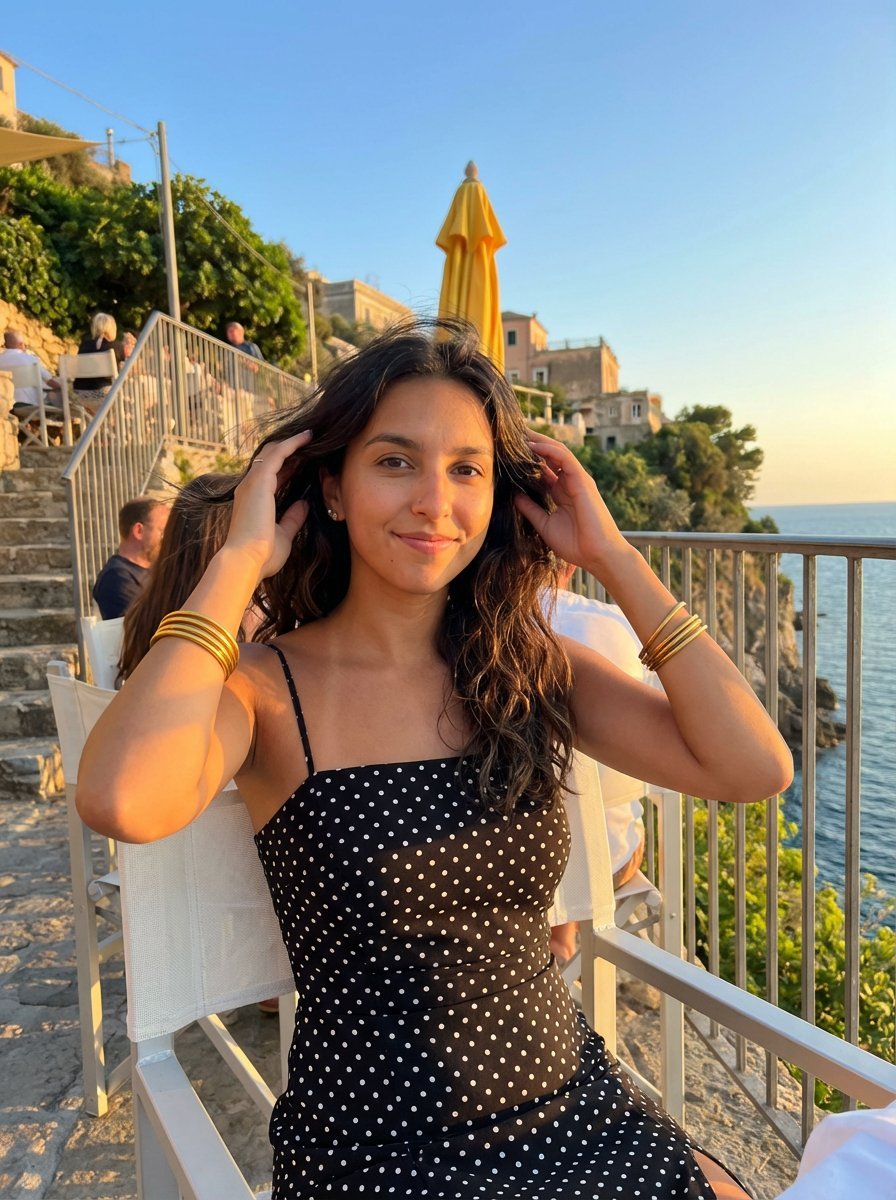
Golden Hour Coastal Lifestyle Photograph
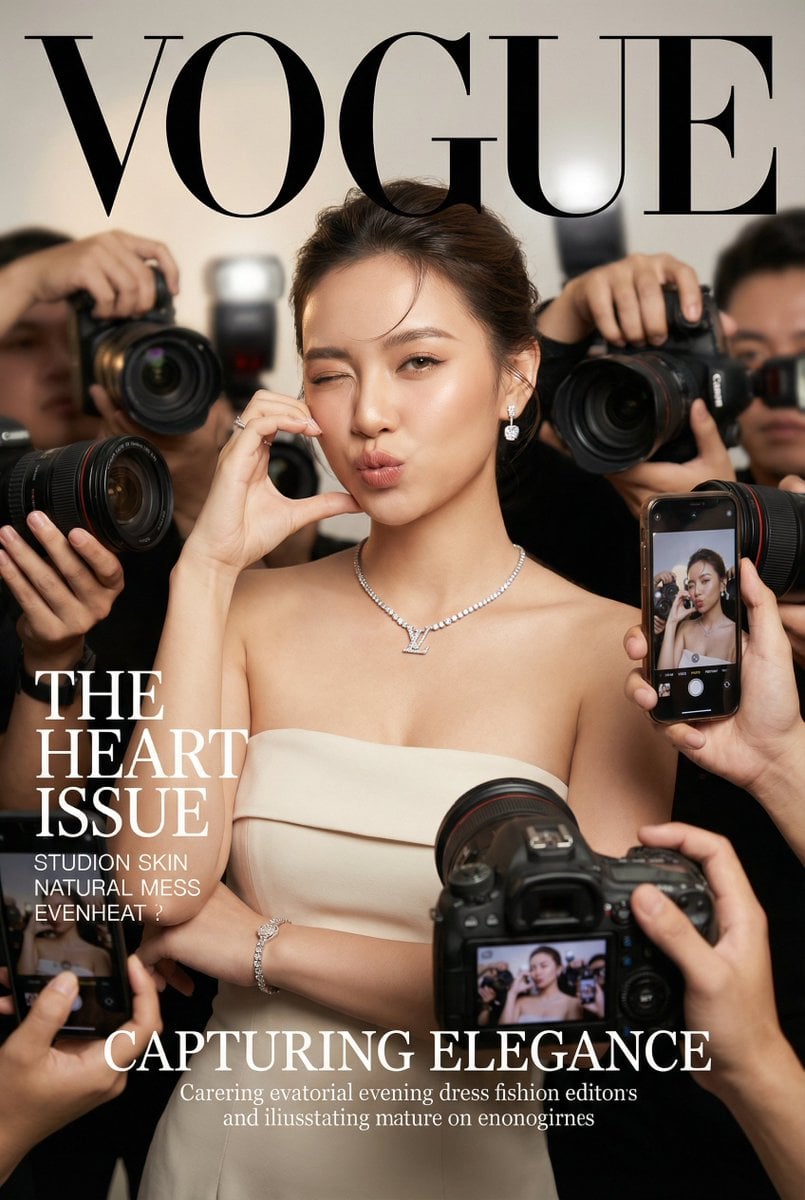
Vogue Cover Face Swap Portrait with Paparazzi

Mockup generation prompt for screen replacement

Cinematic Broken Clock Scene Portrait for Nano Banana 2

Candy Tea Party Pastel Portrait Transformation
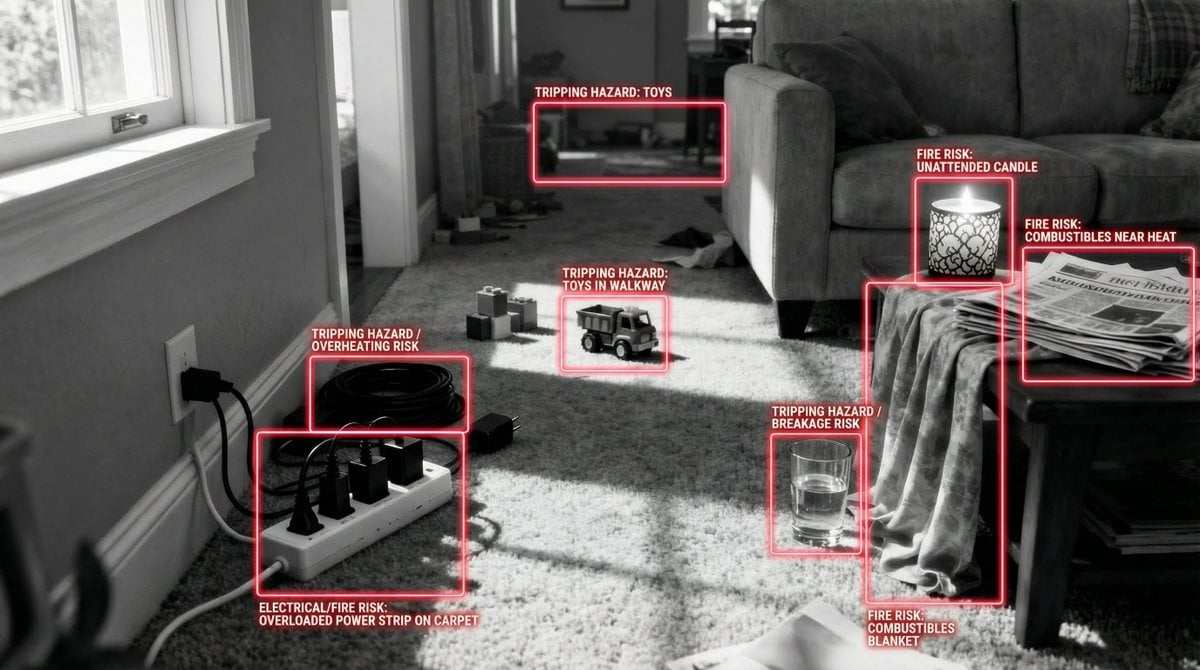
Safety Hazard Analysis and Visualization

Neon Sign Text on Concrete Surface

Hyper-Realistic Red Bull Can Ice Explosion Commercial
Browse template categories
Candid Kitchen Baking Photo questions
How do I use the Candid Kitchen Baking Photo template?
Add your photo if the template asks for one, edit the prompt if you like — the template's model and format are already selected — and press Generate. Your version opens in PicX Studio.
Can I customize the Candid Kitchen Baking Photo template?
Yes. You can change the subject, setting, lighting, mood, format, and available model controls before creating your image.
Is the Candid Kitchen Baking Photo template free?
Opening and editing this template is free. Generating uses credits, shown on the Generate button when you are signed in.
Which AI model should I use?
Start with GPT Image 2, which is the model associated with this template. You can compare another compatible model for a different finish.
Looking for something else? Browse all templates.

Your photo, any look
Thousands of ready templates for every top image and video model, from one credit balance.