
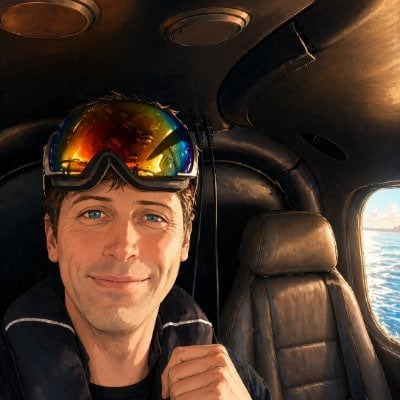
Helicopter Cabin Selfie at Sunset
Generates a realistic candid smartphone selfie inside a helicopter cabin with warm sunset light and ocean visible through the window, ideal for travel-style social media imagery.
- Prompt included
- Model and format preset
- Free template
The prompt behind this image
Copy the exact prompt behind Helicopter Cabin Selfie at Sunset, or open it in the studio and make it yours.
A candid close-up selfie inside a small helicopter cabin, shot from the front-facing phone camera, with one adult passenger seated on the left side of the frame. The person’s face is obscured by a large rectangular privacy blur block centered over the face, while reflective rainbow-tinted wraparound sunglasses remain visible above it. The subject has short dark hair and wears a dark jacket, holding one hand near the chest as if gripping a strap or collar. The helicopter interior is dark and enclosed, with a black ceiling, circular air vents overhead, curved cabin framing, visible wiring near the center roofline, and an empty black leather passenger seat on the right. A bright rounded window on the far right reveals sunlit blue water outside and a distant shoreline or low city skyline. Warm golden-hour light streams through the window, creating strong contrast, orange highlights on the cabin surfaces, and a moody cinematic travel-photo look. Realistic smartphone photography, slightly grainy low-light exposure, tight framing, natural perspective, casual authentic vacation helicopter ride atmosphere.
How to use Helicopter Cabin Selfie at Sunset in 3 steps
- 1Upload ImagePNG, JPG or paste
Add your photo
Upload the photo the template builds on. The prompt, model and format are already set.
- 2…a portrait of your subject in softgolden-hour light, 85mm…
Personalize
Edit the subject and creative details for your destination.
- 3Generate
Generate
Press Generate — your image is created in PicX Studio, so you can compare it with the original and refine one variable at a time.
More like this
Templates with the same subject, style or setup. Open one to see its prompt.

Rooftop Fisheye — Cat-Ear Balaclava at Golden Hour
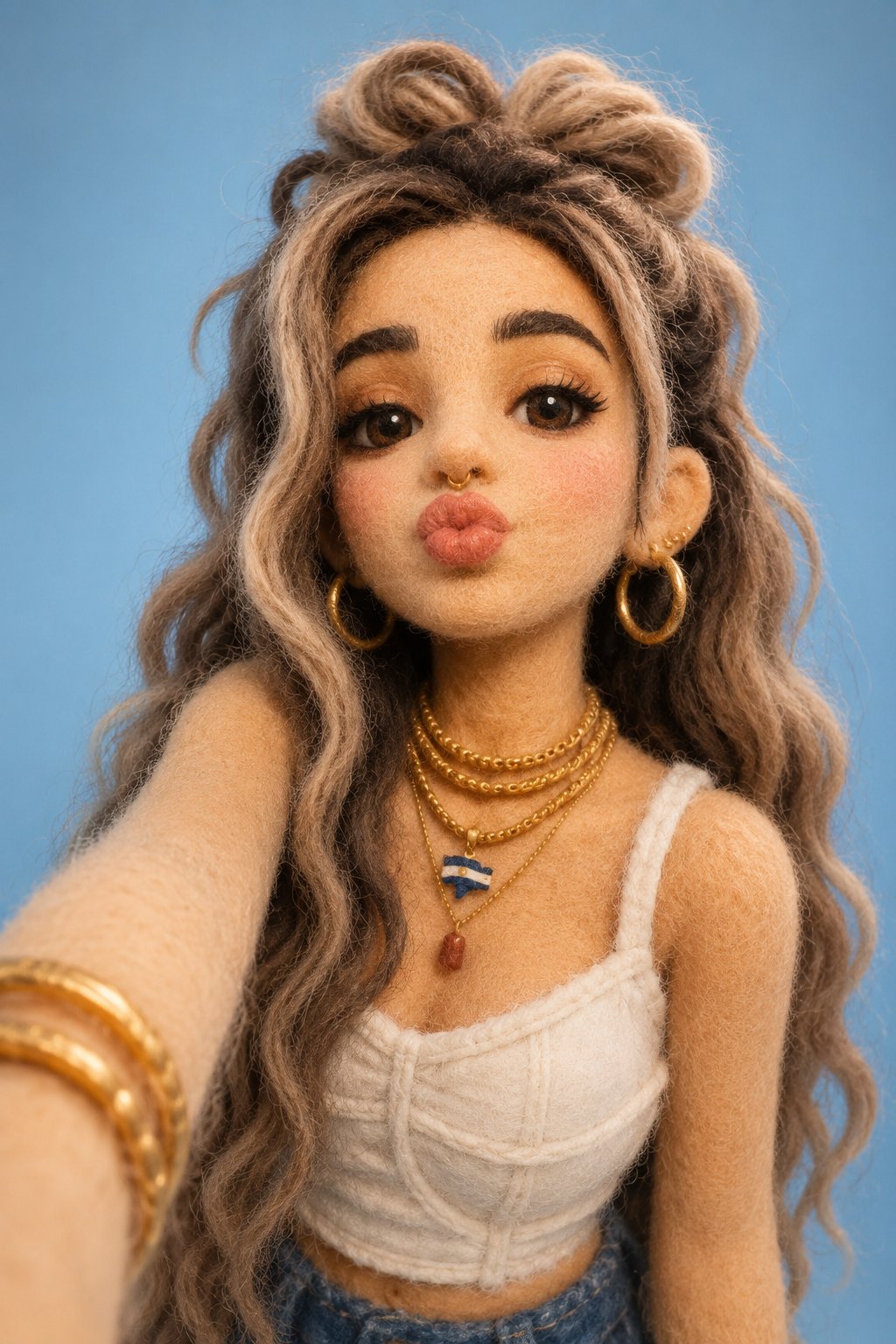
Felt & Knit 3D Character — Photo-Exact Face, Pixar-Quality Plush Figurine
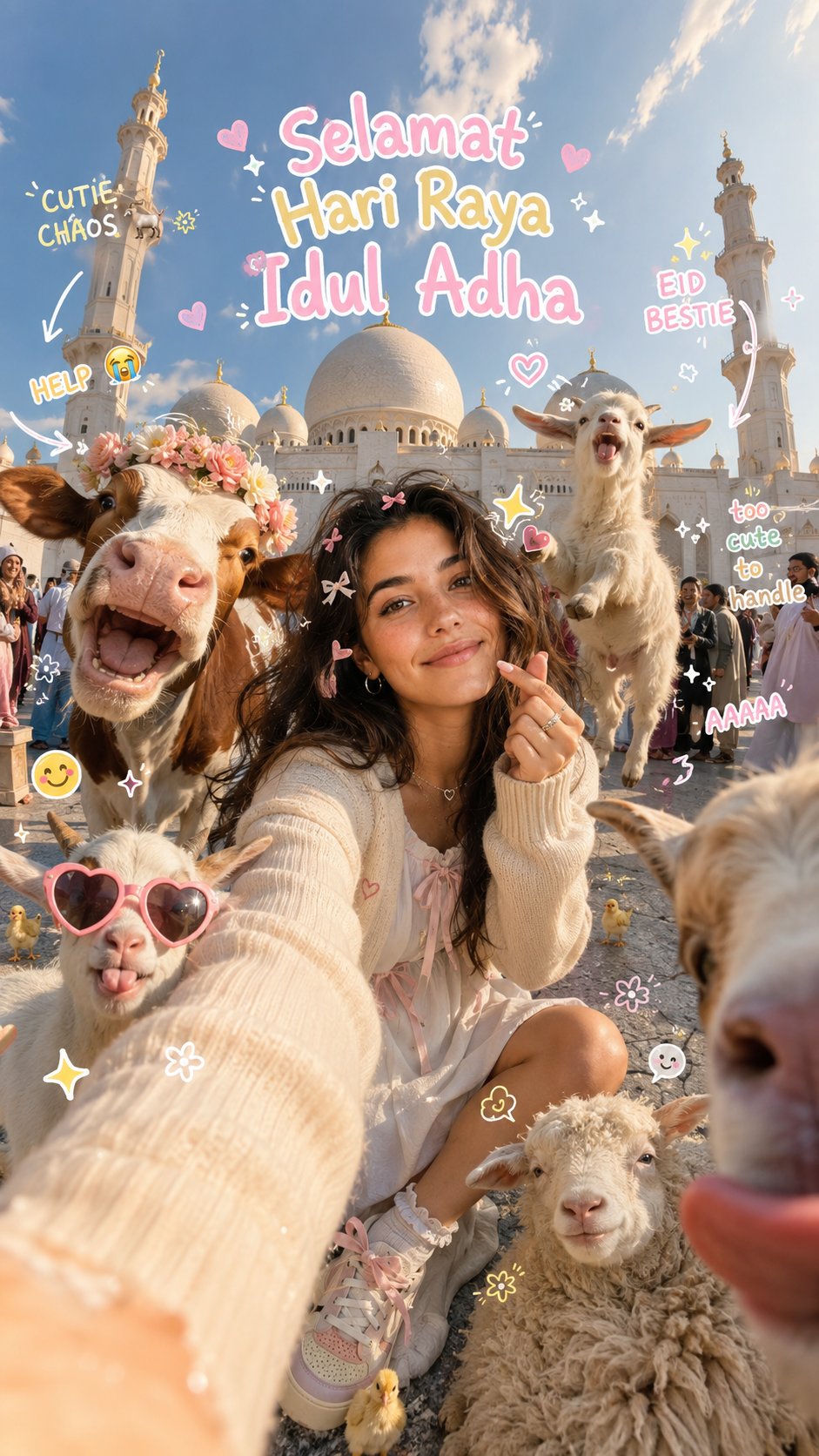
Eid al-Adha Cute Chaos — Fisheye Selfie with Farm Selfie, Mosque & Animals
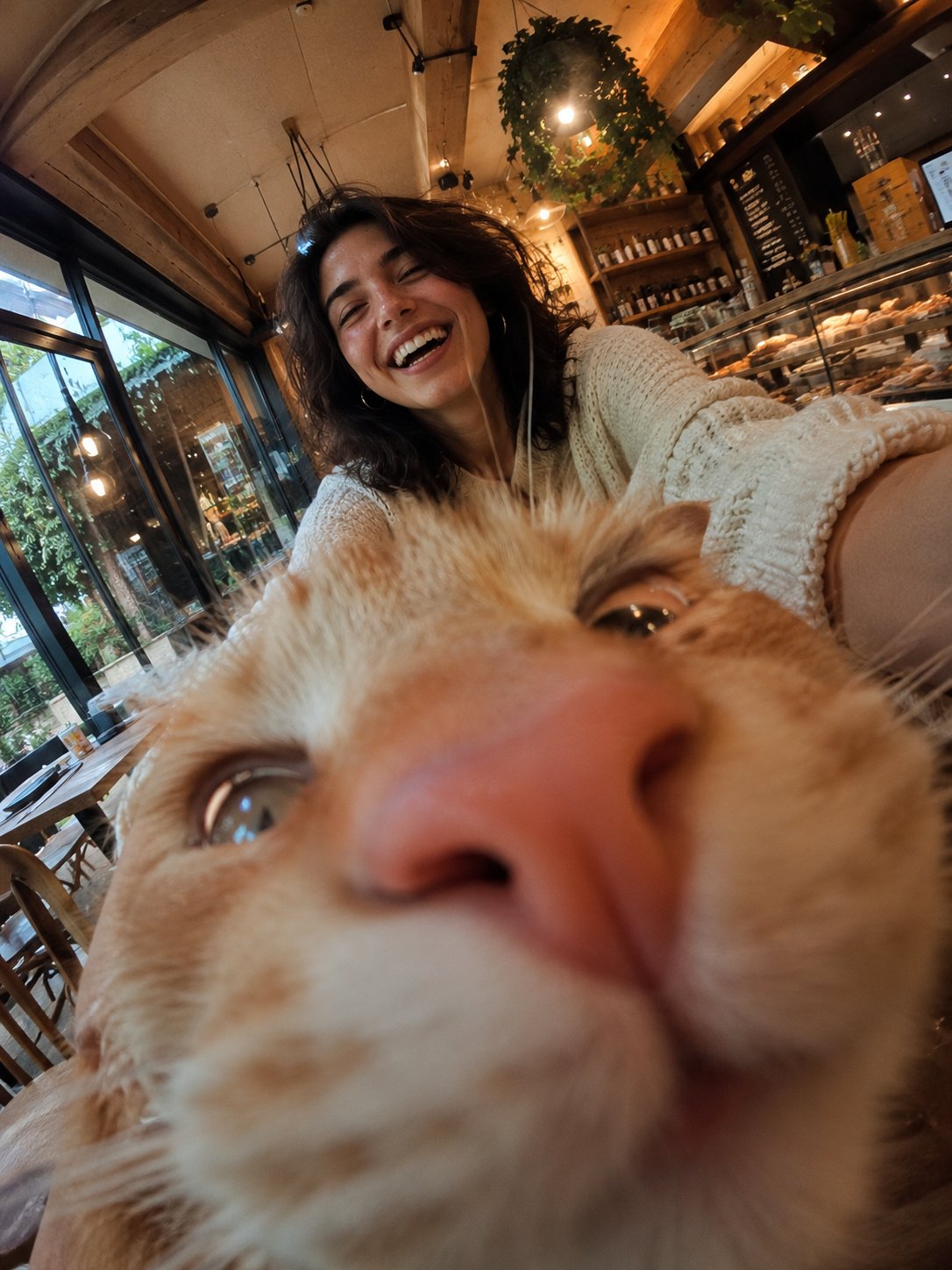
Cat Photobomb Selfie — 0.5x Wide Angle Café Chaos
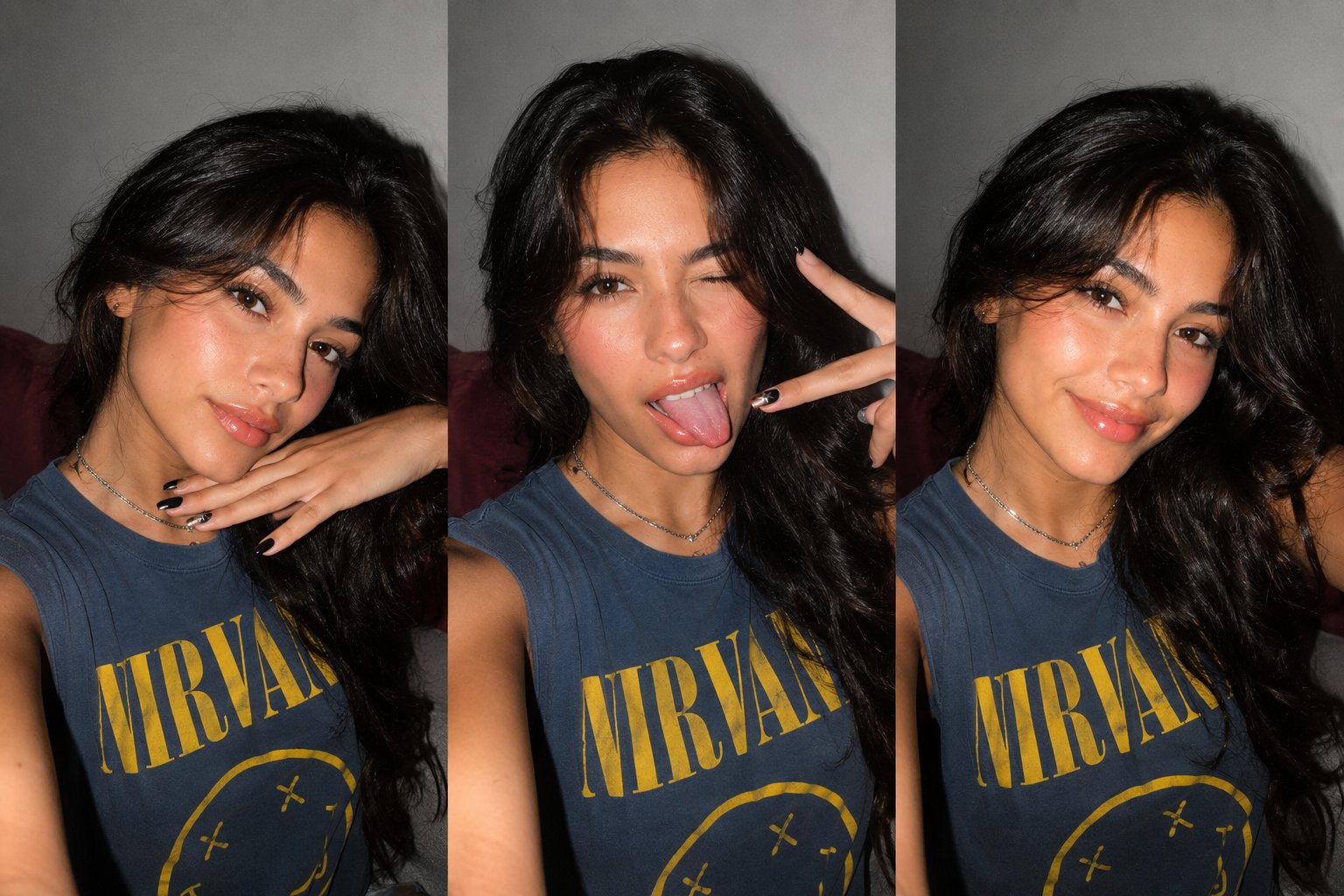
Gen Z Triple Selfie Collage — Y2K Flash Photography
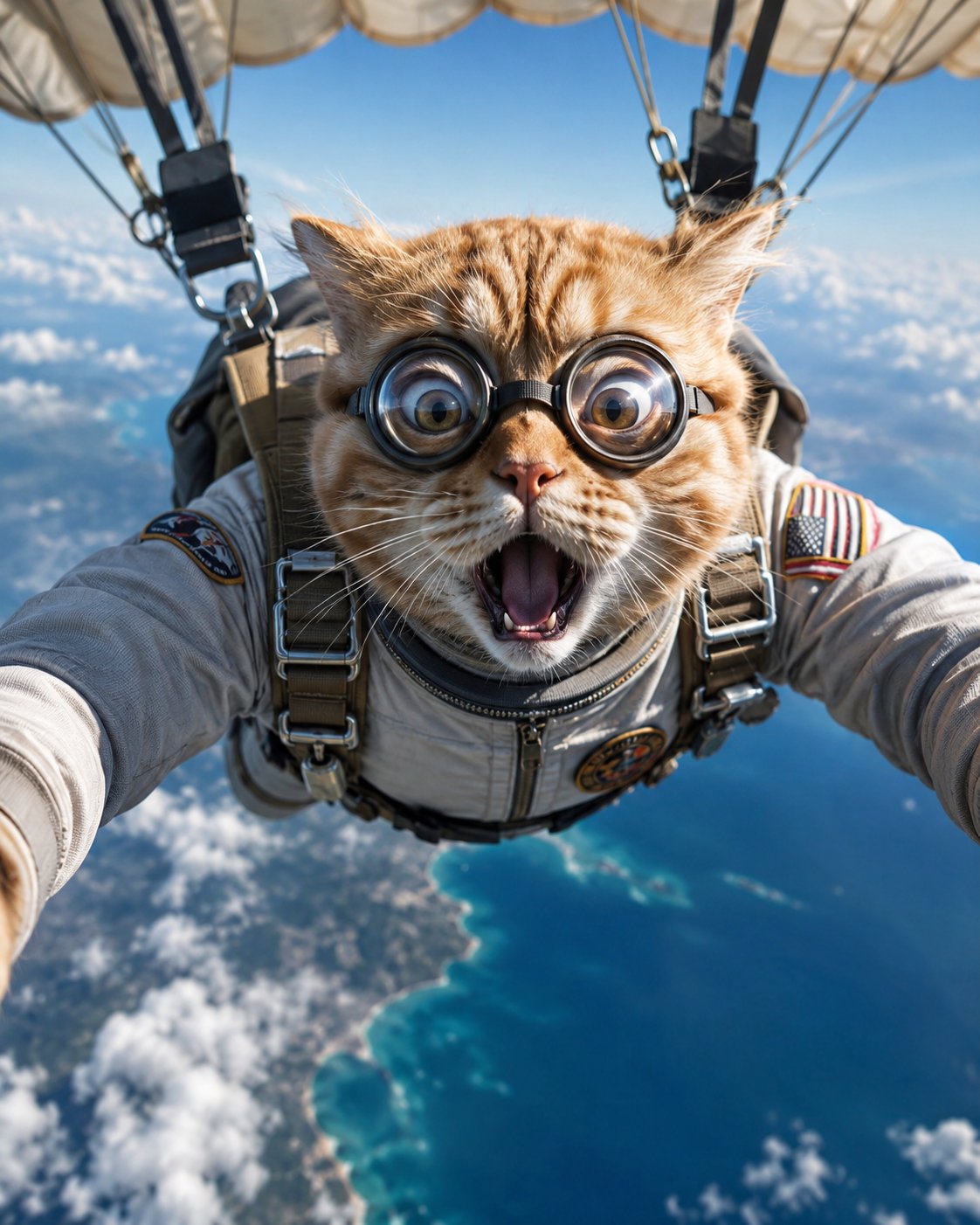
Surreal Cat Astronaut — Humanoid Face Freefall
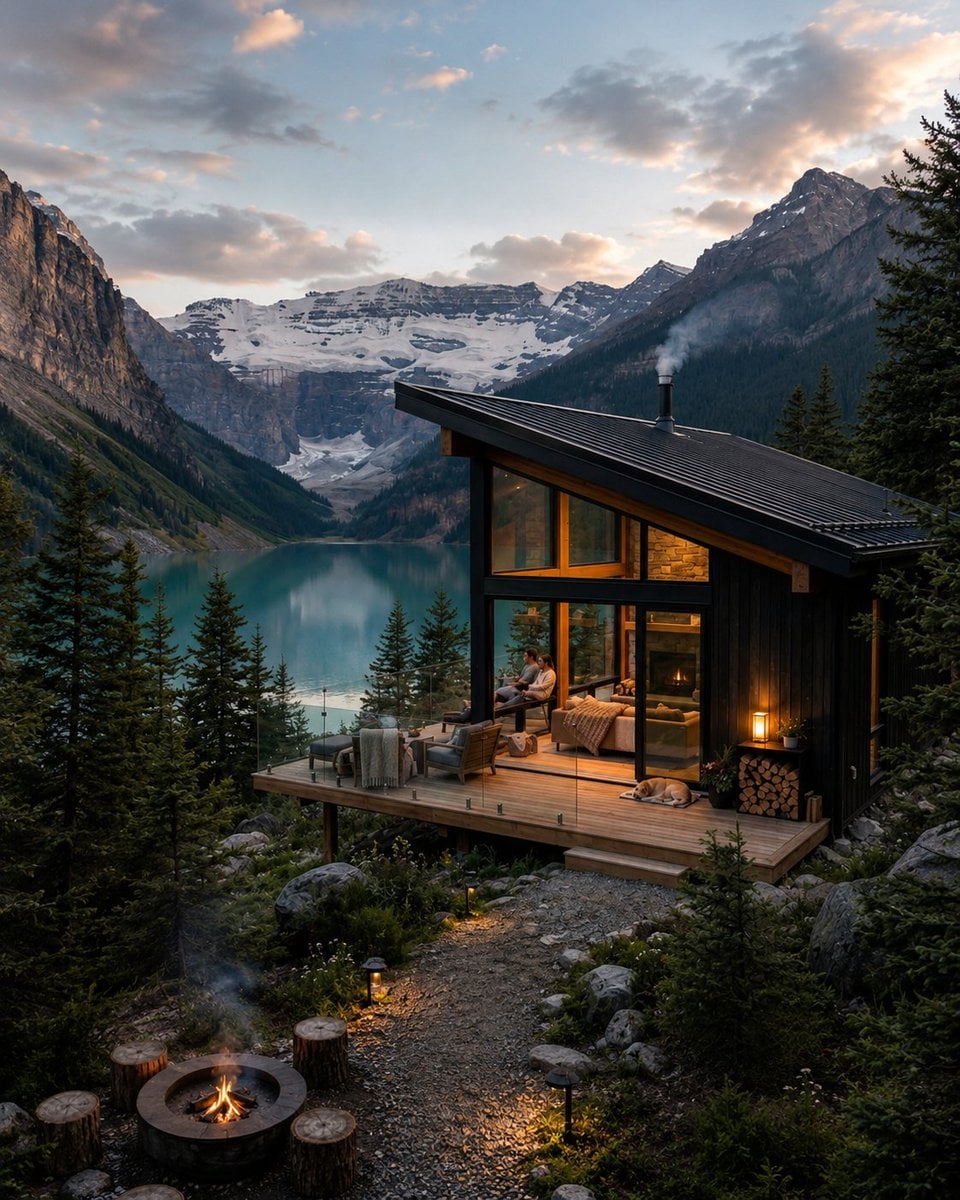
Mountain Lake Sunset Landscape
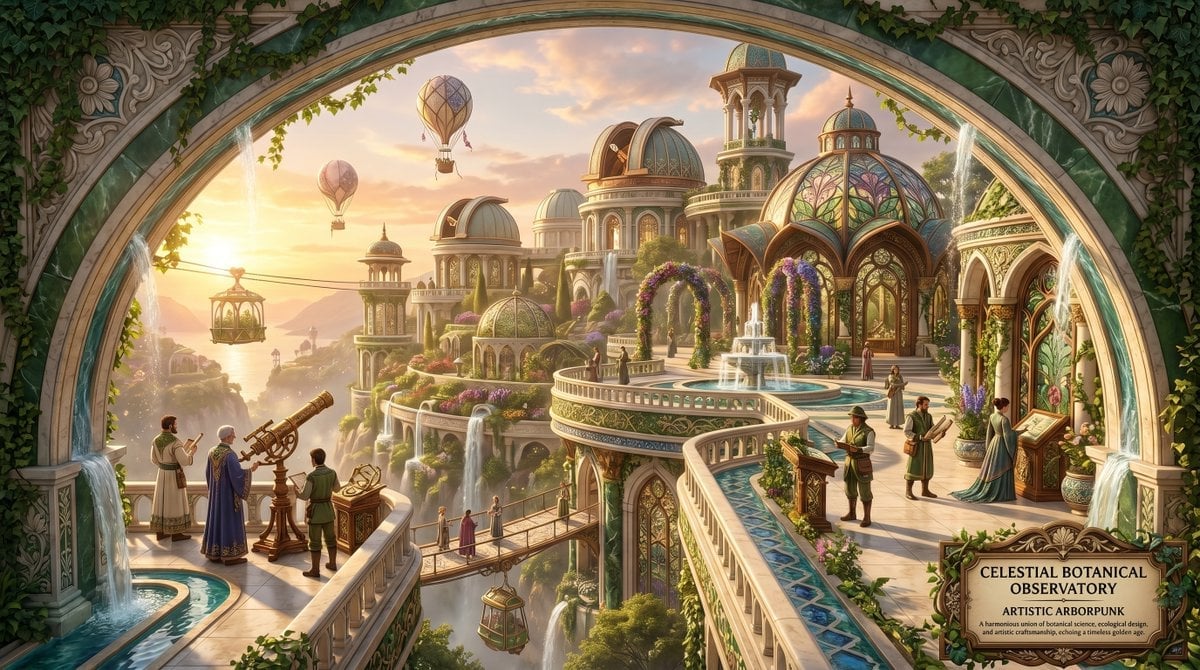
Artistic Arborpunk Garden Observatory Complex
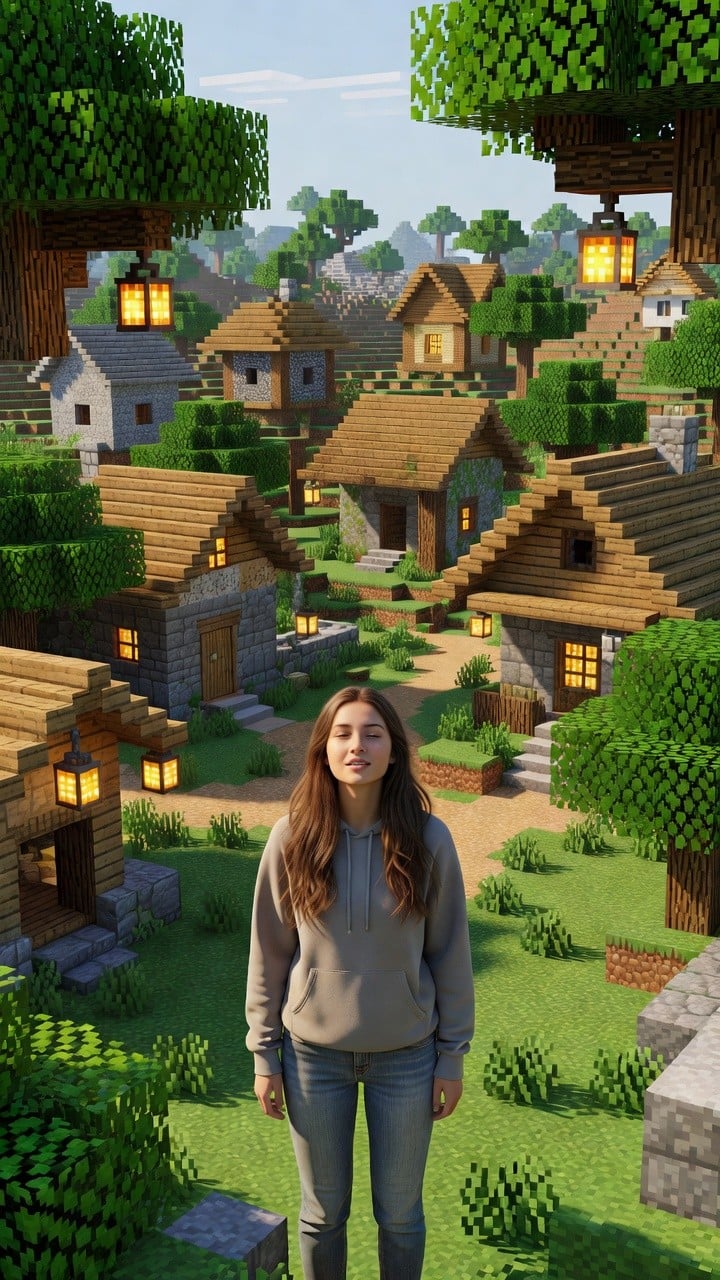
Photoreal Village Lanterns Minecraft Scene
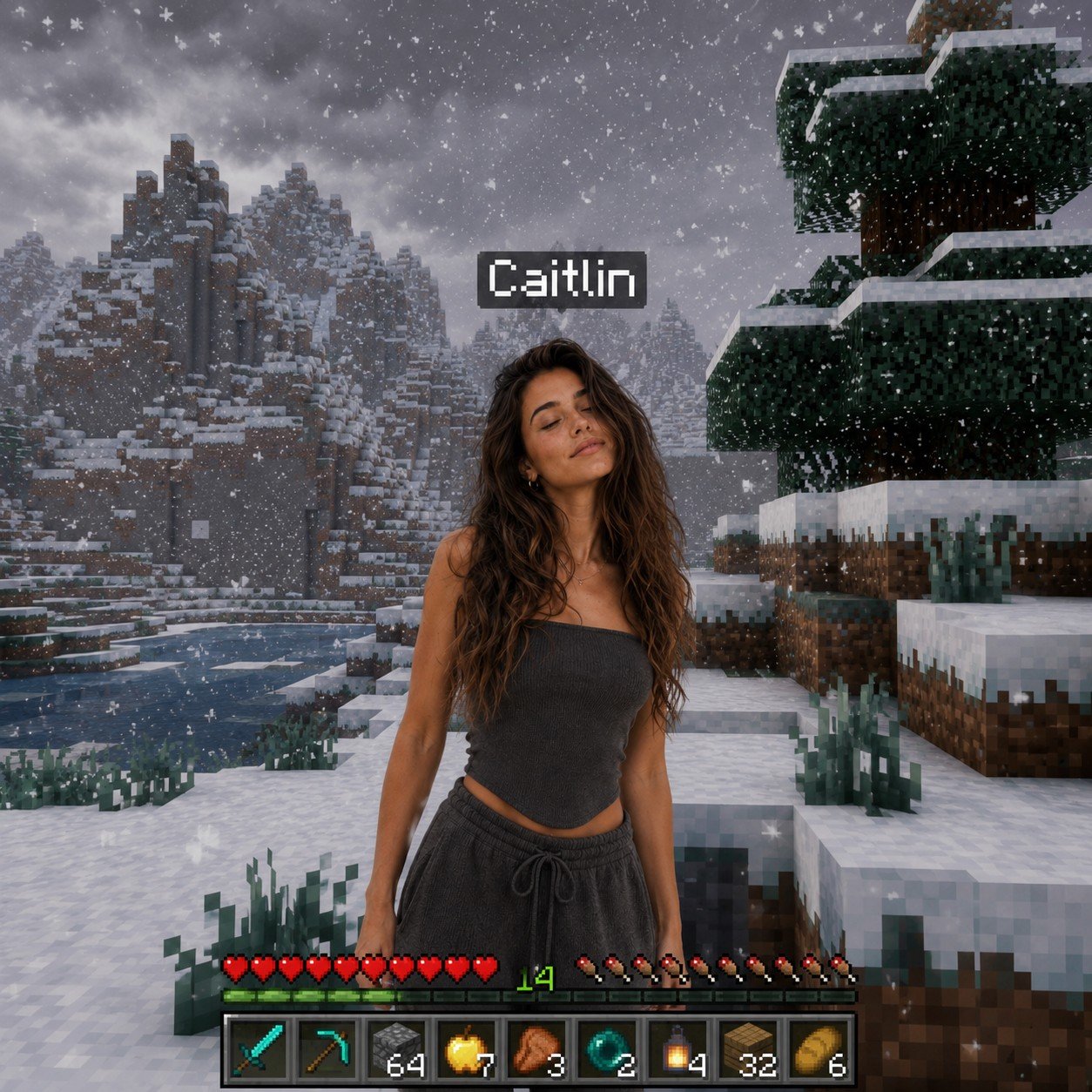
Photoreal Snow Biome Name Tag UI
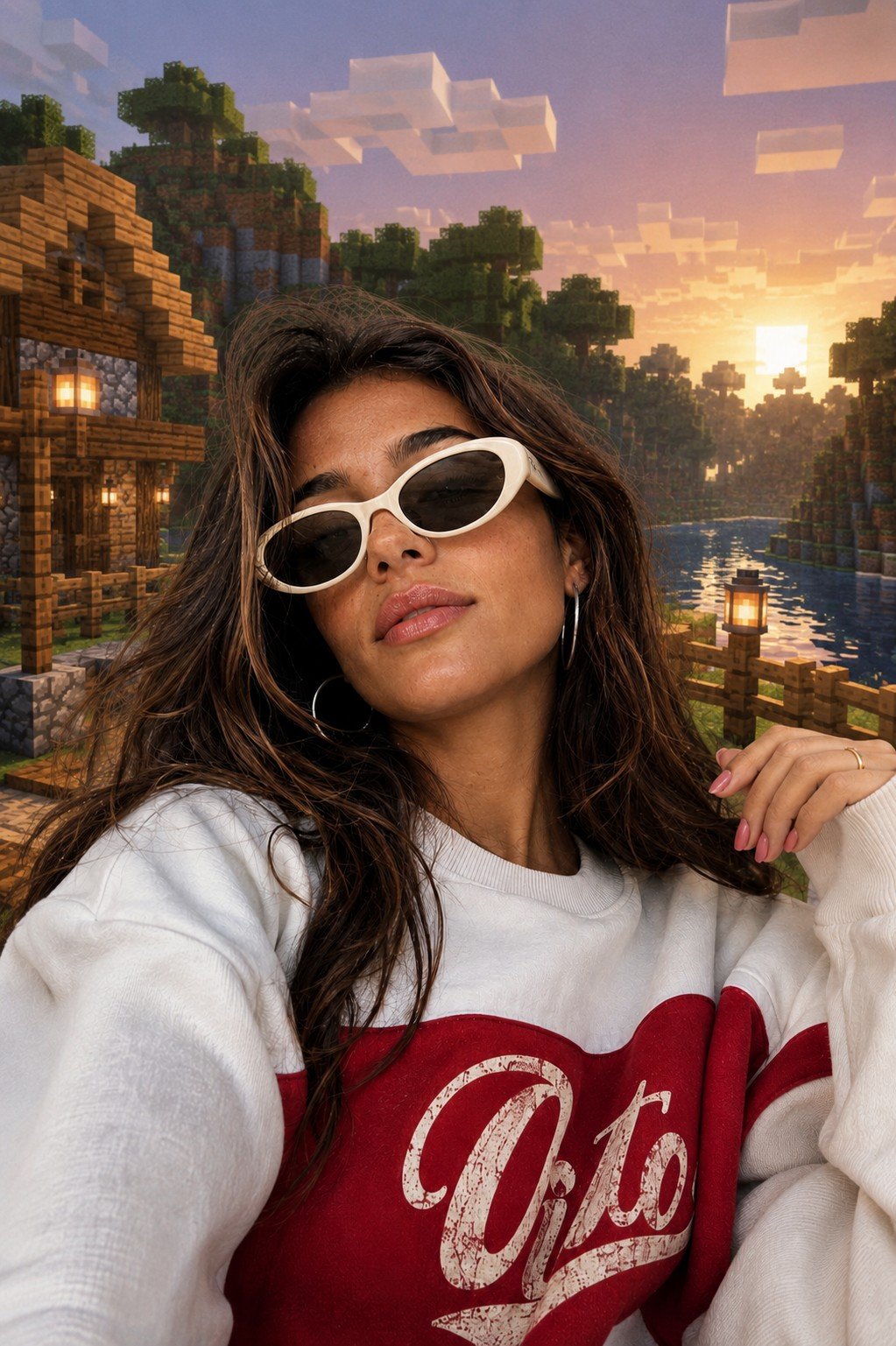
Photoreal Selfie Minecraft Block World
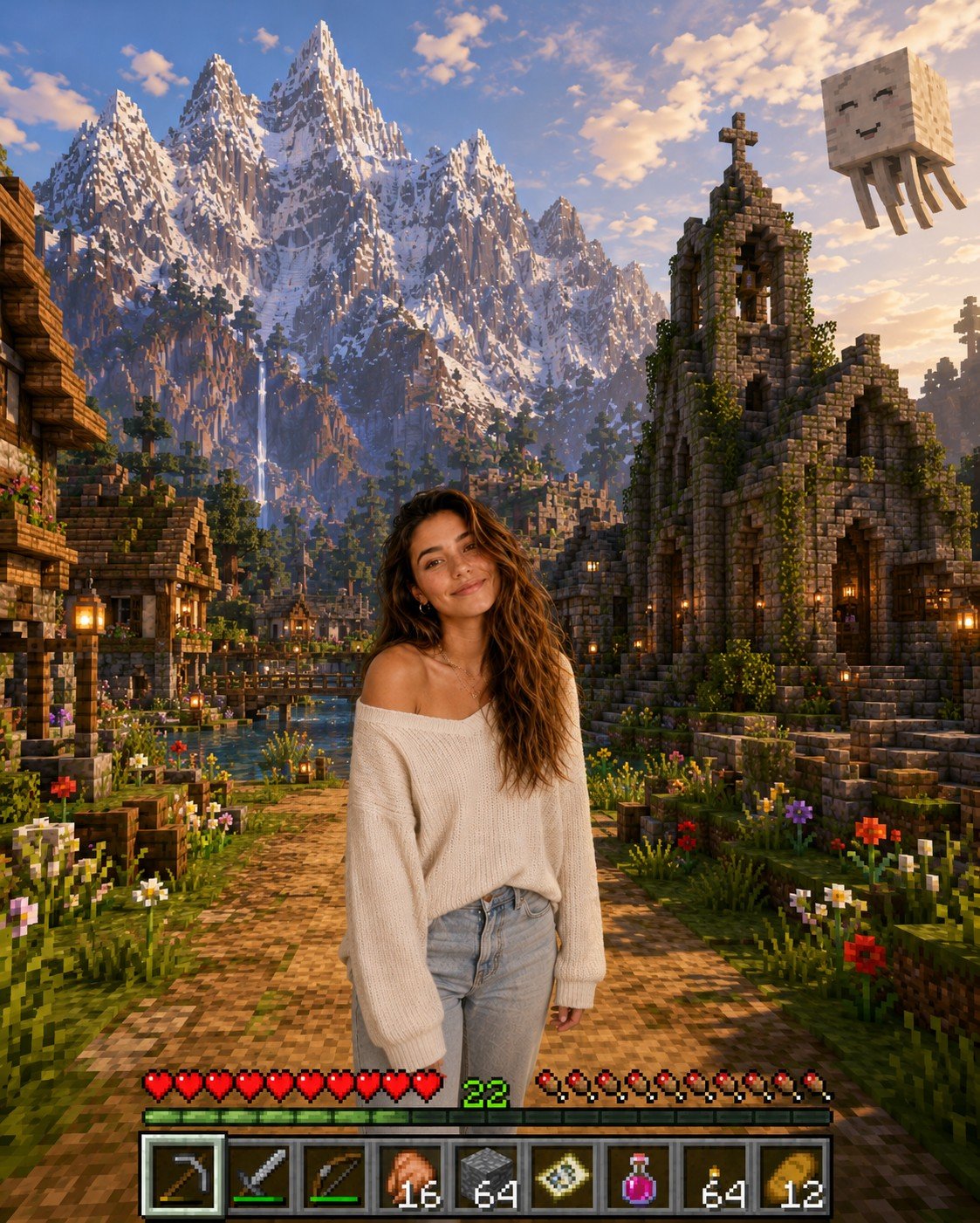
Photoreal Selfie Minecraft Village Ghast UI
Make it yours
Helicopter Cabin Selfie at Sunset works as-is. These are the safest ways to change it without losing the look.
Change one field
Copy a single group, rewrite it, and generate again so you can see what that field is doing.
Keep the frame, change the subject
Hold the composition and light of Helicopter Cabin Selfie at Sunset, then swap wardrobe, props or the person for a new take.
| If the result… | Why | Fix |
|---|---|---|
| The result drifts from the preview | Too many fields changed at once. | Reuse Helicopter Cabin Selfie at Sunset as-is first, then change one group — subject, light, or setting. |
| The model over-stylizes the scene | The prose prompt leaves finish and camera underspecified. | Add one camera or lighting sentence and stay on GPT Image 2. |
More GPT Image 2 templates
Other prompts made for GPT Image 2.

Six VTuber Japanese Logo Sheet

Realistic Portrait of Woman and Deer

The Vista Modular Condo Poster

AI Model Routing Comparison Infographic

2.5D Anime Art Board

Isometric Productivity Desk Scene

New York Double Exposure Poster

Four-Panel AI Landscape Comparison

Japanese Tatami Lifestyle Magazine Cover

NESCAFÉ Coffee Map Poster
More image prompts
Fresh picks from across the catalog.
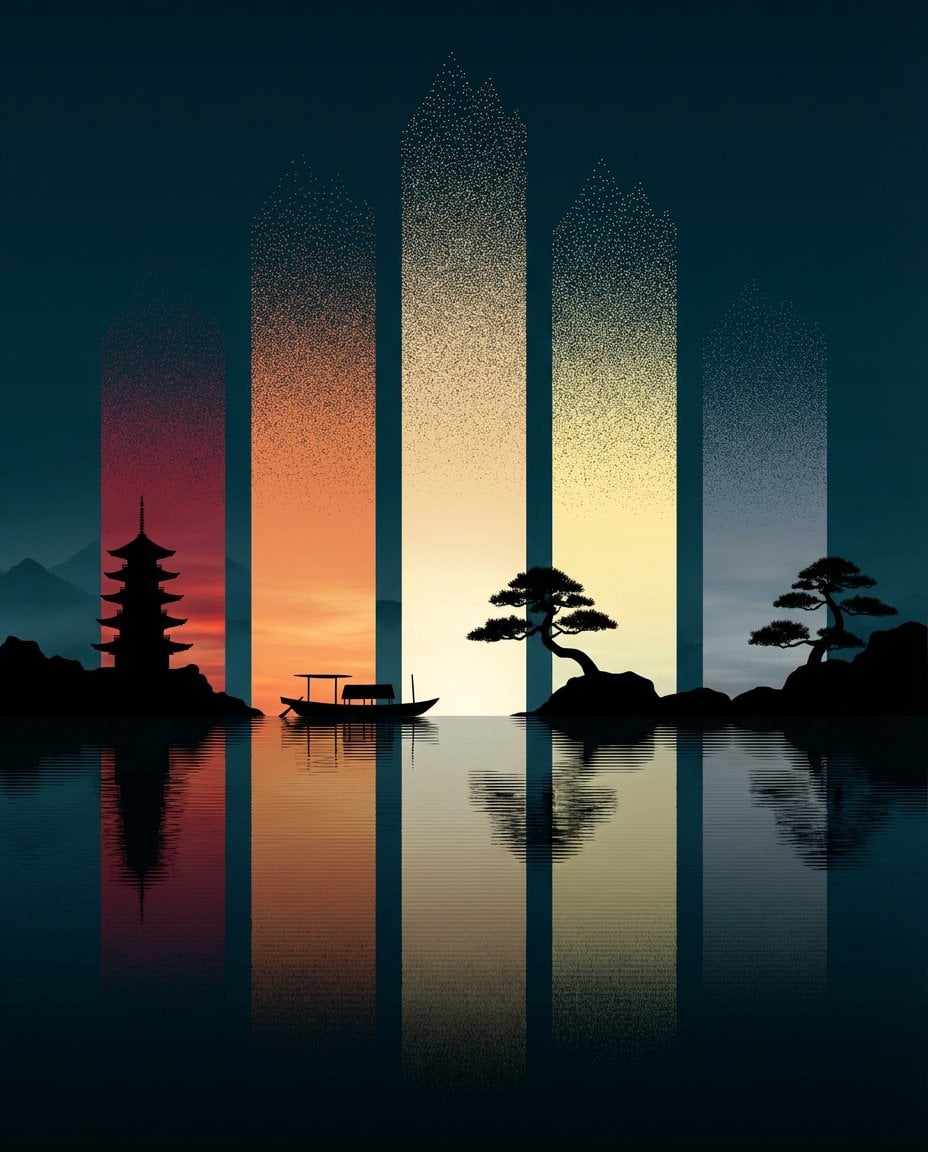
Abstract Eastern Zen Landscape with Time-Slice Lighting
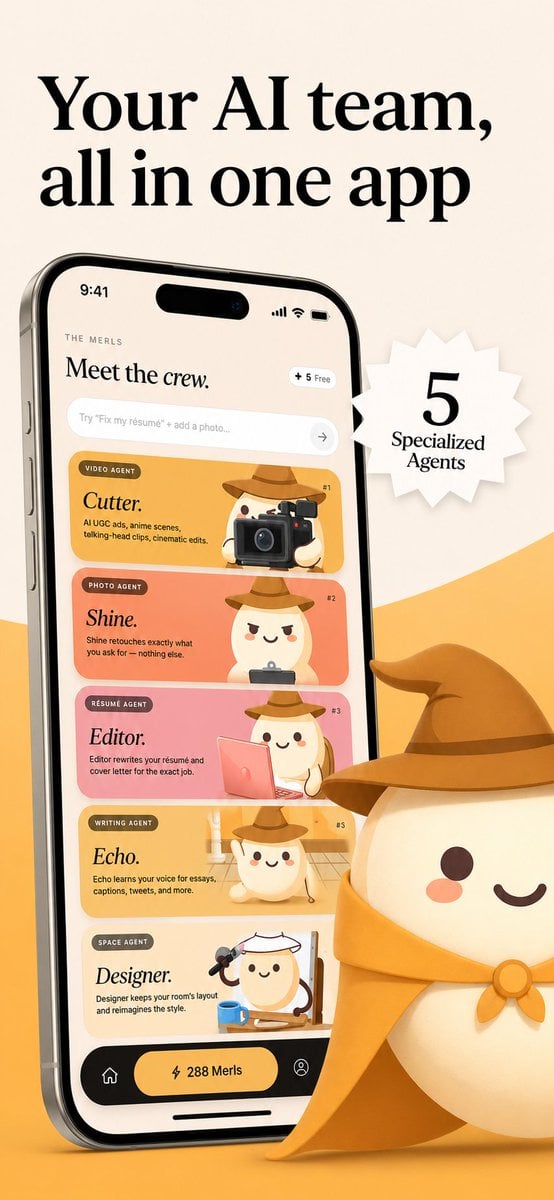
AI Team App Poster
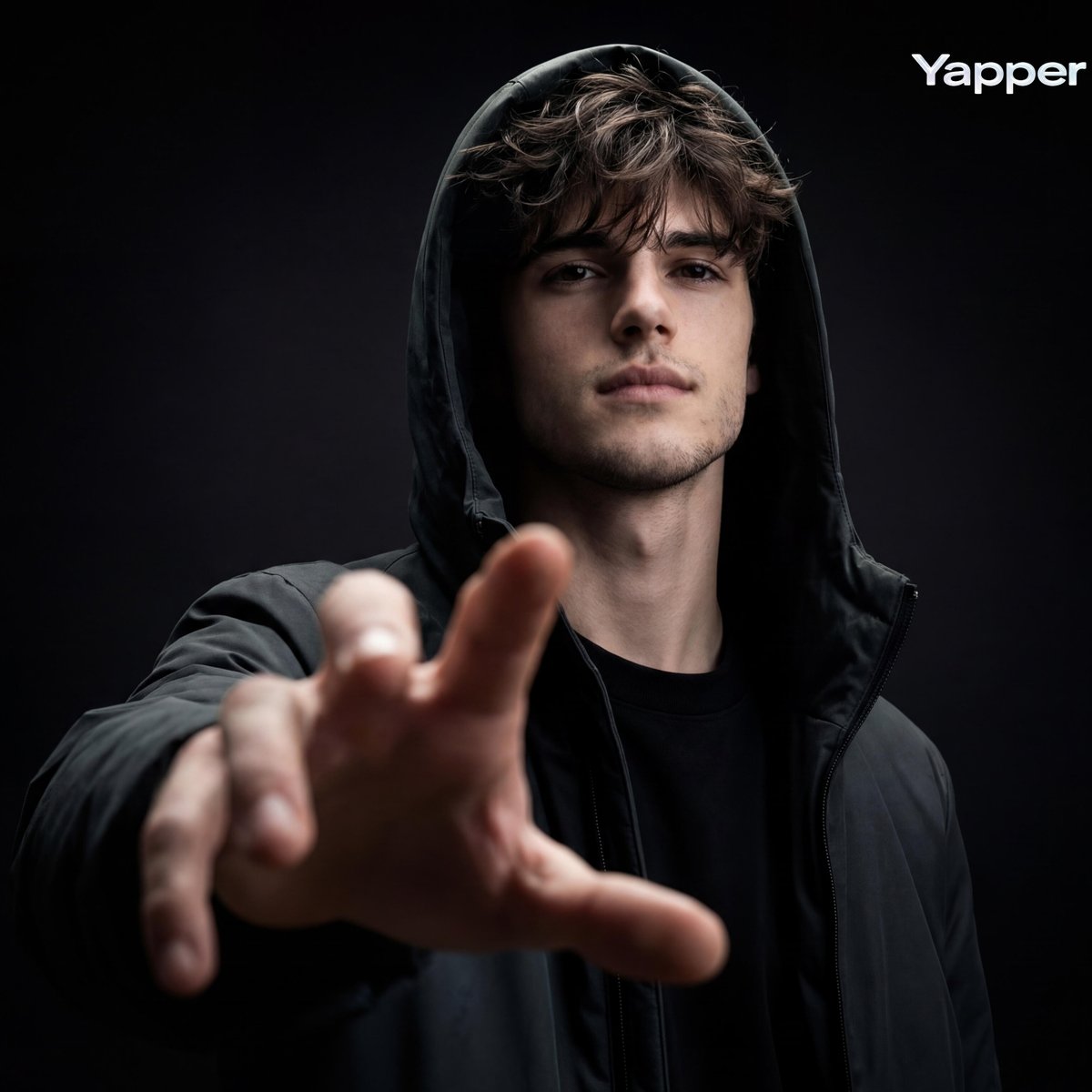
Cinematic Fashion-Editorial Portrait with Perspective Distortion
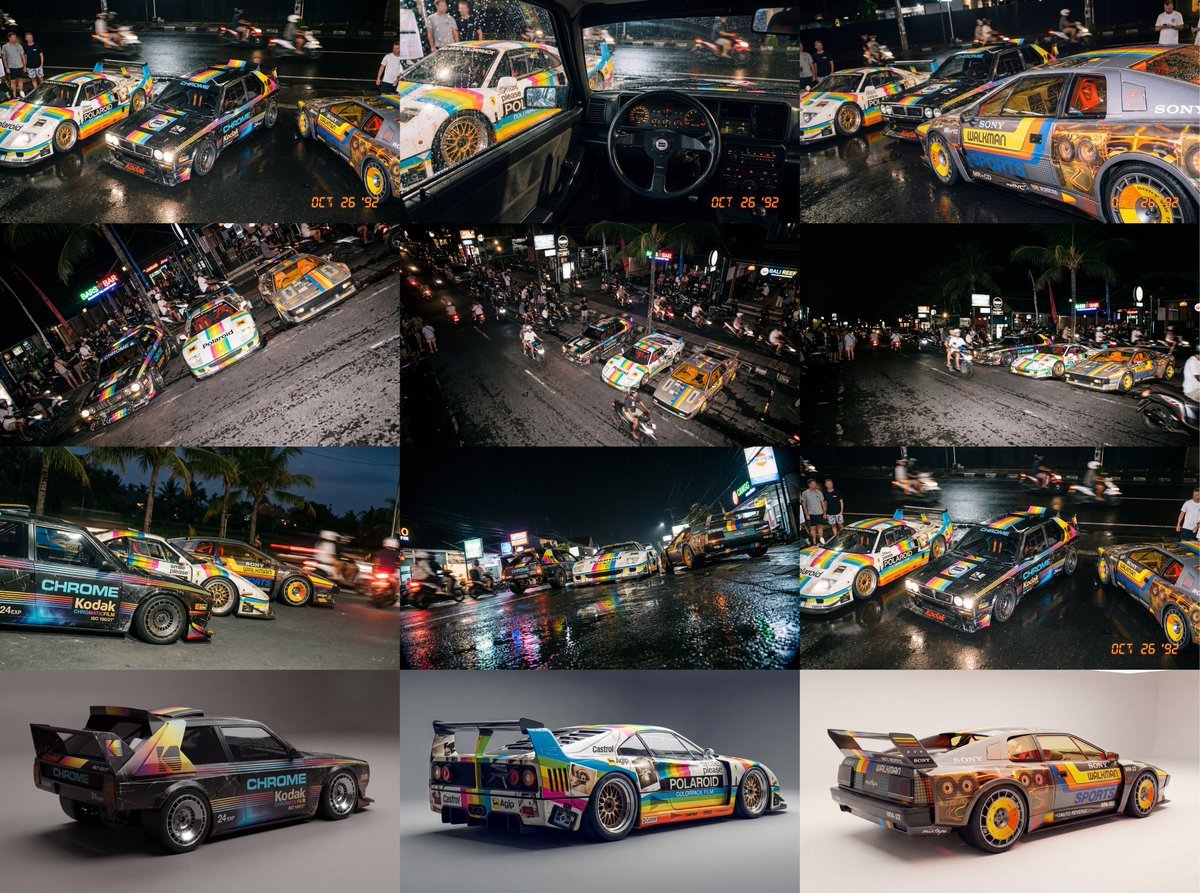
Composite Racing Car Shot with Vintage Film Branding
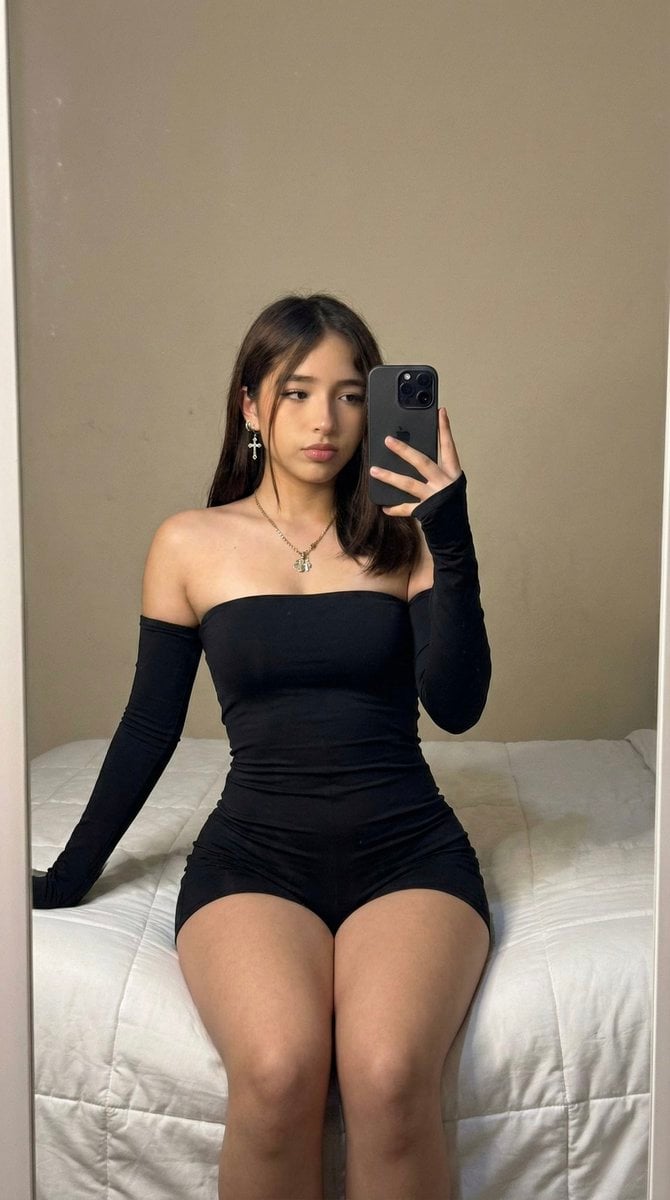
High-Fidelity Mirror Selfie Prompt with Identity Locking
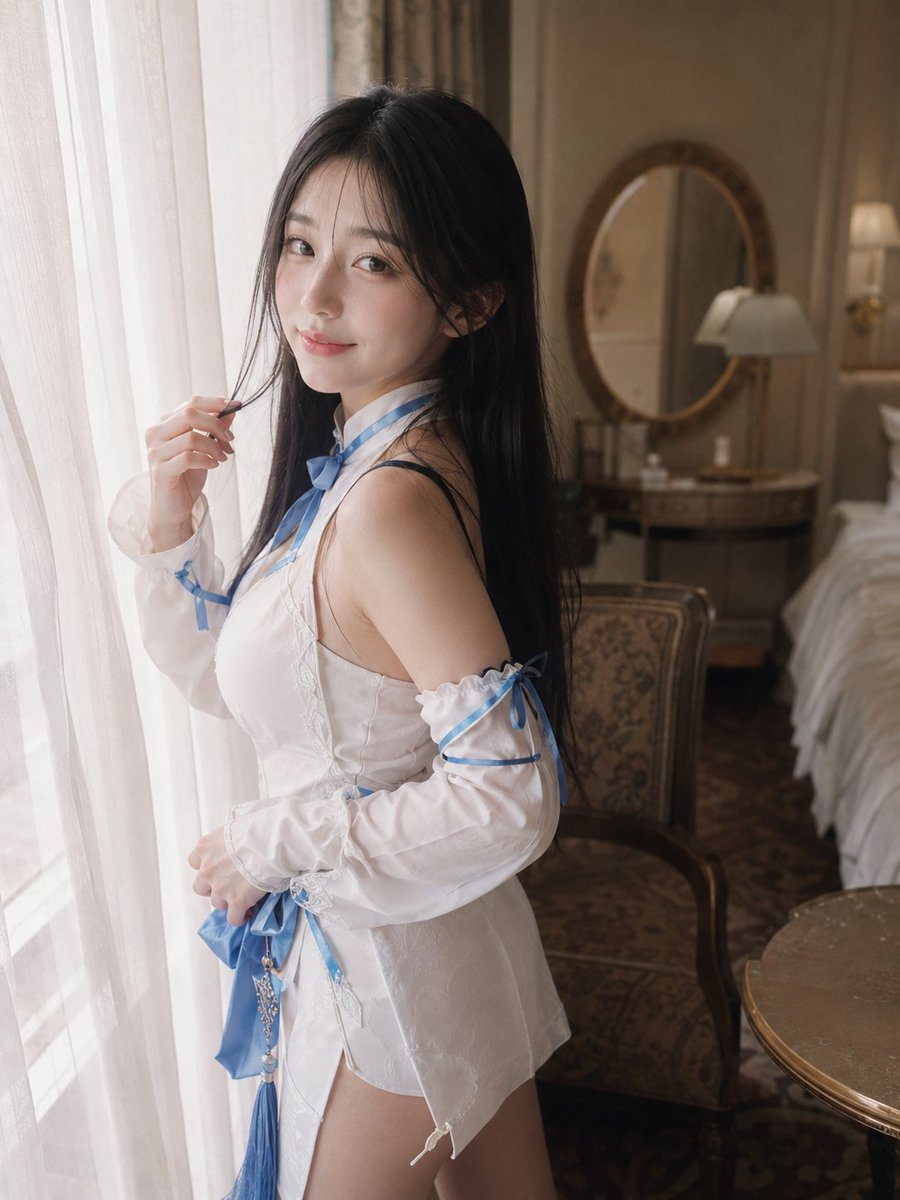
Morning Window Hotel Portrait
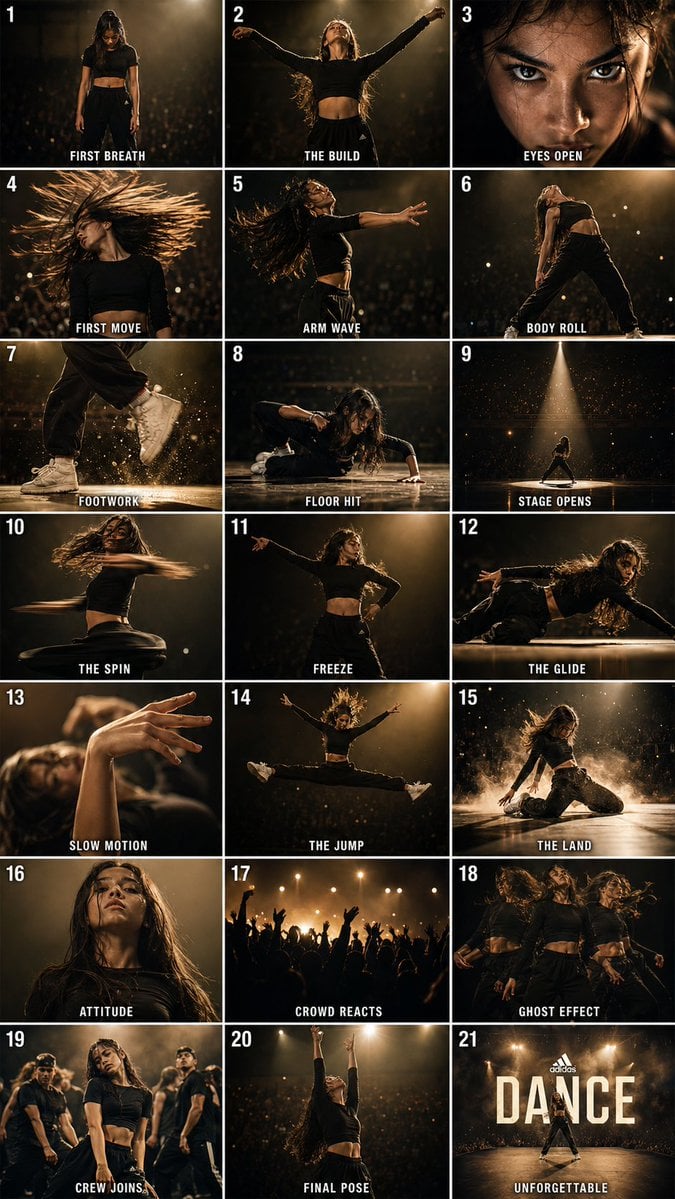
Cinematic Dance Routine Storyboard
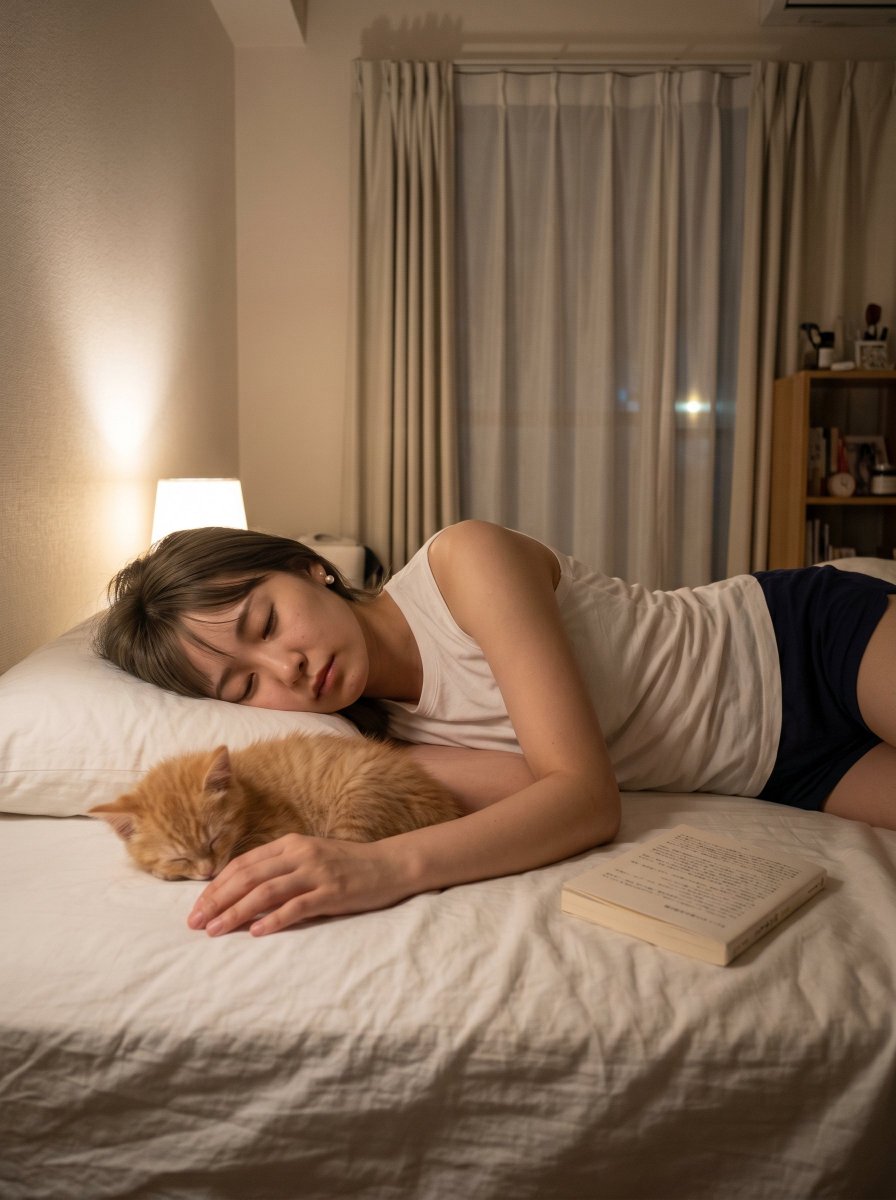
Cozy Bedroom Nap With Cat
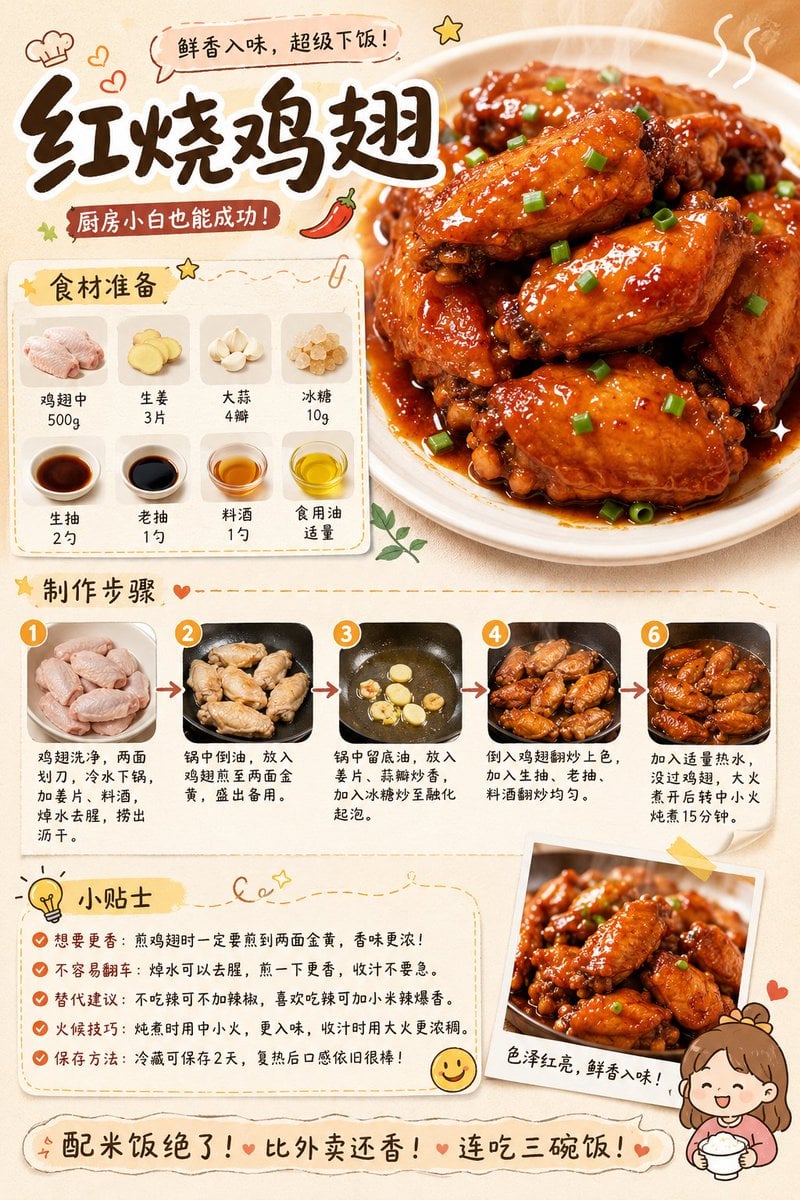
Gourmet Recipe Visual Note Poster
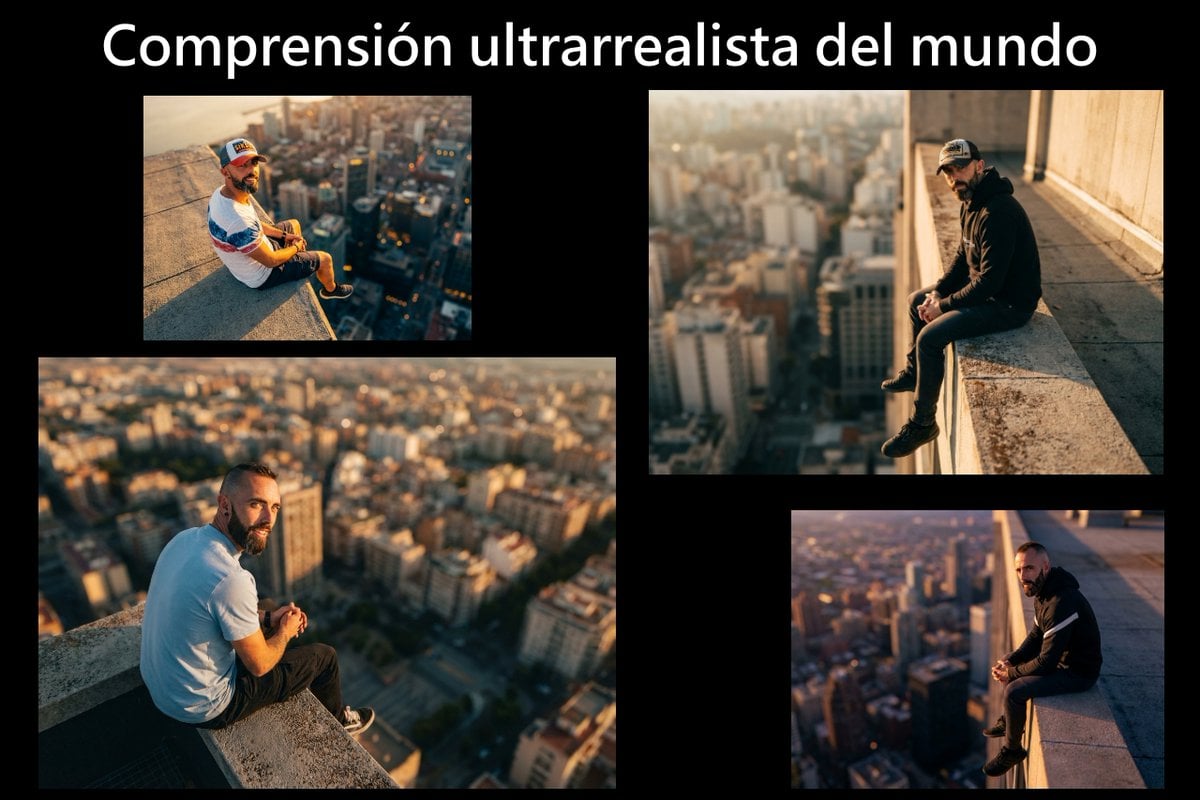
Cinematic rooftop portrait from reference photos
Browse template categories
Helicopter Cabin Selfie at Sunset questions
How do I use the Helicopter Cabin Selfie at Sunset template?
Add your photo if the template asks for one, edit the prompt if you like — the template's model and format are already selected — and press Generate. Your version opens in PicX Studio.
Can I customize the Helicopter Cabin Selfie at Sunset template?
Yes. You can change the subject, setting, lighting, mood, format, and available model controls before creating your image.
Is the Helicopter Cabin Selfie at Sunset template free?
Opening and editing this template is free. Generating uses credits, shown on the Generate button when you are signed in.
Which AI model should I use?
Start with GPT Image 2, which is the model associated with this template. You can compare another compatible model for a different finish.
Looking for something else? Browse all templates.

Your photo, any look
Thousands of ready templates for every top image and video model, from one credit balance.