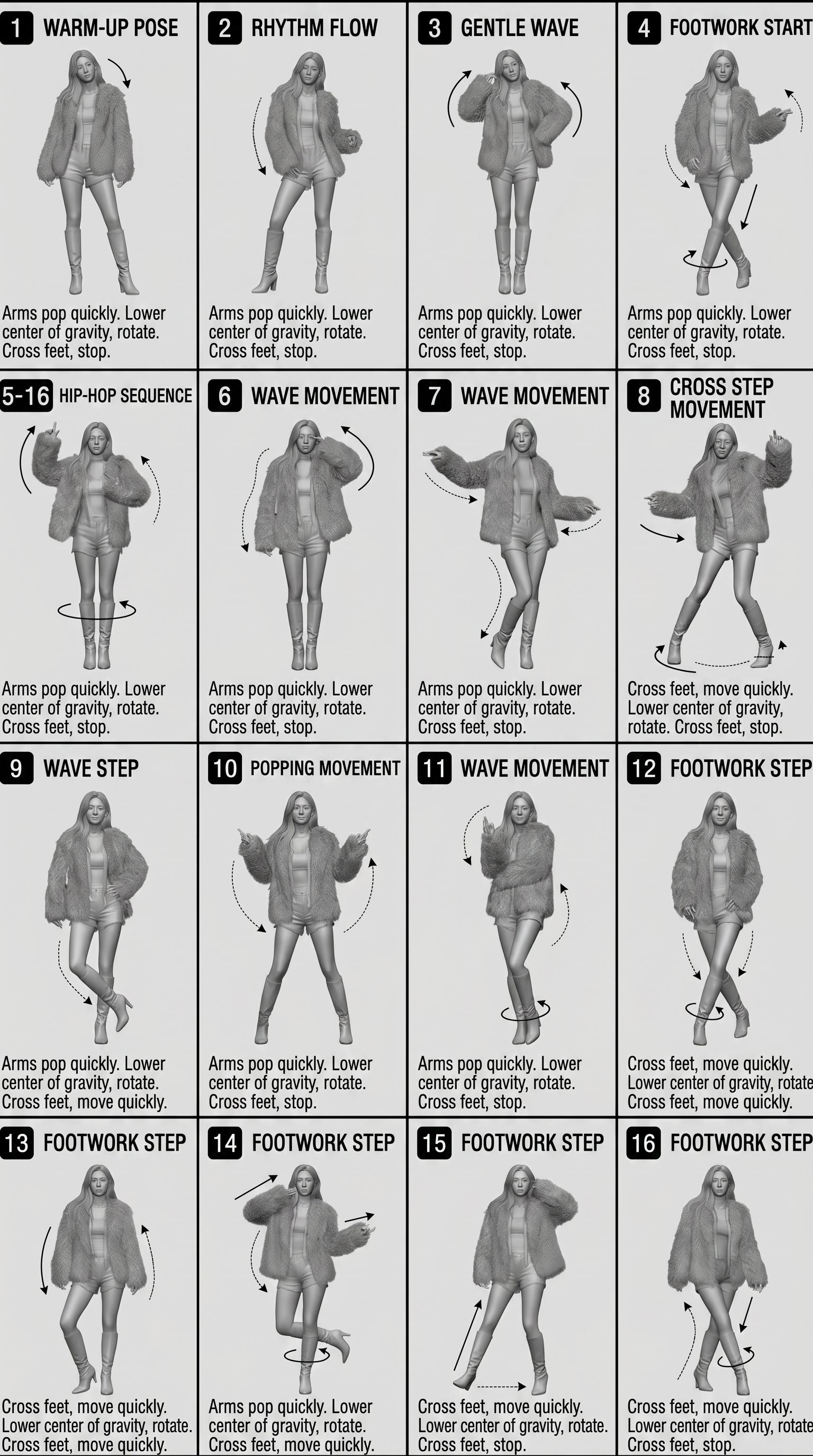
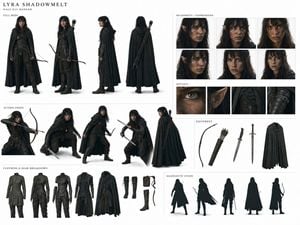
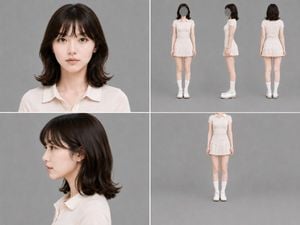
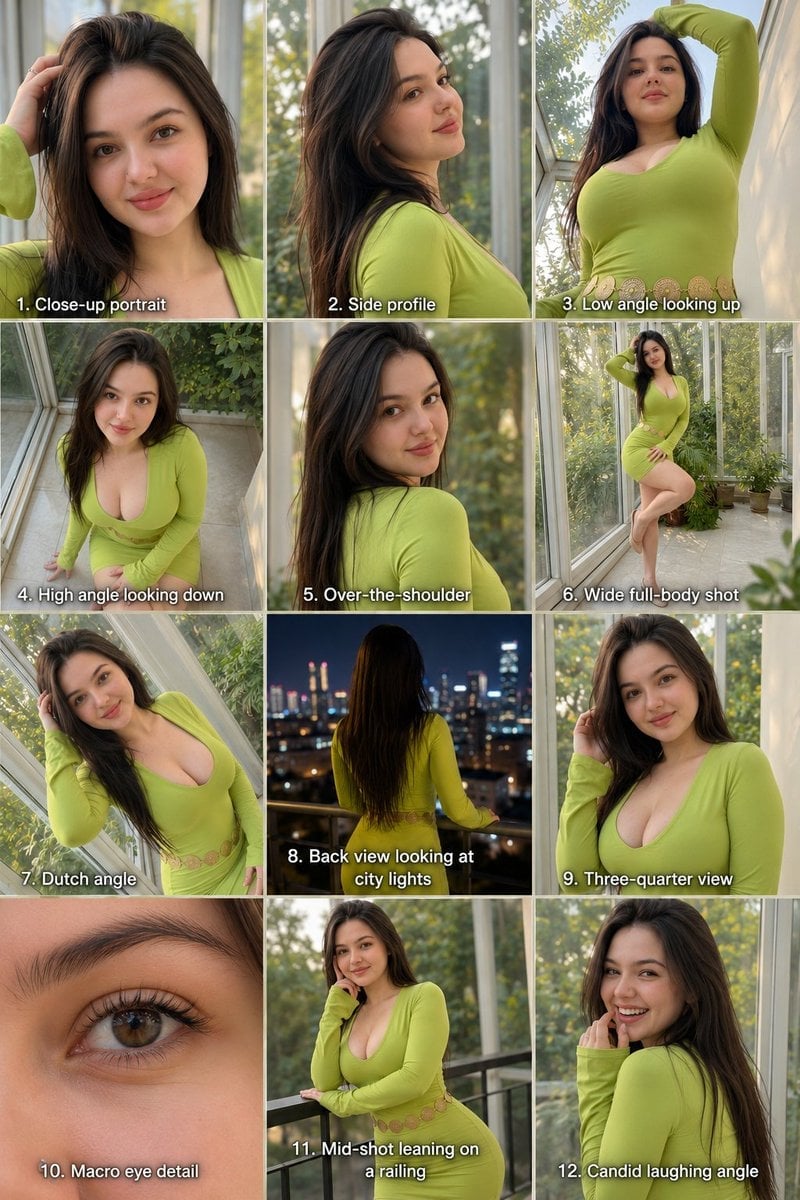
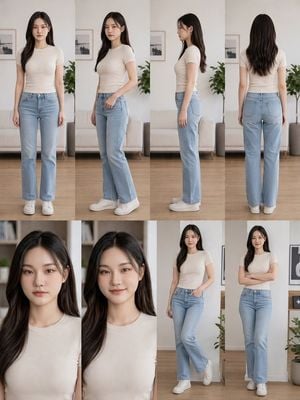
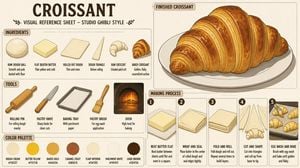
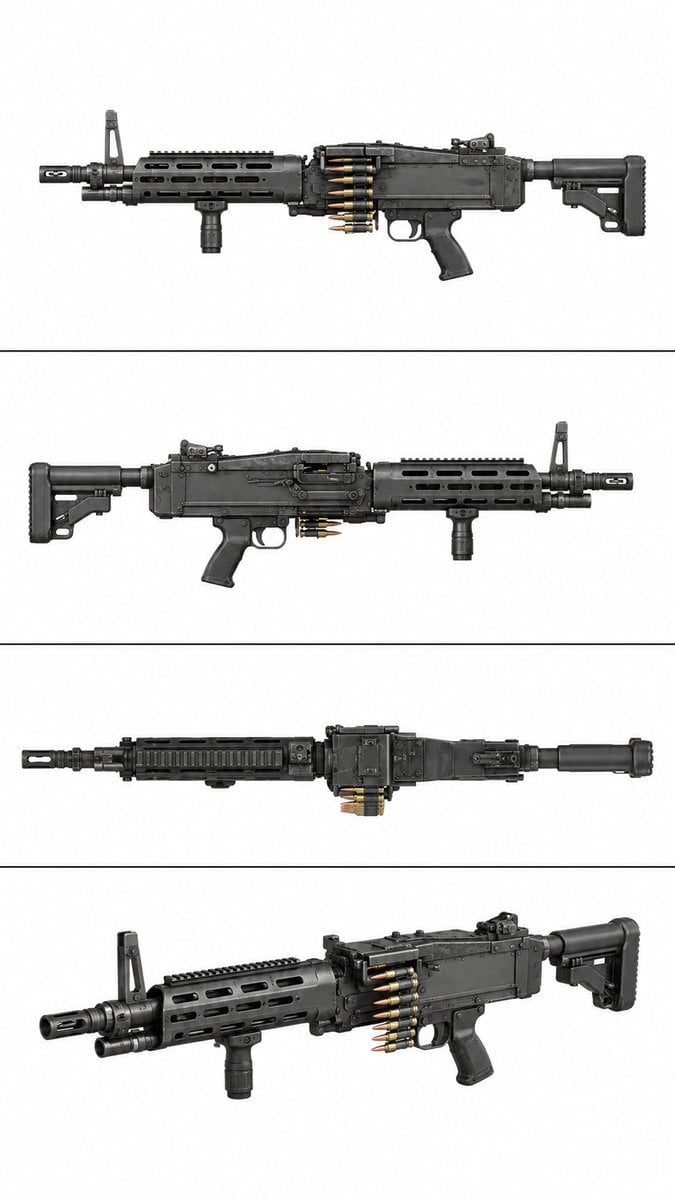
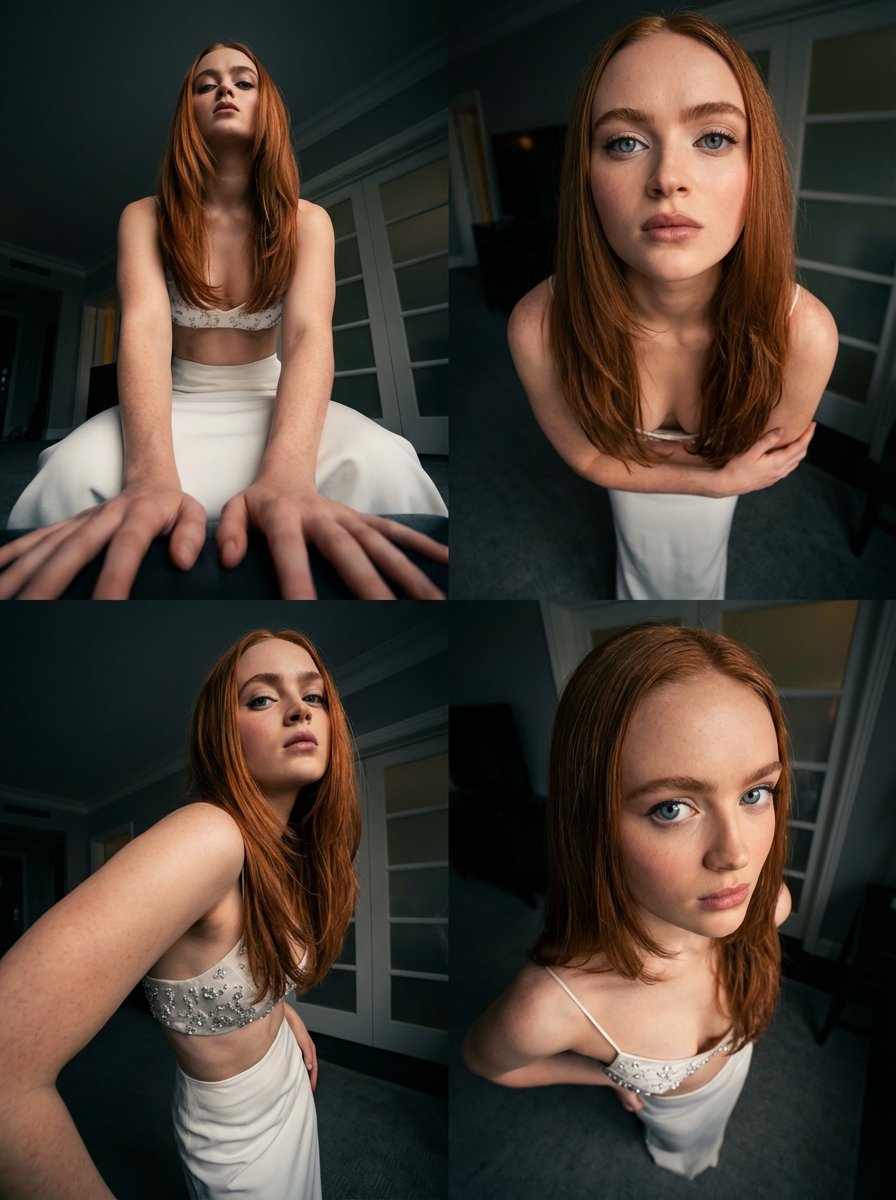
How do I use the Character Multi-Angle Reference Sheet template?
Edit the prompt in the box under the preview — the template's model and format are already selected — and press Generate. Your version appears right on this page.
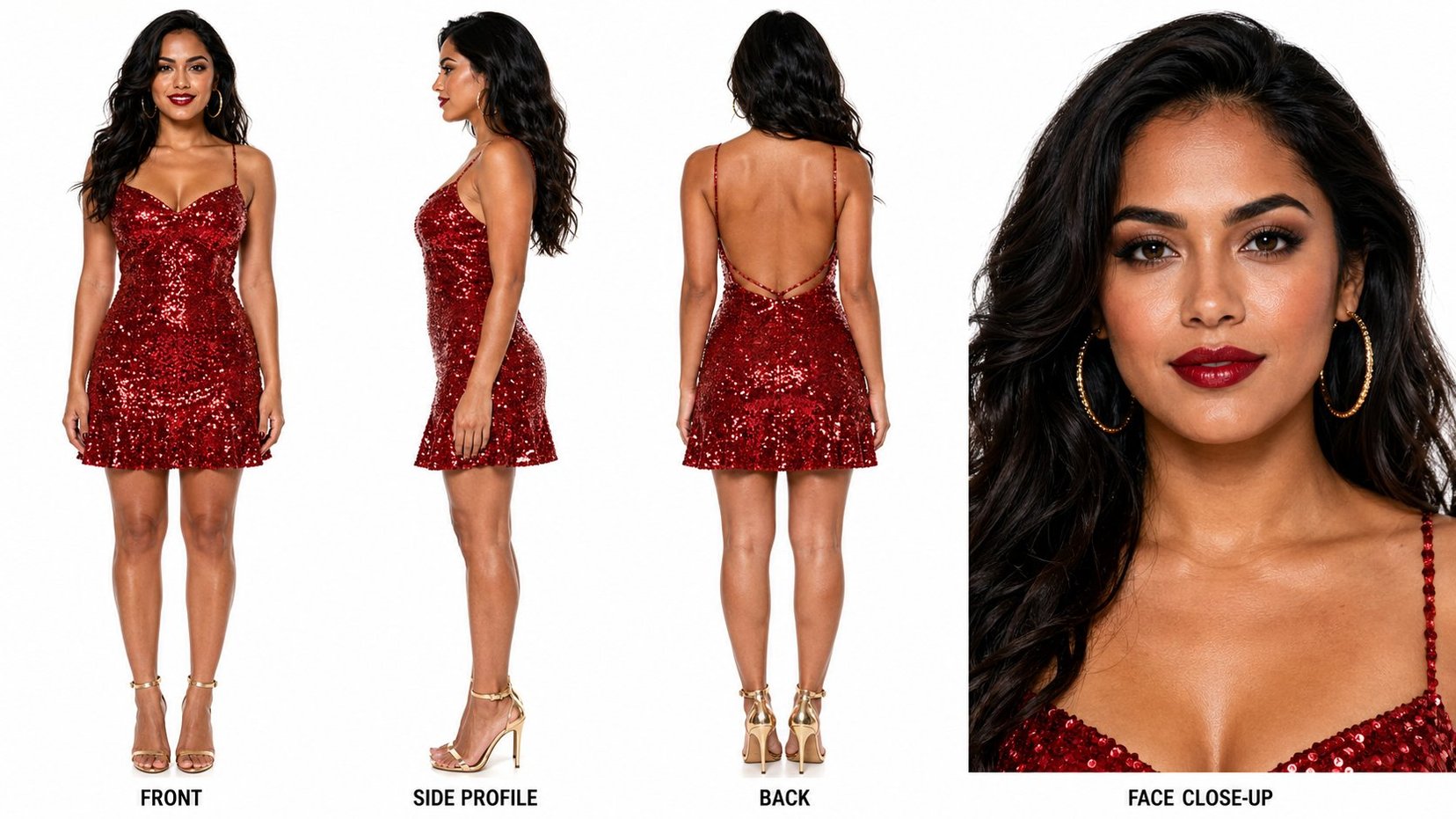
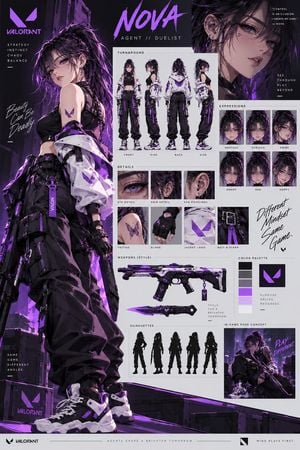
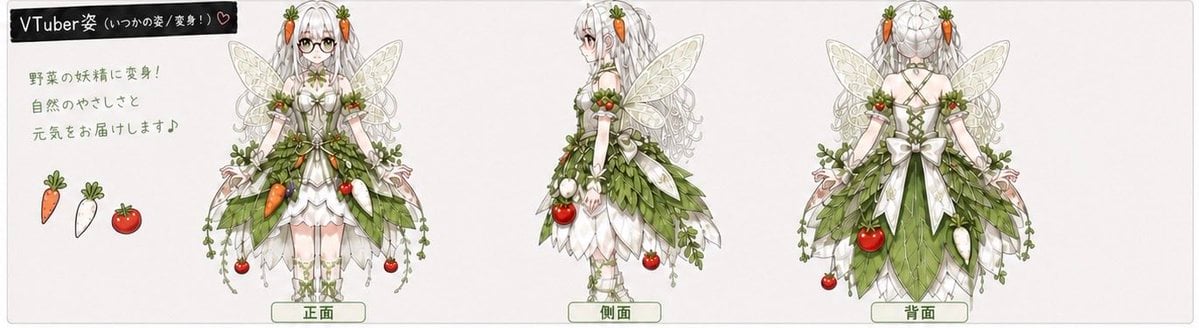
A detailed prompt for generating professional character concept sheets featuring multiple angles and poses for a consistent character design.

创建一个宽幅水平方向的多角度角色设定档案。角色是一名{argument name="角色描述" default="九头身比例的中国超模"},真人摄影,身穿{argument name="服装" default="泳装套装"}(身上不要有水珠),光脚。页面应包含同一角色的多个角度:正面特写、自信站立正面姿势(一手叉腰)、背对站立姿势、蹲姿双手抱头(低角度后侧视图)、以及双手双膝跪地回头看的姿势(低角度后侧视图)。每张图片都要完整展示。布局应根据角色个性定制——视觉丰富但清晰易读。可以包含手写风格的注释、小箭头,以及一个醒目的标题区域,设计成角色名称标题样式。页面上所有文字应为{argument name="语言" default="中文"}。
创建一个宽幅水平方向的多角度角色设定档案。角色是一名{argument name="角色描述" default="九头身比例的中国超模"},真人摄影,身穿{argument name="服装" default="泳装套装"}(身上不要有水珠),光脚。页面应包含同一角色的多个角度:正面特写、自信站立正面姿势(一手叉腰)、背对站立姿势、蹲姿双手抱头(低角度后侧视图)、以及双手双膝跪地回头看的姿势(低角度后侧视图)。每张图片都要完整展示。布局应根据角色个性定制——视觉丰富但清晰易读。可以包含手写风格的注释、小箭头,以及一个醒目的标题区域,设计成角色名称标题样式。页面上所有文字应为{argument name="语言" default="中文"}。
Edit the prompt in the box under the preview — the template's model and format are already selected — and press Generate. Your version appears right on this page.
Yes. You can change the subject, setting, lighting, mood, format, and available model controls before creating your image.
Opening and editing this template is free. Generating uses credits, shown on the Generate button when you are signed in.
Start with GPT Image 2, which is the model associated with this template. You can compare another compatible model for a different finish.
Follow a topic to a crawlable collection of related PicX Studio templates.