
Cinematic Supercar Commercial Transition
A comprehensive cinematic video prompt for Seedance 2.0 that executes a seamless transition from a child's toy car to a real Porsche on a racetrack, with detailed shot timings and lighting cues.
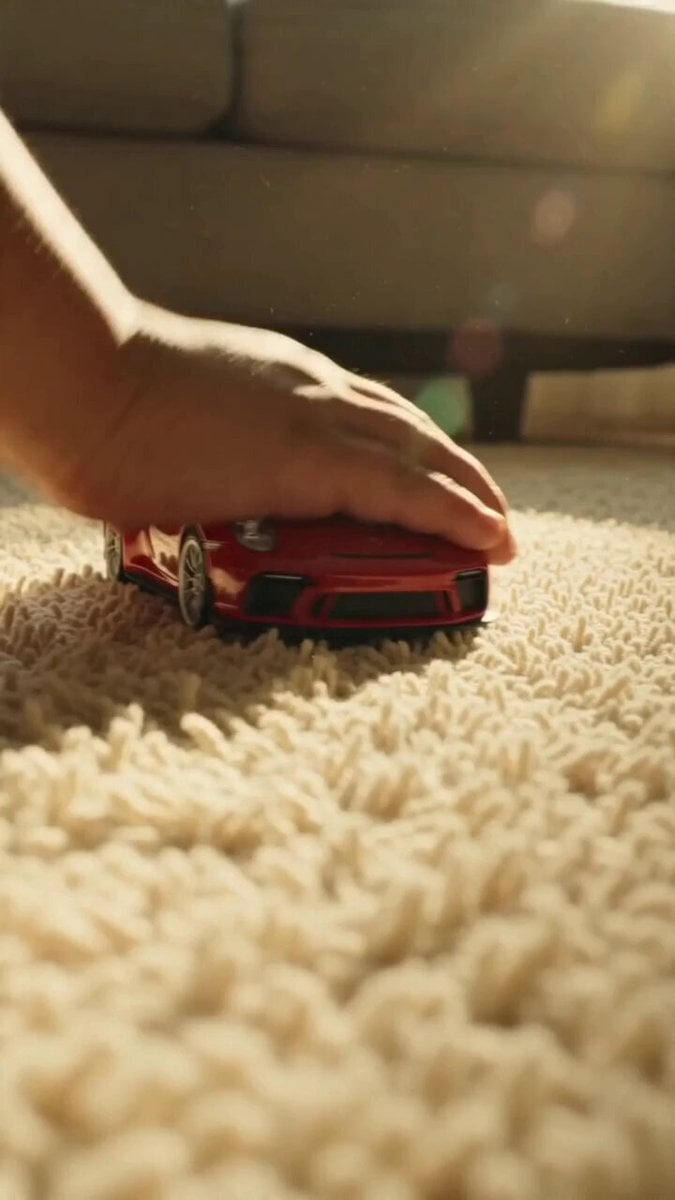
- Prompt included
- Model and format preset
- Free template
The prompt behind this video
Copy the exact prompt behind Cinematic Supercar Commercial Transition, or open it in the studio and make it yours.
12 seconds, top-tier luxury car commercial quality, cinematic footage, intense realistic speed and pressure, seamless time-space transition, consistent character appearance before and after, stable footage, emotions building layer by layer. **0.0-3.2 seconds:** Extreme low-angle ground-level macro shot, warm golden afternoon sunlight illuminating a beige fluffy carpet, floating dust particles, retro Kodak film warm yellow tone. A child’s small, tender hand pushes a red Porsche toy race car forward with force. The camera sticks tightly to the toy car’s front, tracking at high speed, simulating a real racing first-person perspective. Speed increases rapidly, fully igniting the child’s imagination. **3.2-4.8 seconds:** The toy car races straight into the dark shadow under the sofa. Light suddenly disappears, carpet textures stretch into radial motion blur, the entire frame is swallowed by darkness. Use the action of entering the shadow as a natural seamless transition, creating a time-space leap from childhood to reality. **4.8-8.0 seconds:** In the darkness, a powerful engine roar explodes. A real red Porsche 911 GT3 bursts out from the dark, roaring onto a cold gray racetrack. Sharp daylight, fierce reflections on the glossy paint, tires kicking up heat waves and light tire smoke. The camera maintains the exact same low ground-level high-speed tracking shot as the previous scene, making it feel like the same car instantly scales from toy size to a real racing car. Extremely powerful visual impact and realistic physics of speed. **8.0-12.0 seconds:** Cut to an intense interior close-up. The adult version of the character, wearing racing gloves, grips the suede steering wheel tightly and shifts gears violently. Mechanical vibrations, sweat, and friction details are clearly visible. The camera suddenly tilts up and pushes in, freezing on the determined, burning eyes under the helmet. Sweat drips down the forehead. The gaze feels like turning childhood dreams into reality. Fast, shaky interior camerawork with strong vibrations and overwhelming pressure. End with a powerful emotional climax on the intense eye close-up. **Negative Prompt:** blurry, low resolution, deformed characters, multiple people, wrong hands, wrong car model, abrupt cuts, stiff transitions, stuttering, frame drops, plastic texture, fake car feeling, excessive effects, anime style, cheap filters, unstable faces, inconsistent age transition.
How to use Cinematic Supercar Commercial Transition in 3 steps
- 1
Open
The prompt is already in the box next to the preview, with the template's model and format selected.
- 2…a portrait of your subject in softgolden-hour light, 85mm…
Personalize
Edit the subject and creative details for your destination.
- 3Generate
Generate
Press Generate — your video is created in PicX Studio, so you can compare it with the original and refine one variable at a time.
More like this
Templates with the same subject, style or setup. Open one to see its prompt.
Fruit Cookie Commercial

Silk Road Pomegranate Folk Animation
Mechanical Flower Bloom Brand Film
Crystal Ball Match-Cut Brand Film

Sneaker Product Commercial
Skincare Product Commercial 3

Cinematic Portrait Study 3
Product UGC Commercial
Cinematic Portrait Study
Skincare Product Commercial
Luxury Handbag Commercial — Hollywood VFX Ad
Seamless Environment Transition Sports Commercial
Make it yours
Cinematic Supercar Commercial Transition works as-is. These are the safest ways to change it without losing the look.
Change one field
Copy a single group, rewrite it, and generate again so you can see what that field is doing.
Keep the frame, change the subject
Hold the composition and light of Cinematic Supercar Commercial Transition, then swap wardrobe, props or the person for a new take.
| If the result… | Why | Fix |
|---|---|---|
| The result drifts from the preview | Too many fields changed at once. | Reuse Cinematic Supercar Commercial Transition as-is first, then change one group — subject, light, or setting. |
| The model over-stylizes the scene | The prose prompt leaves finish and camera underspecified. | Add one camera or lighting sentence and stay on Seedance 2.0. |
More Seedance 2.0 templates
Other prompts made for Seedance 2.0.

Comical Martial Arts Punch Scene

Maglev Train Action Sequence

Martial Arts Fight Sequence

Wuxia Protection and Trust Script

Vintage Korean Arcade MiniDV Vlog

Mercedes 190 SL Luxury Ad

Rainy Night Supernatural Reverse Comedy Video Script

Amazon Civilization Discovery

Futuristic South Asian City Transformation

Cozy Luxury Cafe Commercial
More video prompts
Fresh picks from across the catalog.

Floating Magic City Aerial Combat

First-Person Dragon Rider Image Prompt

Cinematic Football Drama Sports Thriller
Space Camp Zero Gravity Astronauts
Cyborg Graffiti Artist Scene

Cinematic Football Broadcast Animation

Fluffy Cat Watchmaker Scene Prompt

Day in the Life Continuous Tracking Shot
Silhouetted Swordsman Combat Prompt
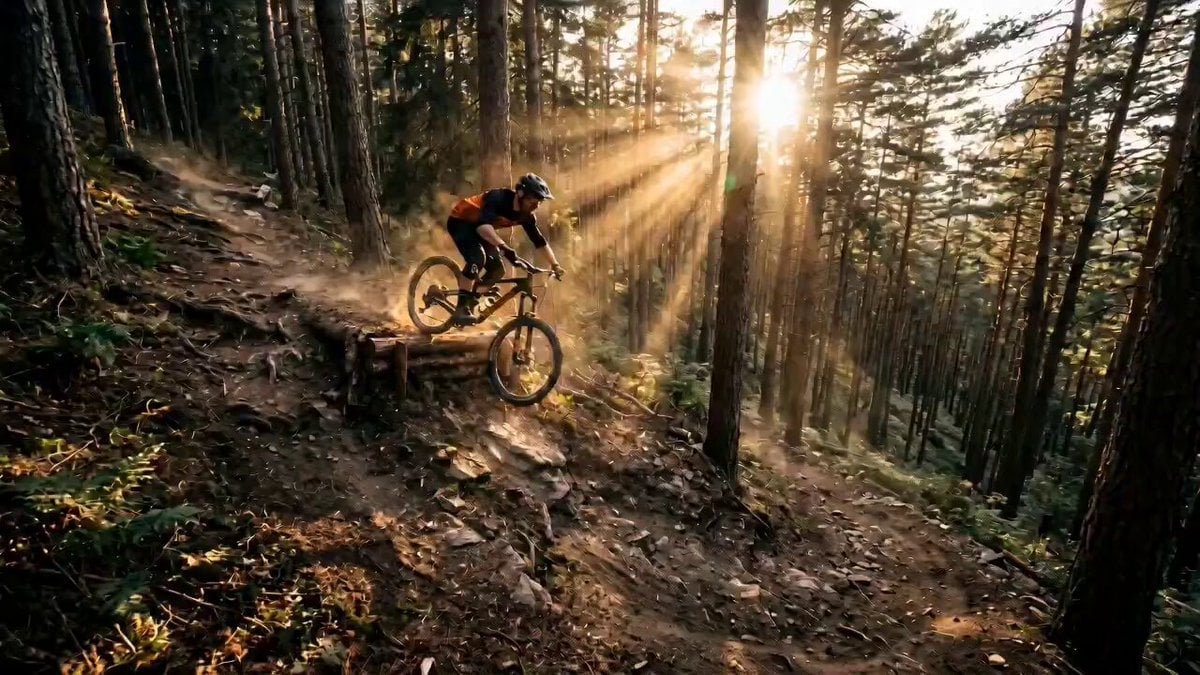
Mountain Biker Action Sequence
Browse template categories
Cinematic Supercar Commercial Transition questions
How do I use the Cinematic Supercar Commercial Transition template?
Add your photo if the template asks for one, edit the prompt if you like — the template's model and format are already selected — and press Generate. Your version opens in PicX Studio.
Can I customize the Cinematic Supercar Commercial Transition template?
Yes. You can change the subject, setting, lighting, mood, format, and available model controls before creating your video.
Is the Cinematic Supercar Commercial Transition template free?
Opening and editing this template is free. Generating uses credits, shown on the Generate button when you are signed in.
Which AI model should I use?
Start with Seedance 2.0, which is the model associated with this template. You can compare another compatible model for a different finish.
Looking for something else? Browse all templates.

Your photo, any look
Thousands of ready templates for every top image and video model, from one credit balance.