How do I use the Detailed JSON Prompt for Handheld Mirror Selfie template?
Choose the primary action to open PicX Studio with the available template settings. Review the model and format, personalize the creative direction, and generate when ready.
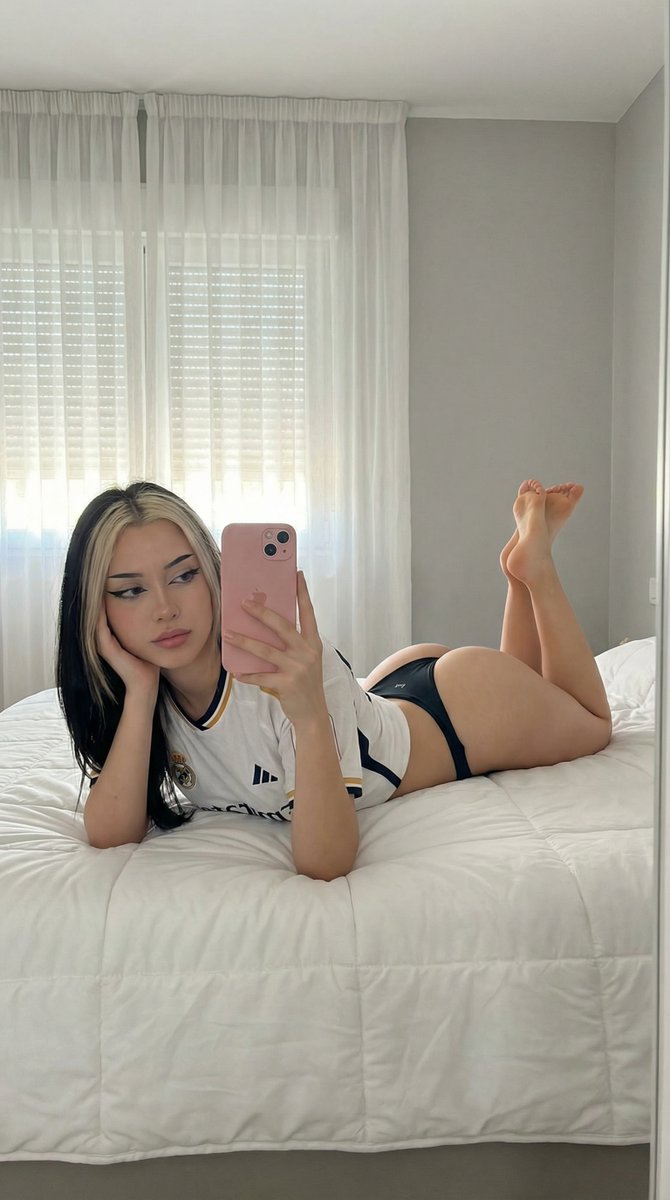
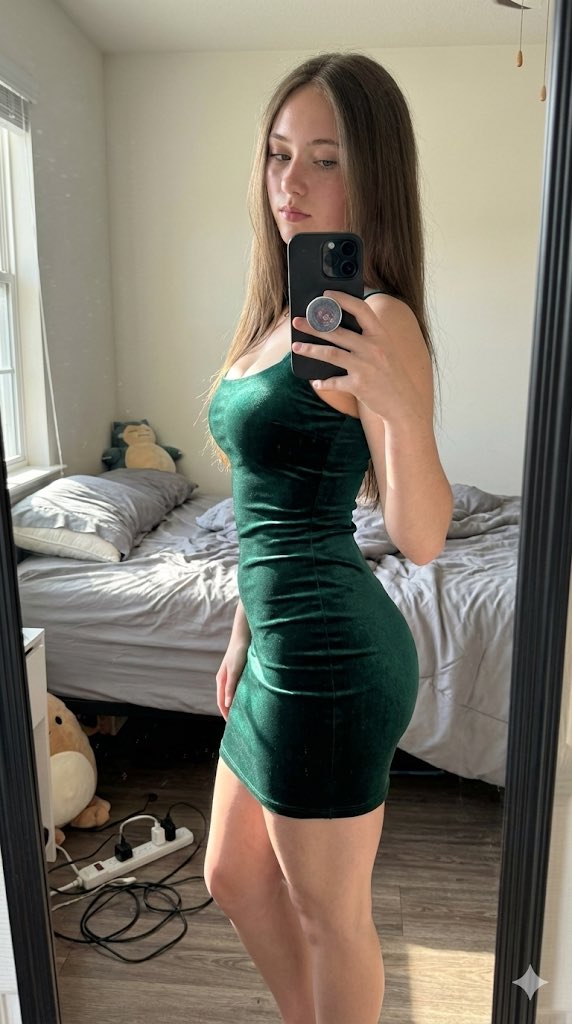
A highly detailed JSON-formatted prompt for Nano Banana 2 to generate a handheld mirror selfie snapshot of a young woman. The prompt specifies extreme detail regarding the subject's physique, clothing fit (strained cardigan over a fuller chest), tattoos, hair, and the mirror's appearance (mirrored text, fingerprints). It explicitly requires using an uploaded character reference image for the face. (free to use) — Free AI image template on PicX Studio.
{ "photo_type": "Handheld mirror selfie snapshot captured on an iPhone 16 Pro front camera with typical arm distortion and lens curvature.", "subject": { "age": "Early 20s", "body_type": "Young Woman, Large round breast shape, prominent projected profile, fuller bust measurement, large-breasted proportions, fuller chest frame, shapely upper silhouette, top-heavy silhouette, buxom figure, high waist-to-hip contrast, defined waistline, Large fuller glute measurement, curvy, prominent hips, rounded hip contour, curvy lower body, thick, powerful thighs, full thighs, push-up bra effect.", "description": "The subject is a young woman with a buxom figure and a heart-shaped face, sporting short dark wavy hair and extensive black ink tattoos across her chest and neck.", "ethnicity": "Na", "expression": "Direct gaze with a slight, seductive pout", "gender": "Female", "mirror_rules": "Tattoos and text should appear mirrored; faint fingerprints and dust on the mirror surface reflect the indoor ceiling light.", "pose_description": "Subject is taking a selfie with a phone, one hand is brought up to her chin with a finger lightly resting on her lip, showing off hand tattoos and long decorated nails.", "tattoos": "Location: Forehead, neck, chest, hand. Motif: Black script 'Bite' on forehead, large intricate moth with spread wings on the chest, black ornamental linework on the neck, and 'yours' script with a heart on the hand." }, "clothing": { "bottom": { "color": "Unknown", "details": "Out of frame", "fabric": "Unknown", "type": "Casual bottoms" }, "fit_and_physics": "The ribbed cardigan is strained over the fuller chest frame, showing fabric tension and horizontal compression creases across the knit.", "outerwear": { "color": "Dark grey", "details": "Open front, chunky knit texture", "fabric": "Ribbed wool blend", "type": "Cardigan" }, "shoes": { "color": "None", "details": "Out of frame", "fabric": "None", "type": "None" }, "top": { "color": "None", "details": "Chest visible under open cardigan", "fabric": "None", "type": "None" } }, "hair": { "color": "Dark brown to black", "interaction": "Slightly damp strands falling over the forehead and tucked behind ears.", "style": "Short, chin-length bob with a thick, wavy, and damp wet-look texture." }, "face": { "description": "Use the uploaded character reference image, keep all facial details 100% unchanged", "eyebrows": "Thick, dark, and well-defined arches", "eyes": "Almond-shaped with dark irises and heavy, voluminous false lashes", "lips": "Full, symmetrical with a distinct Cupid's bow and matte nude lipstick", "makeup": "Heavy black eyeliner with winged tips, groomed eyebrows, and matte facial finish." }, "skin_texture"
Use Detailed JSON Prompt for Handheld Mirror Selfie to plan an AI image around nano-banana-2 generation. Match the preview's composition first, then personalize the subject, setting, and mood for your own project.
Use the primary action to load the template settings in PicX Studio.
Adjust the subject and creative details for your destination.
Create the image, compare the result with the preview, and refine one variable at a time.
A continuous mix — similar concepts first, woven with same-model prompts and fresh picks from the catalog.
Choose the primary action to open PicX Studio with the available template settings. Review the model and format, personalize the creative direction, and generate when ready.
Yes. You can change the subject, setting, lighting, mood, format, and available model controls before creating your image.
This template is free to open and customize. Generation usage is shown in PicX Studio before you create.
Start with nano-banana-2, which is the model associated with this template. You can compare another compatible model for a different finish.
Follow a topic to a crawlable collection of related PicX Studio templates.
39,155 public templates available. Verified via the PicX Studio public templates API; refreshed hourly.
A continuous mix — similar concepts first, woven with same-model prompts and fresh picks from the catalog.