How do I use the Cinematic B&W Noir Rain Portrait template?
Edit the prompt in the box under the preview — the template's model and format are already selected — and press Generate. Your version appears right on this page.
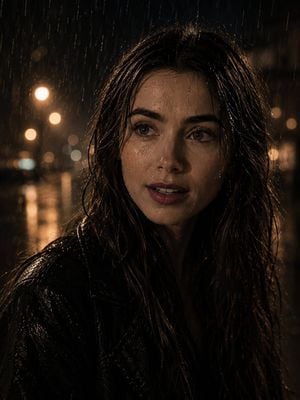
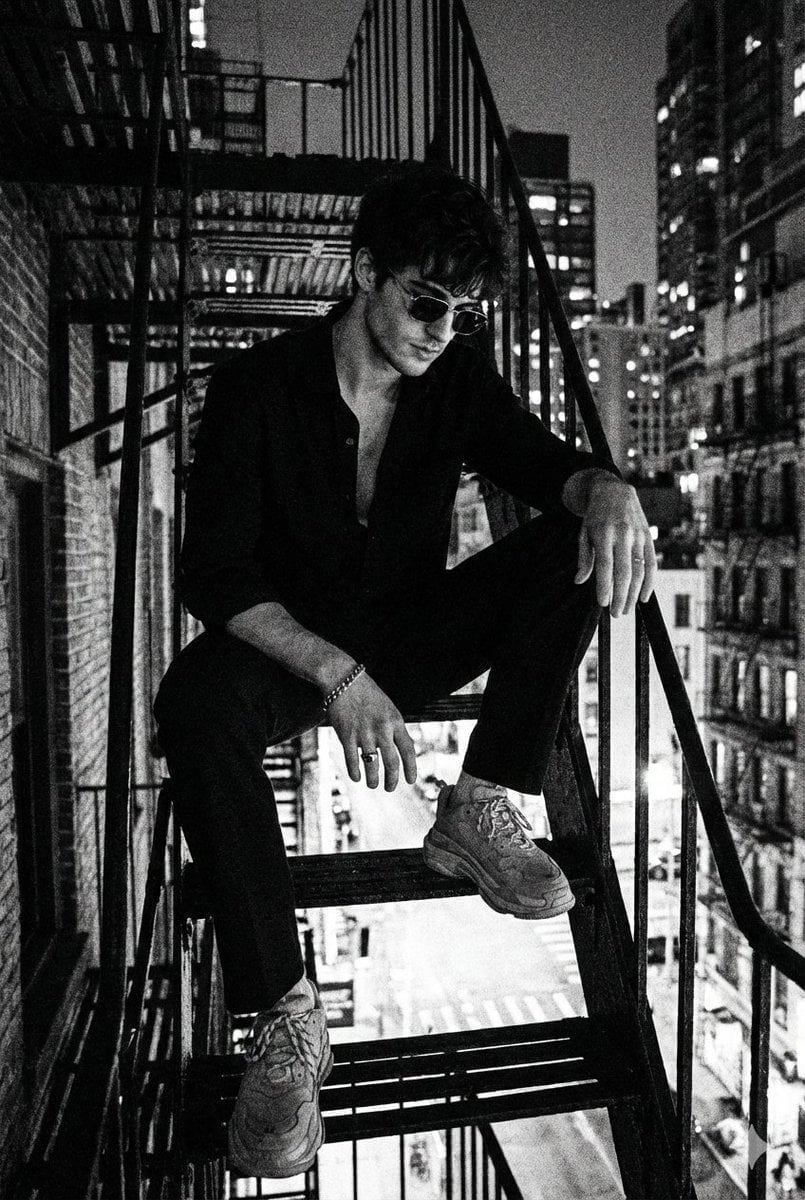
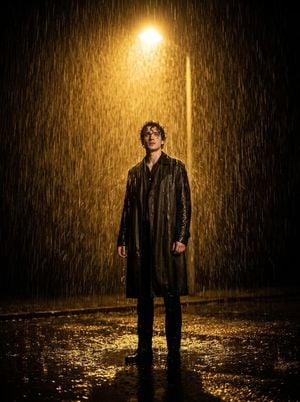
A high-contrast graphic noir portrait of a figure in heavy rain, based on a face reference for character consistency.

A stunning cinematic black and white portrait of a {argument name="subject" default="young male figure"} standing alone in {argument name="weather" default="heavy rain"} at night, shown in three-quarter profile with head bowed slightly downward and gaze directed downward — expression heavy, melancholic, and deeply introspective, conveying quiet grief or solitary burden. He wears a {argument name="clothing" default="dark leather jacket"} with a high structured collar turned up slightly at the neck, layered over a dark turtleneck or base layer — the jacket surface catching rain droplets and glistening with wet leather texture. His dark curly-wavy hair is soaking wet, matted and sculpted by the rain against his forehead and temples. The rain falls heavily and dramatically throughout the entire frame — individual rain streaks rendered sharp and bright against the near-black background, falling at a very slight diagonal angle, some streaks motion-blurred into bright vertical lines while others are frozen as individual droplets. The rain is the dominant visual texture of the entire image — filling every inch of the dark background with bright falling streaks creating an almost graphic, painterly quality. The lighting is a single cold directional light from the upper left — catching the top of his wet hair, the left side of his forehead, the ridge of his nose, and the edge of his jaw and collar in bright silver-white highlights, while the right side of his face and body fall into deep black shadow. The overall black and white treatment is high contrast and graphic — deep rich blacks, bright silver highlights, no mid-grey — creating a Sin City or graphic novel aesthetic. Color palette: pure black and white, no color — deep black, bright silver-white rain streaks, grey skin tones. Photography style: cinematic high-contrast black and white, graphic noir rain portrait, 85mm lens, shallow depth of field, photorealistic, 8K. Use the provided face reference image for all facial details — bone structure, profile shape, nose, jawline, and skin tone should be taken entirely from the reference photo. Apply only the high-contrast black and white treatment, heavy rain, bowed melancholic expression, and cold directional lighting on top of the reference face.
A stunning cinematic black and white portrait of a {argument name="subject" default="young male figure"} standing alone in {argument name="weather" default="heavy rain"} at night, shown in three-quarter profile with head bowed slightly downward and gaze directed downward — expression heavy, melancholic, and deeply introspective, conveying quiet grief or solitary burden. He wears a {argument name="clothing" default="dark leather jacket"} with a high structured collar turned up slightly at the neck, layered over a dark turtleneck or base layer — the jacket surface catching rain droplets and glistening with wet leather texture. His dark curly-wavy hair is soaking wet, matted and sculpted by the rain against his forehead and temples. The rain falls heavily and dramatically throughout the entire frame — individual rain streaks rendered sharp and bright against the near-black background, falling at a very slight diagonal angle, some streaks motion-blurred into bright vertical lines while others are frozen as individual droplets. The rain is the dominant visual texture of the entire image — filling every inch of the dark background with bright falling streaks creating an almost graphic, painterly quality. The lighting is a single cold directional light from the upper left — catching the top of his wet hair, the left side of his forehead, the ridge of his nose, and the edge of his jaw and collar in bright silver-white highlights, while the right side of his face and body fall into deep black shadow. The overall black and white treatment is high contrast and graphic — deep rich blacks, bright silver highlights, no mid-grey — creating a Sin City or graphic novel aesthetic. Color palette: pure black and white, no color — deep black, bright silver-white rain streaks, grey skin tones. Photography style: cinematic high-contrast black and white, graphic noir rain portrait, 85mm lens, shallow depth of field, photorealistic, 8K. Use the provided face reference image for all facial details — bone structure, profile shape, nose, jawline, and skin tone should be taken entirely from the reference photo. Apply only the high-contrast black and white treatment, heavy rain, bowed melancholic expression, and cold directional lighting on top of the reference face.
Edit the prompt in the box under the preview — the template's model and format are already selected — and press Generate. Your version appears right on this page.
Yes. You can change the subject, setting, lighting, mood, format, and available model controls before creating your image.
Opening and editing this template is free. Generating uses credits, shown on the Generate button when you are signed in.
Start with Nano Banana 2, which is the model associated with this template. You can compare another compatible model for a different finish.
Follow a topic to a crawlable collection of related PicX Studio templates.