How do I use the Cinematic Rembrandt Beauty Portrait template?
Edit the prompt in the box under the preview — the template's model and format are already selected — and press Generate. Your version appears right on this page.
A luxury fashion photography prompt featuring dramatic Rembrandt-inspired lighting and high-contrast amber gradients.

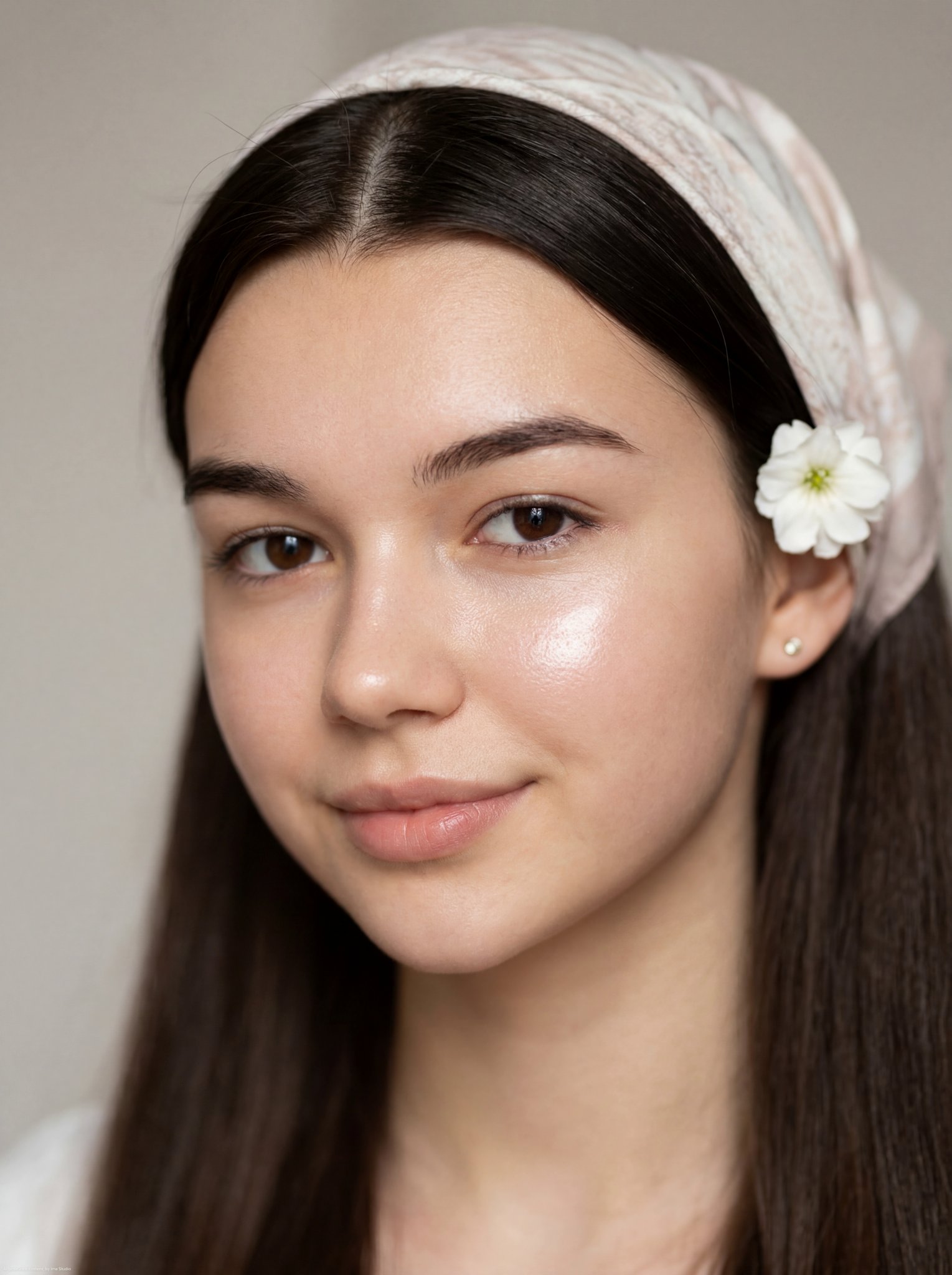
An ultra-realistic cinematic beauty portrait of a {argument name="subject" default="young woman"} use image for face reference with {argument name="hair style" default="long, wavy ash-blonde hair"} parted in the center, {argument name="eye color" default="striking hazel-green eyes"}, thick natural eyebrows, flawless skin, and a calm, confident expression. Dramatic Rembrandt-inspired lighting with a narrow horizontal beam of warm golden light illuminating only the eyes and upper face, while the rest of the face fades into deep shadows. Rich amber-orange gradient background with soft studio falloff. Editorial fashion photography, luxury beauty campaign, ultra-detailed skin texture, subtle makeup, shallow depth of field, 85mm lens, f/1.4, HDR, soft volumetric lighting, photorealistic, high contrast, warm color grading, premium magazine cover quality, 8K, masterpiece. 3 :4 size.
An ultra-realistic cinematic beauty portrait of a {argument name="subject" default="young woman"} use image for face reference with {argument name="hair style" default="long, wavy ash-blonde hair"} parted in the center, {argument name="eye color" default="striking hazel-green eyes"}, thick natural eyebrows, flawless skin, and a calm, confident expression. Dramatic Rembrandt-inspired lighting with a narrow horizontal beam of warm golden light illuminating only the eyes and upper face, while the rest of the face fades into deep shadows. Rich amber-orange gradient background with soft studio falloff. Editorial fashion photography, luxury beauty campaign, ultra-detailed skin texture, subtle makeup, shallow depth of field, 85mm lens, f/1.4, HDR, soft volumetric lighting, photorealistic, high contrast, warm color grading, premium magazine cover quality, 8K, masterpiece. 3 :4 size.
Edit the prompt in the box under the preview — the template's model and format are already selected — and press Generate. Your version appears right on this page.
Yes. You can change the subject, setting, lighting, mood, format, and available model controls before creating your image.
Opening and editing this template is free. Generating uses credits, shown on the Generate button when you are signed in.
Start with Nano Banana 2, which is the model associated with this template. You can compare another compatible model for a different finish.
Follow a topic to a crawlable collection of related PicX Studio templates.