How do I use the Photorealistic Luxury Editorial Male Portrait template?
Edit the prompt in the box under the preview — the template's model and format are already selected — and press Generate. Your version appears right on this page.
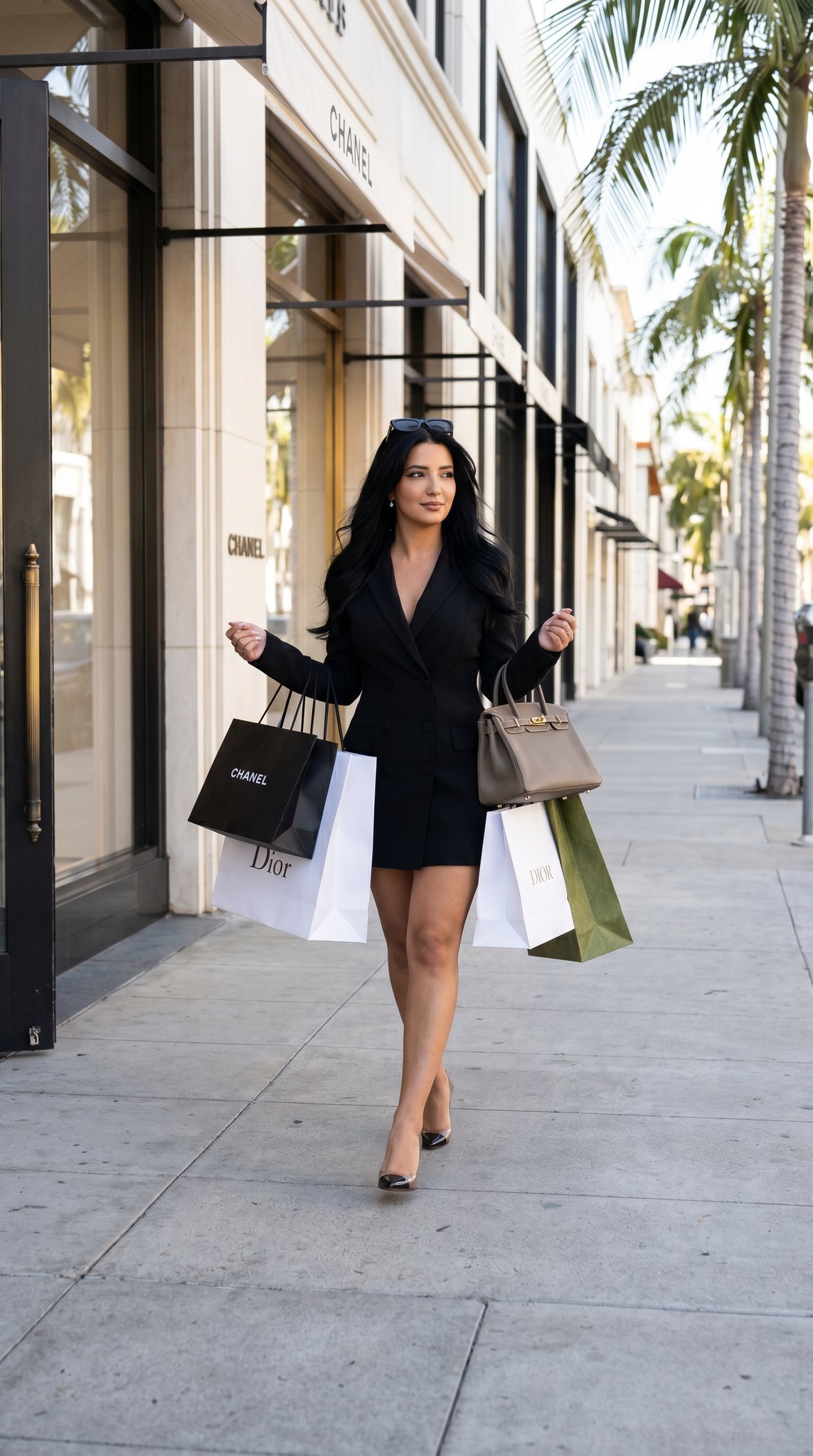
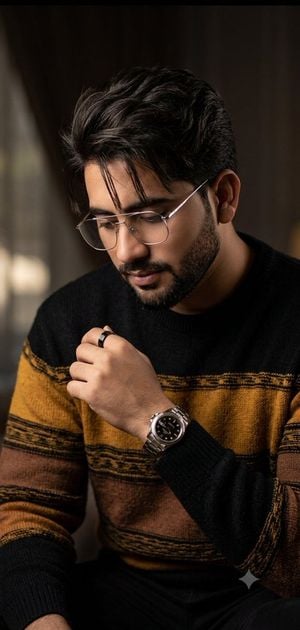
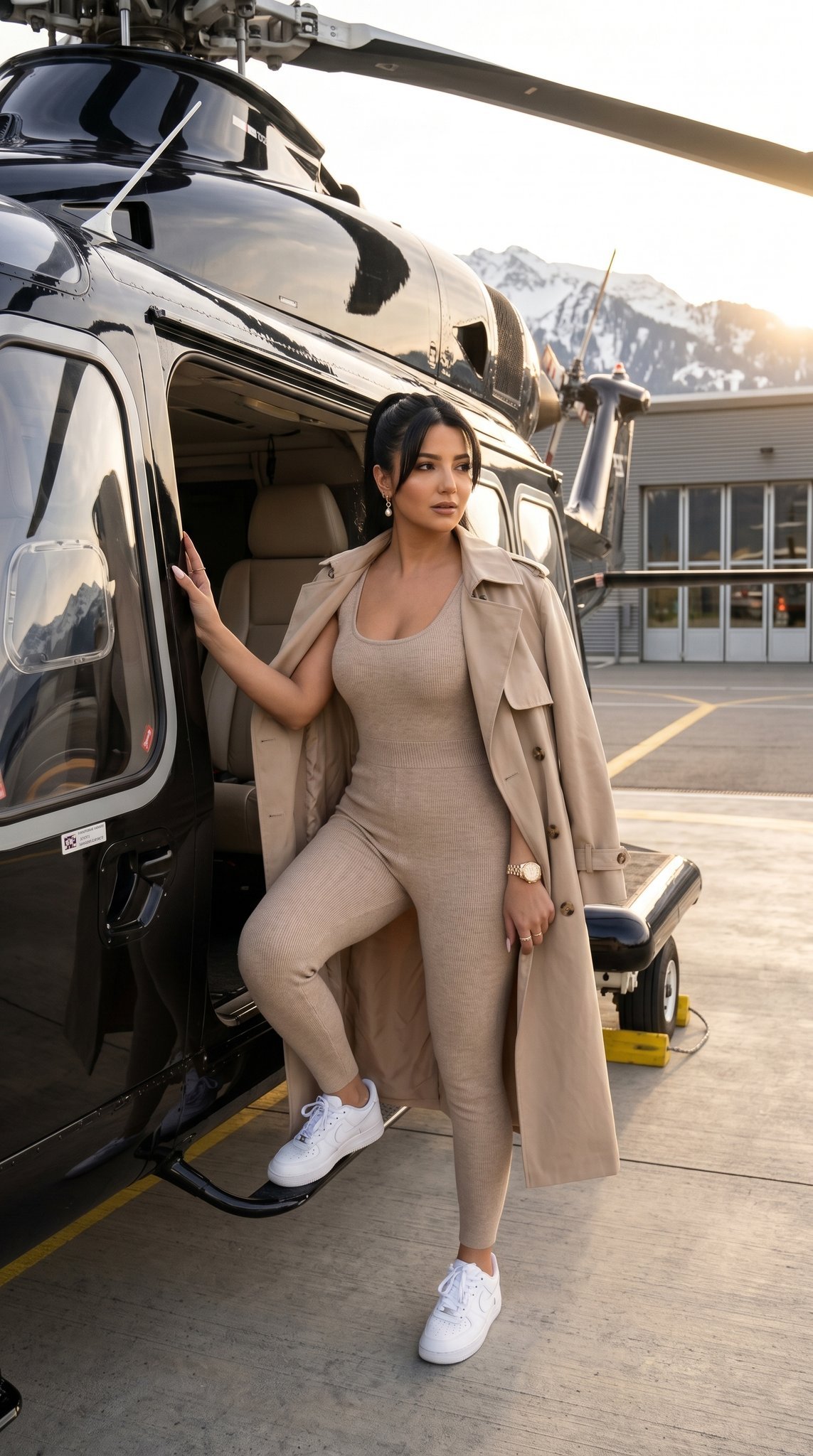
A prompt for generating an ultra-photorealistic editorial portrait of a man in a black suit on a modern luxury street, using a reference image for appearance.

Use the uploaded reference image as the appearance reference for the subject. Create an ultra-photorealistic, high-end editorial portrait with natural facial proportions and realistic human features. Preserve the overall appearance from the reference while maintaining a natural photographic look. The subject is standing confidently in a {argument name="setting" default="modern luxury city street"} during golden hour, wearing a {argument name="outfit" default="perfectly tailored black suit, white dress shirt, and an elegant wristwatch"}. Captured on a professional full-frame camera with an {argument name="lens" default="85mm portrait lens"} at f/1.4, producing beautiful background bokeh and razor-sharp focus on the eyes. Realistic skin texture with visible pores, natural hair strands, lifelike eyes with authentic reflections, physically accurate lighting, cinematic HDR color grading, subtle volumetric sunlight, realistic shadows, premium fashion photography, magazine-cover composition, highly detailed fabric textures, natural expression, balanced exposure, incredibly realistic colors, RAW photography style, ultra-high detail, professional commercial photography, 8K quality, visually indistinguishable from a real photograph.
Use the uploaded reference image as the appearance reference for the subject. Create an ultra-photorealistic, high-end editorial portrait with natural facial proportions and realistic human features. Preserve the overall appearance from the reference while maintaining a natural photographic look. The subject is standing confidently in a {argument name="setting" default="modern luxury city street"} during golden hour, wearing a {argument name="outfit" default="perfectly tailored black suit, white dress shirt, and an elegant wristwatch"}. Captured on a professional full-frame camera with an {argument name="lens" default="85mm portrait lens"} at f/1.4, producing beautiful background bokeh and razor-sharp focus on the eyes. Realistic skin texture with visible pores, natural hair strands, lifelike eyes with authentic reflections, physically accurate lighting, cinematic HDR color grading, subtle volumetric sunlight, realistic shadows, premium fashion photography, magazine-cover composition, highly detailed fabric textures, natural expression, balanced exposure, incredibly realistic colors, RAW photography style, ultra-high detail, professional commercial photography, 8K quality, visually indistinguishable from a real photograph.
Edit the prompt in the box under the preview — the template's model and format are already selected — and press Generate. Your version appears right on this page.
Yes. You can change the subject, setting, lighting, mood, format, and available model controls before creating your image.
Opening and editing this template is free. Generating uses credits, shown on the Generate button when you are signed in.
Start with Nano Banana 2, which is the model associated with this template. You can compare another compatible model for a different finish.
Follow a topic to a crawlable collection of related PicX Studio templates.