How do I use the Candid Kitchen Lifestyle Portrait template?
Edit the prompt in the box under the preview — the template's model and format are already selected — and press Generate. Your version appears right on this page.
A high-quality prompt for generating a photorealistic lifestyle scene of a person washing dishes in a sunlit, authentic home kitchen.

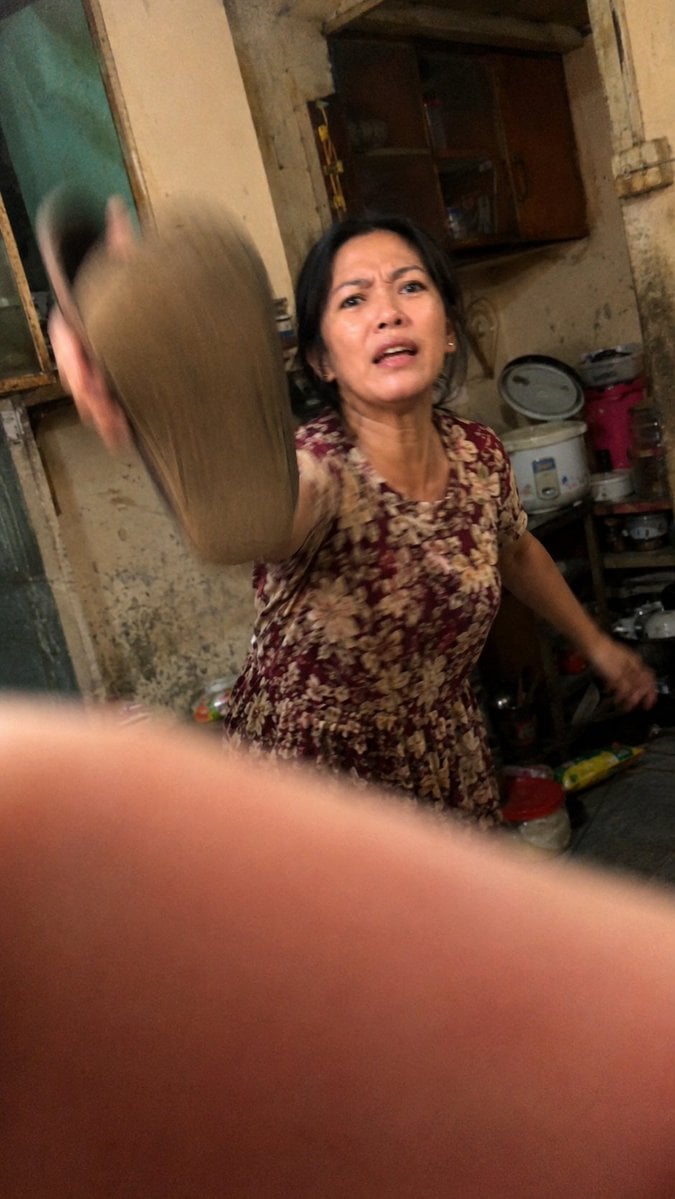
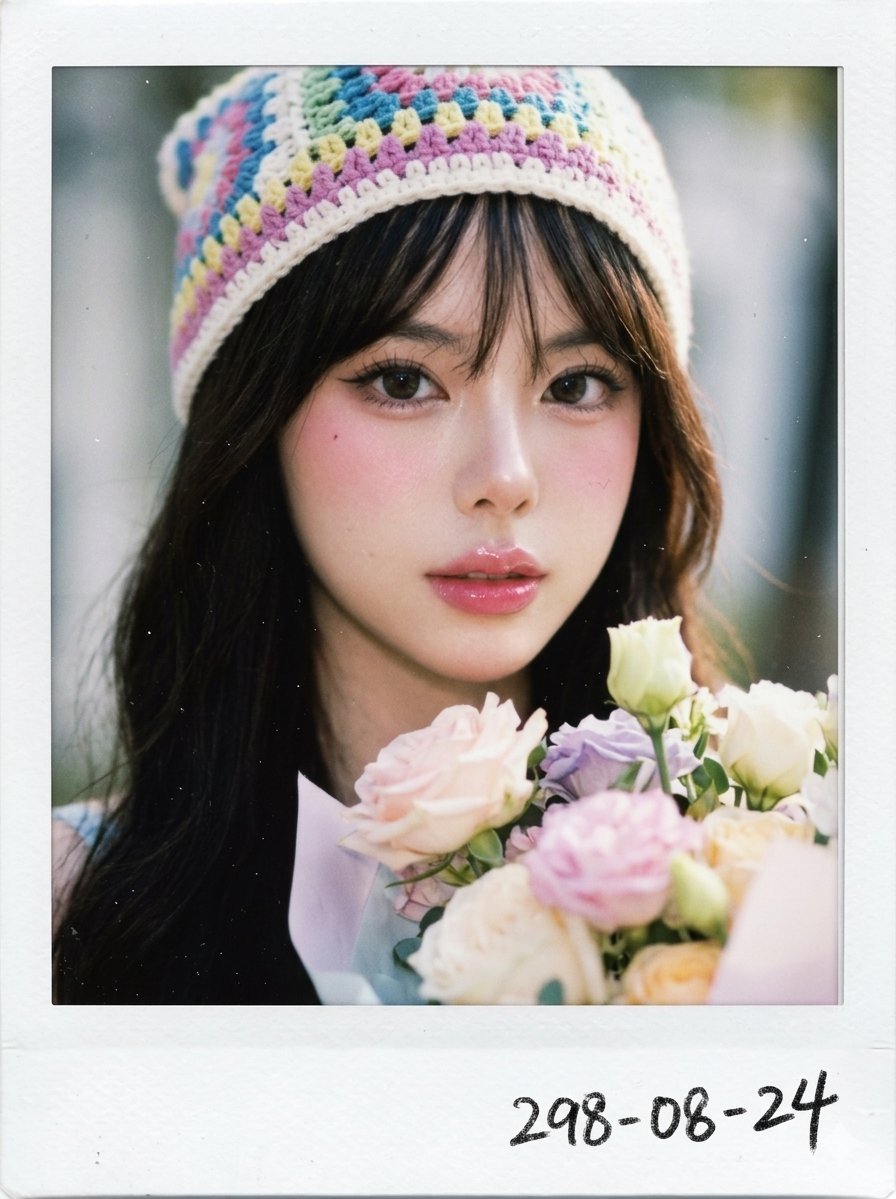
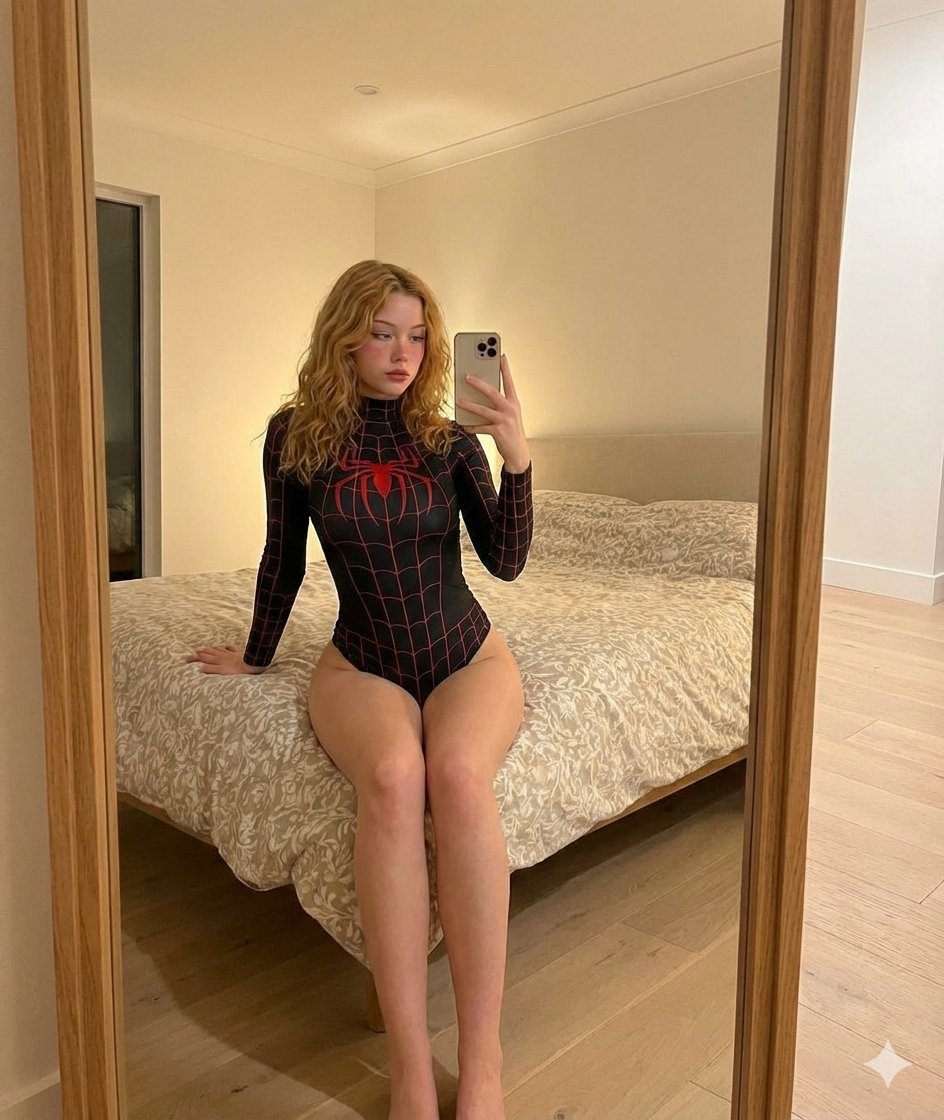
Ultra-realistic candid lifestyle photograph of a {argument name="subject" default="young East Asian woman"} {argument name="activity" default="washing dishes"} in a {argument name="location" default="cozy home kitchen"} during daytime. She has fair skin, delicate facial features, and black hair loosely tied in a messy bun with soft strands framing her face. Wearing a fitted white tank top and a pastel striped apron, she stands beside a stainless-steel sink, gently scrubbing a large white plate covered in soap suds. Natural daylight streams through a large louvered glass window on the left, creating soft highlights and subtle shadows across the scene. Water runs from a chrome faucet into the sink, with dish soap bottles, sponges, and kitchen utensils visible in the foreground. Behind her are wooden kitchen cabinets, a dish drying rack filled with plates, a rice cooker, plastic food containers, and a family calendar on the cabinet door, adding a lived-in domestic atmosphere. Documentary-style composition, authentic household setting, realistic textures, clean neutral color palette, shallow depth of field, soft ambient lighting, candid moment, everyday life photography, high detail, natural skin texture, photorealistic, 35mm lens, vertical composition, lifestyle editorial quality, warm and peaceful mood.
Ultra-realistic candid lifestyle photograph of a {argument name="subject" default="young East Asian woman"} {argument name="activity" default="washing dishes"} in a {argument name="location" default="cozy home kitchen"} during daytime. She has fair skin, delicate facial features, and black hair loosely tied in a messy bun with soft strands framing her face. Wearing a fitted white tank top and a pastel striped apron, she stands beside a stainless-steel sink, gently scrubbing a large white plate covered in soap suds. Natural daylight streams through a large louvered glass window on the left, creating soft highlights and subtle shadows across the scene. Water runs from a chrome faucet into the sink, with dish soap bottles, sponges, and kitchen utensils visible in the foreground. Behind her are wooden kitchen cabinets, a dish drying rack filled with plates, a rice cooker, plastic food containers, and a family calendar on the cabinet door, adding a lived-in domestic atmosphere. Documentary-style composition, authentic household setting, realistic textures, clean neutral color palette, shallow depth of field, soft ambient lighting, candid moment, everyday life photography, high detail, natural skin texture, photorealistic, 35mm lens, vertical composition, lifestyle editorial quality, warm and peaceful mood.
Edit the prompt in the box under the preview — the template's model and format are already selected — and press Generate. Your version appears right on this page.
Yes. You can change the subject, setting, lighting, mood, format, and available model controls before creating your image.
Opening and editing this template is free. Generating uses credits, shown on the Generate button when you are signed in.
Start with Nano Banana 2, which is the model associated with this template. You can compare another compatible model for a different finish.
Follow a topic to a crawlable collection of related PicX Studio templates.