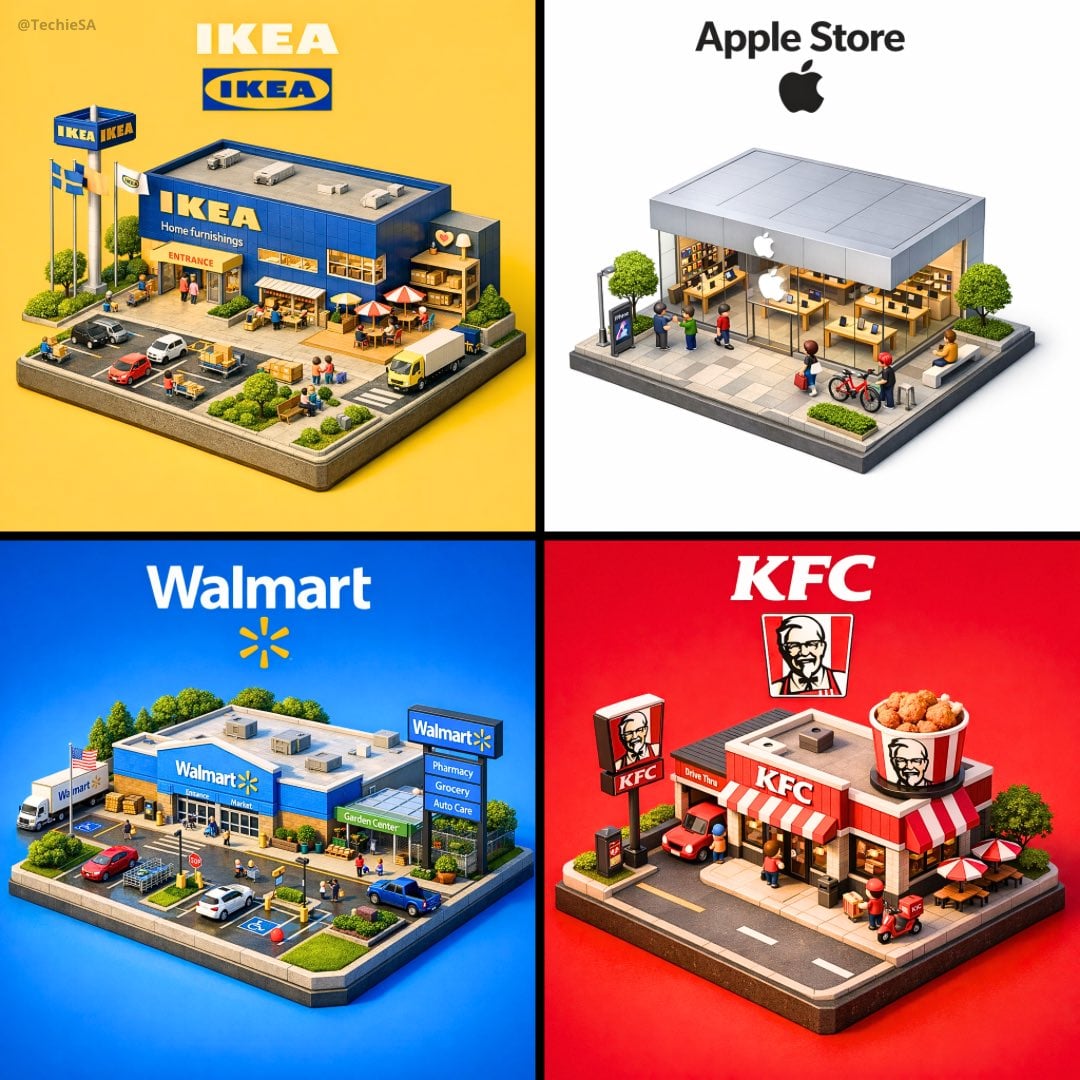
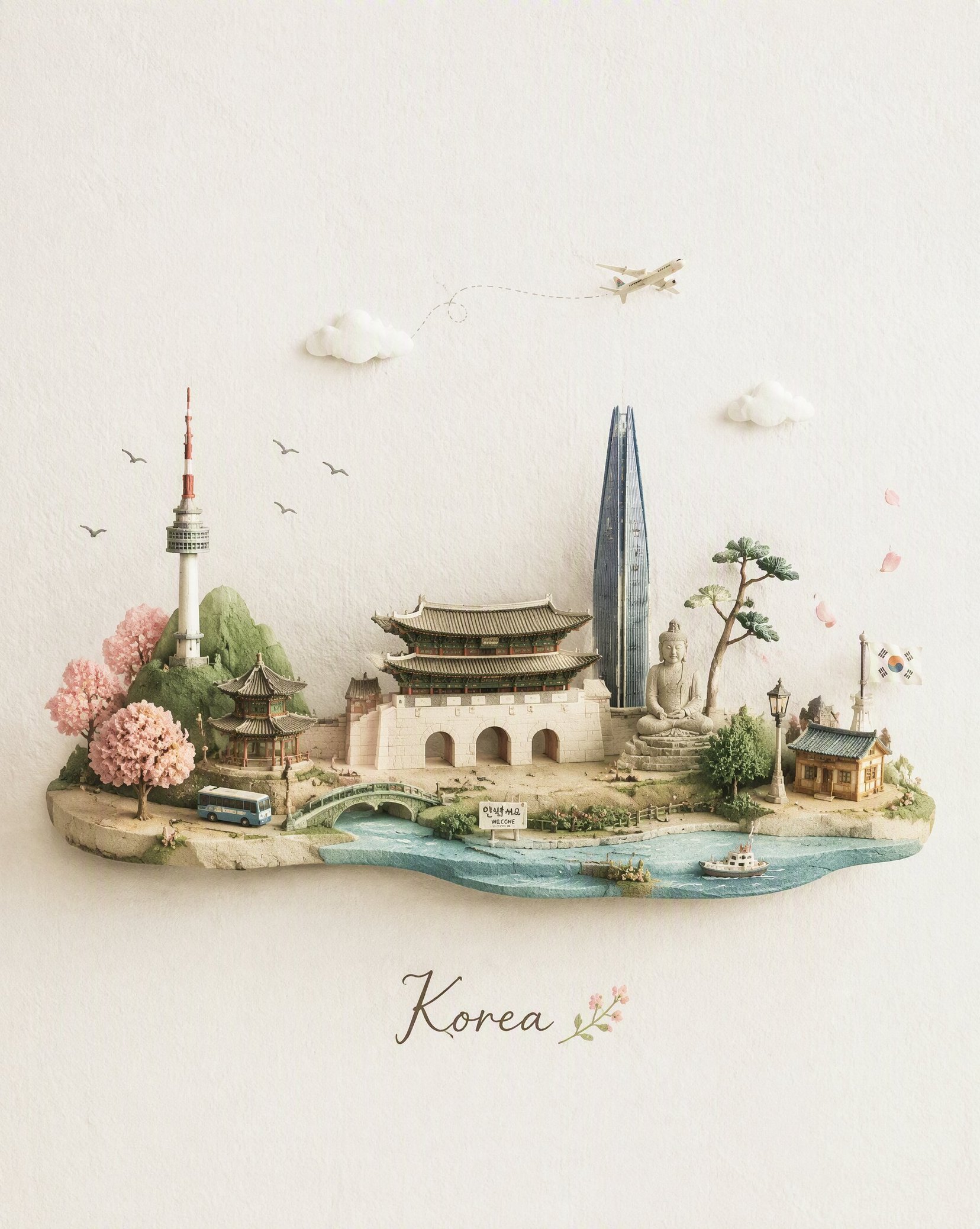
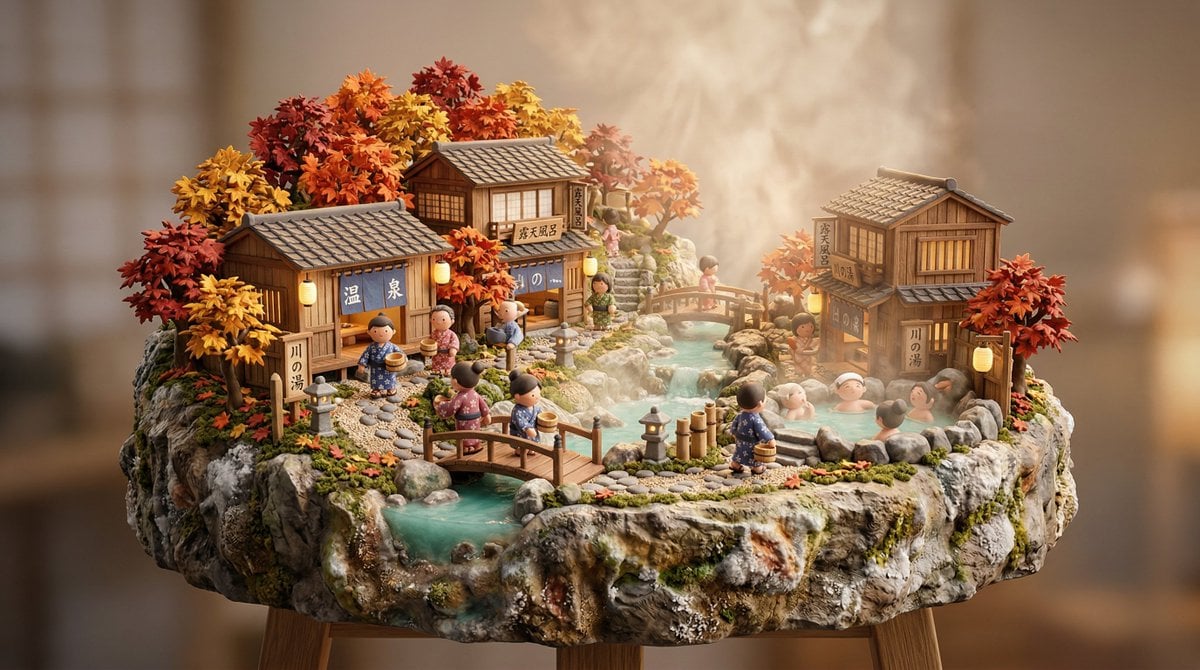
How do I use the 3D Miniature City Diorama template?
Edit the prompt in the box under the preview — the template's model and format are already selected — and press Generate. Your version appears right on this page.
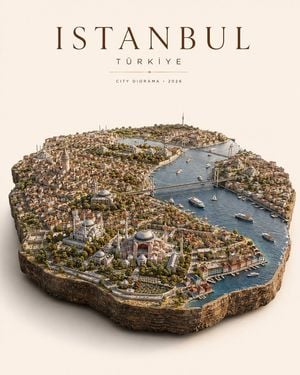
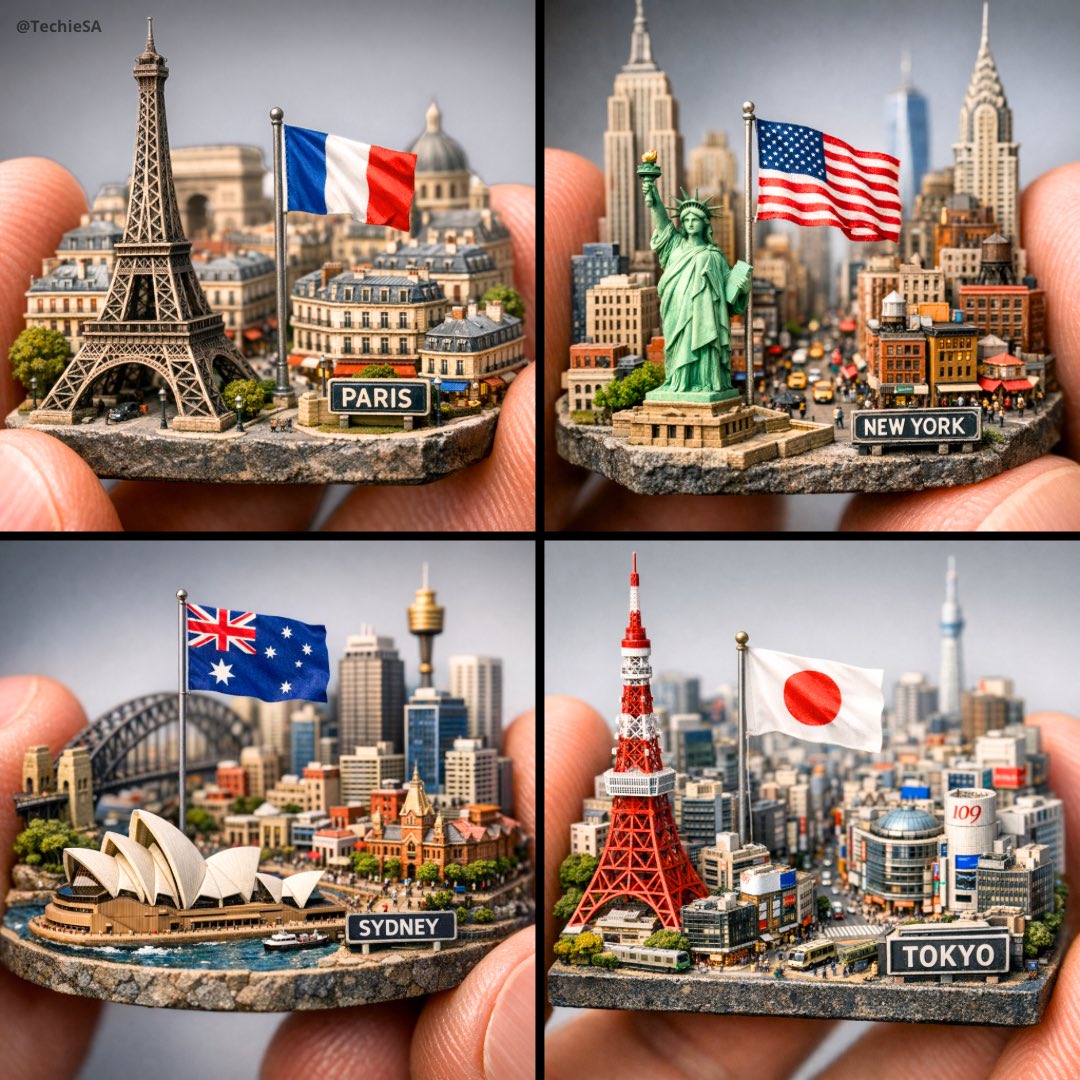
Generates a magical realism 3D square diorama of a city with architectural landmarks and geological layers below the surface.

{argument name="城市" default="伊斯坦布尔"}的超逼真 3D 方形展示;底部显示岩石、根部和土壤层的挖掘地形结构。顶部:包含{argument name="城市" default="伊斯坦布尔"}标志性建筑、建筑和文化元素的童话般城市景观。现代简洁的'{argument name="城市" default="伊斯坦布尔"}'文字自然融入构图。DSLR 照片质量,清晰鲜艳的魔幻现实主义美学。尺寸:1080x1080。
{argument name="城市" default="伊斯坦布尔"}的超逼真 3D 方形展示;底部显示岩石、根部和土壤层的挖掘地形结构。顶部:包含{argument name="城市" default="伊斯坦布尔"}标志性建筑、建筑和文化元素的童话般城市景观。现代简洁的'{argument name="城市" default="伊斯坦布尔"}'文字自然融入构图。DSLR 照片质量,清晰鲜艳的魔幻现实主义美学。尺寸:1080x1080。
Edit the prompt in the box under the preview — the template's model and format are already selected — and press Generate. Your version appears right on this page.
Yes. You can change the subject, setting, lighting, mood, format, and available model controls before creating your image.
Opening and editing this template is free. Generating uses credits, shown on the Generate button when you are signed in.
Start with Nano Banana 2, which is the model associated with this template. You can compare another compatible model for a different finish.
Follow a topic to a crawlable collection of related PicX Studio templates.