
Anime World Miniature Diorama
A detailed prompt for generating hyper-realistic isometric miniature sculptures of fictional anime worlds with accurate geographic layouts.
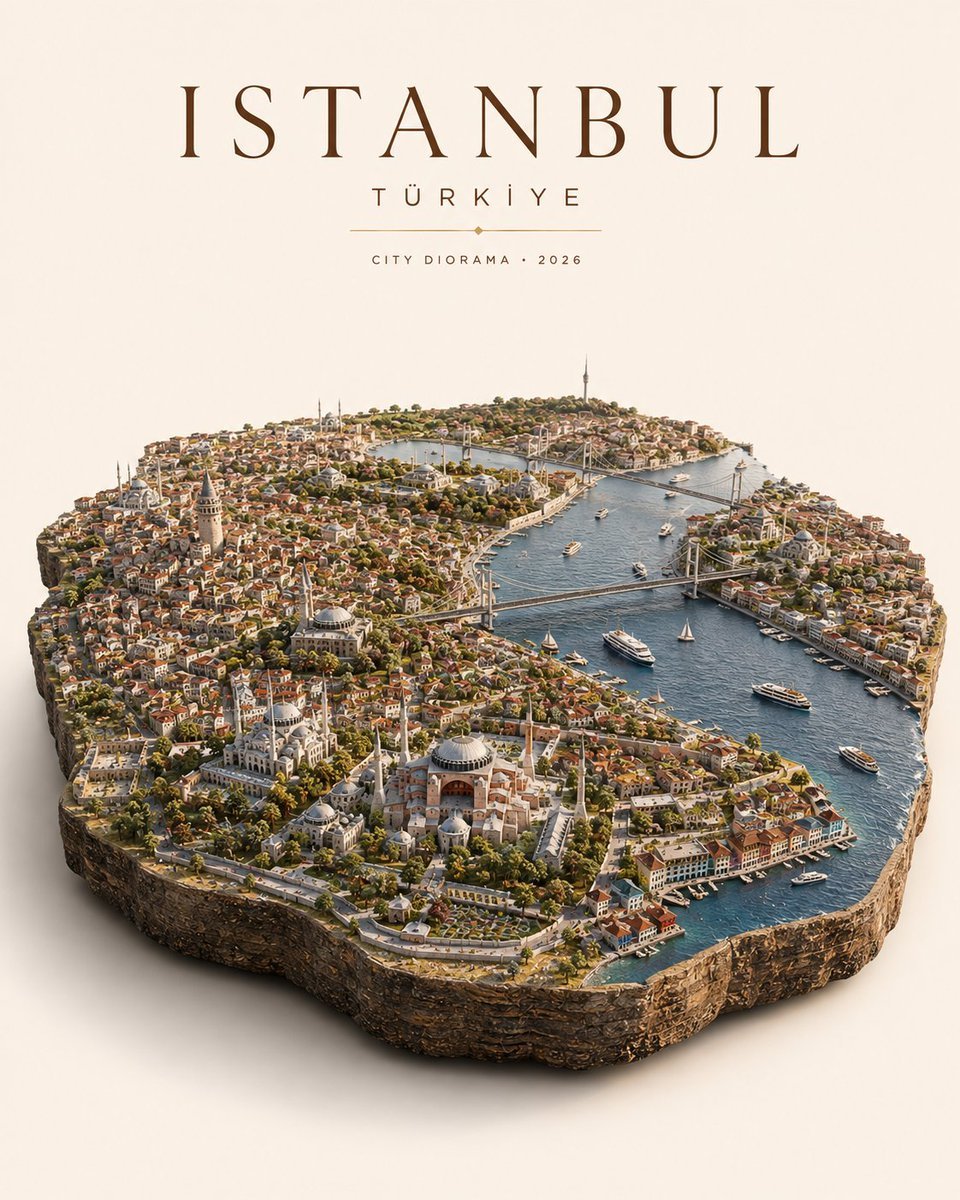
- Prompt included
- Model and format preset
- Free template
The prompt behind this image
Copy the exact prompt behind Anime World Miniature Diorama, or open it in the studio and make it yours.
Ultra-detailed photorealistic isometric miniature diorama of the world from {argument name="anime name" default="ANIME"}, presented as a premium collectible-scale landscape sculpture floating above a clean warm off-white studio background with a subtle natural shadow underneath. (For best accuracy, upload a clear reference image of the official map/world layout.) WORLD SHAPE & GEOGRAPHY If {argument name="anime name" default="ANIME"} features a fictional world, continent, island or region, recreate its canonical map silhouette exactly. The entire landmass should appear physically carved from the earth and lifted upward as one continuous miniature terrain slab, with naturally broken rock sides, exposed soil layers, cliffs and geological textures. If {argument name="anime name" default="ANIME"} takes place in a real or semi-real location, use the most important canonical city, region or country as the physical base shape, maintaining its recognizable geographic outline. The outer boundary must feel like an actual piece of land cut directly from the map — never like a flat printed map or floating board. CANONICAL WORLD RECONSTRUCTION Rebuild the world of {argument name="anime name" default="ANIME"} across the entire miniature surface with maximum lore accuracy. Every major region, settlement, city, landmark, mountain, river, forest, road, battlefield, castle, shrine, futuristic structure or other recognizable location should appear in its correct relative position. Preserve the distinctive visual language of the anime: - canonical architecture - recognizable environments - authentic terrain - faction territories - signature landmarks - characteristic colors - world-specific technology or fantasy elements - environmental atmosphere Avoid generic Western architecture or realistic substitutions. The result must immediately feel like {argument name="anime name" default="ANIME"} transformed into a physical miniature world. Add tiny but readable location markers for important places, designed like elegant museum-style cartographic labels rather than large text. MICRO-SCALE STORY DETAILS Fill the landscape with carefully placed miniature storytelling elements: tiny characters wearing recognizable show-accurate outfits, world-specific creatures, vehicles, ships, trains, flags, faction symbols, market areas, farms, bridges, pathways, trees, vegetation and other details that make the world feel alive. Characters should remain small environmental elements rather than dominating the composition. Include subtle activity throughout the terrain so the diorama feels like a living snapshot of the anime universe. MATERIAL & PHOTOGRAPHY Hyper-realistic premium miniature photography combined with high-end cinematic environment design. Extremely crisp micro-details, realistic rock formations, miniature vegetation, tiny architectural textures, believable scale relationships and physically accurate materials. Everything should remain sharply focused with no artificial background blur. Use soft warm studio illumination from above with gentle contact shadows and subtle ambient occlusion
How to use Anime World Miniature Diorama in 3 steps
- 1Upload ImagePNG, JPG or paste
Add your photo
Upload the photo the template builds on. The prompt, model and format are already set.
- 2…a portrait of your subject in softgolden-hour light, 85mm…
Personalize
Edit the subject and creative details for your destination.
- 3Generate
Generate
Press Generate — your image is created in PicX Studio, so you can compare it with the original and refine one variable at a time.
More like this
Templates with the same subject, style or setup. Open one to see its prompt.

Isometric Brand Store Diorama

Captain Tsubasa Anime World Cup Poster

Miniature Sick Day Diorama

Stylized Miniature 3D Diorama Craft

Cozy Isometric Bathroom Miniature Diorama

Layered Paper Cut Forest Diorama
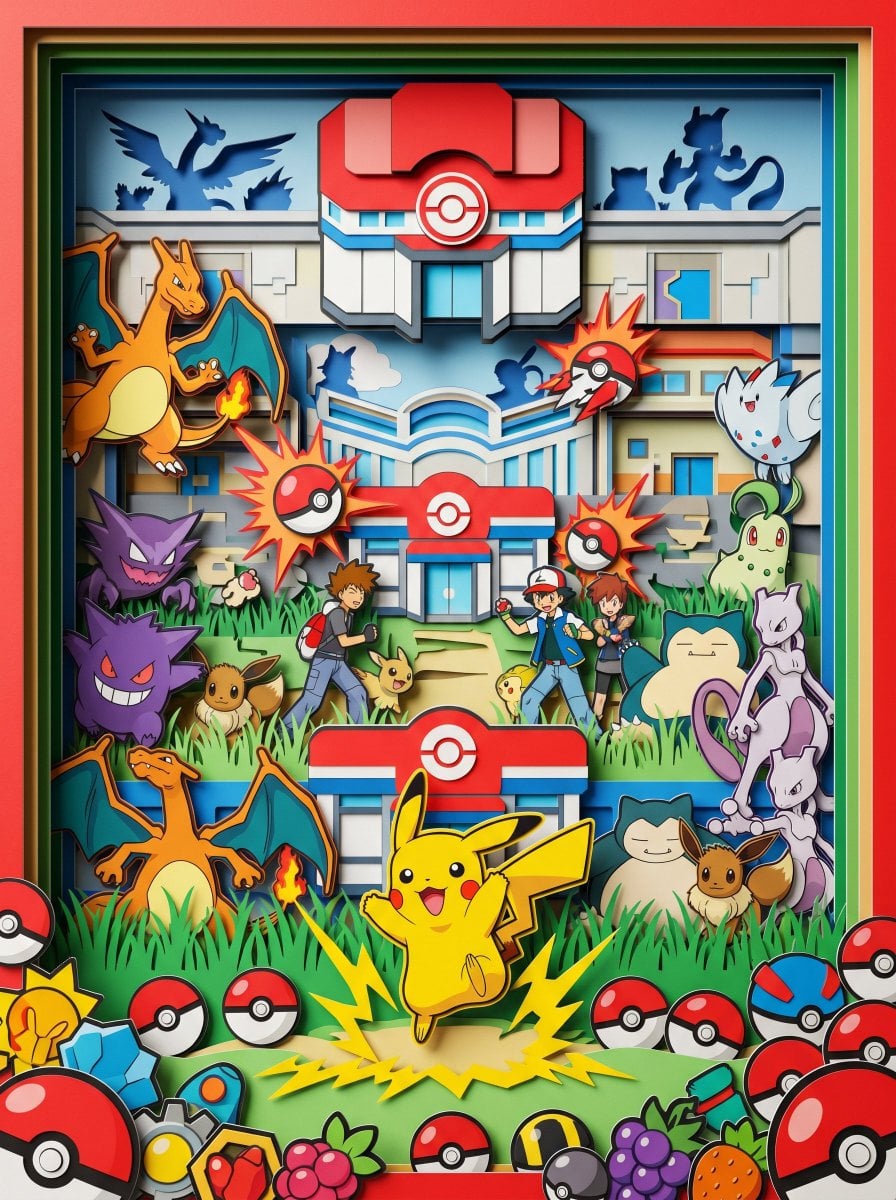
Master Paper Cut Diorama — Hyper-Vibrant 3D Layered Pokémon World

Soft Handcrafted Paper-Cut Layered Illustration
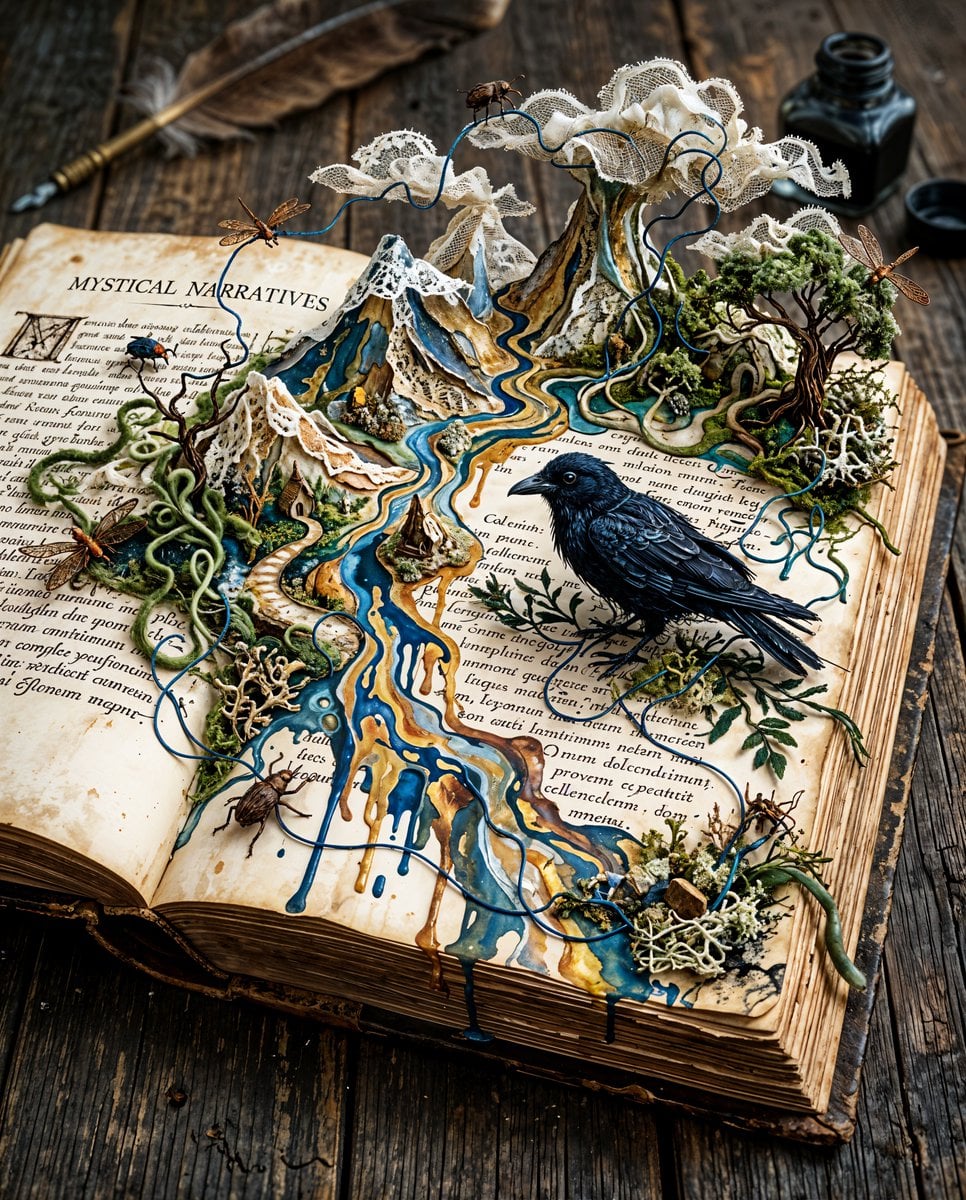
Surreal Miniature Book World
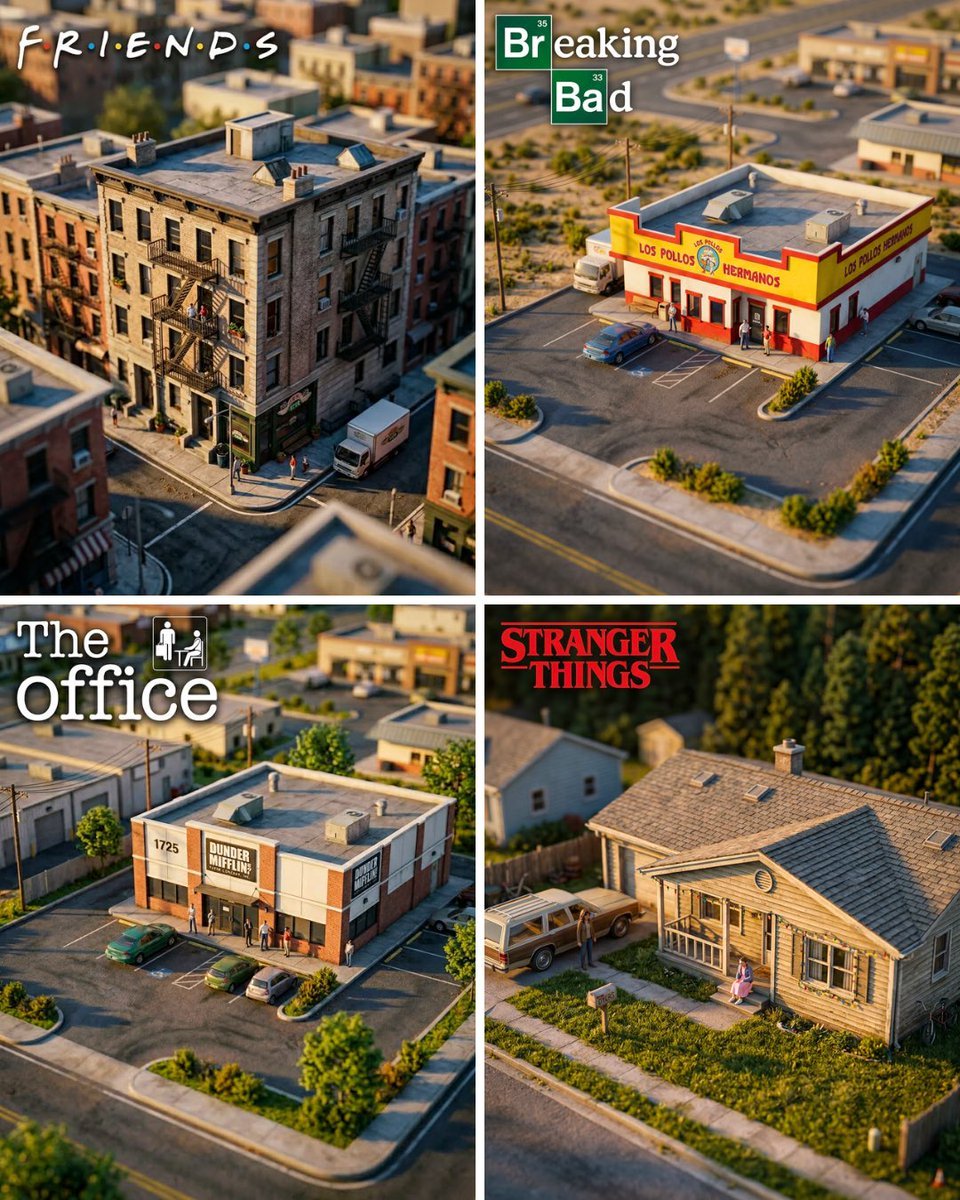
Hyper-Realistic Miniature Diorama Creator

Cel 2D Finale Fireworks

Cel 2D Garden Maze
Make it yours
Anime World Miniature Diorama works as-is. These are the safest ways to change it without losing the look.
Change one field
Copy a single group, rewrite it, and generate again so you can see what that field is doing.
Keep the frame, change the subject
Hold the composition and light of Anime World Miniature Diorama, then swap wardrobe, props or the person for a new take.
| If the result… | Why | Fix |
|---|---|---|
| The result drifts from the preview | Too many fields changed at once. | Reuse Anime World Miniature Diorama as-is first, then change one group — subject, light, or setting. |
| The model over-stylizes the scene | The prose prompt leaves finish and camera underspecified. | Add one camera or lighting sentence and stay on GPT Image 2. |
More GPT Image 2 templates
Other prompts made for GPT Image 2.

Six VTuber Japanese Logo Sheet

Realistic Portrait of Woman and Deer

The Vista Modular Condo Poster

AI Model Routing Comparison Infographic

2.5D Anime Art Board

Isometric Productivity Desk Scene

New York Double Exposure Poster

Four-Panel AI Landscape Comparison

Japanese Tatami Lifestyle Magazine Cover

NESCAFÉ Coffee Map Poster
More image prompts
Fresh picks from across the catalog.
Cinematic Summer Portrait of an East Asian Woman
LEGO Set Recreation Prompt for Nano Banana Pro

Universal JSON Template for Editorial Product Ads
Ultra-Photorealistic Candid Romance Scene Prompt (JSON)

High Fidelity Face Swap Task Definition

Image Restoration and Enhancement Prompt
Vintage Apple Pie Recipe Poster
Jay Chou Blessing Image Integration Prompt
System JSON prompt template for ultra-realistic iPhone-style AI influencers
Elegant AI Secretary Character Sheet
Browse template categories
Anime World Miniature Diorama questions
How do I use the Anime World Miniature Diorama template?
Add your photo if the template asks for one, edit the prompt if you like — the template's model and format are already selected — and press Generate. Your version opens in PicX Studio.
Can I customize the Anime World Miniature Diorama template?
Yes. You can change the subject, setting, lighting, mood, format, and available model controls before creating your image.
Is the Anime World Miniature Diorama template free?
Opening and editing this template is free. Generating uses credits, shown on the Generate button when you are signed in.
Which AI model should I use?
Start with GPT Image 2, which is the model associated with this template. You can compare another compatible model for a different finish.
Looking for something else? Browse all templates.

Your photo, any look
Thousands of ready templates for every top image and video model, from one credit balance.