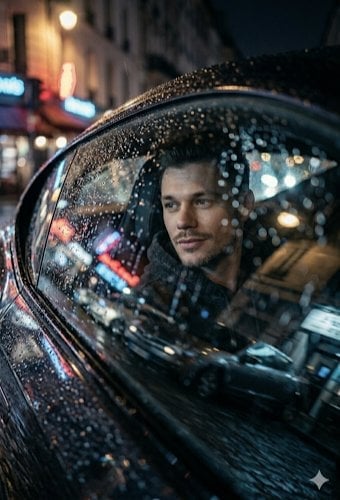
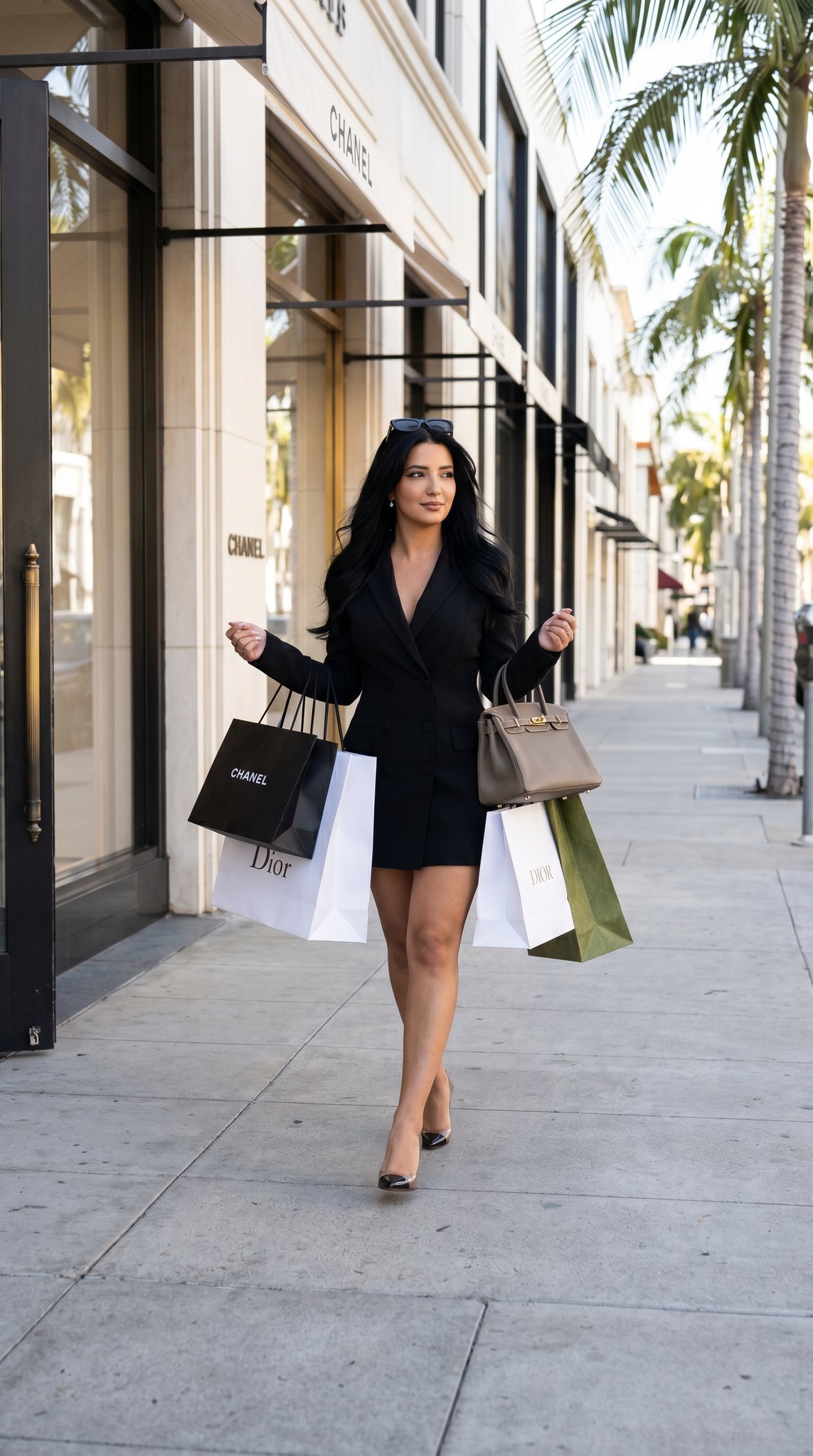
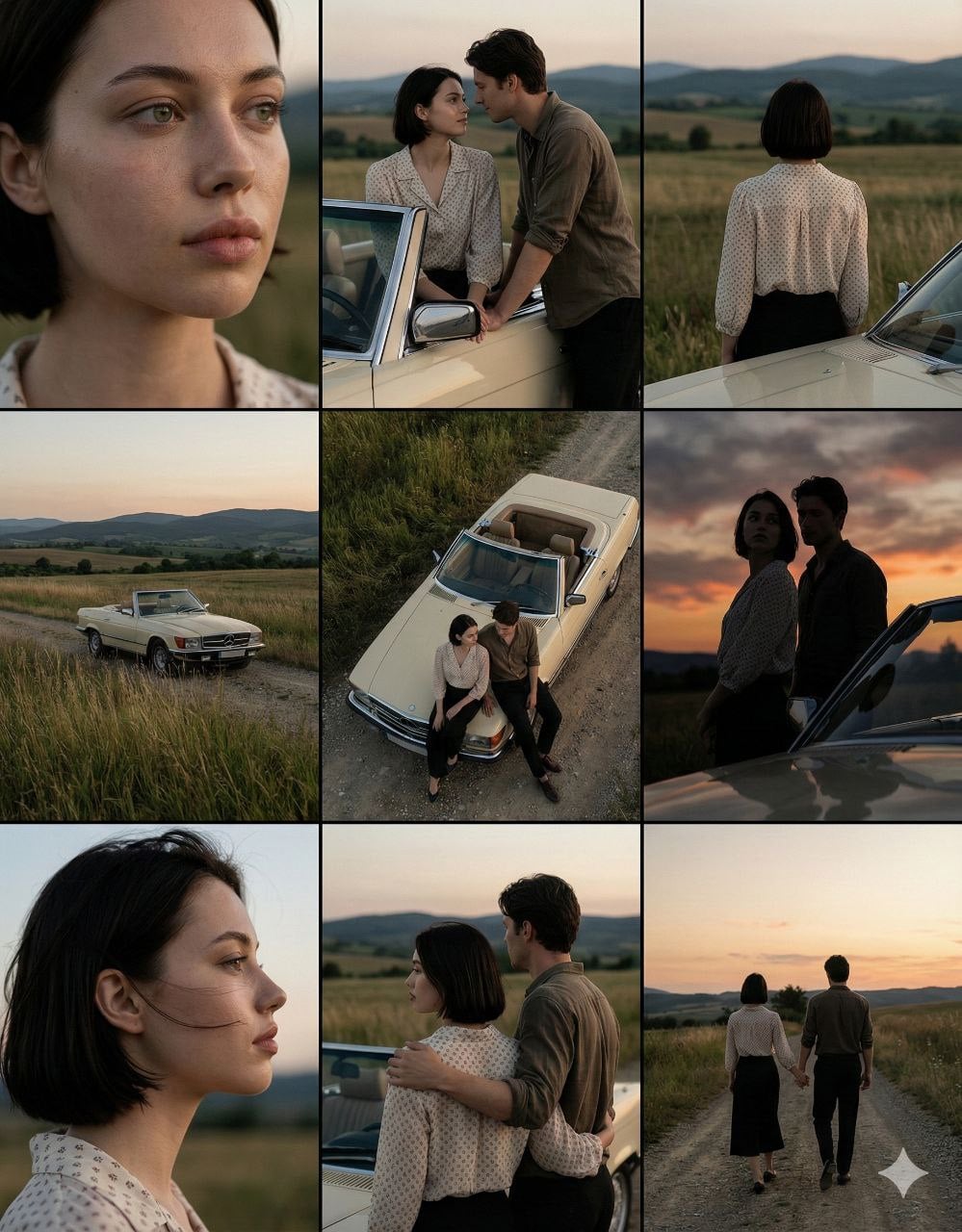
How do I use the Fashion Photography Couple with Luxury Car template?
Edit the prompt in the box under the preview — the template's model and format are already selected — and press Generate. Your version appears right on this page.
A high-end fashion portrait of a stylish couple in black formal wear posing in front of a modern luxury car during golden hour.

{ "prompt": { "subject": "{argument name="couple" default="A stylish couple standing together, posing in front of a luxury car."}", "man_details": { "appearance": "Young man with dark hair, well-groomed beard, wearing square-shaped black sunglasses.", "clothing": "Wearing a tailored black blazer, black button-up shirt, and black trousers." }, "woman_details": { "appearance": "Young woman with long dark wavy hair, wearing stylish sunglasses.", "clothing": "Wearing a form-fitting sleeveless black dress with a side slit and thin-strap high heels." }, "setting": { "location": "An elegant outdoor stone-paved walkway outside a building with arched architecture and warm ambient lighting.", "background": "Stunning mountain range under a {argument name="sky" default="dramatic sunset sky with golden and orange clouds"}.", "lighting": "Warm, golden hour lighting with soft evening atmosphere and string lights glowing on the building terrace." }, "foreground": { "vehicle": "{argument name="car" default="A modern black BMW sedan"} parked directly behind the couple with headlights illuminated." }, "style_and_quality": { "resolution": "4k", "style": "Photorealistic, high-end fashion photography, cinematic lighting, sharp focus, professional color grading" } } }
{ "prompt": { "subject": "{argument name="couple" default="A stylish couple standing together, posing in front of a luxury car."}", "man_details": { "appearance": "Young man with dark hair, well-groomed beard, wearing square-shaped black sunglasses.", "clothing": "Wearing a tailored black blazer, black button-up shirt, and black trousers." }, "woman_details": { "appearance": "Young woman with long dark wavy hair, wearing stylish sunglasses.", "clothing": "Wearing a form-fitting sleeveless black dress with a side slit and thin-strap high heels." }, "setting": { "location": "An elegant outdoor stone-paved walkway outside a building with arched architecture and warm ambient lighting.", "background": "Stunning mountain range under a {argument name="sky" default="dramatic sunset sky with golden and orange clouds"}.", "lighting": "Warm, golden hour lighting with soft evening atmosphere and string lights glowing on the building terrace." }, "foreground": { "vehicle": "{argument name="car" default="A modern black BMW sedan"} parked directly behind the couple with headlights illuminated." }, "style_and_quality": { "resolution": "4k", "style": "Photorealistic, high-end fashion photography, cinematic lighting, sharp focus, professional color grading" } } }
Edit the prompt in the box under the preview — the template's model and format are already selected — and press Generate. Your version appears right on this page.
Yes. You can change the subject, setting, lighting, mood, format, and available model controls before creating your image.
Opening and editing this template is free. Generating uses credits, shown on the Generate button when you are signed in.
Start with Nano Banana 2, which is the model associated with this template. You can compare another compatible model for a different finish.
Follow a topic to a crawlable collection of related PicX Studio templates.