
Luxury Bus Travel Portrait
A cinematic travel prompt capturing a serene moment inside a luxury bus, featuring realistic reflections and soft natural lighting.
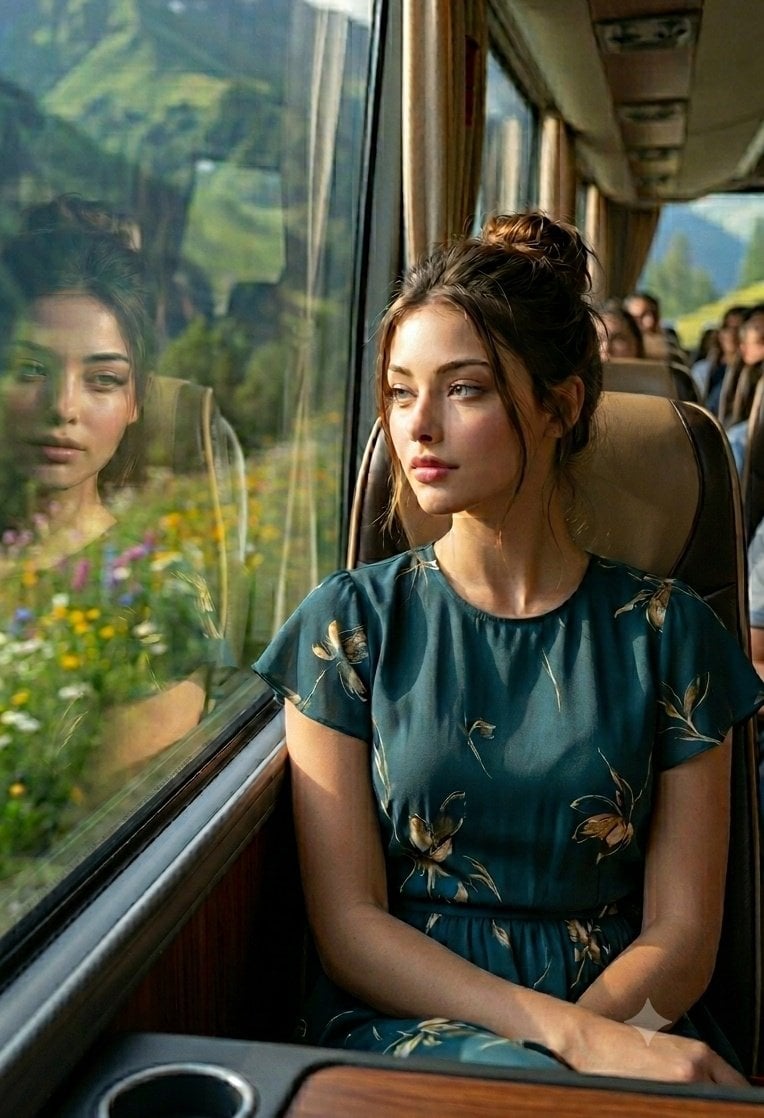
- Prompt included
- Model and format preset
- Free template
The prompt behind this image
Copy the exact prompt behind Luxury Bus Travel Portrait, or open it in the studio and make it yours.
Ultra realistic cinematic travel portrait 9:16, a {argument name="subject" default="beautiful young woman"} sitting comfortably inside a {argument name="transport" default="luxury bus"} beside the large window, looking outside at {argument name="view" default="lush green mountains and colorful flowers"}. In the background seats, other passengers (girls) are properly seated on their bus seats, creating a natural and realistic atmosphere. Soft sunlight streaming through the window, peaceful travel mood, realistic reflections on glass, natural pose. Dreamy cinematic atmosphere, HDR, DSLR 8K. Negative: standing people, floating reflections, blur, distortion, low quality.
How to use Luxury Bus Travel Portrait in 3 steps
- 1
Open
The prompt is already in the box next to the preview, with the template's model and format selected.
- 2…a portrait of your subject in softgolden-hour light, 85mm…
Personalize
Edit the subject and creative details for your destination.
- 3Generate
Generate
Press Generate — your image is created in PicX Studio, so you can compare it with the original and refine one variable at a time.
More like this
Templates with the same subject, style or setup. Open one to see its prompt.
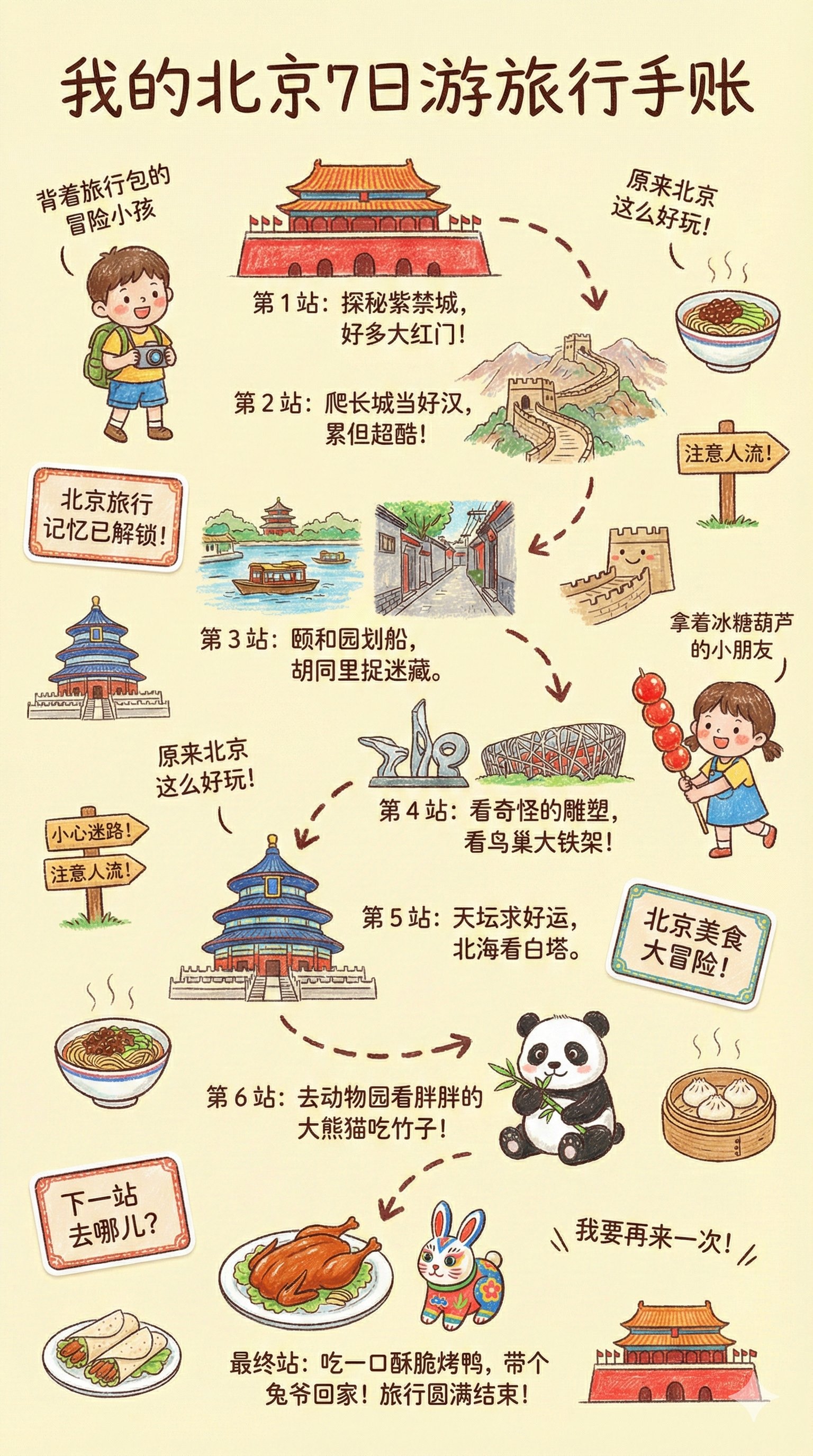
untitled
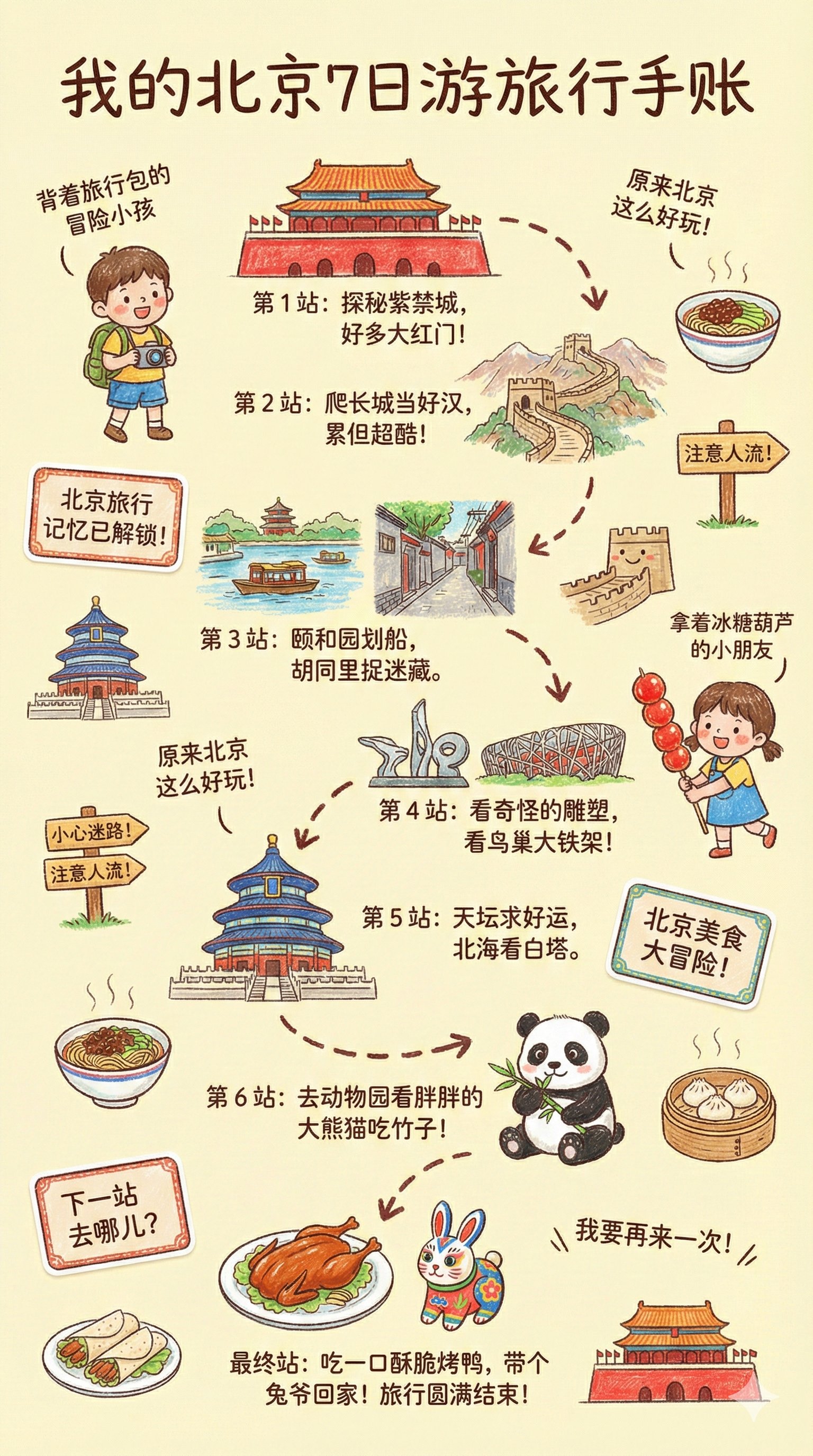
Kids Crayon Travel Journal Illustration
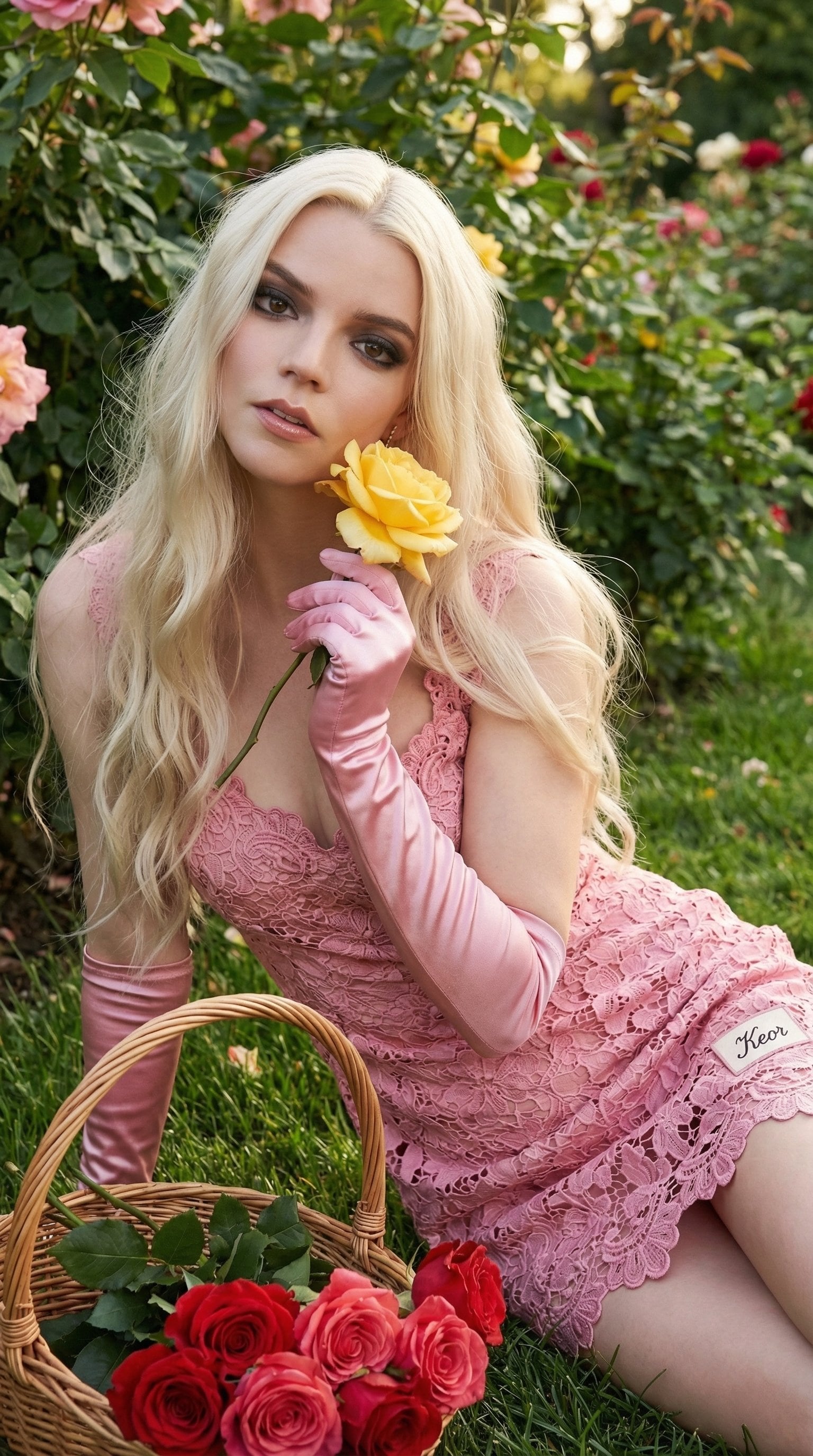
Transformation the Bus Seedance 2 0 Robo

Found Photograph: Us, 1970

80s Couple Studio Portrait

80s Bollywood Star

80s Golden Hour Cinema

Me in 1985

1985 Studio Portrait

Hyper-Realistic Minecraft POV Portrait

Japan Travel Brochure Poster
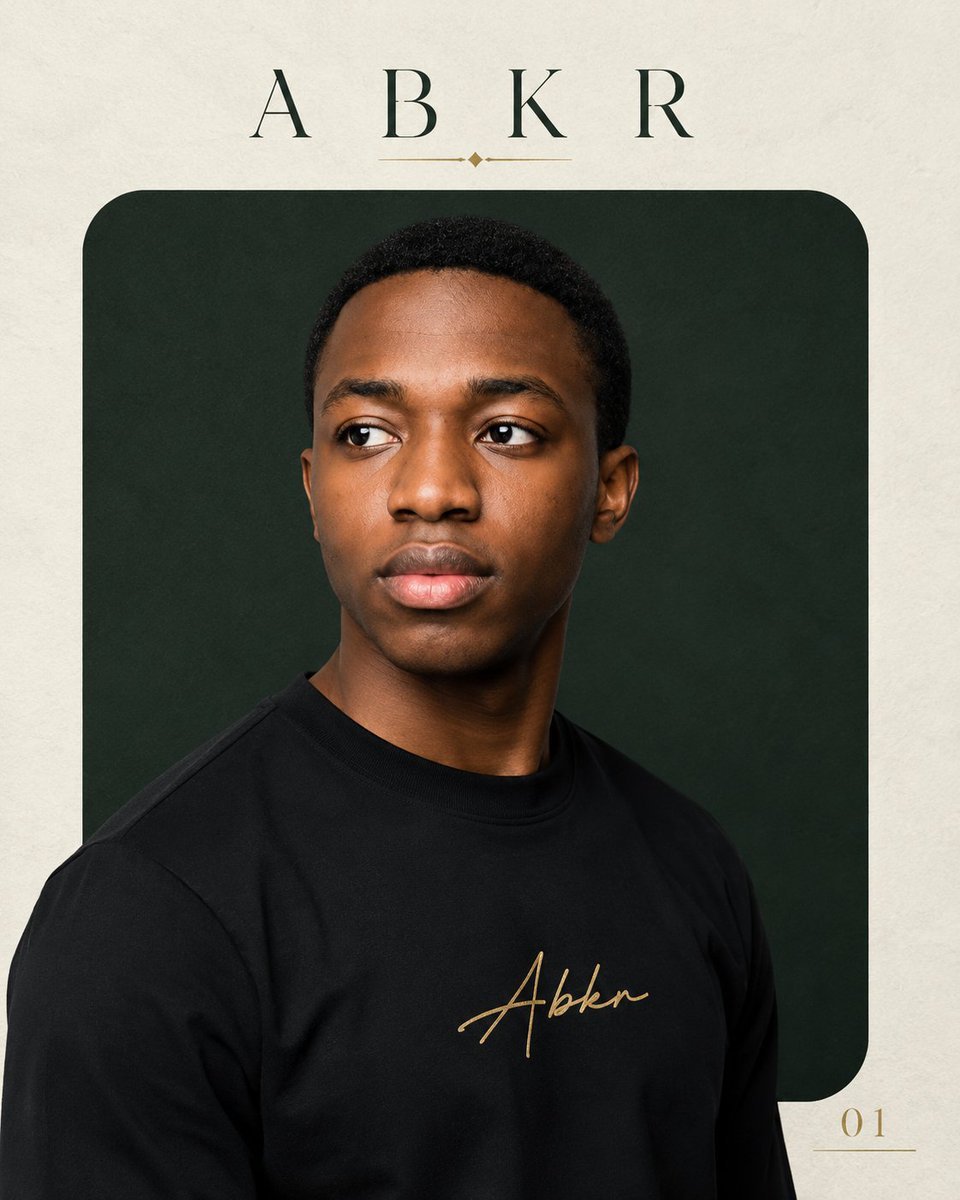
Luxury ABKR Portrait Poster
Make it yours
Luxury Bus Travel Portrait works as-is. These are the safest ways to change it without losing the look.
Change one field
Copy a single group, rewrite it, and generate again so you can see what that field is doing.
Keep the frame, change the subject
Hold the composition and light of Luxury Bus Travel Portrait, then swap wardrobe, props or the person for a new take.
| If the result… | Why | Fix |
|---|---|---|
| The result drifts from the preview | Too many fields changed at once. | Reuse Luxury Bus Travel Portrait as-is first, then change one group — subject, light, or setting. |
| The model over-stylizes the scene | The prose prompt leaves finish and camera underspecified. | Add one camera or lighting sentence and stay on Nano Banana 2. |
More Nano Banana 2 templates
Other prompts made for Nano Banana 2.

Photorealistic Leaf Shaped Like a Dragon

K-Pop Idol Portrait Grid for Rapid Selection

Poetic Rain Forest Portrait During Golden Hour

Urban Street Portrait with Cartoon Inner Self Duo

Candid Nighttime Photo with Cat Prompt

High-Concept 3D Diorama Generation Prompt

Cinematic Futuristic Studio Portrait Template

Skincare Editorial Photography Collage Prompt

Hyper-Realistic Commercial Product Photography (Splash Effect)

Hyper-Realistic Nightclub Portrait Prompt
More image prompts
Fresh picks from across the catalog.
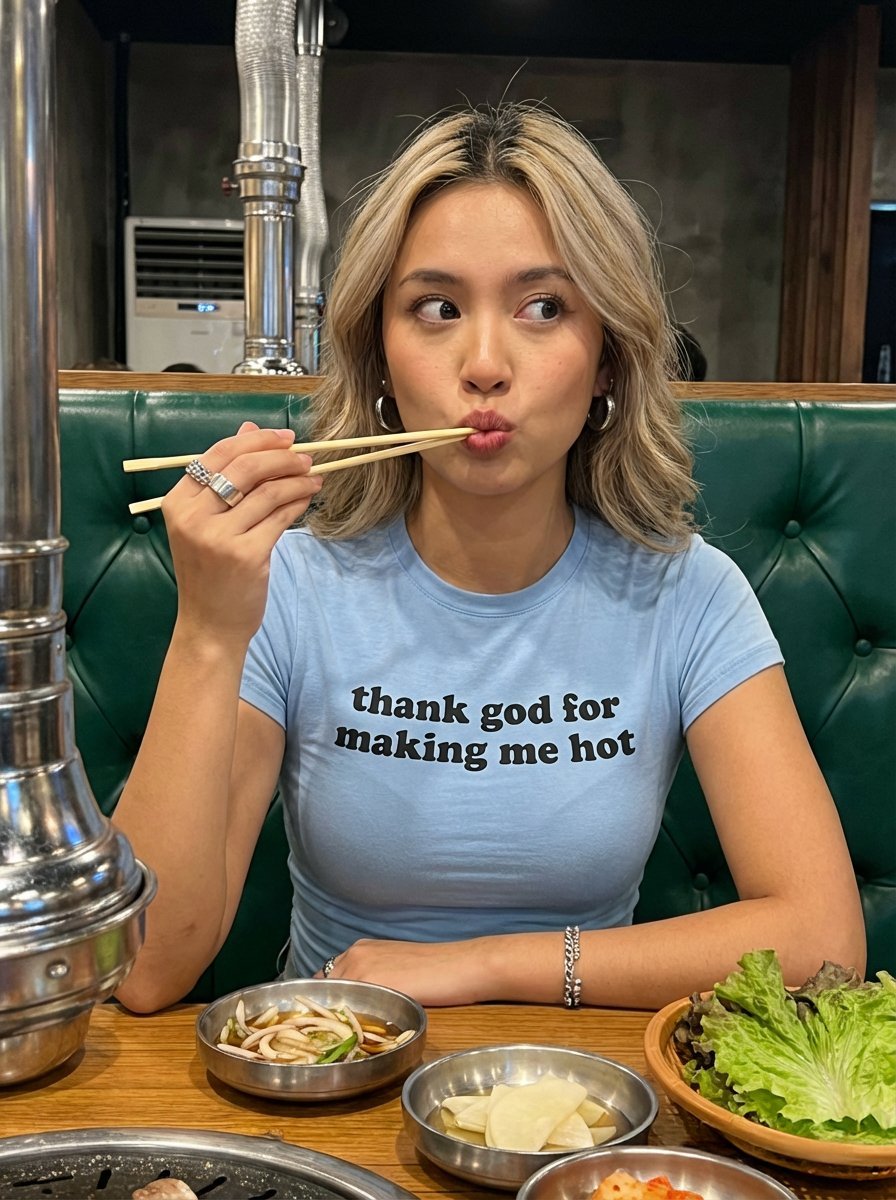
Candid Restaurant Portrait of Woman in 'Thank God for Making Me Hot' T-Shirt
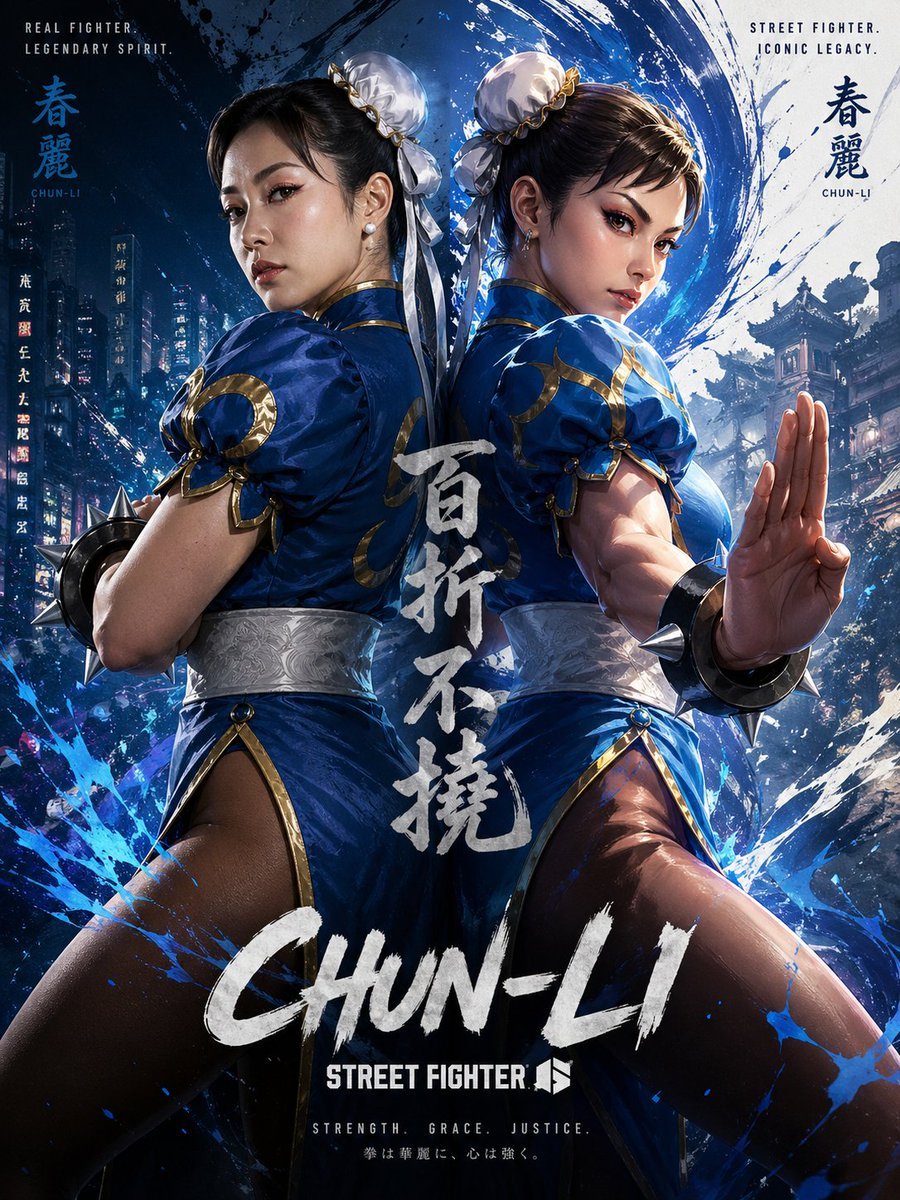
Chun-Li Digital vs Real Poster
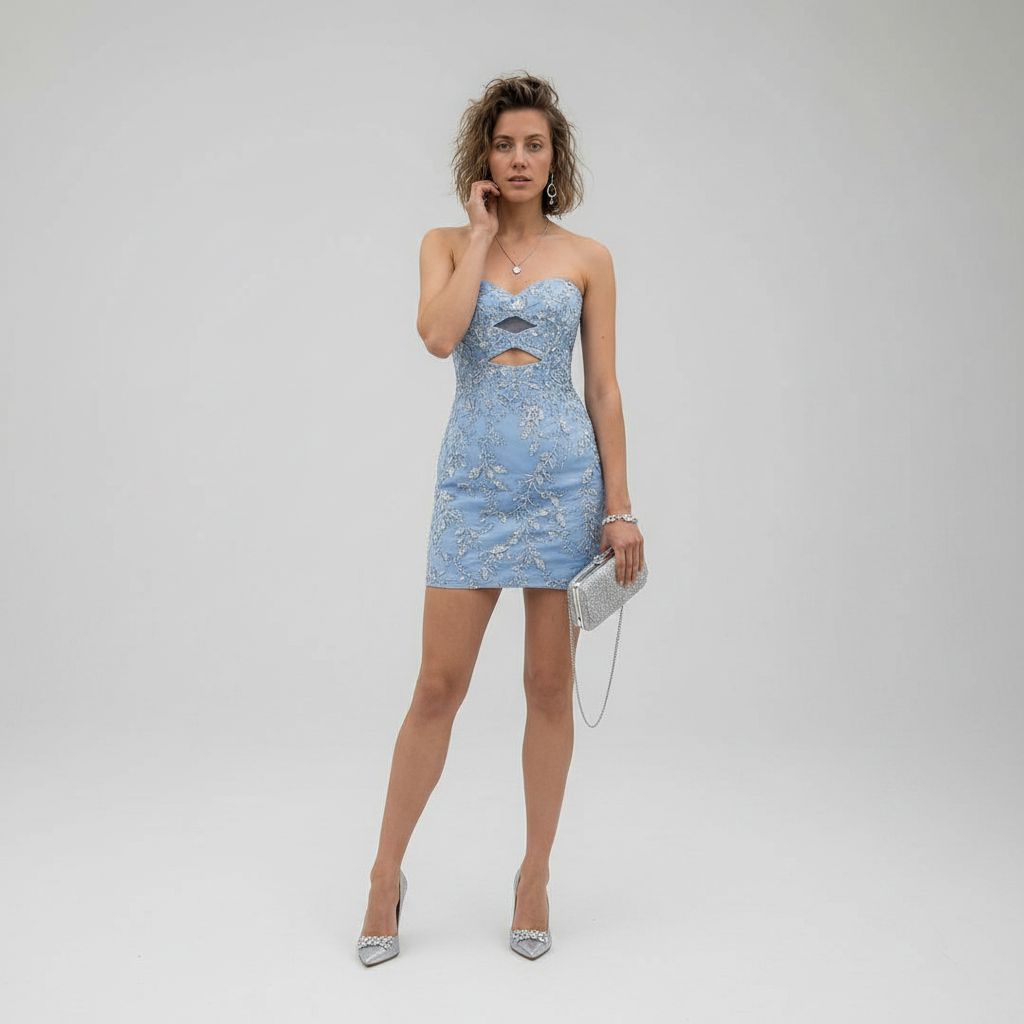
Gpt2 Profile Avatar Luxury Studio Outfit Transformation
Dramatic Double Exposure Sports Portrait
Luxury Fur-Lined Loafer Lifestyle Photo
Pet Brand Identity System Board
Ultra Photorealistic Dinner Selfie Prompt
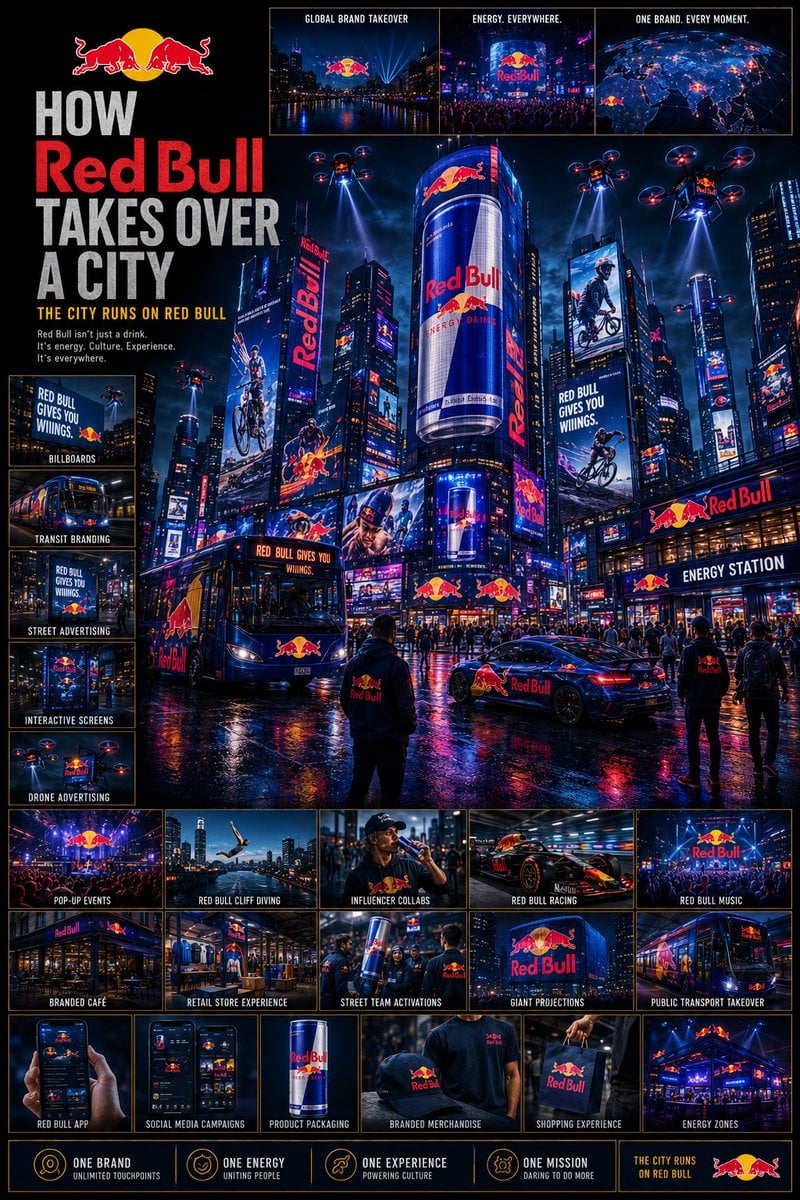
Cinematic Brand City Takeover Poster

Luxury Anime Princess Potato Chip Bag
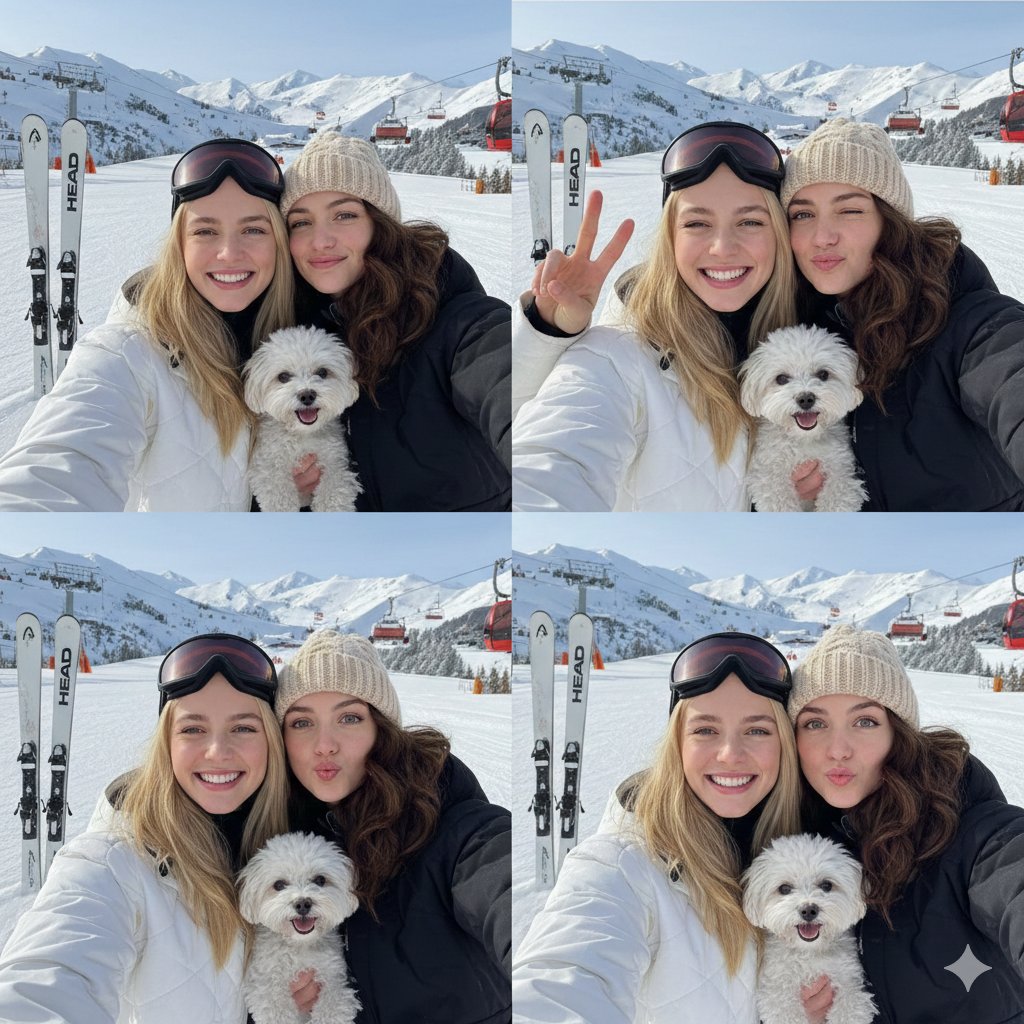
2x2 Winter Ski Selfie Collage with Dog
Browse template categories
Luxury Bus Travel Portrait questions
How do I use the Luxury Bus Travel Portrait template?
Add your photo if the template asks for one, edit the prompt if you like — the template's model and format are already selected — and press Generate. Your version opens in PicX Studio.
Can I customize the Luxury Bus Travel Portrait template?
Yes. You can change the subject, setting, lighting, mood, format, and available model controls before creating your image.
Is the Luxury Bus Travel Portrait template free?
Opening and editing this template is free. Generating uses credits, shown on the Generate button when you are signed in.
Which AI model should I use?
Start with Nano Banana 2, which is the model associated with this template. You can compare another compatible model for a different finish.
Looking for something else? Browse all templates.

Your photo, any look
Thousands of ready templates for every top image and video model, from one credit balance.