
Digital Doodle Portal Transition
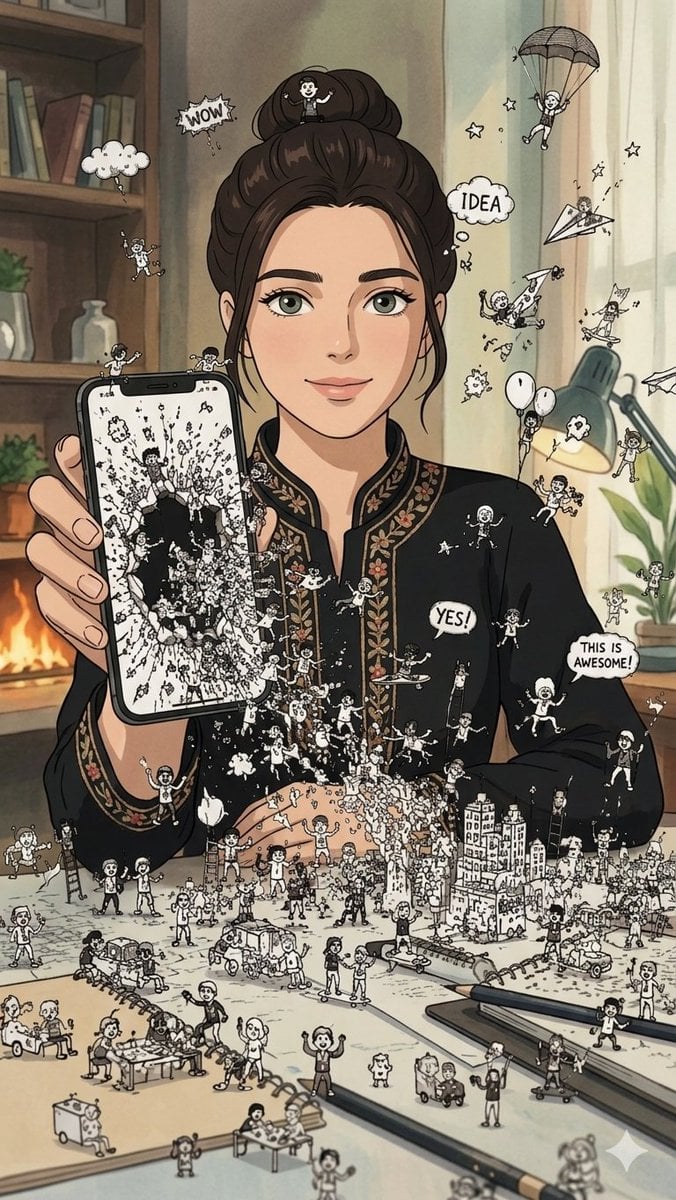
A creative prompt blending reality with hand-drawn illustrations, depicting a smartphone screen opening into a dimensional portal filled with playful ink characters.
- Prompt included
- Model and format preset
- Free template
The prompt behind this image
Copy the exact prompt behind Digital Doodle Portal Transition, or open it in the studio and make it yours.
Use the attached image as the sole facial reference. STRICT IDENTITY PRESERVATION: Maintain the exact facial identity with maximum accuracy. Preserve facial structure, proportions, natural asymmetry, skin texture, hairstyle, hairline, eye shape, nose shape, lips, expression, and all unique facial characteristics. Do not beautify, stylize, age-shift, alter ethnicity, modify features, or reinterpret the face in any way. SCENE: A photorealistic {argument name="subject" default="young woman"} stands in a clean modern studio environment holding a {argument name="device" default="smartphone"} vertically in front of her. The phone screen appears to have cracked open into a dimensional portal, creating a dramatic transition between the digital world and reality. From inside the screen, hundreds of tiny {argument name="doodle style" default="black-ink doodle characters"} burst into the real world. Miniature cartoon figures climb over the phone edges, swing from charging cables, ride paper airplanes, build tiny cities on nearby surfaces, chase each other across the floor, and interact with real-world objects in playful ways. Inside the smartphone exists a vibrant illustrated universe filled with hand-drawn doodle clouds, stars, rockets, floating hearts, ladders, comic speech bubbles, whimsical creatures, and miniature buildings. Many doodle elements are partially emerging from the screen, seamlessly blending illustration and reality. The woman remains completely photorealistic and reacts with curiosity, wonder, and amazement as the doodle world escapes the device. STYLE: Reality-meets-doodle visual illusion, photorealistic human subject combined with expressive black-ink line-art characters, ultra-detailed interactions, seamless transition between digital and physical worlds, luxury advertising photography, cinematic studio lighting, ultra-sharp focus, premium editorial aesthetic, clean composition, modern social-media campaign quality, whimsical imagination brought to life. COMPOSITION: 9:16 vertical format, full-body or three-quarter portrait, phone prominently featured in foreground, dynamic flow of doodle characters expanding outward into the scene, strong depth, clean negative space, scroll-stopping visual storytelling. MOOD: As if years of creativity, imagination, internet culture, sketches, ideas, and dreams have suddenly come alive and are escaping from the smartphone into the real world. Ultra realistic, high detail, commercial masterpiece, viral campaign quality.
How to use Digital Doodle Portal Transition in 3 steps
- 1Upload ImagePNG, JPG or paste
Add your photo
Upload the photo the template builds on. The prompt, model and format are already set.
- 2…a portrait of your subject in softgolden-hour light, 85mm…
Personalize
Edit the subject and creative details for your destination.
- 3Generate
Generate
Press Generate — your image is created in PicX Studio, so you can compare it with the original and refine one variable at a time.
More like this
Templates with the same subject, style or setup. Open one to see its prompt.

Real Illustration Split Portrait Transition
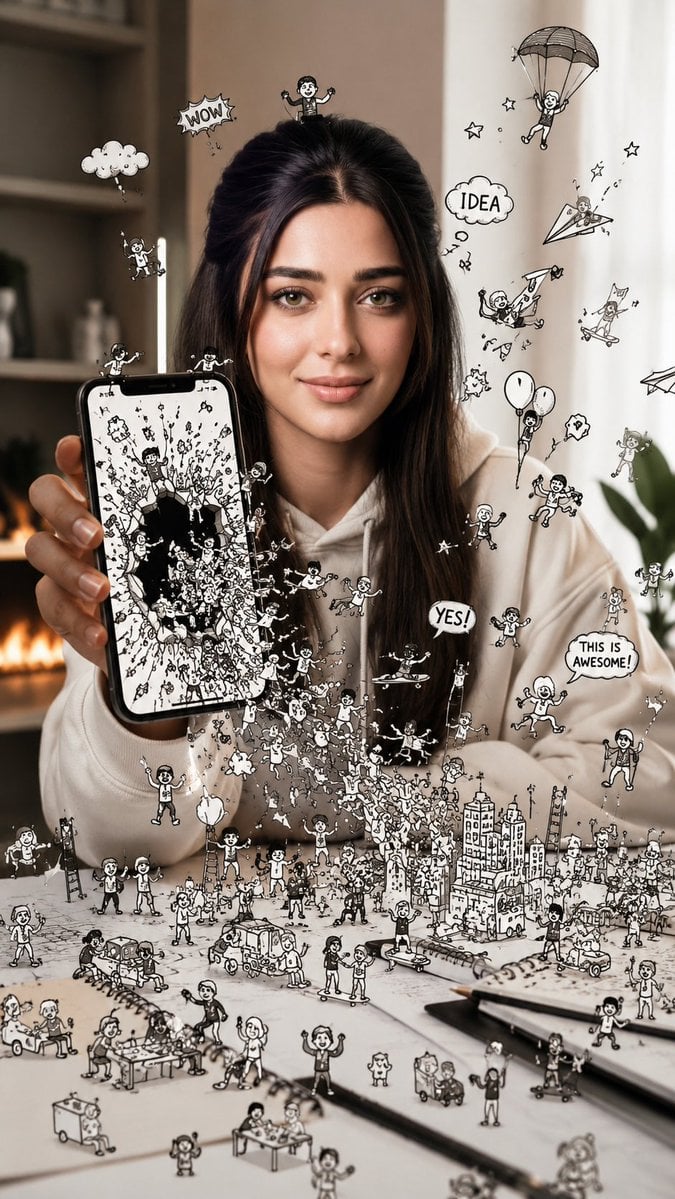
Shattered Phone Screen Doodle Portal
Seedance - Character Transition
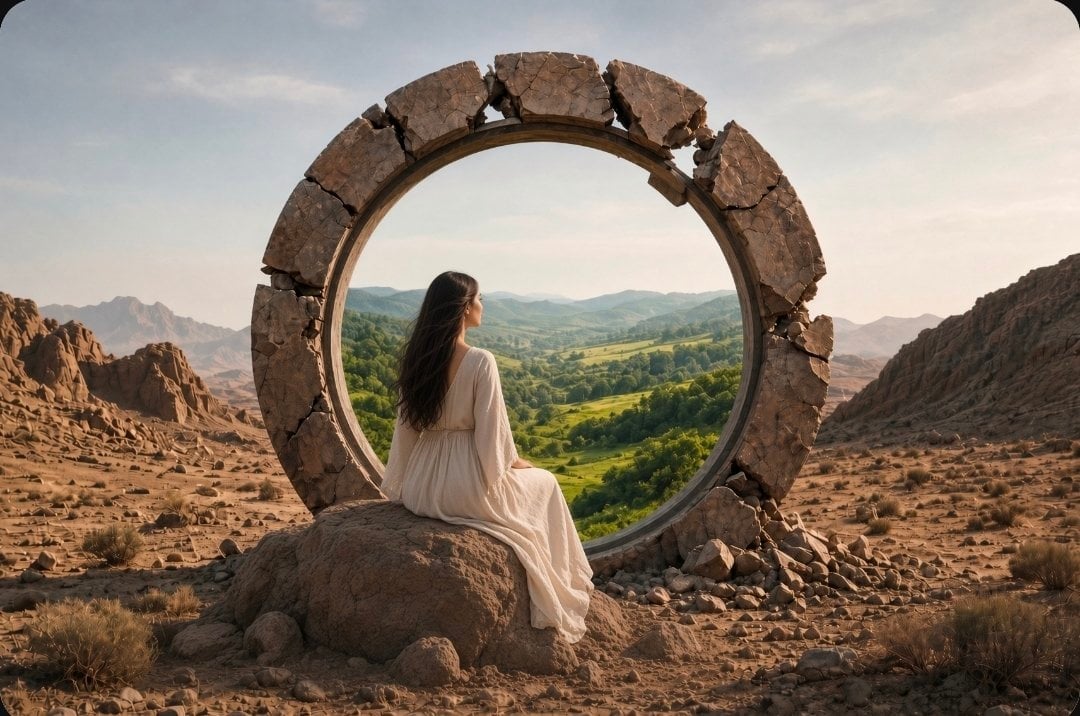
Fantasy Desert Portal Scene
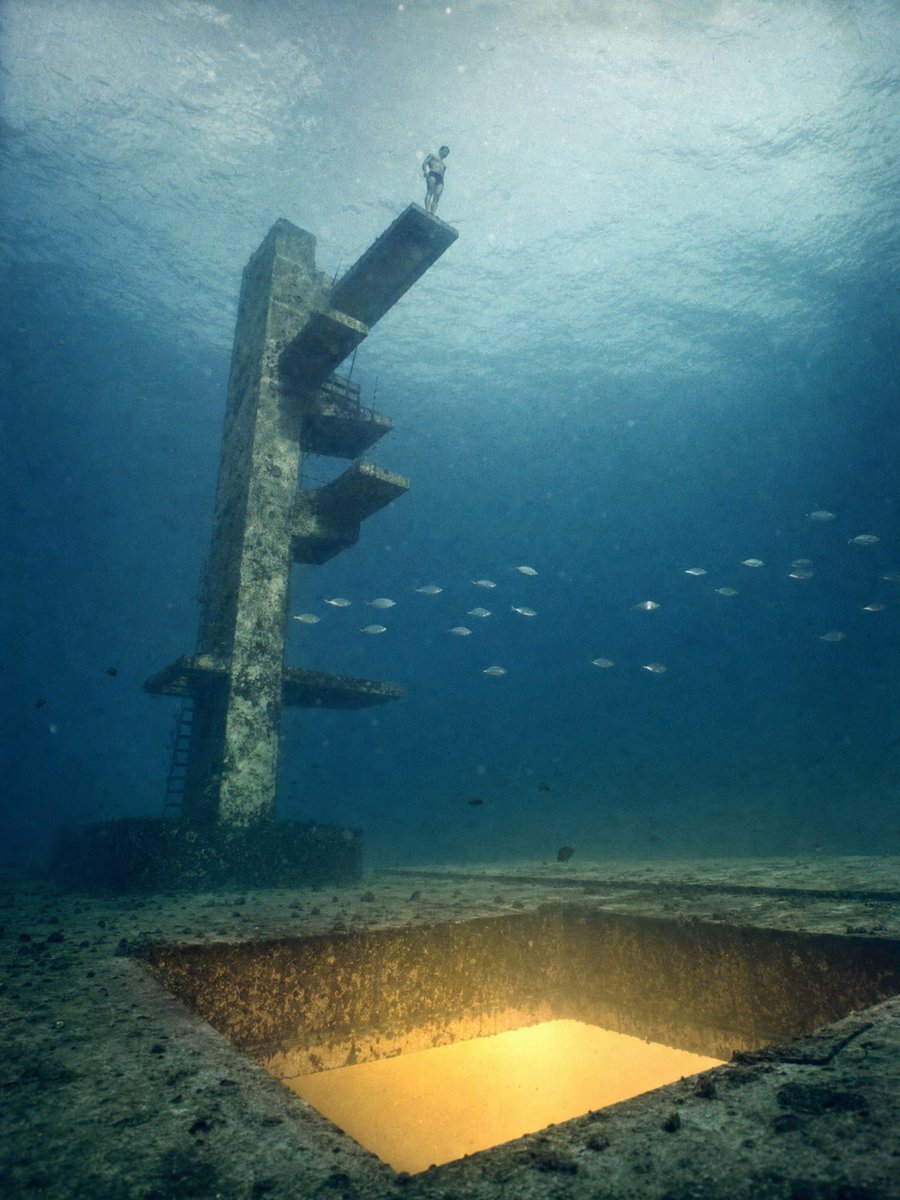
Underwater Diving Tower Portal
Puppy and Robot Dog Cyber Portal
Dreamy Y2K Digital Camera Mirror Selfie
Giant Bird Portal in the Sky
Comic Photographer Portal Action Scene
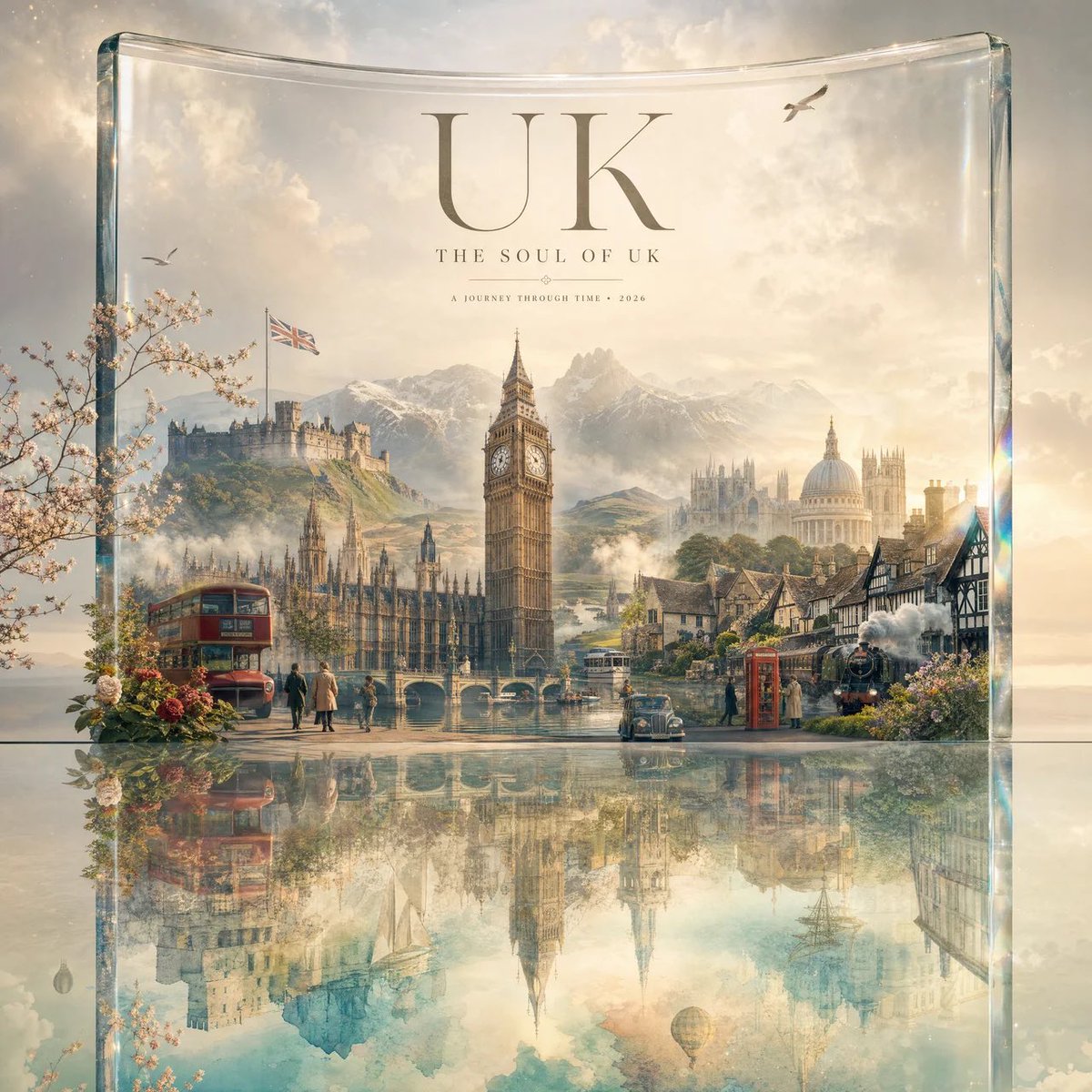
Luxury Travel Glass Portal Poster

Hand-Drawn Doodle Grid Poster
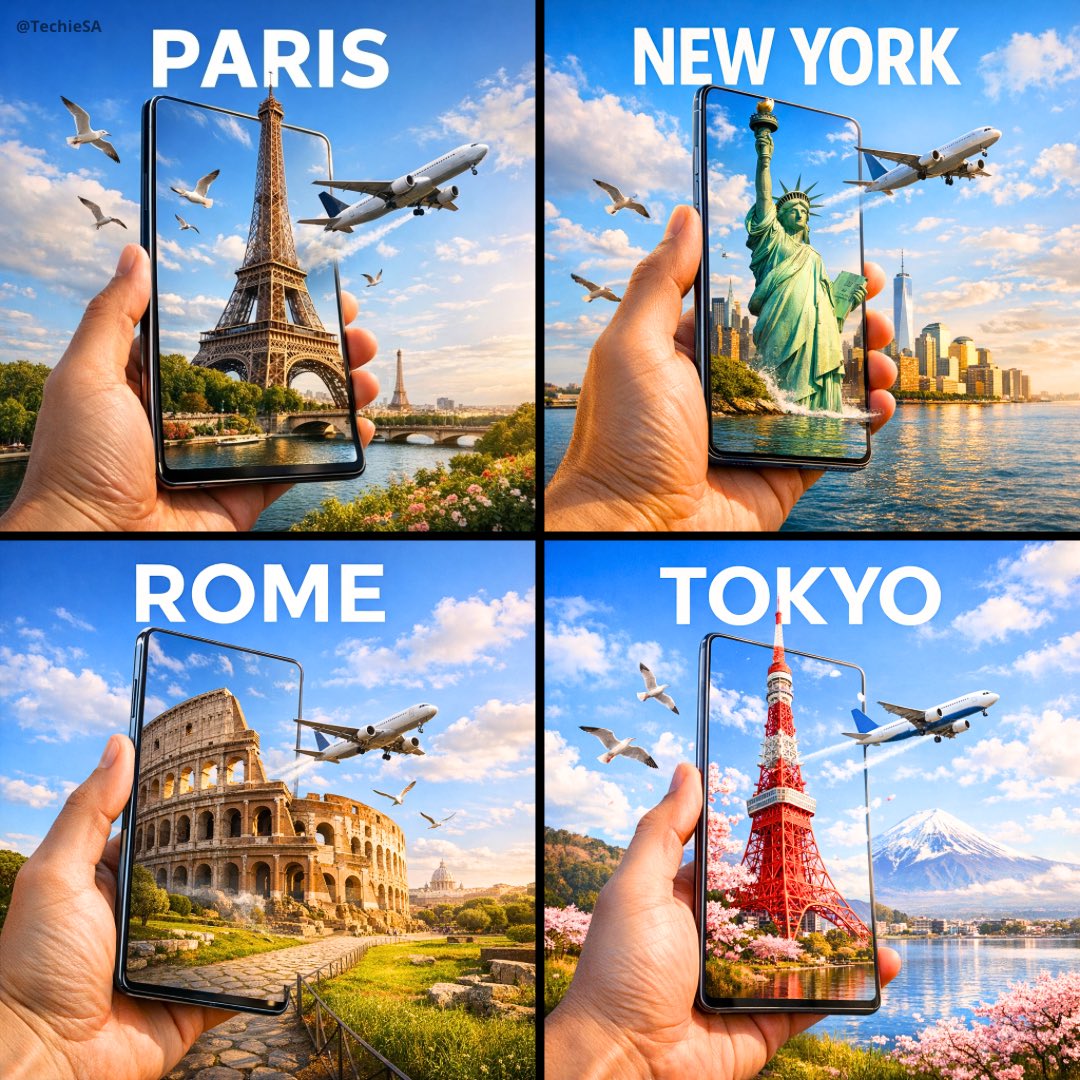
Travel Ad Phone Portal 3D Effect
Make it yours
Digital Doodle Portal Transition works as-is. These are the safest ways to change it without losing the look.
Change one field
Copy a single group, rewrite it, and generate again so you can see what that field is doing.
Keep the frame, change the subject
Hold the composition and light of Digital Doodle Portal Transition, then swap wardrobe, props or the person for a new take.
| If the result… | Why | Fix |
|---|---|---|
| The result drifts from the preview | Too many fields changed at once. | Reuse Digital Doodle Portal Transition as-is first, then change one group — subject, light, or setting. |
| The model over-stylizes the scene | The prose prompt leaves finish and camera underspecified. | Add one camera or lighting sentence and stay on Nano Banana 2. |
More Nano Banana 2 templates
Other prompts made for Nano Banana 2.

Photorealistic Leaf Shaped Like a Dragon

K-Pop Idol Portrait Grid for Rapid Selection

Poetic Rain Forest Portrait During Golden Hour

Urban Street Portrait with Cartoon Inner Self Duo

Candid Nighttime Photo with Cat Prompt

High-Concept 3D Diorama Generation Prompt

Cinematic Futuristic Studio Portrait Template

Skincare Editorial Photography Collage Prompt

Hyper-Realistic Commercial Product Photography (Splash Effect)

Hyper-Realistic Nightclub Portrait Prompt
More image prompts
Fresh picks from across the catalog.
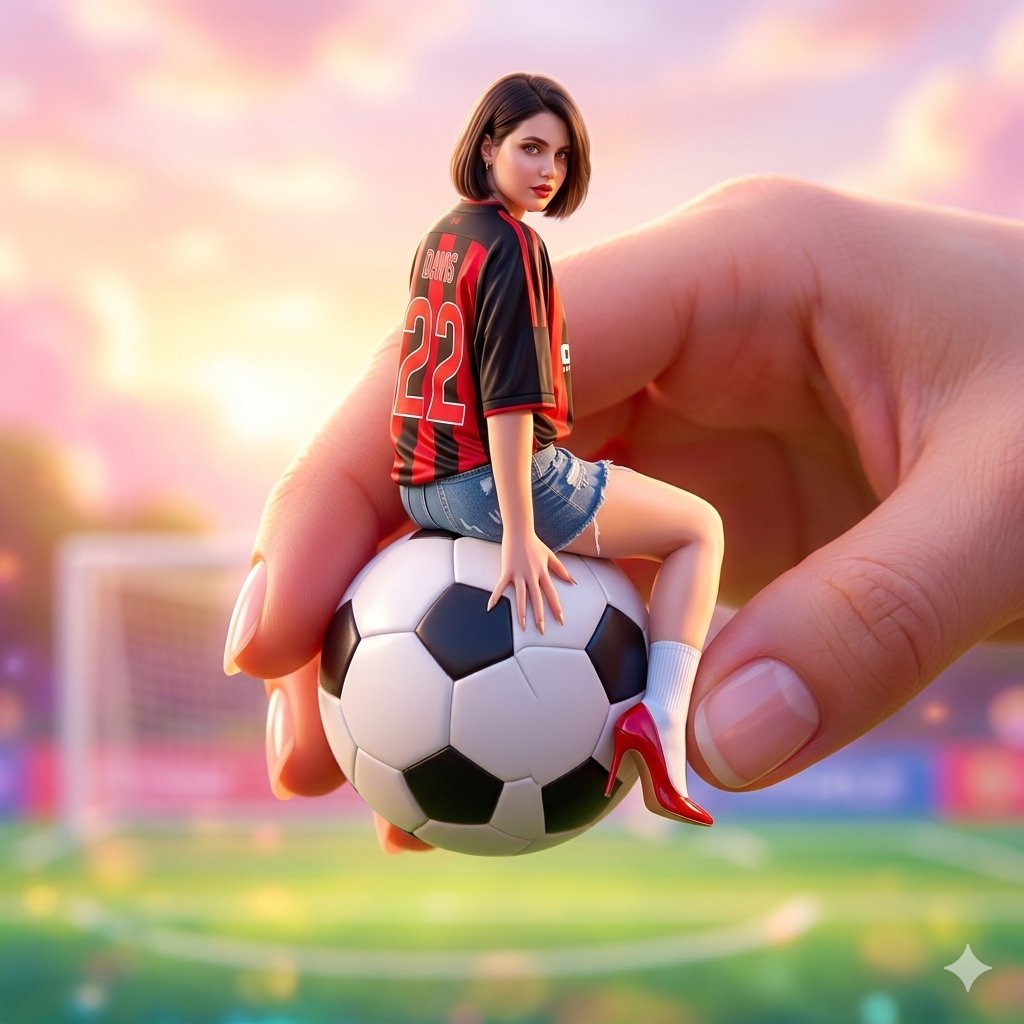
Miniature Fashionable Girl on Soccer Ball
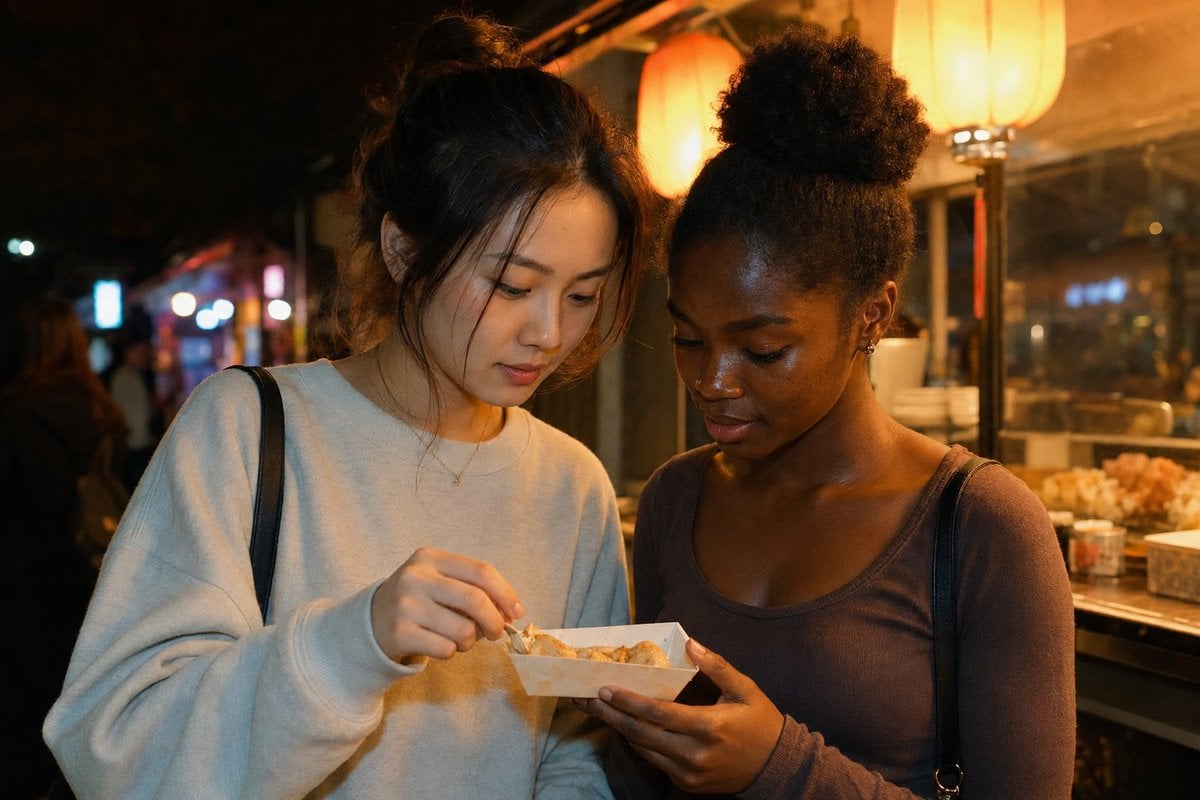
Candid Night Market Food Stall Friends
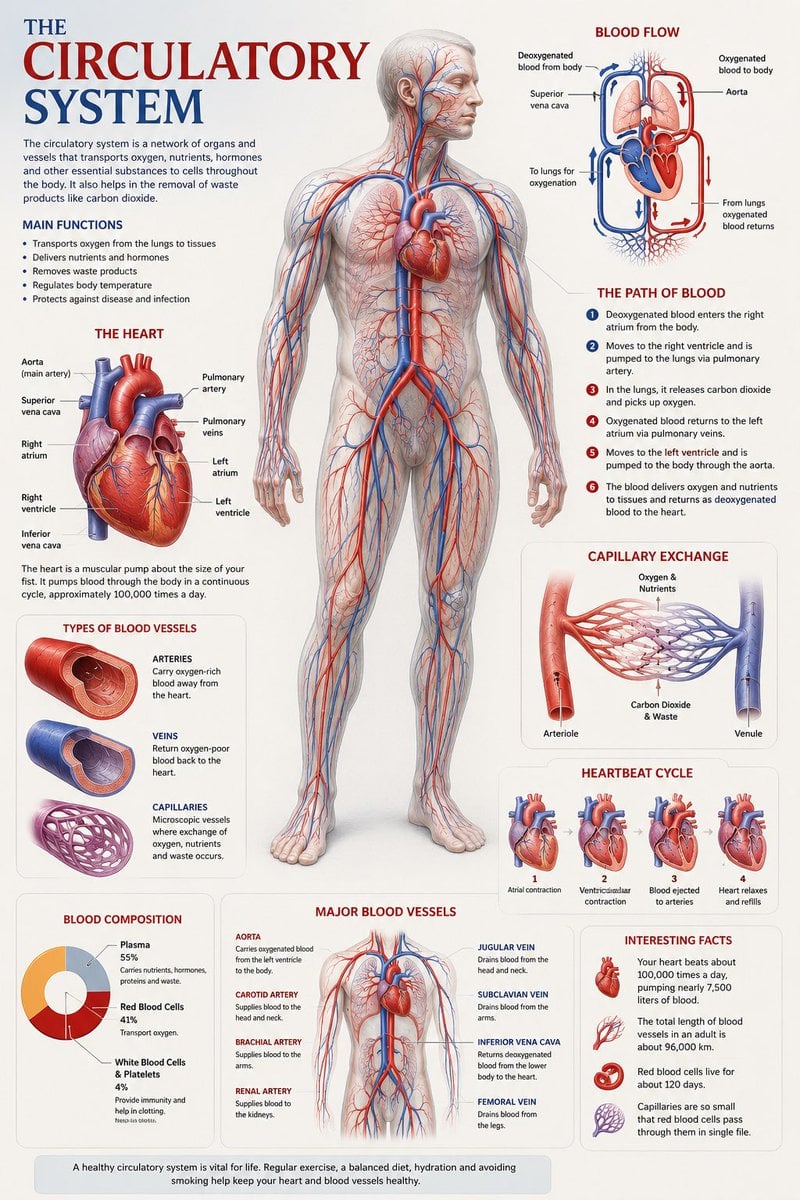
Medical Anatomy Visualization Poster
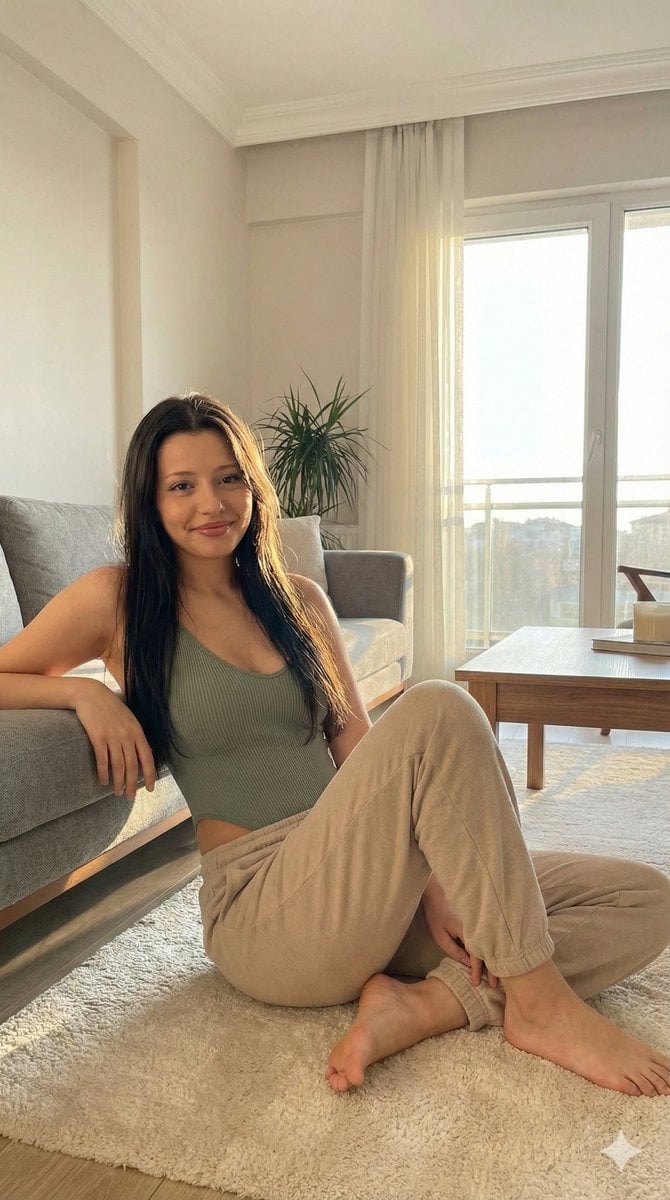
Candid Portrait in Sunlit Minimalist Apartment
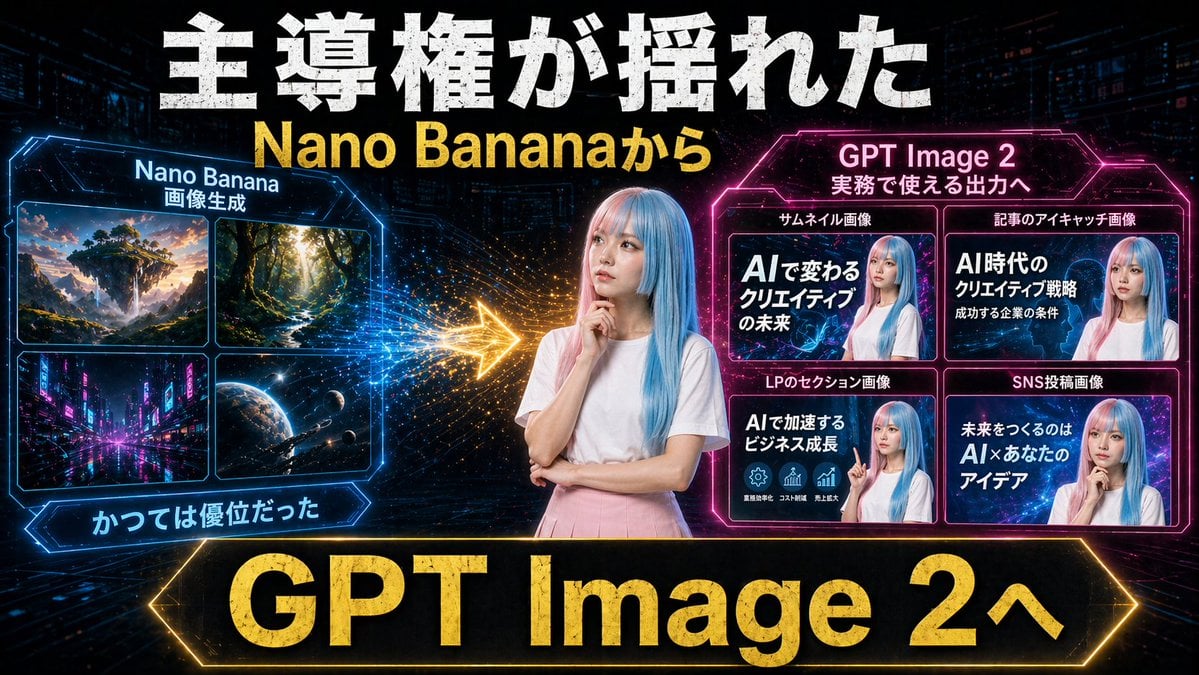
Gpt2 Youtube Thumbnail Neon Ai Thumbnail Comparison
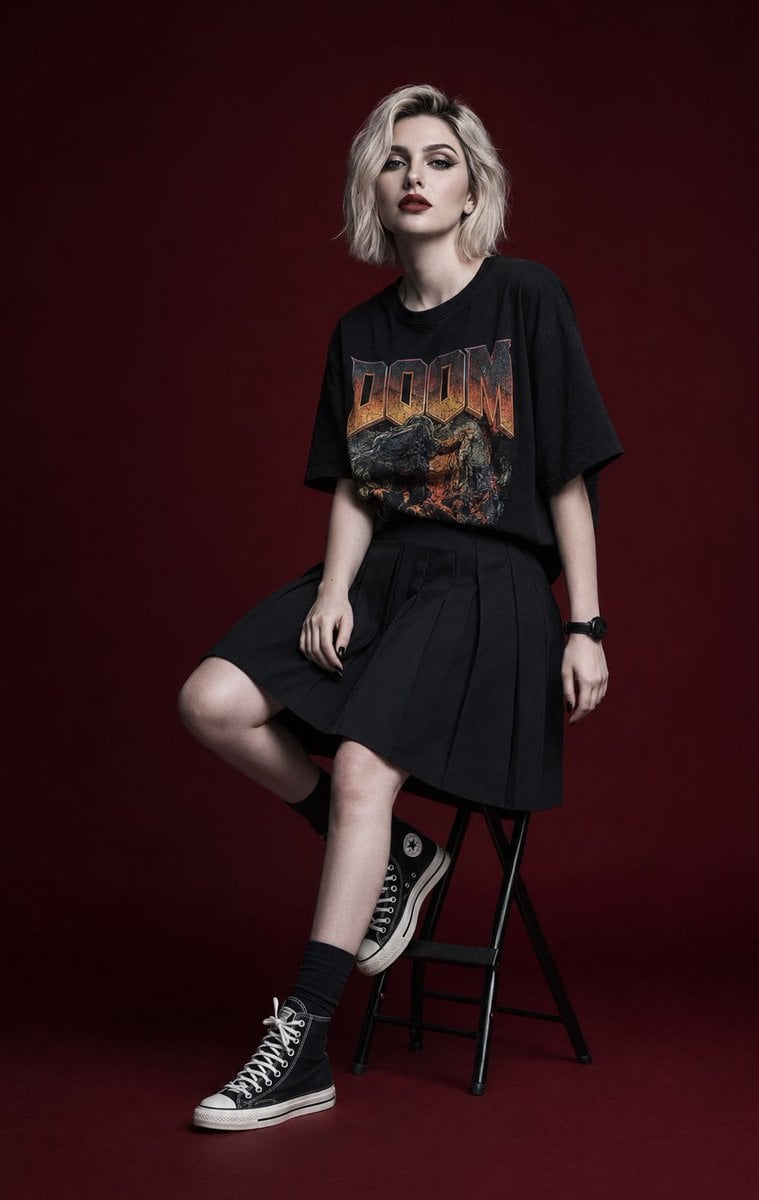
Luxury Editorial Fashion Campaign Portrait
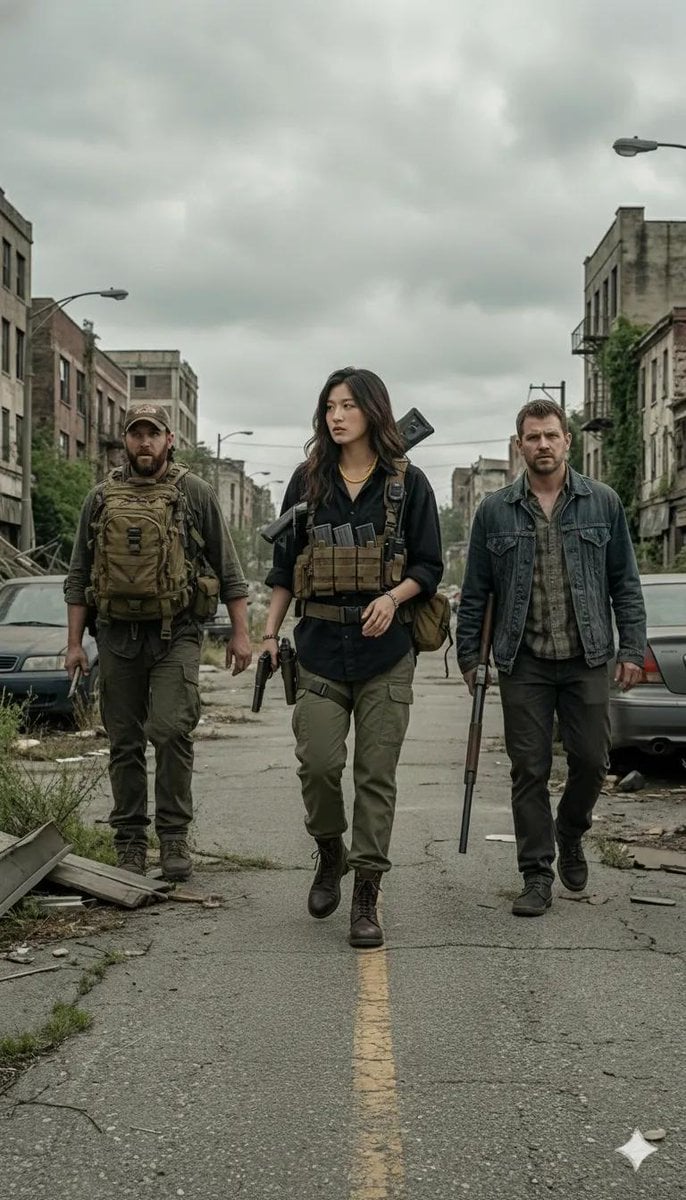
Gritty Post-Apocalyptic Survivor Scene
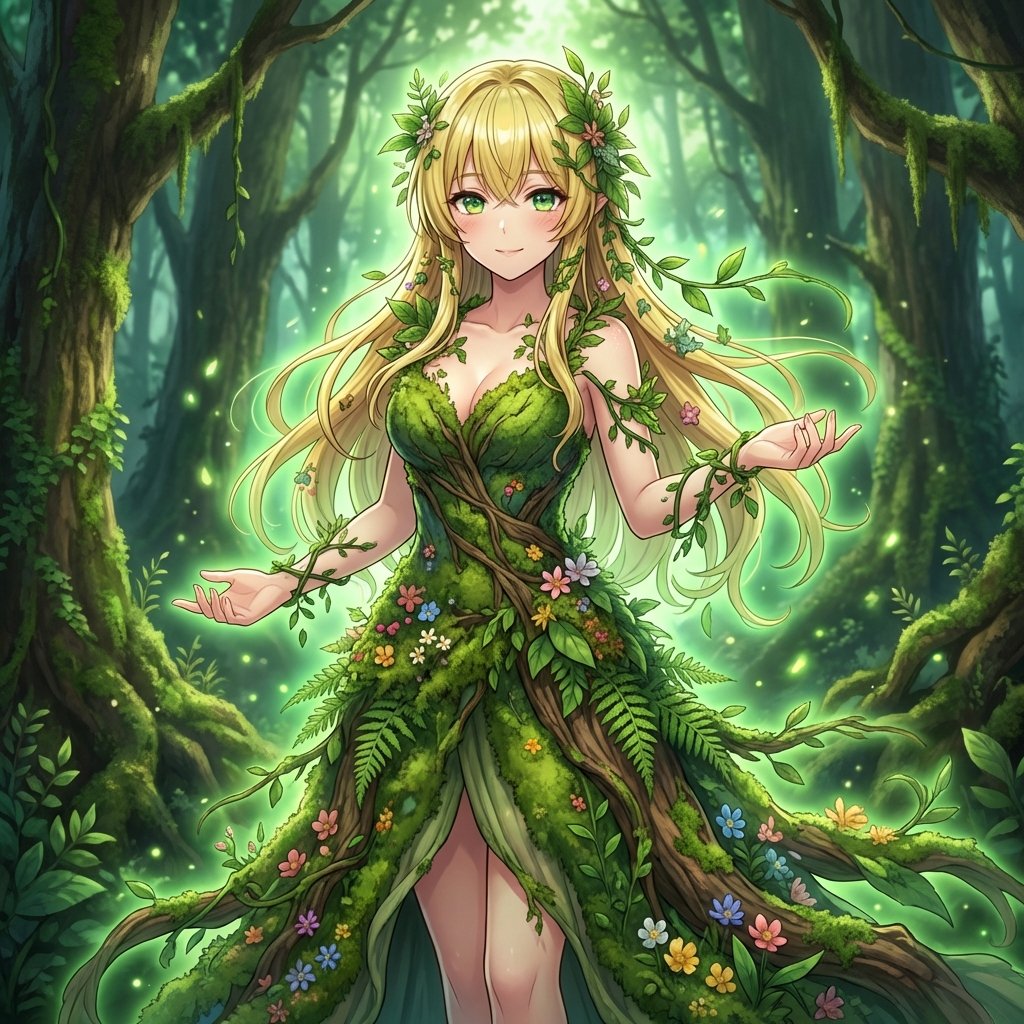
AI Transformation to Dryad
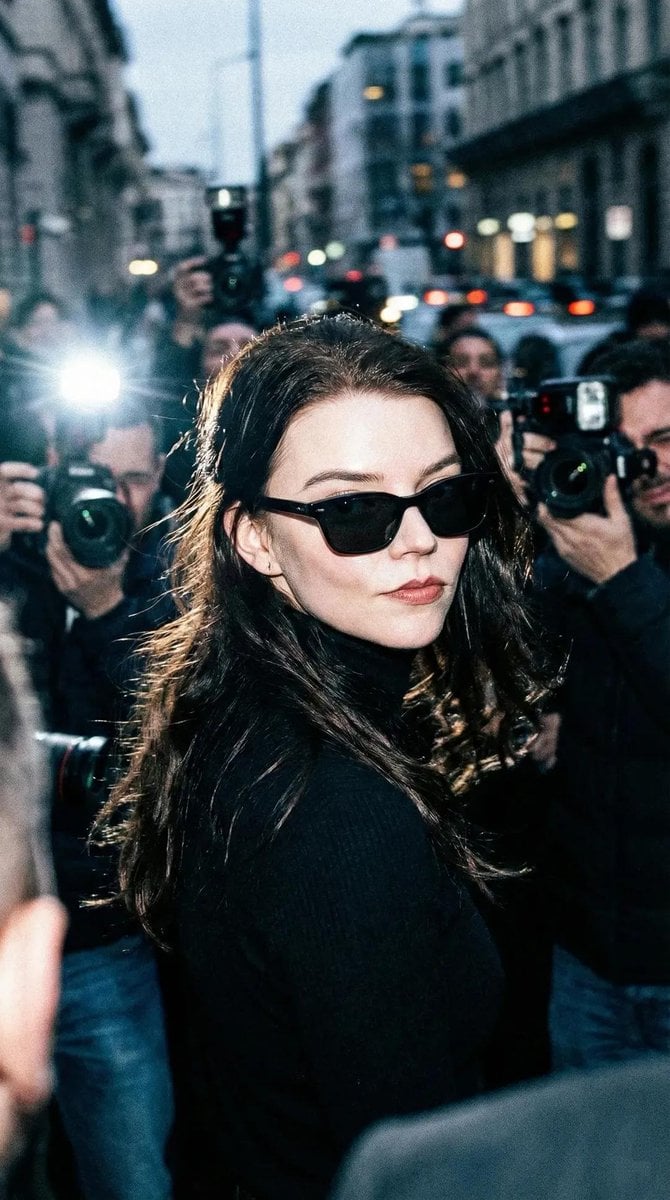
Unplanned Paparazzi-Style Portrait Prompt
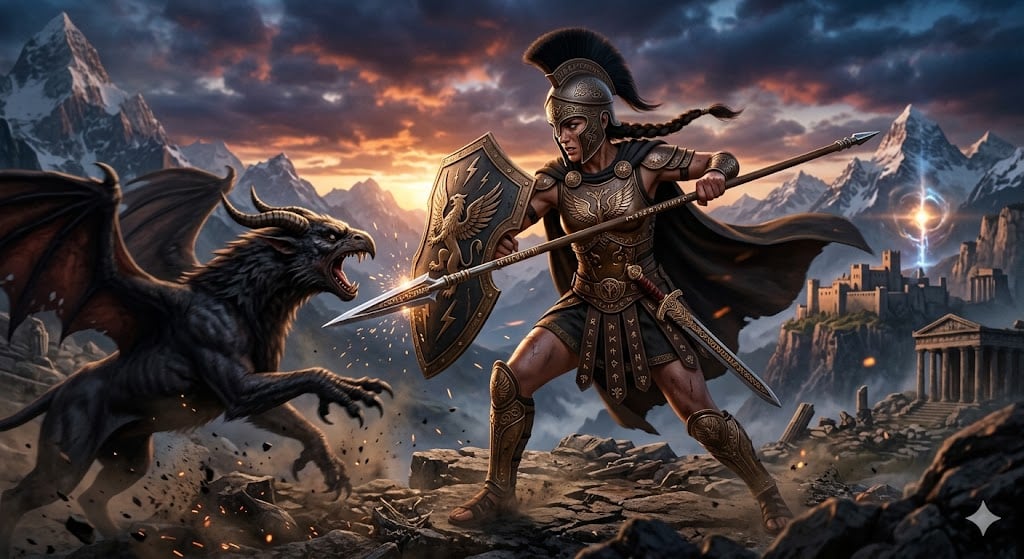
Nano Banana Pro Image Generation of a Mythological Warrior
Browse template categories
Digital Doodle Portal Transition questions
How do I use the Digital Doodle Portal Transition template?
Add your photo if the template asks for one, edit the prompt if you like — the template's model and format are already selected — and press Generate. Your version opens in PicX Studio.
Can I customize the Digital Doodle Portal Transition template?
Yes. You can change the subject, setting, lighting, mood, format, and available model controls before creating your image.
Is the Digital Doodle Portal Transition template free?
Opening and editing this template is free. Generating uses credits, shown on the Generate button when you are signed in.
Which AI model should I use?
Start with Nano Banana 2, which is the model associated with this template. You can compare another compatible model for a different finish.
Looking for something else? Browse all templates.

Your photo, any look
Thousands of ready templates for every top image and video model, from one credit balance.