How do I use the Cinematic Monochrome Portrait Collage template?
Choose the primary action to open PicX Studio with the available template settings. Review the model and format, personalize the creative direction, and generate when ready.
A complex multi-frame collage prompt for high-end fashion editorial style portraits in a dark urban environment.
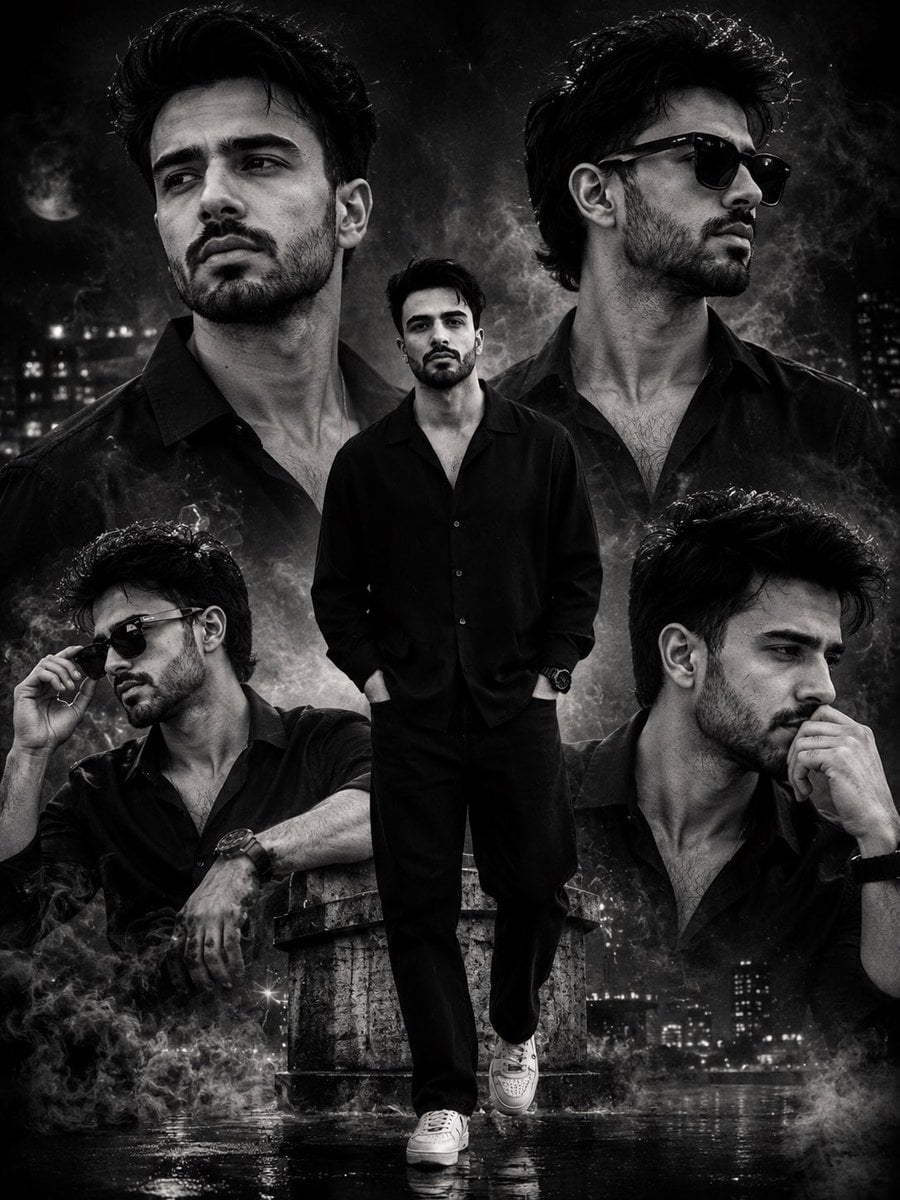
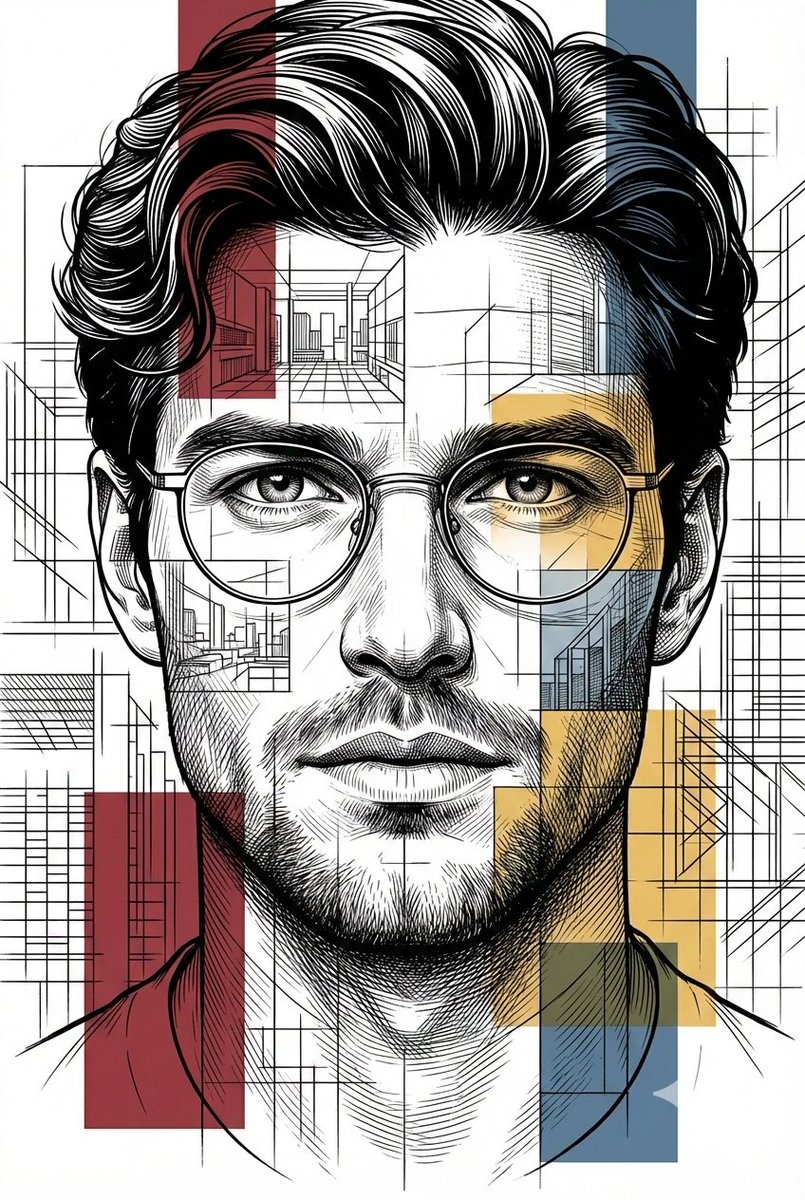
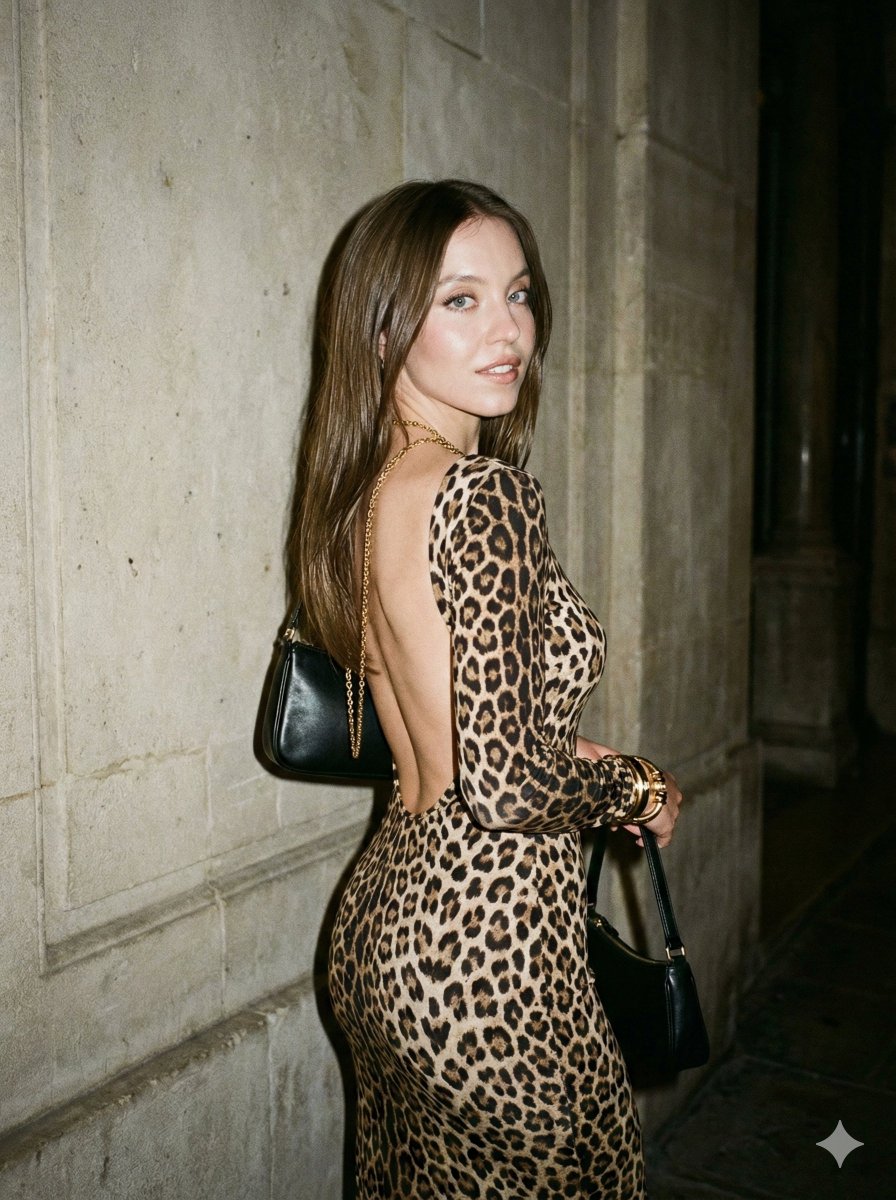
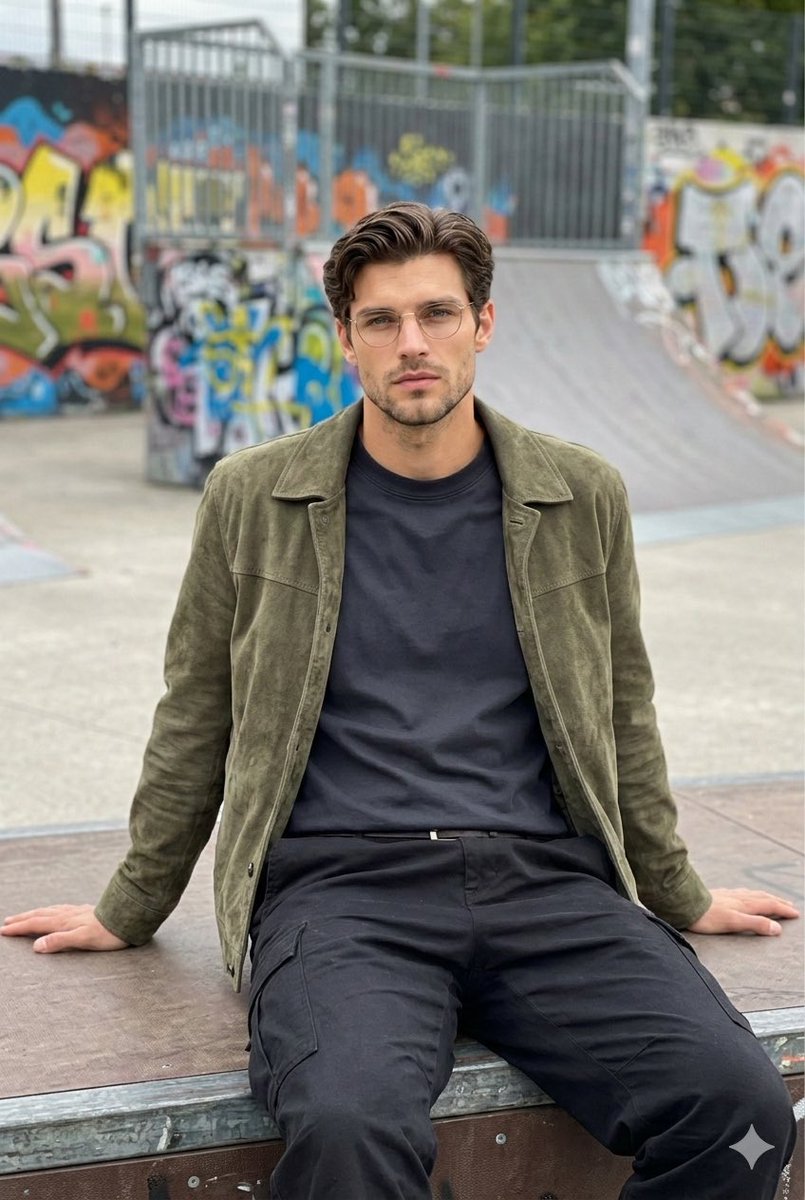
Use the uploaded reference images as the exact composition, styling, pose inspiration, facial framing, {argument name="color style" default="monochrome"} aesthetic, and cinematic atmosphere reference. Replace all original subjects completely with the face from my uploaded reference image while preserving my exact facial identity, facial structure, jawline, beard pattern, hairstyle, eye shape, eyebrows, nose shape, lips, skin texture, and realistic masculine appearance with extremely high identity fidelity. Do not stylize, beautify, or alter the recognizable facial features. Create a high-end cinematic black-and-white multi-frame portrait collage featuring the same man in multiple stylish poses and expressions across the composition. The overall artwork should feel like a luxury fashion editorial poster mixed with a moody urban action-drama aesthetic. Use five different versions of the same subject arranged artistically in layered composition with varied camera angles, facial expressions, and poses. Center Frame: A full-body portrait of the man standing confidently in the center wearing an {argument name="clothing" default="all-black outfit"} — fitted black button-up shirt with rolled sleeves, slim black trousers, luxury black wristwatch, chain necklace, and white sneakers. One hand is inside the pocket while the other adjusts the collar or touches the neck. Pose should feel confident, calm, dominant, and cinematic. Side Portraits: Include large close-up portraits on both sides showing different facial angles: * one looking away thoughtfully with soft dramatic lighting, * one wearing black sunglasses with a stylish confident attitude, * one side-profile portrait with strong jawline emphasis, * one contemplative pose with hand near face. Hair should appear textured, voluminous, slightly messy, and sharply detailed. Beard and facial hair must remain realistic and natural. Environment & Background: Create a {argument name="location" default="dark cinematic urban rooftop/night-city"} atmosphere with blurred skyscrapers, subtle moonlight, fog, smoke clouds, floating particles, dust texture, and atmospheric haze. Add soft glowing rim lights, smoky overlays, and dramatic shadows throughout the collage. Include faint city lights, moody grayscale contrast, reflective wet floor textures, and layered depth effects. Color grading should be primarily monochrome black-and-white with deep blacks, silver highlights, matte shadows, and subtle warm-gray tones. Maintain ultra-realistic skin texture and high dynamic range lighting. Lighting: Use dramatic cinematic lighting with strong contrast, soft edge lighting, volumetric fog, shadow gradients, and luxury editorial highlights. Faces should have sharp detail with soft diffused glow around hair and shoulders. Style: ultra-realistic, cinematic monochrome portrait collage, luxury fashion editorial, dark urban aesthetic, high-end poster design, realistic male model photography, moody atmosphere, smoky cinematic composition, dramatic shadows, hyper-detailed skin texture, realis
Choose the primary action to open PicX Studio with the available template settings. Review the model and format, personalize the creative direction, and generate when ready.
Yes. You can change the subject, setting, lighting, mood, format, and available model controls before creating your image.
This template is free to open and customize. Generation usage is shown in PicX Studio before you create.
Start with Nano Banana 2, which is the model associated with this template. You can compare another compatible model for a different finish.
Follow a topic to a crawlable collection of related PicX Studio templates.