How do I use the Watercolor Urban Street Illustration template?
Choose the primary action to open PicX Studio with the available template settings. Review the model and format, personalize the creative direction, and generate when ready.
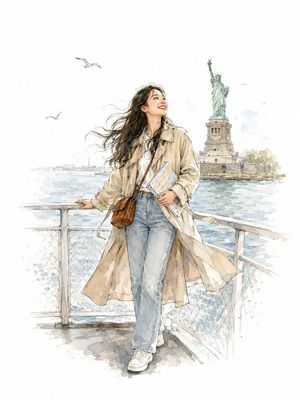
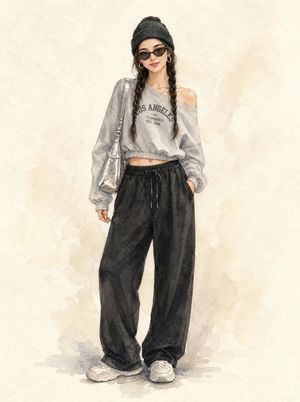
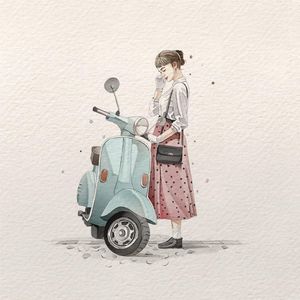
An elegant watercolor and ink illustration of a stylish woman in a trench coat with atmospheric washes and ink drips.
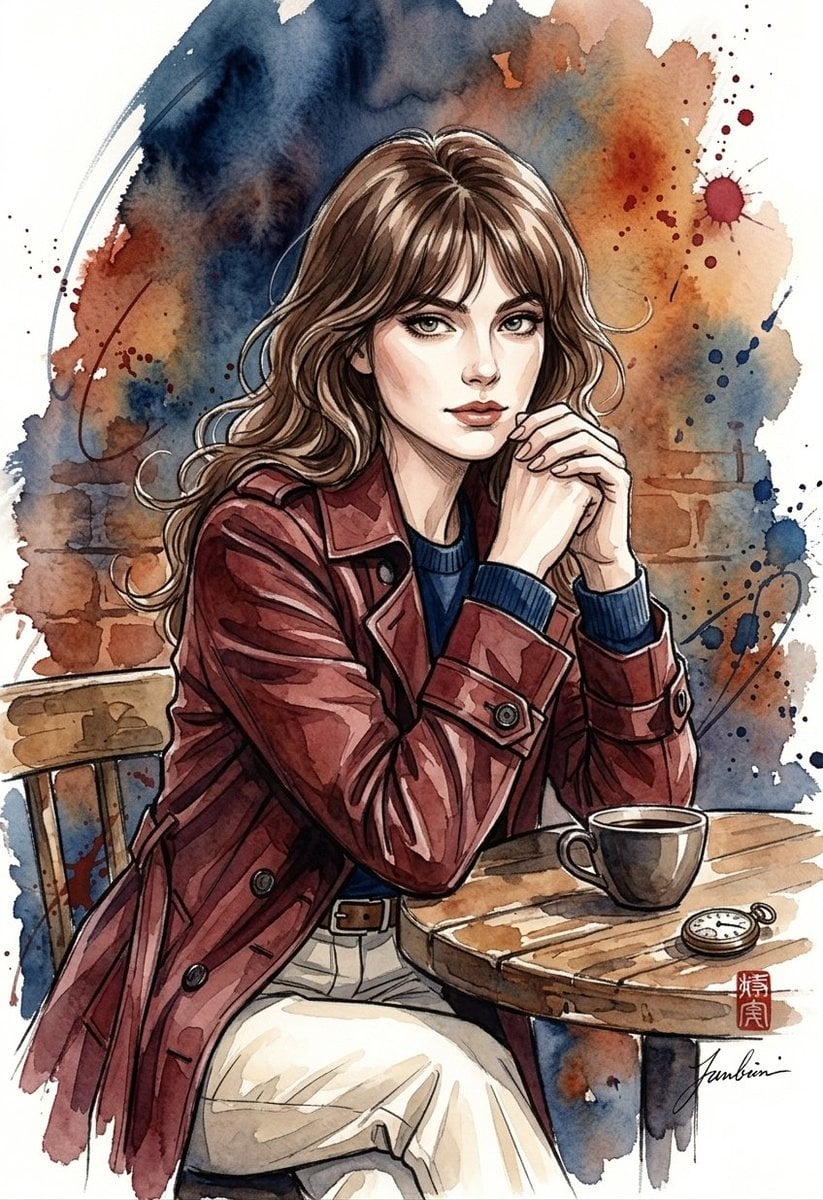
A stunning watercolor and ink illustration of a stylish {argument name="subject" default="young woman with wavy, shoulder-length brown hair and light bangs"}. She has an expressive, elegant face with sharp features and captivating eyes. She is wearing a {argument name="coat color" default="deep reddish-brown or burgundy"} trench coat over a dark navy blue crewneck sweater, tucked into high-waisted, pleated cream-colored trousers secured with a thin brown leather belt. The background is an artistic blend of expressive, atmospheric watercolor washes in {argument name="background colors" default="deep indigo, rusty orange, and earthy browns"}, complete with dynamic paint splatters, ink drips, and sketchy linework that evoke a moody, cinematic cafe or city street vibe. The art style seamlessly blends clean anime-inspired character features with traditional, textured watercolor techniques and a subtle signature or seal in the lower corner.
Choose the primary action to open PicX Studio with the available template settings. Review the model and format, personalize the creative direction, and generate when ready.
Yes. You can change the subject, setting, lighting, mood, format, and available model controls before creating your image.
This template is free to open and customize. Generation usage is shown in PicX Studio before you create.
Start with Nano Banana 2, which is the model associated with this template. You can compare another compatible model for a different finish.
Follow a topic to a crawlable collection of related PicX Studio templates.