How do I use the Cinematic Subway Motion Blur Portrait template?
Choose the primary action to open PicX Studio with the available template settings. Review the model and format, personalize the creative direction, and generate when ready.
A detailed cinematic prompt for generating a sharp subject against a blurred urban subway background using long exposure effects.
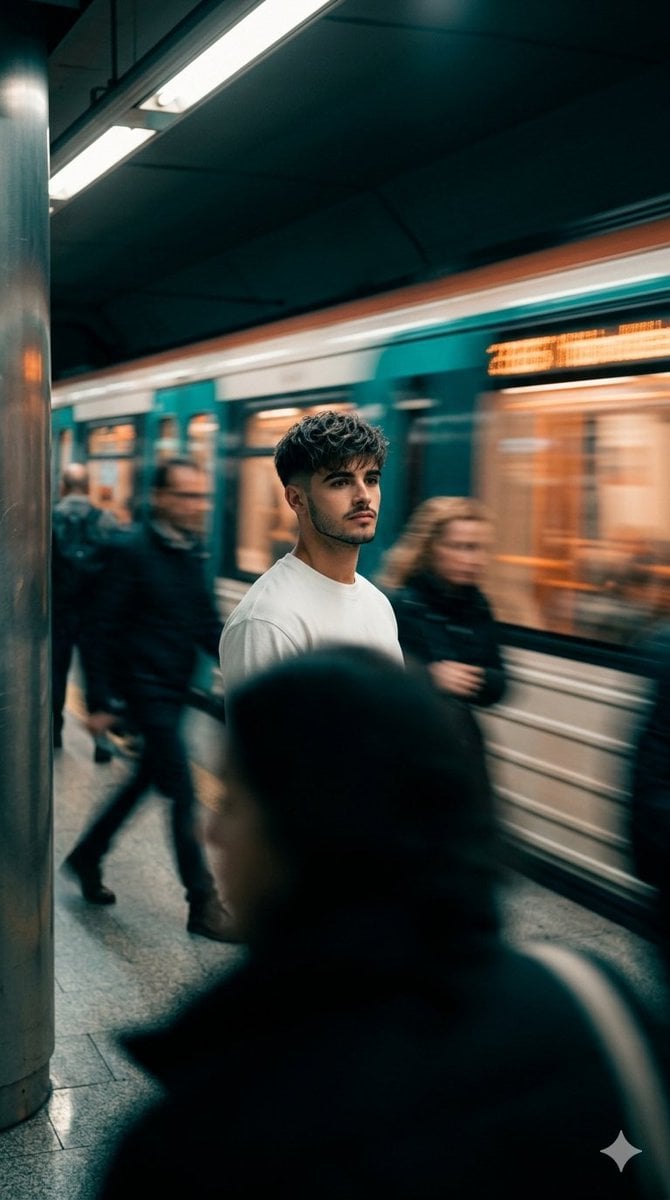
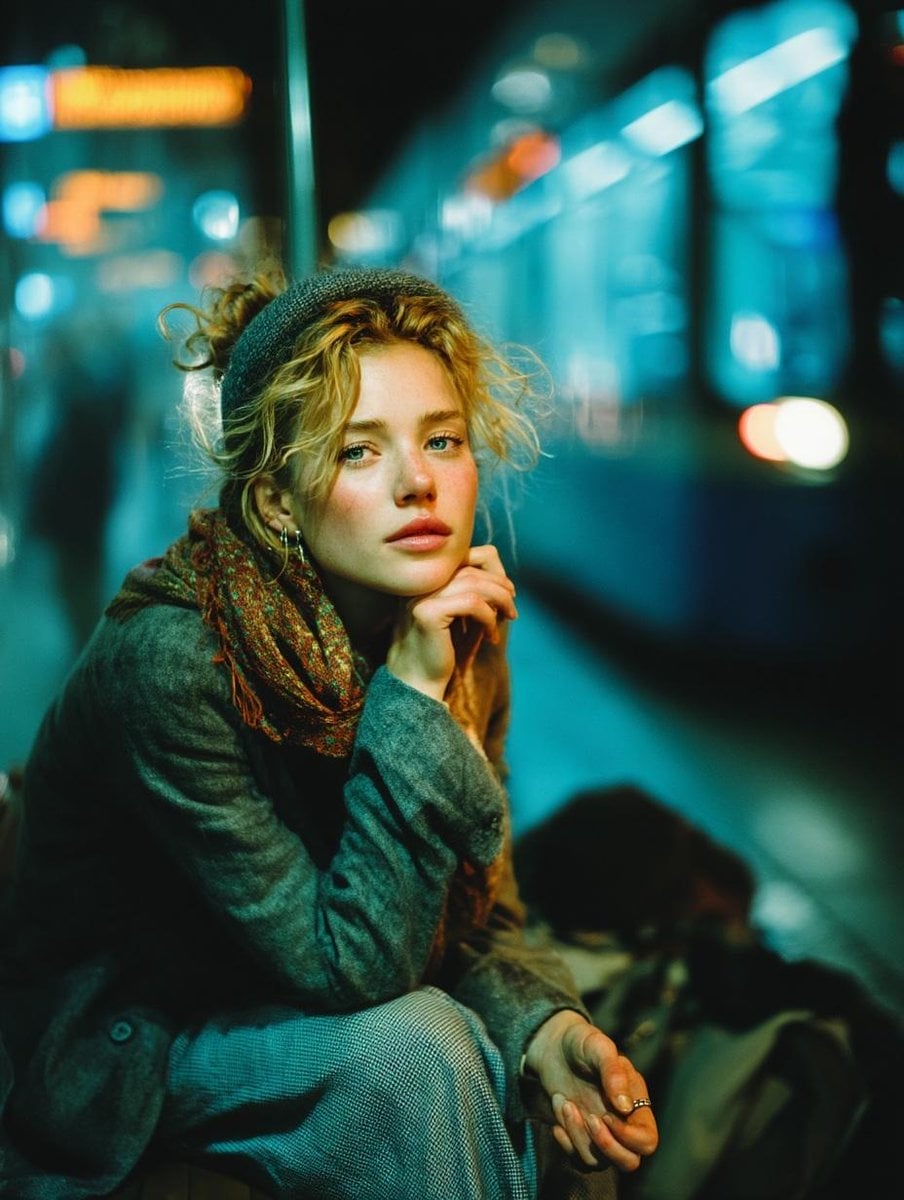
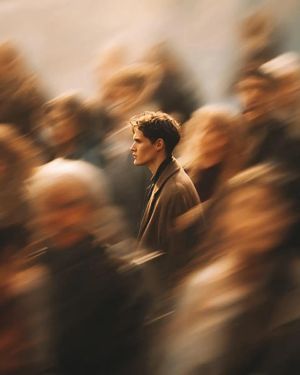
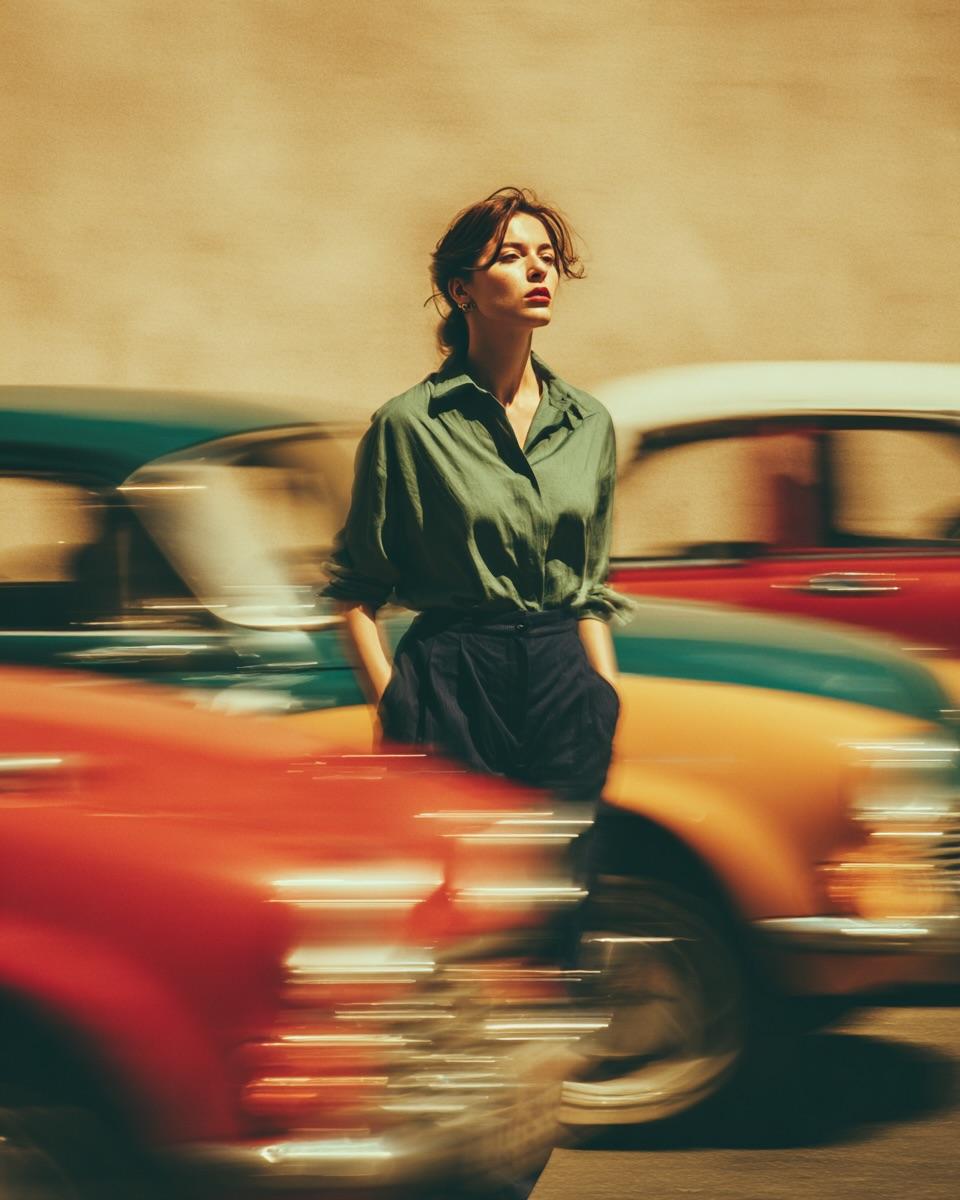
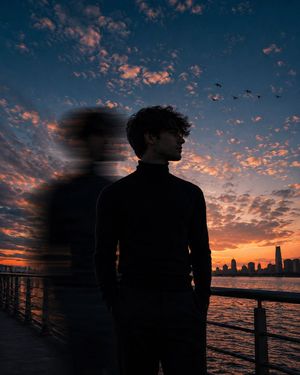
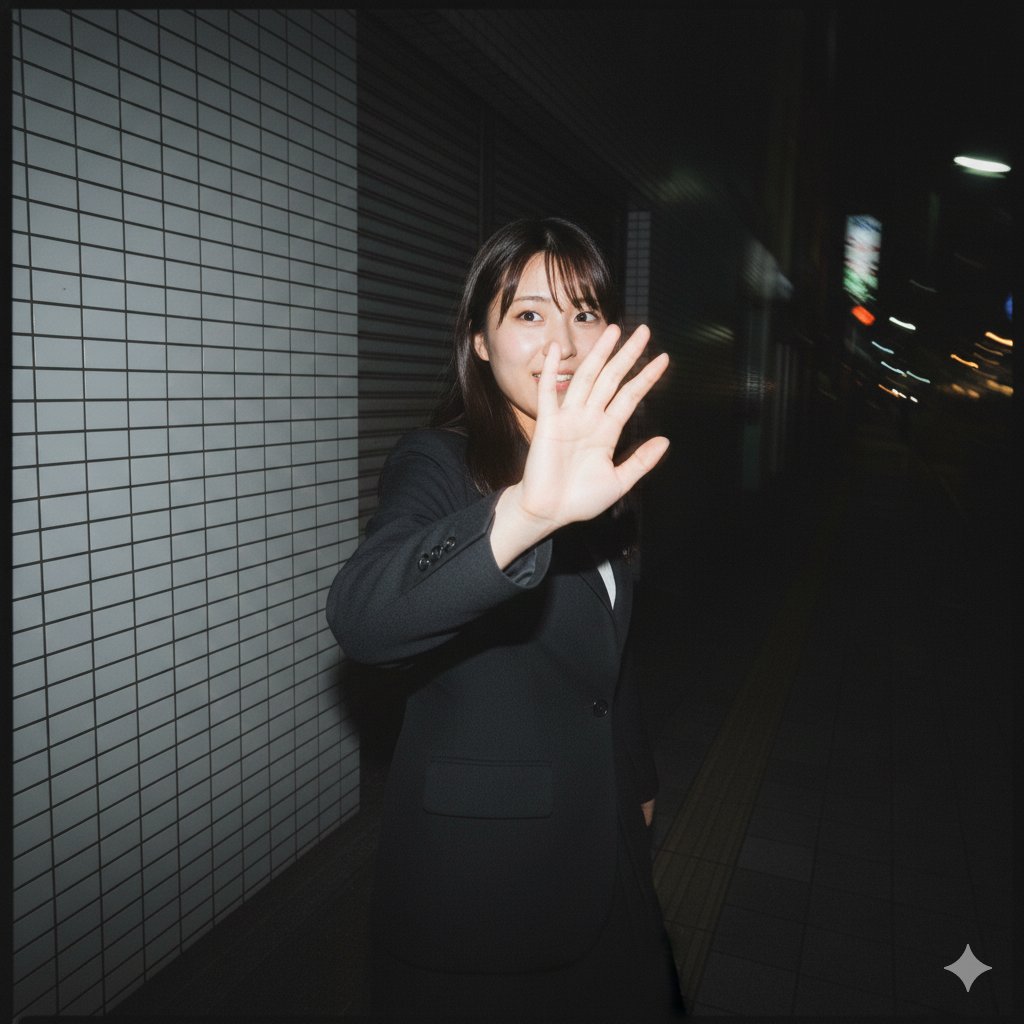
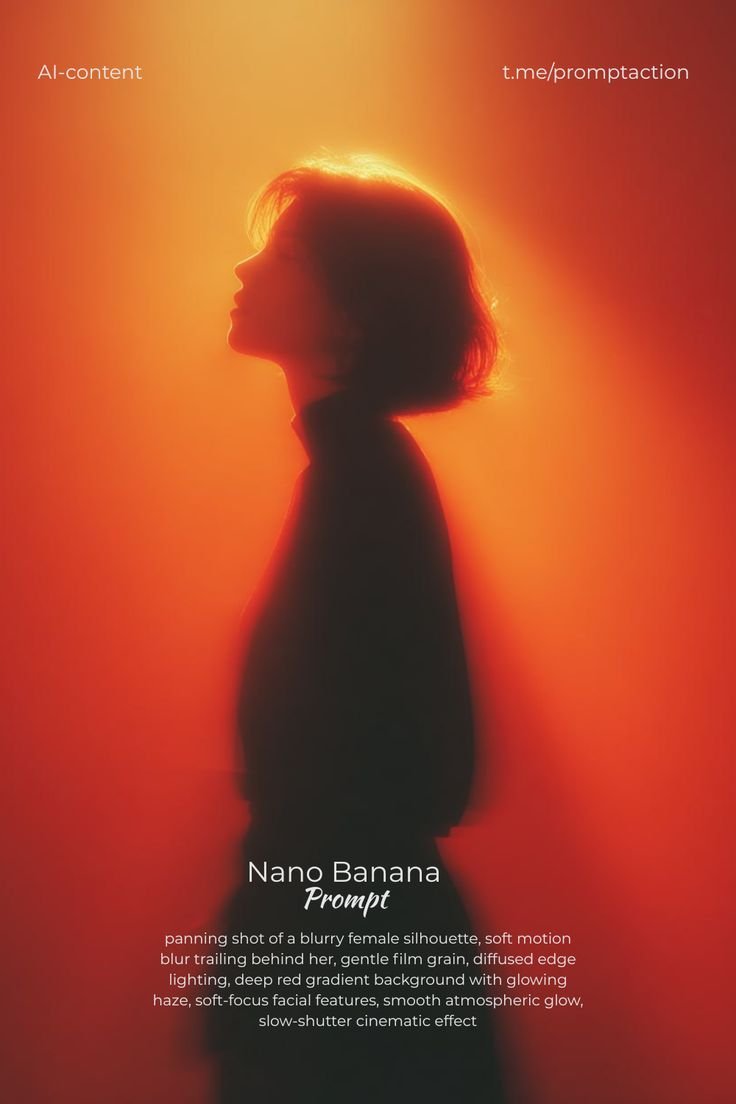
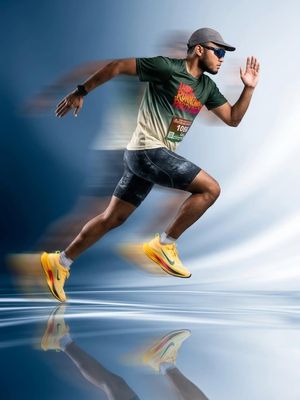
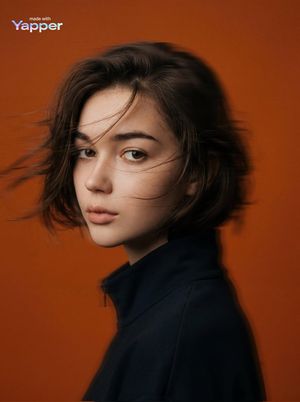
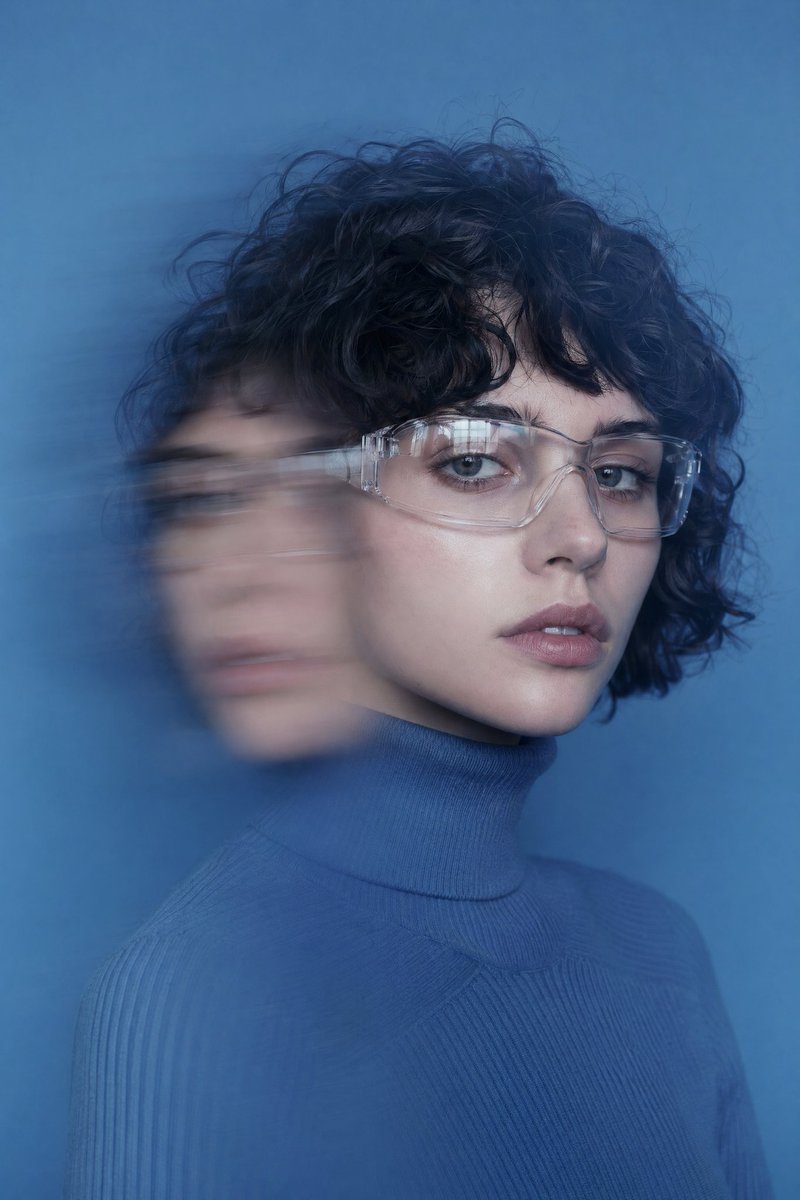
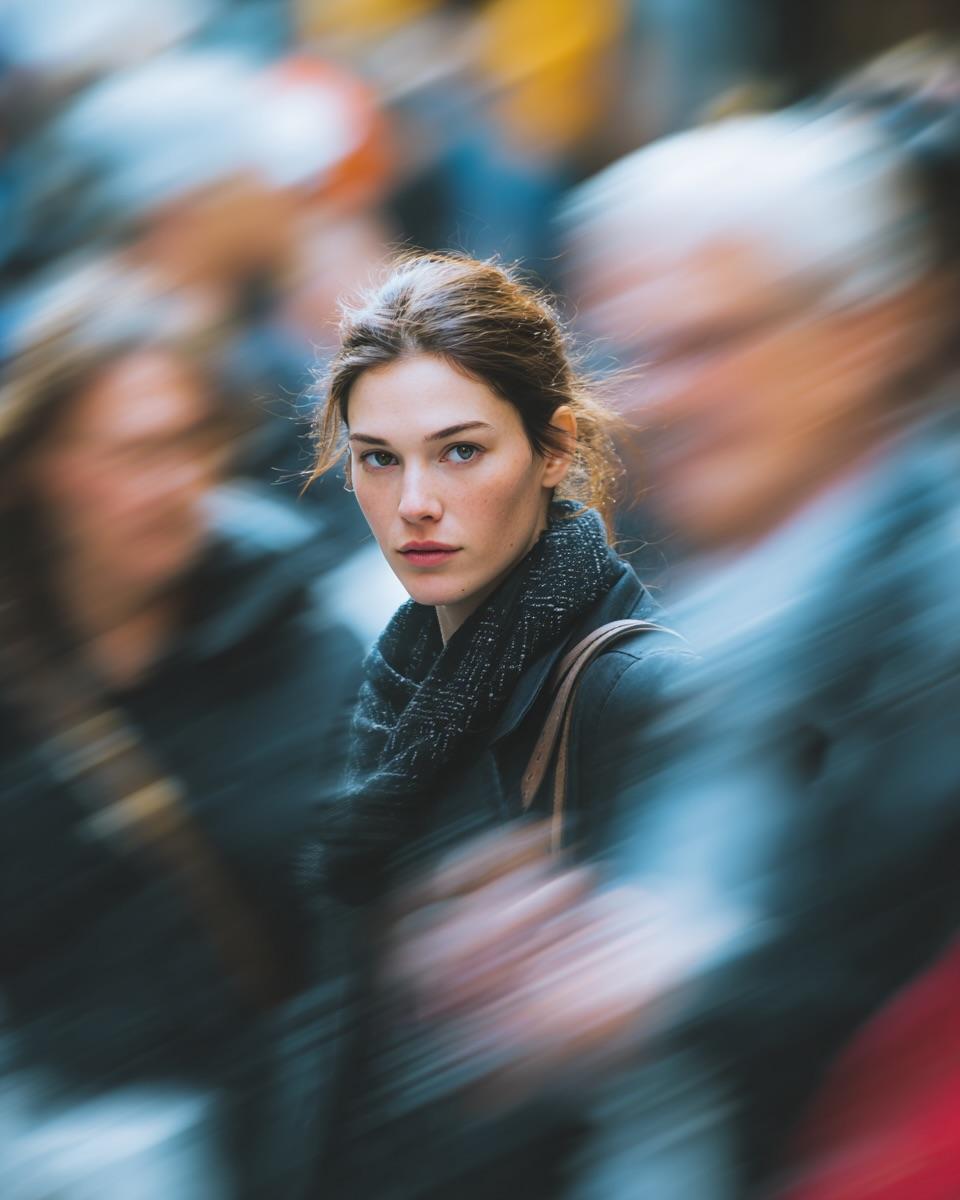
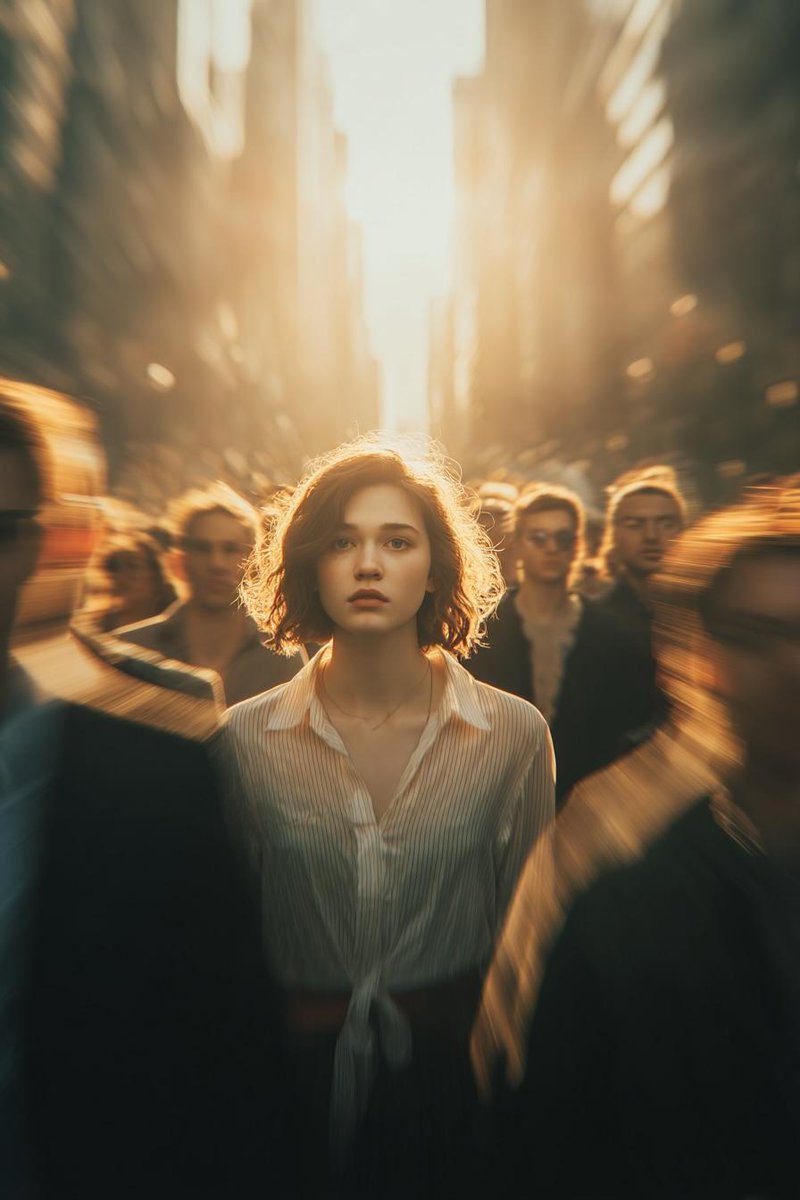
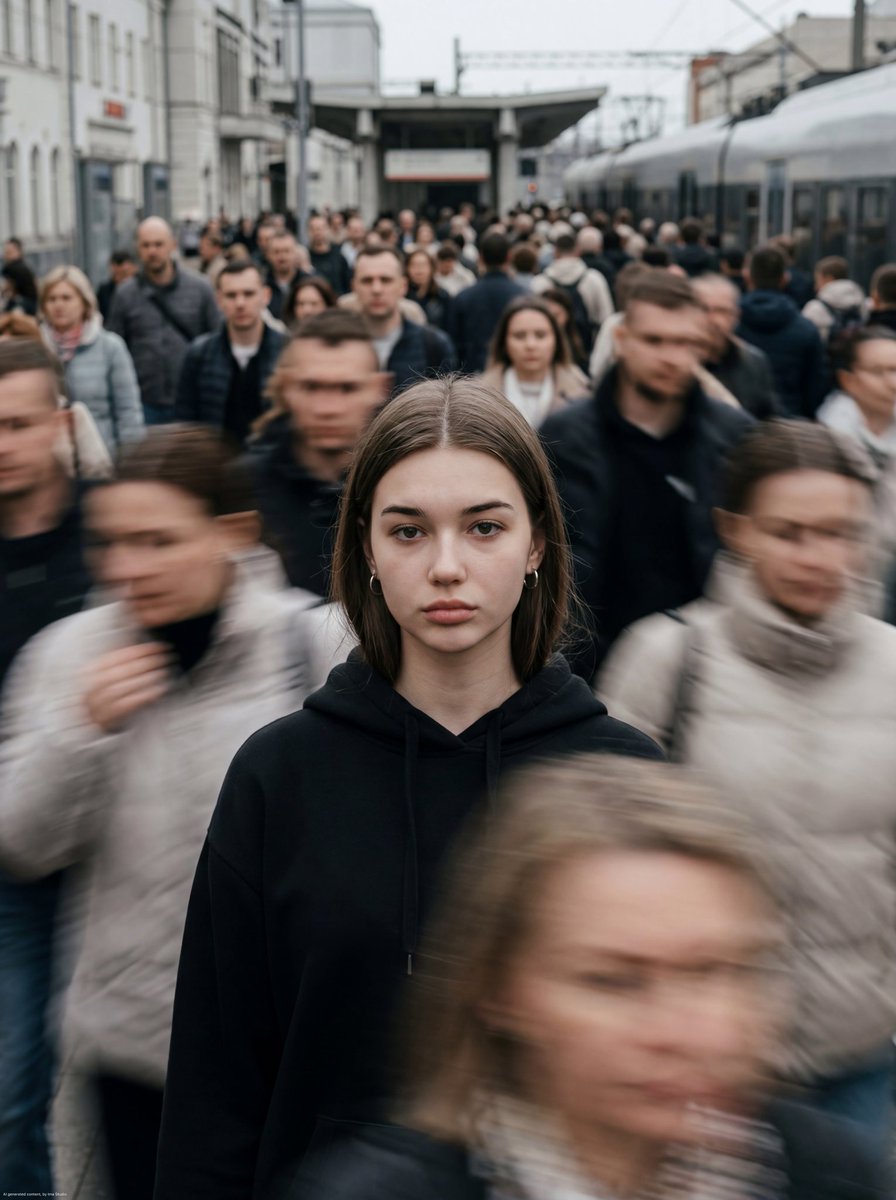
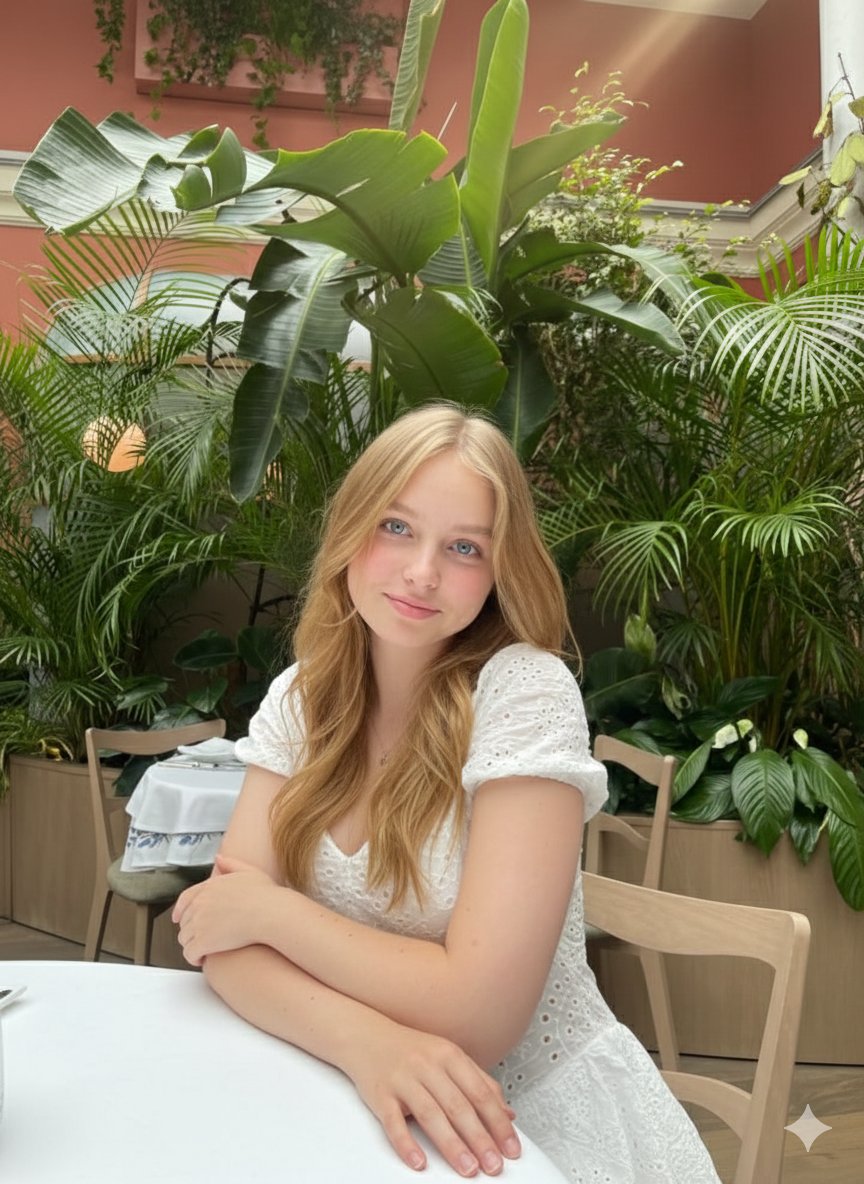
Cinematic urban scene of a man as per reference photo standing still on a subway platform while a train speeds by, motion blur from the train and people passing by surrounds him, the subject remains sharp and still. Composition: subject is in the center, strong contrast between stillness and movement, blurred foreground silhouette, dynamic background streaks. Environment: subway station, urban setting, moving train with light trails, moving crowd, city atmosphere. Lighting: mixed ambient lighting, soft artificial light, subtle glow from train windows, cinematic shadow depth. Details: motion blur on trains and people, slight grain, realistic clothing textures, natural body postures, environmental reflections. Art style: cinematic realism, film still photography, high dynamic range (HDR), natural imperfections. Color grading: {argument name="shadow color" default="deep teal/dark cyan"} shadows across the background and moving areas, neutral cool midtones, warm {argument name="highlight color" default="dusty orange"} highlights from the train lights and motion trails, cinematic contrast. Camera: 35mm lens, slow shutter effect, shallow depth of field. Mood: lonely, introspective, urban, fast-paced world vs. calm mind, cinematic. Quality: very detailed, 4k, motion blur, film grain, fine bloom. Aspect ratio: 9:16. Long exposure effect, cinematic light streaks, subtle lens blur, analog film texture, soft glow highlights.
Choose the primary action to open PicX Studio with the available template settings. Review the model and format, personalize the creative direction, and generate when ready.
Yes. You can change the subject, setting, lighting, mood, format, and available model controls before creating your image.
This template is free to open and customize. Generation usage is shown in PicX Studio before you create.
Start with Nano Banana 2, which is the model associated with this template. You can compare another compatible model for a different finish.
Follow a topic to a crawlable collection of related PicX Studio templates.