How do I use the Cozy Morning Lifestyle Portrait template?
Choose the primary action to open PicX Studio with the available template settings. Review the model and format, personalize the creative direction, and generate when ready.
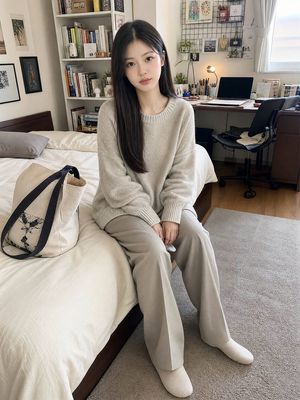
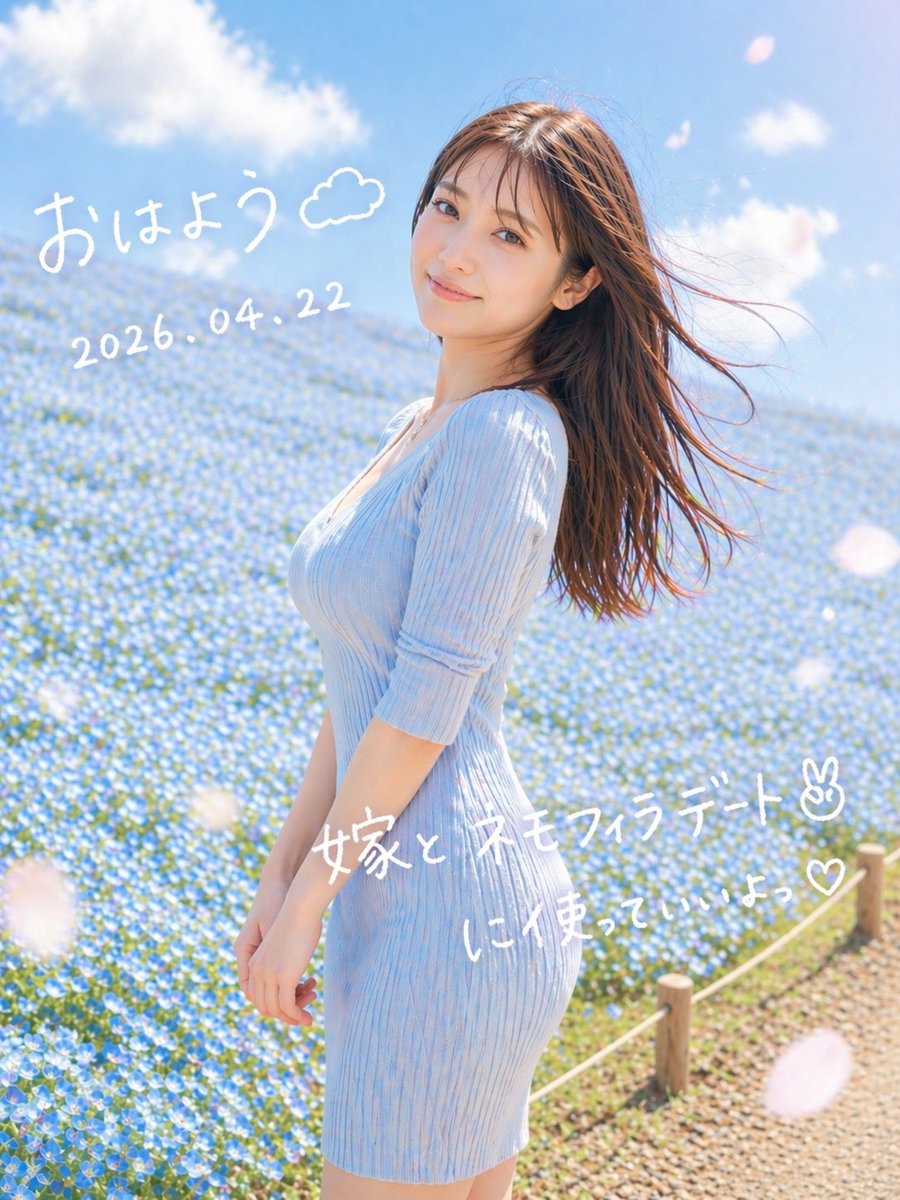
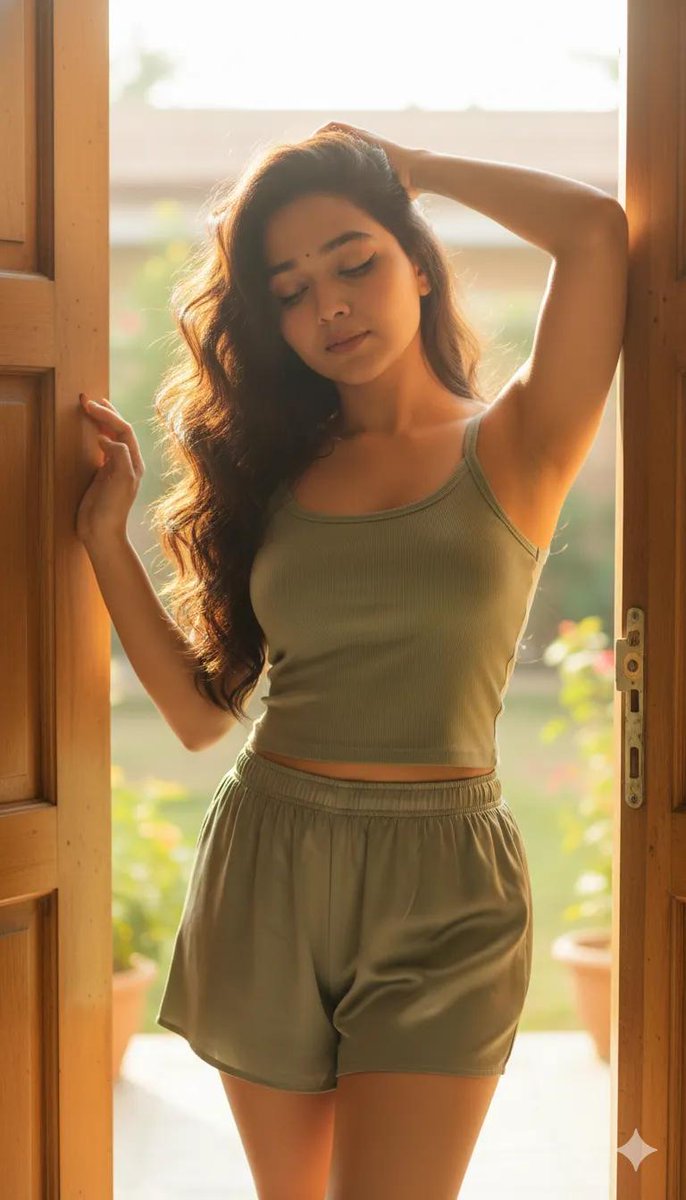
A detailed prompt for generating a warm and intimate morning lifestyle portrait of a woman in a sunlit kitchen.

{ "type": "image_prompt", "aspect_ratio": "9:16", "style": { "genre": "Morning lifestyle portrait photography", "mood": [ "{argument name="mood" default="cozy"}", "relaxing", "intimate", "warm morning atmosphere" ] }, "subject": { "name": "{argument name="subject name" default="Addison Rae"}", "appearance": { "hair": "Half-up, half-down hairstyle, slightly messy", "expression": "Soft smile with a fresh morning appearance", "skin": { "texture": "Realistic human skin texture", "details": [ "subtle pores", "natural glow" ] }, "body_type": "[]" }, "clothing": { "top": "{argument name="clothing" default="Oversized light blue ribbed knit sweater falling off one shoulder"}", "legwear": "Opaque white thigh-high socks" }, "pose": { "position": "Sitting casually on a kitchen counter with crossed legs", "hands": "Holding a teal ceramic mug close to her chest with both hands", "posture": "Very relaxed and welcoming" } }, "environment": { "location": "Sunlit home kitchen interior", "details": { "window": "Large window in the background", "cabinets": "Lower kitchen cabinets painted light gray" }, "props": [ "Teal ceramic mug" ] }, "lighting": { "type": "Strong natural morning backlighting", "effects": [ "soft rim light around hair and shoulders", "radiant highlights", "defined shadows", "soft bounced fill light inside the kitchen" ] }, "camera": { "shot": "Medium shot", "angle": "Slightly low angle", "lens": "50mm", "settings": { "aperture": "f/2.8", "iso": 100, "shutter_speed": "1/500s" } }, "quality": { "resolution": "High photographic resolution", "focus": "Sharp focus on the face", "details": [ "accurate wool texture rendering", "realistic skin rendering", "balanced backlight exposure", "preserved shadow detail" ] } }
Choose the primary action to open PicX Studio with the available template settings. Review the model and format, personalize the creative direction, and generate when ready.
Yes. You can change the subject, setting, lighting, mood, format, and available model controls before creating your image.
This template is free to open and customize. Generation usage is shown in PicX Studio before you create.
Start with Nano Banana 2, which is the model associated with this template. You can compare another compatible model for a different finish.
Follow a topic to a crawlable collection of related PicX Studio templates.