How do I use the Cozy Apartment Lifestyle Snapshot template?
Edit the prompt in the box under the preview — the template's model and format are already selected — and press Generate. Your version appears right on this page.
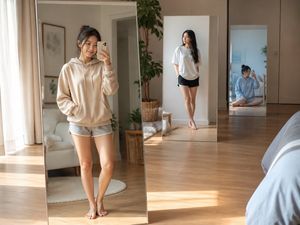
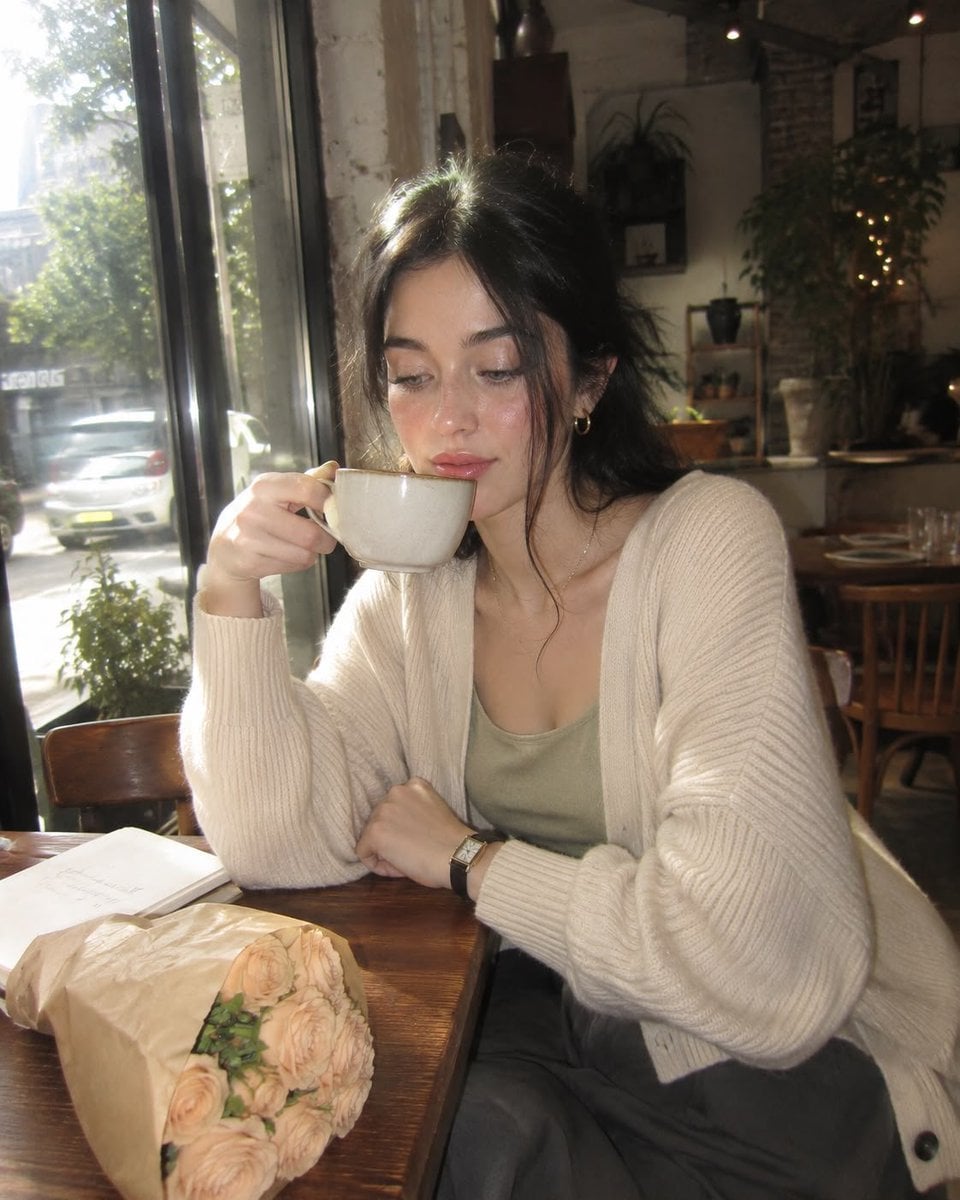
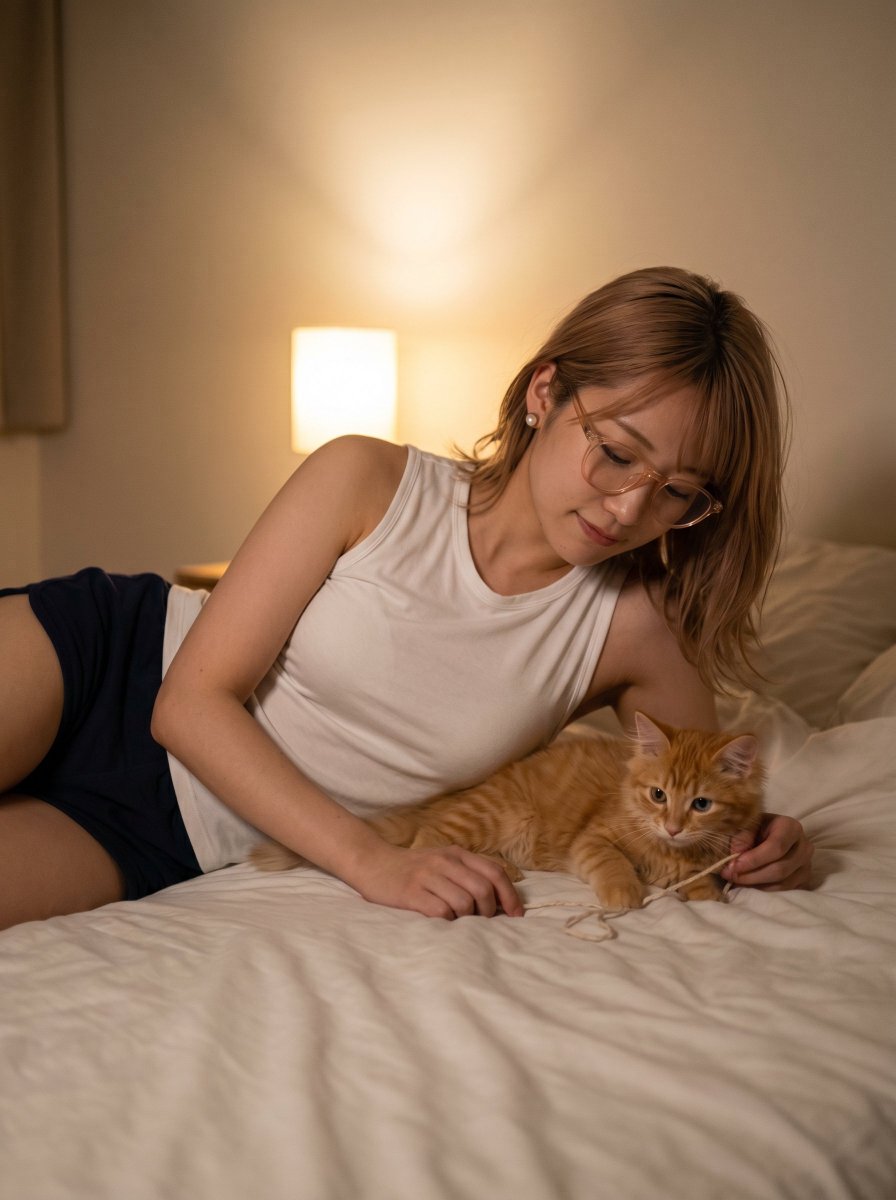
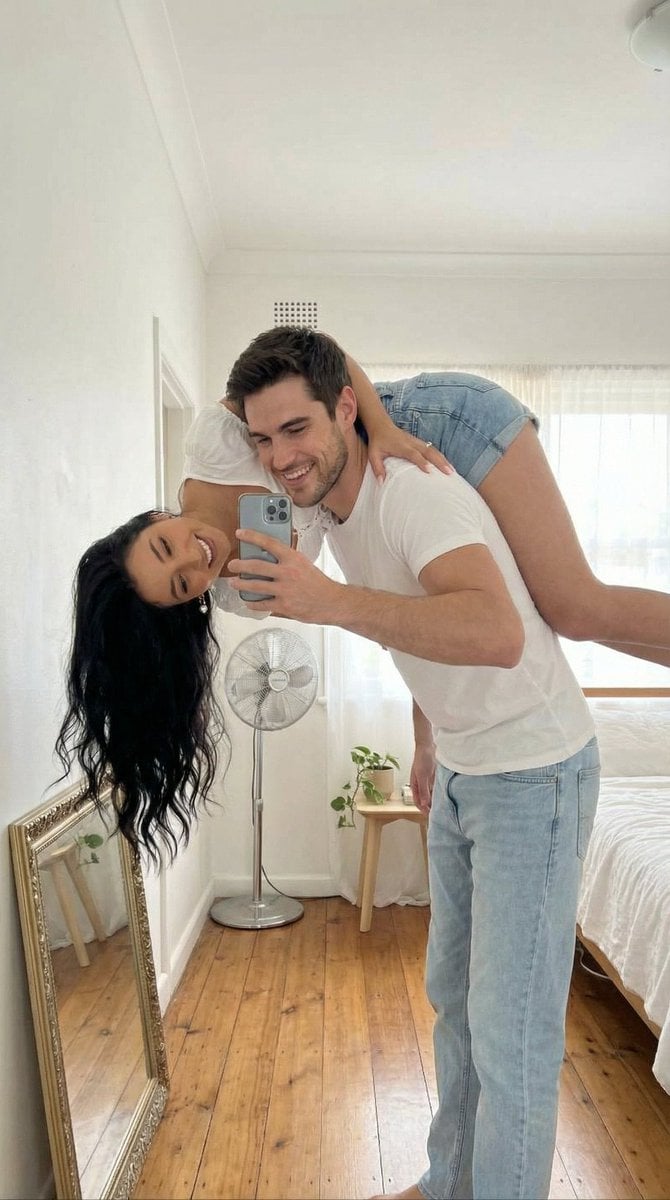
Generates a realistic iPhone-style snapshot of a woman in a knit sweater sitting in a warm, lived-in bedroom, emphasizing natural lighting and candid mobile photography aesthetics.

A young Japanese woman in her mid-20s, long straight dark brown hair, soft natural makeup, wearing a {argument name="clothing" default="baggy knit sweater and loose trousers"}, sitting relaxed on the edge of a tidy bed in {argument name="location" default="her cozy apartment bedroom"}. Natural smile, hands resting in her lap, a tote bag beside her. The room is warm and lived-in: bookshelves, framed art prints, a study desk with a laptop, stationery, indoor plants and personal touches filling the background. Shot to look like a {argument name="photography style" default="spontaneous iPhone snapshot in natural window daylight"}. Slight lens softness, authentic mobile HDR processing, no cinematic color grading, candid phone photo aesthetic, realistic skin texture, natural proportions, full-body composition, clean background, lifestyle photography, 4K. Negative prompt: low resolution, blurry, heavy makeup, studio lighting, cinematic grading, unrealistic skin, anime, cartoon, CGI, watermark, text, extra fingers, distorted anatomy, overprocessed image.
A young Japanese woman in her mid-20s, long straight dark brown hair, soft natural makeup, wearing a {argument name="clothing" default="baggy knit sweater and loose trousers"}, sitting relaxed on the edge of a tidy bed in {argument name="location" default="her cozy apartment bedroom"}. Natural smile, hands resting in her lap, a tote bag beside her. The room is warm and lived-in: bookshelves, framed art prints, a study desk with a laptop, stationery, indoor plants and personal touches filling the background. Shot to look like a {argument name="photography style" default="spontaneous iPhone snapshot in natural window daylight"}. Slight lens softness, authentic mobile HDR processing, no cinematic color grading, candid phone photo aesthetic, realistic skin texture, natural proportions, full-body composition, clean background, lifestyle photography, 4K. Negative prompt: low resolution, blurry, heavy makeup, studio lighting, cinematic grading, unrealistic skin, anime, cartoon, CGI, watermark, text, extra fingers, distorted anatomy, overprocessed image.
Edit the prompt in the box under the preview — the template's model and format are already selected — and press Generate. Your version appears right on this page.
Yes. You can change the subject, setting, lighting, mood, format, and available model controls before creating your image.
Opening and editing this template is free. Generating uses credits, shown on the Generate button when you are signed in.
Start with GPT Image 2, which is the model associated with this template. You can compare another compatible model for a different finish.
Follow a topic to a crawlable collection of related PicX Studio templates.