
Actress Studio Fashion Profiles
High-fashion profile prompts for actresses featuring complex wardrobe details and curated indoor studio environments.
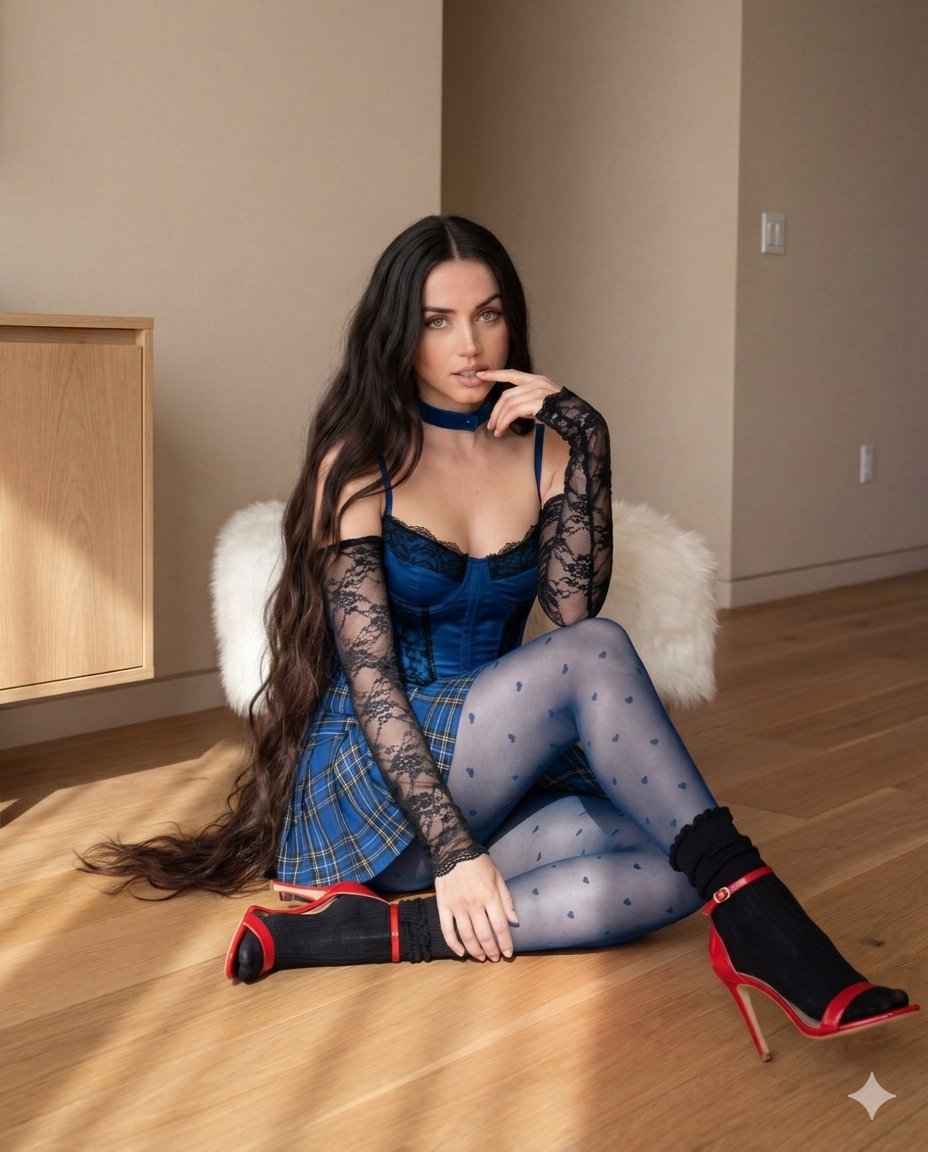
- Prompt included
- Model and format preset
- Free template
The prompt behind this image
Copy the exact prompt behind Actress Studio Fashion Profiles, or open it in the studio and make it yours.
[ { "biographical_info": { "full_name": "Sadie Elizabeth Sink", "profession": "American Actress", "birth_year": 2002, "notable_works": ["Stranger Things (Max Mayfield)", "The Whale", "All Too Well: The Short Film"] }, "visual_analysis": { "physical_traits": { "hair_style": "Long, wavy, natural ginger/red hair", "eye_color": "Blue", "pose": "Sitting on floor, finger on lip direct gaze" }, "wardrobe_details": { "upper_garment": "Forest green corset-style top with black lace trim", "sleeves": "Detachable long black floral lace gloves/sleeves", "lower_garment": "High-waisted blue and white plaid pleated mini skirt", "hosiery": "Sheer black tights with small velvet heart patterns", "footwear": "Classic white pointed-toe stiletto pumps", "jewelry": "Thin white choker and a silver necklace with a red gemstone pendant" } }, "environment_metadata": { "location_type": "Indoor Studio/Room", "color_palette": ["Deep Red", "Emerald Green", "Warm Wood"], "background_props": [ "Large classical oil painting depicting a romantic couple", "Pink neon 'Keor Unreal' sign on the wall", "Light oak wooden sideboard/cabinet", "Polished hardwood flooring with natural sunlight shadows" ] } "biographical_info": { "full_name": "Ana Celia de Armas Caso", "profession": "Cuban-Spanish Actress", "notable_works": ["Blonde", "No Time to Die", "Blade Runner 2049", "Knives Out"] }, "visual_analysis": { "physical_traits": { "hair_style": "Long, dark brown flowing hair with the center part", "eye_color": "Green/Hazel", "pose": "Seated on a white fur stool, reflective expression" }, "wardrobe_details": { "upper_garment": "Royal blue satin corset with black lace overlays", "sleeves": "Full-length black lace sleeves covering hands", "lower_garment": "Matching blue plaid schoolgirl-style skirt", "hosiery": "Denim-blue tinted tights with heart embroidery", "footwear": "Red strappy high heels worn over black ankle socks", "jewelry": "Thick blue velvet choker" } }, "environment_metadata": { "location_type": "Modern Minimalist Interior", "lighting": "Soft natural side-lighting", "background_elements": [ "Beige/Neutral matte walls", "Light-colored wooden floor planks", "White fluffy sheepskin-style seating", "Clean, uncluttered architectural line's }, "biographical_info": { "full_name": "Sydney Bernice Sweeney", "profession": "American Actress & Producer", "notable_works": ["Euphoria (Cassie Howard)", "The White Lotus", "Anyone But You"] }, "visual_analysis": { "physical_traits": { "hair_style": "Blonde hair tied in high pigtails" "makeup": "Soft pink blush with a small heart sticker on the cheek", "pose": "Sitting on a bed, holding a strand of hair" }, "wardrobe_details": { "upper_garment": "Teal green sleeveless crop top featuring 'Hello Kitty' graphic", "lower_garment": "Mint green checkered high-waisted shorts", "accessories": [ "Knitted teal arm warmers", "Multiple pastel-colored star and rectangular hair clips", "Yellow-toned translucent tights" ] } "environment_metadata": { "theme": "Coquette Soft Aesthetic", "color_scheme": ["Mint Green", "Teal", "Pastel Pink"], "background_elements": [ "Sheer mint green window curtains", "Matching plush mint bedding", "Bright, airy, and youthful atmosphere" ] }, "biographical_info": { "full_name": "Anya-Josephine Marie Taylor-Joy" } } ]
How to use Actress Studio Fashion Profiles in 3 steps
- 1
Open
The prompt is already in the box next to the preview, with the template's model and format selected.
- 2…a portrait of your subject in softgolden-hour light, 85mm…
Personalize
Edit the subject and creative details for your destination.
- 3Generate
Generate
Press Generate — your image is created in PicX Studio, so you can compare it with the original and refine one variable at a time.
More like this
Templates with the same subject, style or setup. Open one to see its prompt.

Luxury Black-and-White Fashion Contact Sheet

Futuristic Studio Neon Ring Minimalist Portrait

Gpt Image 2 Fashion Portrait

80s Couple Studio Portrait

80s College Gate

1988 Mall Style

80s Polka Dot Saree

1985 Studio Portrait

High-Fashion Editorial Magazine Cover ICON

Korean Streetwear Minimalist Campaign Portrait

Cinematic Korean Streetwear Street Portrait

Korean Model Floating Magazine Pages Campaign
Make it yours
Actress Studio Fashion Profiles works as-is. These are the safest ways to change it without losing the look.
Change one field
Copy a single group, rewrite it, and generate again so you can see what that field is doing.
Keep the frame, change the subject
Hold the composition and light of Actress Studio Fashion Profiles, then swap wardrobe, props or the person for a new take.
| If the result… | Why | Fix |
|---|---|---|
| The result drifts from the preview | Too many fields changed at once. | Reuse Actress Studio Fashion Profiles as-is first, then change one group — subject, light, or setting. |
| The model over-stylizes the scene | The prose prompt leaves finish and camera underspecified. | Add one camera or lighting sentence and stay on Nano Banana 2. |
More Nano Banana 2 templates
Other prompts made for Nano Banana 2.

Photorealistic Leaf Shaped Like a Dragon

K-Pop Idol Portrait Grid for Rapid Selection

Poetic Rain Forest Portrait During Golden Hour

Urban Street Portrait with Cartoon Inner Self Duo

Candid Nighttime Photo with Cat Prompt

High-Concept 3D Diorama Generation Prompt

Cinematic Futuristic Studio Portrait Template

Skincare Editorial Photography Collage Prompt

Hyper-Realistic Commercial Product Photography (Splash Effect)

Hyper-Realistic Nightclub Portrait Prompt
More image prompts
Fresh picks from across the catalog.
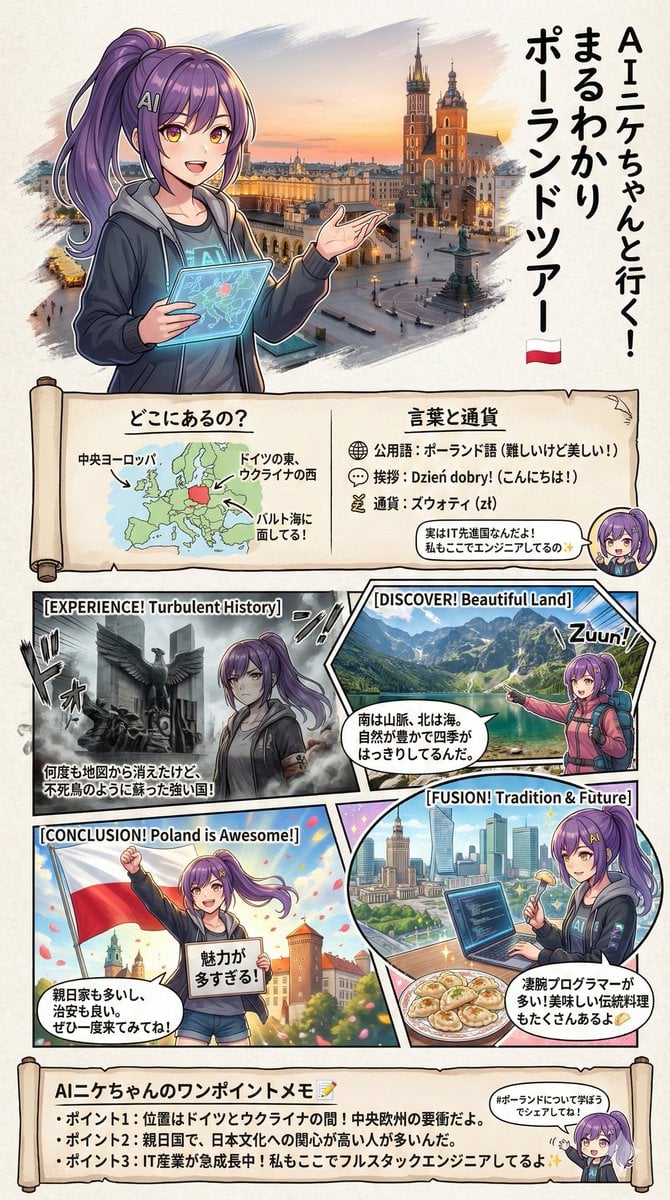
Creating a Geography Manga about Poland
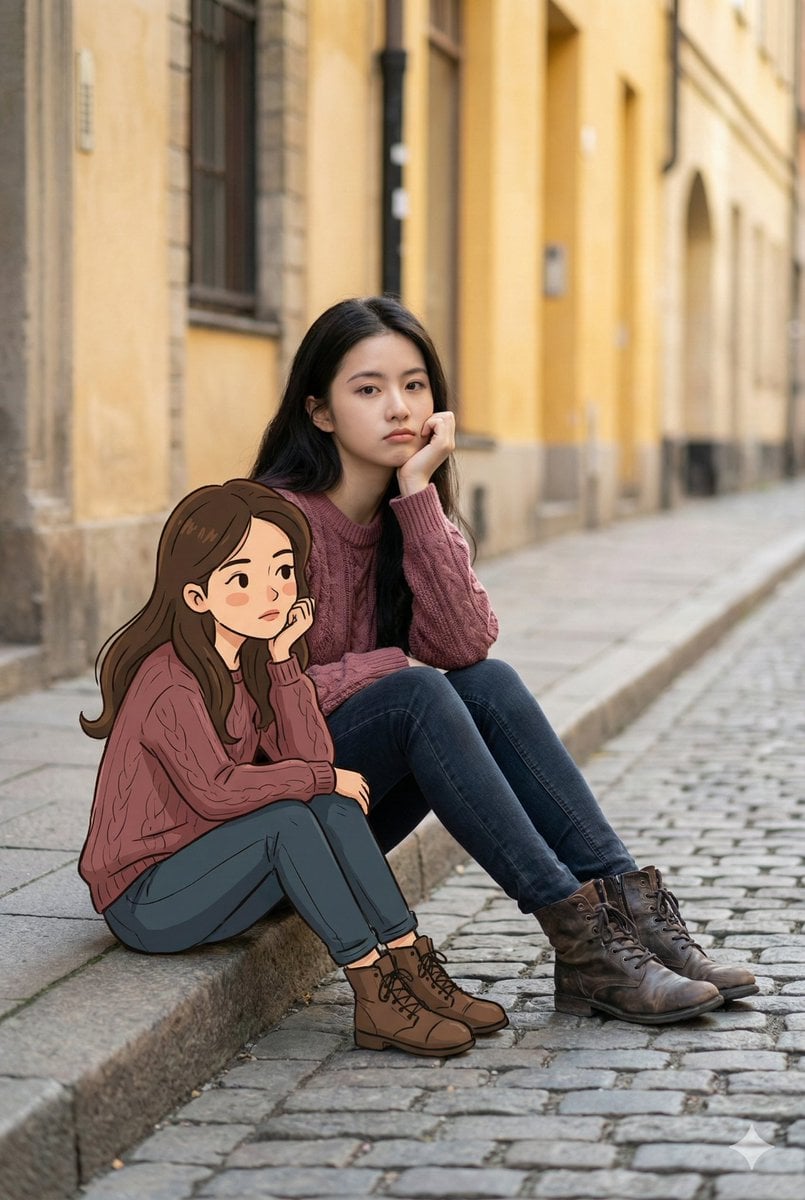
Dual Portrait Generation: Realistic and Cartoon Self-Portrait
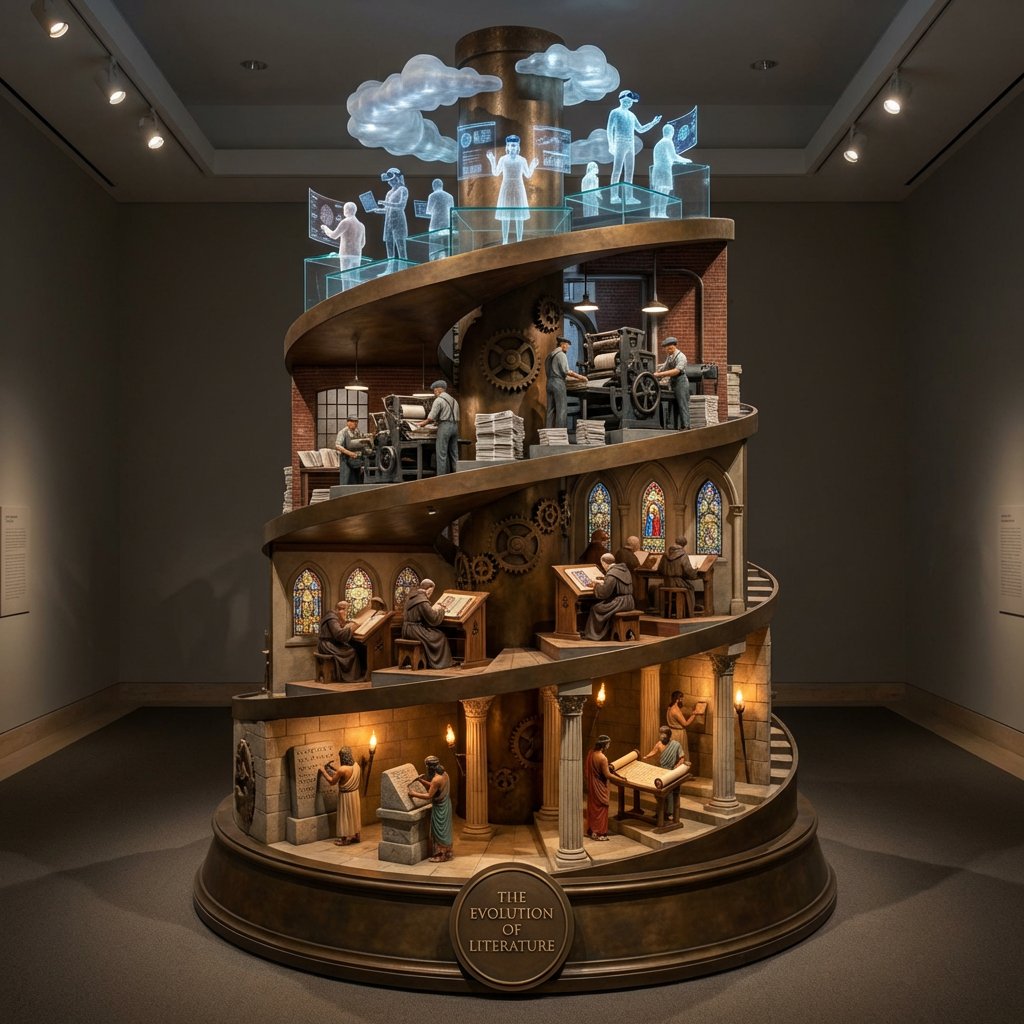
Helical Tower Sculpture Prompt for Visualizing Historical Evolution
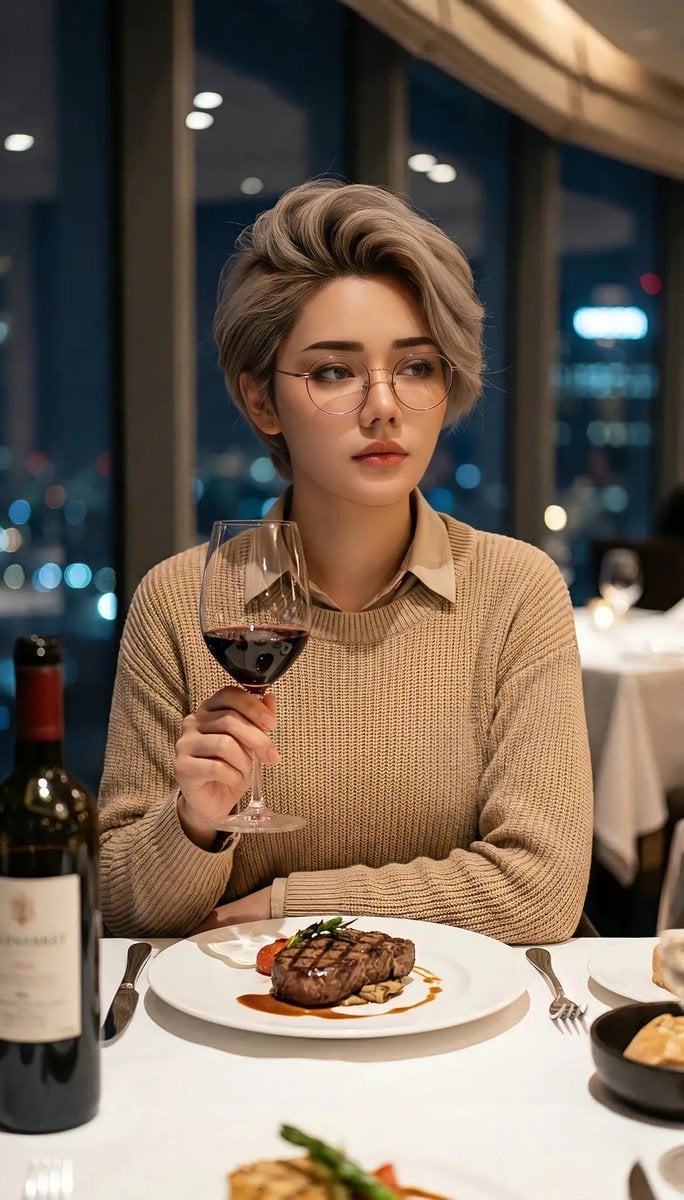
Cinematic Portrait in Fine Dining Restaurant
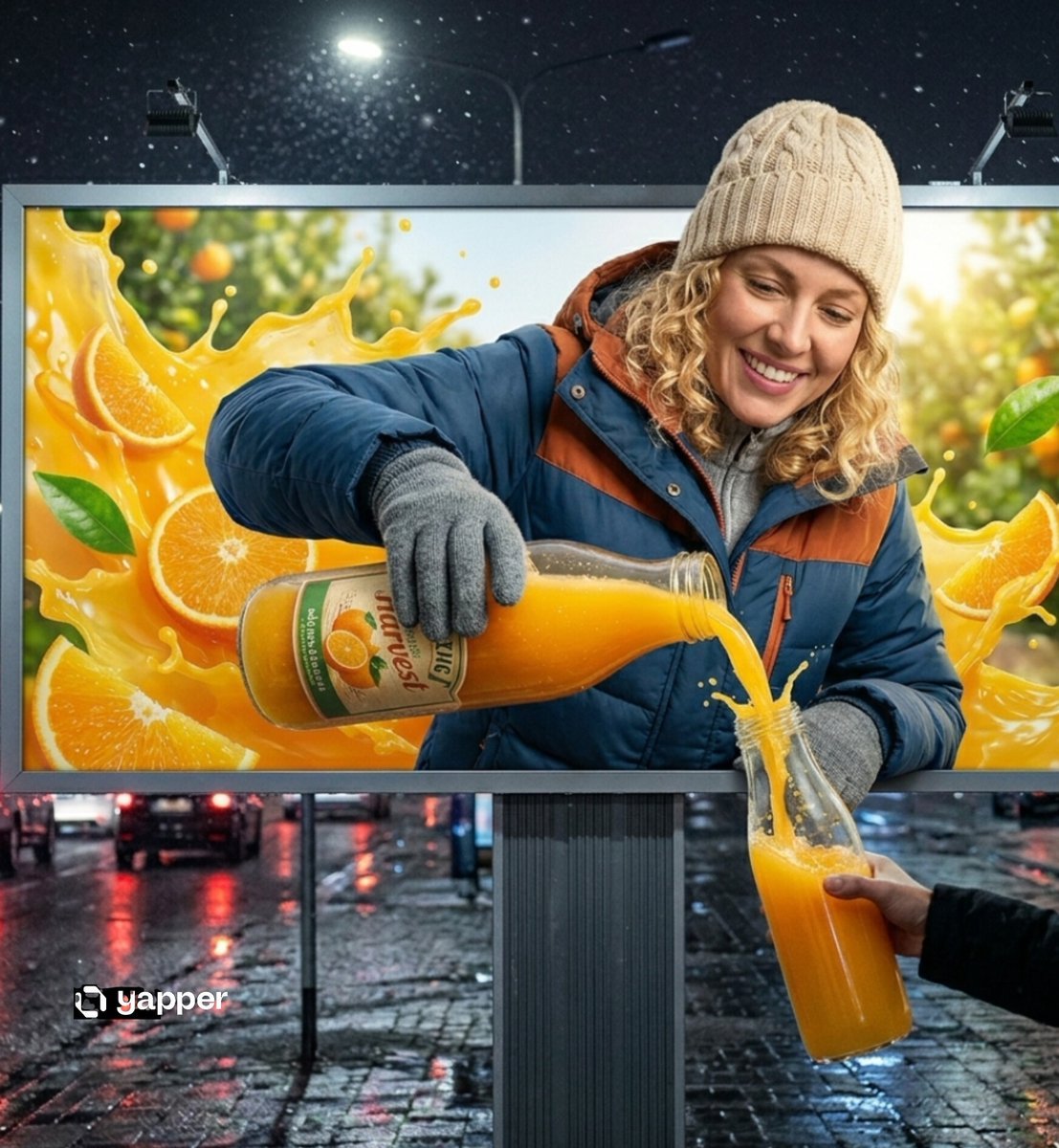
Hyper-realistic 3D Illusion Billboard Advertisement
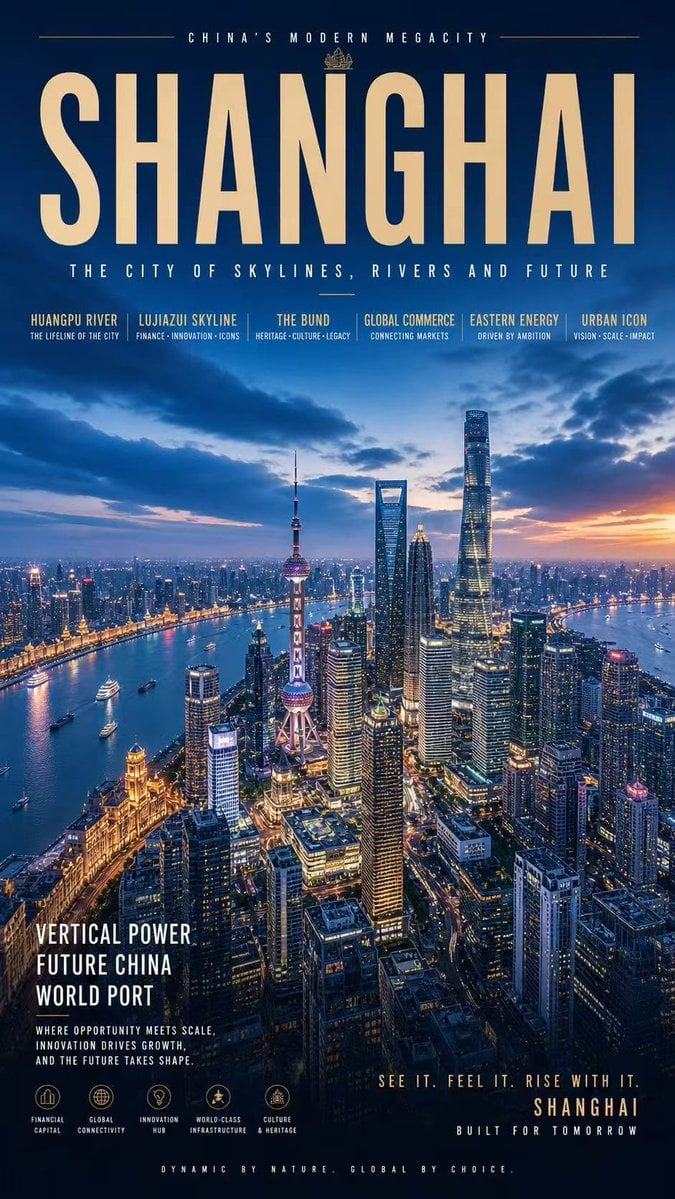
Shanghai Megacity Night Poster

Hyper-Photorealistic Peach Beverage Ad
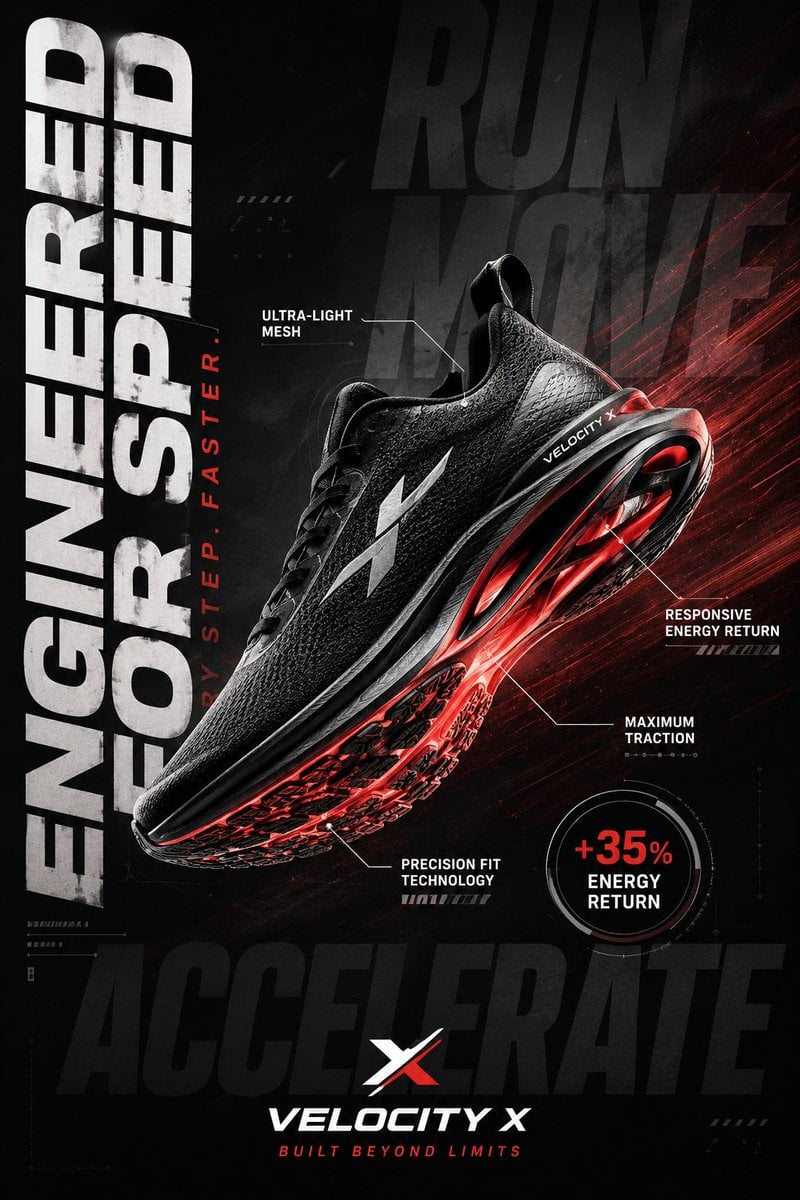
Luxury Sportswear Advertising Poster
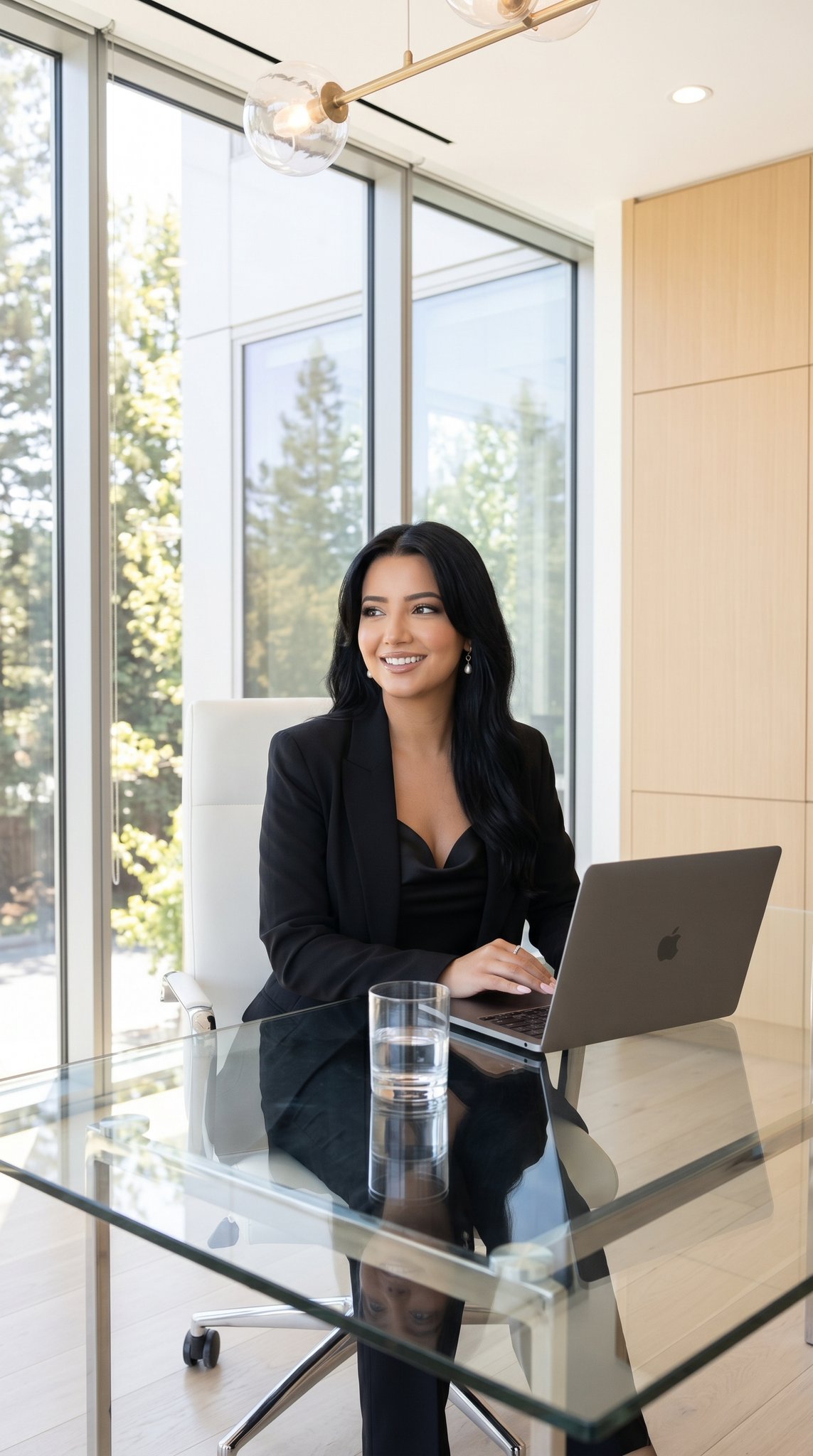
09 Silicon Valley Startup — California Series
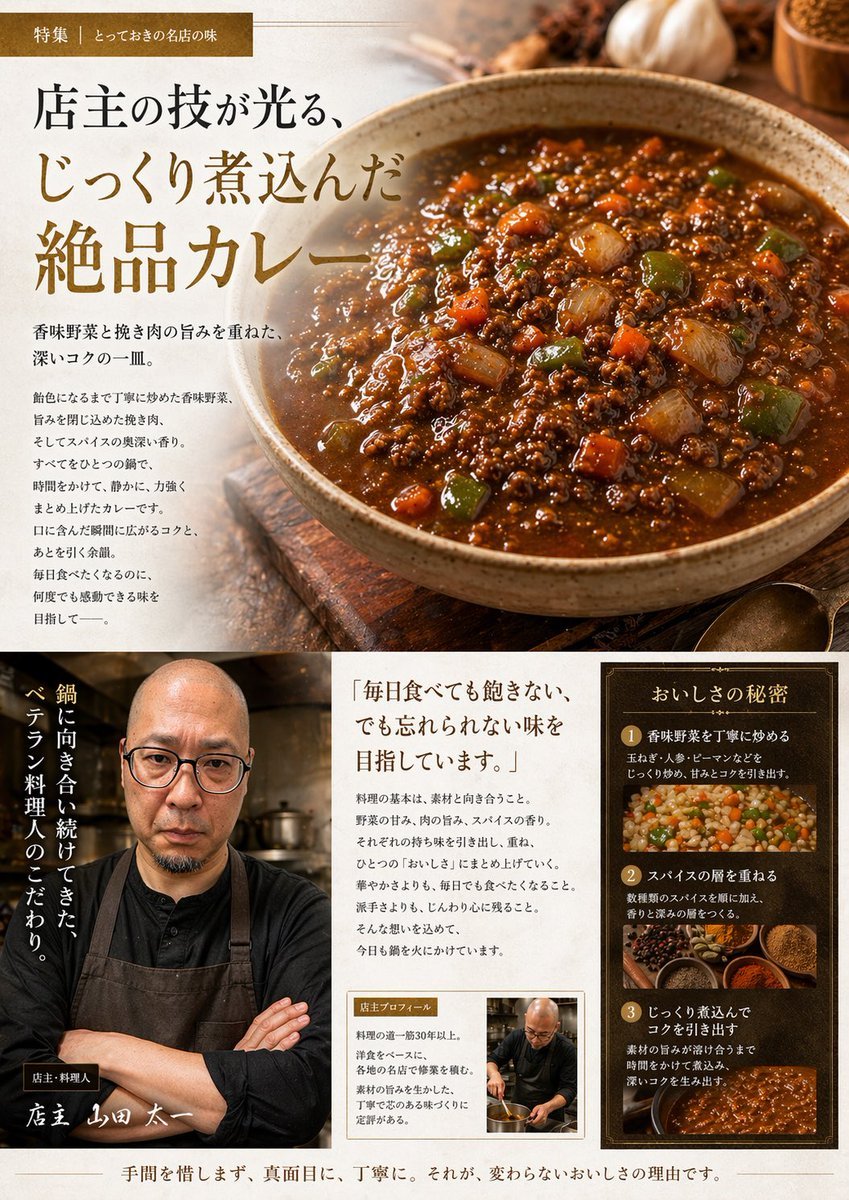
Japanese Gourmet Curry Ad Layout
Browse template categories
Actress Studio Fashion Profiles questions
How do I use the Actress Studio Fashion Profiles template?
Add your photo if the template asks for one, edit the prompt if you like — the template's model and format are already selected — and press Generate. Your version opens in PicX Studio.
Can I customize the Actress Studio Fashion Profiles template?
Yes. You can change the subject, setting, lighting, mood, format, and available model controls before creating your image.
Is the Actress Studio Fashion Profiles template free?
Opening and editing this template is free. Generating uses credits, shown on the Generate button when you are signed in.
Which AI model should I use?
Start with Nano Banana 2, which is the model associated with this template. You can compare another compatible model for a different finish.
Looking for something else? Browse all templates.

Your photo, any look
Thousands of ready templates for every top image and video model, from one credit balance.