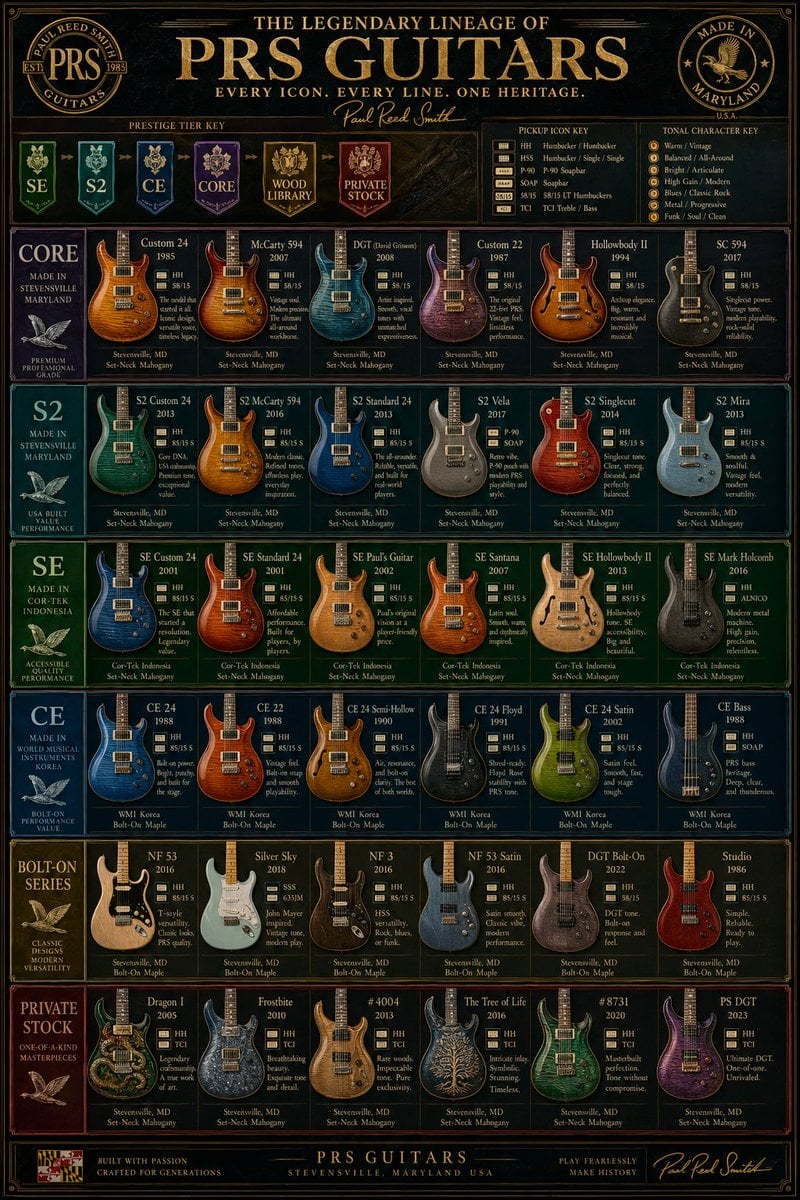
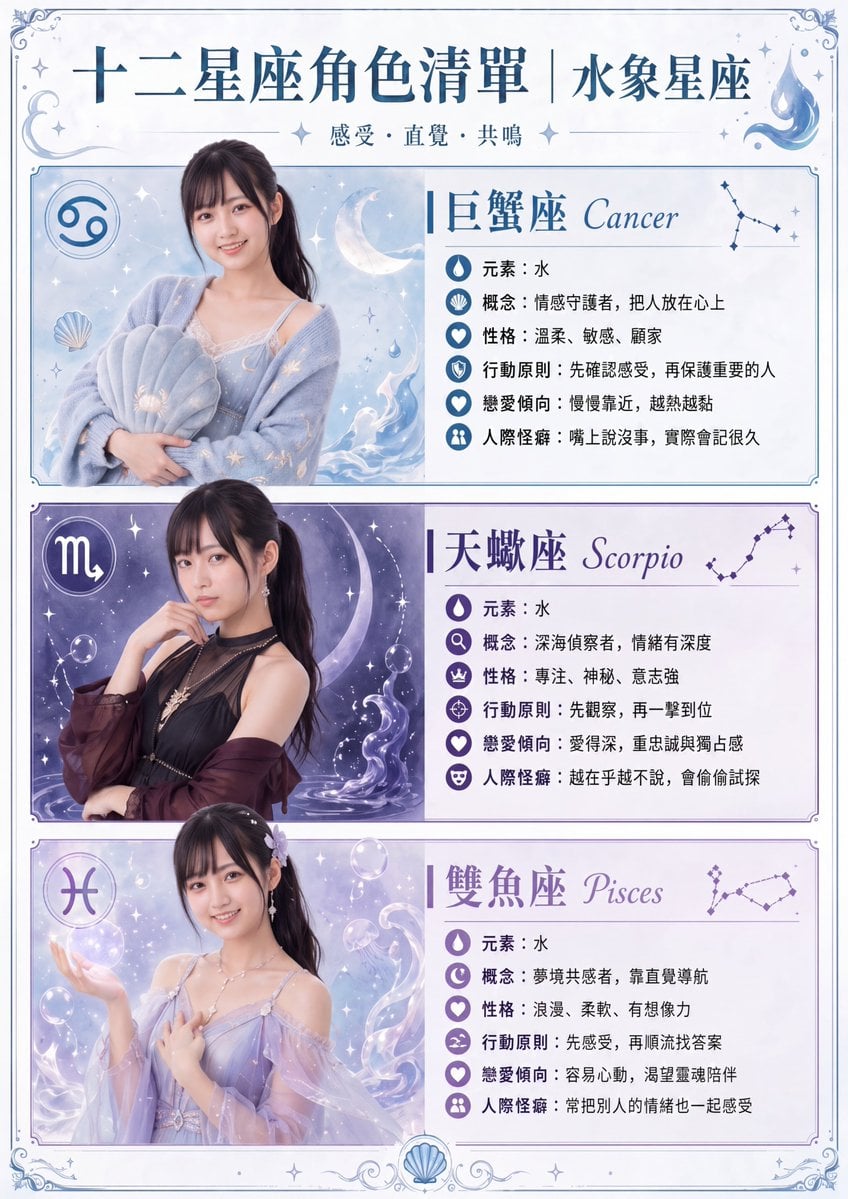
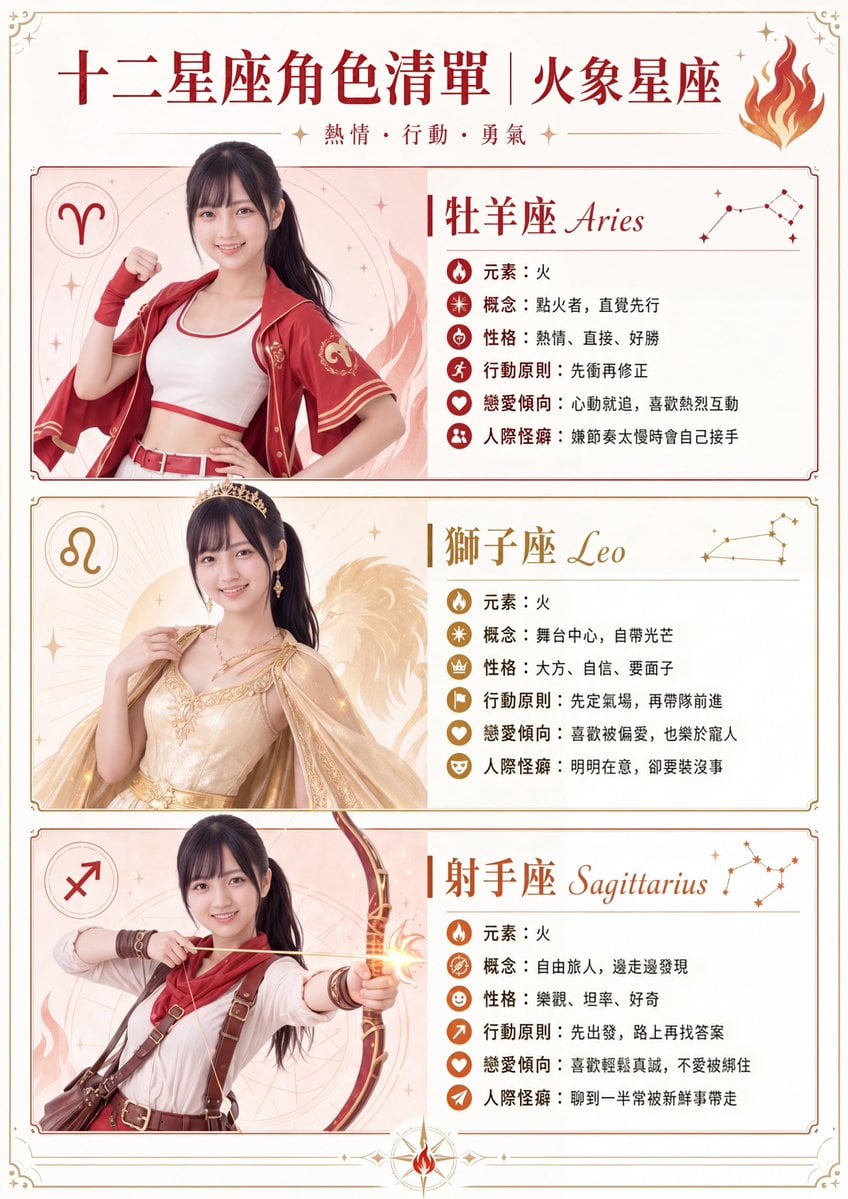
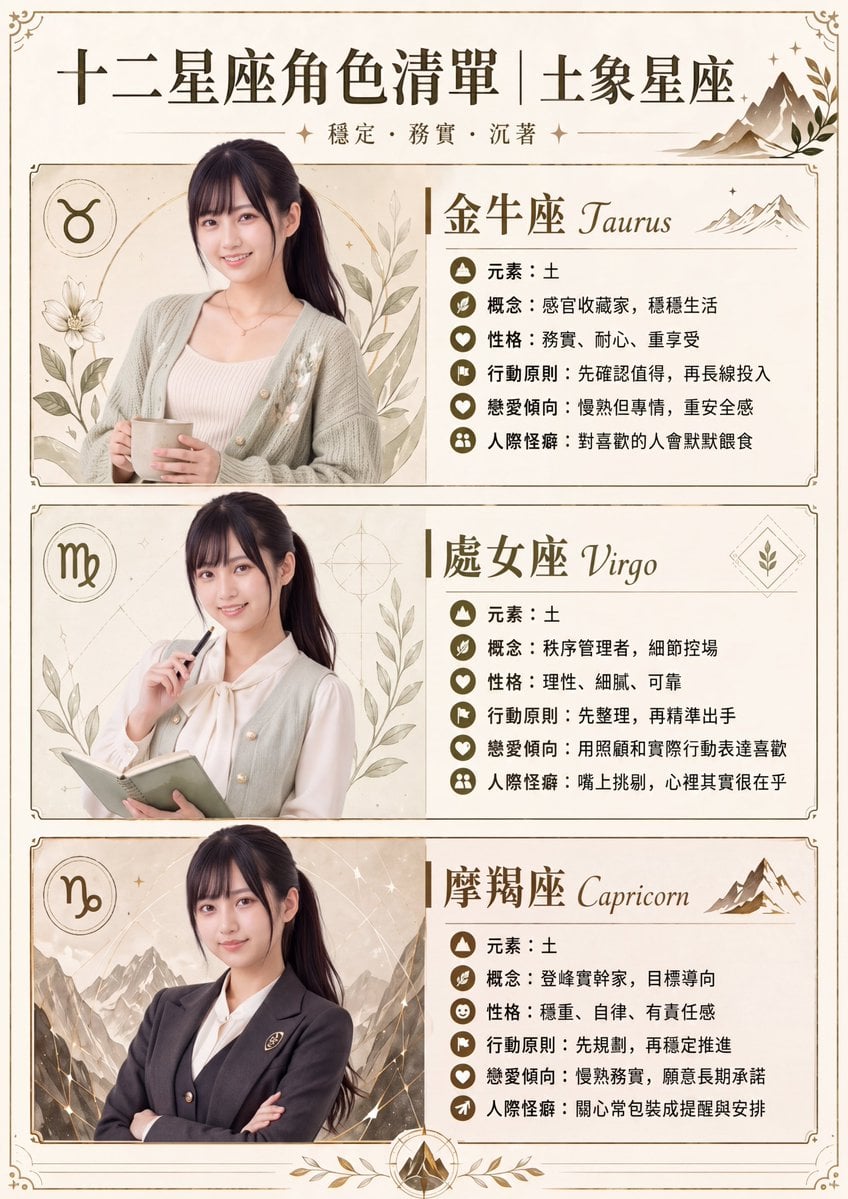
How do I use the High Fashion K-Style Poster template?
Choose the primary action to open PicX Studio with the available template settings. Review the model and format, personalize the creative direction, and generate when ready.
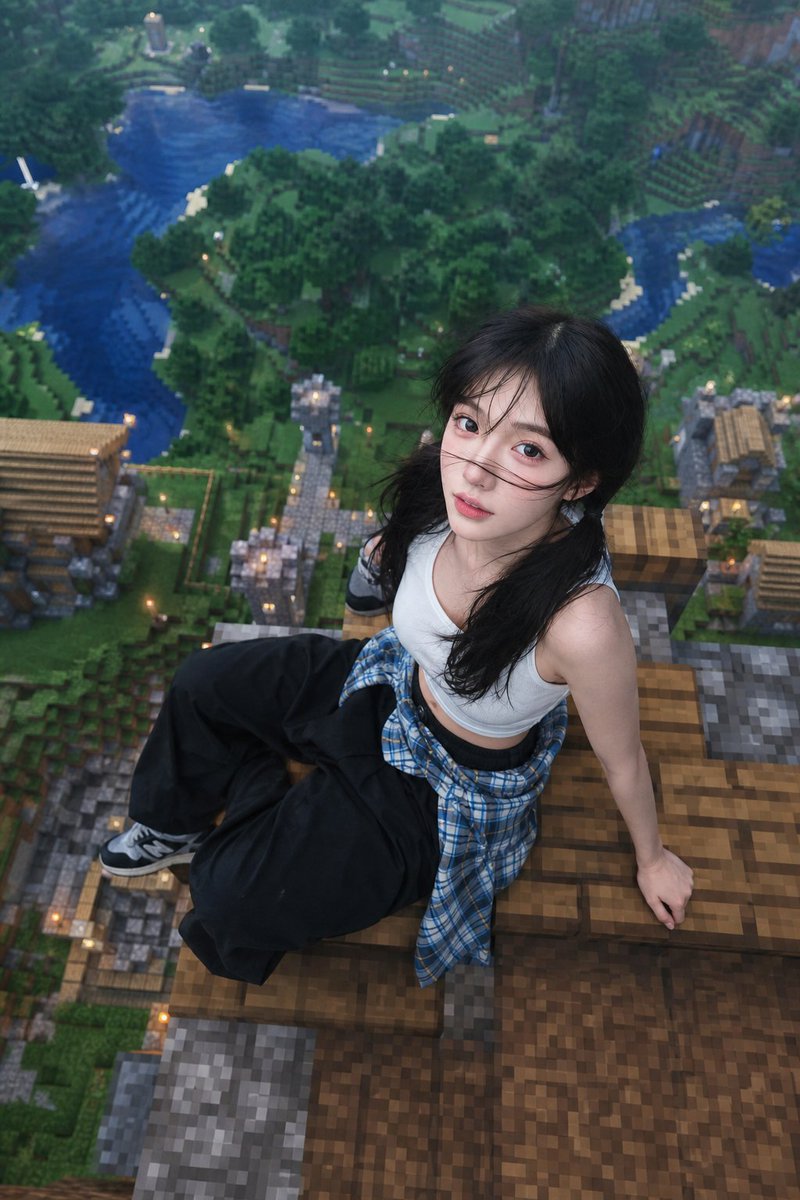
A vibrant fashion poster prompt blending retro pop-art aesthetics with modern streetwear and futuristic UI elements.
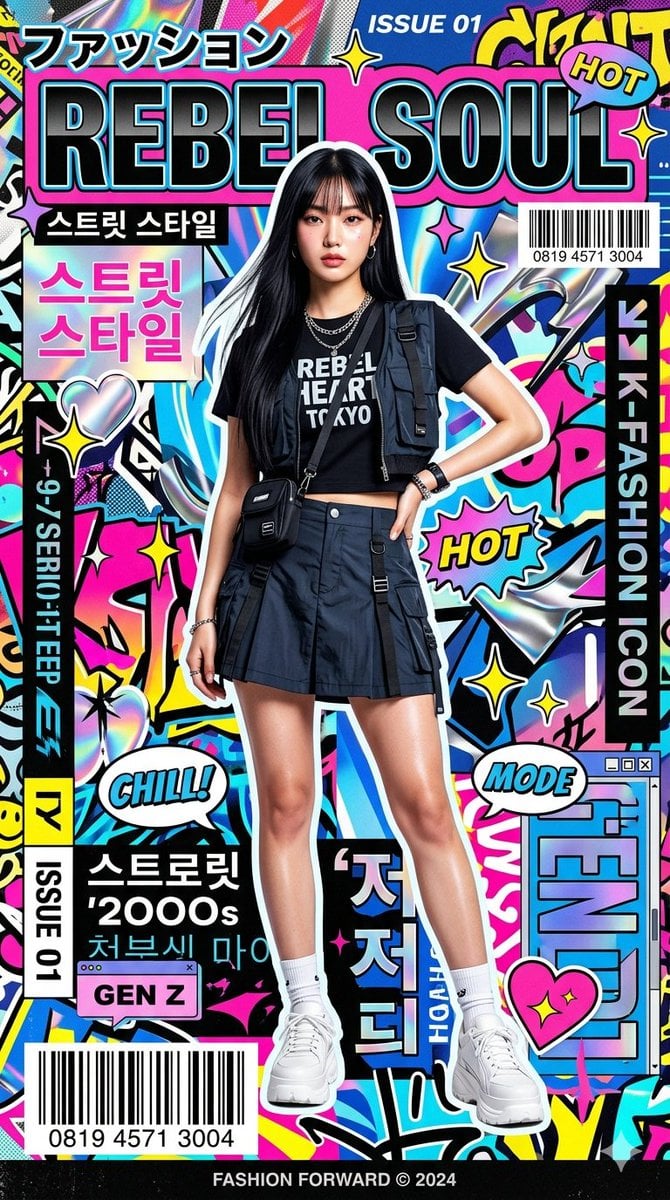
Ultra-stylized high-fashion editorial poster of a {argument name="model" default="confident young Asian female model"} standing in the center frame, elegant pose, glossy radiant skin, soft dewy makeup, long silky black hair with wispy bangs, wearing modern trendy {argument name="attire" default="K-fashion streetwear"} with premium styling details. Clean studio lighting with high-contrast fashion flash photography, sharp focus, ultra-detailed textures, cinematic composition. Background filled with vibrant {argument name="background style" default="retro pop-art magazine aesthetics"}, layered graphic typography, dynamic UI-inspired design elements, holographic chrome effects, stickers (stars, hearts, sparkles), barcode strips, speech bubbles, and futuristic collage layering. Japanese and Korean-inspired typographic accents integrated as visual design elements. Overall mood combines nostalgic 2000s teen fashion magazine energy with modern luxury editorial campaign style. Bold color harmony, premium print aesthetic, ultra crisp details, fashion advertising quality, 8K resolution, highly polished commercial poster look, surreal yet stylish, trend-forward global fashion branding vibe.
Choose the primary action to open PicX Studio with the available template settings. Review the model and format, personalize the creative direction, and generate when ready.
Yes. You can change the subject, setting, lighting, mood, format, and available model controls before creating your image.
This template is free to open and customize. Generation usage is shown in PicX Studio before you create.
Start with Nano Banana 2, which is the model associated with this template. You can compare another compatible model for a different finish.
Follow a topic to a crawlable collection of related PicX Studio templates.