How do I use the Tropical Beach Sunset Fashion template?
Choose the primary action to open PicX Studio with the available template settings. Review the model and format, personalize the creative direction, and generate when ready.
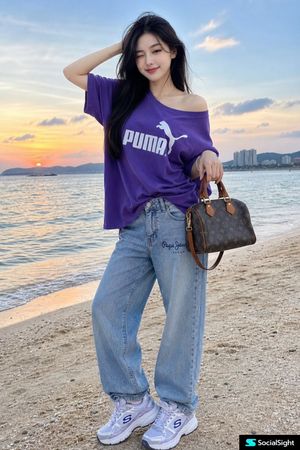
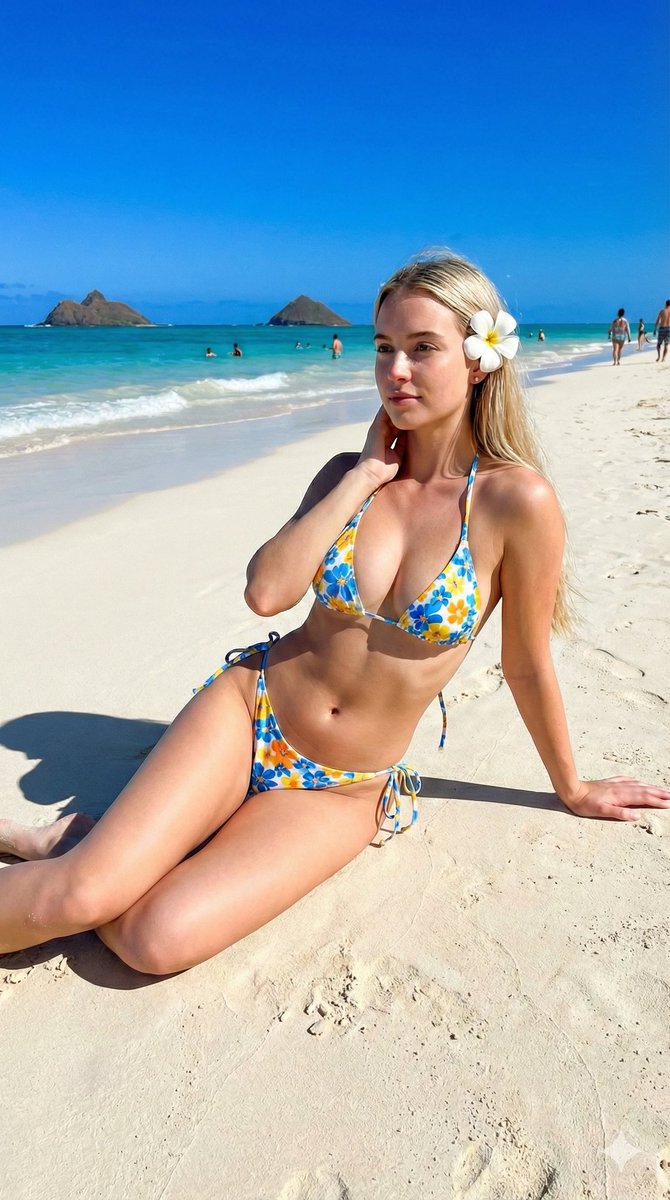
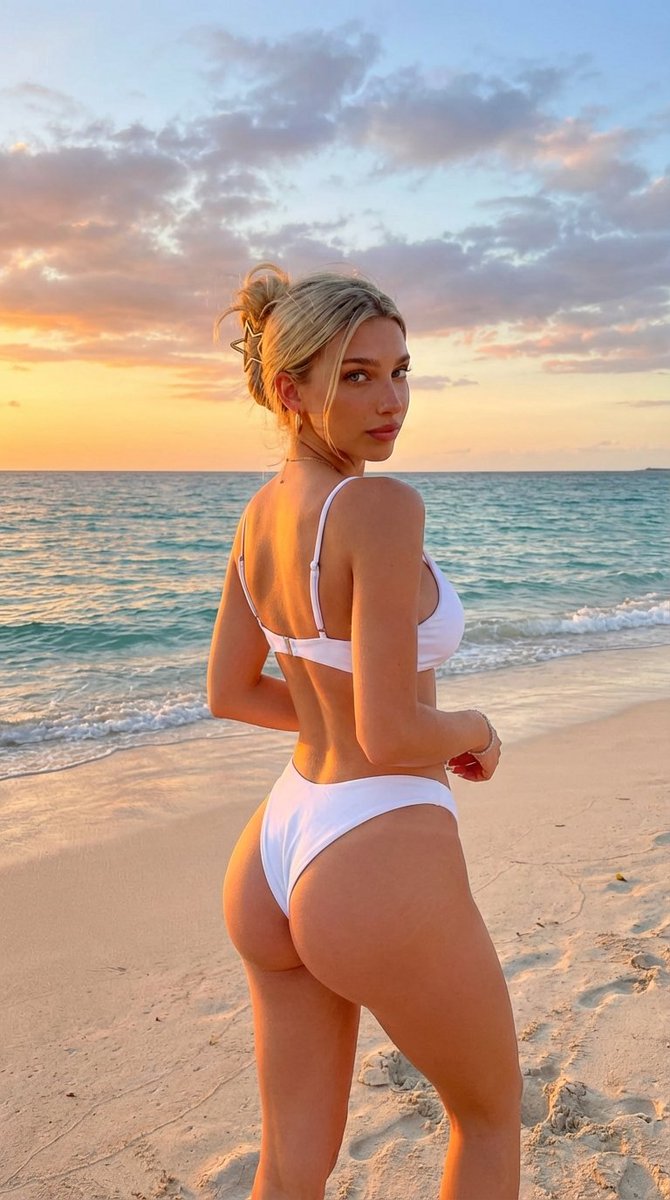
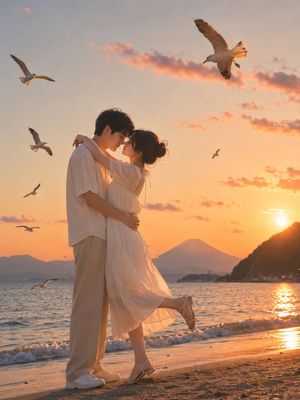
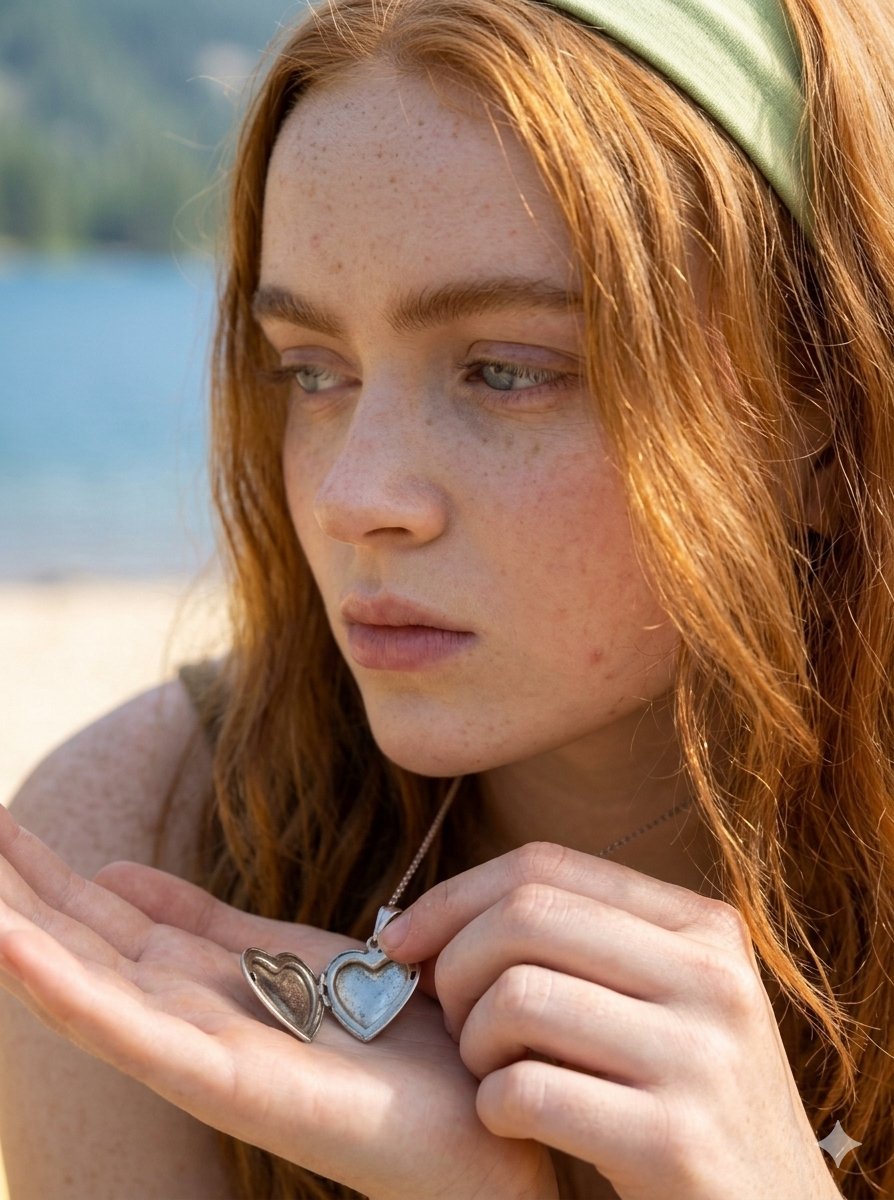
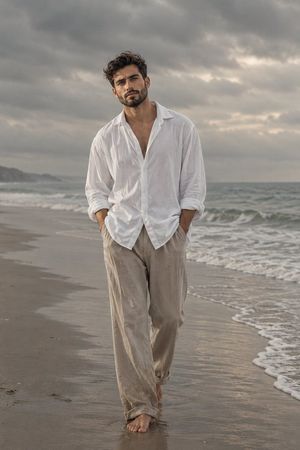
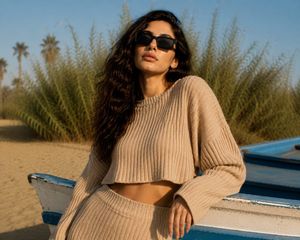
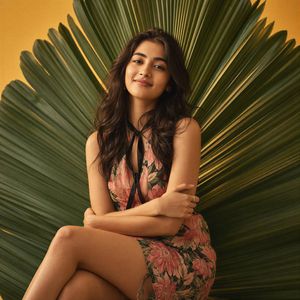
A fashion editorial prompt for a woman at a beach during sunset, using direct flash for a cinematic aesthetic.
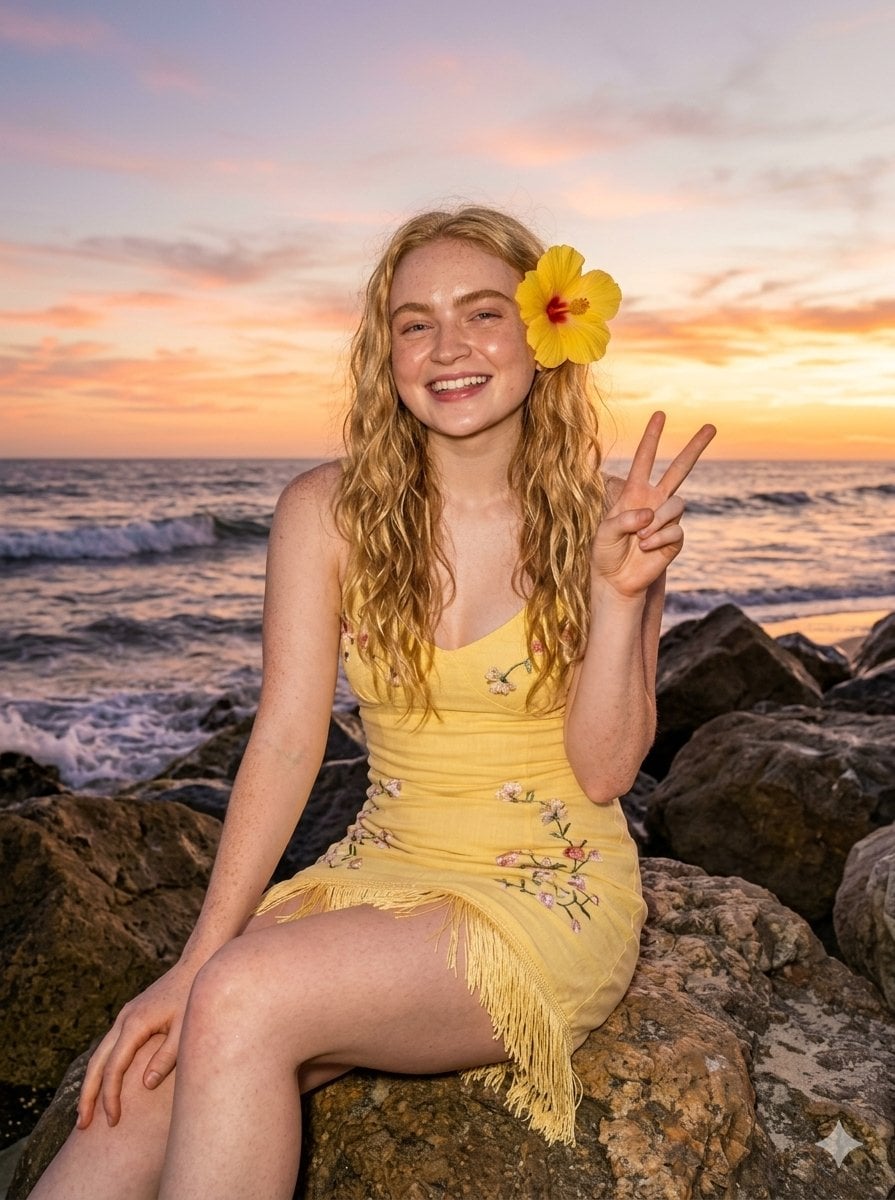
"Prompt": "A {argument name="subject" default="young blonde woman"} sitting on {argument name="setting" default="large rocks by the ocean"} at sunset, wearing a {argument name="outfit" default="fitted yellow embroidered mini dress with floral details and fringe"}. She has a yellow hibiscus flower tucked behind her ear, soft wavy hair, and dewy glowing skin. The sky is a gradient of warm orange and pink tones, with waves crashing gently in the background. Shot with direct flash, creating a contrast between the warm sunset ambiance and glossy highlights on her skin. The mood is dreamy, tropical, and fashion editorial with a cinematic beach aesthetic.", "style": "tropical fashion editorial, candid flash photography", "lighting": "golden hour sunset mixed with direct flash, warm tones, glossy highlights", "camera": "50mm lens, shallow depth of field, centered framing", "quality": "high detail, ultra realistic, sharp focus", "aspect_ratio": "2:3"
Choose the primary action to open PicX Studio with the available template settings. Review the model and format, personalize the creative direction, and generate when ready.
Yes. You can change the subject, setting, lighting, mood, format, and available model controls before creating your image.
This template is free to open and customize. Generation usage is shown in PicX Studio before you create.
Start with Nano Banana 2, which is the model associated with this template. You can compare another compatible model for a different finish.
Follow a topic to a crawlable collection of related PicX Studio templates.